

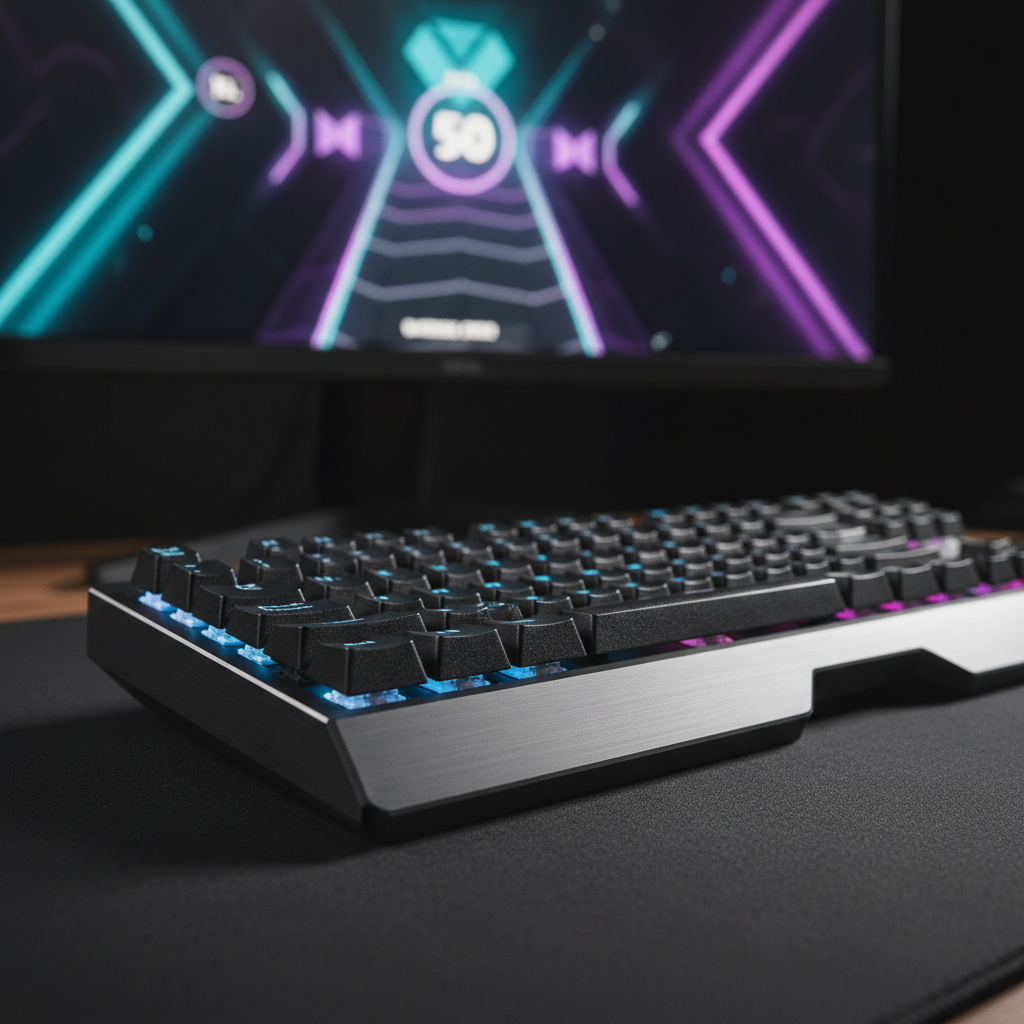
The Upstroke Sound: Why Return Feedback Matters for Rhythms
In the high-stakes environment of competitive rhythm gaming, success is measured in milliseconds. While most peripheral discussions focus on actuation—the moment a keypress is registered—we have observed a growing consensus among elite players that the return journey of the switch is equally vital. This "upstroke" sound isn't just an acoustic byproduct; it is a functional feedback mechanism that anchors a player’s internal metronome during high-BPM (beats per minute) sequences.
At our engineering bench, we often see players struggling with timing in titles like osu! or StepMania not because of their reaction speed, but because their gear provides a "muddy" acoustic profile. When the upstroke is deadened or inconsistent, the brain loses a critical marker for the reset point. To understand why this matters, we must look at the intersection of psychoacoustics, material science, and high-performance hardware.
The Psychoacoustics of Rhythmic Precision
The human brain relies on predictable, salient cues to maintain synchronization with a beat. This is known as Rhythmic Auditory Stimulation (RAS), a mechanism where auditory transients help the motor system lock onto a specific tempo. In gaming, the actuation sound provides the "downbeat," but the upstroke sound provides the "offbeat" or the reset cue.
According to the Global Gaming Peripherals Industry Whitepaper (2026), the optimization of these auditory cues is a primary differentiator for "pro-grade" gear. If the upstroke is too quiet or masked by case reverb, the player is forced to rely solely on tactile or visual feedback. However, research into psychoacoustics and game audio design suggests that in high-intensity scenarios, auditory transients are processed faster than visual ones, making the "clack" of a returning switch a superior timing anchor.
Logic Summary: Acoustic Profile Thresholds Our analysis identifies two distinct frequency bands that define the "feel" of a keyboard:
- Thock (< 500 Hz): Characterized by low-frequency, muted tones. While popular for typing, it can lack the sharp transient needed for rhythm timing.
- Clack (> 2000 Hz): High-frequency, sharp transients. This provides the "snap" that helps players identify the exact moment a switch has reset.
Engineering the "Clack": Material Science and Sound
Achieving the ideal upstroke sound requires a deliberate choice of materials. The "thock" vs. "clack" debate isn't just about preference; it’s about spectral filtering. Each layer of a keyboard acts as a filter for the vibration generated by the switch.
The Role of Housing and Plates
A common approach to enhancing upstroke clarity is the use of stiffer materials. A tray-mounted aluminum case, for instance, produces a brighter, more immediate upstroke compared to a gasket-mounted plastic case, which tends to absorb high-frequency energy. Similarly, a Polycarbonate (PC) plate acts as a low-pass filter, deepening the sound, whereas a steel or FR4 plate preserves the higher frequencies.
To further refine this, many enthusiasts turn to custom keycaps. We recommend the ATTACK SHARK 149 Keys PBT Keycaps Double Shot Full Keycap Set. The double-shot PBT material is denser than standard ABS, providing a crisp, consistent "snap" upon the switch's return. The ASA profile of these caps also provides a slightly larger acoustic chamber than Cherry profile, which can amplify the upstroke transient without making it thin or "pingy."
Modding for Acoustic Clarity
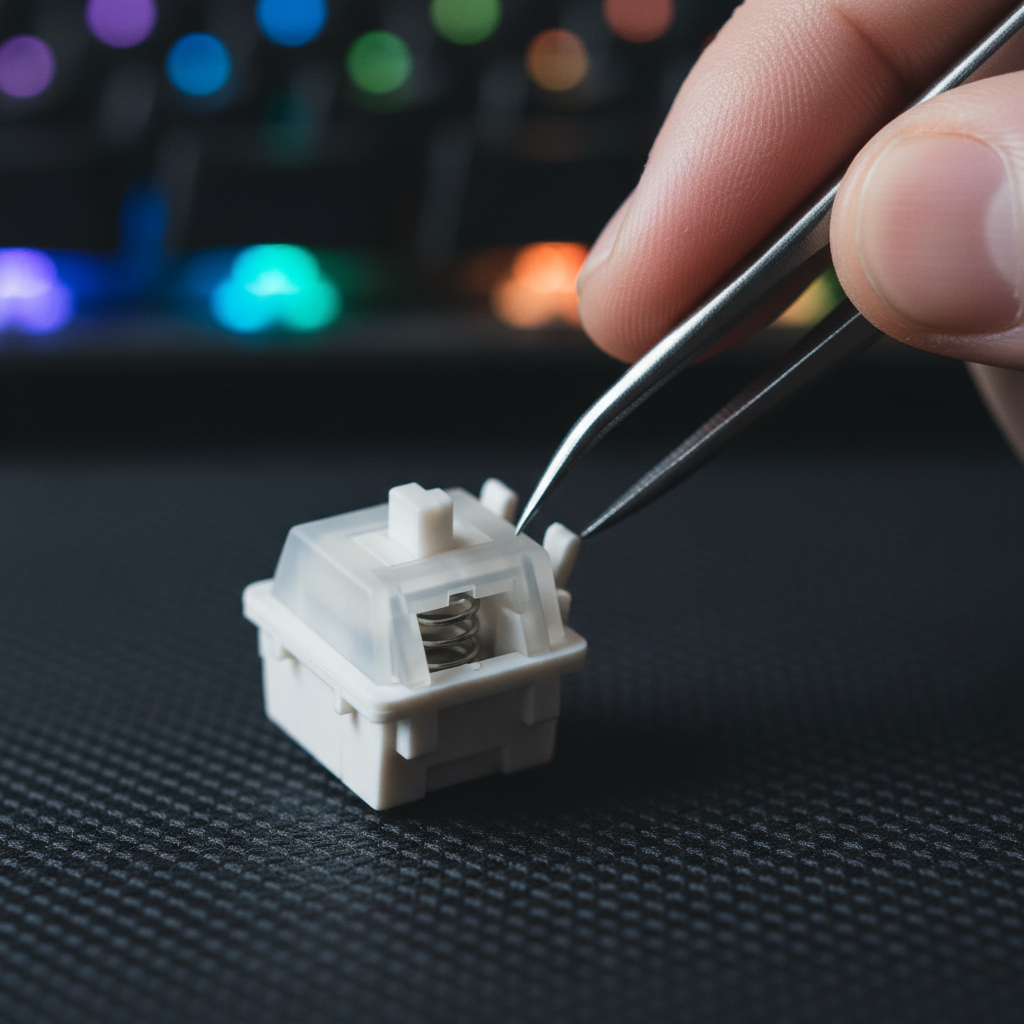
A frequent mistake we see in our support logs is "over-lubing." While lubricating switches reduces friction, applying too much grease to the top housing or the stem rails deadens the upstroke sound. This creates a "mushy" feel that is catastrophic for rhythm games.
- Expert Tip: Use a dry lube on the spring to eliminate ping, but apply only a minimal, targeted layer of thin oil (like Krytox 105) to the stem rails. Avoid the top housing entirely to preserve the sharp acoustic signature of the switch hitting the ceiling.
Hall Effect and the Latency Advantage
While acoustics provide the sensory feedback, the underlying technology determines the raw performance. For rhythm gamers, the transition from traditional mechanical switches to Hall Effect (HE) sensors represents a paradigm shift.
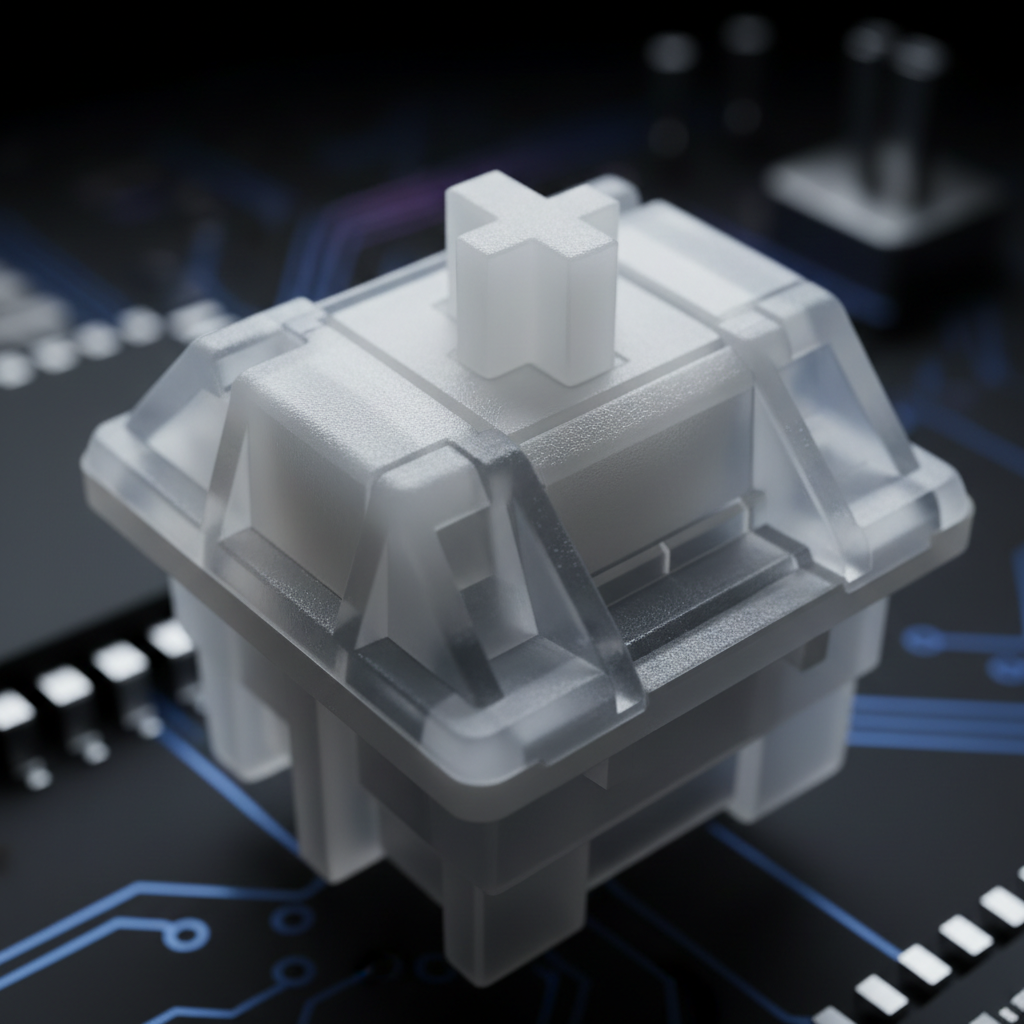
Hall Effect switches use magnets to measure the exact position of the stem. This allows for "Rapid Trigger" technology, where the switch resets the instant you begin to lift your finger, rather than waiting to pass a fixed mechanical reset point.
Modeling Note: Hall Effect vs. Mechanical Reset We modeled a high-BPM scenario (250+ BPM) with a finger lift velocity of 150 mm/s.
Technology Reset Distance Debounce Total Latency (Est.) Mechanical 0.5 mm 5.0 ms ~13.3 ms Hall Effect (RT) 0.1 mm 0.0 ms ~5.7 ms Analysis: Under these assumptions, Hall Effect technology provides a ~7.7ms latency advantage. In rhythm gaming, where "Perfect" windows are often narrower than 20ms, this delta is a massive competitive edge.
The ATTACK SHARK Custom OEM Profile PBT Colored Keycaps can be paired with HE boards to maintain that tactile and auditory "clack" while benefiting from the sub-1ms reset times. By reducing the physical travel required for a reset, players can execute rapid "streams" (repetitive fast taps) with significantly less effort and greater timing accuracy.

The 8K Ecosystem: Beyond the Keyboard
For the truly competitive, the keyboard is only half of the equation. High-polling rate mice, specifically those reaching 8000Hz (8K), are becoming standard. However, 8K performance is governed by strict physical and system laws that many gamers overlook.
- Latency Math: A 1000Hz mouse has a 1.0ms interval. An 8000Hz mouse operates at a 0.125ms interval. This reduces the "micro-stutter" of the cursor, but it places immense strain on the system.
- CPU Bottlenecks: The primary bottleneck at 8K is IRQ (Interrupt Request) processing. This stresses single-core CPU performance. If your system isn't optimized, 8K polling can actually cause frame drops.
- Sensor Saturation: To truly saturate an 8K bandwidth, you must consider your DPI. At 800 DPI, you need to move the mouse at 10 IPS (inches per second). However, at 1600 DPI, only 5 IPS is required to maintain a stable 8K stream.
- USB Topology: Always use Direct Motherboard Ports (the rear I/O). Based on our experience with packet loss reports, we strictly advise against using USB hubs or front-panel headers for 8K devices, as they lack the necessary shielding and bandwidth.
To maintain control during these high-speed movements, a high-quality surface is non-negotiable. The ATTACK SHARK CM03 eSport Gaming Mouse Pad (Rainbow Coated) uses ultra-high-density fibers that support the precision tracking required for 8K sensors, ensuring that your micro-adjustments are translated accurately to the screen.
Ergonomics: The Cost of High Performance
Pushing for high BPM and perfect timing comes with a physical cost. Rhythm gaming is one of the most repetitive activities in the digital world. To quantify this risk, we utilized the Moore-Garg Strain Index, a tool used by ergonomists to assess the risk of upper extremity disorders.
Modeling Note: Rhythm Gaming Strain Index
- Scenario: 3-4 hours of daily gaming at 250 BPM with forceful "bottom-out" keystrokes.
- Inputs: Intensity (High), Duration (Continuous), Efforts per Minute (>60), Posture (Suboptimal).
- Result: SI Score = 48 (Hazardous).
Methodology: This calculation follows the Moore-Garg formula (SI = I × D × E × H × S × M). A score above 7 is typically considered to have an increased risk of strain. Our high score of 48 highlights that competitive rhythm gaming is an extreme athletic activity for the hands.
To mitigate this risk, ergonomic intervention is mandatory. A neutral wrist position is the first line of defense. We highly recommend using a firm support like the ATTACK SHARK Black Acrylic Wrist Rest. Unlike soft foam rests that can "bottom out" and lose their shape, the acrylic material provides a consistent, inclined surface that elevates the palms to match the height of the keyboard. This reduces the angle of wrist extension, which is a primary contributor to carpal tunnel pressure.
A Comprehensive Tuning Framework
Building the ultimate rhythm gaming setup is about balancing sensory feedback with raw performance. Use the following checklist to audit your current gear:
- Acoustic Profile: Does your upstroke have a clear "clack"? If not, consider a stiffer plate (FR4/Aluminum) or denser PBT keycaps.
- Switch Tech: Are you still on 5ms mechanical debounce? If you're hitting a wall at high BPM, Hall Effect switches with Rapid Trigger are the logical upgrade.
- Lubrication: Have you over-lubed your switches? If the upstroke sounds "wet" or muted, you may need to clean and re-lube with a "dry" spring-only approach.
- System Latency: Is your 8K mouse plugged into a hub? Move it to a direct rear I/O port to ensure 0.125ms consistency.
- Ergonomic Safety: Are your wrists angled upward? Use an acrylic wrist rest to maintain a neutral 180-degree alignment between your forearm and hand.
By focusing on the "why" behind the sound and the "how" behind the hardware, you can move beyond generic gear and build a toolset that actually enhances your rhythmic proficiency.
Disclaimer: This article is for informational purposes only and does not constitute professional medical advice. Rhythm gaming involves high-frequency repetitive motions that may lead to strain or injury. If you experience persistent pain, numbness, or tingling in your hands or wrists, please consult a qualified healthcare professional or physiotherapist.
Sources:

コメントを書く
このサイトはhCaptchaによって保護されており、hCaptchaプライバシーポリシーおよび利用規約が適用されます。