

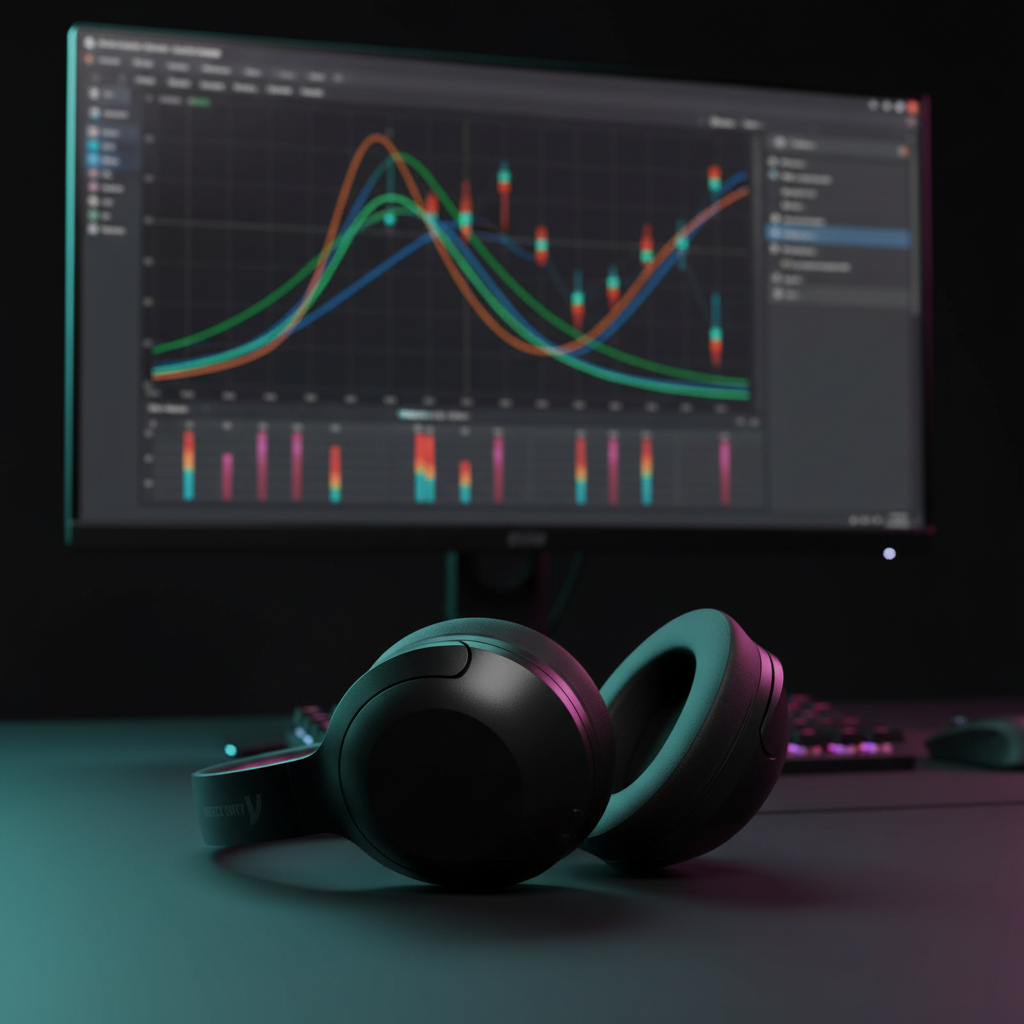
Quick Setup: The "Answer-First" Gaming Audio Guide
For gamers looking for immediate improvements without the deep dive, follow these three essential steps to optimize your audio for clarity:
- Prioritize Subtractive EQ: Instead of boosting treble, cut the "muddy" 200 Hz – 300 Hz range by 3–6dB. This unmasks footsteps without causing digital distortion.
- Target the "Footstep" Band: Use a parametric EQ to apply a subtle boost (+2dB to +4dB) between 2 kHz and 4 kHz, the frequency range where most tactical movement sounds reside.
- Manage System Load: If using an 8000Hz polling rate mouse, ensure your EQ software is lightweight (e.g., Equalizer APO) to prevent CPU micro-stutters that can desync audio and video.
- Watch for Fatigue: If explosions sound "tinny" or sharp, lower your high-shelf filters. Competitive advantage is lost if ear fatigue forces you to stop playing after an hour.
The Frequency Spectrum: Identifying Tactical Cues
To optimize audio, one must first understand the frequency ranges where critical information resides. In most modern first-person shooters (FPS), audio engines layer sounds across a broad spectrum. Based on common industry heuristics and community benchmarks from sources like Setup.gg, cues generally fall into these brackets:
- Low-End (60 Hz – 250 Hz): The "thud" of landing, environmental rumbles, and heavy explosions.
- Mid-Range (200 Hz – 1 kHz): Voice comms and the "body" of many sound effects. Often the source of "muddiness."
- Critical Cues (2 kHz – 4 kHz): Footsteps on hard surfaces, weapon reloads, and ability activation "snaps."
- High-End (8 kHz+): Environmental "air," hiss, and sharp metallic sounds.
Note on Accuracy: These ranges are practical rules of thumb. Actual frequency response varies significantly between game engines (e.g., Source 2 vs. Unreal Engine 5) and individual headset hardware.
The Subtractive EQ Methodology: Cutting for Clarity
Experienced audio tuners prioritize a "subtractive" approach over additive boosting. When you boost a frequency band by +10dB or more, you risk "clipping"—a form of digital distortion that occurs when the signal exceeds the maximum bit-depth of the audio processor.
Instead, identify problematic frequencies that mask details. A resonant peak typically exists around 200 Hz to 300 Hz, causing a "boxy" sound that hides mid-range footsteps. By cutting these frequencies, you effectively "unmask" the higher frequencies without stressing the headset's drivers or reaching the digital ceiling.
Expert Insight: This method assumes that cleaning the lower-mid spectrum provides more headroom for detail than aggressive high-frequency boosting, a principle derived from professional studio monitoring and high-end transducer behavior.
Technical Implementation: Parametric vs. Graphic EQ
While many manufacturers provide companion software, these tools are often limited to simple 5-band or 10-band graphic equalizers. For technically savvy users, system-level alternatives like Equalizer APO combined with the Peace GUI offer a transparent, high-fidelity parametric EQ.
A parametric EQ allows you to control the "Q-factor"—the width of the frequency band being adjusted—providing surgical precision that graphic sliders cannot match.
Targeted Adjustment Table (Practical Heuristics)
| Frequency Range | Adjustment Type | Recommended Value | Purpose |
|---|---|---|---|
| 60 Hz - 150 Hz | Low Shelf / Cut | -3dB to -5dB | Reduce "boom" from explosions that masks footsteps. |
| 200 Hz - 300 Hz | Peak / Cut | -4dB (Q: 1.4) | Eliminate "muddiness" and boxy resonance. |
| 2 kHz - 4 kHz | Peak / Boost | +2dB to +4dB (Q: 2.0) | Highlight the "snap" of footsteps and reloads. |
| 8 kHz+ | High Shelf / Cut | -2dB | Reduce "hiss" and prevent listener fatigue. |
Disclaimer: These values are estimated baselines for a neutral-leaning headset. Adjust based on your specific device's frequency response curve.

System Synergy: Audio Processing and Input Latency
Audio optimization does not exist in a vacuum. In high-performance setups, every software layer adds potential latency. For gamers using cutting-edge peripherals, such as an 8000Hz (8K) polling rate mouse, the interaction between audio processing and CPU interrupt requests (IRQ) is a known performance bottleneck.
Polling Rates and CPU Overhead
At an 8000Hz polling rate, the mouse sends a packet every 0.125ms (theoretical maximum per USB HID 1.11 specifications). This puts a significant load on the CPU's single-core performance. If your software EQ is poorly optimized, it can contribute to "micro-stutter."
- Requirement: To maintain stability at 8K, users should connect devices to Direct Motherboard Ports (Rear I/O).
- Latency Note: Features like Motion Sync add a deterministic delay. While this delay is ~0.5ms at 1000Hz, at 8000Hz it drops to a negligible ~0.0625ms, aiding audio-visual synchronization.
Data Saturation (DPI Heuristics)
To audibly and visually benefit from high polling rates, the system must be saturated with data.
- At 800 DPI, a user must move the mouse at least 10 IPS (Inches Per Second) to saturate the 8K bandwidth.
- At 1600 DPI, this requirement drops to 5 IPS, making high-DPI settings more effective for maintaining stability during micro-adjustments.
Ergonomics and Listener Fatigue: A Modeled Scenario
The pursuit of competitive advantage often leads to aggressive audio tuning that can be physically taxing. Prolonged exposure to accentuated high frequencies (above 3–4 kHz) is a documented cause of auditory stress.
To illustrate the physical risks of long-duration gaming combined with intense tuning, we applied the Moore-Garg Strain Index (SI) to a hypothetical "Competitive Persona."
Hypothetical Scenario Model: Competitive FPS Audiophile
Note: This is a deterministic model for illustrative purposes, not a clinical study.
| Parameter | Value | Unit | Rationale |
|---|---|---|---|
| Intensity Multiplier | 1.2 | Multiplier | Precise mouse adjustments during EQ tuning. |
| Duration Multiplier | 2.0 | Multiplier | 2+ hour sessions with continuous adjustments. |
| Efforts per Minute | 4.0 | Multiplier | High frequency of clicks/adjustments. |
| Posture Multiplier | 2.0 | Multiplier | Suboptimal wrist posture during intense play. |
| Speed Multiplier | 2.0 | Multiplier | Rapid mouse movements in FPS titles. |
| Computed SI Score | 76.8 | Score | Hazardous (Threshold > 5) |
Methodology: The SI Score is calculated as: $SI = Intensity \times Duration \times Efforts \times Posture \times Speed \times DurationPerDay$. While a screening tool for upper extremity risk, it highlights that the physical cost of "perfect" audio tuning can be high.
To mitigate strain, consider lightweight hardware. For example, the ATTACK SHARK G300 ANC Headphones weigh 210g, reducing neck load during these modeled high-intensity sessions.
Field Testing: The 3-Step Validation
Once an EQ profile is implemented, it must be stress-tested in a live environment to ensure spatial accuracy remains intact.
- The Grenade Test: Throw a grenade in a practice range. If the explosion sounds painfully sharp, your high-frequency boosts (2–4 kHz) are too aggressive.
- The Verticality Check: Ensure that boosting mid-range frequencies hasn't flattened the "HRTF" (Head-Related Transfer Function) cues. If you can no longer tell if a sound is above or below you, reduce the Q-factor of your boosts.
-
The Battery Runtime Check (Wireless Only): High polling rates and onboard processing impact battery life.
- Example Model: For a 500mAh battery at 4000Hz polling, we estimate a runtime of ~24 hours (assuming 90% discharge efficiency and standard current draws for high-performance radios).
Strategic Summary
Optimizing audio clarity is a high-reward manual process that requires technical discipline. By adopting a subtractive parametric approach, you can isolate critical cues like footsteps while maintaining acoustic integrity.
Always balance these gains against system latency and physical health. For a deeper dive into hardware standards, refer to the Global Gaming Peripherals Industry Whitepaper (2026) (Brand Whitepaper).
YMYL Disclaimer: This article is for informational purposes only. Prolonged exposure to high-volume audio or aggressive frequency boosting can lead to permanent hearing damage. The ergonomic strain index modeled here is a screening tool, not a medical diagnosis. Consult an audiologist for hearing concerns.
References
- USB HID Class Definition (HID 1.11) (Technical Standard)
- Moore-Garg Strain Index Methodology (Peer-Reviewed Research)
- NVIDIA Reflex Analyzer Setup & Latency Measurement (Industry Technical Guide)
- Nordic Semiconductor nRF52840 Power Models (Component Datasheet)
- Valorant Audio Optimization Guide (Community Benchmark)


コメントを書く
このサイトはhCaptchaによって保護されており、hCaptchaプライバシーポリシーおよび利用規約が適用されます。