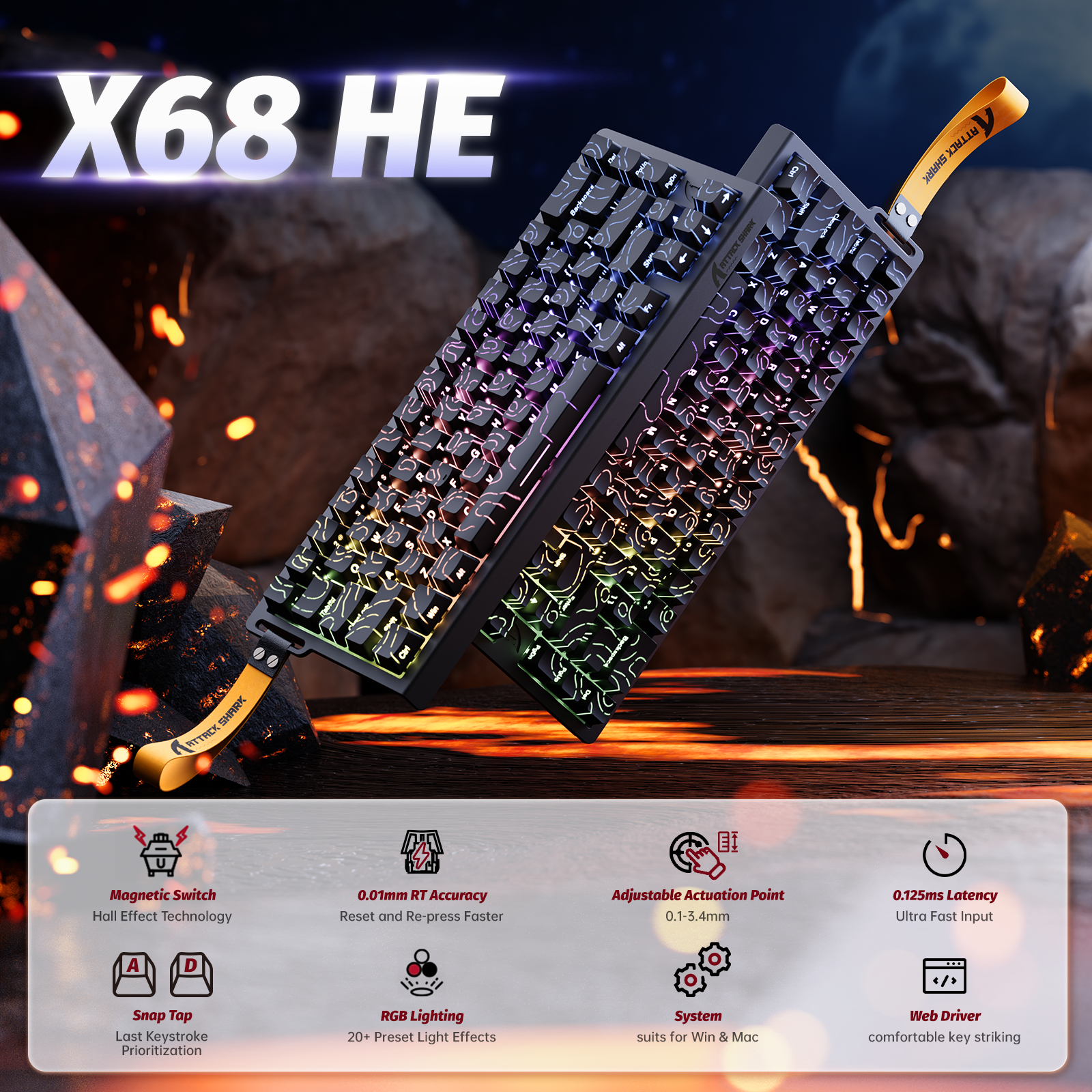
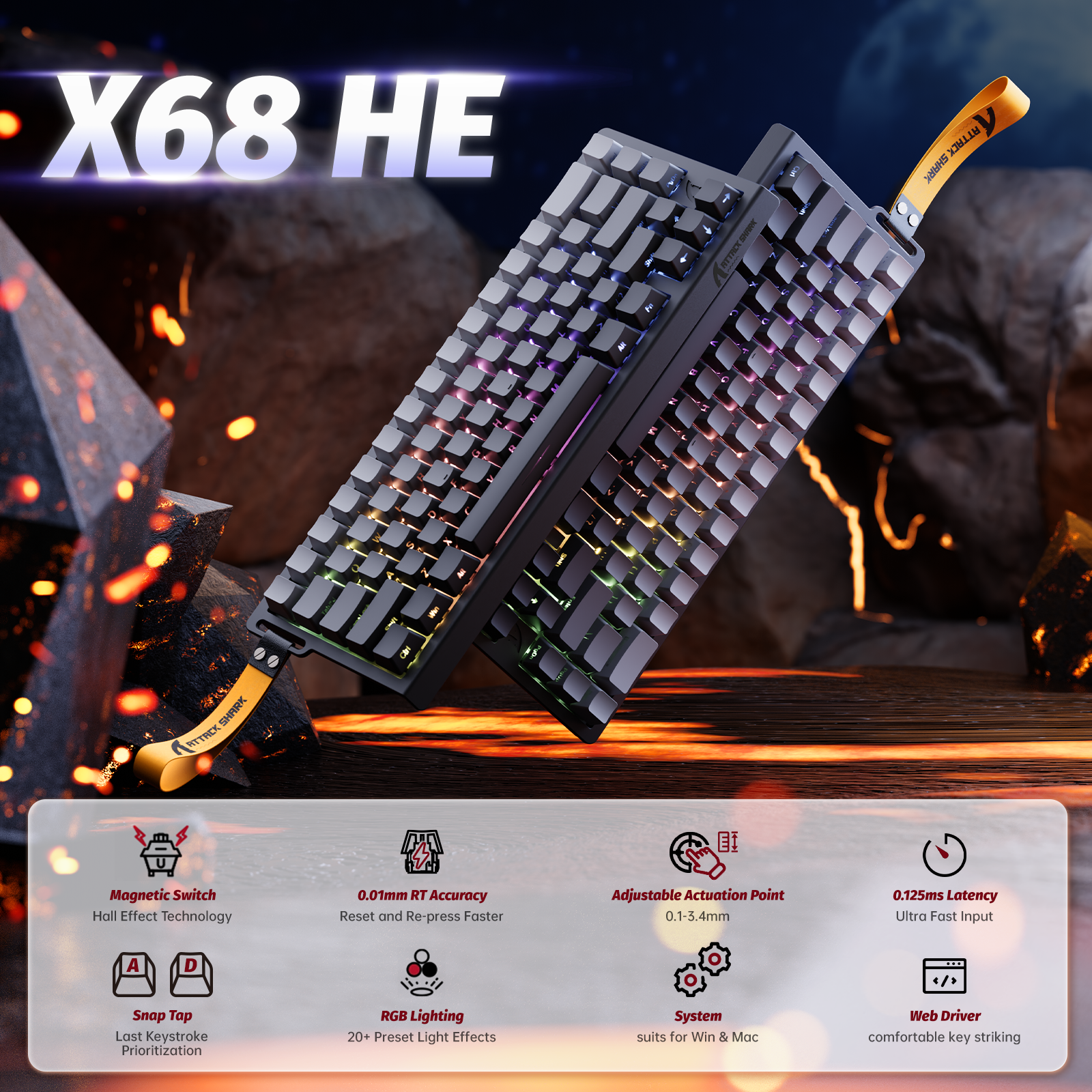
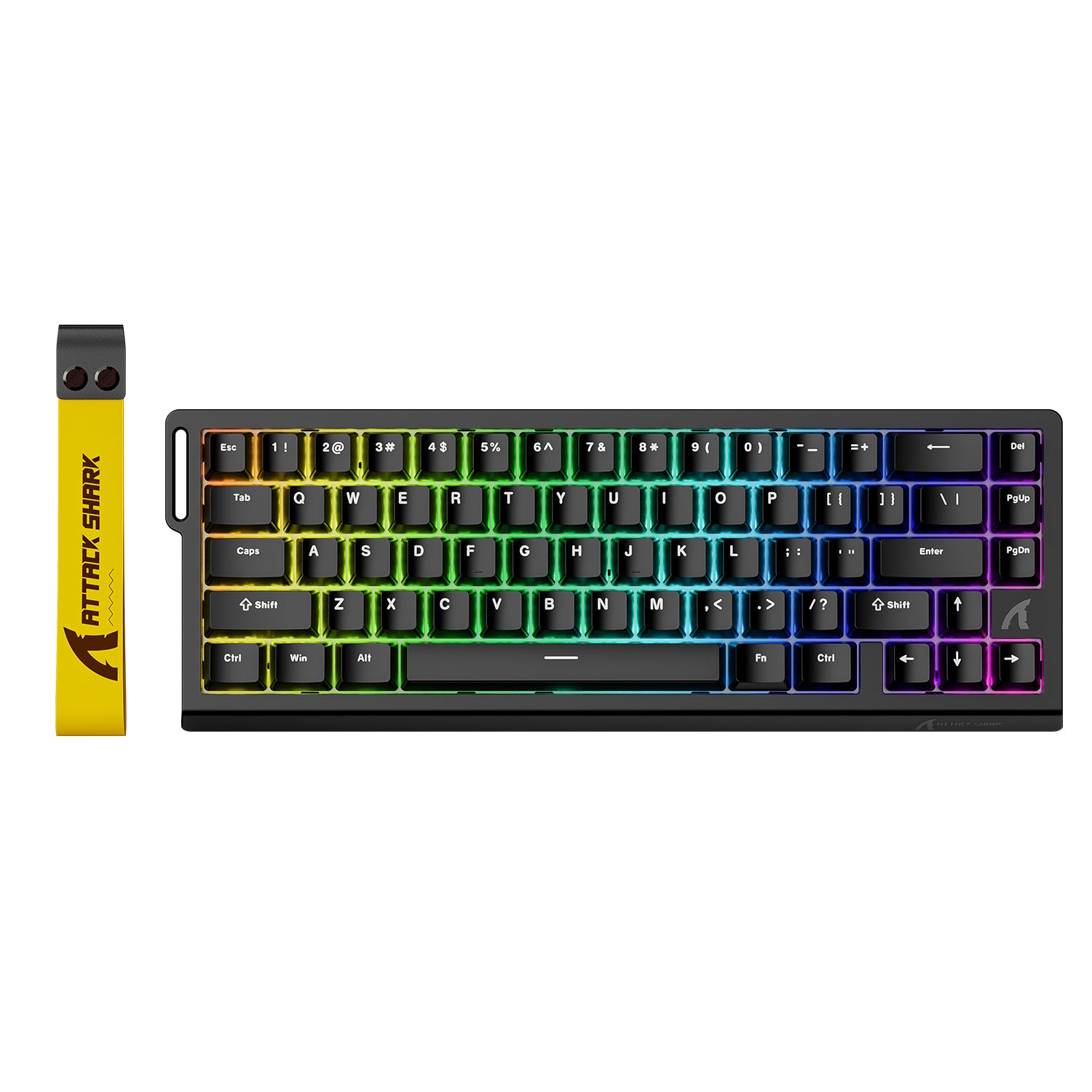
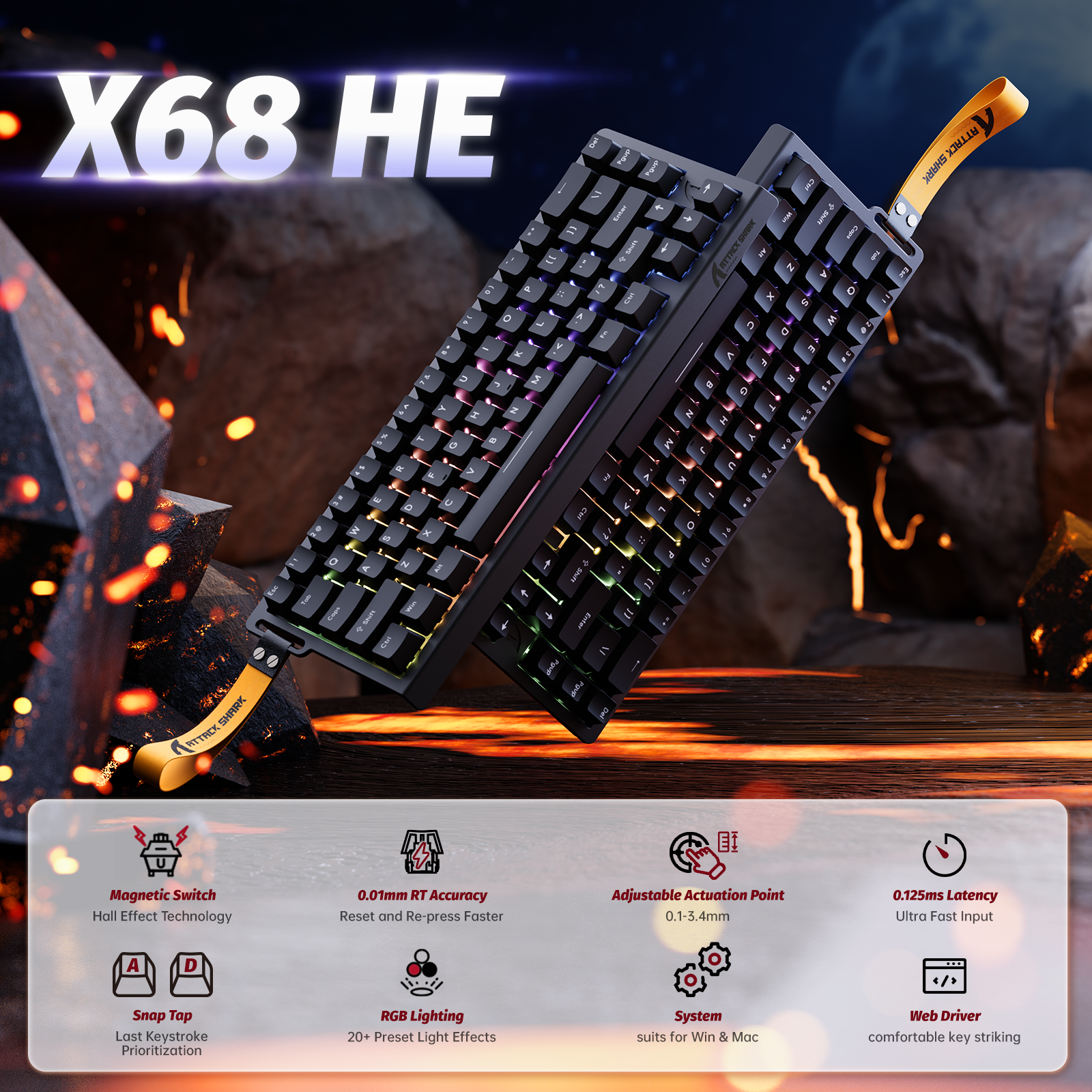
ATTACK SHARK X68 HE Rapid Trigger Keyboard Magnetic Switch
- Share:
-

-

-

-


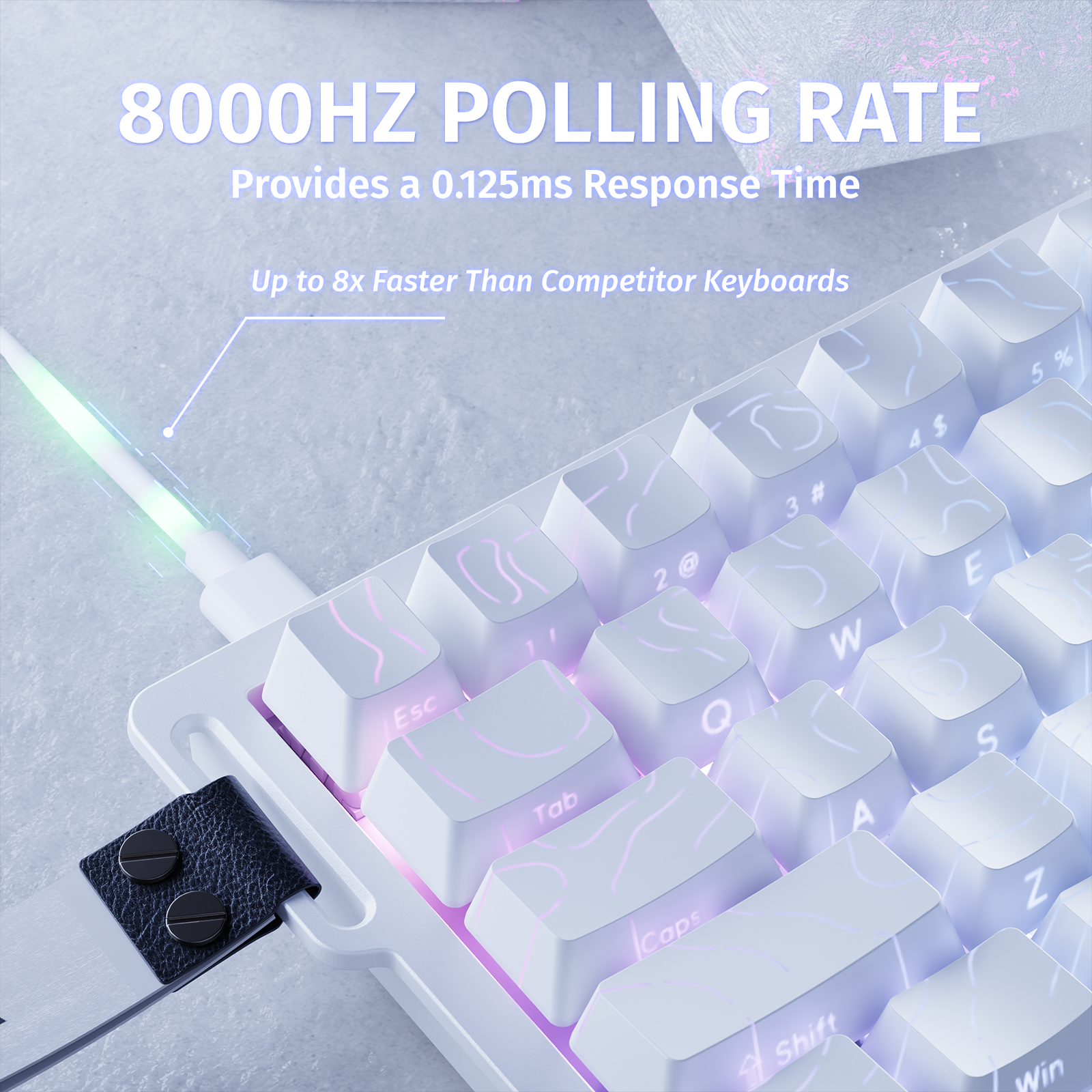
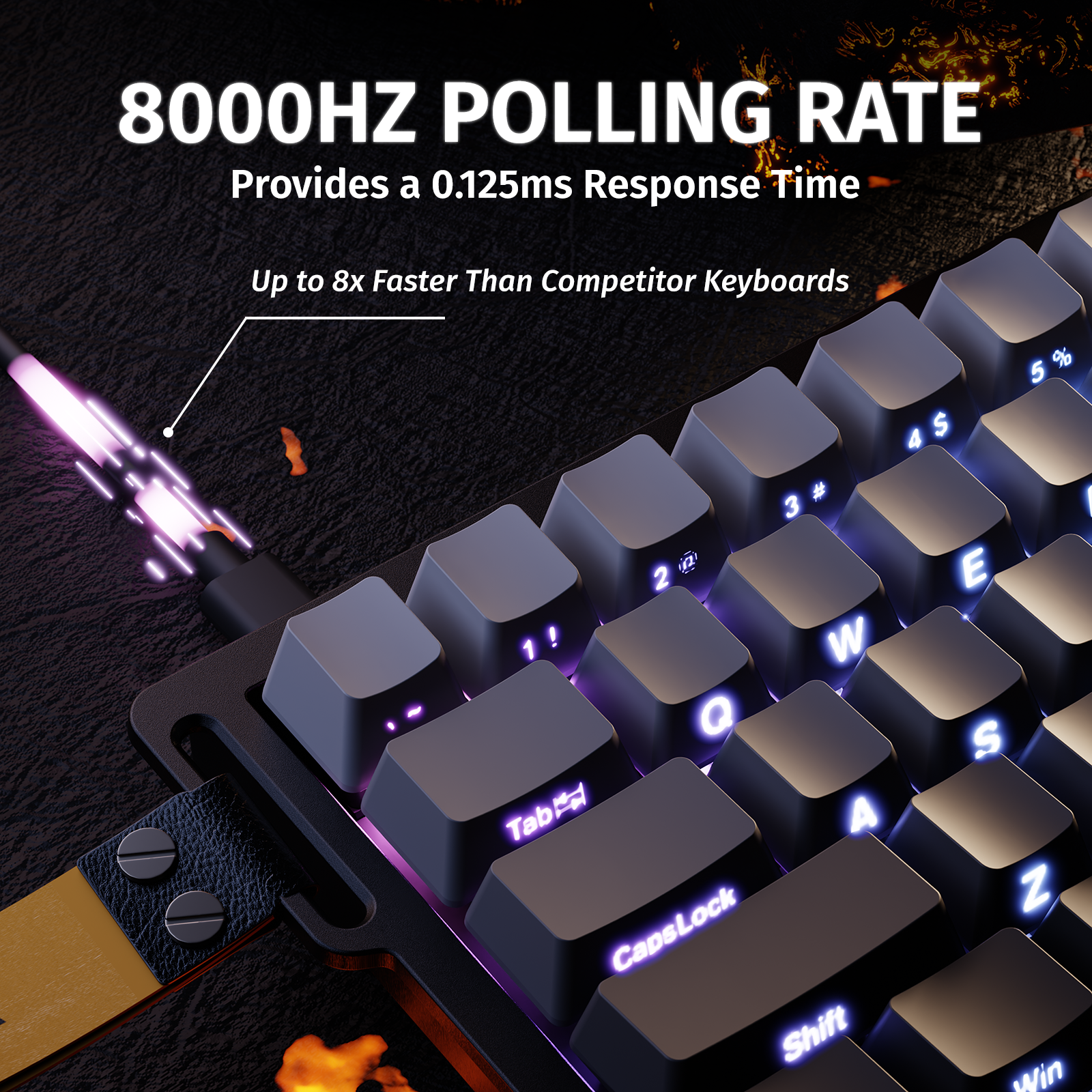
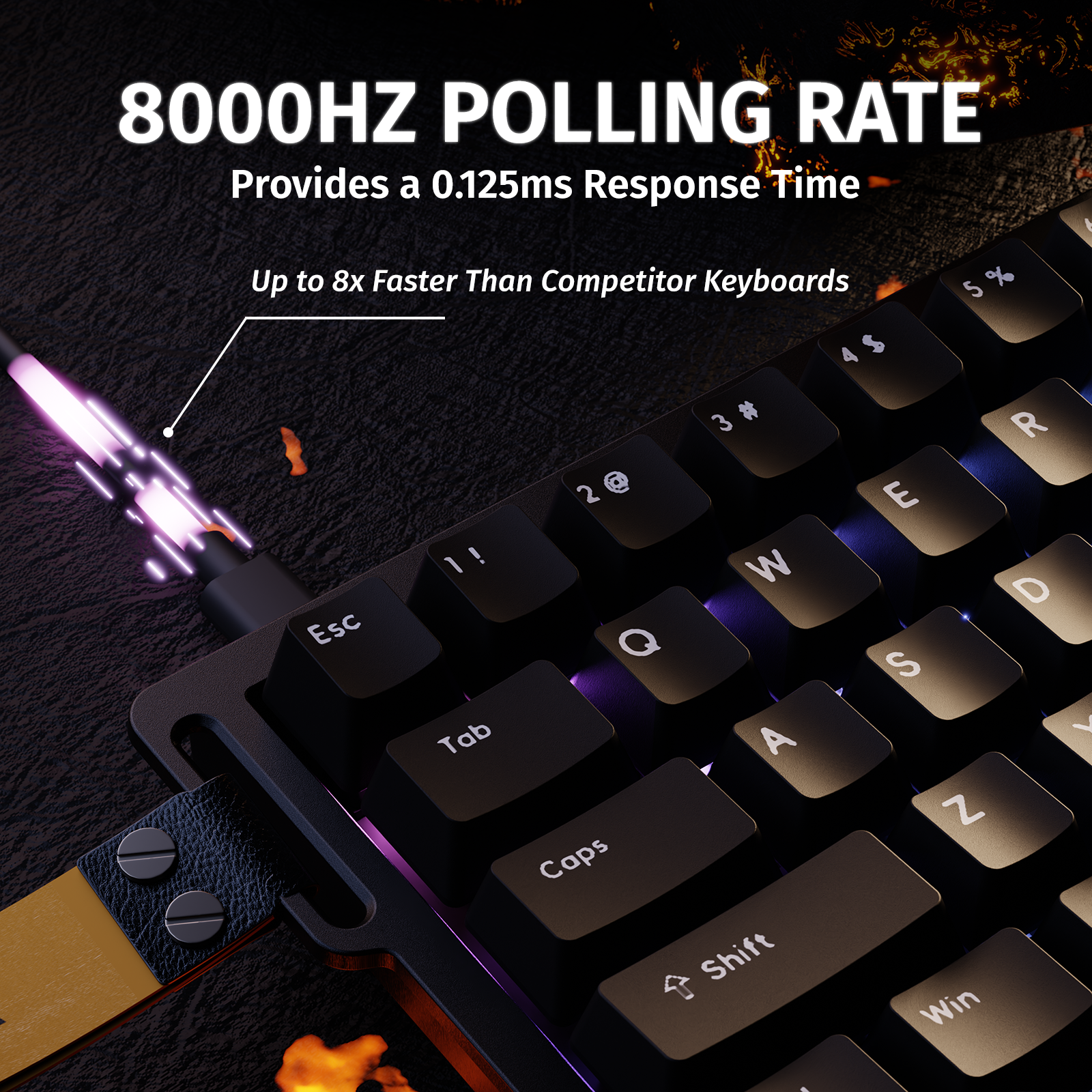
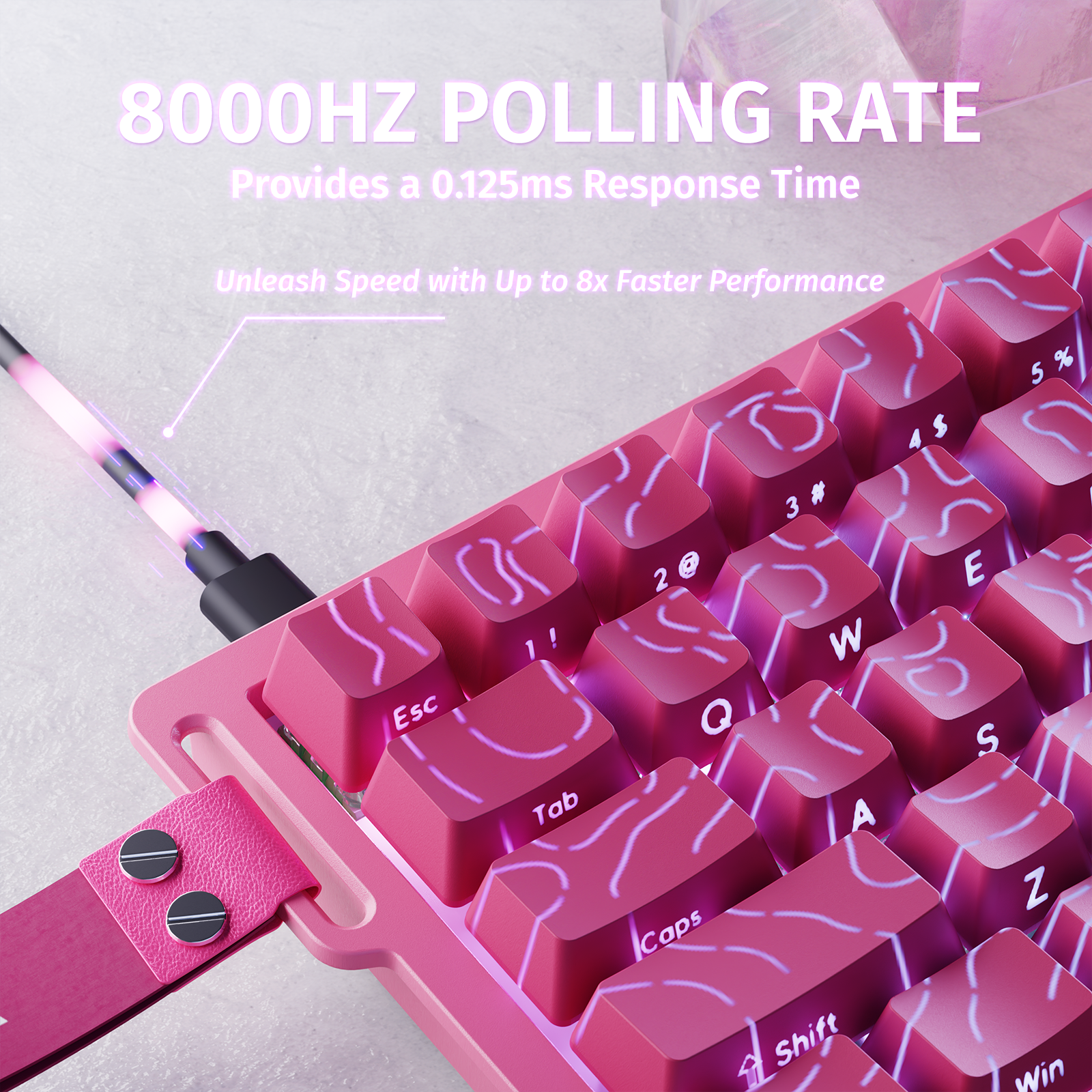
8000Hz Polling Rate
React Before
They Do
8000Hz Polling Rate
React Before
They Do
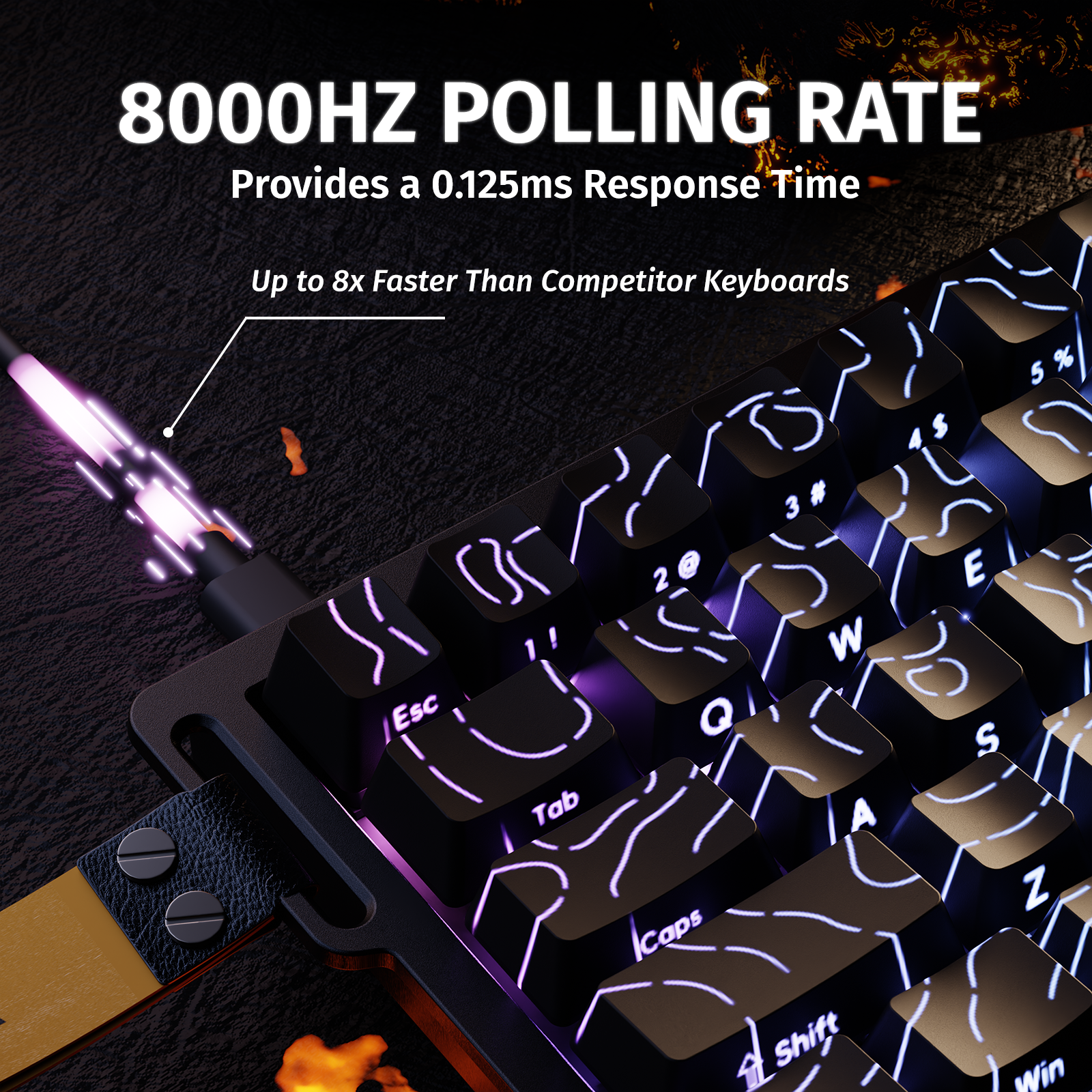
Introducing the X68 Series — built with a true 8000Hz polling rate and an ultra-low 0.125ms
response time (theoretical).
Say goodbye to input delay and experience keystrokes that keep up with your instincts.
In the world of competitive gaming, performance is everything — and faster always wins.
Be fast. Be faster. Why not?


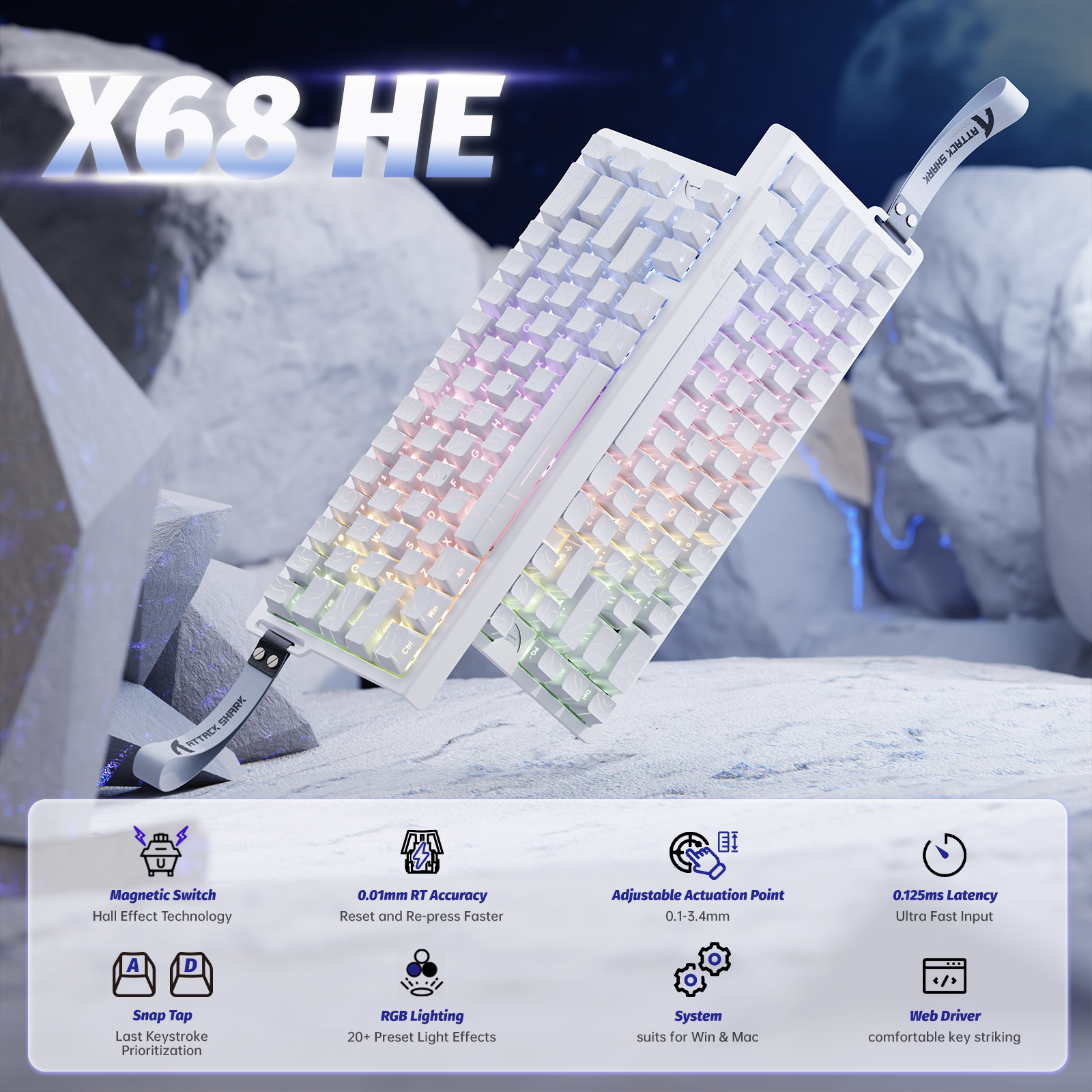
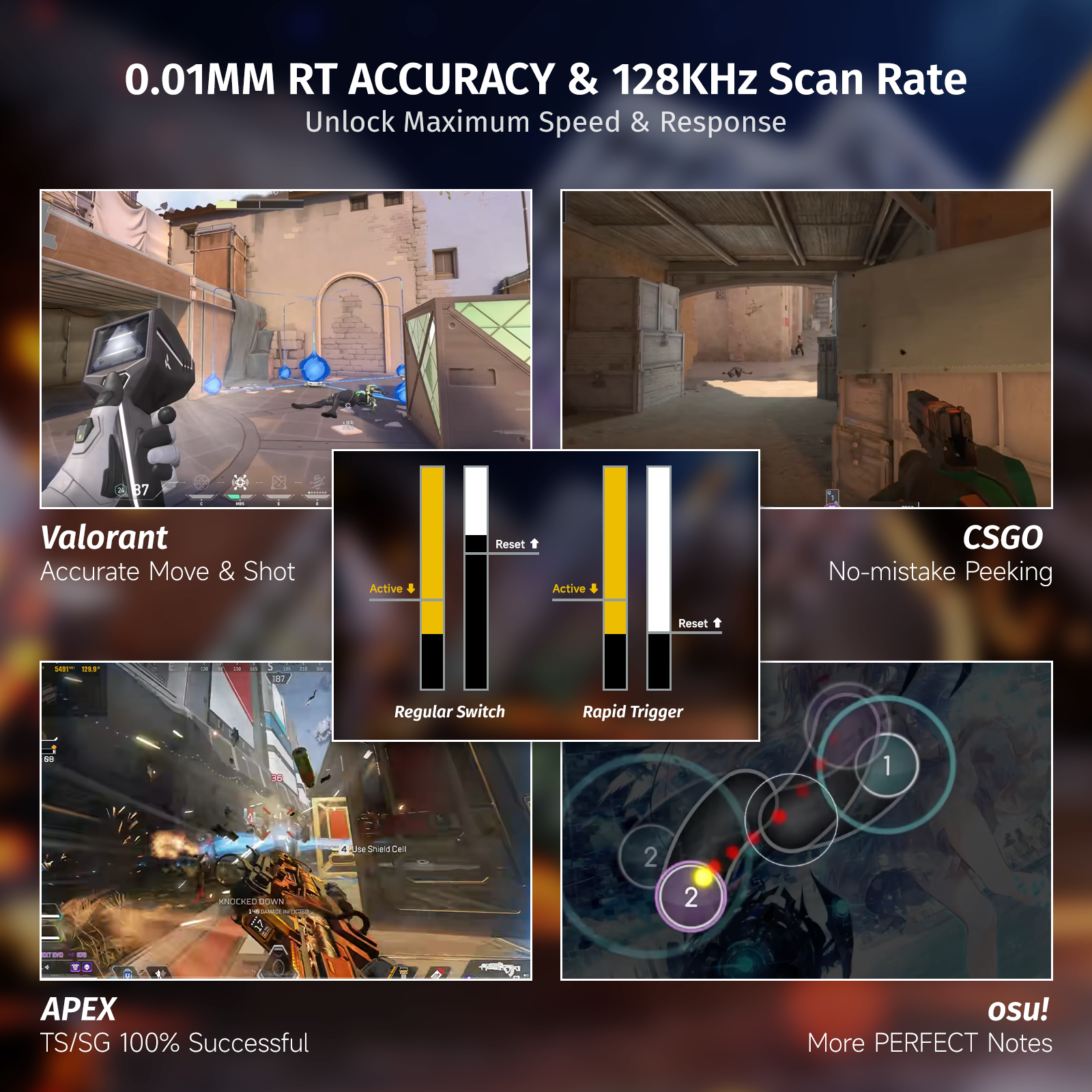
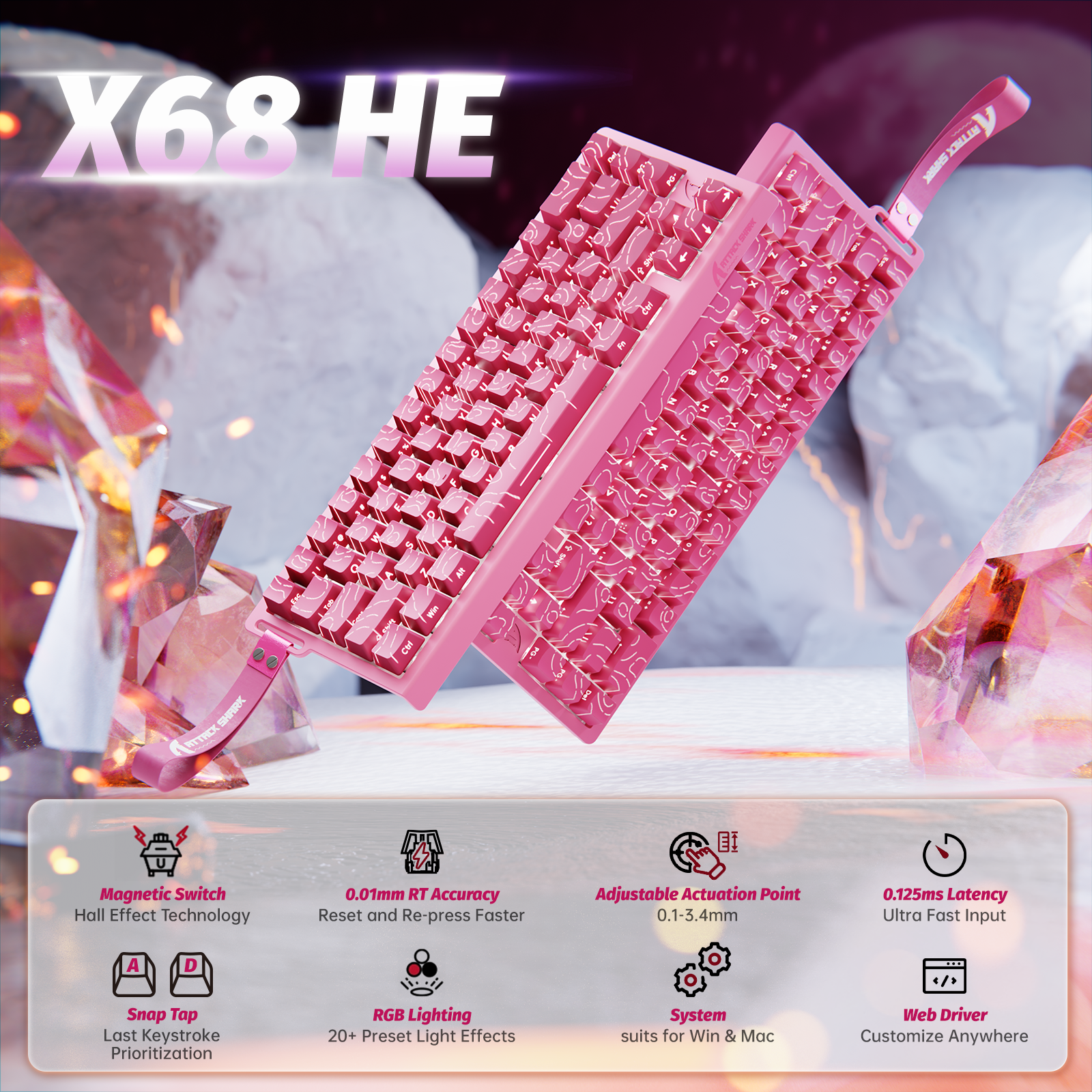
0.01mm Trigger
Kill Before They Move
Rapid Trigger:
0.01mm Sensitivity
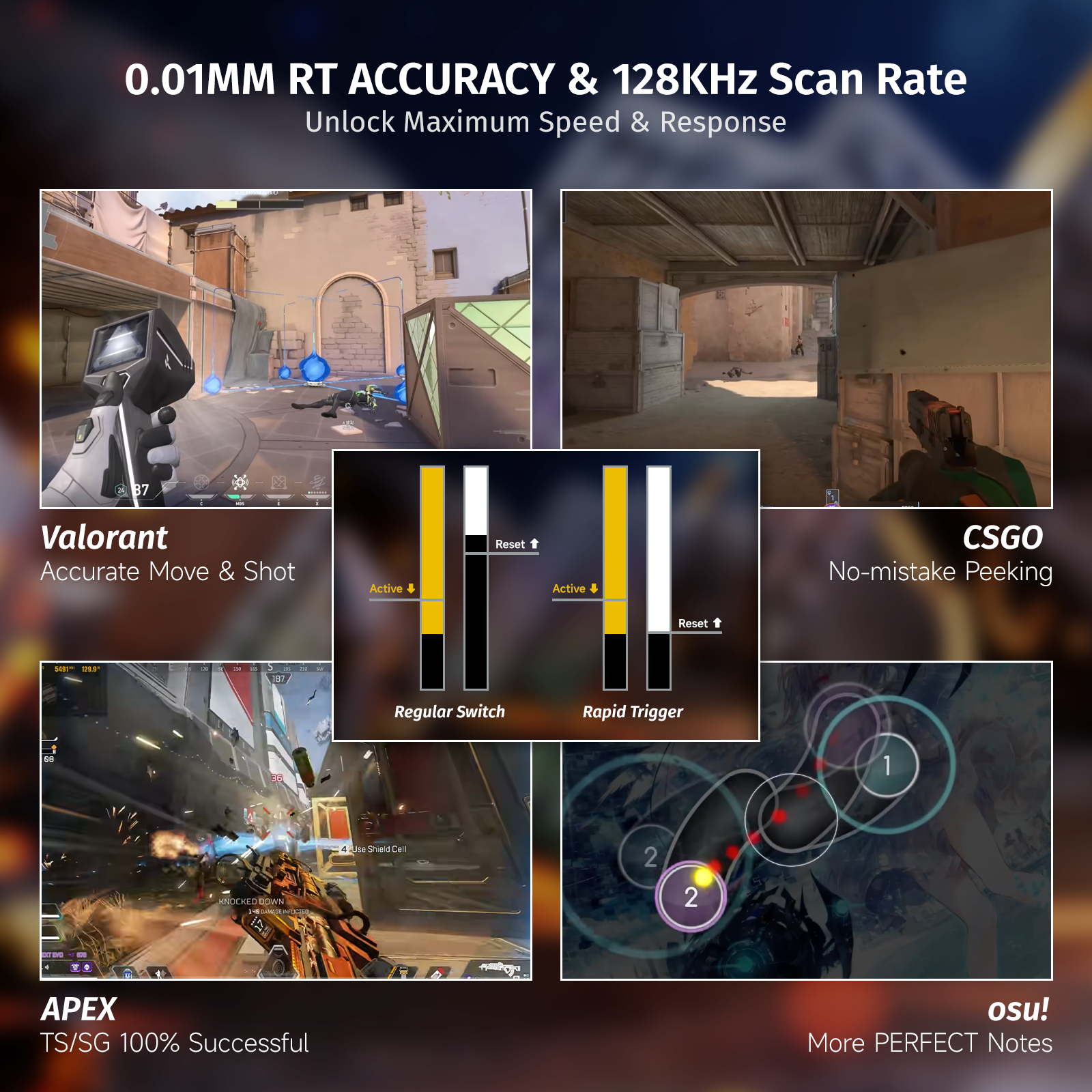
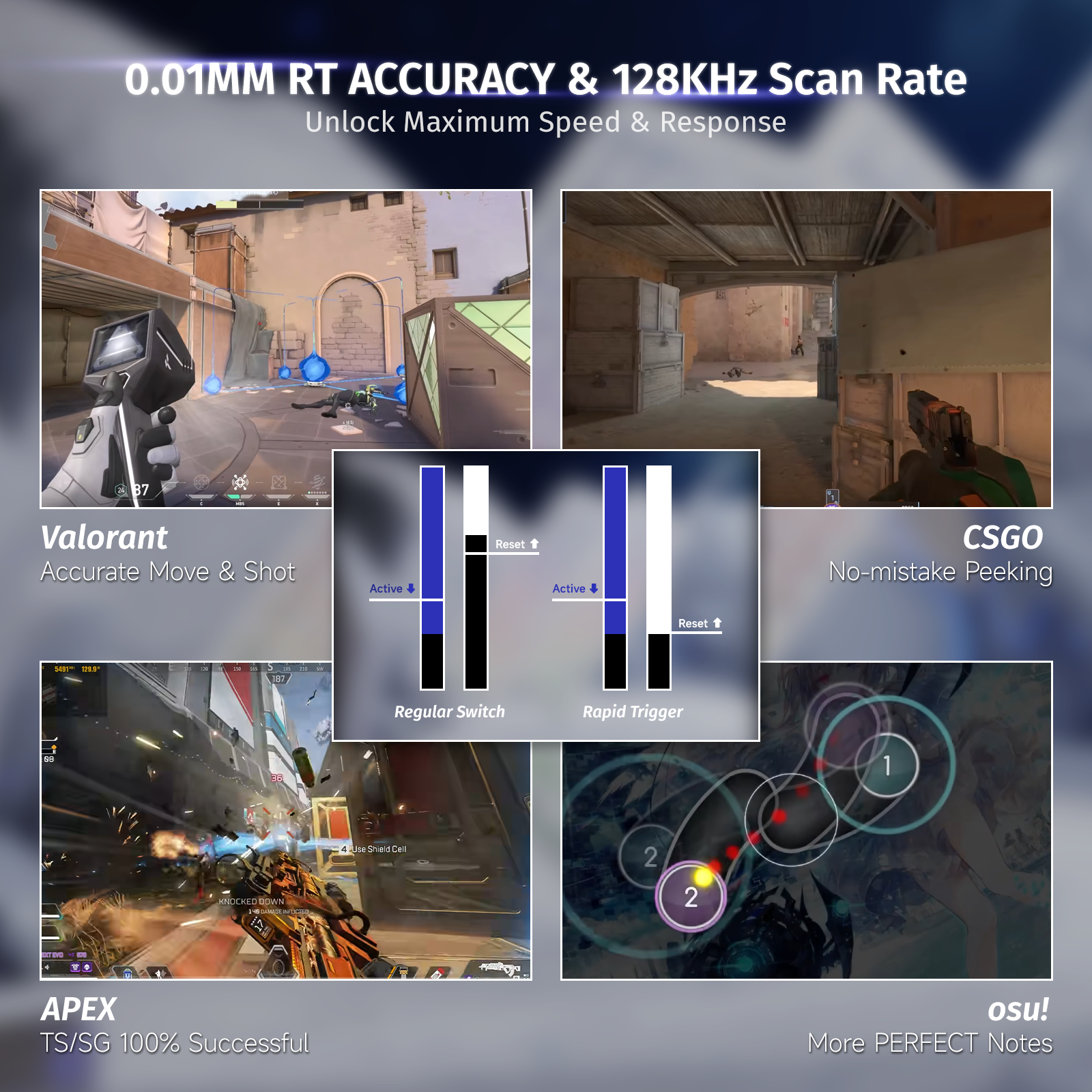
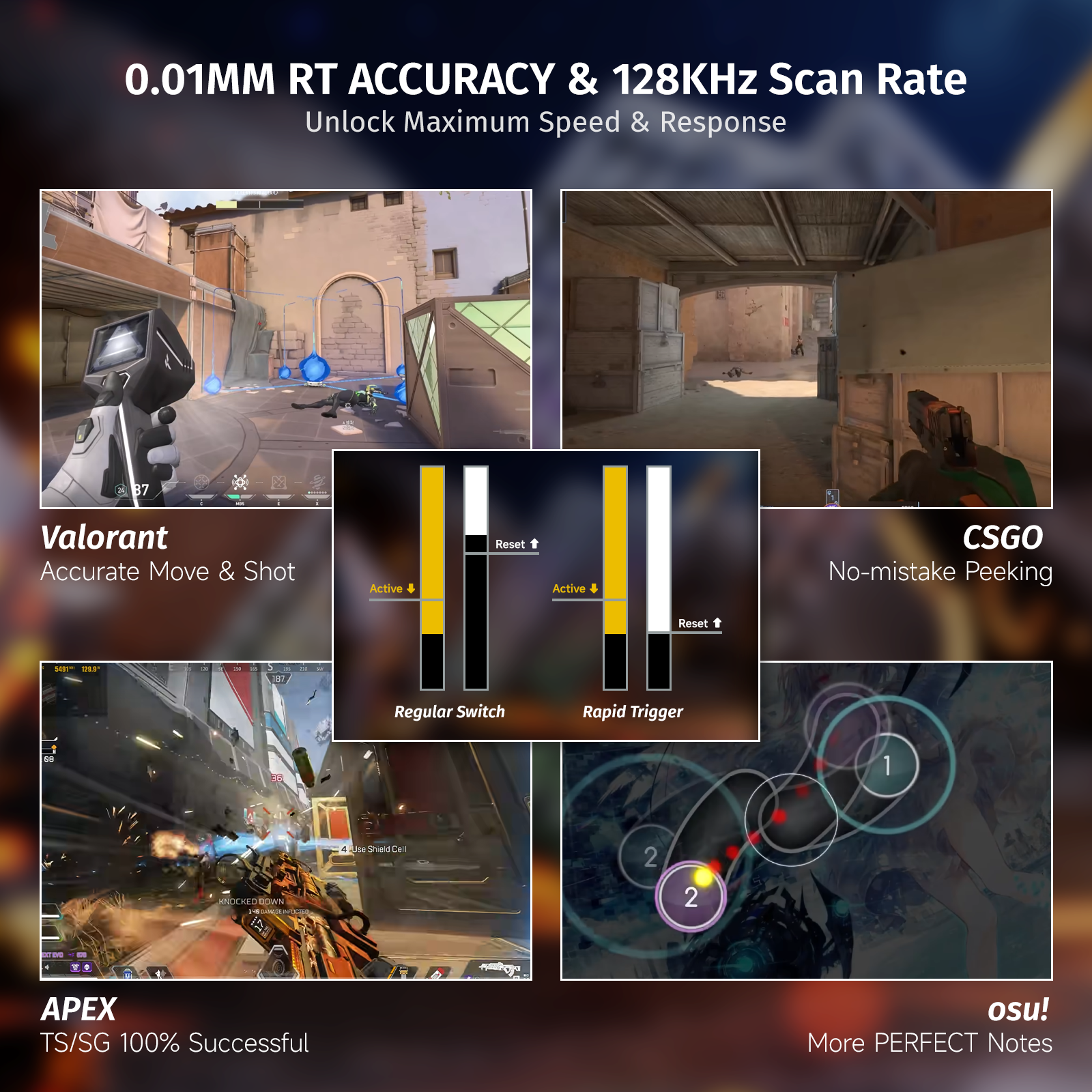
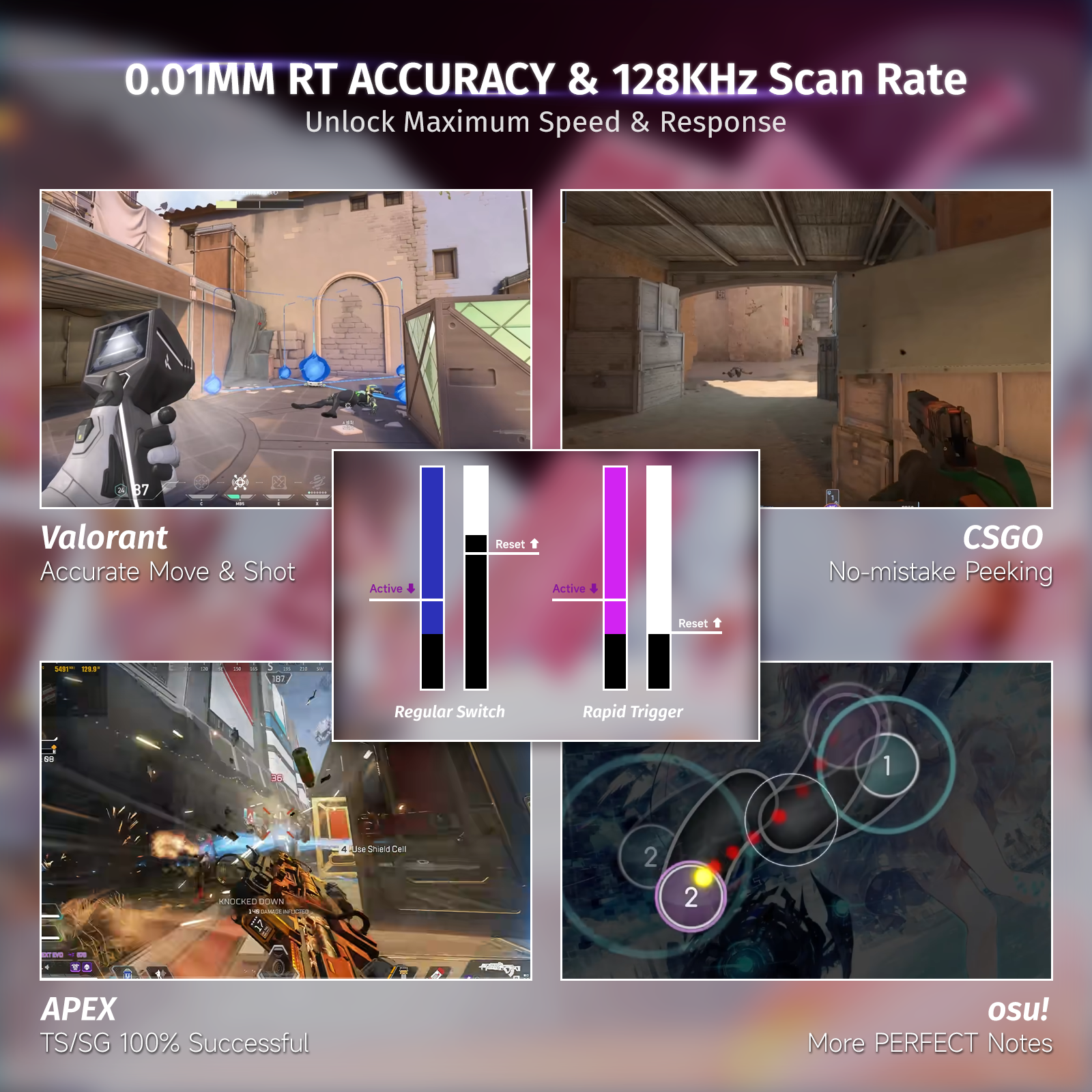
With Rapid Trigger, keys activate and reset mid-motion — no need to reach a fixed point. Paired with ultra-precise 0.01mm sensitivity, every input registers instantly, eliminating delay and enabling pixel-perfect control in high-stakes FPS games. Just 0.01mm of movement is all it takes. From micro-adjustments to complex combos, the X68 HE reacts like an extension of your nervous system — fast, fluid, and precise.
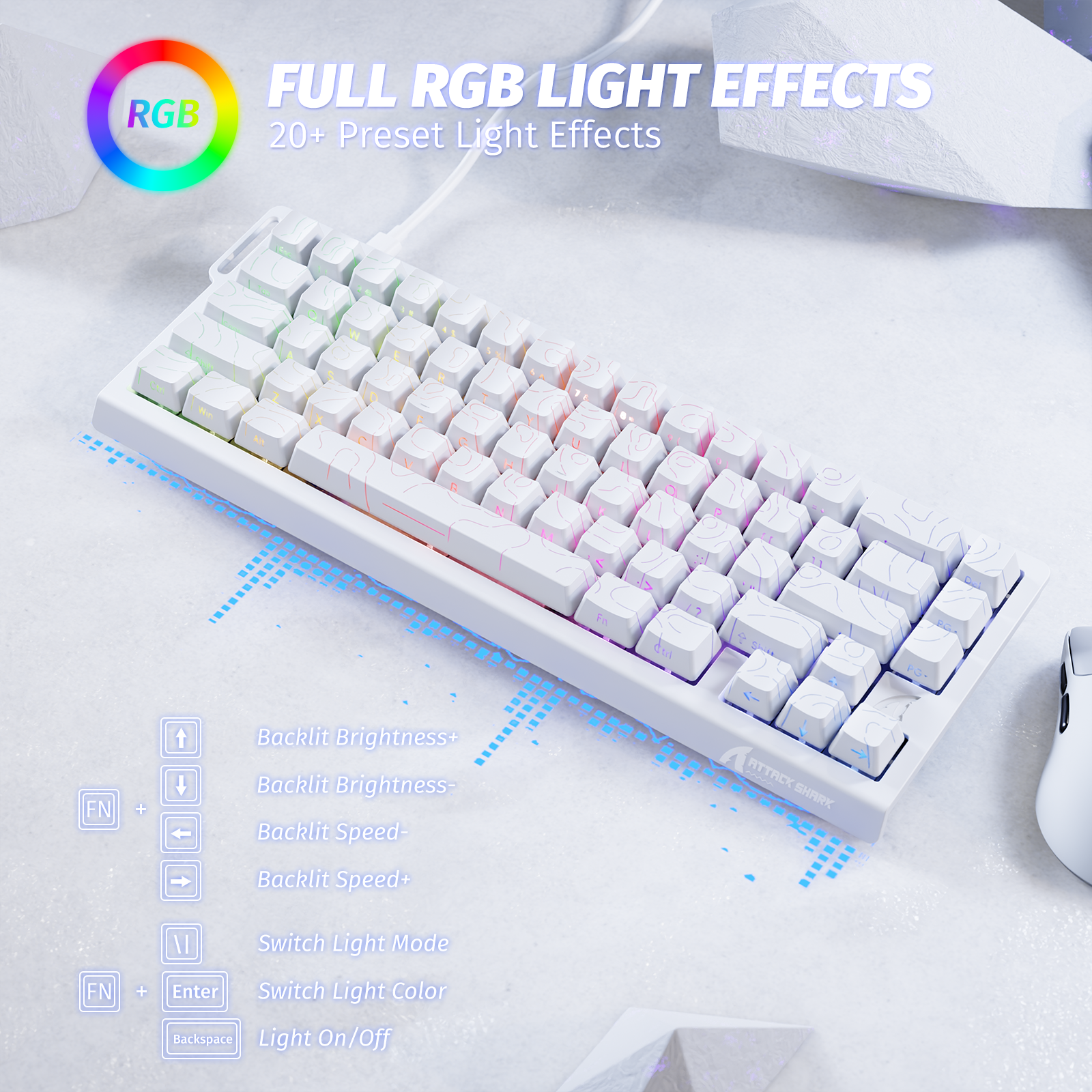
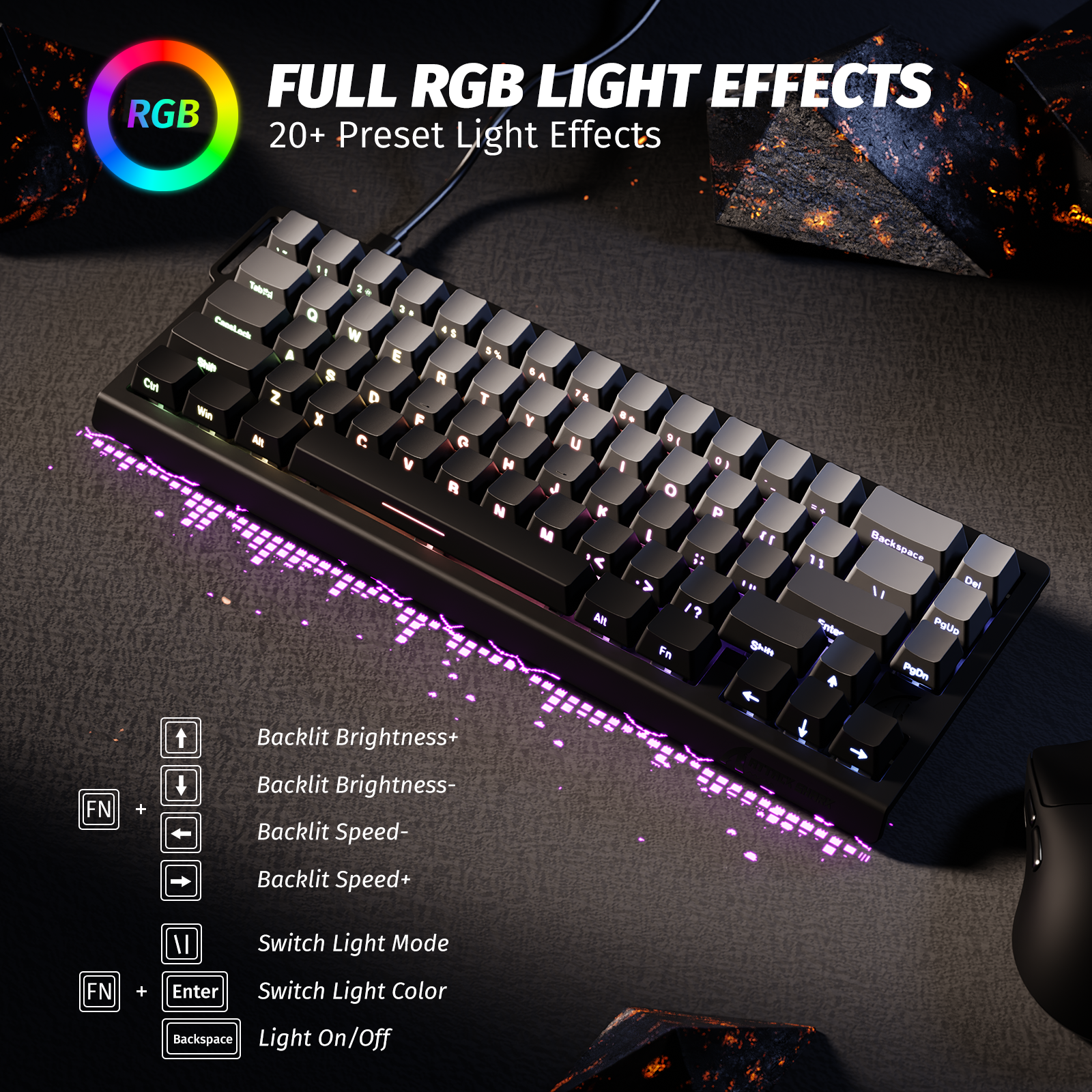
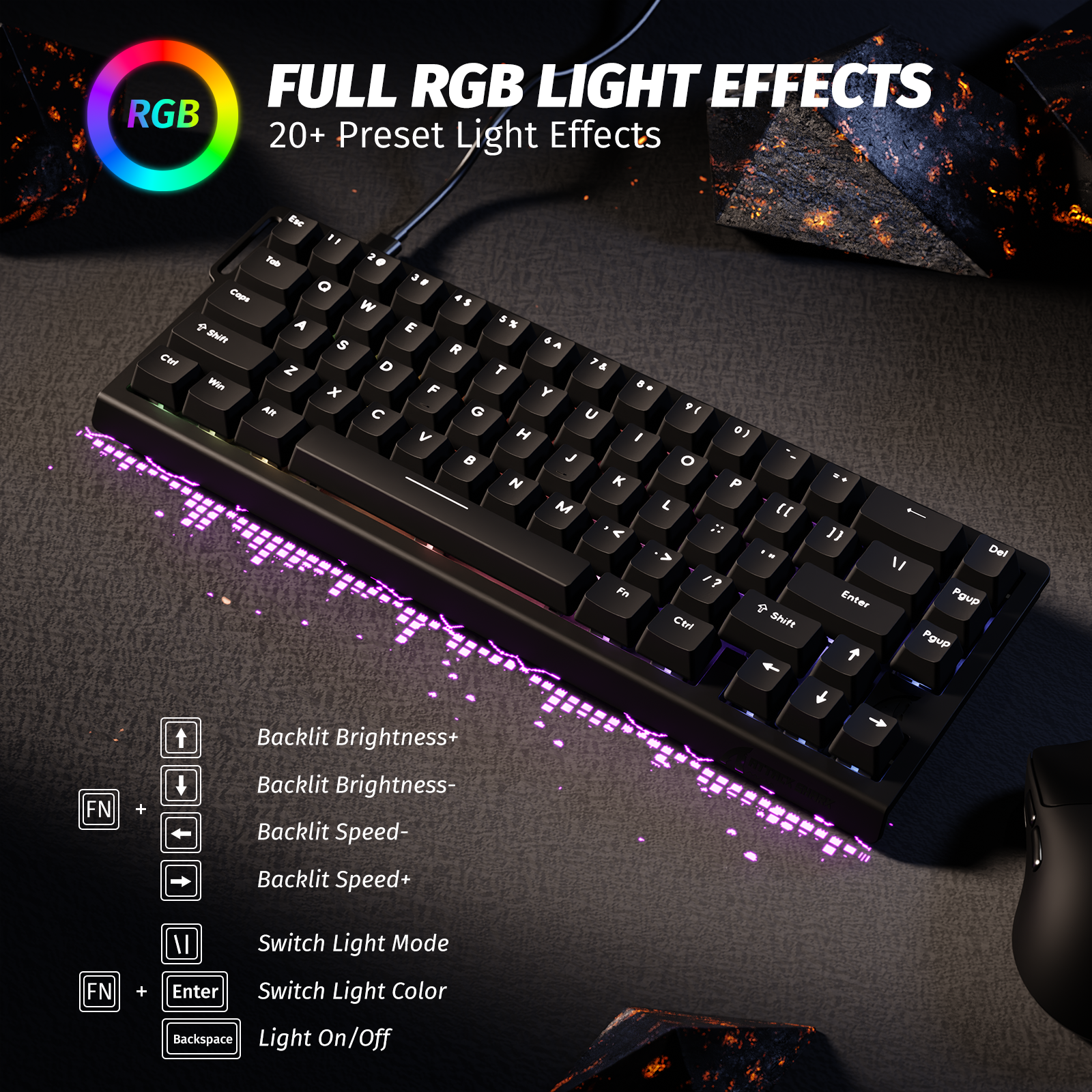
Light It Your Way
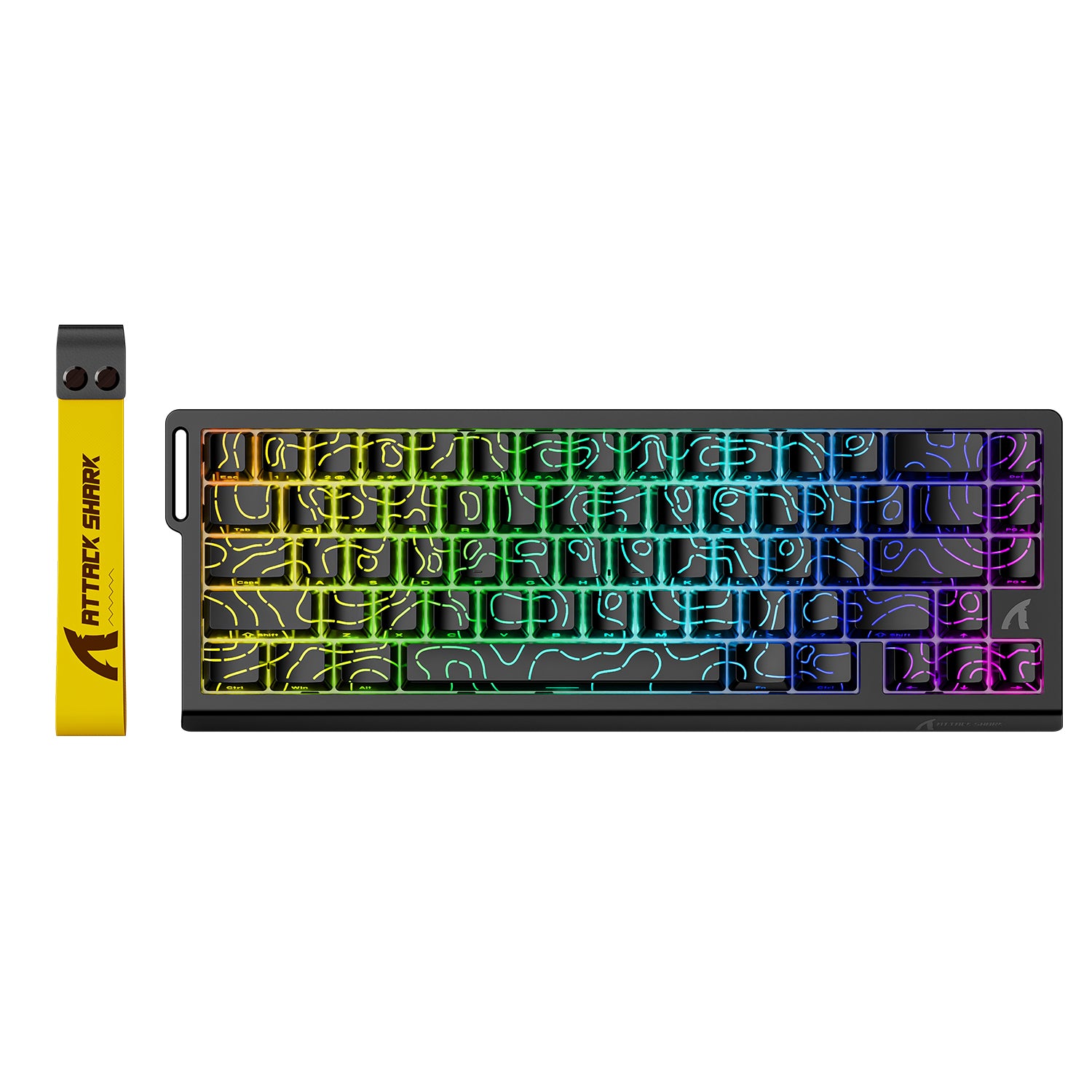
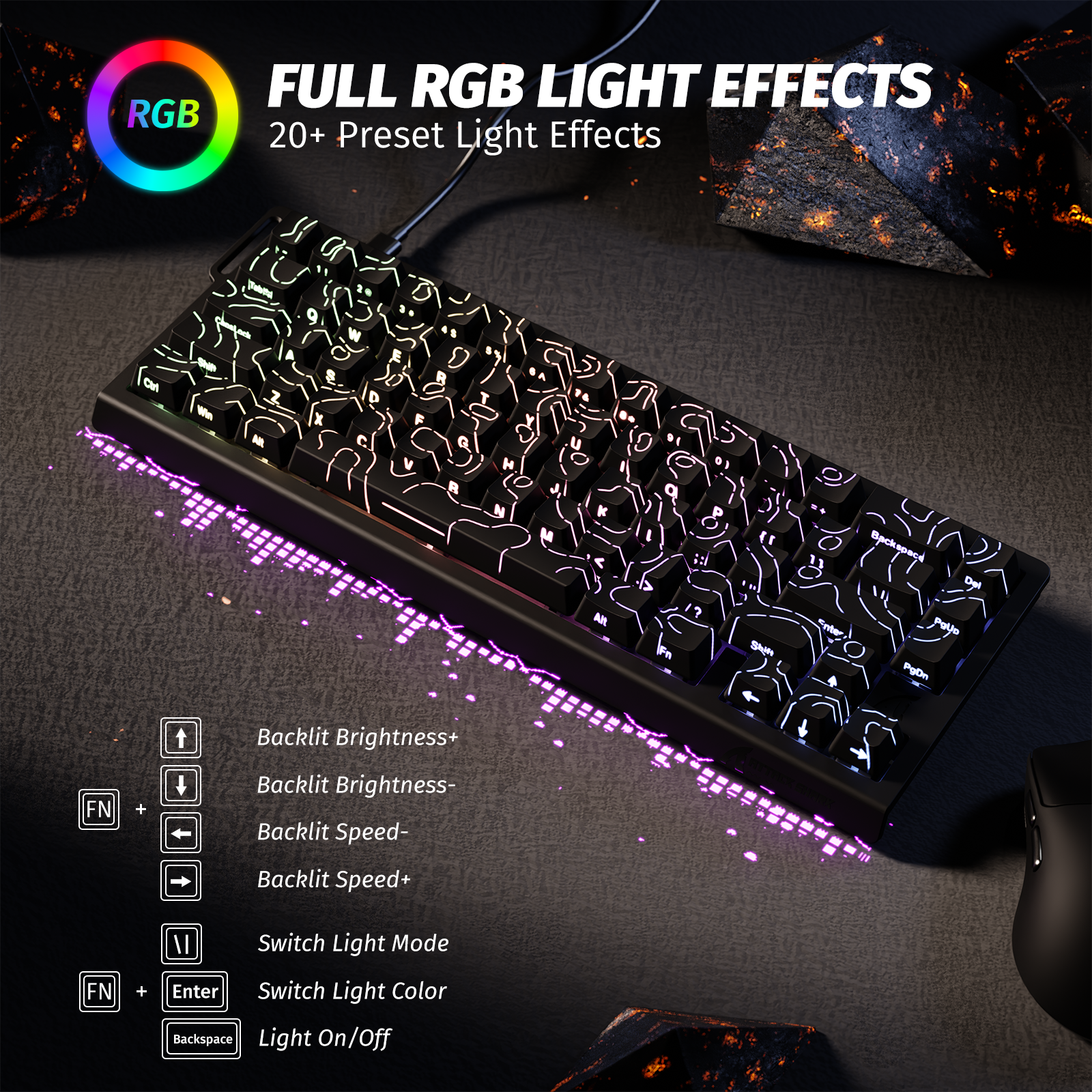
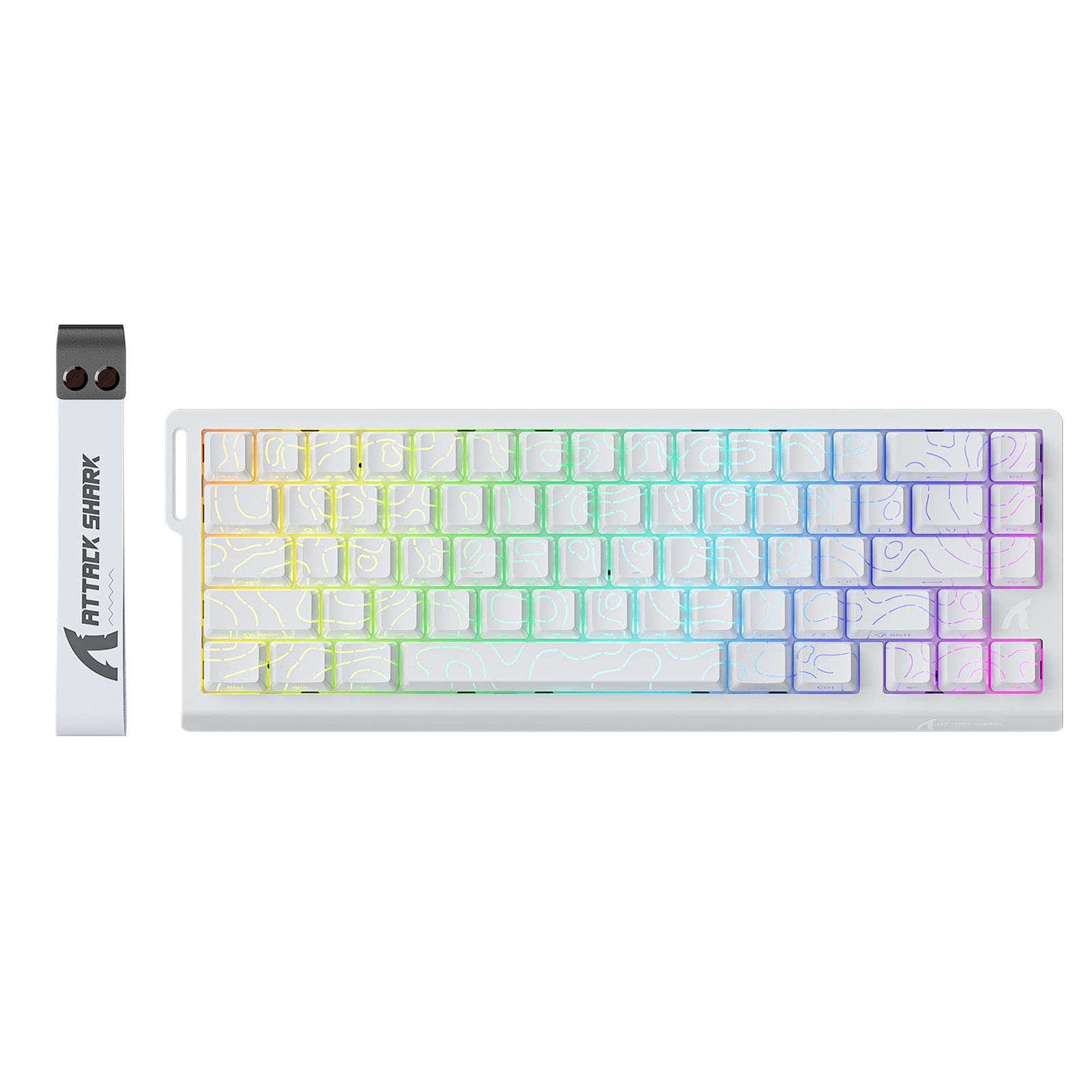
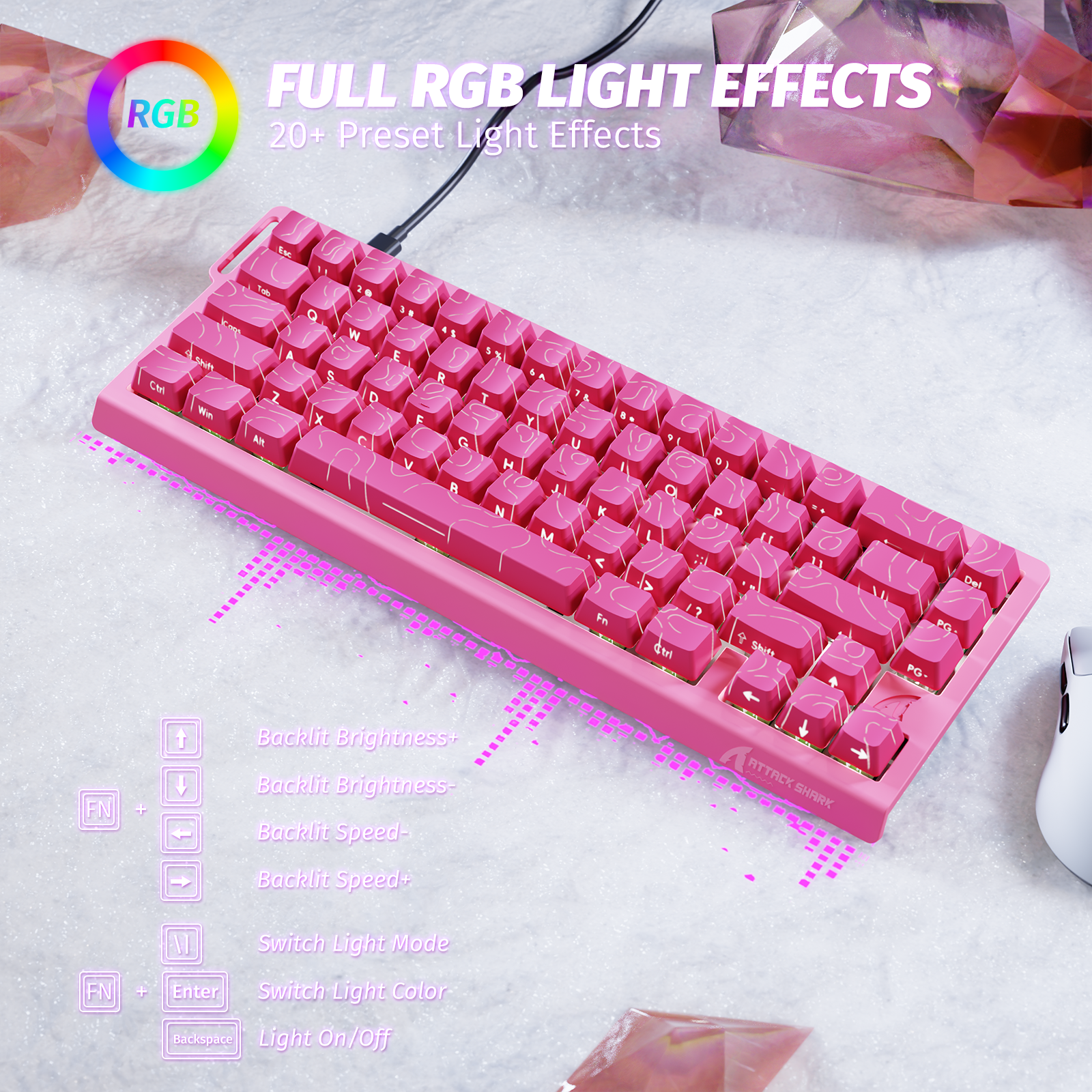
Featuring 20+ lighting modes and 9 colors, all customizable via software for a truly personalized look.
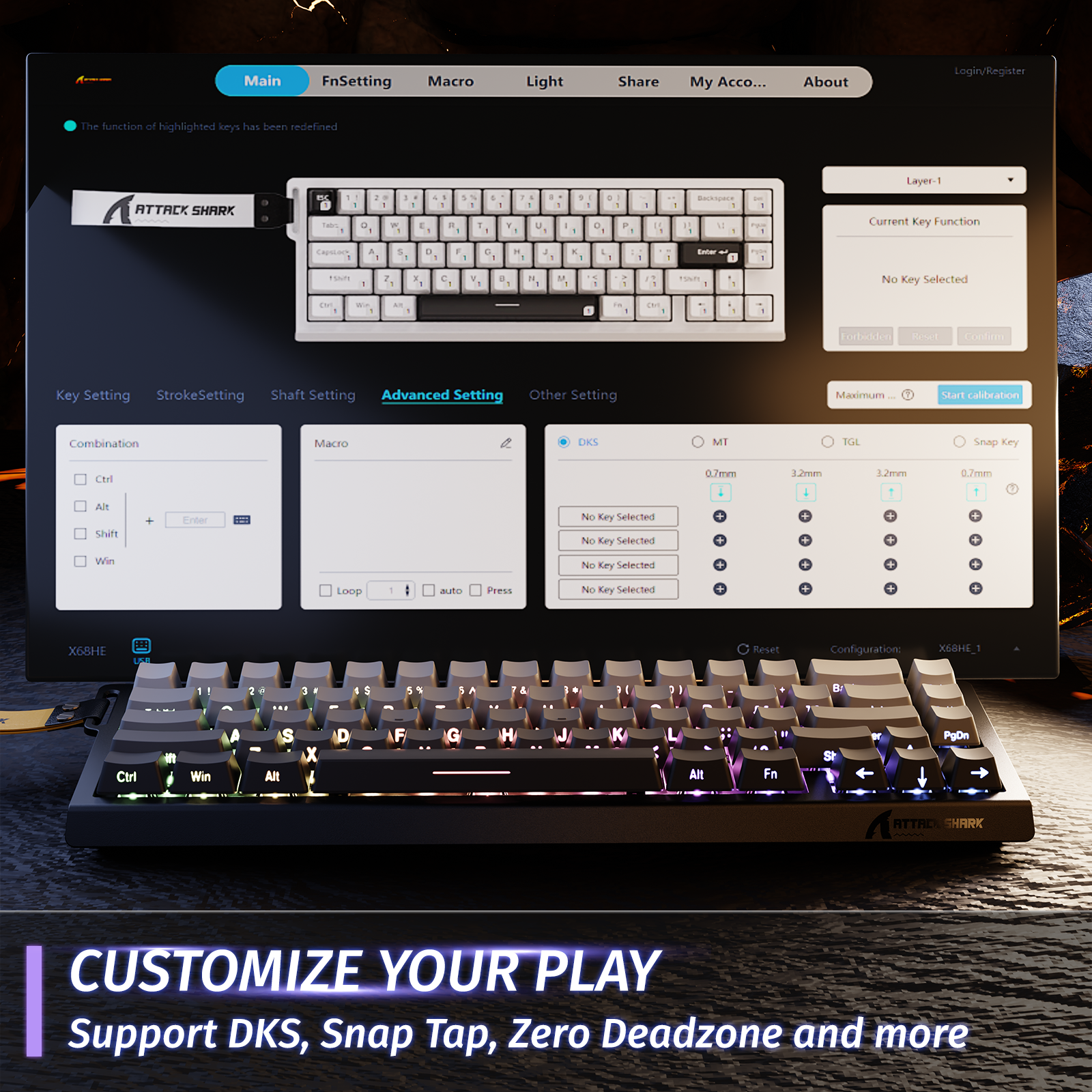
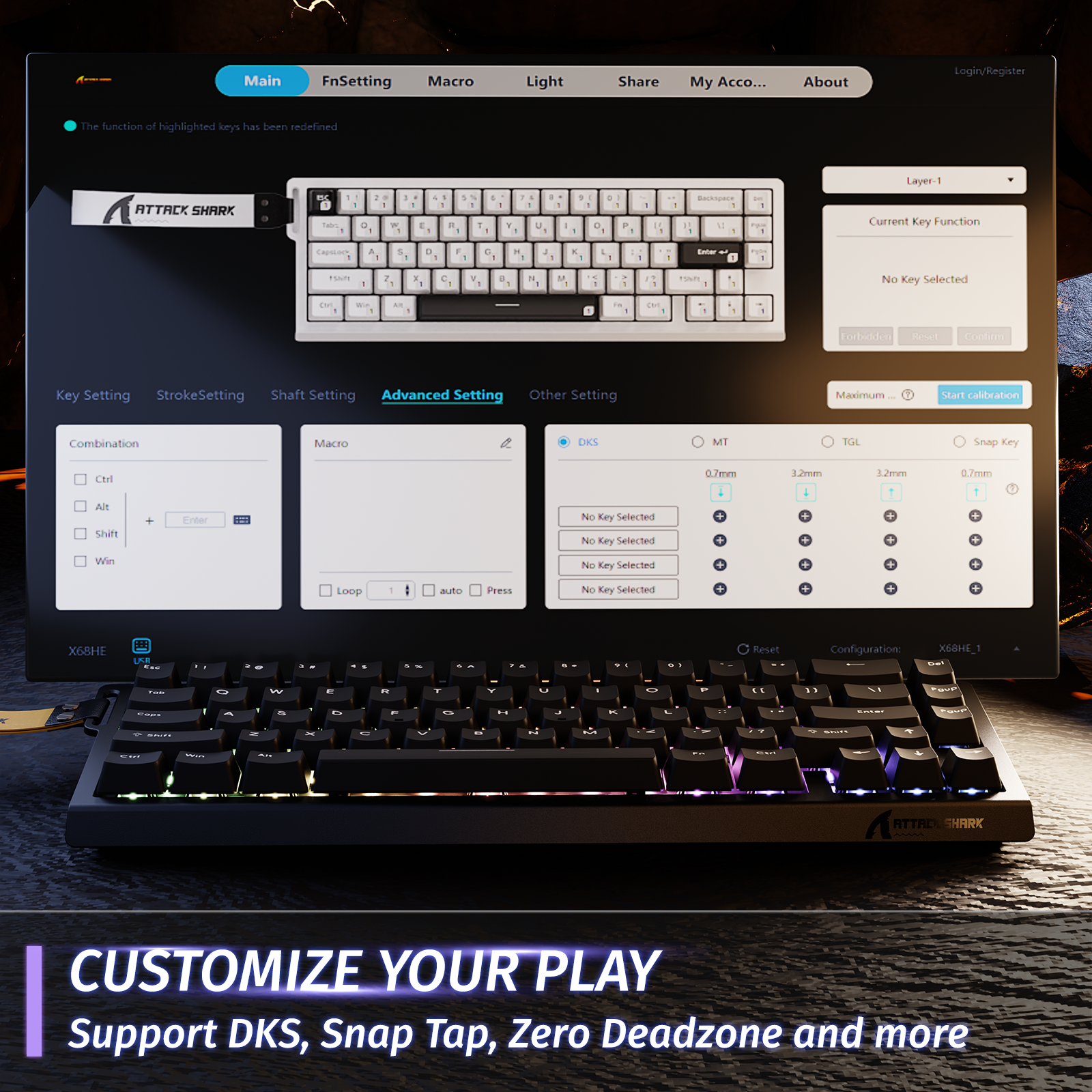
Driver Support:
Web & Software
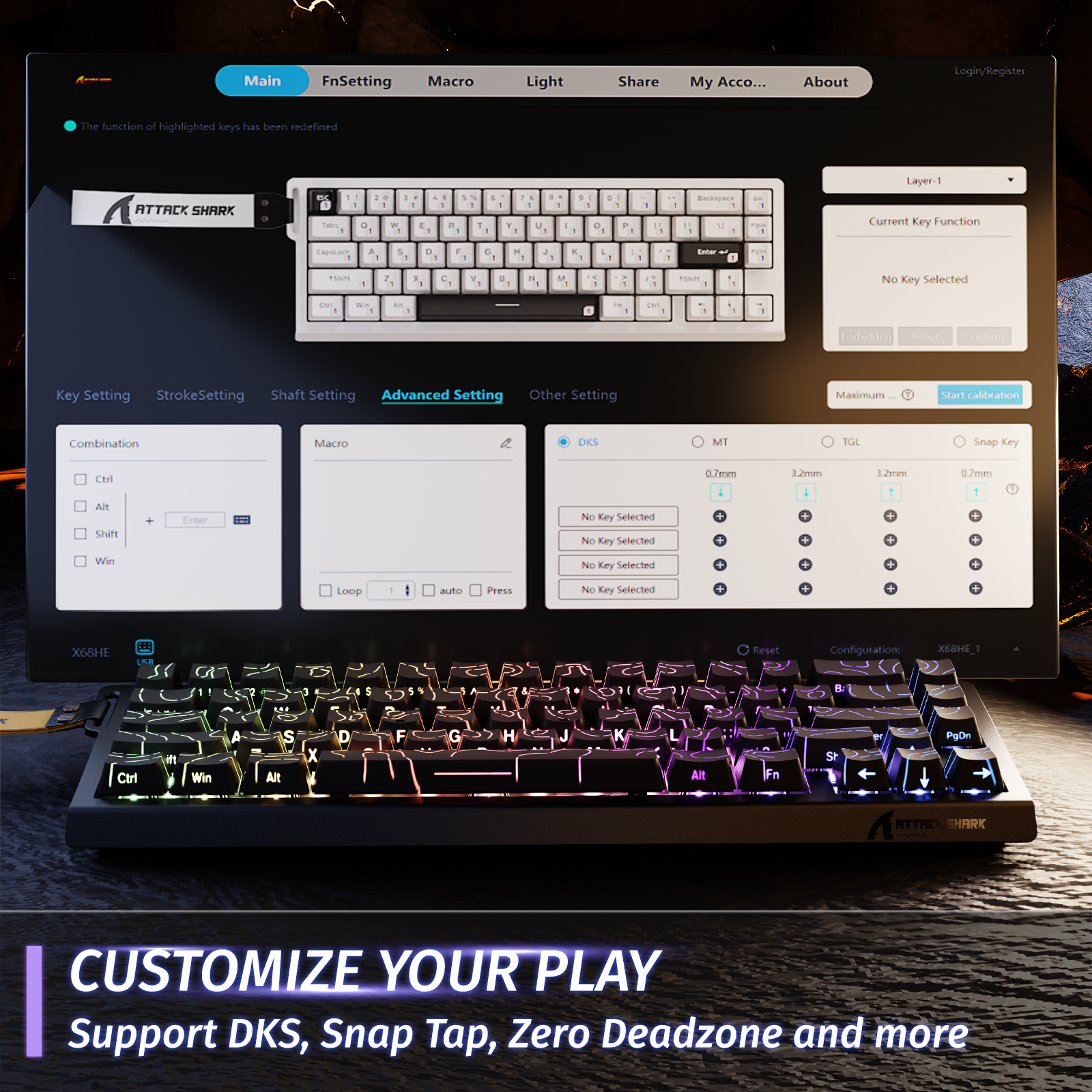
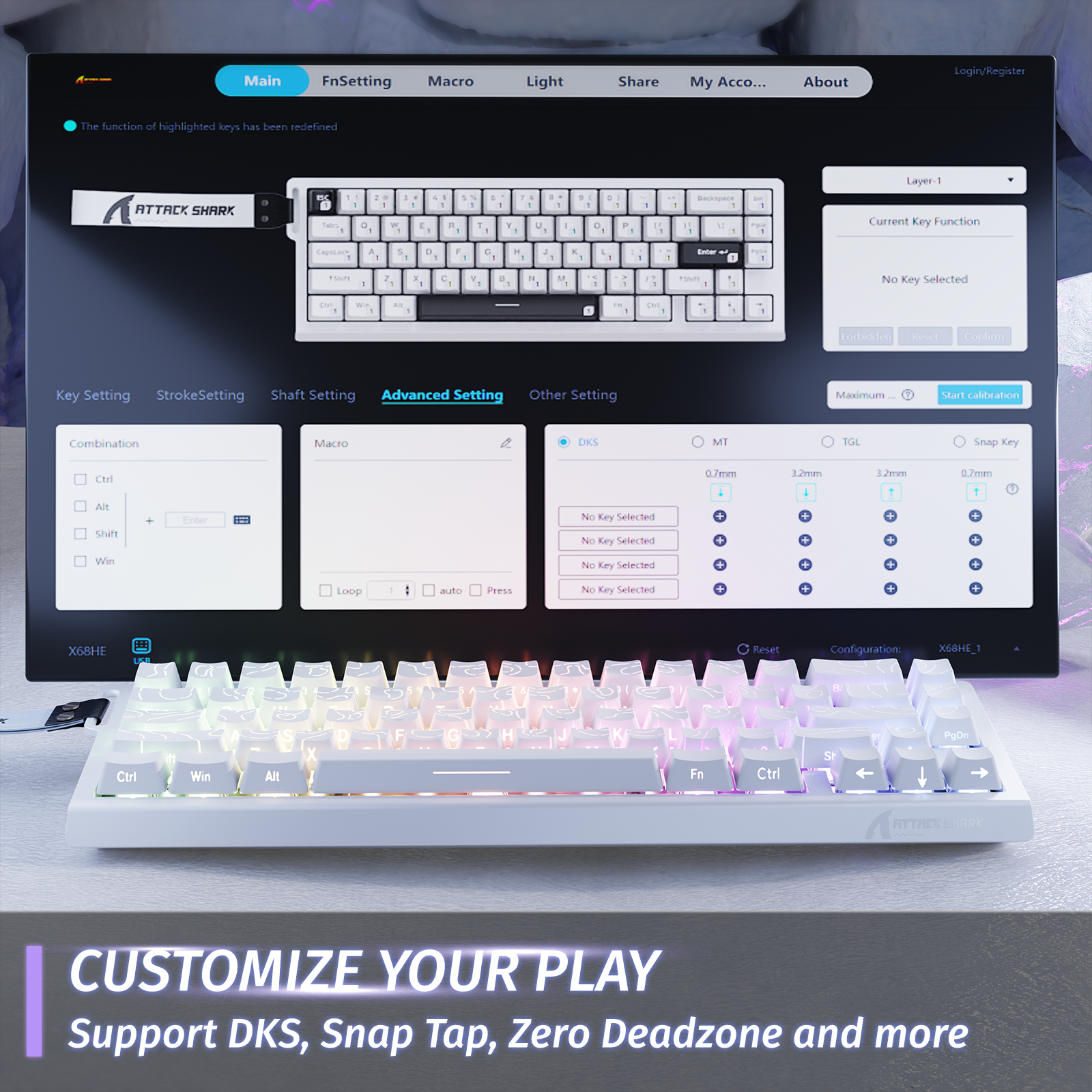
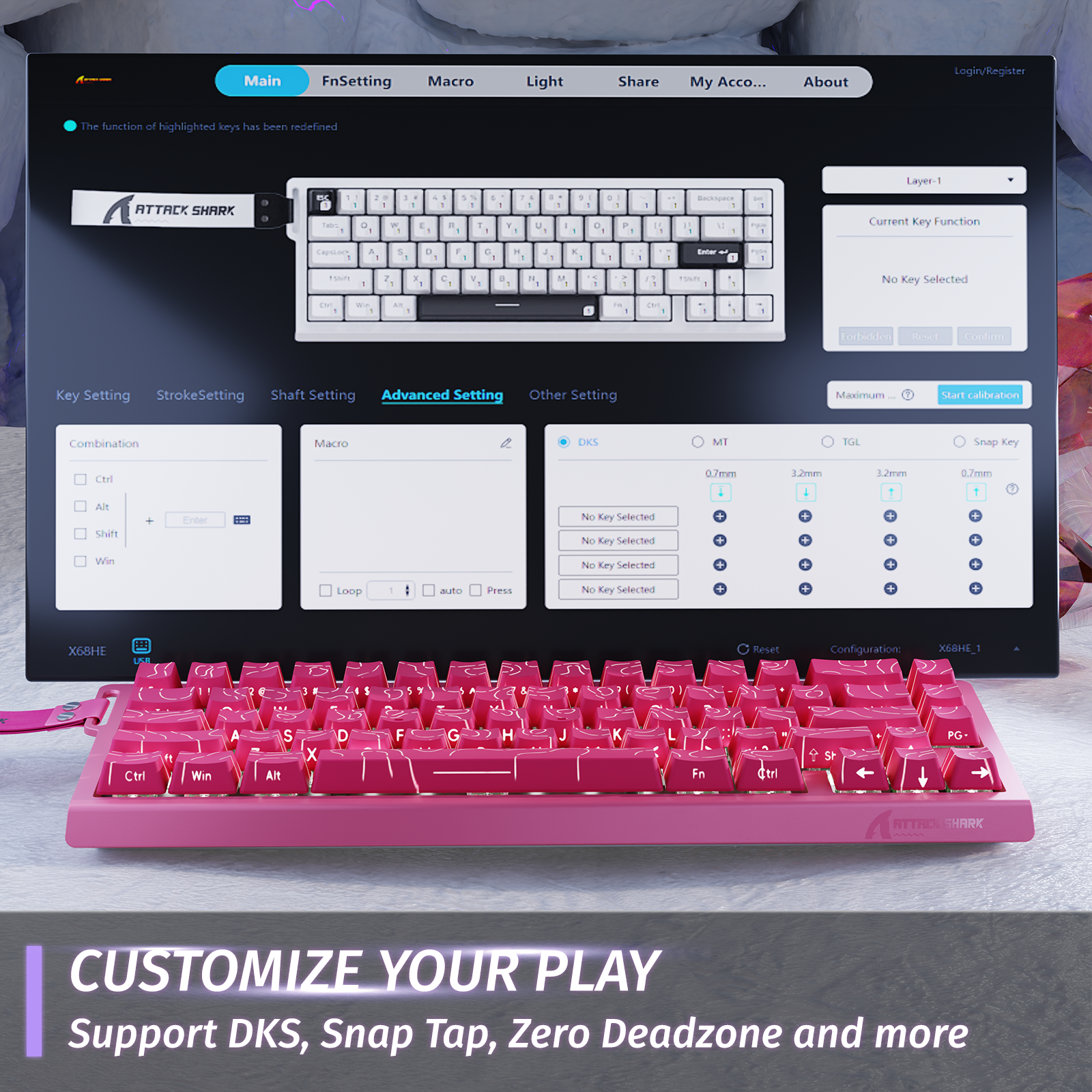
The web driver simplifies settings and parameter adjustments for both casual and advanced users. All performance parameters are fully customizable with real-time visual feedback — including per-key rapid trigger and sensitivity on the keyboard preview. Prefer offline control? A downloadable software version is also available.
**All settings are stored directly on the keyboard — no need to keep the web or software interface running in the background.


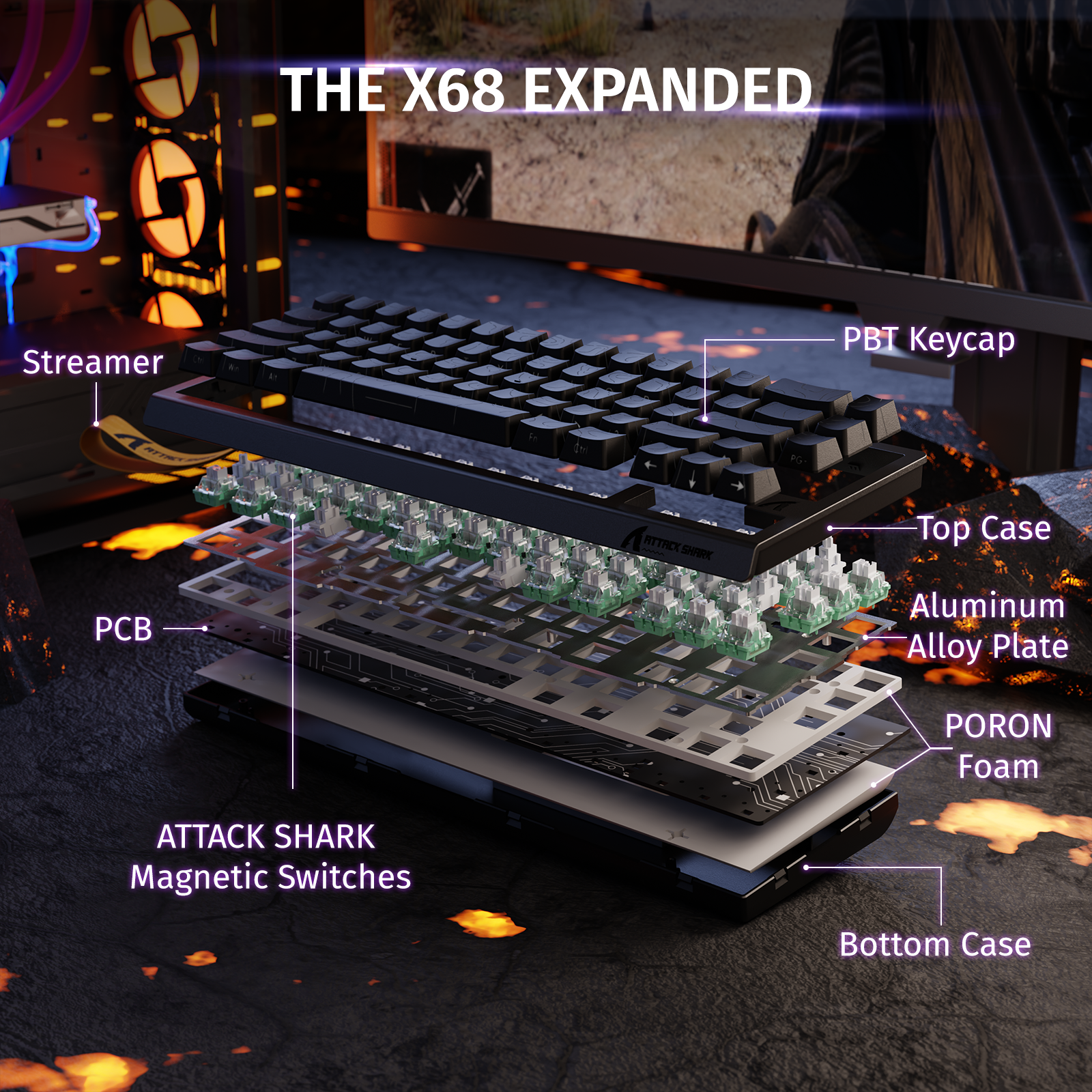
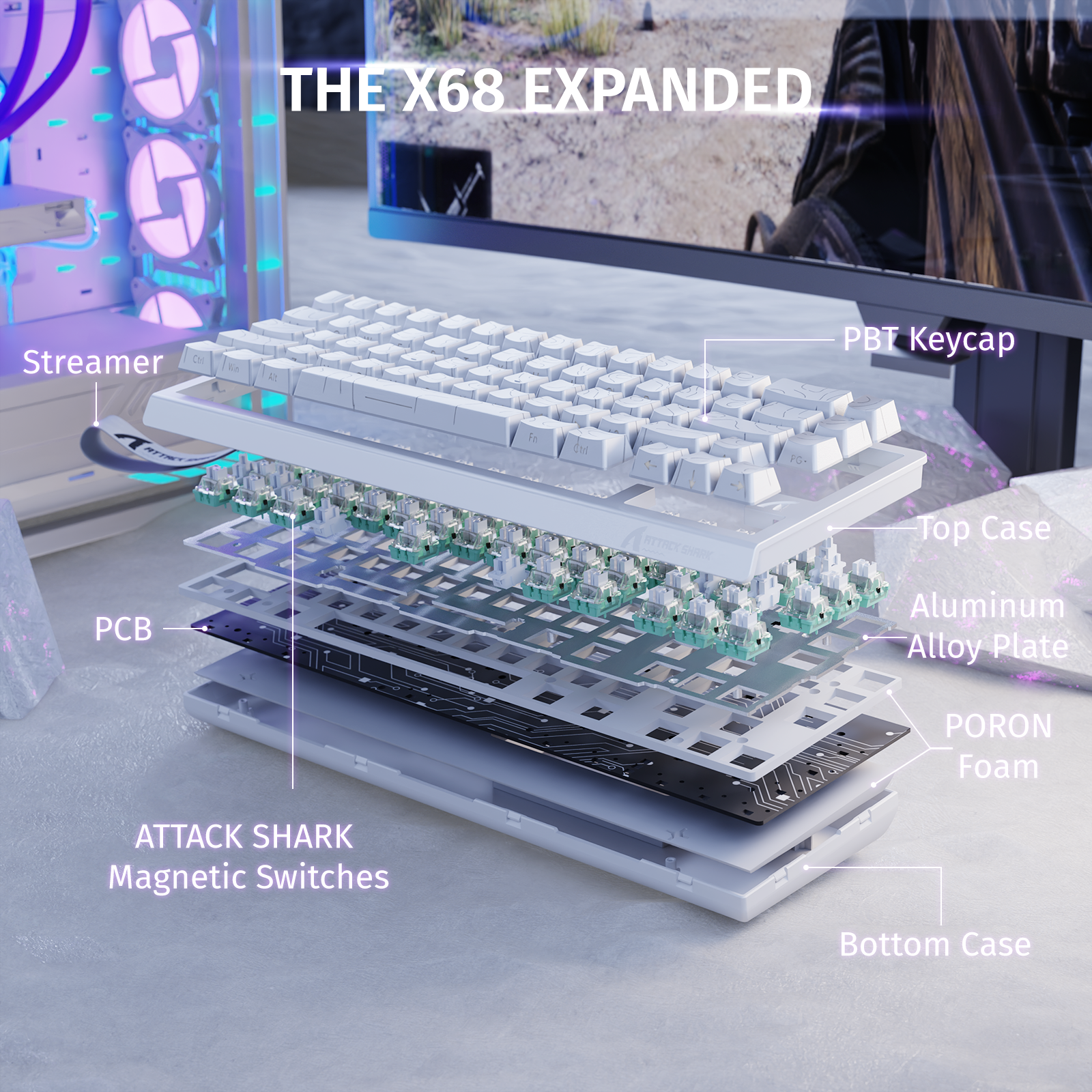
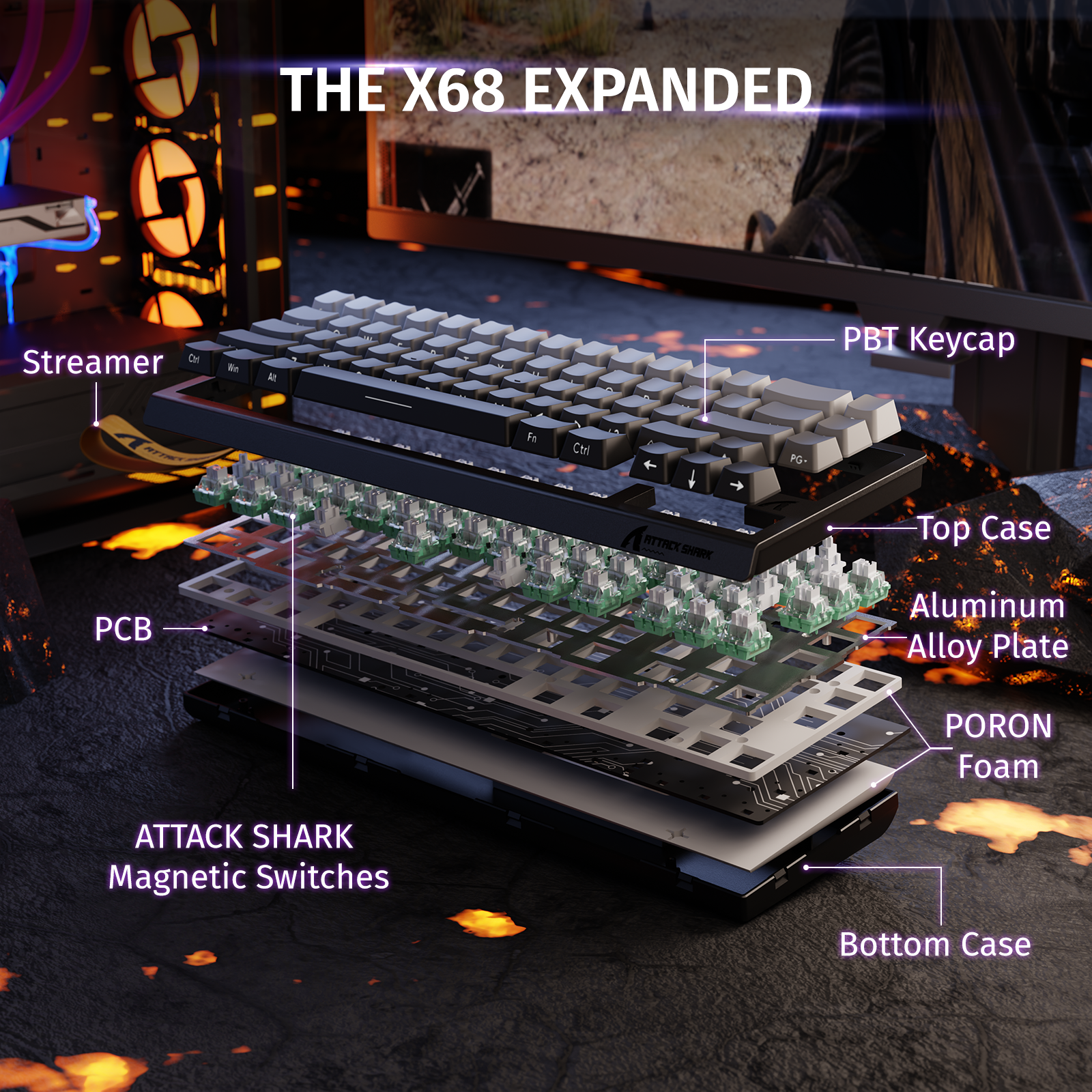
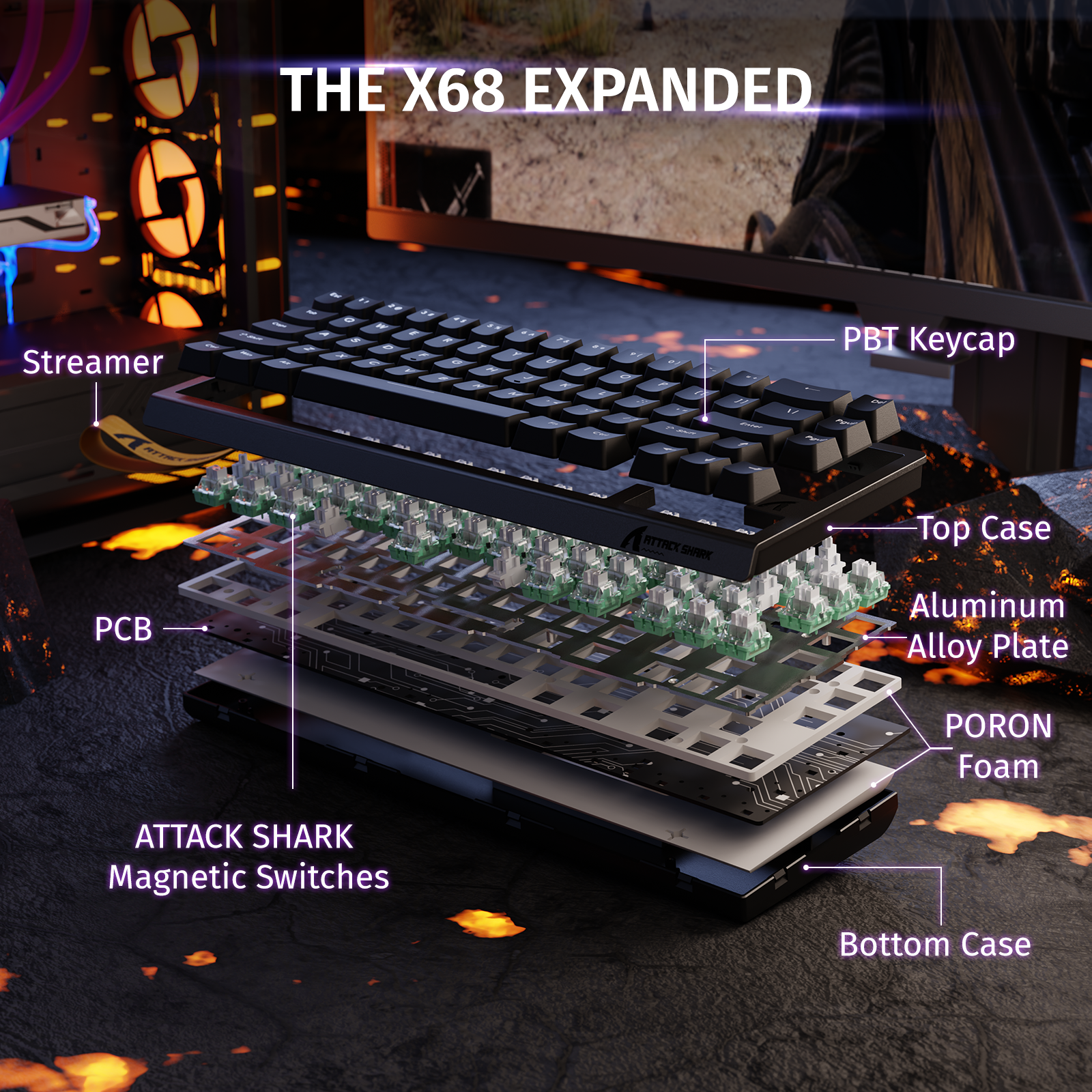
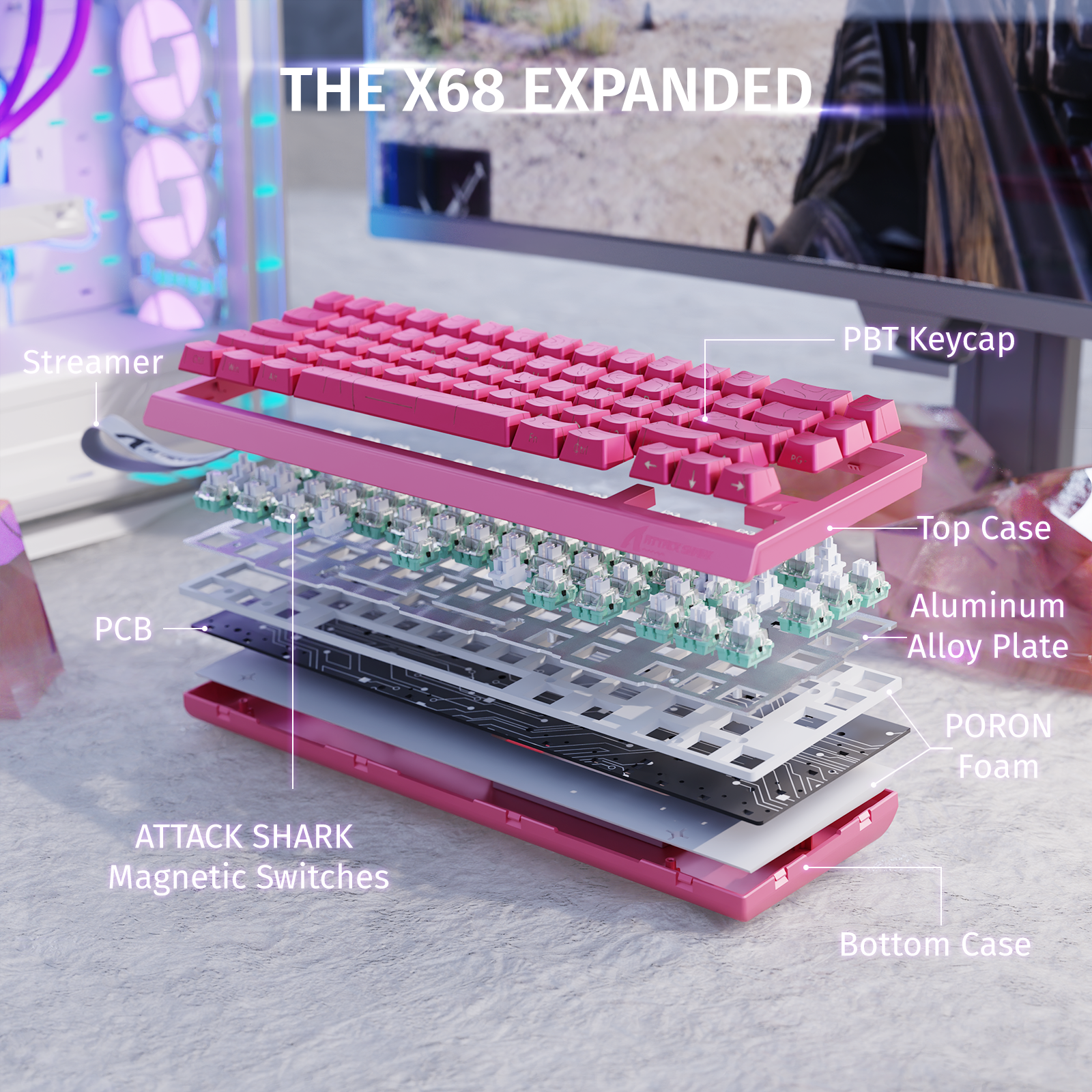
PBT Keycap
Top Case
ATTACK SHARK
Magnetic Switches
Aluminum Alloy Plate
PORON Foam
PCB
PORON Foam
Bottom Case
ATTACK SHARK
Magnetic Switch
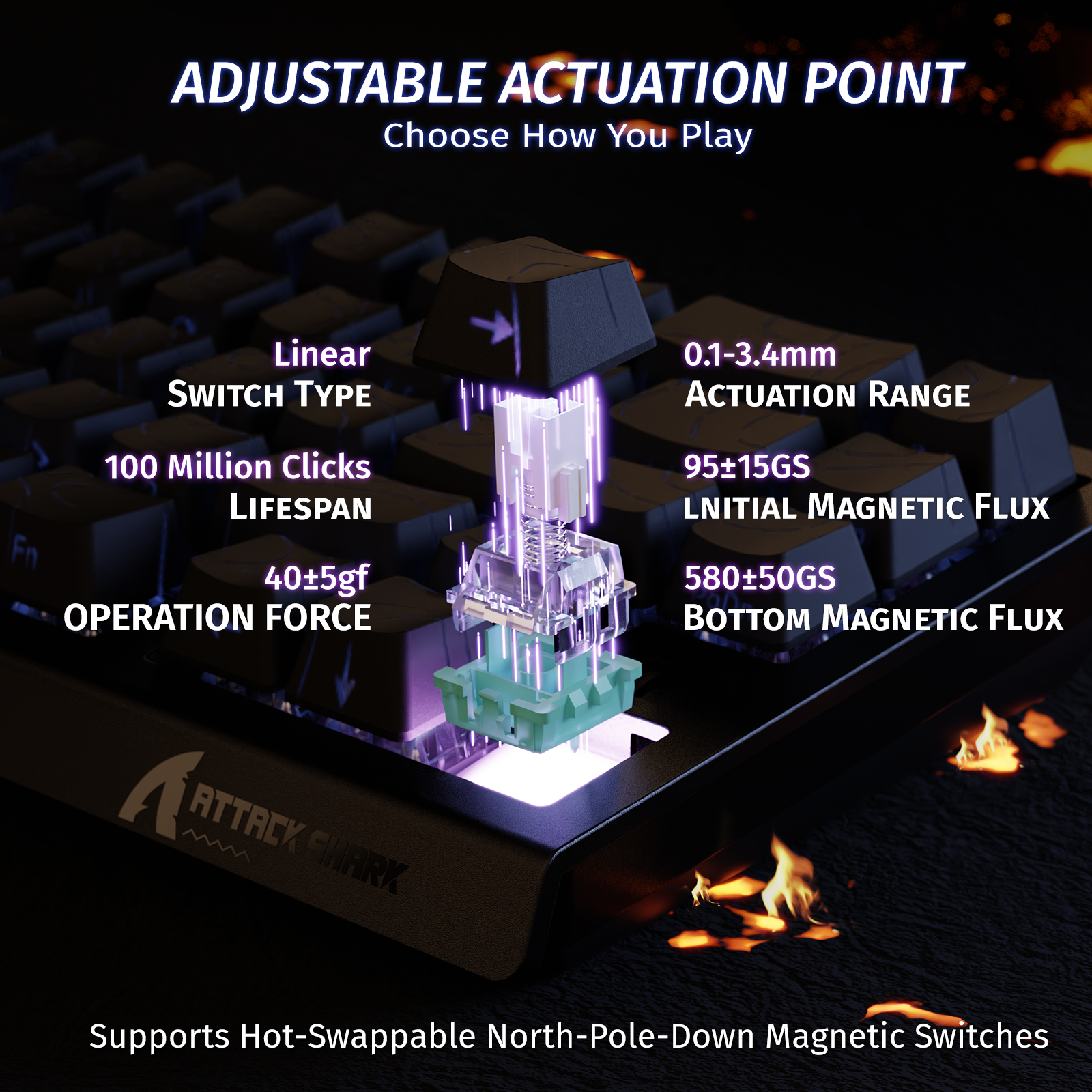
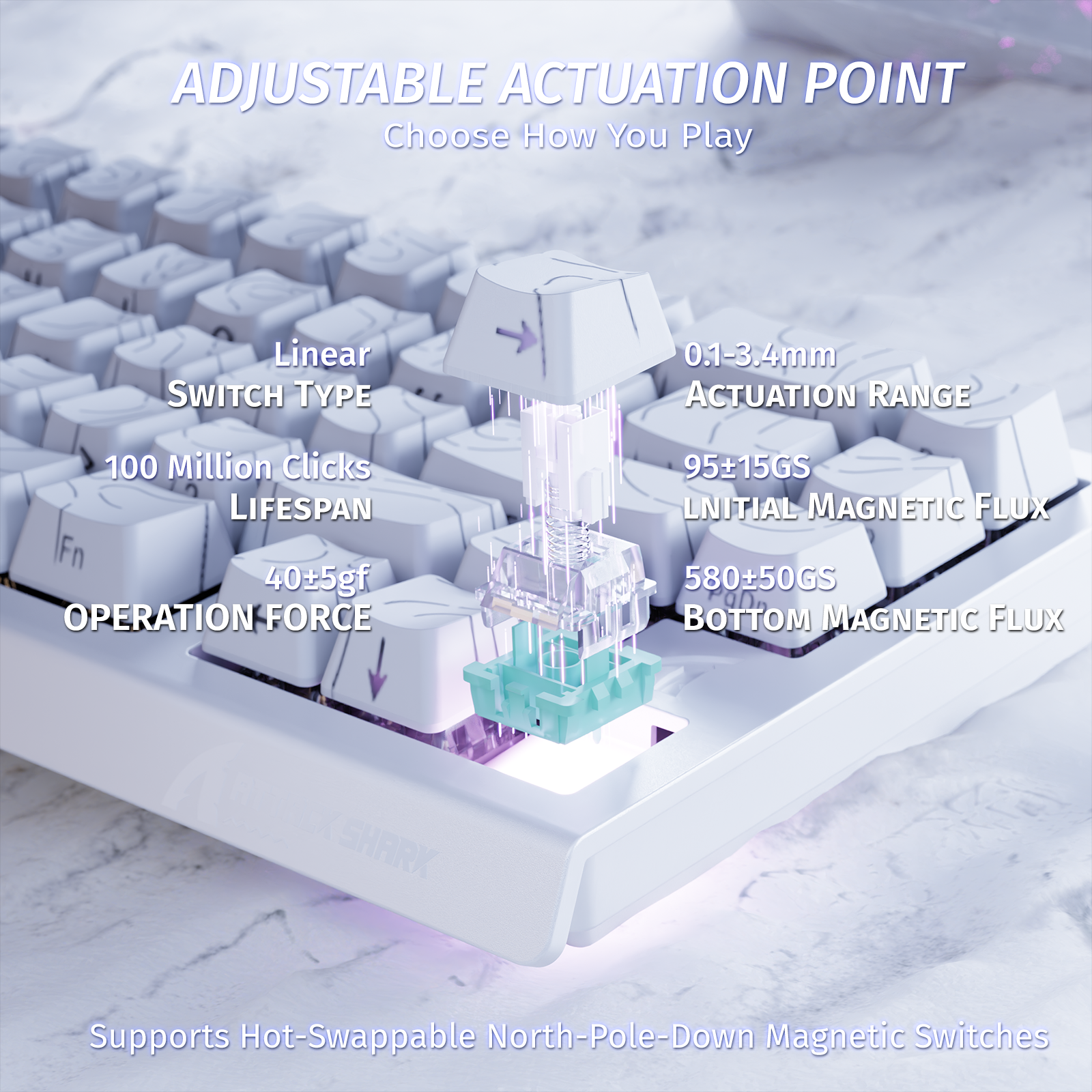
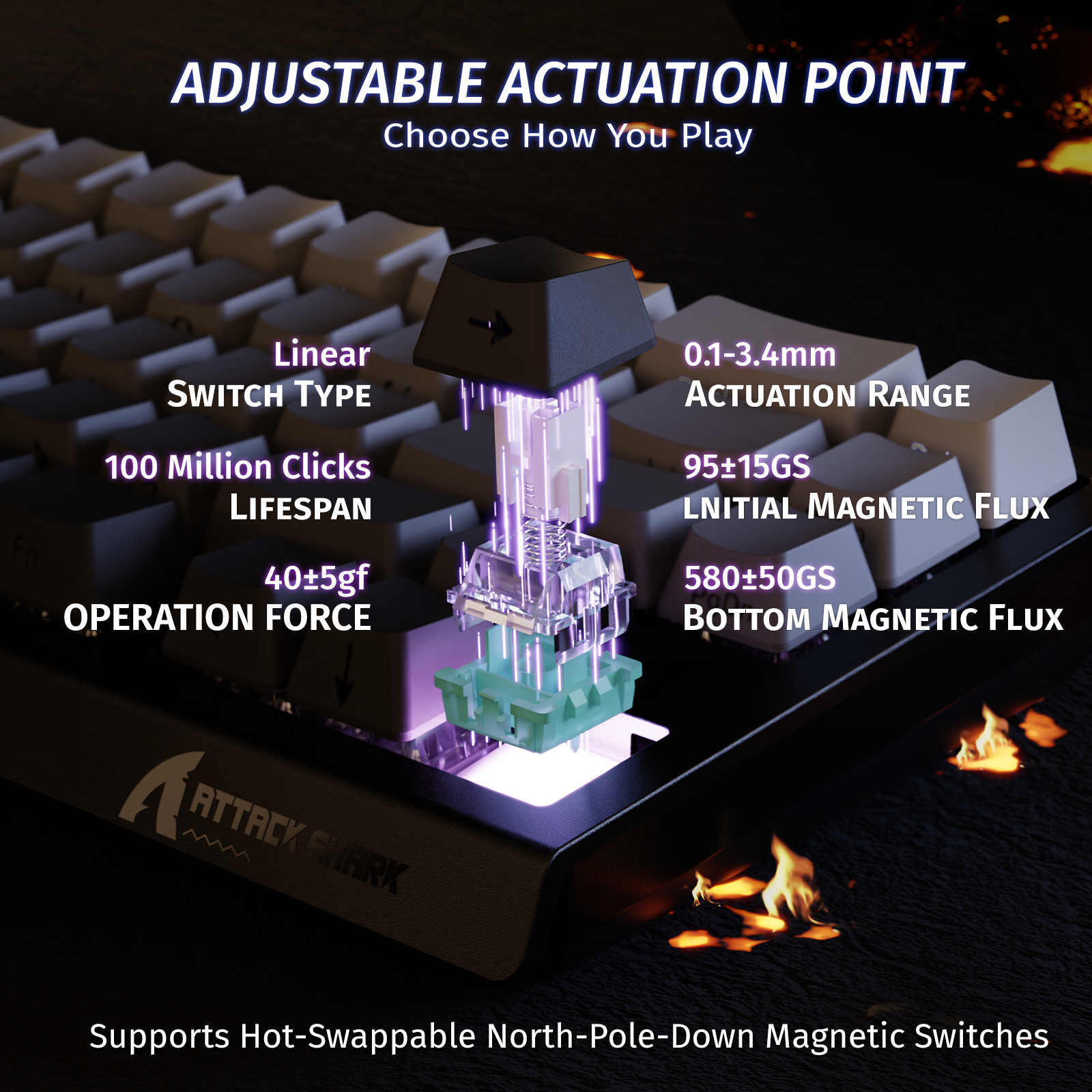
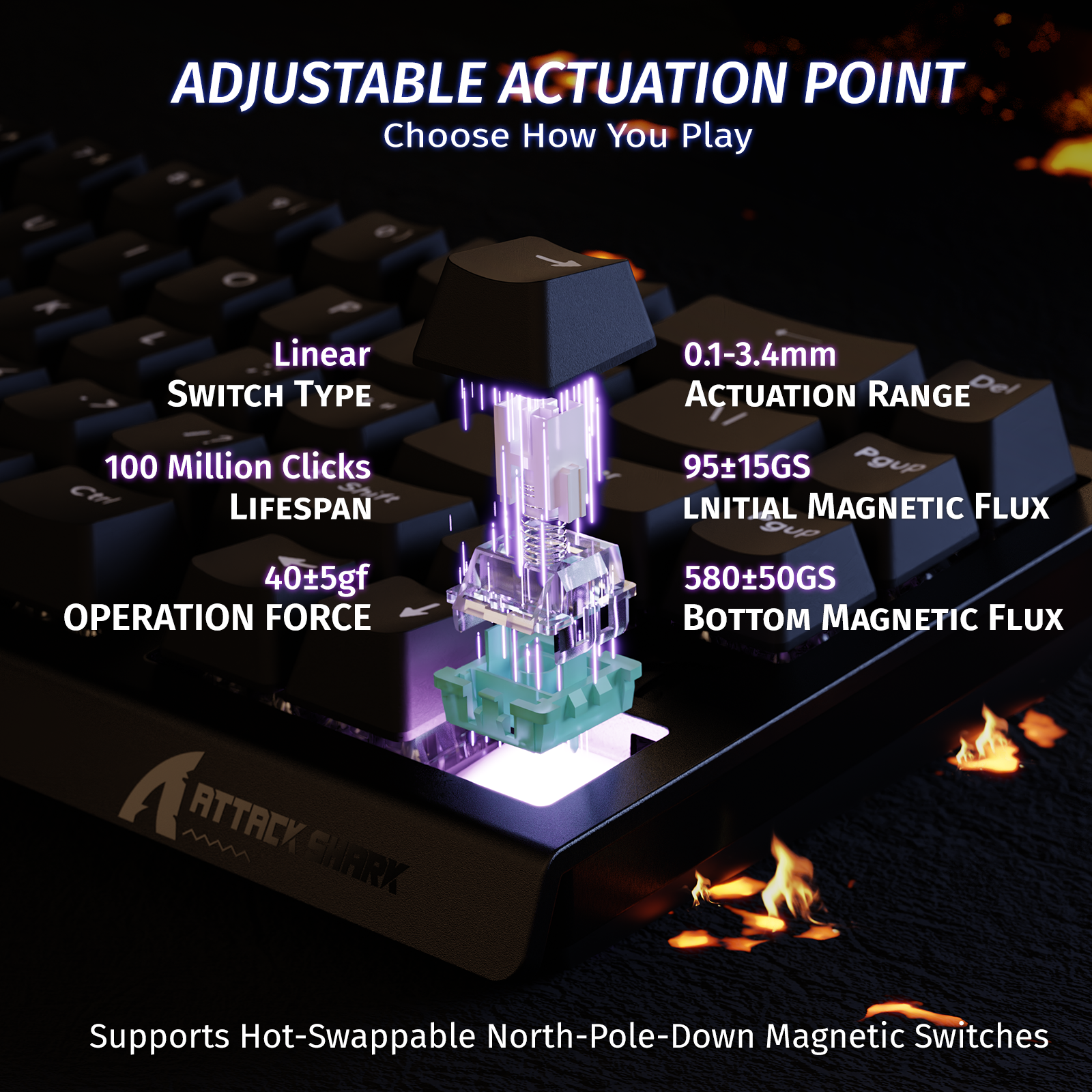
Powered by magnetic coupling and the Hall Effect, this high-sensitivity switch delivers fast, precise, and smooth key responses — ensuring exceptional accuracy and a seamless keystroke experience. The keyboard also supports hot-swapping with other magnetic switches, such as Magnetic Jade or Magnetic Jade Pro, as long as they are listed as compatible within the software interface.
Powered by magnetic coupling and the Hall Effect, this high-sensitivity switch delivers fast, precise, and smooth key responses — ensuring exceptional accuracy and a seamless keystroke experience. The keyboard also supports hot-swapping with other magnetic switches, such as Magnetic Jade or Magnetic Jade Pro, as long as they are listed as compatible within the software interface.
POM Material
Permanent
Magnet
PC Material
Custom Spring
PC Material
POM Material
Permanent
Magnet
PC Material
Custom Spring
PC Material
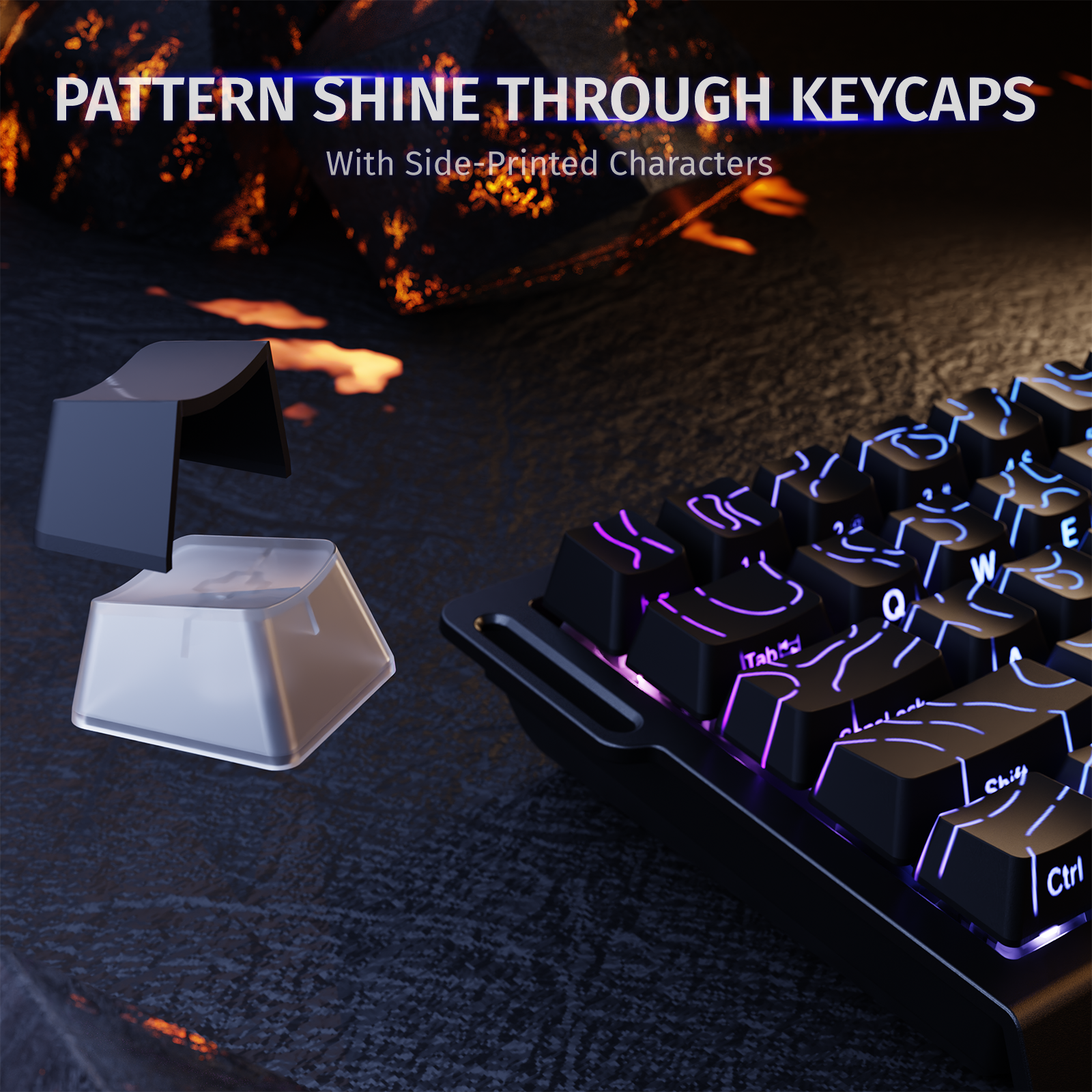
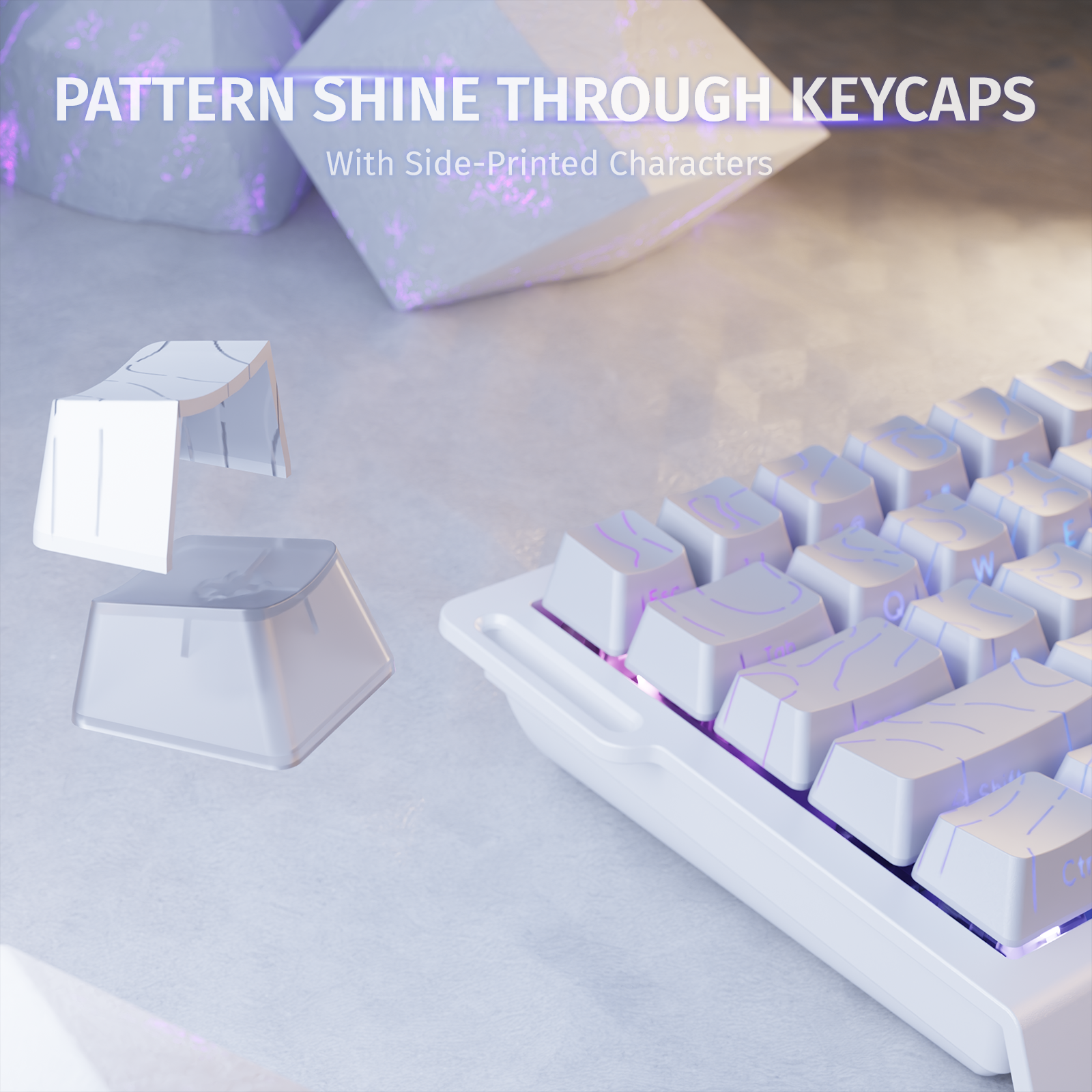
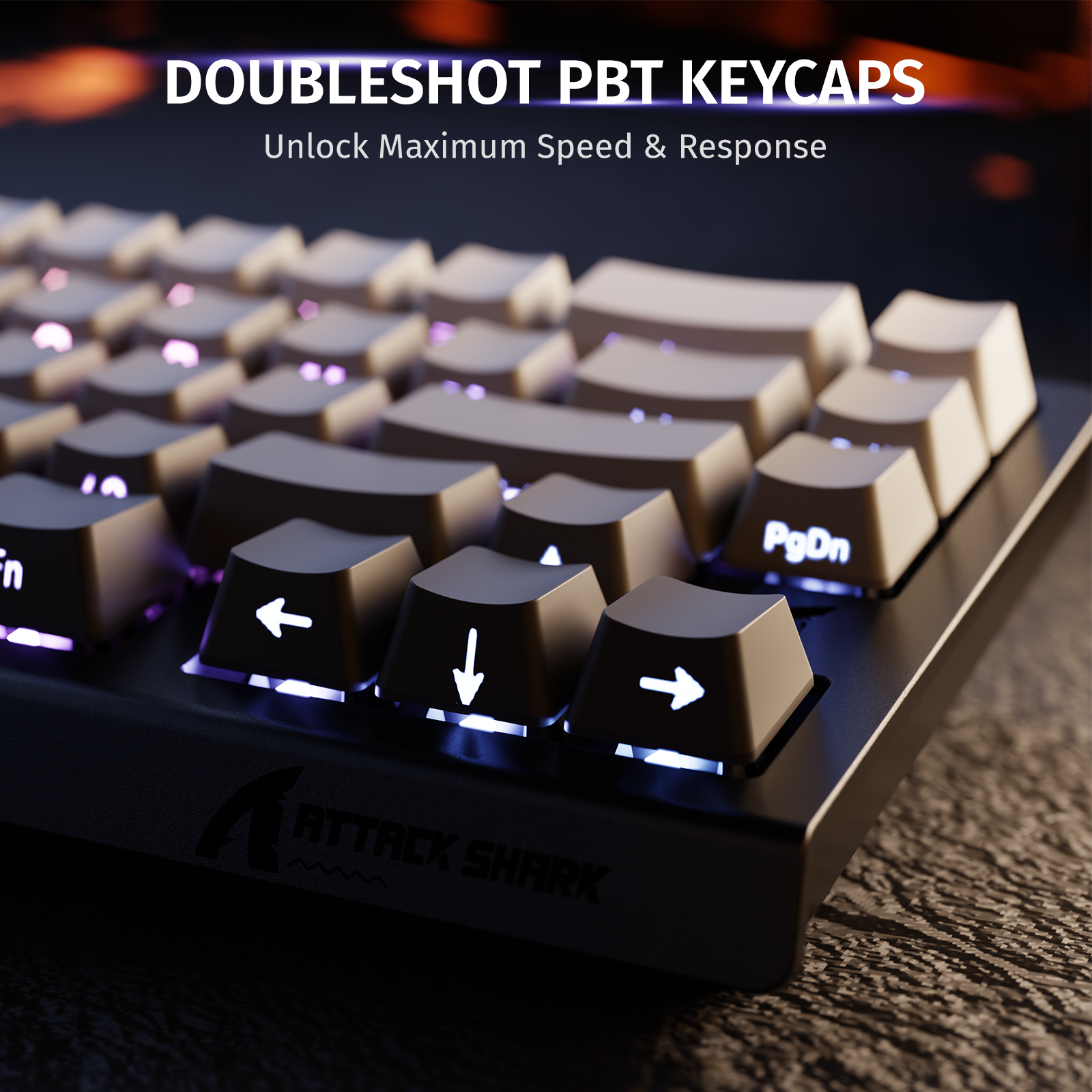
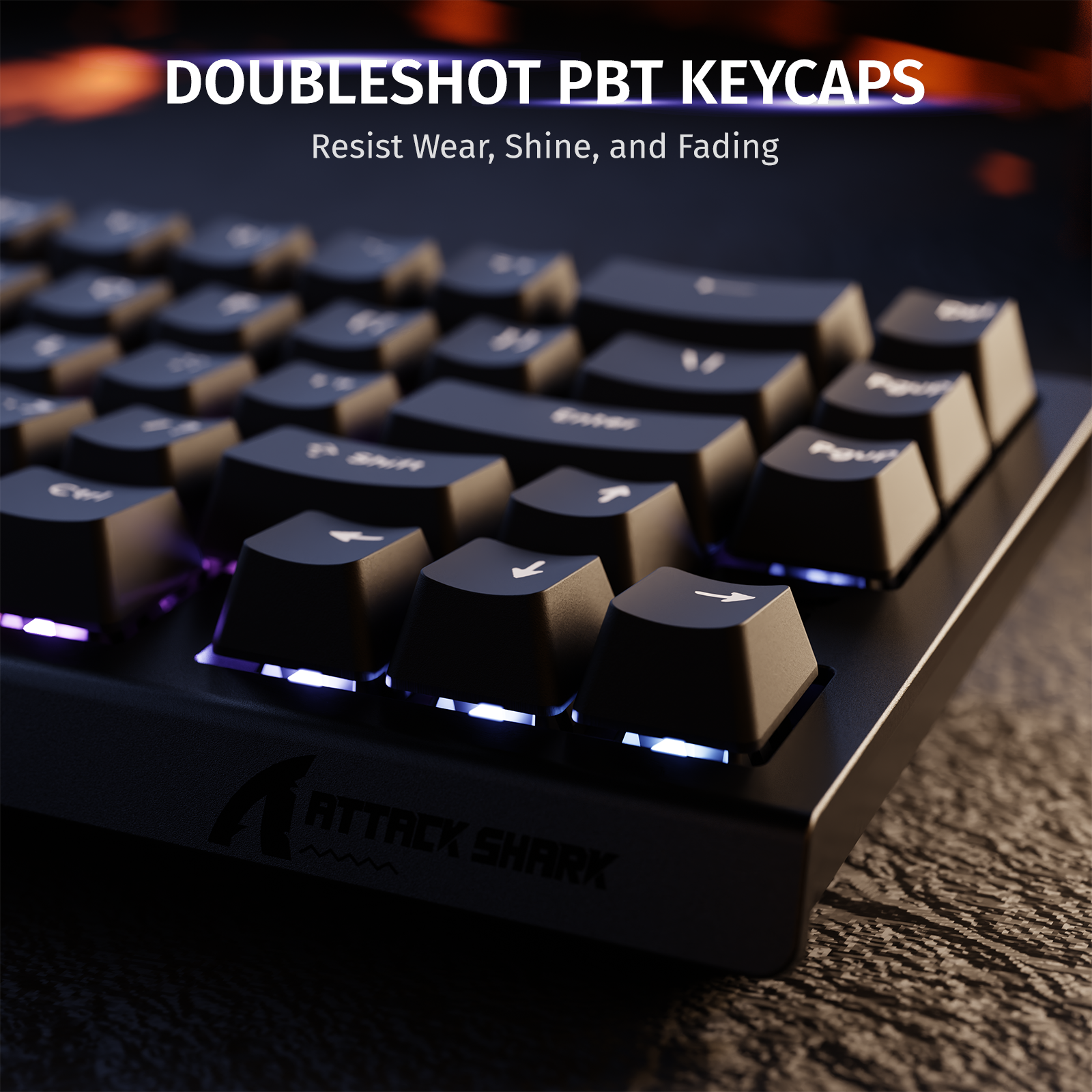
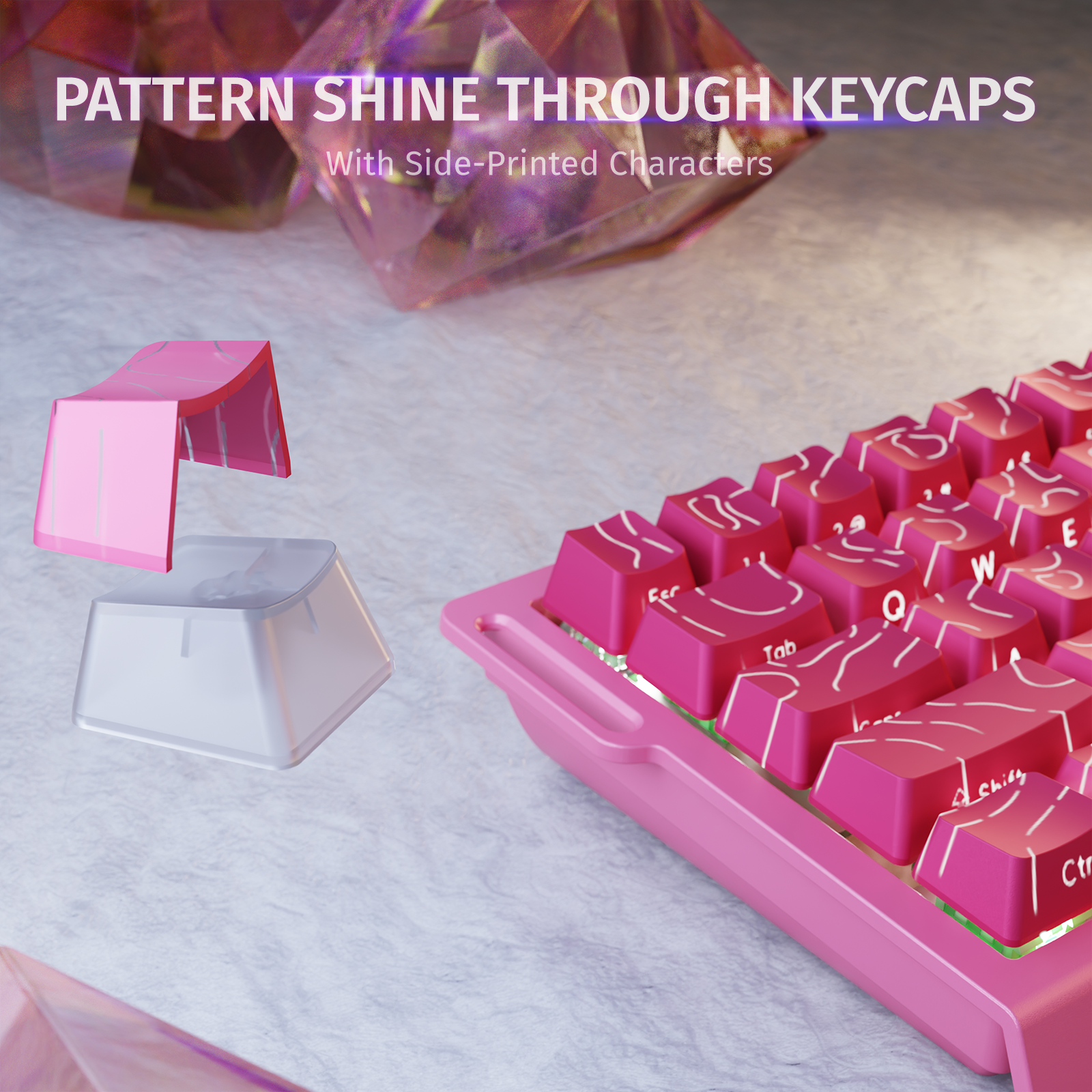
Double-shot PBT Keycaps
Double-shot PBT
Keycaps
Using advanced dual-shot injection molding, the custom PBT keycaps
deliver vibrant, durable legends that resist fading,
enhancing the keyboard’s sleek,
minimalist design and long-lasting quality.
Using advanced dual-shot injection molding, the custom PBT keycaps deliver vibrant,
durable legends that resist fading, enhancing the keyboard’s sleek, minimalist design and
long-lasting quality.


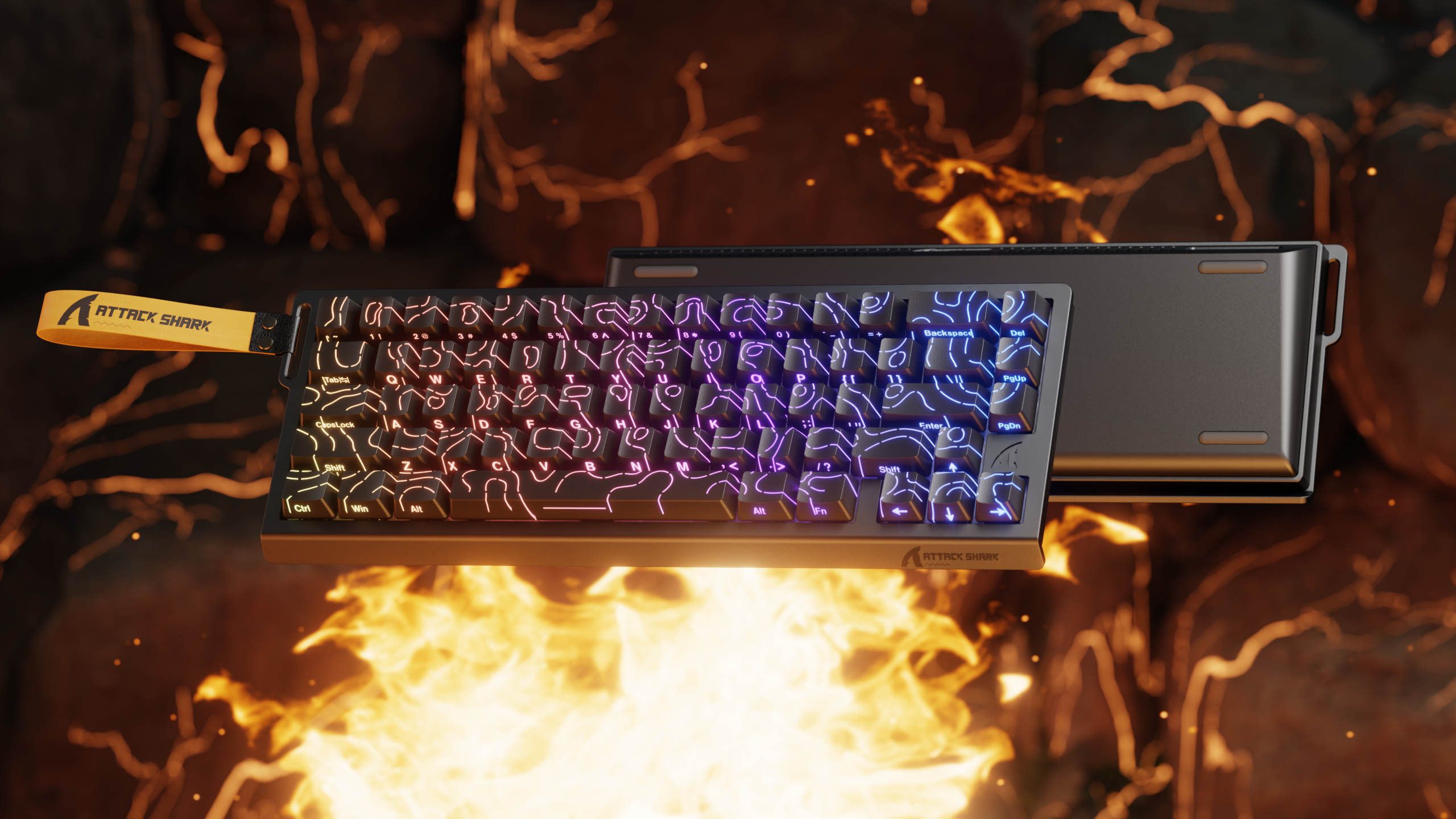

Technical Specifications
WEB DRIVER
PRODUCT COMPARISON
| Model | X68 HE | X68PRO HE Check It Out | X68MAX HE Check It Out |
|---|---|---|---|
| Connection Method | Wired | Bluetooth / 2.4GHz Wireless / Wired | Wired |
| Backlight | 16M South-Facing RGB | ||
| Positioning Plate | Aluminum Alloy | ||
| Sound Dampening | Aluminum Alloy Plate + PORON Foam + PORON Bottom Foam | Aluminum Alloy Plate + PORON Foam + Silicone Dampening Pad | PORON Foam + Fiber Switch Pad + PORON Bottom Foam + Silicone Dampening Pad |
| Structure | TOP | CNC Case | |
| Scan Rate | 128K | 256K | |
| Latency | 0.125 ms | 0.08 ms | |
| Polling Rate | 8000 Hz | Wired 8000 Hz, Wireless 1000 Hz | 8000 Hz |
| Sensor | High-precision Hall Effect Sensor | ||
| Rapid Trigger Adjustment Range | 0.01-3.4 mm | 0.005-3.4 mm | |
| Adjustable Accuracy | 0.01 mm | 0.005 mm | |
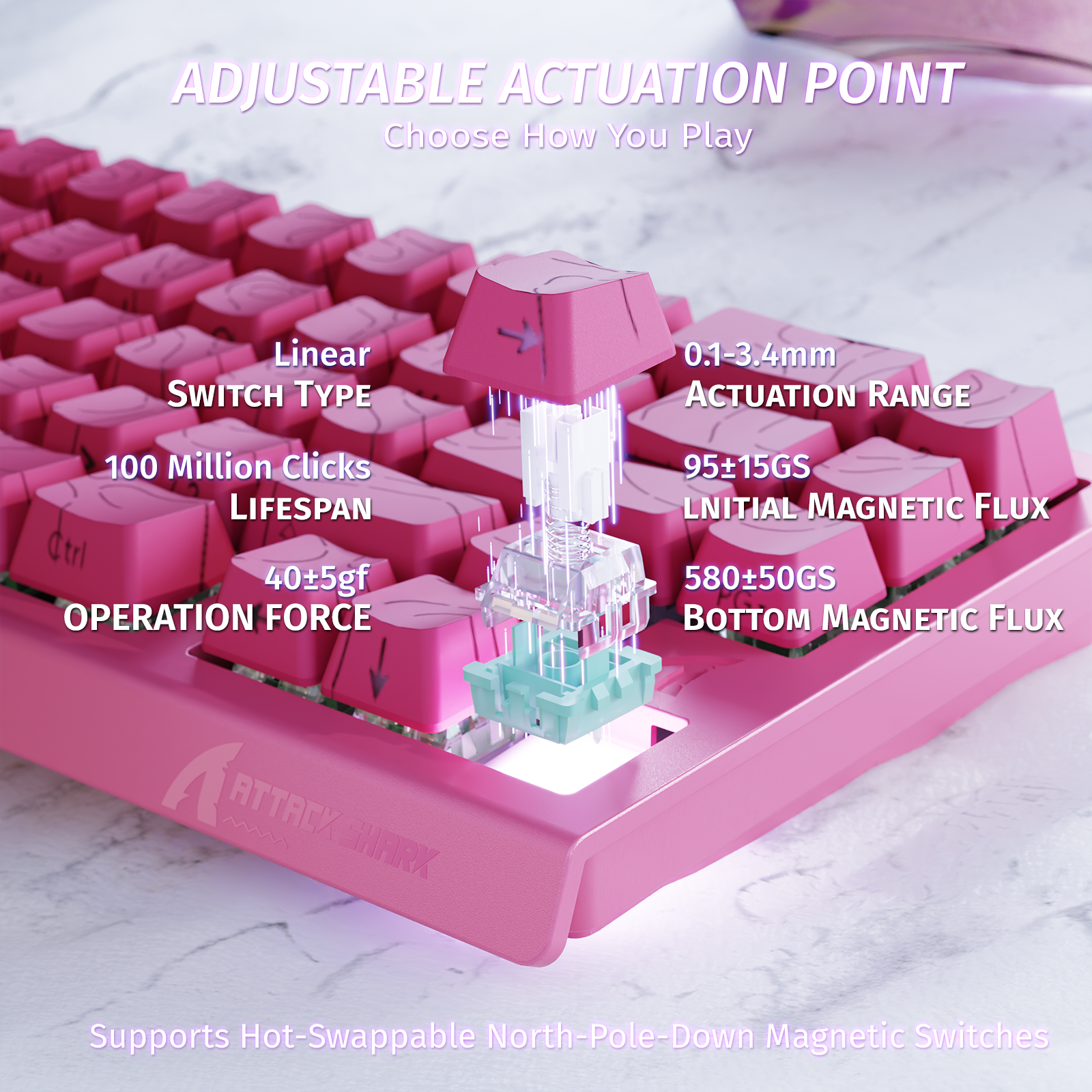
| Global Actuation Distance | 0.1-3.4 mm | ||
| Keycap Material | PBT | ||
| Keycap Profile | OEM/Original | ||
| Switch | High-precision Magnetic Switches | ||
| Key Lifespan | 100 Million Clicks | ||
| Stabilizers | Demagnetized Steel Wire Fine-tuning Satellite Switches | ||
| Screen | No | ||
| Multimedia Knob | No | ||
| Hot-swappable | Yes | ||
| Layout | 66 Keys | 68 Keys | |
| Software | Web-based Configurator & PC Software | ||
| Material | ABS | CNC Aluminum Alloy | |
| Battery | No | 5000 mAh | No |
| Dimensions | 32.5 x 11.8 x 4 cm | 32.5 x 11 x 4 cm | |
| Weight | 855 g | 780 g | 1210 g |
FAQ
Q: The function of the top-row number keys has changed. How do I restore them?
A: Please try pressing the shortcut FN + Right Shift to toggle the encoding mode of the number keys back to default.
Q: Can I adjust the polling rate of the keyboard? How?
A: Yes, you can easily adjust the keyboard's polling rate within the official driver software.
Q: Is this keyboard hot-swappable?
A: Yes, it is fully hot-swappable.
Where do I get the X68 HE software?
Download the ATTACKSHARK X68HE Software from the Downloads section, or open the Web Driver at qmk.top in your browser. Both let you set per-key rapid trigger and sensitivity, with a live keyboard preview. The X68 HE stores every setting on the keyboard, so neither the web page nor the software has to stay open while you play.
Is the X68 HE wireless?
The X68 HE is a wired keyboard that connects over USB-C. Choose the X68 PRO HE if you want Bluetooth and 2.4GHz wireless as well. It adds a 5000 mAh battery. The X68 PRO HE polls at 8000Hz wired and 1000Hz wireless. The X68 HE stays at 8000Hz over its cable. It has no battery to charge.
What switches does the X68 HE use?
The X68 HE uses ATTACK SHARK magnetic switches with a linear feel, read by a high-precision Hall Effect sensor. Each switch needs 40±5gf of force to press. The switches are rated for 100 million clicks. You set where each key actuates in the software, so light and deep presses can sit on different keys.
How does rapid trigger work on the X68 HE?
The X68 HE activates and resets each key mid-press with rapid trigger, reading movement down to 0.01mm. A key fires again as soon as it starts moving back down, with no fixed point to reach first. Turn it on per key in the Web Driver or software, where the keyboard preview shows the sensitivity live.
How do I change the lighting on the X68 HE?
Change the lighting of the X68 HE in the Web Driver or the downloadable software. The keyboard offers 20+ lighting modes and 9 colors through south-facing 16M RGB backlighting. The X68 HE stores your lighting on the keyboard with the rest of your settings, so it carries over to any computer you plug into.
It’s so good adjustable actuation just a heads up when u download the software it defaults to Chinese (or it did for me) it’s easy to use and the Sound is sooooo smooth and creamy and for how much it is it’s like the Wooting 60HE just cheaper only bad thing is the software is not the greatest.

Not sure if it was on my end but keyboard came with a lot of function key combos unbinded which I had to bind in the software after, got this for my first pc so setting up bios with no function keys got a bit tricky but other than that the keyboard works great, did have it turn off at one point with no lights on but a factory reset fixed it, it doesn’t feel cheap and is quite premium.

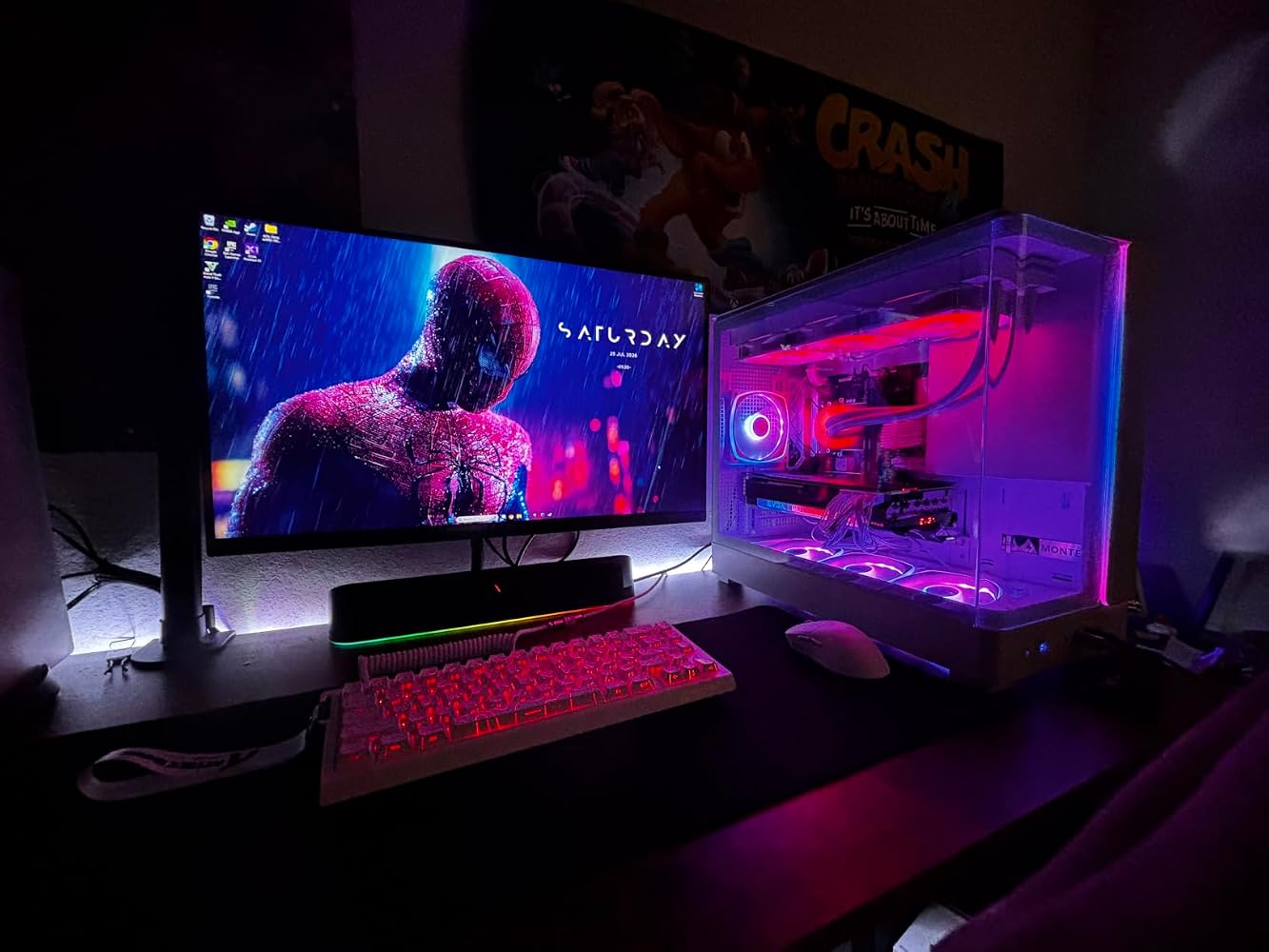
I wanted to get a Hallow effect keyboard for awhile and the price to performance on this one is amazing. The quality of this keyboard is amazing and I wouldn’t even tell it’s below $100. Very creamy do to the linear switches. The software is very easy to navigate as well. I would recommend buying the version without the coil cable because it’s mainly for aesthetics but overall very nice keyboard love everything about it!


EXCELENTE TECLADO ✅

Bueno, puntos a resaltar.Primero que nada es un producto (Usado - como nuevo) vendedor externo.Me llegó tal cual el producto que pedí.Lo malo y que no me gustó del vendedor externo y por eso le di (4 estrellas)Que me haya llegado en una simple bolsa sin nada de protección y con el cable puesto al teclado. De milagro no me llegó dañado durante el transporte, Ya que por lo regular los transportistas suelen tratar los paquetes delicados como si fueran indestructibles.De resto la verdad me gustó el teclado, se siente de calidad y siempre es pesadito. Muy feliz con la compra


I wanted to get a Hallow effect keyboard for awhile and the price to performance on this one is amazing. The quality of this keyboard is amazing and I wouldn’t even tell it’s below $100. Very creamy do to the linear switches. The software is very easy to navigate as well. I would recommend buying the version without the coil cable because it’s mainly for aesthetics but overall very nice keyboard love everything about it!
Lo compré para mi uso personal y el rendimiento es brutal. Al tener tecnología de switches magnéticos con Rapid Trigger, la velocidad de respuesta en juegos competitivos como Valorant, Apex o Counter-Strike es instantánea, reduciendo el input lag al mínimo. El formato 60% es comodísimo porque deja espacio de sobra en el escritorio para mover el mouse con total libertad. Una calidad tremenda, totalmente recomendado si buscas mejorar el desempeño en juego.

One of the best keyboards I've ever had; the sound is very clean and the software is also very good. The package arrived very quickly in just 2 days.
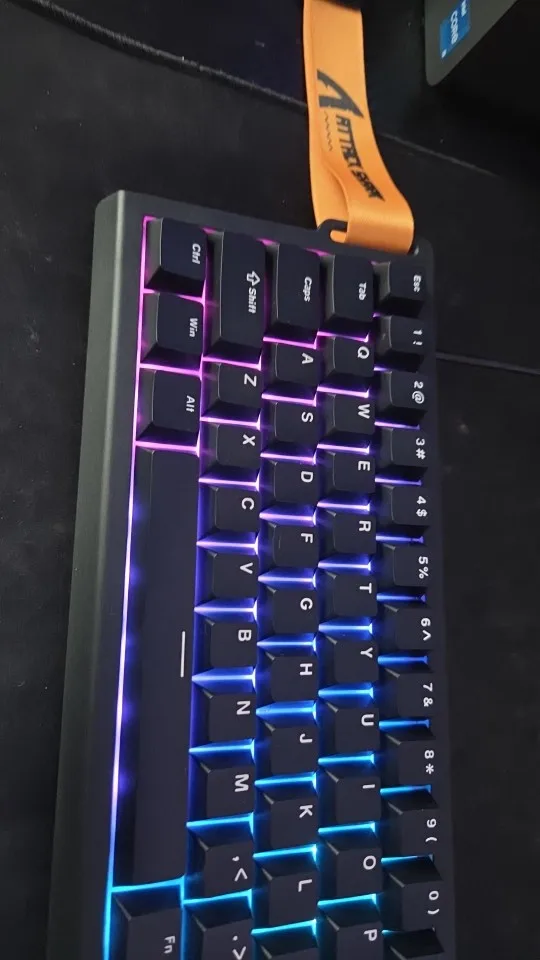
Very cheap, the delivery was a few days late but it was worth the wait. The item is exactly as it should be with all the features, and I highly recommend buying it.
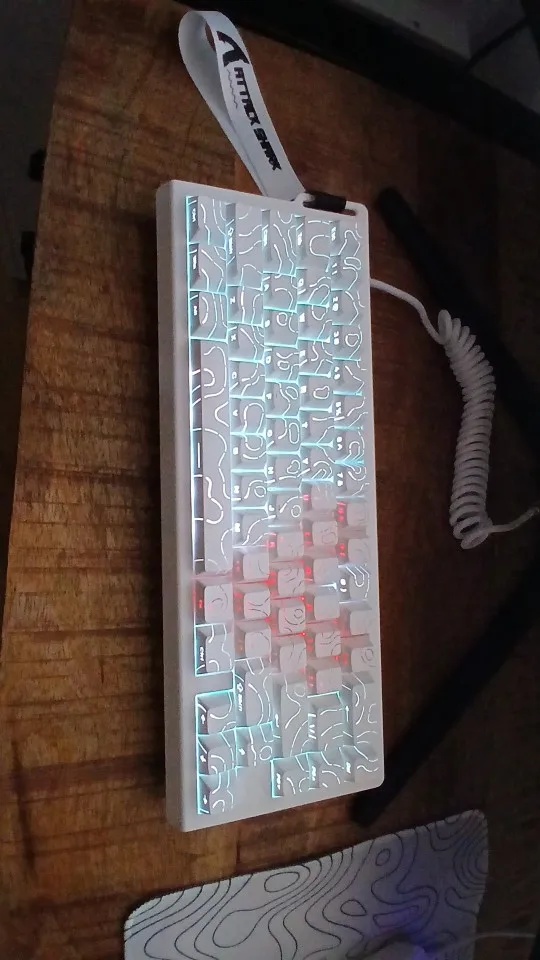
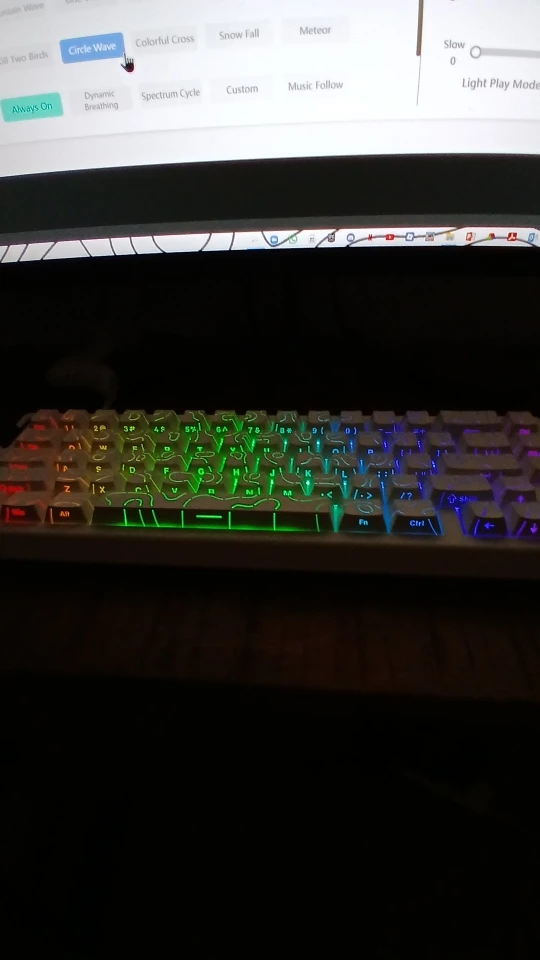
It has arrived in good condition.
The keyboard is really good and has the same specifications as intended.
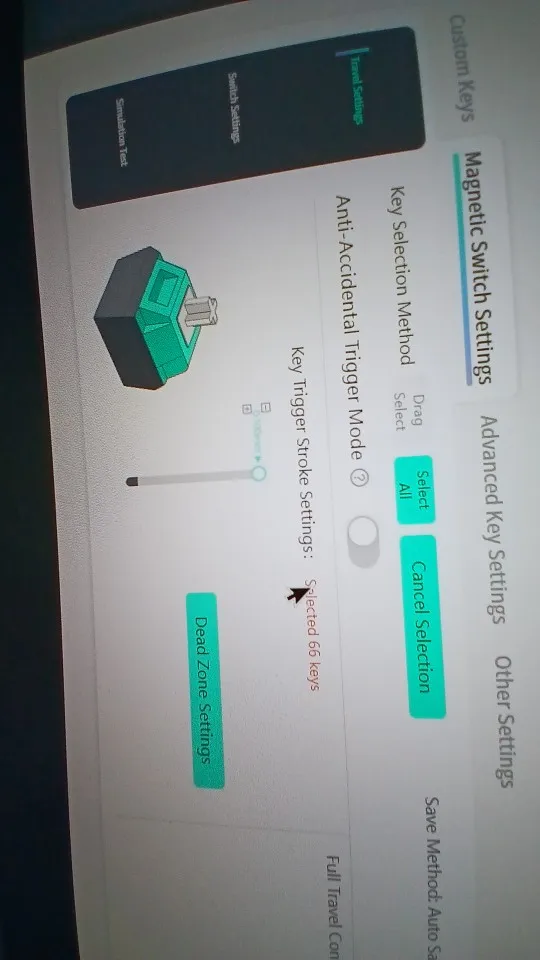
It also has a program to customize each button individually to activate 8000Hz.
The seller was responsive to my questions.
Unfortunately, there is no Arabic language option on the product, but this is not a mistake; it's simply because the company does not offer that option.
Really great material
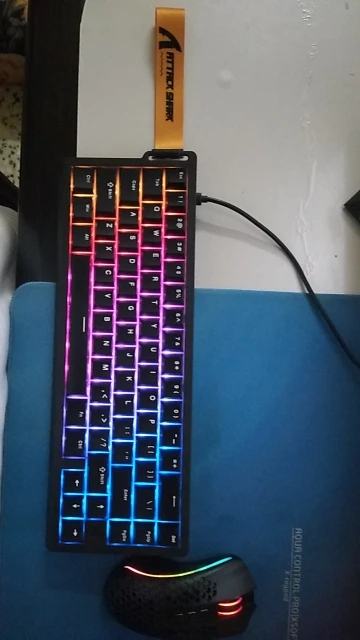
A purchase I made without any regrets, a very good keyboard, I loved it, loved its functions as well, really liked the customization of the LEDs and also its ability to change the sensitivity of the keys, it was a perfect acquisition.
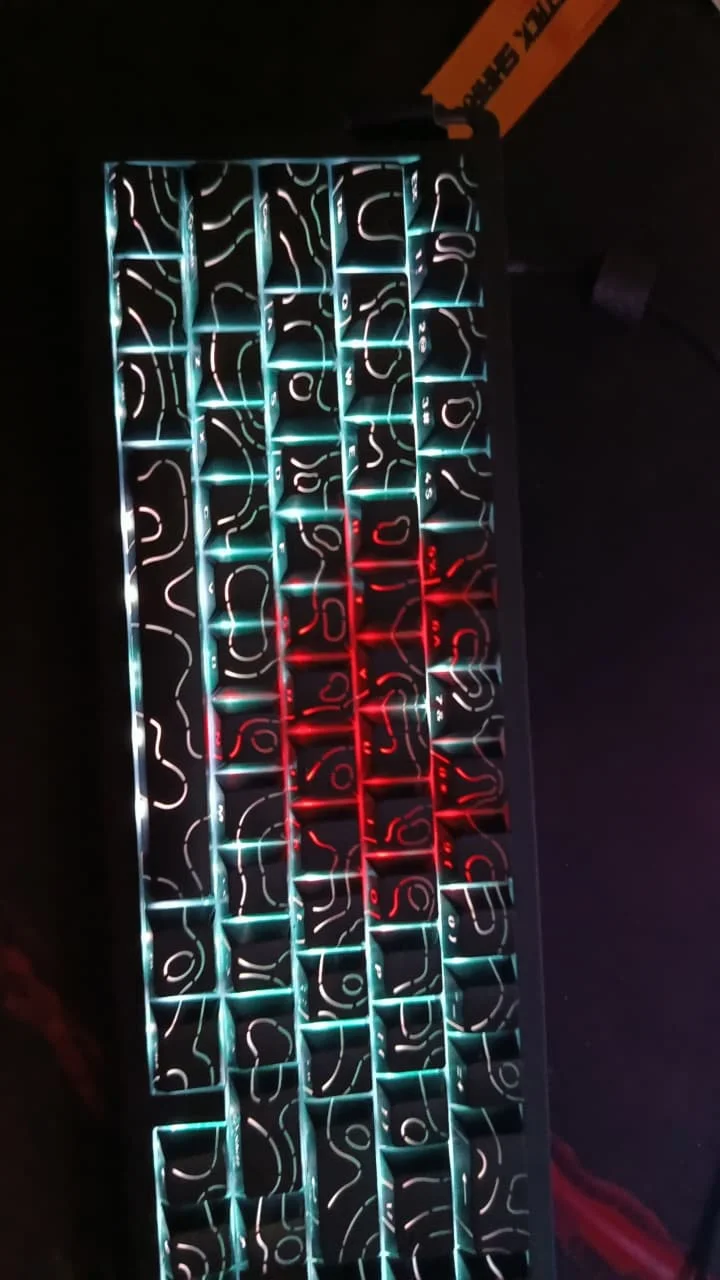
Fast delivery, neatly packaged. The quality of the keyboard is excellent, easy to set up. I recommend it.
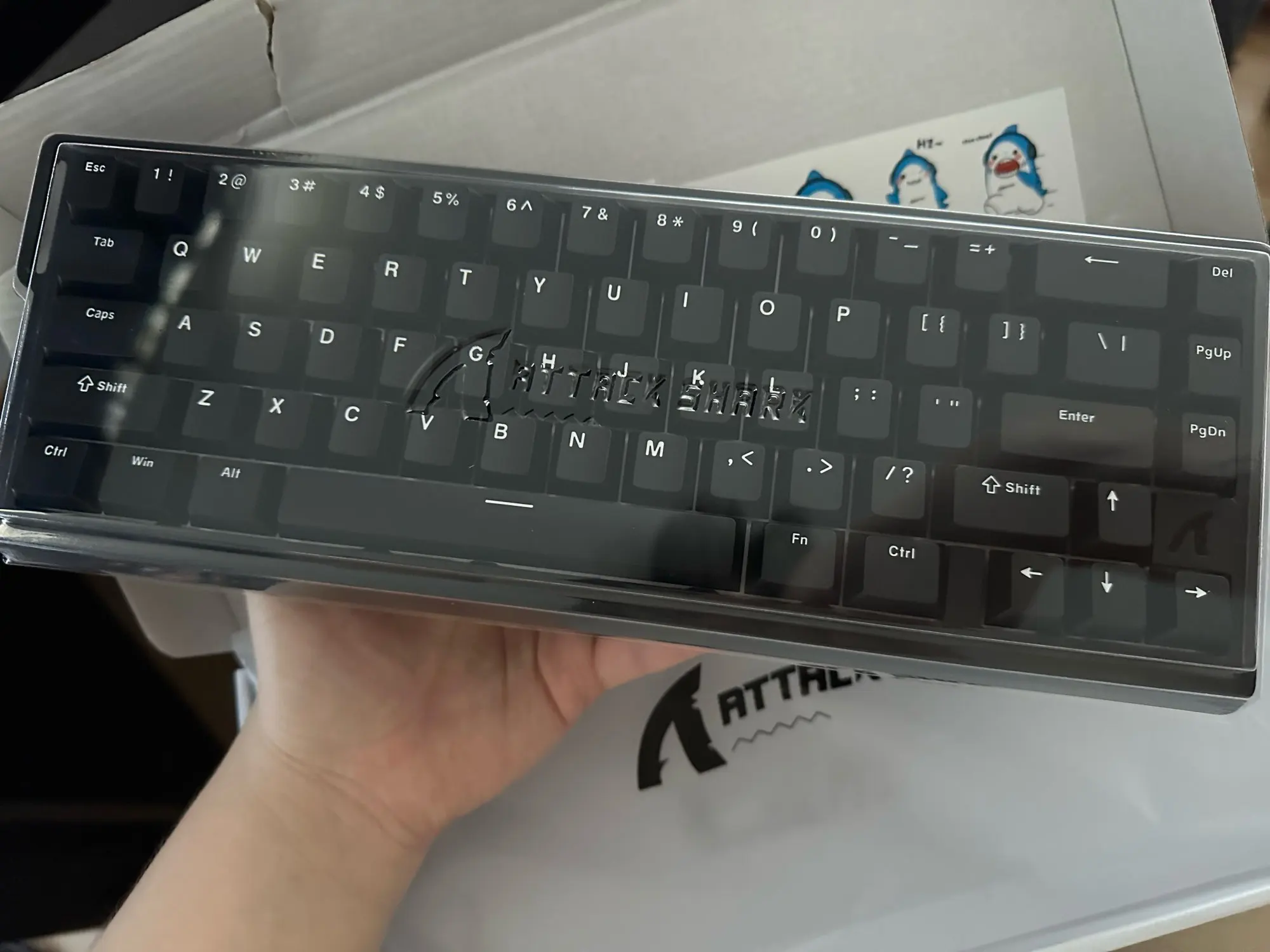
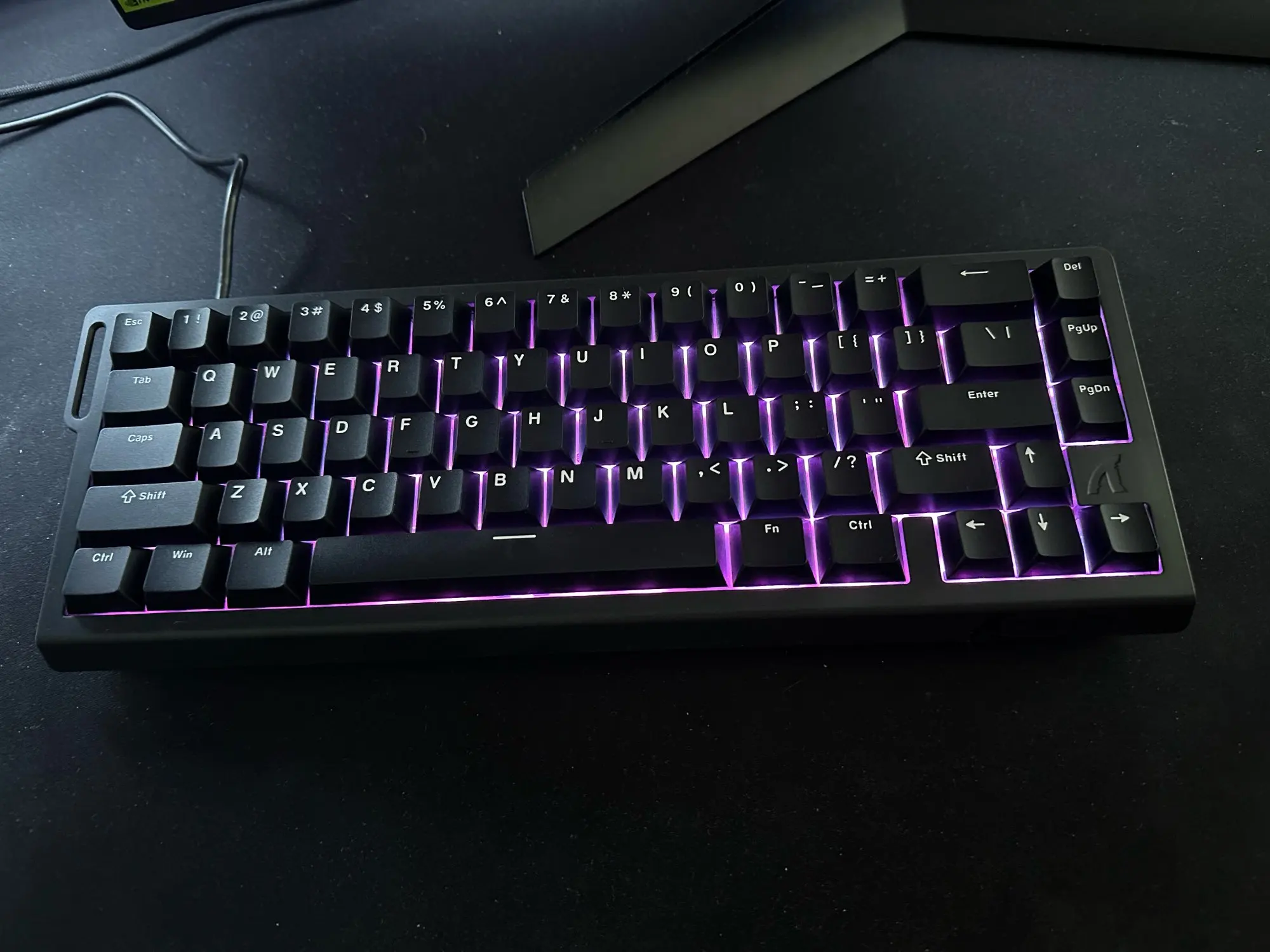
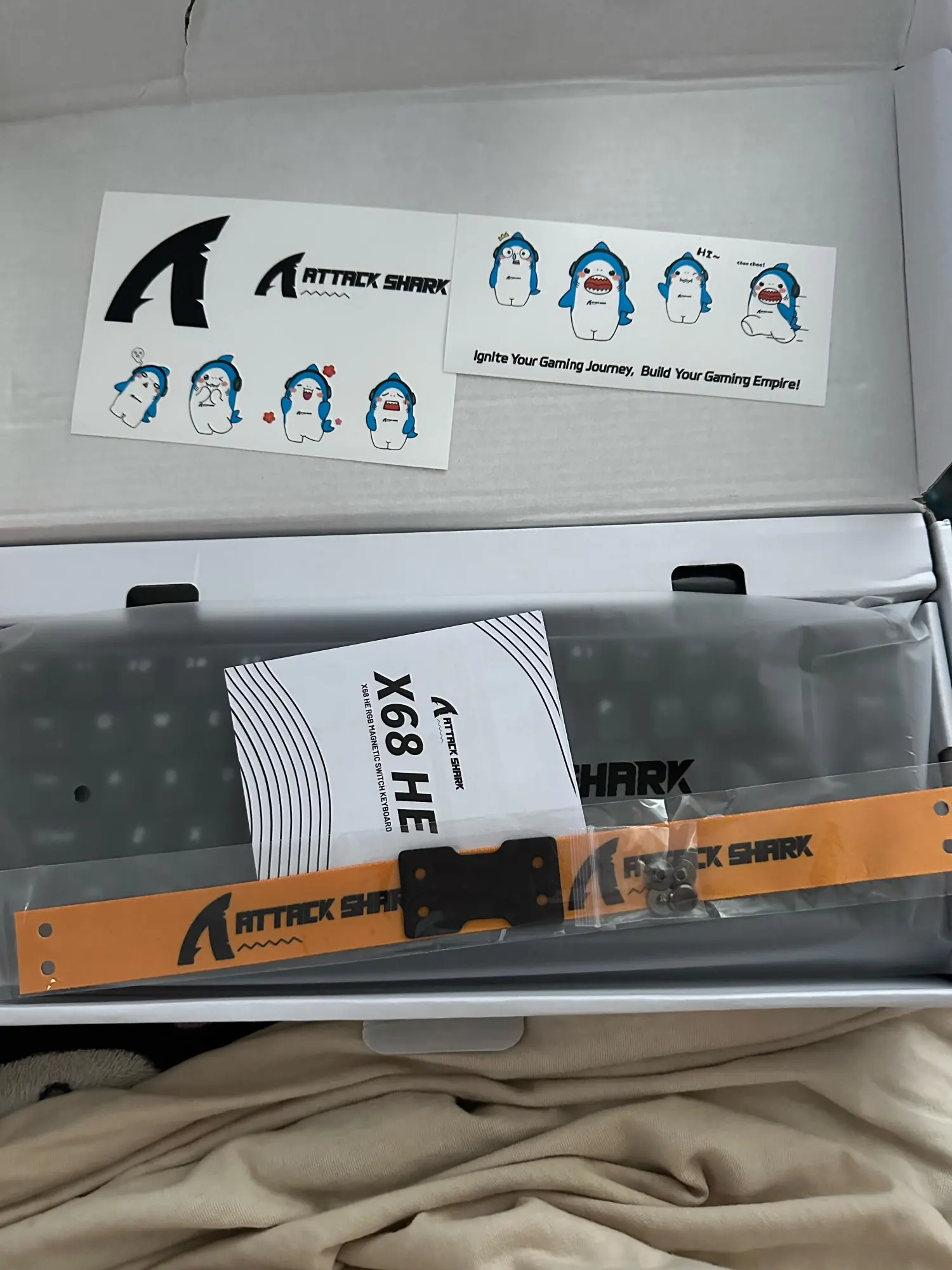
Very nice little keyboard. much smaller than my corsair strafe rgb. i thought it was wireless, but that's my own fault for not reading properly and i don't mind it much, actually. it comes with a usb-c cable. this will be my keyboard at lan parties.
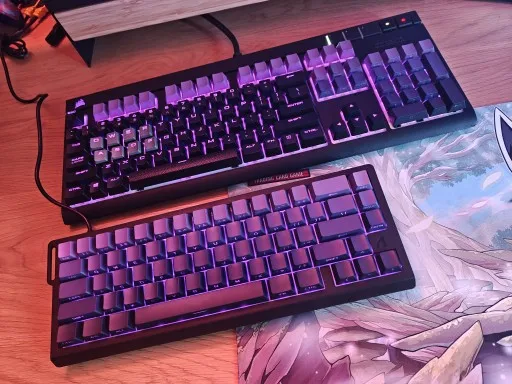
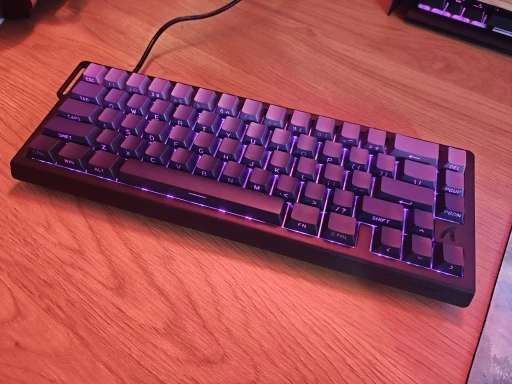
Wow, what an amazing keyboard! The magnetic keys are a completely new experience, super responsive and with a satisfying click. I'm loving the feeling of typing on it; it seems like every command is executed instantly. The lighting also adds a super modern touch to the setup, making everything more stylish. Highly recommend it to anyone looking for performance and a cool look!
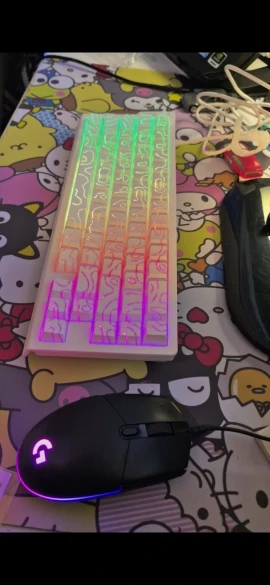
More than expected, the switches are way more smoother than the previous one which is a madlion , outperformed the madlion except the light, its a bit weak but thats fine for me, price is alr , recommend buying this you wknt regret im fr
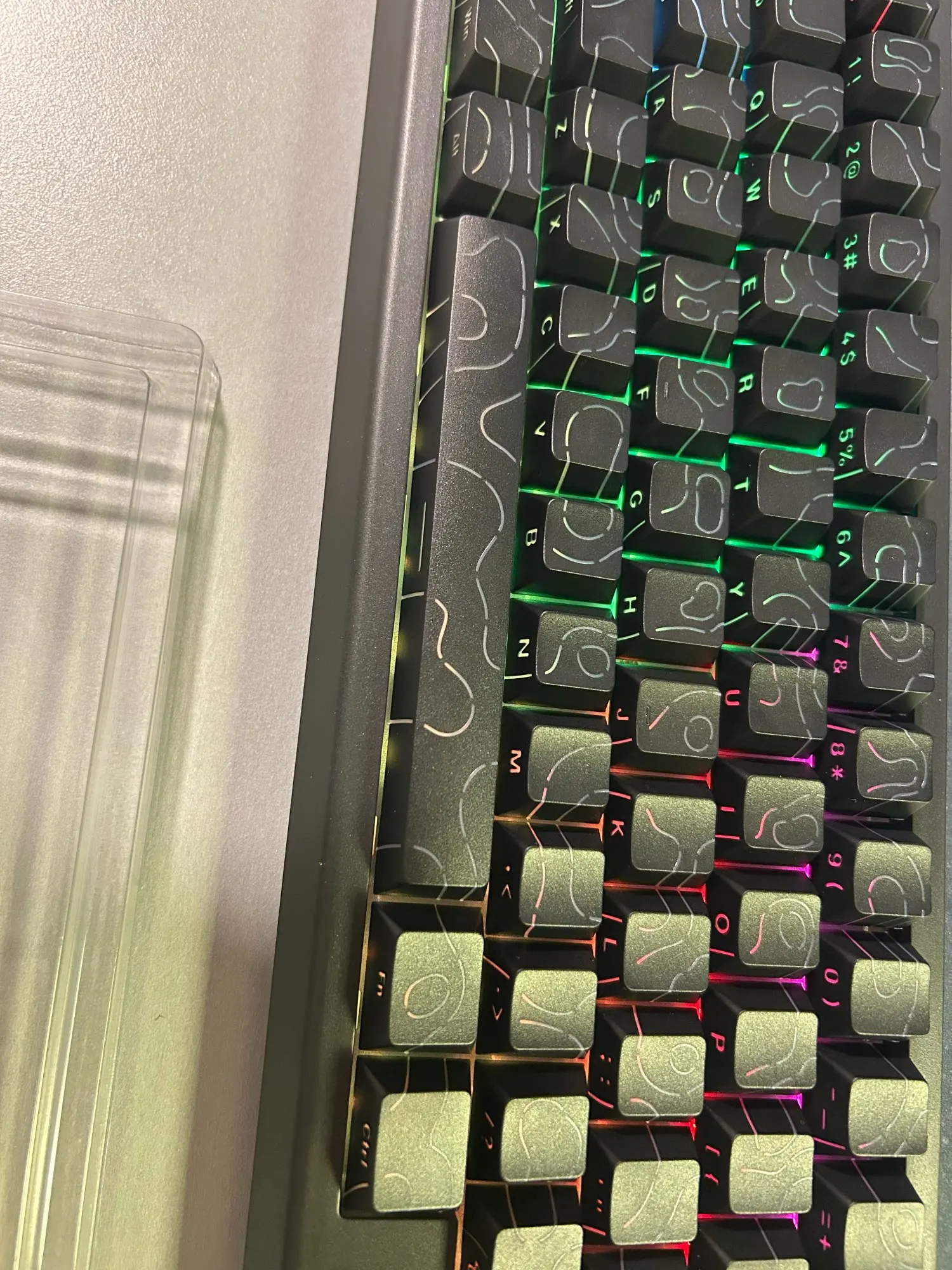
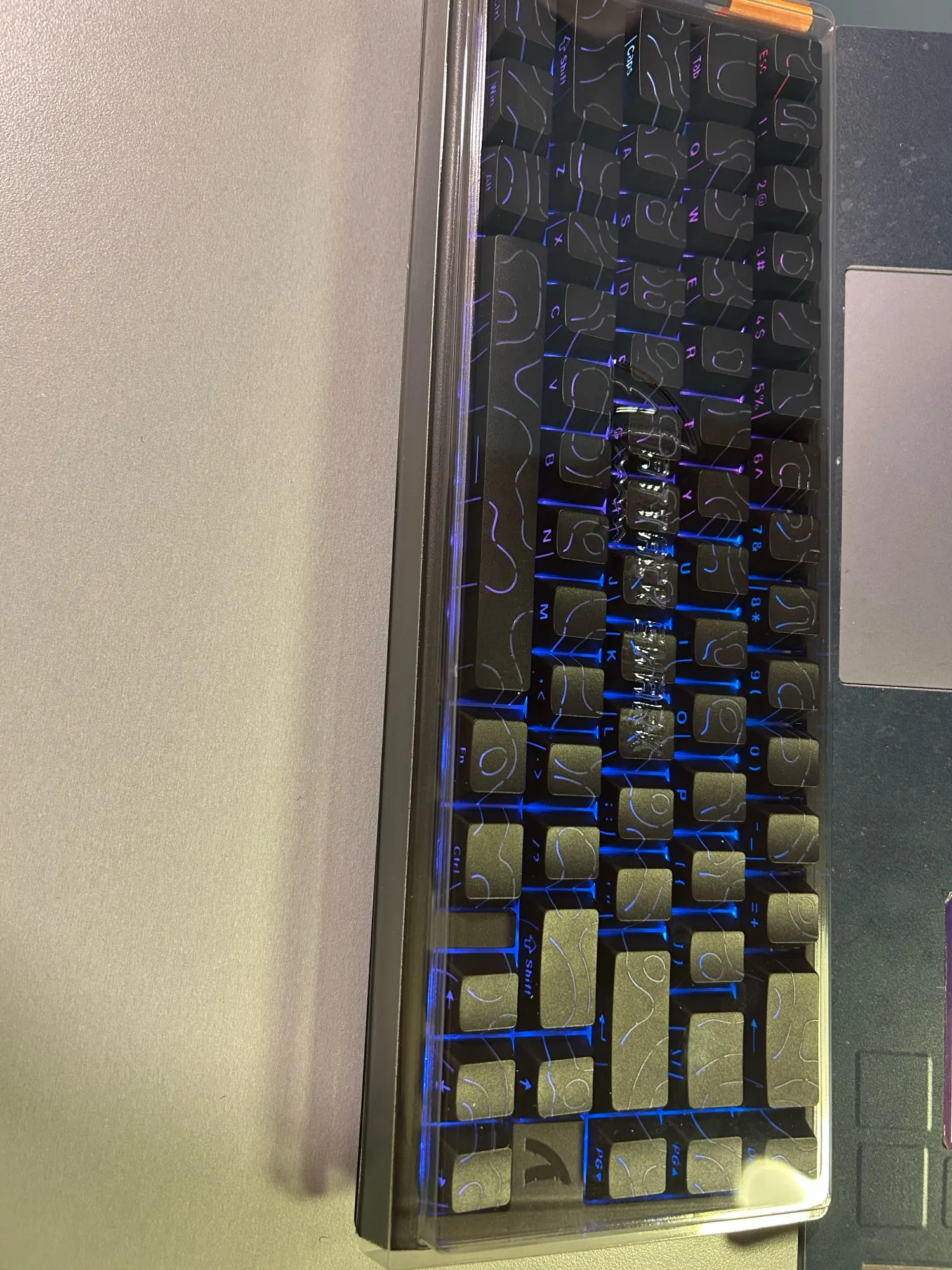
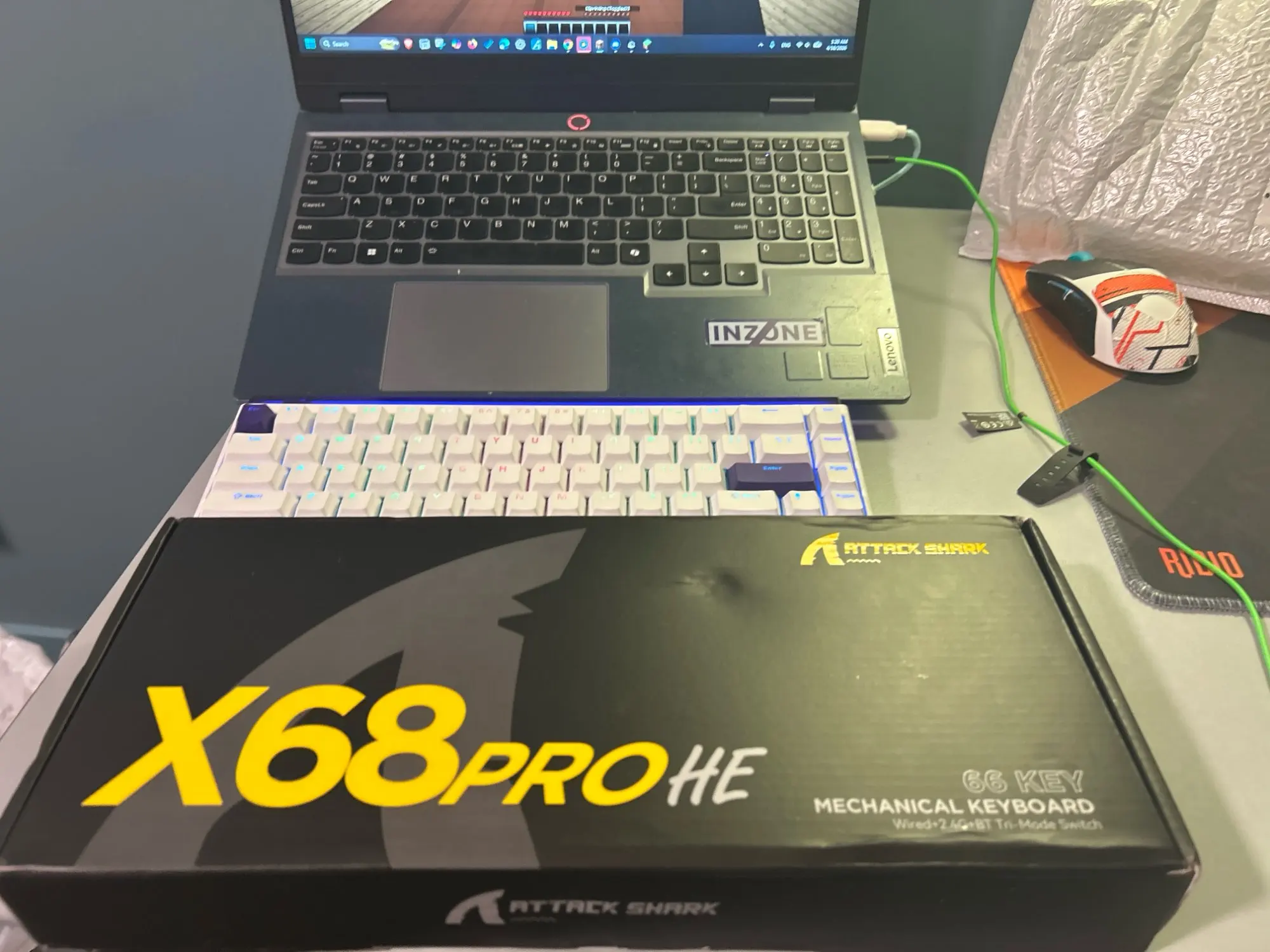
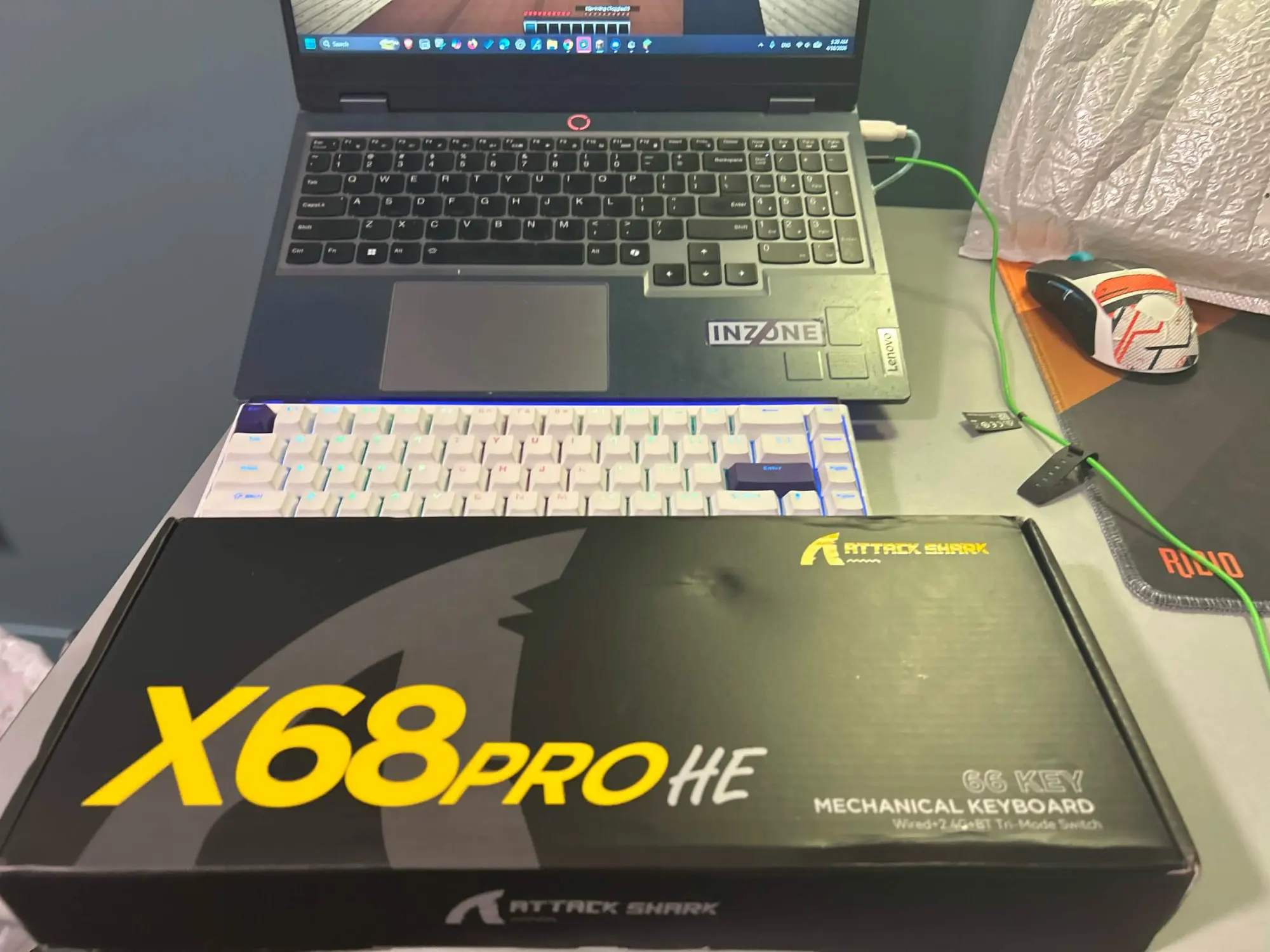
Very good, just as described.
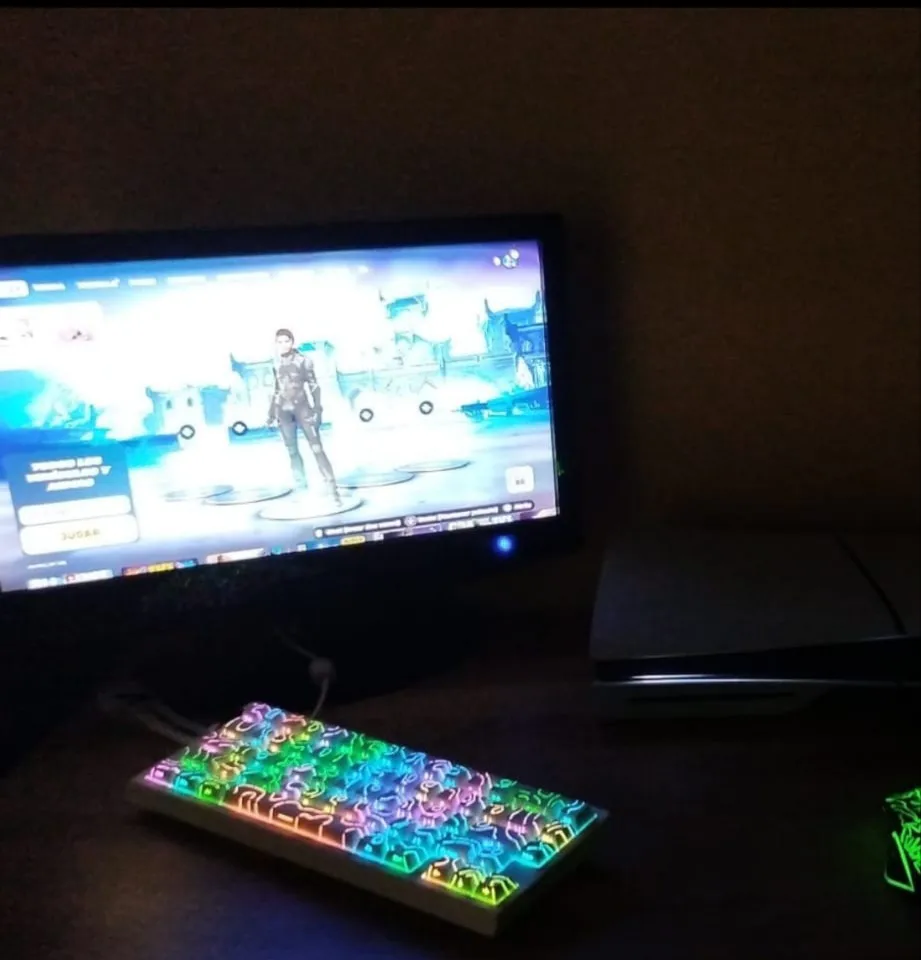
One of the better he keyboards ngl i bought 2 aula and they both broke to fast this one sounds way better and just overall better looks bigger in person compared to image if your looking for a small keyboard

Love this keyboard
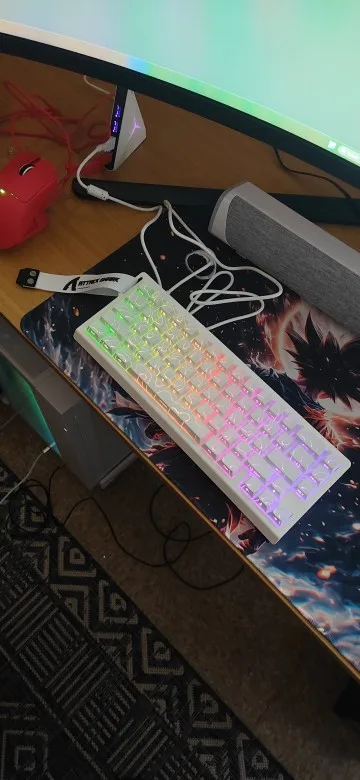
The media could not be loaded.
this thing looks and sounds amazing, the software was a little confusing to use but thats alright with me
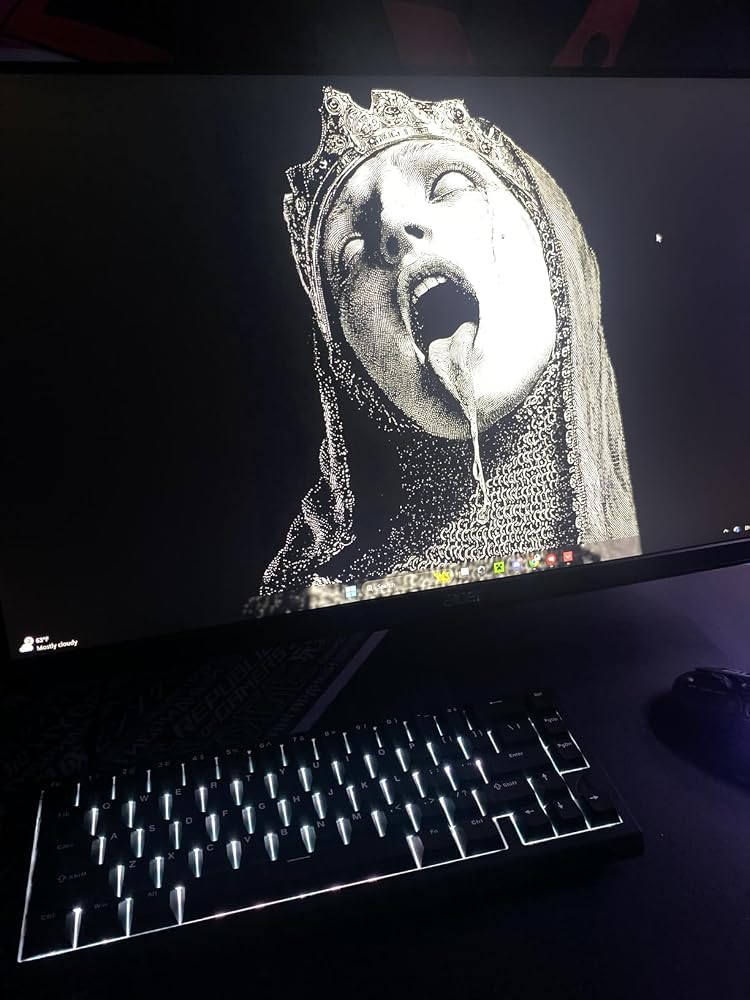

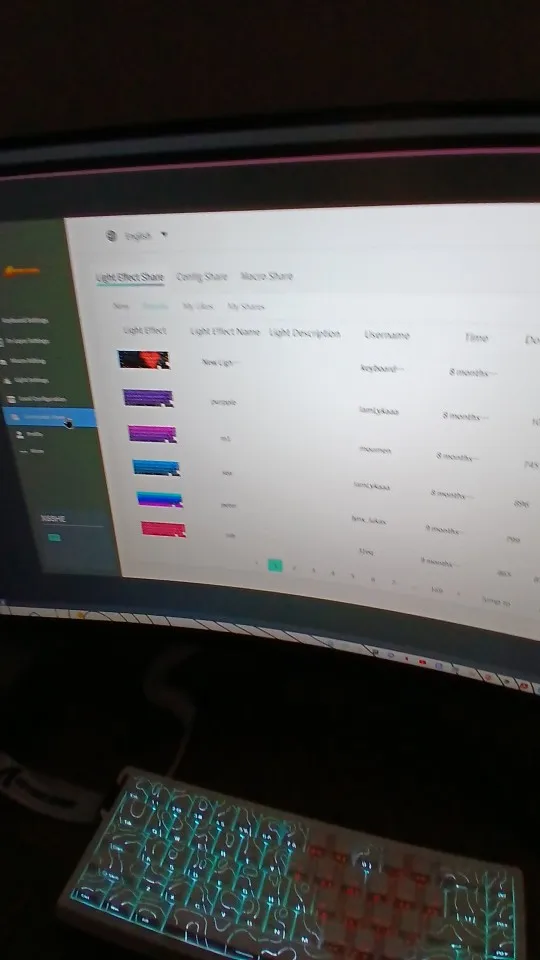
I tell you that this is the first keyboard I have bought and without a doubt I had an excellent experience. I recommend it; if you can get it for 400 pesos, don't hesitate, buy it. Even its original price is a good deal, so if you are considering it, it's a great deal. It has very good software, although it's only in English, you can add many lighting customizations, and there is a community that makes designs for the keyboard's LEDs, and they are very good. You can configure the key sensitivity, I think, because I haven't tried it, but overall it's a super excellent purchase.
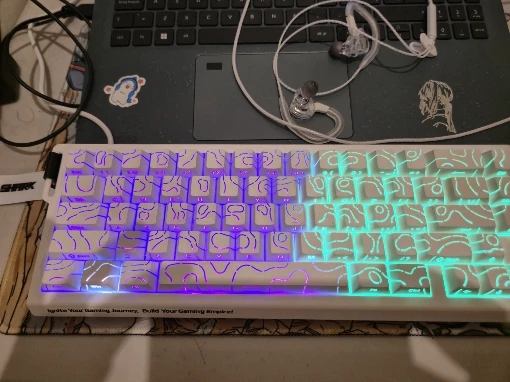
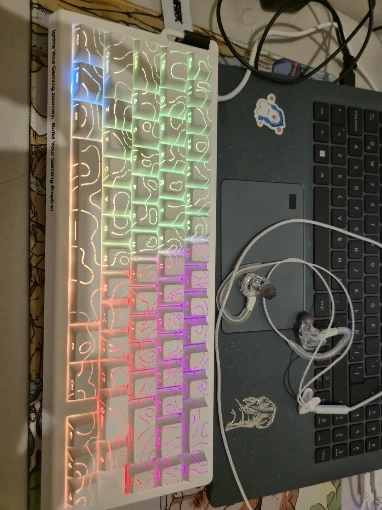
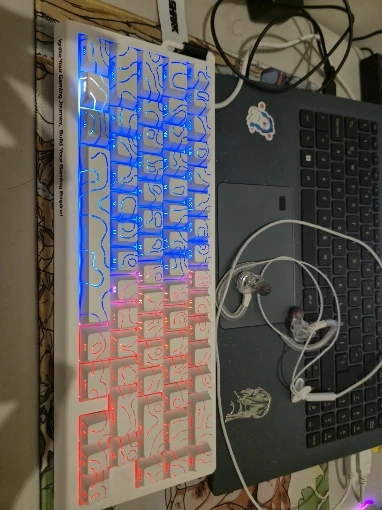
I had already bought the white one, I was missing this one, it's worth it, it's beautiful and very good.