






Mouse Click Speed Test
Test your finger speed and reaction time. Designed for gamers who demand precision.
Click Here to Start
Smash your mouse buttons
How to use the CPS Test?
Step 1: Select Time Mode
Click the buttons above to choose your challenge duration (1s burst, 5s standard, 10s endurance, etc.).
Different durations test different muscle burst and stamina.
Step 2: Start Clicking
Move your cursor into the dashed rectangular area in the center. Take a deep breath. The timer starts
immediately upon your first click.
Step 3: Check Your Rank
When the countdown ends, the system automatically stops recording and displays your results. You will see your
Clicks Per Second (CPS), total clicks, and your gaming rank.
Pro Clicking Tips
Jitter Clicking
Uses rapid vibration of arm muscles to generate extremely fast click speeds. Requires practice to aim steadily. Common in Minecraft PvP.
Butterfly Clicking
Uses index and middle fingers to click alternately on the left mouse button. If your mouse supports Double Click, you can easily reach 15-20 CPS.
Drag Clicking
Uses friction between your finger and the mouse button surface to generate multiple micro-clicks while dragging. Usually requires specific mouse textures (like matte) to work.
Frequently Asked Questions
Featured collection
Blog posts
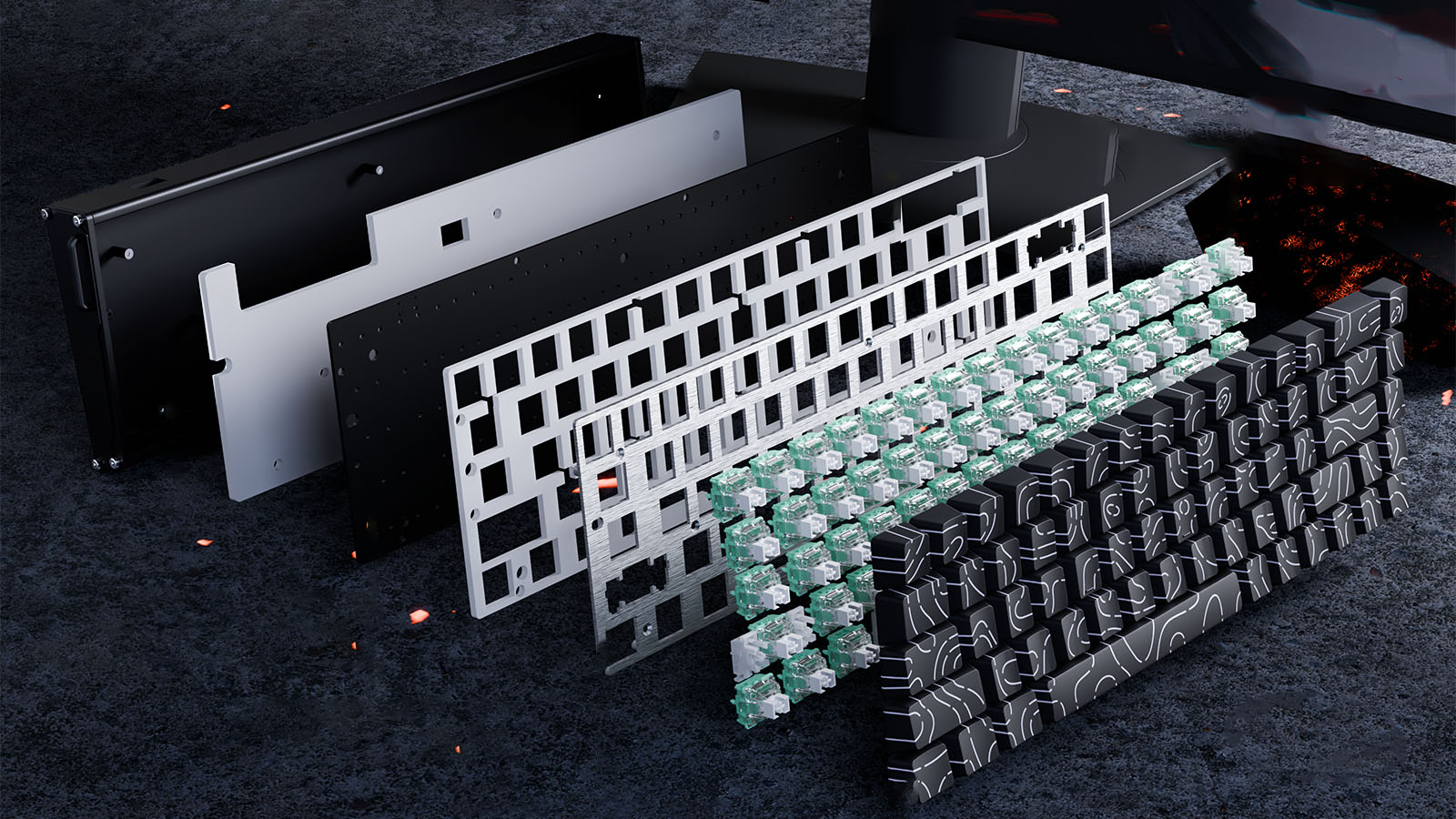
Gasket Mount vs. Top Mount: Understanding Keyboard Mounting Styles
See how keyboard mounting styles affect acoustics, vibration, plate response, and comfort, with clear guidance for custom keyboard beginners.
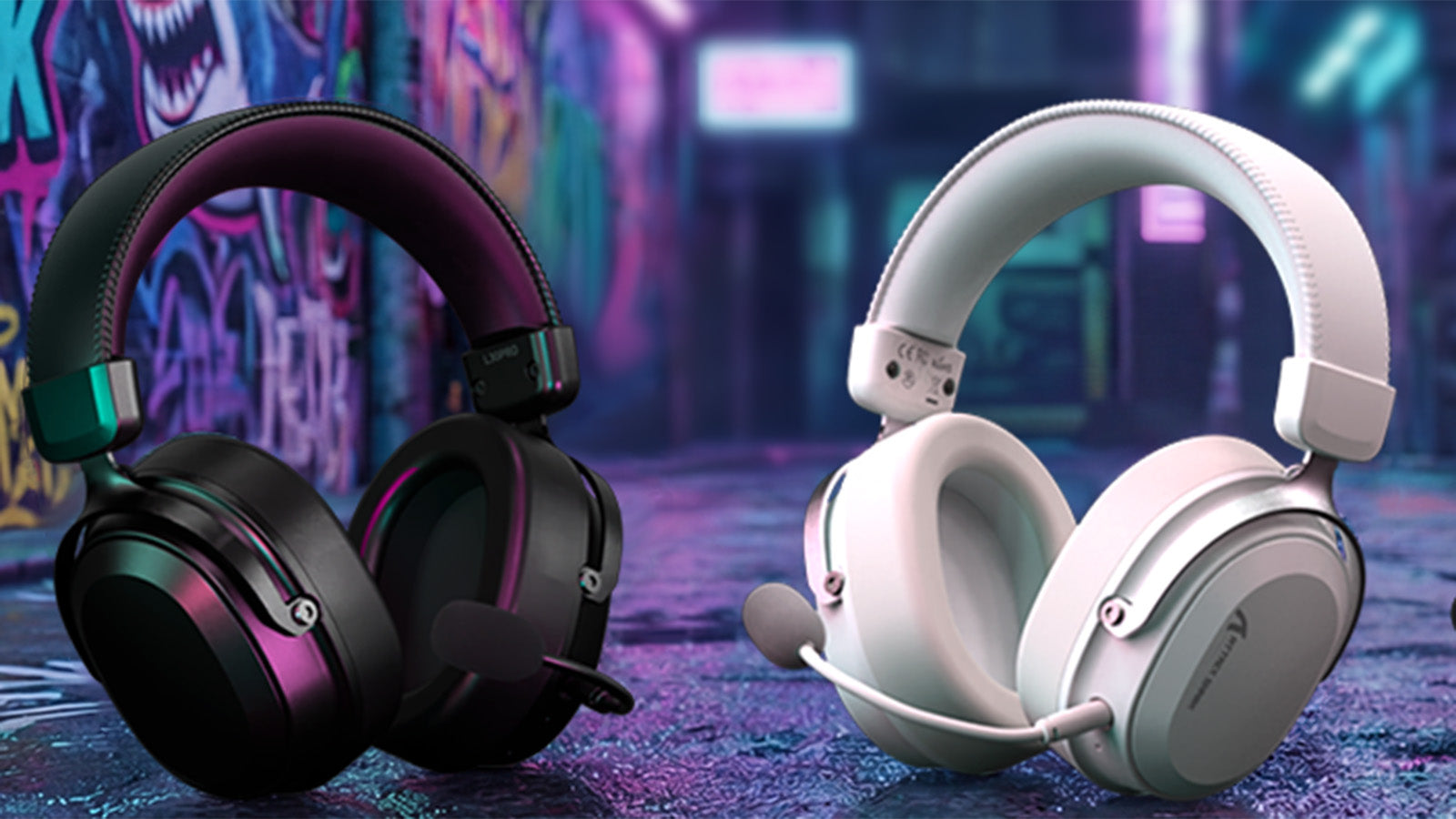
How to Fix Audio Delay (Latency) in Wireless Gaming Headsets
Stop wireless headset audio lag with 2.4GHz setup tips, Windows sync fixes, console audio settings, and interference checks for smoother gaming.
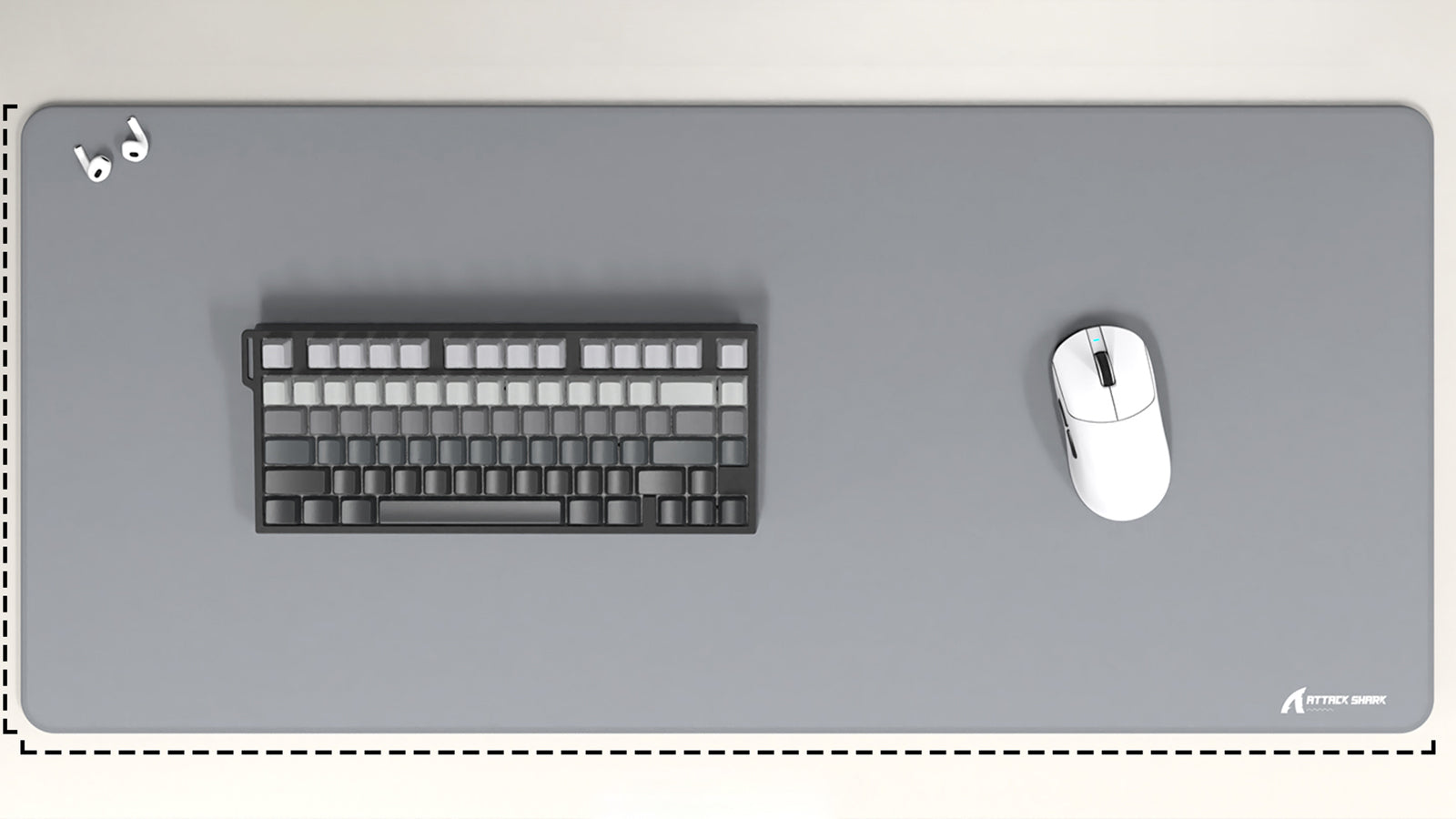
Desk Mat vs. Standard Gaming Mousepad: Pros, Cons, and Setup Aesthetics
Clear pros and cons: desk space, mouse glide, keyboard sound, setup aesthetics, and maintenance for every gamer.