






Attack Shark
The test will run for 10 seconds.
* Ensure you press keys quickly. Holding a key down does not trigger polling detection.
How to Use
Click START TEST to initialize the 10-second timer and polling detector.
Immediately begin pressing two keys (e.g., A and S) as rapidly and alternatingly as possible.
Maintain the rhythm until the timer hits zero. Do not hold keys down, as this stops polling events.
Understanding the Results
- Max Rate: The highest report frequency detected. 1000Hz = 1ms delay.
- Stability: Indicates how consistent the data transmission is. "Good" is ideal for gaming.
- 125Hz vs 1000Hz: Standard office keyboards are locked at 125Hz. Gaming keyboards range from 1000Hz to 8000Hz.
- Browser Limits: Some browsers may cap rates. If you see consistent ~1000Hz, your device is performing well.
Frequently Asked Questions
Featured collection
Blog posts
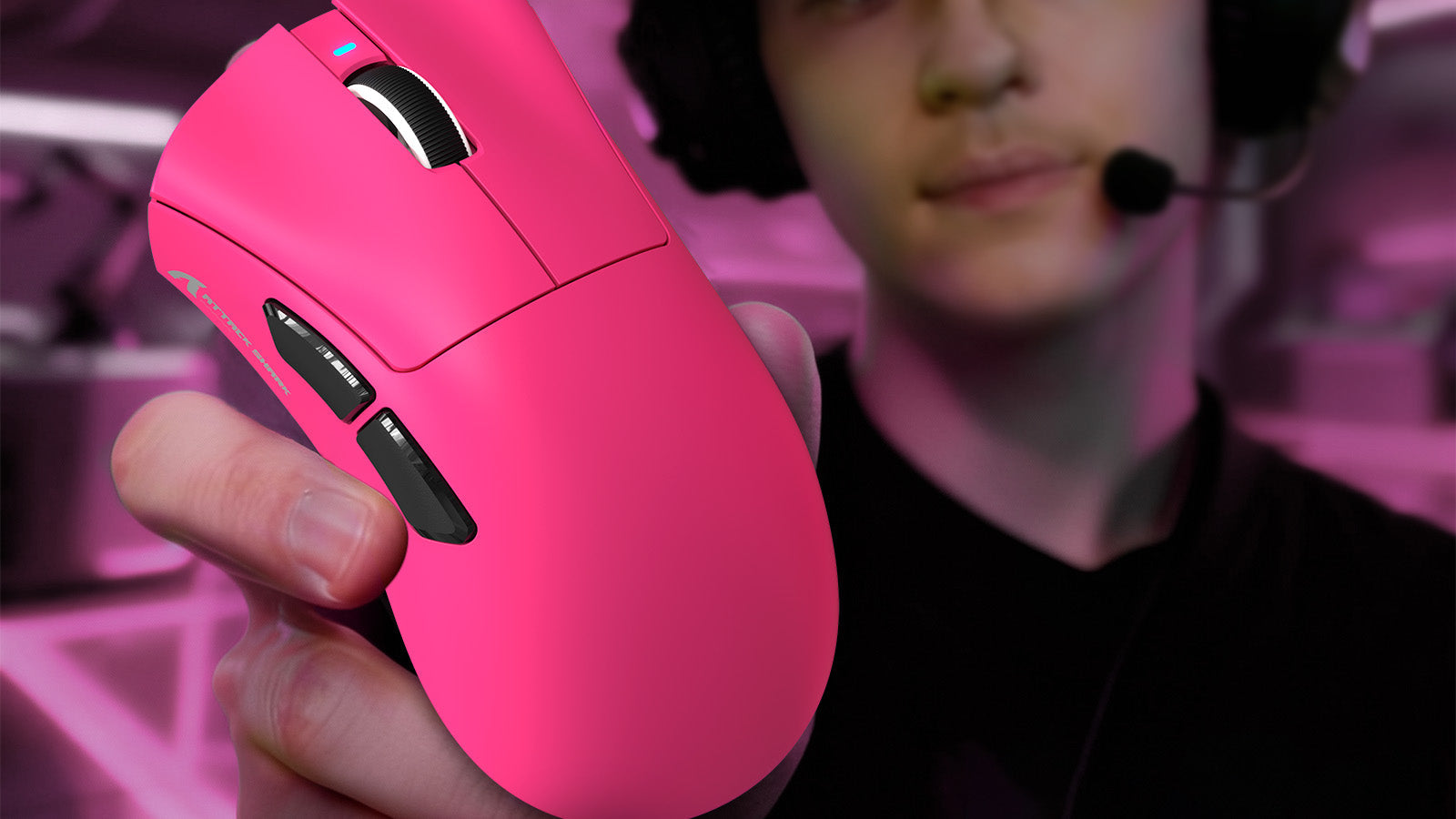
Do You Still Need a Mouse Bungee in 2026 if You Use a Wired Mouse?
Practical fixes stop wired mouse cable drag with correct slack, secure routing, paracord cables, PTFE skates, and bungee alternatives.
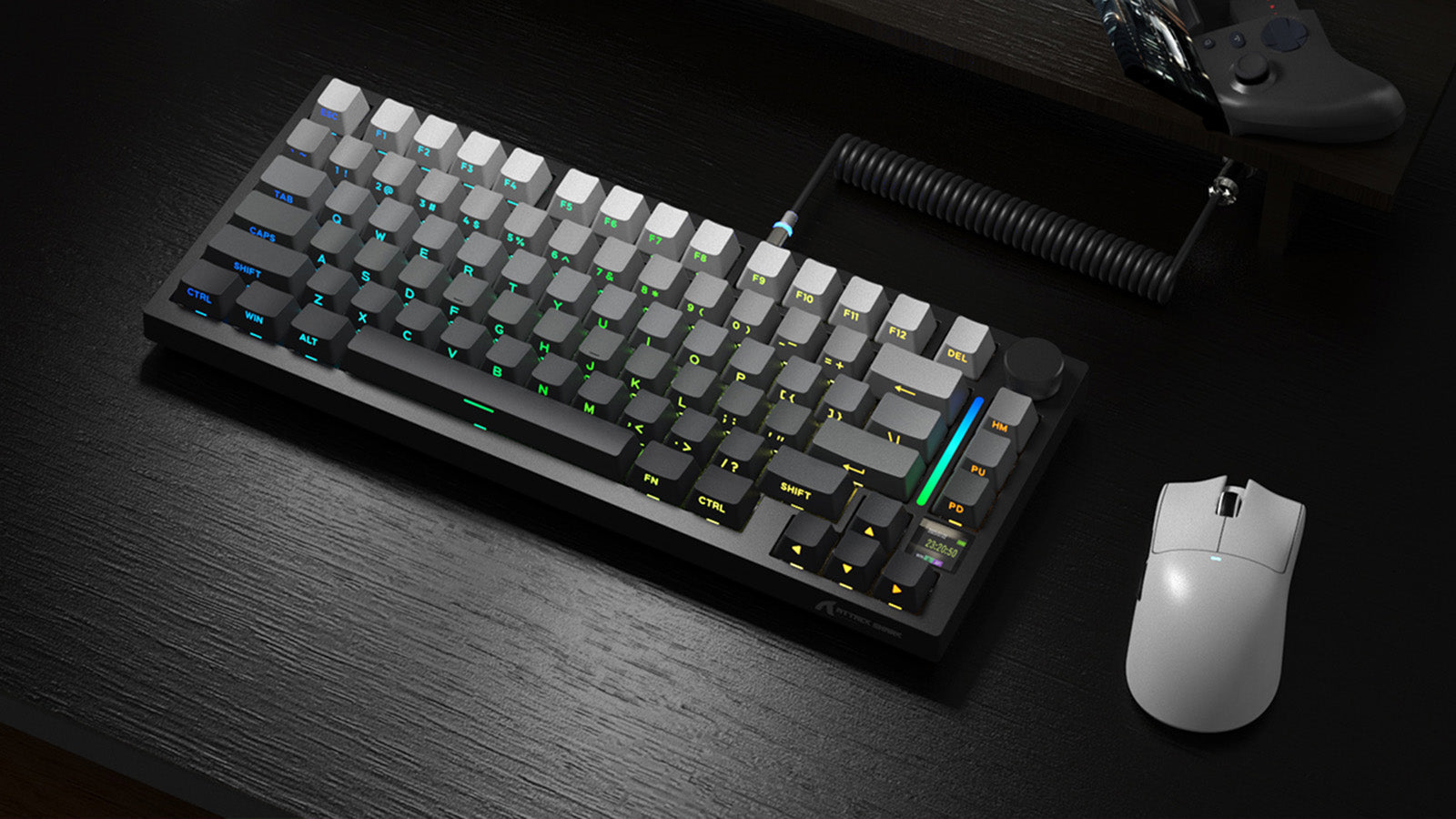
Low-Profile vs. Standard Mechanical Keyboards: Which is Better for Gaming and Typing?
Key points: shorter keyboard switch travel distance speeds inputs, low cases improve ergonomics, and standard boards add tactile control.
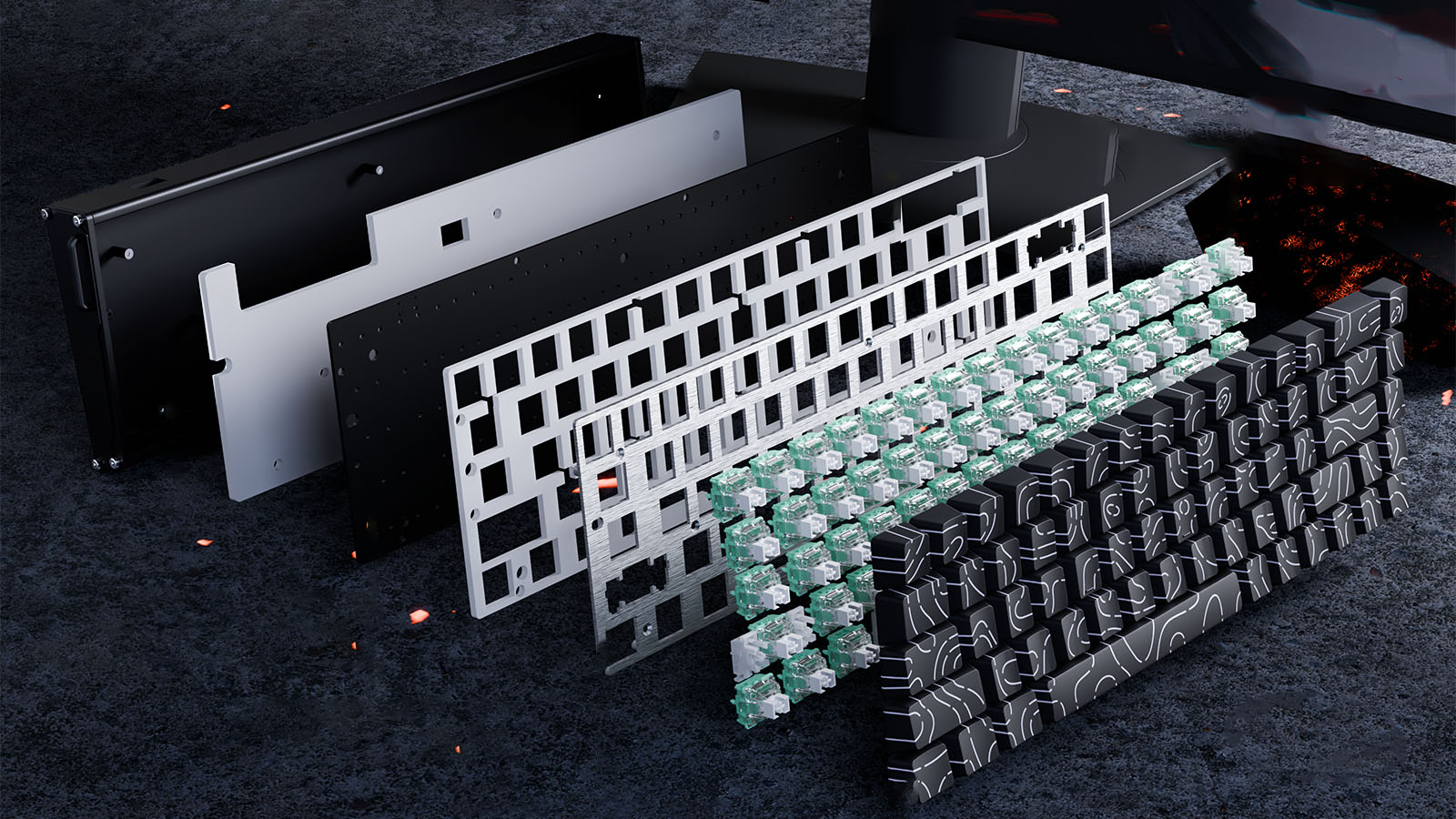
Gasket Mount vs. Top Mount: Understanding Keyboard Mounting Styles
See how keyboard mounting styles affect acoustics, vibration, plate response, and comfort, with clear guidance for custom keyboard beginners.