






Attack Shark
The test will run for 10 seconds.
* Ensure you press keys quickly. Holding a key down does not trigger polling detection.
How to Use
Click START TEST to initialize the 10-second timer and polling detector.
Immediately begin pressing two keys (e.g., A and S) as rapidly and alternatingly as possible.
Maintain the rhythm until the timer hits zero. Do not hold keys down, as this stops polling events.
Understanding the Results
- Max Rate: The highest report frequency detected. 1000Hz = 1ms delay.
- Stability: Indicates how consistent the data transmission is. "Good" is ideal for gaming.
- 125Hz vs 1000Hz: Standard office keyboards are locked at 125Hz. Gaming keyboards range from 1000Hz to 8000Hz.
- Browser Limits: Some browsers may cap rates. If you see consistent ~1000Hz, your device is performing well.
Frequently Asked Questions
Featured collection
Blog posts
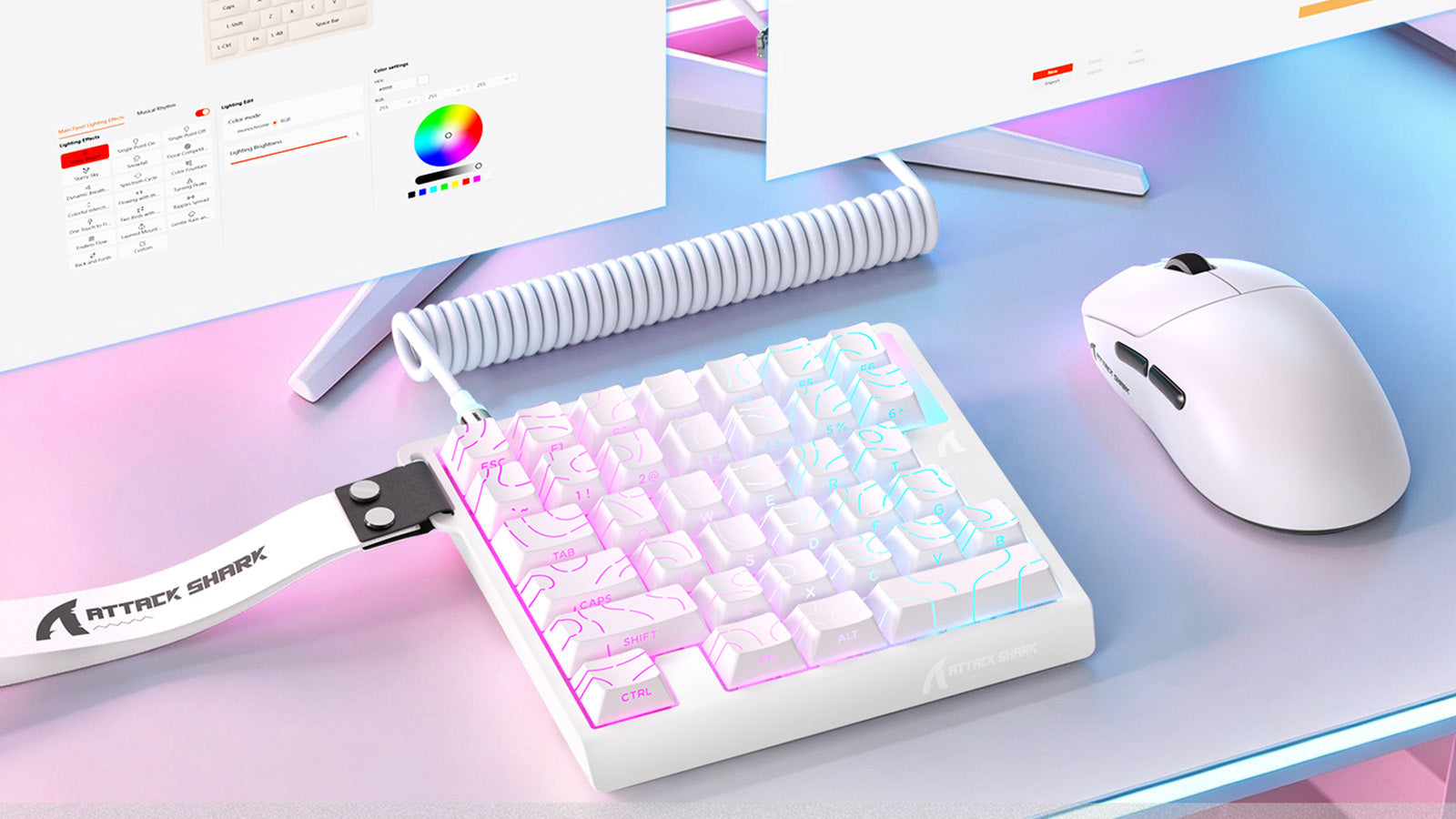
Are One-Handed Gaming Keyboards Actually Faster?
Pick a compact gaming keypad for FPS or MOBA play if you need tighter keybinds, better wrist support, more mouse room, and custom macros.
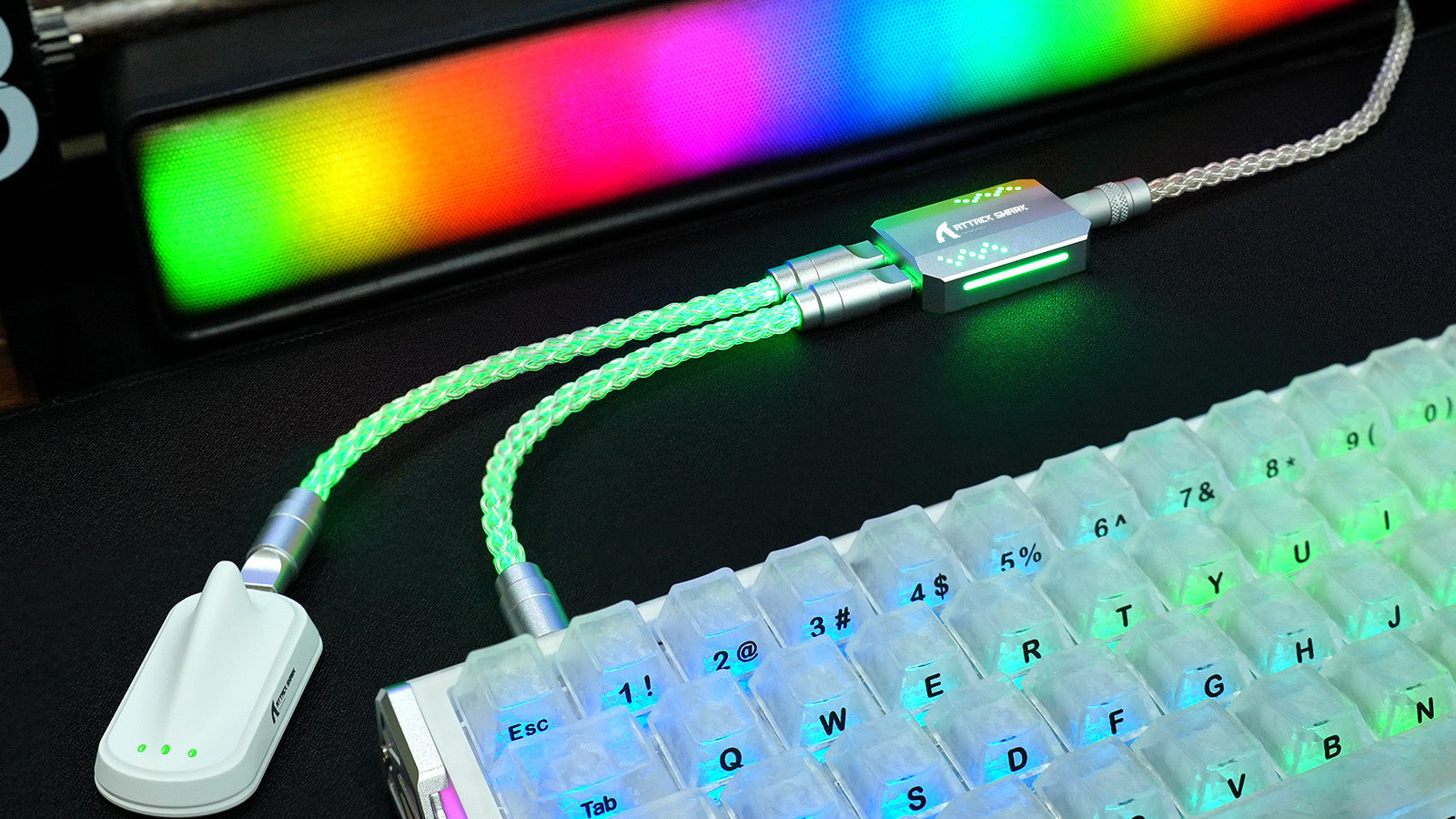
Can a Bad USB Cable Affect Keyboard Performance?
A bad USB cable can cause keyboard disconnections, key chatter, missed inputs, RGB flicker, voltage drops, and unstable signal quality.
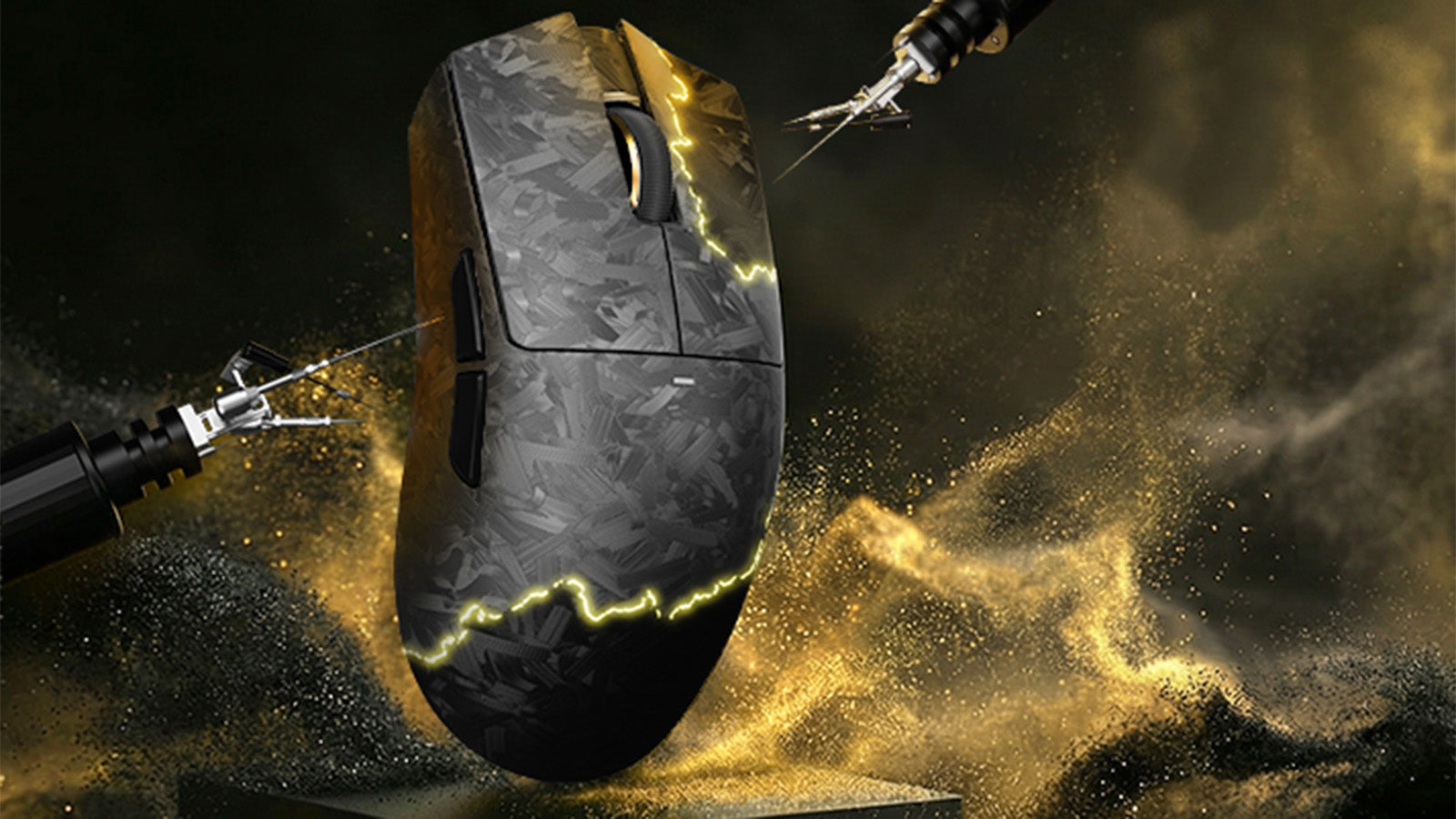
Does Mouse Sensor Position Actually Affect Your Muscle Memory and Aim?
Stronger FPS aim starts with matching mouse sensor position to grip styles, hand size, wrist movement, and competitive tracking needs.