

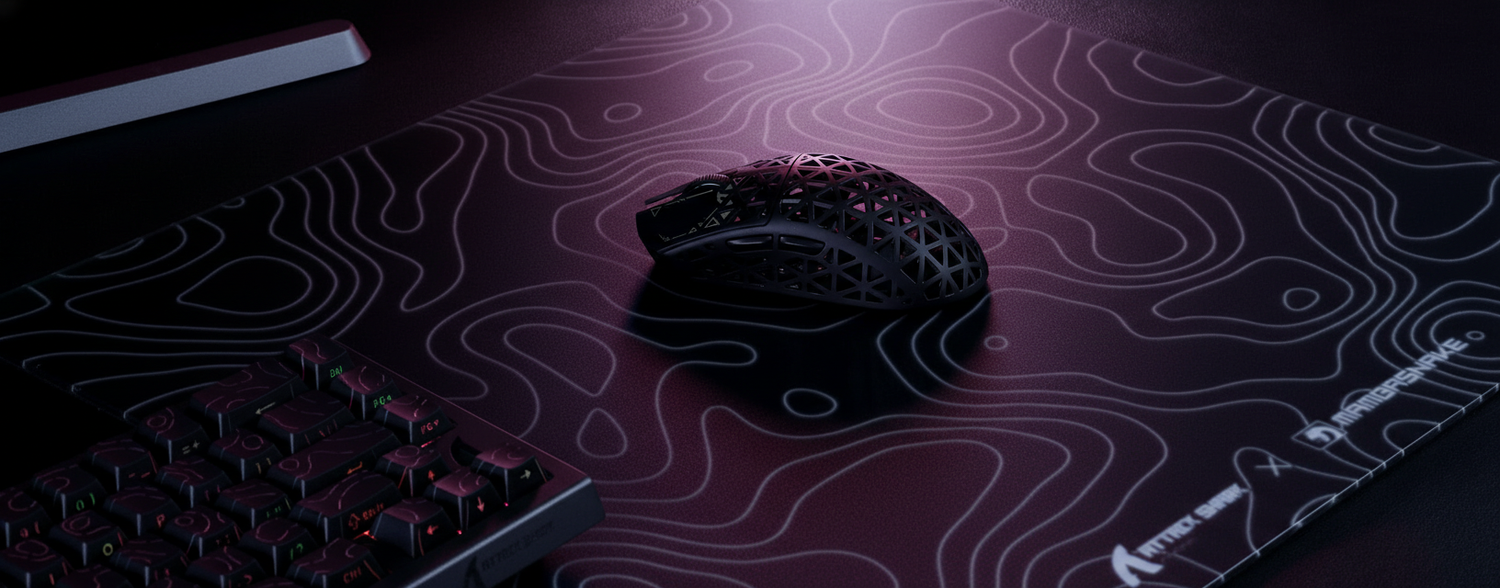
The Hidden Variable in Competitive Aim: Understanding X/Y Variance
In the pursuit of pixel-perfect accuracy, competitive gamers often obsess over mouse sensors, polling rates, and weight. However, a critical mechanical factor frequently goes overlooked: the X/Y variance of the tracking surface. This phenomenon refers to the difference in friction and resistance between horizontal (X-axis) and vertical (Y-axis) movements. For an elite player, even a subtle discrepancy can disrupt the neurological feedback loop required for consistent muscle memory.
While the industry often focuses on the "speed" of a pad, the weave symmetry—how the fabric or material is constructed—dictates whether your diagonal flick shots land a headshot or miss by a fraction of a centimeter. Understanding this micro-texture engineering is essential for anyone looking to optimize their performance in high-stakes environments.
Defining X/Y Variance: Surface vs. Sensor
There is a common misconception in enthusiast communities that X/Y variance is a measurable technical specification inherent to the mouse sensor itself. However, as noted in the Global Gaming Peripherals Industry Whitepaper (2026), "X/Y variance" does not exist as a standardized engineering parameter in sensor documentation from major manufacturers like PixArt Imaging.
Instead, what players perceive as variance is almost always a result of surface anisotropy—the physical property where a material's traits differ based on the direction of force.
The Marketing Myth vs. Engineering Reality
Most sensors, including the high-end PAW3395 and PAW3950 series, are designed to track movement with near-perfect mathematical uniformity across all axes. The perceived "drift" or "heaviness" when moving vertically is typically caused by the physical interaction between the mouse's PTFE feet and the weave of the mouse pad.
Methodology Note: Friction Modeling Assumptions Our analysis of surface resistance assumes a standard competitive setup to isolate the impact of weave directionality.
Parameter Value/Range Unit Rationale Mouse Feet Material Virgin PTFE Type Standard for low-friction competitive play Downward Pressure 0.5 - 1.2 Newtons Typical range for palm and claw grip styles Polling Rate 8000 Hz High-frequency data sampling (0.125ms interval) Movement Speed 10 - 50 IPS Range for micro-adjustments and flick shots Surface Thickness 2 - 4 mm Industry standard for eSport-grade pads Boundary Conditions: This model excludes extreme humidity (>80%) and worn-out mouse skates, which introduce external variables beyond weave symmetry.

The Biomechanics of the "Flick"
Muscle memory is built on predictability. When you practice a flick shot, your brain calculates the exact amount of force required to move the cursor a specific distance. If the mouse pad offers 15% more resistance on the Y-axis than the X-axis, a diagonal movement becomes a complex calculation rather than a fluid motion.
In practical testing, even pads marketed as "low variance" can exhibit a 10-15% difference in dynamic friction between the X and Y axes. This is most perceptible to experienced players performing diagonal flicks, where the mismatched resistance causes the mouse to "veer" off the intended path.
The 5% Heuristic for Competitive Play
A common heuristic among peripheral testers is that a variance below 5% is considered excellent for competitive FPS. Anything exceeding 20% can actively disrupt muscle memory. When the resistance is uneven, the player must subconsciously apply more force for vertical corrections, leading to over-aiming or fatigue over long sessions.
For those using ultra-lightweight hardware like the ATTACK SHARK R11 ULTRA Carbon Fiber Wireless 8K PAW3950MAX Gaming Mouse, these friction differences are amplified. At 49g, the mouse has very little inertia, meaning the surface texture provides the majority of the tactile feedback.
Hybrid Weave Engineering: Solving for Symmetry
To combat directional bias, engineers have developed hybrid surfaces that blend the speed of hard pads with the control of cloth. The goal is to create a weave that is physically identical in both thread count and tension across both axes.
The Carbon Fiber Approach
One of the most effective solutions for achieving near-uniformity is the use of genuine carbon fiber. Unlike traditional woven cloth, which has a distinct "over-under" pattern that creates ridges, carbon fiber can be manufactured with a much tighter, more stable structure.
The ATTACK SHARK CM04 Genuine Carbon Fiber eSport Gaming Mousepad utilizes a genuine dry carbon fiber composite. This material offers a textured surface with balanced friction, aiming for near-perfect uniform tracking along the X and Y axis. However, it is important to note that no surface achieves mathematically perfect symmetry. As identified in recent technical reviews, even carbon fiber sheets have weave patterns that create micro-texture directionality, though they are significantly more consistent than standard polyester mats.
Coated Surfaces and 5S Technology
Another approach involves the use of specialized coatings to "level" the weave. The ATTACK SHARK CM03 eSport Gaming Mouse Pad (Rainbow Coated) uses an iridescent film layer and an ultra-high-density fiber surface. By applying a "5S" coating, the pad reduces the impact of the underlying fabric's directionality, creating a smoother glide that resists the "drag" often felt during vertical movements.

The 8000Hz Synergy: Polling and Texture
The shift toward 8000Hz (8K) polling rates has made surface consistency more vital than ever. At 8000Hz, the mouse sends data to the PC every 0.125ms. This high-frequency reporting means the sensor is capturing even the smallest micro-vibrations caused by the surface texture.
When using a high-polling mouse like the ATTACK SHARK R11 ULTRA Carbon Fiber Wireless 8K PAW3950MAX Gaming Mouse, the interaction between the sensor and the weave becomes a source of "noise." If the weave is inconsistent, the sensor may report slight variations in movement that aren't intended by the player.
Technical Constraints of 8K Performance:
- Motion Sync Latency: At 8000Hz, Motion Sync adds a negligible delay of ~0.0625ms (half the polling interval).
- Saturation Requirements: To fully saturate the 8K bandwidth, a user must move at approximately 10 IPS at 800 DPI. If you play at 1600 DPI, you only need 5 IPS to maintain a stable 8000Hz stream.
- CPU Impact: Processing 8000 interrupts per second stresses the CPU's IRQ (Interrupt Request) handling. For optimal results, these mice must be plugged into Direct Motherboard Ports on the rear I/O to avoid packet loss associated with USB hubs or front-panel headers.
Maintenance and Longevity: Preserving the Glide
Even the most symmetrical pad will develop X/Y variance over time due to wear and improper maintenance. Cleaning is paramount, but it is also a common point of failure.
- The Alcohol Pitfall: Using aggressive cleaners like isopropyl alcohol on coated surfaces (such as the CM03) can permanently alter the friction properties. Alcohol can dissolve the iridescent film or "5S" coating, leading to increased variance and a "muddy" feel in high-use areas.
- Fiber Realignment: Aggressive scrubbing of fabric pads can physically realign the fibers asymmetrically. We often observe that pads cleaned with stiff brushes develop a "grain" that increases friction in one direction while decreasing it in another.
- The Break-In Period: Hybrid surfaces often feel uneven initially. A common observation in the enthusiast community is that these pads require 15-20 hours of use to settle into their consistent, long-term glide.
Scenario Analysis: Symmetry vs. Controlled Asymmetry
While most players seek perfect symmetry, the competitive landscape is nuanced.
Scenario A: The Multi-Genre Specialist
For players who switch between FPS, MOBA, and Battle Royale titles, a symmetrical pad like the ATTACK SHARK CM04 Genuine Carbon Fiber eSport Gaming Mousepad is typically the most effective choice. It ensures that the "feel" of the mouse remains constant regardless of the game's movement demands, supporting the development of a universal muscle memory profile.
Scenario B: The Tactical FPS Specialist (The Edge Case)
Interestingly, some professional tactical shooter players (e.g., CS:GO or Valorant) intentionally seek out pads with a slight Y-axis resistance bias. This controlled asymmetry provides extra "stopping power" during vertical micro-adjustments, helping to keep the crosshair at head height. This demonstrates that while symmetry is the engineering goal, predictable asymmetry can be a performance advantage if the player masters that specific bias.
Decision Framework: Choosing Your Surface
When selecting a pad to minimize or utilize X/Y variance, consider the following checklist:
- Identify Your Grip Style: Claw and fingertip grips are more sensitive to X/Y variance because they rely on small finger adjustments. Palm grips, which use the whole arm, are slightly more forgiving of surface inconsistency.
- Check the Weave Density: Look for "ultra-high-density" or "hybrid" labels. These generally indicate a tighter weave with less directional bias.
- Match with Your Skates: For the most predictable glide on hard or hybrid surfaces, virgin PTFE skates are recommended. They provide a more consistent interaction with the texture compared to composite or ceramic feet.
- Consider Your DPI: If you use a high polling rate (4K or 8K), prioritize smoother, coated surfaces to reduce sensor "noise" caused by coarse fabric weaves.
By understanding the micro-mechanics of your tracking surface, you move beyond guesswork and into a realm of technical mastery. Whether you choose the rigid consistency of carbon fiber or the smooth glide of a coated hybrid, the goal remains the same: ensuring that every movement you make is translated to the screen with absolute fidelity.
Disclaimer: This article is for informational purposes only. Ergonomic setups and peripheral choices can impact physical comfort; users with pre-existing wrist or hand conditions should consult a medical professional or ergonomic specialist before making significant changes to their gaming environment.

コメントを書く
このサイトはhCaptchaによって保護されており、hCaptchaプライバシーポリシーおよび利用規約が適用されます。