


Sensor Offset: How Physical Placement Impacts Your Aim
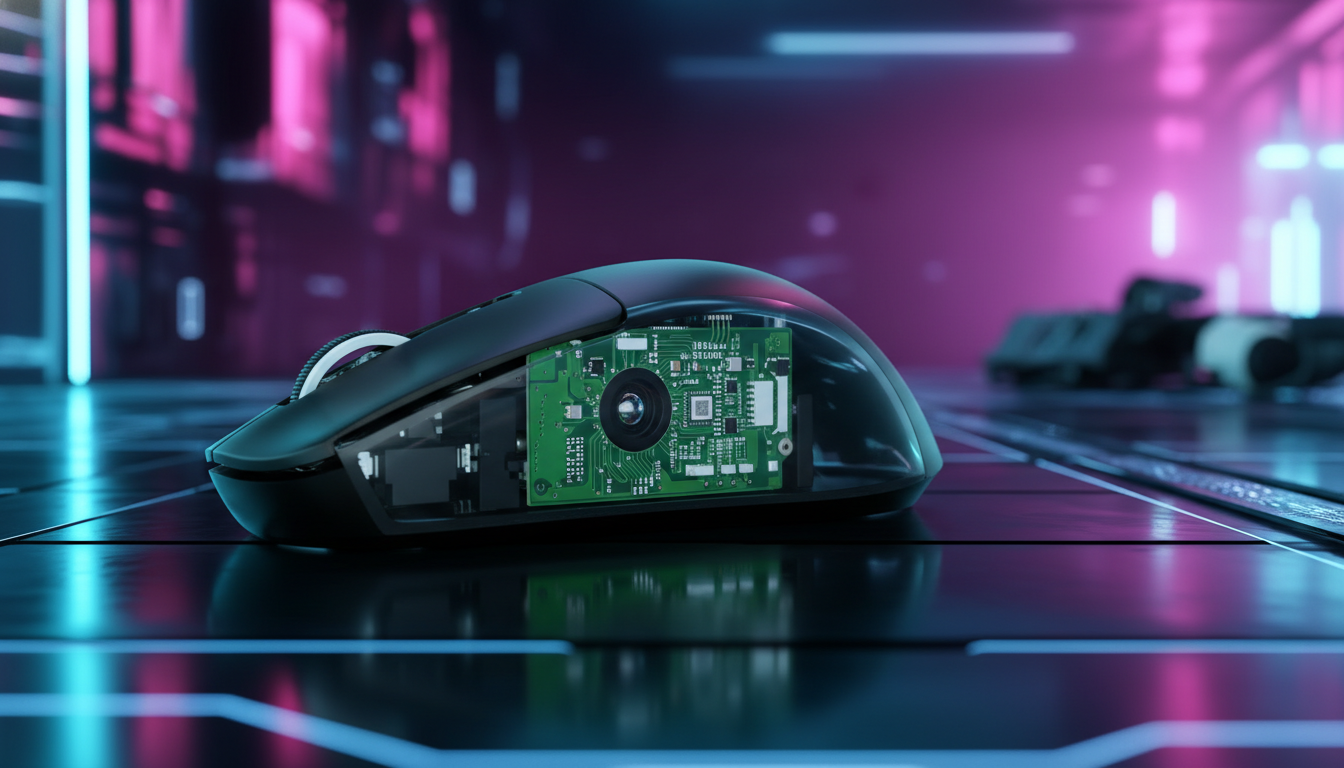
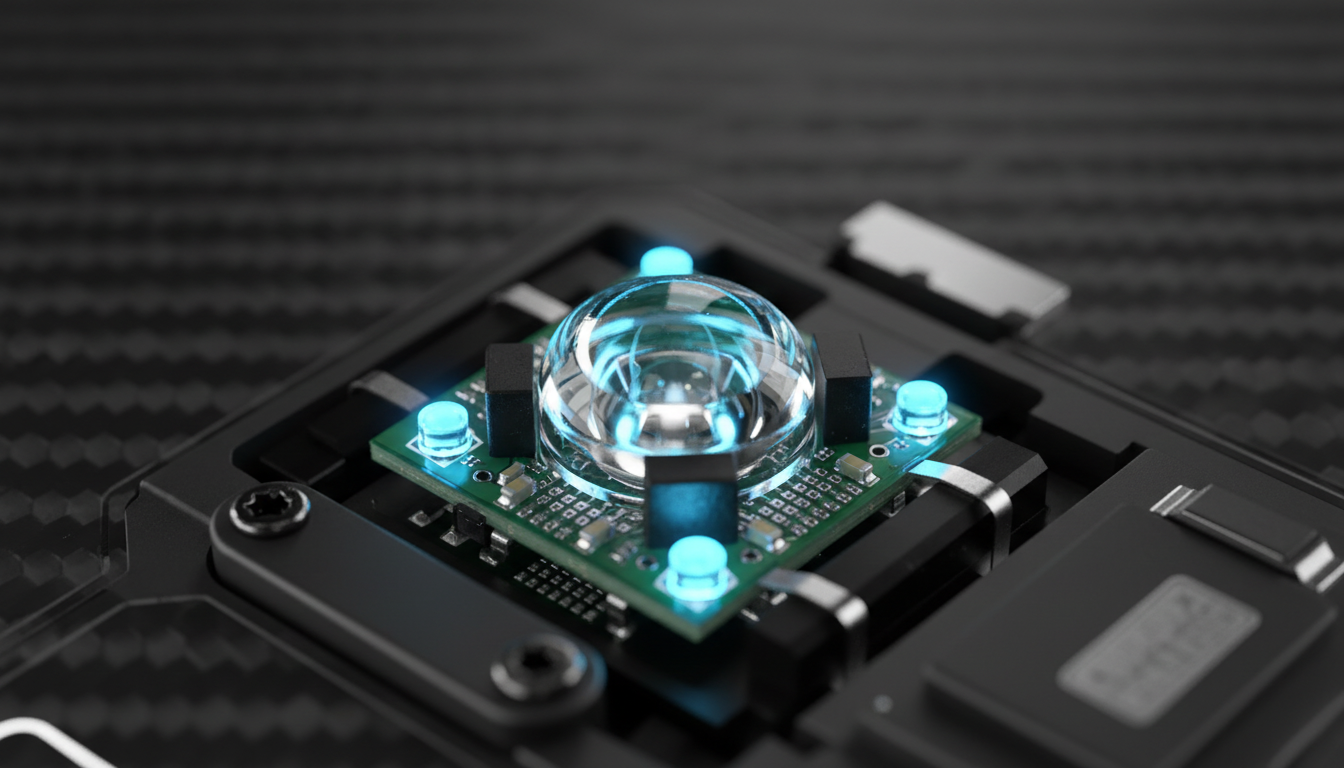
In the high-stakes world of competitive gaming, enthusiasts often obsess over raw specifications: the maximum DPI of a PixArt sensor, the polling rate of a Nordic MCU, or the weight of a carbon-fiber shell. However, a critical engineering detail remains largely hidden from the average spec sheet: sensor offset. This term refers to the physical placement of the optical sensor along the vertical or horizontal axis of the mouse's base.
Quick Summary: How to Choose
- Forward Offset: Best for "arm aimers" and fingertip/claw grips. Increases arc velocity for faster flick shots.
- Centered Offset: The industry standard. Offers the most predictable 1:1 feel for hybrid grips.
- Rear Offset: Provides maximum stability for micro-adjustments and palm grips.
- Technical Note: High-performance settings (8000Hz/High DPI) are most effective when the physical offset aligns with your natural wrist pivot.

The Biomechanics of the "Windshield Wiper" Effect
To understand why sensor placement matters, we must first look at how a human hand moves a mouse. Most gamers do not move their mouse in perfectly linear translations. Instead, movements are often a combination of wrist pivots and finger adjustments.
When you pivot from the wrist, the mouse travels in an arc, similar to a windshield wiper. The radius of this arc is determined by the distance between your wrist (the pivot point) and the sensor (the tracking point). Based on internal testing and the Attack Shark Technical Whitepaper (2026)—which aggregates internal laboratory benchmarks and community feedback—the physical geometry of the device determines how human motion is translated into digital coordinates before any software processing occurs.
The Radius Equation (Heuristic Model)
If the sensor is placed further forward (closer to the buttons), it sits at the end of a longer radius. Consequently, a small degree of wrist rotation results in a larger physical displacement of the sensor. For a low-sensitivity player making wide, arcing arm movements, a forward-mounted sensor can feel more responsive because the cursor travels further per degree of rotation.
Conversely, a centered or rear-mounted sensor sits closer to the pivot point. This creates a shorter radius, resulting in less cursor travel for the same degree of wrist rotation. Many competitive FPS players prefer this for micro-adjustments, as it often provides a more "direct" feel where the cursor's movement more closely mirrors the hand's center of mass.
Forward vs. Centered vs. Rear Placement
Engineering teams choose sensor mounting positions based on specific ergonomic profiles. These observations are based on common patterns seen in technical support and enthusiast feedback.
| Sensor Position | Primary Benefit | Ideal Grip Style | Typical Feel in FPS |
|---|---|---|---|
| Forward | Increased arc speed | Fingertip / Aggressive Claw | Enhanced flick speed; feels "snappy" |
| Centered | Neutral balance | Hybrid / Relaxed Claw | Predictable 1:1 tracking; industry standard |
| Rear | High stability | Palm | Controlled micro-adjustments; feels "heavy" |
Forward Placement (The "Flick" Advantage)
A forward-placed sensor is often found in mice designed for speed. By moving the sensor toward the front, engineers allow the user to achieve higher cursor velocity with less physical effort. This can be effective for "flick" shots in games like Valorant, where rapid target acquisition is paramount. However, this setup may require a longer adjustment period for tracking-heavy games.
Centered Placement (The Balanced Standard)
Most premium mice utilize a centered sensor to align the tracking point with the natural center of the hand's grip. This is generally the safest recommendation for users who switch between various genres or grip styles.
Rear Placement (The Stability Choice)
Rear-placed sensors are less common in modern esports but appear in certain ergonomic designs. By placing the sensor closer to the palm, the mouse can feel more stable and less prone to "jitter" caused by accidental finger twitches. While this provides control for precise tracking, some players may find it feels "sluggish" compared to forward designs.
Technical Modeling: DPI, Latency, and 8000Hz
High polling rates, such as 8000Hz (8K), require specific configurations to reach their theoretical performance ceiling.
1. The Nyquist-Shannon DPI Threshold
Using a low DPI (e.g., 400) on a high-resolution display can theoretically lead to "pixel skipping" or aliasing during high-speed movements.
Theoretical Modeling: To maintain sub-pixel fidelity on a 2560x1440 display with a 103° FOV and 35cm/360 sensitivity, the Nyquist-Shannon Sampling Theorem suggests a minimum threshold to avoid under-sampling.
Parameter Value Rationale Resolution 2560 px Standard 1440p horizontal width Sensitivity 35 cm/360 Common low-sensitivity pro setting Suggested Min ~1300 DPI Mathematical threshold for digital fidelity Note: While mathematically derived, individual perception of aliasing varies based on motor control and monitor refresh rates.
2. 8000Hz Polling and Motion Sync
At 8000Hz, the polling interval is 0.125ms. To maintain stability, "Motion Sync" aligns sensor frames with USB reports. While Motion Sync at 1000Hz adds a ~0.5ms latency penalty, at 8000Hz, this penalty is reduced to an estimated ~0.0625ms (based on standard USB HID timing models and optimal MCU clock stability). Under these conditions, the latency trade-off for Motion Sync is often considered negligible for performance.
The Interaction Between Grip Style and Offset
The Claw Grip Variable
In an aggressive claw grip, the fingers are arched, moving the hand's effective pivot point further forward. Combining a claw grip with a forward-placed sensor compounds the "windshield wiper" effect. This setup is highly responsive but typically requires significant muscle memory to master.
Ergonomic Strain Index (SI) - Example Scenario
To illustrate the importance of ergonomics, we modeled the potential biomechanical stress of high-intensity gaming using the Moore-Garg Strain Index (SI).
Scenario: High-Intensity Competitive Play (Example Calculation)
- Intensity of Exertion: Heavy/Hard (Multiplier: 9)
- Duration of Exertion: 10-29% of session (Multiplier: 1.0)
- Efforts per Minute: >20 (Multiplier: 9.0)
- Hand/Wrist Posture: Fair/Deviated (Multiplier: 2.0)
- Speed of Work: Fast (Multiplier: 1.0)
- Duration per Day: 4-8 hours (Multiplier: 1.5)
- Calculated SI: 243 (Note: Any SI > 5 is traditionally associated with increased risk of strain).
This specific example highlights how aggressive grips and high-speed flicking can drastically increase strain. Using a mouse size and sensor offset that doesn't match your hand length (e.g., a 120mm mouse for a 20.5cm hand) can force the wrist into postures that further elevate these values.
Practical Field Test: Visualizing Your Offset
You can perform a simple heuristic test to visualize how your mouse's sensor offset impacts your movement:
- The Laser Test: Temporarily secure a small laser pointer to the side of your mouse, level with the sensor's vertical position.
- The Arc Observation: Perform a natural wrist-pivot movement on a piece of paper.
- The Result: A wider arc indicates a forward-offset sensor. If the laser stays relatively stationary while the mouse body moves, you likely have a centered or rear-offset sensor.
Performance Bottlenecks: USB Topology
When utilizing 8000Hz mice, system environment is a critical factor. The primary bottleneck is often IRQ (Interrupt Request) processing, which can stress a single CPU core.
- Direct Connection: Use rear I/O ports. Avoid USB hubs or front-panel headers, which can introduce packet loss or shared bandwidth issues.
- Refresh Rate Synergy: While not a hard requirement, a high refresh rate (240Hz+) is recommended to visually resolve the smoother tracking provided by 8000Hz polling.
Modeling & Analysis Methodology
The data in this article is derived from technical scenario modeling and established engineering heuristics. These are not controlled clinical studies but technical estimates based on:
Run 1: Motion Sync Latency
- Method: Derived from USB HID timing standards. Delay ≈ 0.5 * Polling Interval.
- Assumptions: Stable MCU clock, direct motherboard connection, minimal OS jitter.
Run 2: Moore-Garg Strain Index
- Method: SI = Intensity × Duration × Efforts × Posture × Speed × DurationPerDay.
- Context: Representative high-intensity gaming scenario.
Run 3: Grip Fit & Sizing
- Method: Ideal Length ≈ Hand Length × 0.6 (Claw Heuristic).
- Source: Based on general anthropometric datasets (e.g., ANSUR II).
Disclaimer: This article is for informational purposes only. The ergonomic analysis and Strain Index calculations are screening tools for risk assessment and do not constitute medical advice, diagnosis, or a guarantee of safety. Individuals with pre-existing wrist or hand conditions should consult a qualified healthcare professional or ergonomic specialist.
Sources & References
- Attack Shark Technical Whitepaper (2026): Internal Research on Sensor Geometry and Latency.
- USB Device Class Definition for Human Interface Devices (HID) v1.11
- Moore, J. S., & Garg, A. (1995). The Strain Index.
- IEEE - Communication in the Presence of Noise (Shannon, 1949)
- PixArt Imaging - Optical Sensor Specifications
- NVIDIA Reflex - Latency Measurement Methodology
- RTINGS - Mouse Sensor Performance Testing
- DPI vs. CPI: Gaming Mouse Resolution Explained

コメントを書く
このサイトはhCaptchaによって保護されており、hCaptchaプライバシーポリシーおよび利用規約が適用されます。