

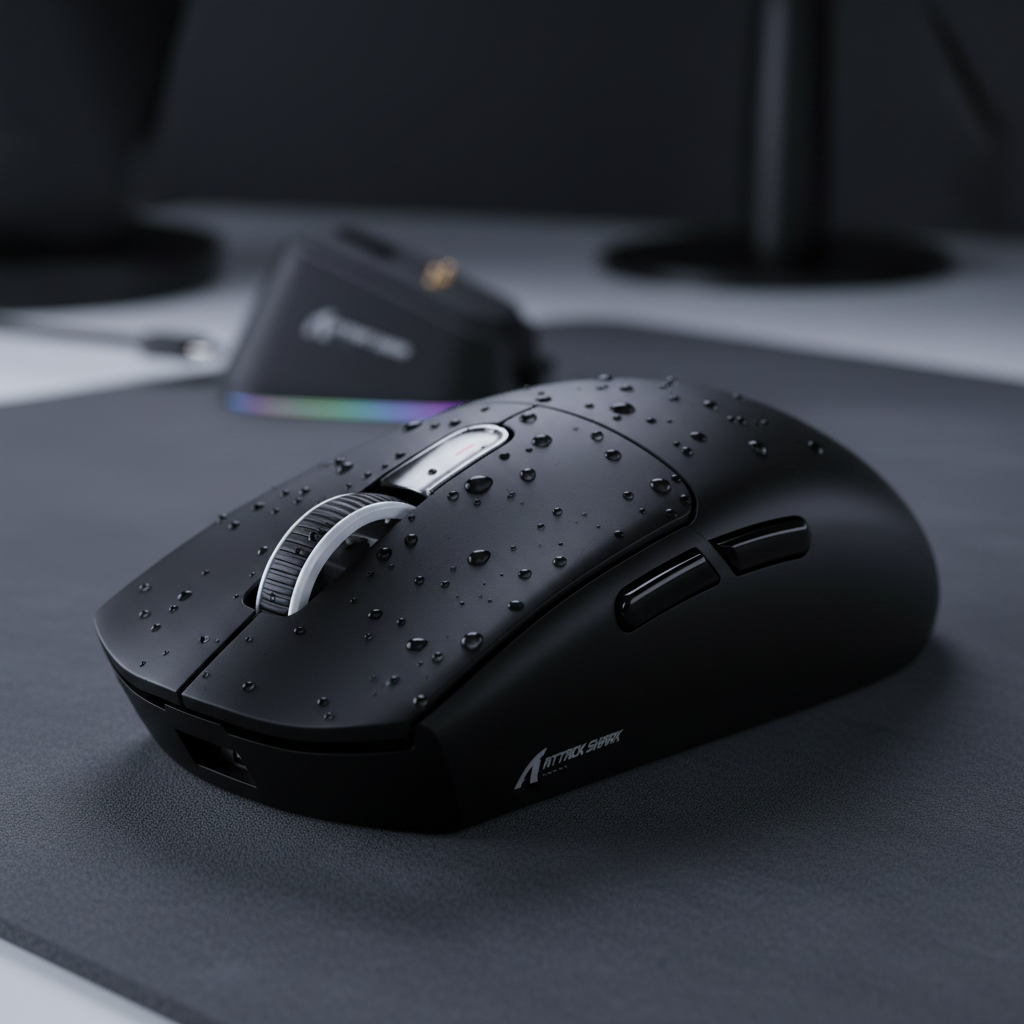
The Physics of Internal Moisture in High-Performance Metal Peripherals
The transition of high-performance gaming peripherals from traditional plastics to advanced alloys like magnesium and aluminum has introduced a new variable into the longevity equation: thermal dynamics. While metal shells provide superior structural rigidity and a premium tactile experience, their high thermal conductivity creates a specific vulnerability to internal condensation. This phenomenon occurs most frequently when a device is moved between extreme temperature gradients—such as traveling from a climate-controlled vehicle to a humid LAN tournament venue.
Unlike plastic, which acts as a thermal insulator, metals like magnesium alloy (with a thermal conductivity of approximately 72 W/m·K) respond near-instantly to environmental changes. This rapid response can cause the internal surfaces of the mouse to drop below the dew point of the surrounding air, leading to localized moisture formation on critical electronic components. This article examines the mechanisms of internal condensation and provides a data-driven framework for preventing environmental damage in metal-shelled gear.
Understanding the Dew Point and Thermal Conductivity
Condensation is not merely a result of high humidity; it is a function of the relationship between surface temperature and the moisture-carrying capacity of the air. In a gaming context, the metal shell of a mouse often becomes the "coldest spot" in a room. If the internal metal surface temperature falls below the dew point, the air trapped inside the enclosure will release its moisture directly onto the PCB, sensor, and switches.
According to the US NIST (National Institute of Standards and Technology), environmental factors are a primary driver of hardware vulnerability. For metal peripherals, the risk is compounded by the material's ability to shed heat. While this is often marketed as a benefit for palm cooling, it creates a "thermal bridge" that facilitates condensation during transport.
Methodology Note: Our analysis of the "Cold-Start Scenario" assumes a magnesium alloy shell (AZ91D) with a mass of ~60g and a surface area of ~0.024 m². Thermal constants are derived from standard heat transfer fundamentals using a lumped capacitance assumption.
Scenario Analysis: The Coastal Precision Gamer
To quantify this risk, consider a competitive player in a high-humidity coastal environment (e.g., 80% Relative Humidity at 25°C). Using the Magnus-Tetens approximation, the dew point in this environment is approximately 21.4°C. If a mouse has been stored in a cool car at 5°C and is suddenly introduced to this room, any internal surface below 21.4°C will begin to collect moisture.
| Parameter | Value | Unit | Rationale / Source Category |
|---|---|---|---|
| Initial Device Temp | 5 | °C | Transport in air-conditioned vehicle |
| Ambient Room Temp | 25 | °C | Standard tournament/LAN environment |
| Relative Humidity | 80 | % | Coastal/Humid region baseline |
| Calculated Dew Point | ~21 | °C | Magnus-Tetens approximation |
| Equalization Goal | >22 | °C | Safety buffer above dew point |
Our modeling suggests that a magnesium mouse requires approximately 25 to 30 minutes of passive acclimatization to reach a safe temperature. However, the most critical risk window occurs during the first 15 minutes, where the temperature differential is greatest and moisture accumulation is most aggressive.

Localized Corrosion and Internal Vulnerabilities
A common misconception is that anodized coatings or clear coats provide a complete barrier against moisture. While these treatments improve wear resistance, they do not inhibit the thermal conductivity that drives condensation. Furthermore, experienced repair technicians observe that moisture does not distribute evenly. Instead, it aggregates in "thin-metal" zones:
- Sensor Apertures: The area around the optical sensor is often the thinnest part of the shell to allow for precise tracking. Condensation here can cause immediate tracking jitter or "spin-outs."
- Internal Screw Posts: These structural points act as heat sinks. Moisture often forms here first, leading to localized corrosion that can migrate to the PCB traces.
- Switch Housings: Micro-switches are sensitive to impedance changes. Moisture ingress can lead to "double-clicking" or intermittent actuation, even if the external shell appears dry.
The Role of Human Chemistry
Research indicates that the primary failure mode for metal peripherals is often a combination of ambient moisture and human sweat. Sweat typically has a pH between 4 and 7 and contains lactic acid, urea, and salts. When this chemistry interacts with internal condensation, it creates an electrolytic environment that accelerates the oxidation of copper traces and solder joints. This is a more significant threat than atmospheric humidity alone, as the sweat is constantly replenished during intense gaming sessions.
Procedural Defense: The Acclimatization Protocol
Since material science cannot override the laws of thermodynamics, the most effective defense against condensation is procedural. Relying on "water-resistant" coatings is a secondary strategy; the primary goal must be to prevent the device from reaching the dew point while exposed to humid air.
The Zip-Lock and Silica Method
The most reliable heuristic for travelers is to seal the metal peripheral in a high-quality zip-lock bag with a 5g or 10g silica gel packet before transitioning between environments.
- Mechanism: The bag creates a micro-environment with low initial humidity. As the device moves into a warmer room, the bag slows the rate of convective heat transfer, allowing the metal to warm up gradually without being exposed to the high-moisture ambient air.
- Duration: A 2-hour buffer period is recommended for full equalization, though 30 minutes is the minimum required to pass the critical dew point threshold.
Storage and Ventilation
Contrary to intuition, airtight storage cases without desiccants can be detrimental. If a device is placed in a sealed case immediately after a session, the heat generated by the MCU and sensor can trap humid air inside. As the device cools to ambient temperature, that trapped air will condense. A ventilated storage area with consistent temperature is superior for long-term reliability.
Impact on High-Frequency Performance (8000Hz Polling)
Moisture management is particularly critical for devices operating at an 8000Hz (8K) polling rate. At this frequency, the polling interval is a near-instant 0.125ms. Such high-speed data transmission requires extreme signal integrity.
According to the Global Gaming Peripherals Industry Whitepaper (2026), any increase in circuit impedance caused by micro-corrosion or moisture film can disrupt the Interrupt Request (IRQ) processing. While a 1000Hz device might tolerate slight signal degradation, an 8000Hz device may experience packet loss or "stuttering" cursor movement if the internal environment is not strictly controlled.
To maintain 8000Hz stability, users should ensure the device is connected to a direct motherboard port (Rear I/O) to minimize the number of physical connections where moisture-induced resistance could occur.

Regulatory Compliance and Safety Standards
The risks associated with internal moisture extend beyond performance to safety. Regulatory bodies such as the FCC (Federal Communications Commission) and ISED Canada mandate rigorous testing for Radio Frequency (RF) exposure and electromagnetic compatibility (EMC). Internal moisture can alter the tuning of the 2.4GHz antenna, potentially pushing the device out of its certified operating parameters.
Furthermore, the EU Safety Gate frequently issues alerts for electronics where moisture ingress has led to lithium-ion battery instability. For metal mice, which often use high-density 500mAh batteries to save weight, maintaining a dry internal cavity is a prerequisite for fire safety and battery longevity.
Maintenance Checklist for Metal Peripherals
| Action | Frequency | Purpose |
|---|---|---|
| Surface Wipe | After every session | Remove acidic sweat and salts |
| Desiccant Check | Monthly | Ensure silica packets in storage are active |
| Visual Inspection | Quarterly | Check sensor aperture for dust/moisture film |
| Firmware Update | As released | Optimize power management to reduce idle heat |
Recovery: Addressing Suspected Moisture Ingress
If you suspect your metal mouse has been exposed to internal condensation, do not power it on. The electrical current can trigger immediate electrolysis and permanent circuit damage.
- Power Down: Disconnect the USB-C cable and turn off the physical power switch.
- Desiccation: Place the device in a sealed container with a high-capacity desiccant (such as molecular sieves or fresh silica gel) for 48 hours. Avoid the "rice method," as organic dust can enter the sensor aperture and cause mechanical tracking issues.
- Airflow: Use a low-pressure air duster to clear any residual moisture from the scroll wheel and side button gaps.
- Verification: Before returning to play, check for consistent click feel and tracking accuracy at a lower polling rate (1000Hz) before ramping back up to 8000Hz.
Summary of Environmental Resistance
The shift toward magnesium and aluminum in gaming hardware represents a peak in material engineering, but it demands a corresponding shift in user maintenance. The primary defense against internal moisture is not a chemical coating, but a procedural understanding of the dew point. By utilizing simple tools like zip-lock bags and desiccants, and allowing for proper temperature equalization, gamers can protect the near-instant 0.125ms response times and structural integrity of their high-end gear.
Disclaimer: This article is for informational purposes only. Managing electronic devices in varied climates involves inherent risks to hardware. Always refer to the manufacturer’s specific warranty guidelines and safety manuals. If a device shows signs of battery swelling or extreme heat, discontinue use immediately and consult a certified technician.

コメントを書く
このサイトはhCaptchaによって保護されており、hCaptchaプライバシーポリシーおよび利用規約が適用されます。