

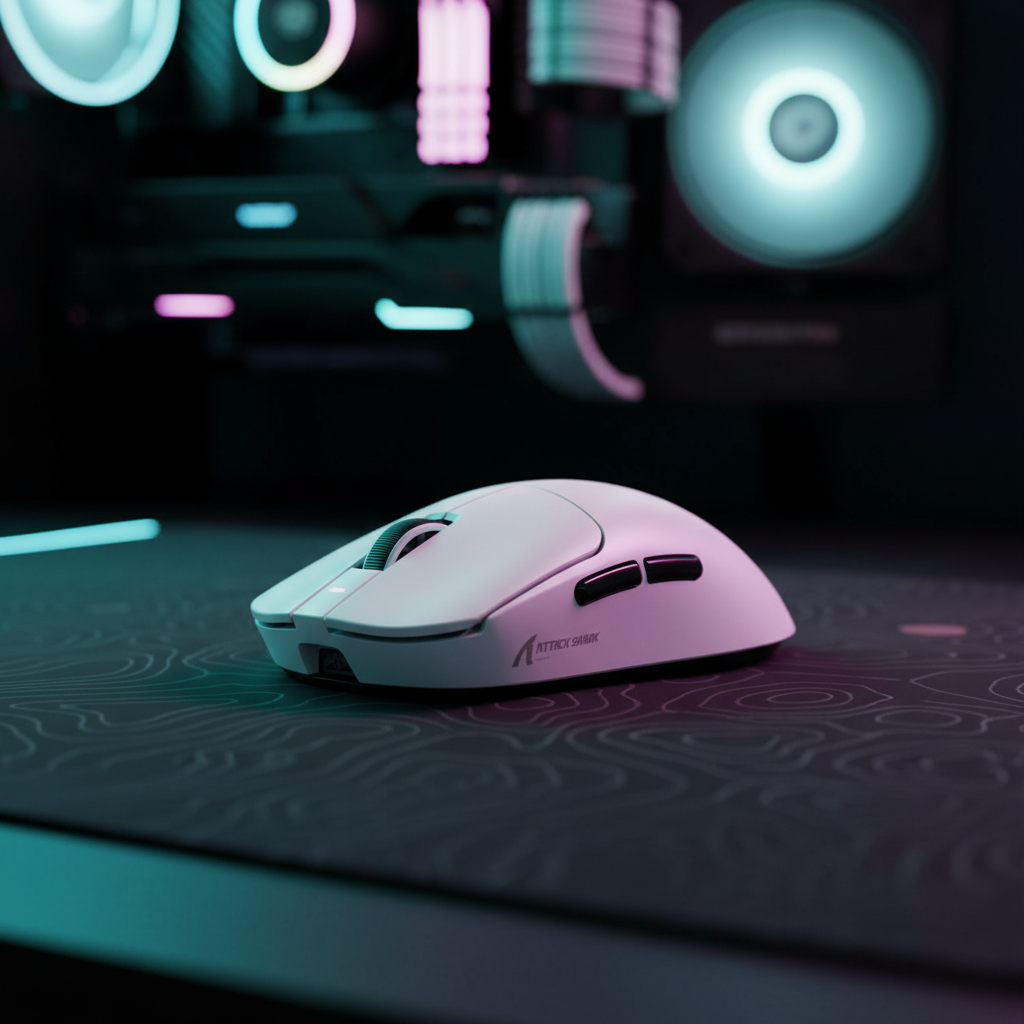
The 0.125ms Reality: Understanding 8K Polling and Surface Interaction
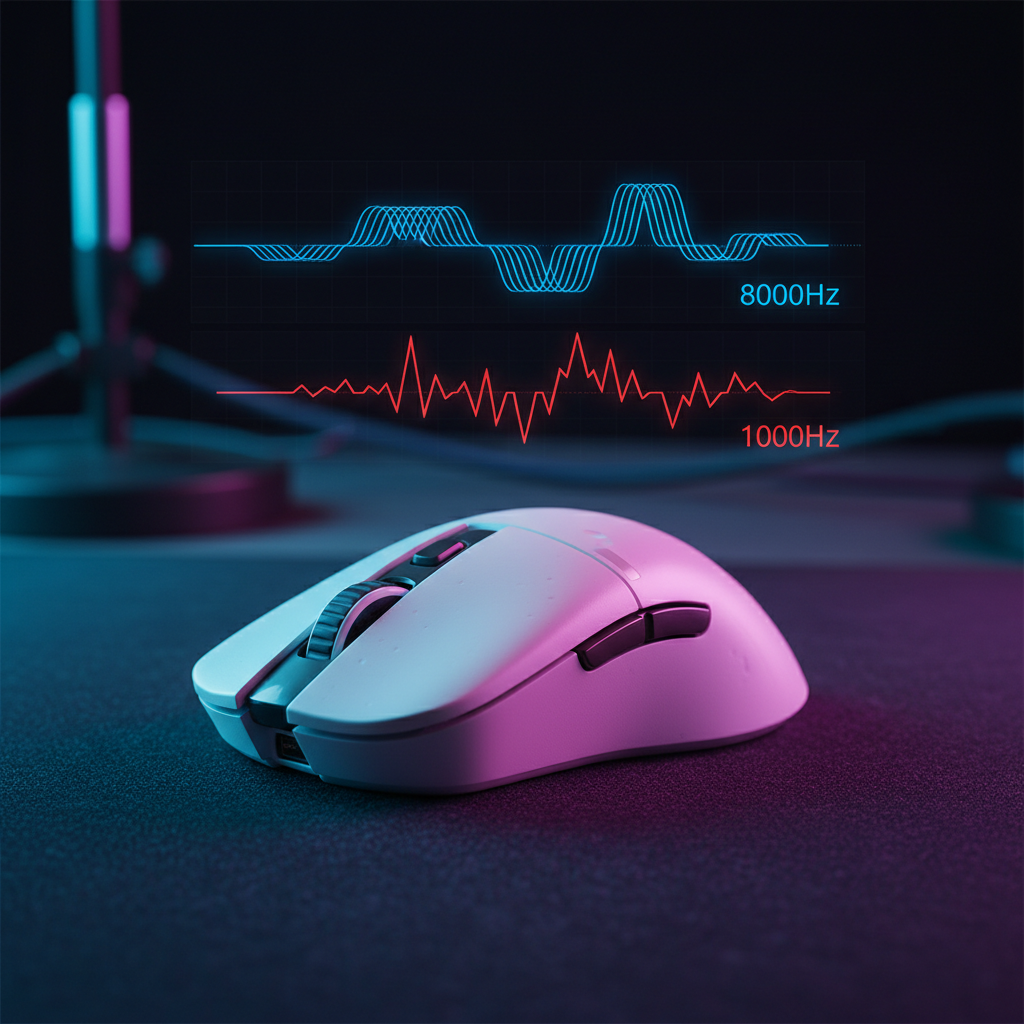
In the competitive landscape of esports, the transition from 1000Hz to 8000Hz (8K) polling rates represents a fundamental shift in how a gaming mouse communicates with a PC. While a standard 1000Hz mouse reports its position every 1.0ms, an 8K mouse like the ATTACK SHARK X8 Series Tri-mode Lightweight Wireless Gaming Mouse reduces this interval to a near-instant 0.125ms. This 8x increase in data density aims to provide a smoother cursor path and reduced input lag, but it introduces a new variable: the tracking surface.
At 8000Hz, the sensor is essentially taking a "snapshot" of the surface every 125 microseconds. This high-frequency reporting makes the sensor exceptionally sensitive to microscopic surface variations. According to the Global Gaming Peripherals Industry Whitepaper (2026), the interaction between sensor optics and the physical weave of a mouse pad becomes the primary bottleneck for signal integrity at high polling rates. If the surface texture is inconsistent, the increased data rate can actually amplify minor tracking anomalies, leading to a "buzzy" or jittery feel that disrupts muscle memory.
The Physics of Surface Grain and Sensor Noise
The core of this issue lies in the sensor's focal plane and how it interprets the "grain" of the mouse pad. Most gaming sensors, such as the PixArt PAW3950MAX found in high-performance models, rely on optical flow estimation. They illuminate the surface and track the movement of microscopic textures.
On a standard cloth pad, the weave consists of individual threads bundled together. As a mouse moves across these bundles, the sensor perceives a series of peaks and valleys. At 1000Hz, the 1.0ms reporting interval effectively acts as a low-pass filter, smoothing out the minor fluctuations caused by the thread gaps. However, at 8000Hz, the sensor is fast enough to report the minute variations in distance traveled between individual threads.
Logic Summary: Conventional wisdom suggests that a "control" pad’s higher friction is the key to precision. However, technical analysis of signal integrity suggests that for 8K polling, surface consistency is more critical. A worn or uneven cloth pad can cause the sensor's optimal focal plane to shift, exacerbating Lift-Off Distance (LOD) cutoff and causing micro-stutters that are more perceptible at 0.125ms intervals.

Surface Selection: Cloth vs. Hard vs. Carbon Fiber
To leverage the full potential of an 8K sensor, the surface must provide a uniform reflection and consistent friction.
- Textured Cloth Pads: While popular for their "stopping power," highly textured or coarse cloth pads can introduce "noise" into the 8K signal. The microscopic "hiccups" caused by uneven thread wear can make the cursor feel less fluid.
- Hard/Glass Surfaces: Tempered glass or hard plastic pads offer the most consistent signal. Because the surface is rigid and uniform, the sensor reports near-perfect movement increments every 0.125ms.
- Carbon Fiber Hybrids: Surfaces like the ATTACK SHARK CM04 Genuine Carbon Fiber eSport Gaming Mousepad represent a middle ground. The genuine dry carbon fiber provides a textured surface with uniform tracking along both the X and Y axes. This uniformity is vital for 8K sensors because it minimizes the variance in counts reported per poll.
Comparative Surface Performance for 8K Polling
| Surface Type | Signal Consistency | Static Friction (Stiction) | Recommended Polling Rate |
|---|---|---|---|
| Standard Cloth | Moderate | High | 1000Hz - 2000Hz |
| Coated/Speed Cloth | High | Low | 1000Hz - 4000Hz |
| Carbon Fiber (CM04) | Very High | Low | 1000Hz - 8000Hz |
| Hard/Glass Pad | Exceptional | Near Zero | 4000Hz - 8000Hz |
Note: Estimates based on common industry heuristics regarding sensor-to-surface coupling.
The DPI Minimum: Saturating the 8K Bandwidth
A common technical pitfall for 8K users is using a DPI setting that is too low. To actually send 8000 reports every second, the mouse must physically move enough distance to generate at least one count of movement per 0.125ms interval.
If a player uses 400 DPI and moves the mouse slowly, there may be intervals where the sensor has not moved far enough to register a single "dot" of movement. In these cases, the mouse sends "empty" packets or repeats previous data, effectively negating the benefit of the 8K rate.
- The IPS/DPI Formula: Packets sent per second = Movement Speed (IPS) × DPI.
- Threshold 1: At 800 DPI, a movement speed of at least 10 IPS is required to saturate the 8000Hz bandwidth.
- Threshold 2: At 1600 DPI, the required speed drops to 5 IPS.
For competitive players, 1600 DPI is generally considered the "sweet spot" for 8K polling. It ensures that even during slow micro-adjustments, the sensor provides enough data to keep the 0.125ms reporting stream saturated and consistent.
Mathematical Modeling: Why 1550 DPI is the New Standard
To avoid "pixel skipping" on modern high-resolution displays, the DPI must be high enough to match the screen's angular resolution. We modeled a scenario for a high-sensitivity FPS enthusiast to determine the theoretical minimum precision required.
Modeling Note: Nyquist-Shannon DPI Minimum
- Scenario: 2560x1440 resolution, 103° Field of View (FOV), 30 cm/360 sensitivity.
- Methodology: Applied the Nyquist-Shannon Sampling Theorem, which dictates that the sampling rate must be at least twice the signal bandwidth to avoid aliasing (pixel skipping).
| Parameter | Value | Unit | Rationale |
|---|---|---|---|
| Resolution | 2560 | px (Horizontal) | Standard 1440p Monitor |
| FOV | 103 | Degrees | Common FPS Setting |
| Sensitivity | 30 | cm/360 | High-Sensitivity Target |
| Calculated Min DPI | ~1515 | DPI | Nyquist Minimum |
Analysis: Based on this model, a practical minimum of 1550 DPI is recommended for 1440p gaming. Using a DPI below this (such as 400 or 800) while maintaining high in-game sensitivity can cause the cursor to "jump" across pixels, making micro-aiming feel "steppy" rather than smooth.
Ergonomics and Grip: The 131mm Heuristic
Technical specs like 8K polling are only effective if the player can maintain stable control. Physical fit is often overlooked in the pursuit of high polling rates. For a user with large hands (approximately 20.5 cm in length), a mouse that is too short can lead to "claw cramps" and reduced stability during high-frequency tracking.
Using anthropometric data from the ANSUR II database, we can calculate an "Ideal Grip Fit." For a 20.5 cm hand using a claw grip, the ideal mouse length is approximately 131 mm. Many popular ultra-lightweight mice are roughly 120 mm long, which results in a fit ratio of 0.91—indicating the mouse is significantly shorter than statistically ideal for that hand size.
When the mouse is too small, the fingers must flex at more acute angles. This tension makes it harder to perform the effortless micro-adjustments that 8K polling is designed to capture. For these users, a slightly larger ergonomic shell, such as the ATTACK SHARK X8 Series (125mm length), provides a better balance for stability and performance.
System Bottlenecks: CPU Load and USB Topology
Running a mouse at 8000Hz is not just a peripheral challenge; it is a system-wide stress test. Each of the 8,000 reports per second triggers an Interrupt Request (IRQ) that the CPU must process.
- CPU Overhead: High polling rates primarily stress single-core performance. In modern titles, enabling 8K can increase CPU usage by 5-10%. If the CPU is already at 90%+ utilization, 8K polling can cause frame drops or "stuttering" in the game itself, which users often misidentify as "mouse lag."
- USB Port Selection: Devices must be connected to Direct Motherboard Ports (typically the rear I/O). Using front-panel headers or unpowered USB hubs can lead to packet loss and signal instability due to poor shielding or shared bandwidth.
- Motion Sync Trade-offs: Motion Sync aligns sensor snapshots with the USB poll. At 8000Hz, the deterministic latency penalty for Motion Sync is only ~0.0625ms (calculated as 0.5 * 0.125ms). While negligible, absolute purists may disable it on extremely consistent surfaces (like glass) to shave off every possible microsecond of delay.
Optimizing the 8K Experience: A Checklist
To ensure that the "feel" of an 8K mouse matches the theoretical performance, follow this optimization framework:
- Surface: Use a low-stiction, high-consistency surface. The ATTACK SHARK CM04 or a tightly woven, 5S-coated pad like the ATTACK SHARK CM03 eSport Gaming Mouse Pad are ideal candidates.
- DPI: Set the mouse to at least 1600 DPI. Adjust in-game sensitivity downward to maintain your preferred cm/360.
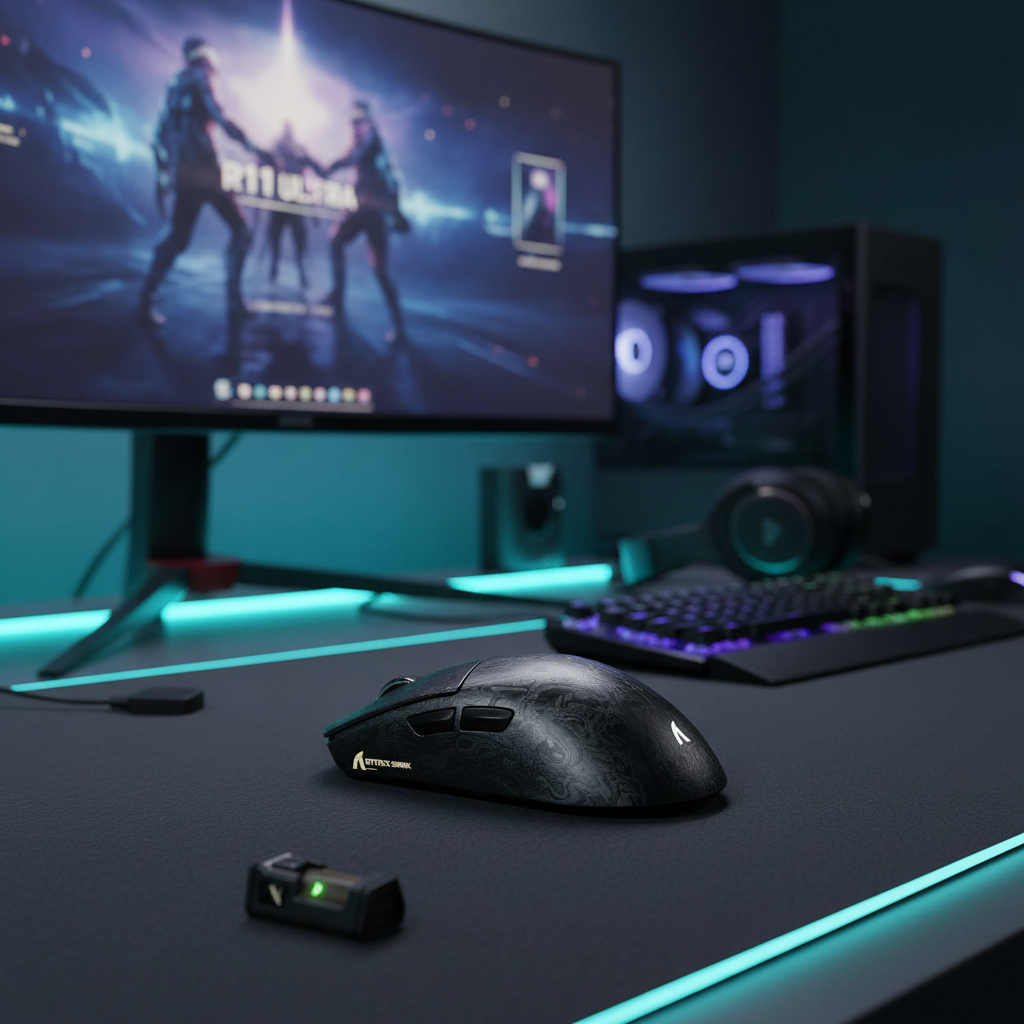
- Connectivity: Use the 2.4GHz wireless mode with the 8K receiver placed within 12-18 inches of the mouse pad. Ensure the receiver is plugged into a USB 3.0+ port directly on the motherboard.
- Firmware: Regularly check for updates via the Official Driver Download to ensure the MCU is using the latest polling rate optimizations.
- Power Management: Be aware that 8K polling can reduce wireless battery life by 75-80% compared to 1000Hz. For marathon sessions, consider switching to 2000Hz or 4000Hz to balance performance and longevity.
Final Technical Perspective
The jump to 8K polling is a "systemic" upgrade. It requires a high-refresh-rate monitor (240Hz+) to visually perceive the smoothness, a capable CPU to handle the IRQ load, and—most importantly—a high-quality surface to provide a clean signal.
When these elements align, the result is a tracking experience that feels more "connected" to the hand. By pairing a high-spec sensor with a uniform surface like carbon fiber or high-density fiber, gamers can minimize the microscopic "noise" that often plagues high-polling setups, turning raw numbers into a genuine competitive edge.
Disclaimer: This article is for informational purposes only. High-performance gaming peripherals and high polling rates can significantly increase CPU load and impact system stability. Ensure your hardware meets the recommended specifications before enabling 8000Hz polling. Battery life claims are based on internal modeling and may vary by usage patterns and environmental interference.
Sources:

コメントを書く
このサイトはhCaptchaによって保護されており、hCaptchaプライバシーポリシーおよび利用規約が適用されます。