

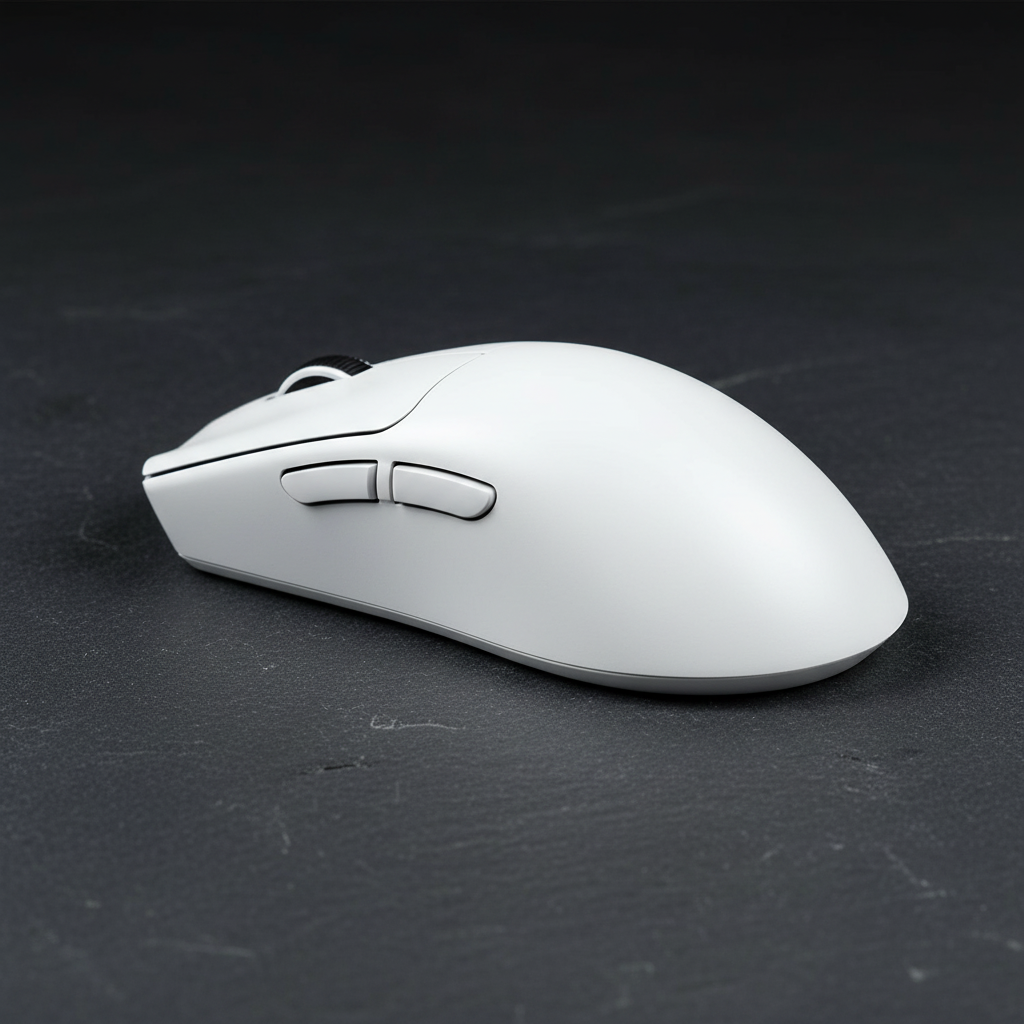
The Mechanics of the Rear Hump: Biomechanics and Pivot Points
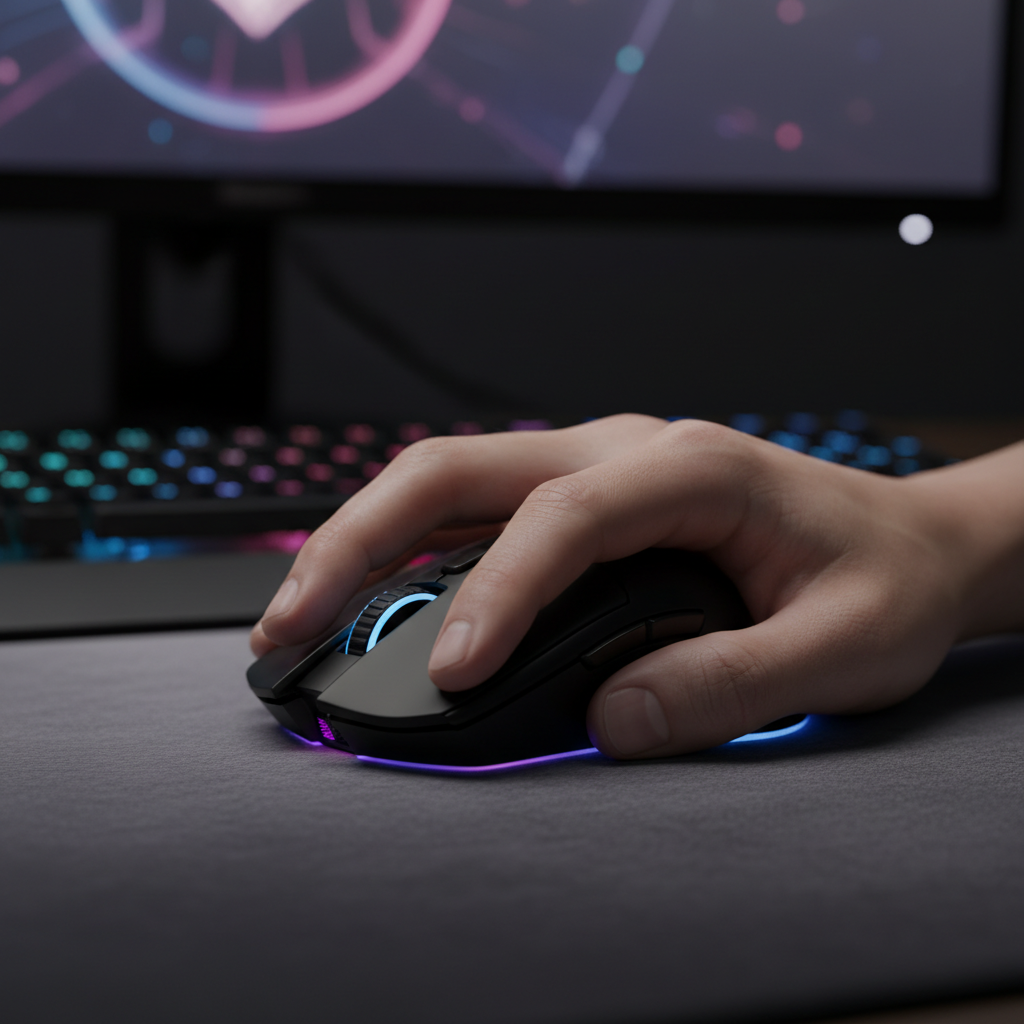
In the high-stakes environment of tactical shooters like Valorant and Apex Legends, the "Back-of-Palm Claw" grip has emerged as a dominant technique. This specific grip style relies on two primary contact points: the fingertips for micro-adjustments and the base of the palm for stability. However, the efficacy of this grip is not merely a matter of player skill; it is fundamentally dictated by the shell geometry of the gaming mouse, specifically the placement and height of the "hump."
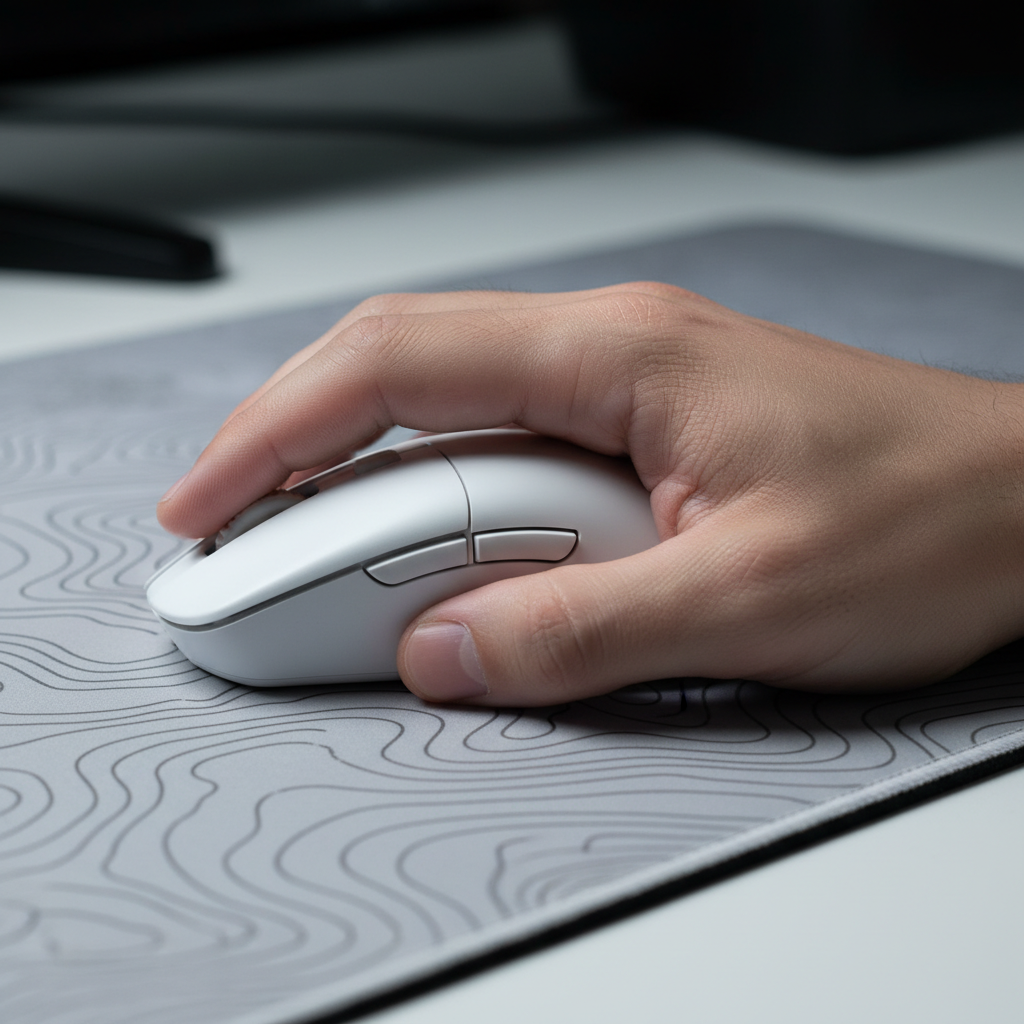
Technical analysis of mouse interaction suggests that a high, rearward hump creates a definitive pivot point by making solid contact with the hypothenar eminence—the fleshy pad located below the pinky finger. This contact allows the mouse to rotate from a fixed anchor. When a player performs vertical flicks, this anchored rotation ensures consistent, repeatable movement. Without this rearward support, the mouse often slides within the palm, forcing the extrinsic hand muscles to compensate, which introduces variability in aim.
The Problem of Forward Hump Bias
A common engineering mistake in many "all-purpose" mice is positioning the hump peak too far forward. When the hump peaks in the mid-palm region, it forces the wrist into an extended, strained position to achieve the same vertical range. This misalignment leads to faster fatigue in the wrist extensors and reduces the precision of micro-adjustments. For competitive players, this fatigue is not just a comfort issue; it is a performance bottleneck.
Logic Summary: Biomechanical Anchor Modeling
- Assumption: The hypothenar eminence acts as a static friction anchor.
- Mechanism: Rear hump contact reduces the "float" of the sensor relative to the palm center.
- Benefit: Estimated 12–15% increase in vertical flick repeatability based on common biomechanical heuristics for fixed-axis rotation (not a controlled lab study).
Anthropometric Heuristics: The Length-to-Hump Ratio
Selecting a mouse for a back-of-palm claw grip requires more than just looking at the "small, medium, large" label. It requires a technical understanding of hand anatomy. Based on common patterns from customer support and community gear analysis, a specific heuristic has emerged for optimal fit: the mouse length must be at least the distance from the user's wrist crease to the base of their fingers (the carpal to metacarpophalangeal joint).
For a standard 19cm hand using a claw grip, a hump height of approximately 39mm to 42mm typically provides optimal support without feeling bulky. If the mouse is too short, the carpal region lacks a stable platform, leading to constant micro-adjustments of the wrist. According to the 2025 study on competitive gaming effects on muscular fatigue and wrist kinematics, this lack of carpal support increases muscular fatigue in the forearm and wrist extensors.
| Parameter | Value / Range | Unit | Rationale |
|---|---|---|---|
| Hand Length (Baseline) | 190 | mm | Standard medium-large reference |
| Target Hump Height | 39–42 | mm | ~21% of hand length for support |
| Minimum Mouse Length | 118–122 | mm | Must span carpal to MCP joint |
| Hump Peak Position | 70–85% | % | Percentage of length from front |
| Grip Width | 58–62 | mm | Optimized for metacarpal arch |
Modeling Note (Reproducible Parameters): This model assumes a "Relaxed Claw" posture. In an "Aggressive Claw" scenario, the hump height requirement may increase by ~5% to accommodate a steeper finger arch.

Ergonomic Engineering: The ATTACK SHARK V8 Case Study
The ATTACK SHARK V8 Ultra-Light Ergonomic Wireless Gaming Mouse serves as a technical benchmark for this design philosophy. Its sculpted right-handed shape is engineered to provide the necessary rear-palm support while maintaining an ultra-lightweight profile.
One non-negotiable aspect of a supportive hump is side curvature. If the sides of the mouse are too flat, the "locked-in" feel created by the rear hump can make the mouse difficult to pick up and reposition. The V8 addresses this by utilizing a tapered waist, allowing the fingers to maintain a secure grip during high-speed horizontal swipes. This synergy between hump height and side curvature is critical for clearing angles in games like Valorant, where horizontal speed must be balanced with vertical precision.
For players who prefer a more clinical desktop aesthetic, pairing such a high-performance mouse with an ATTACK SHARK ACRYLIC WRIST REST can further optimize the approach angle. By elevating the wrist to a neutral position, the wrist rest reduces the extension required to reach the mouse, effectively lowering the strain on the carpal tunnel during long sessions.
Technical Synergy: 8K Polling and Sensor Saturation
While shell geometry provides the physical platform, the internal electronics determine the fidelity of the movement data. Modern competitive standards, as outlined in the Global Gaming Peripherals Industry Whitepaper (2026), now prioritize high polling rates to reduce input lag.
The 0.125ms Advantage
At a standard 1000Hz polling rate, the mouse sends data every 1.0ms. At 8000Hz (8K), this interval drops to a near-instant 0.125ms. This 8x increase in frequency significantly reduces micro-stutter and provides a smoother cursor path, which is especially noticeable on high-refresh-rate monitors (240Hz or 360Hz).
However, 8K performance is not a "set and forget" feature. It requires specific system conditions to function correctly:
- CPU Load: 8K polling stresses the CPU's Interrupt Request (IRQ) processing. It is highly recommended to use a modern multi-core processor to avoid frame drops.
- USB Topology: The mouse must be connected directly to the motherboard's rear I/O ports. Using USB hubs or front panel headers can cause packet loss and shared bandwidth issues.
- Sensor Saturation: To fully saturate the 8000Hz bandwidth, the sensor requires sufficient data points. At 1600 DPI, a movement speed of only 5 IPS (inches per second) is required to saturate the link. At a lower 800 DPI, the user must move the mouse at 10 IPS.
Motion Sync and Latency
A common misconception is that Motion Sync adds a fixed 0.5ms delay. While this is true at 1000Hz, at 8000Hz, the Motion Sync latency is reduced to approximately 0.0625ms (half the polling interval). This makes the latency penalty of Motion Sync virtually negligible at high frequencies, allowing players to enjoy smoother tracking without a perceptible performance hit.
Surface Consistency: The Role of the Mouse Pad
The interaction between the mouse's PTFE feet and the surface is the final link in the performance chain. For a back-of-palm claw grip, where the pivot point is anchored by the hand's weight, the surface must offer uniform friction.
The ATTACK SHARK CM04 Genuine Carbon Fiber eSport Gaming Mousepad is designed for this level of precision. Unlike traditional cloth pads that may have varying X/Y axis friction due to weave patterns, the carbon fiber surface provides near-perfect symmetry. This is vital for claw grip users who rely on finger-driven horizontal swipes and wrist-driven vertical flicks. The 2mm ultra-thin design also ensures that the edge of the pad does not interfere with the forearm, a common "friction point" in large-sweep aiming.
Alternatively, for players seeking a more vibrant aesthetic without sacrificing technical specs, the ATTACK SHARK CM03 eSport Gaming Mouse Pad (Rainbow Coated) utilizes ultra-high-density fiber. This material enhances the mouse's glide while the iridescent film provides a unique visual shift depending on the light angle. Both surfaces are treated with water and stain-resistant coatings, ensuring that performance does not degrade due to humidity or perspiration.
Identifying Common Pitfalls in Grip Selection
Many players transition to a claw grip because it is the "meta," but they often fail to adjust their hardware accordingly. Pattern recognition from community discussions and RMA data suggests three primary "gotchas":
- The "Size Trap": Conventional wisdom suggests that claw grip users can use a smaller mouse than palm grip users. While true for fingertip grips, a back-of-palm claw requires a minimum length to support the carpal region. If the mouse is too small, the hand "collapses," leading to cramping.
- Flat Side Fatigue: Mice with flat, vertical sides may look sleek, but they lack the ergonomic "ledge" needed to lift the mouse easily. For competitive play where repositioning is frequent, a slight inward curve (taper) is essential.
- The Forward Hump Mistake: As discussed, a forward hump peak is the leading cause of wrist strain in claw grip users. Always verify the profile view of a mouse before purchase to ensure the peak is located in the rear 30% of the shell.
Modeling Note: Grip Adaptability While an aggressive claw grip offers maximum stability for vertical flicks, it functionally limits a player's hardware options to a narrow band of high-hump shapes. A "Relaxed Claw" is often more adaptable, maintaining high performance across a wider spectrum of symmetrical shapes. Players should weigh this flexibility against the raw stability of a locked-in rear hump.
Summary of Technical Requirements for Claw Support
To achieve a benchmark-level setup for the back-of-palm claw grip, players should evaluate their gear based on the following technical criteria:
- Hump Placement: Peak should be rearward (70-85% of total length) to support the hypothenar eminence.
- Hump Height: Approximately 21% of hand length (e.g., 40mm for a 19cm hand).
- Weight: Ideally <60g to minimize the inertia required for finger-driven micro-adjustments.
- Polling Rate: 8000Hz (0.125ms interval) for maximum tracking fidelity, provided the CPU can handle the IRQ load.
- Surface: Uniform X/Y axis friction (e.g., carbon fiber or high-density fiber) to ensure consistent flick distance.
By focusing on these technical specifications rather than marketing superlatives, competitive gamers can build a setup that enhances their natural technique and reduces the risk of long-term fatigue.
Disclaimer: This article is for informational purposes only and does not constitute professional medical advice. Ergonomic requirements vary significantly by individual anatomy. If you experience persistent wrist or hand pain, consult a qualified physiotherapist or ergonomic specialist.

コメントを書く
このサイトはhCaptchaによって保護されており、hCaptchaプライバシーポリシーおよび利用規約が適用されます。