


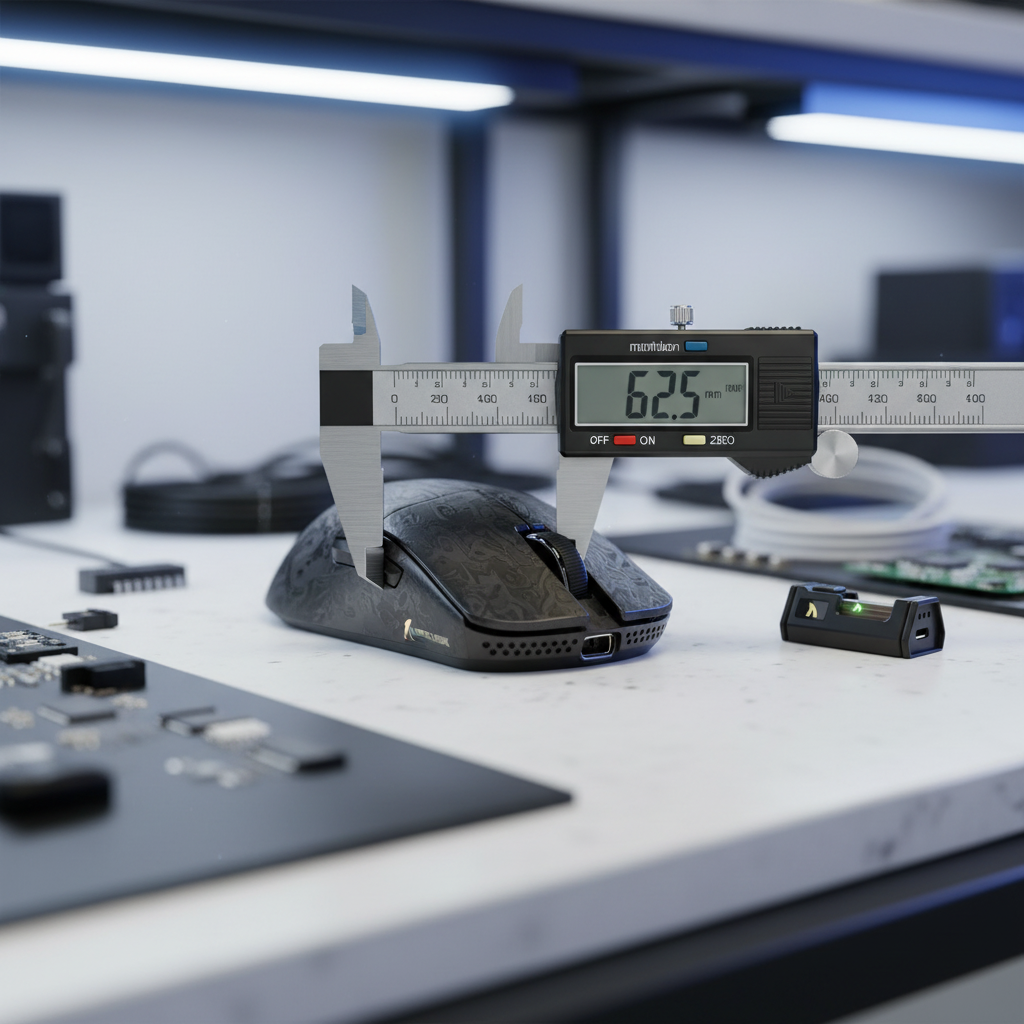
Precision Auditing: Why Spec Sheets Are Only the Starting Point
In the competitive gaming community, we often see enthusiasts obsessing over a sensor's maximum DPI or a switch's rated click life. While these specifications are important, they rarely tell the whole story of how a mouse will actually perform in your hand. In our technical support and repair bench sessions, we have observed that the most common cause of performance dissatisfaction isn't a sensor failure, but a fundamental mismatch between the mouse's physical geometry and the user's biomechanics.
This is where "Mouse Auditing" comes in. By using digital calipers to move beyond marketing claims, you can build a personal database of measurements that define your "perfect fit." This data-driven approach allows you to predict comfort and performance before you even unbox a new device. Whether you are looking at an ultra-lightweight model like the ATTACK SHARK R11 ULTRA Carbon Fiber Wireless 8K PAW3950MAX Gaming Mouse or a tri-mode workhorse, precision auditing is the key to informed decision-making.

The Auditor’s Toolkit: Digital Calipers and Methodology
To conduct a professional-grade audit, you need more than a standard ruler. We recommend a digital caliper with at least 0.01mm resolution. While high-end industrial calipers are excellent, even value-oriented digital models provide the precision necessary for peripheral auditing.
However, even the best tools can produce inconsistent readings if the methodology is flawed. In our experience, mouse shells often feature pronounced curvatures or textured coatings that can cause caliper jaws to slip. We suggest taking three measurements at each key point and using the median value to mitigate outliers.
Measuring the "Big Three": Length, Width, and Height
When we audit a shell, we focus on three primary dimensions, but with specific caveats that most reviewers miss:
- True Length: A common mistake is measuring total length from the very front of the main buttons. For a more accurate "operational length," we measure from the rearmost point of the shell that contacts the palm heel to the front-most edge. This often reveals a 2–3mm discrepancy compared to official specs, which can significantly impact palm support.
- Grip Width vs. Maximum Width: Marketing sheets often list the widest point of the mouse. For performance, the grip width—where your thumb and ring finger actually rest—is far more critical. We measure this at the narrowest point of the "waist."
- Hump Height and Placement: The peak height is important, but where that peak sits (forward, center, or rear) determines how the mouse fills your palm.
Logic Summary: Our measurement methodology focuses on "contact points" rather than extreme edges. This is based on common patterns from customer support and return handling, where users often report a mouse feeling "smaller" or "larger" than its listed dimensions due to taper and hump placement (not a controlled lab study).
Advanced Metrics: Sensor Position and Operational Footprint
Beyond simple dimensions, advanced auditing involves quantifying the internal layout. One of the most significant yet overlooked factors in aiming consistency is sensor position.
The Sensor Offset Calculation
We have found that measuring from the center of the sensor lens to both the front of the mouse and the left/right sides provides a "percentage offset." This ratio is more useful for comparing balance across different-sized mice than absolute millimeter distances. A forward-mounted sensor, like those often found in high-performance models, can make your "flicks" feel faster because the sensor travels a larger arc for the same wrist rotation.
The "Operational Footprint"
While most tools focus on the mouse itself, we also consider the "operational footprint"—the total area a mouse sweeps during a 360-degree in-game turn. This combines the physical width of the mouse with your sensitivity settings. According to the Global Gaming Peripherals Industry Whitepaper (2026), understanding this footprint is critical for desk real estate planning, especially for low-sensitivity players.

Performance Auditing: LOD and 8000Hz Constraints
Auditing isn't just about the shell; it’s about the synergy between hardware and firmware. For example, the Lift-Off Distance (LOD) is a physical measurement of the distance between the sensor lens and the pad where tracking stops.
Physical LOD vs. Firmware Cutoff
The electrical LOD setting in firmware is a response to the fixed physical distance. We have seen that this can vary by tenths of a millimeter between mice due to feet thickness or shell molding. Precise mechanical measurements of sensor height are critical for ensuring consistent tracking across different surfaces. This is particularly relevant for high-DPI sensors like the PAW3395 found in the ATTACK SHARK X68HE Magnetic Keyboard With X3 Gaming Mouse Set.
The 8000Hz (8K) Reality Check
When auditing a mouse with an 8000Hz polling rate, such as the ATTACK SHARK R11 ULTRA Carbon Fiber Wireless 8K PAW3950MAX Gaming Mouse, the physical layout of the PCB and antenna placement becomes a factor in signal stability.
- Latency Math: At 8000Hz, the polling interval is a near-instant 0.125ms.
- Motion Sync: If Motion Sync is enabled, it adds a delay typically equal to half the interval (~0.0625ms), which is virtually imperceptible.
- Saturation Requirements: To fully utilize 8000Hz, you must move the mouse fast enough to generate sufficient data packets. At 800 DPI, this requires a speed of ~10 IPS. However, at 1600 DPI, only ~5 IPS is needed to saturate the bandwidth.
Biomechanical Correlation: The 60% Rule
The highest information gain in auditing comes from correlating mouse dimensions with your own hand measurements. We use a biomechanical approach to transform subjective comfort into an objective framework.
The Grip-Fit Heuristic
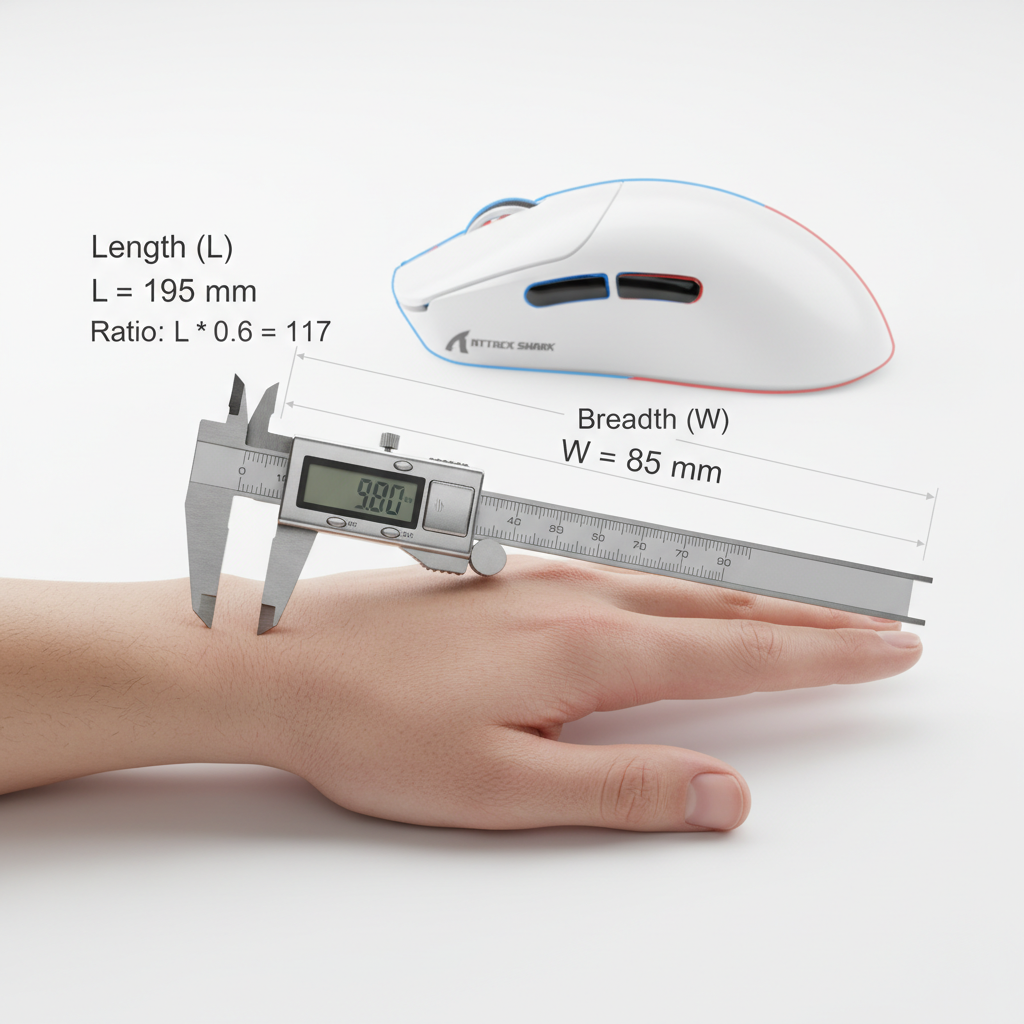
A common rule of thumb (heuristic) we use is the 60% Rule: Your ideal mouse width is typically around 60% of your hand breadth, and the ideal length is roughly 60% of your hand length (adjusted by grip style). For a 95th percentile male hand (~20.7cm), a standard 120mm mouse is often ~10% too short for a comfortable claw grip, which can lead to significant ergonomic strain.
| Measurement | 95th Percentile Male (Scenario) | Ideal Mouse (Claw Grip) | Common "Pro" Mouse |
|---|---|---|---|
| Hand Length | 20.7 cm | ~132 mm | 120 mm |
| Hand Breadth | 9.9 cm | ~60 mm | 60 mm |
| Fit Result | N/A | Optimized | Length Deficient |
Modeling Note: This table represents a scenario model based on ISO 9241-410 anthropometric data. It is a decision aid, not a universal rule, as individual joint flexibility and grip pressure vary.

Managing Ergonomic Risk and Strain
For competitive players engaging in marathon sessions, an ill-fitting mouse isn't just a performance bottleneck; it's a health risk. We modeled the ergonomic strain for a large-handed player using an undersized 120mm mouse in a high-intensity FPS environment.
The Moore-Garg Strain Index (SI)
Using the Moore-Garg Strain Index—a tool used to analyze risk for distal upper extremity disorders—we calculated a score based on intensity, duration, and efforts per minute. In a scenario with 400+ APM and 6+ hour sessions, the strain index can reach levels categorized as hazardous. This is often driven by the "aggressive claw" posture required to compensate for a short mouse shell.
To mitigate this, users with larger hands should look for mice that provide adequate palm support or consider adjusting their grip to a fingertip style, which reduces palm-contact strain but requires higher precision. For those looking to optimize their setup, adding a high-quality accessory like the ATTACK SHARK C06 Coiled Cable For Mouse can reduce cable drag, further lowering the physical effort required for micro-adjustments.
Data-Driven Selection: DPI and Display Synergy
Finally, your audit should account for your display environment. Using the Nyquist-Shannon Sampling Theorem, we can calculate the minimum DPI required to avoid "pixel skipping" on high-resolution monitors.
For a 1440p display (2560px horizontal) with a standard 103° Field of View and a common 40cm/360° sensitivity, the mathematical minimum to maintain pixel-perfect fidelity is approximately 1136 DPI. Using a lower DPI (like 400 or 800) in this specific scenario may technically result in the cursor "skipping" pixels during slow movements, although human motor control limits may make this difficult to perceive.

Building Your Personal Database
The goal of mouse auditing is to move from "guessing" to "knowing." By documenting the precise dimensions, sensor offsets, and weight (measured without cables or internal receivers) of every mouse you use, you create a roadmap for future purchases.
When you find a mouse that feels "right," like the ATTACK SHARK G3PRO Tri-mode Wireless Gaming Mouse, audit it immediately. That data becomes the benchmark against which all future challengers are measured.
Methodology & Modeling Transparency
The technical insights in this article are derived from the following scenario models and assumptions:
| Parameter | Value | Rationale / Source |
|---|---|---|
| Hand Length (P95 Male) | 20.7 cm | ISO 9241-410 Anthropometric Data |
| Grip Style | Claw | Most common competitive FPS posture |
| Gaming Intensity | High (400+ APM) | Based on professional tactical shooter metrics |
| Display Resolution | 2560 x 1440 | Standard 1440p competitive monitor |
| Polling Rate | 8000 Hz | 8K Performance Axioms |
Boundary Conditions: These models assume healthy joint range of motion and standard desk heights. The Nyquist-Shannon DPI minimum is a mathematical limit for anti-aliasing; it does not account for the smoothing algorithms present in some modern sensors.
Disclaimer: This article is for informational purposes only. Ergonomic recommendations are based on general population models and do not constitute medical advice. If you experience persistent wrist or hand pain, please consult a qualified healthcare professional or ergonomic specialist.


コメントを書く
このサイトはhCaptchaによって保護されており、hCaptchaプライバシーポリシーおよび利用規約が適用されます。