


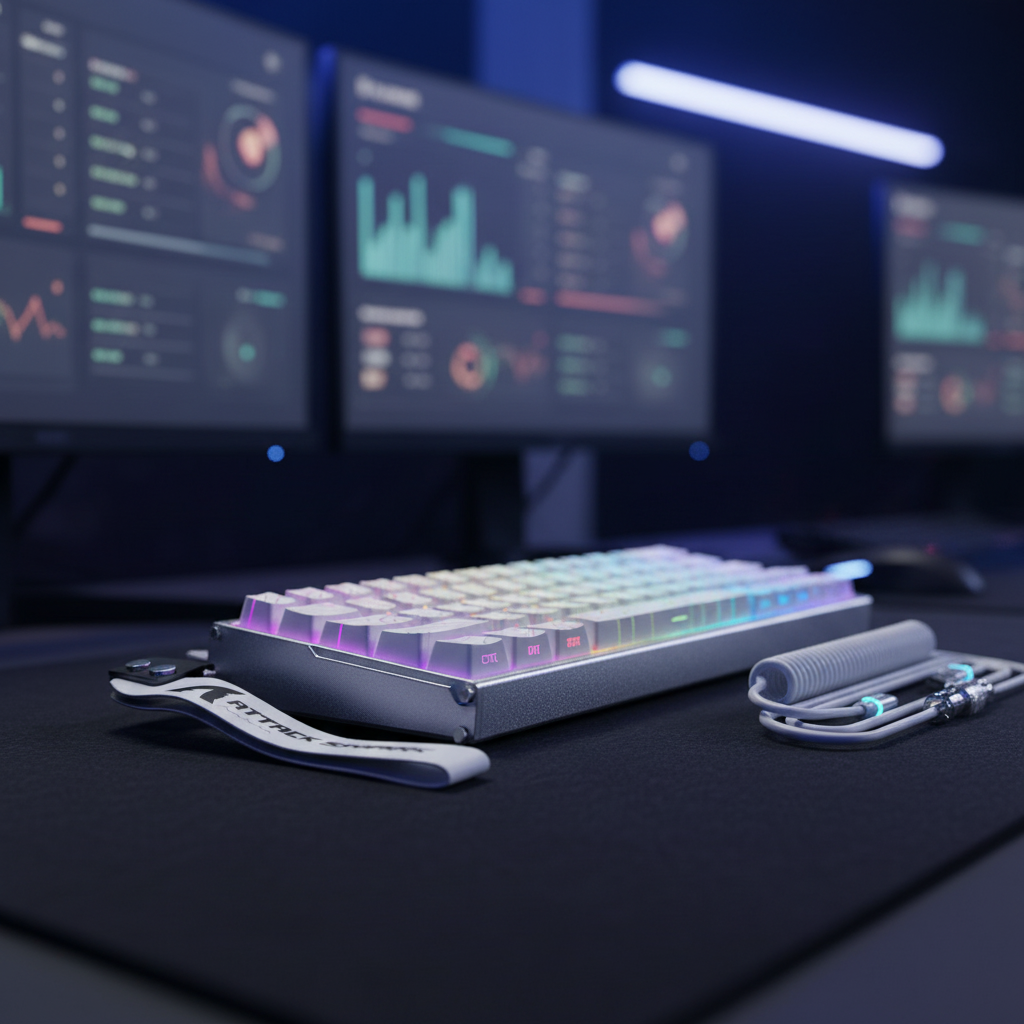
対戦ゲームは、単なる反射神経の域を超え、進化を遂げてきました。CS2、Valorant、高 BPMリズムゲームといったタイトルでは、ハードウェアインターフェースが意図と実行を繋ぐボトルネックとなっています。長年、物理的なリーフスプリングを備えたメカニカルスイッチが標準でした。しかし、ホール効果(HE)センサーとラピッドトリガー(RT)テクノロジーの登場により、パフォーマンスの限界は根本的に変化しました。もはや金属接点の物理的な制約に縛られることなく、磁場を利用することでほぼ瞬時の応答時間を実現しています。
磁気スイッチがなぜ高速なのかを理解するには、ホール効果の物理的性質と、ラピッドトリガーを制御するファームウェアロジックを深く理解する必要があります。機械的な「デッドゾーン」とデバウンス遅延の必要性を排除することで、これらのスイッチはミリ秒単位で測定可能な定量的な優位性を提供します。
ホール効果センサと機械式リーフの物理特性
従来のメカニカルスイッチは物理的な接点に依存しています。キーを押すと、プラスチック製のステムが金属製の板バネを押し、別の接点に接触することで電気回路が完成します。この物理的な「カチッ」という音は、スイッチのオンとオフのどちらかの状態を表す2 値的なものです。この機構には、移動距離とデバウンスという2つの大きな技術的課題が伴います。
ホール効果の公式定義によると、この現象は導体内の電流に垂直な磁場を印加することで発生し、測定可能な電圧差(ホール電圧)が生じます。キーボードでは、スイッチステムの底部に永久磁石を、PCB 上にホール効果センサーを配置しています。キーが押されると、センサーは磁束密度の変化を極めて正確に検出します。
このアナログ方式により、キーの位置をマイクロメートル単位の単位で「ガラスの箱」のように視覚的に把握できます。機械式スイッチは物理的な固定点に到達しないと作動しませんが、磁気スイッチは移動範囲内であればどこでも作動します。
主な技術的利点:
- デバウンス遅延ゼロ:メカニカルスイッチは「チャタリング」と呼ばれる、金属片が衝突する際に発生する微小な振動の影響を受けます。複数の入力を防ぐため、ファームウェアは信号が安定するまで待機する必要があります。通常、5~10ミリ秒かかります。磁気センサーは非接触式であるため、ノイズのないクリーンな信号を生成するため、デバウンス遅延を0ミリ秒に設定できます。
- 調整可能な作動:センサーはさまざまな値を読み取るため、作動ポイントを超高感度の 0.1 mm から深い 4.0 mm までプログラムできます。
- 耐久性:物理的な摩擦点や酸化する金属箔がないため、磁気スイッチはパフォーマンスが低下することなく 1 億回を超えるキーストロークに耐えることができます。
ラピッドトリガー:リリース時のデッドゾーンを解消
ホール効果技術の最大の利点は、キーを押す速さではなく、離す速さにあります。標準的なメカニカルスイッチでは、キーを一番下(4.0mm)まで押し込んだ場合、入力が停止して再びキーを押せるようになるには、キーを固定リセットポイント(通常 1.5mm~2.0mm 程度)を超えて持ち上げる必要があります。これにより、キーが物理的に上昇しているにもかかわらず、コンピューターはキーが押された状態であると認識する「デッドゾーン」が生じます。
ラピッドトリガー(RT)は、上方向の動きを検知した瞬間にスイッチを動的にリセットすることでこの問題を解決します。RT 感度を0.1mmに設定すると、キーがトラベルチューブ内の位置に関わらず、0.1mm 上昇するとすぐに入力が終了します。
タクティカルシュータープレイヤーにとって、これは「カウンターストレイフ」において画期的な効果を発揮します。Valorantで瞬時に停止して精度を上げるには、「A」キーを離して「D」キーを押す必要があります。従来のスイッチでは、「A」キーを離すまでの遅延によって「スライド」効果が生じ、初撃の精度が損なわれる可能性があります。ATTACK SHARK X68HEマグネティックキーボードとX3ゲーミングマウスセットなら、ダイナミックリセットにより、指が離され始めた瞬間に「A」キーの入力が確実にドロップされます。
速度の定量化:7.67msの優位性
実際の影響を示すために、リズムゲーム プレイヤーが 150 mm/s の指のリフト速度で高速タップを実行するなど、高強度のシナリオでの総入力遅延を分析しました。
| メトリック | メカニカルスイッチ(固定) | ホール効果(ラピッドトリガー) |
|---|---|---|
| 移動時間 | 5.00ミリ秒 | 5.00ミリ秒 |
| デバウンス遅延 | 5.00ミリ秒 | 0.00ミリ秒 |
| リセット遅延(150mm/秒) | 3.33 ms(0.5mmの距離) | 0.67ミリ秒(0.1mmの距離) |
| 合計入力遅延 | 13.33ミリ秒 | 5.67ミリ秒 |
表 1: 高速競争プレイの理論計算に基づくレイテンシの比較。
このシナリオでは、総レイテンシが7.67ミリ秒短縮され、57.5%の改善が見られました。1 分間に60 回入力するプレイヤーの場合、これは1 分あたり450ミリ秒以上の「節約」時間に相当します。「パーフェクト」ヒットのタイミングウィンドウが20ミリ秒と非常に狭いゲームでは、7ミリ秒のバッファが最高スコアとミスノートの差となります。
現実世界の摩擦点と「落とし穴」
基本的な仕様は素晴らしいものの、実装品質はまちまちです。懐疑的な愛好家はしばしば「スイッチのぐらつき」を最大の懸念事項として挙げます。ホール効果センサーはアナログであるため、スイッチステムの横方向の動きによって磁石とセンサーの距離が変化し、動作が不安定になる可能性があります。
これを軽減するために、X68HEのような高性能実装では、より狭いハウジング公差と潤滑剤入りのステムを採用しています。これにより磁束の測定値のばらつきが低減され、0.1mmの設定がキーボード上のすべてのキーで均一な感触を実現します。
よくあるユーザーのミス:
- リセット距離を低く設定しすぎた場合:指が重い場合、リセット距離を0.1mmに設定すると「誤入力」につながる可能性があります。キーに指を置いたままにすると、センサーが反応してしまう可能性があります。ほとんどの競技向けFPSタイトルでは、アクチュエーションを0.4mm、リセットを0.2mmに設定することをお勧めします。
- ファームウェアスムージング:一部の低価格帯のマグネティックキーボードは、センサー品質の低さを隠すために、強力な信号スムージングを使用しています。これにより「入力遅延」が発生し、技術のメリットが損なわれます。センサーの性能を最大限に引き出すには、デバイスが高ポーリングレート(最大 8000Hz)に対応していることを確認してください。

エコシステムの相乗効果:8Kポーリングと信号整合性
キーボードの「頭脳」が遅ければ、高速スイッチも役に立ちません。磁気センサーの0.125ミリ秒のレイテンシを最大限に活用するには、キーボードは理想的には8000Hz(8K)のポーリングレートをサポートする必要があります。これにより、PCは標準的な1000Hzキーボードよりも8 倍の頻度でキーの位置データを受信できます。
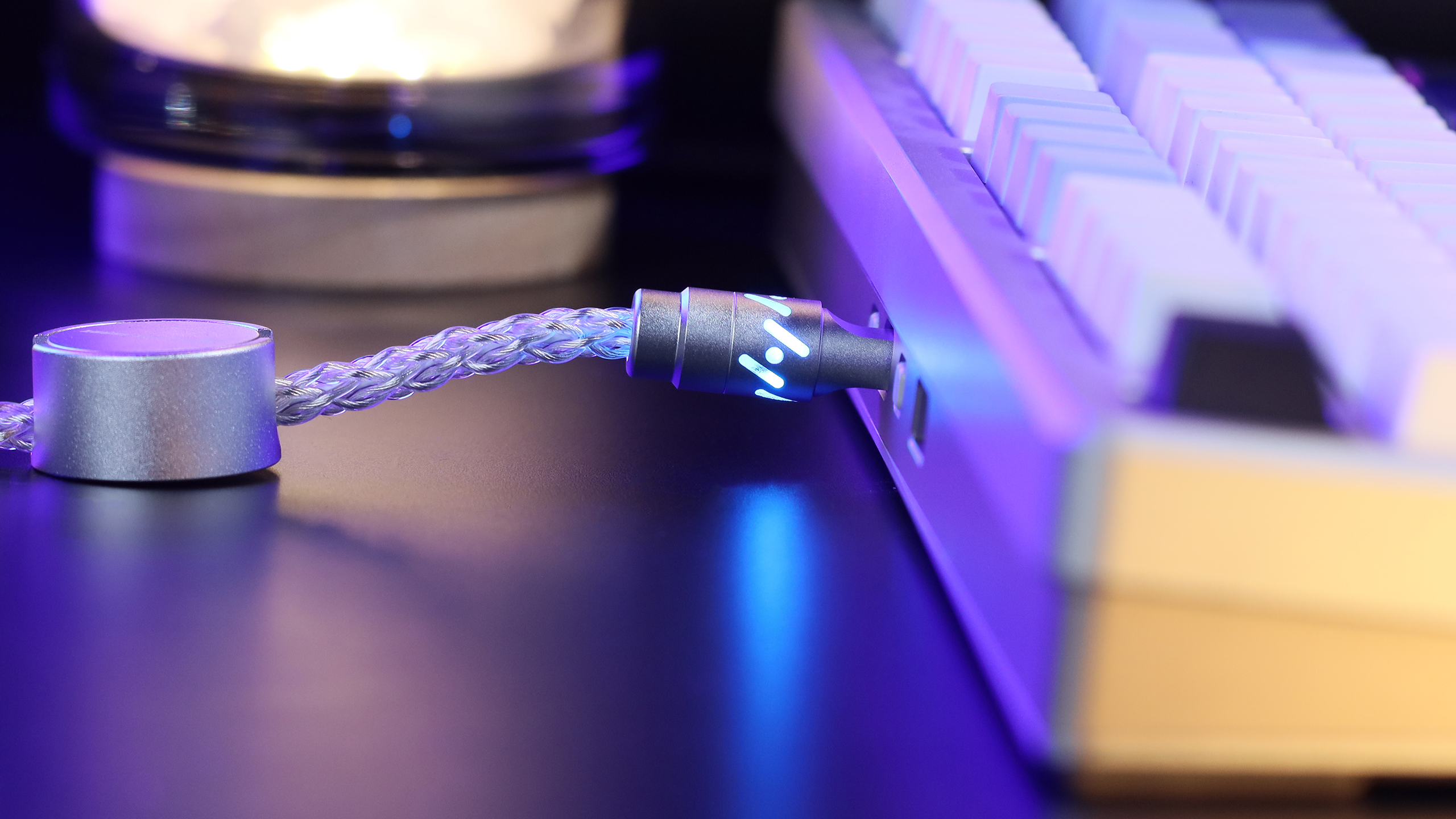
この速度を維持するには、高帯域幅の接続が必要です。ATTACK SHARK C07 8KHzマグネティックキーボード用カスタムアビエーターケーブルは、内部に8 芯単結晶銅を採用し、このような高周波数帯域でも安定した信号伝送を実現します。標準的なケーブルでは、8Kポーリング時にパケットロスや干渉が発生する可能性があり、高リフレッシュレートのゲームでは「カクツキ」が発生することがあります。
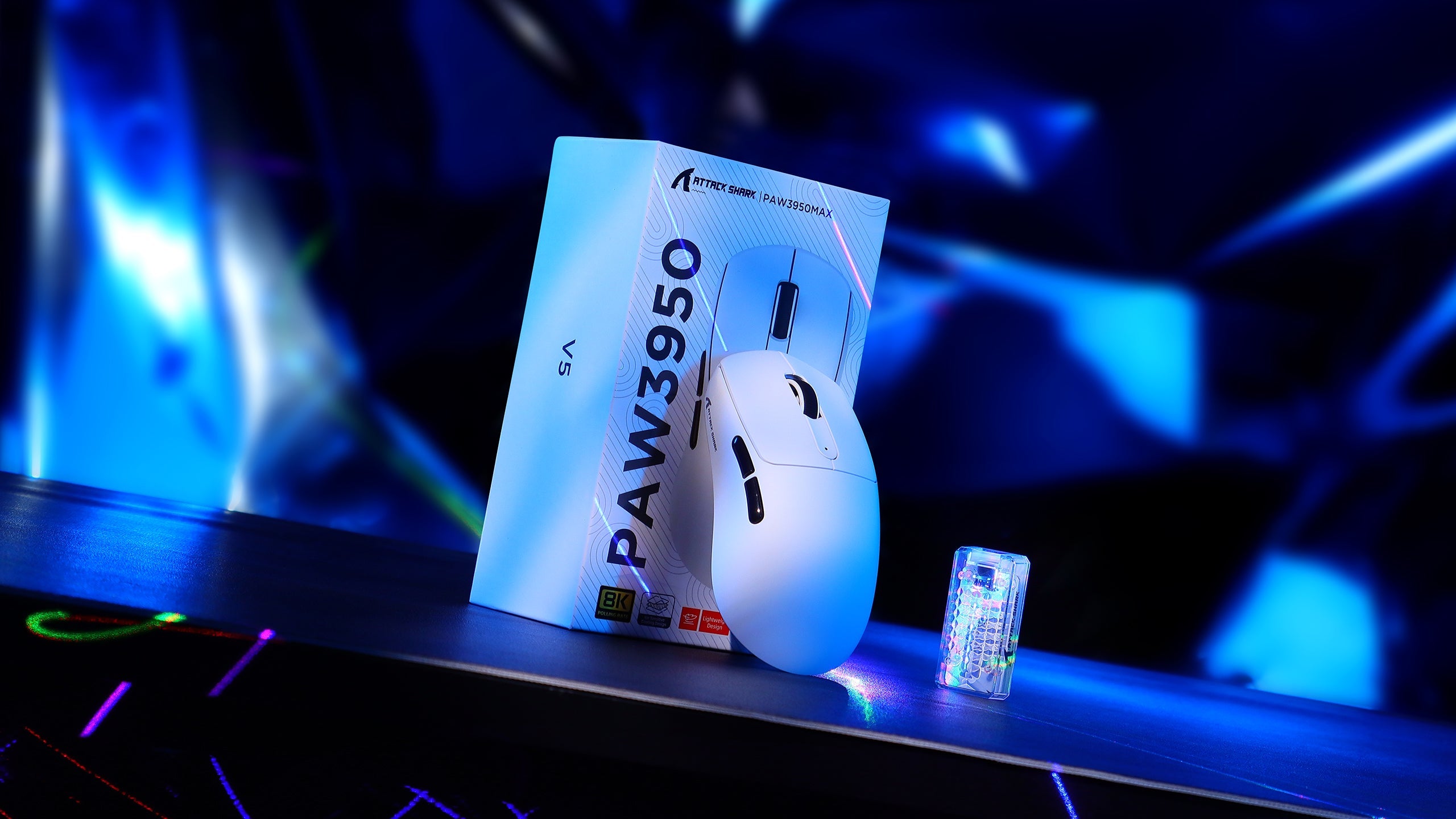
完璧なパフォーマンスを実現するために、高ポーリングのキーボードと超軽量マウスを組み合わせることがよくあります。ATTACK SHARK X8 Ultra 8KHz ワイヤレスゲーミングマウス(C06 Ultraケーブル付属)は、PAW3950MAXセンサーを搭載し、同等レベルの微調整精度を実現します。キーボードとマウスの両方が8000Hzで動作する場合、システムの「Motion Sync」レイテンシーは約 0.0625ミリ秒まで低下し、物理的な動きと画面上のアクションがほぼ1:1で連動します。
人間工学とグリップ:「フィット比」
パフォーマンスはセンサーだけの問題ではなく、手とツールの相互作用によって決まります。「グリップフィット計算機」を用いたテストでは、手が大きい(長さ20.5cm)ユーザーを対象に、標準的な60%レイアウトでクローグリップを使用した場合の評価を行いました。この手のサイズに最適なキーボードの長さは約 131.2mmで、フィット比は0.91となります。
これは、コンパクトな60%レイアウトがマウススペースを最大限に活用するのに優れている一方で、手の大きいゲーマーは長時間プレイ中に負担がかかる可能性があることを示唆しています。60%レイアウトの人間工学的利点(マウスとキーボードの距離を近づけることができる)は、肩への負担を軽減し、マウスのスワイプ範囲を広げることができるため、競技プレイにおけるわずかなフィット感の差を上回っている場合が多いです。
競争プレイにおける戦略的優位性
機械式スイッチから磁気式スイッチへの移行は、単なる段階的なアップグレードではありません。ソフトウェアとのインタラクションにおけるパラダイムシフトです。二進法の物理的な接点をアナログ磁気センサーに置き換えることで、これまで不可能だったラピッドトリガーや調整可能なアクチュエーションといった機能を実現できます。
磁気式キーボードを選ぶ際には、「0.1mm」というマーケティング上の謳い文句にとらわれず、その先を見据えましょう。ファームウェアの成熟度、スイッチハウジングの公差、そしてポーリングレートのサポート状況も考慮しましょう。適切に調整されたHEボードと、 ATTACK SHARK X8シリーズ トライモード軽量ワイヤレスゲーミングマウスのような8Kマウスを組み合わせることで、数ミリ秒という測定可能なバッファが得られます。エリートゲーミングの世界では、この数ミリ秒が勝敗を分けるのです。
人間工学に関する免責事項:高性能な周辺機器はゲーム速度を向上させる可能性がありますが、不適切な設定は反復性運動障害(RSI)につながる可能性があります。常に手首を自然な位置に保ち、こまめに休憩を取ってください。手や手首に持続的な痛みやしびれがある場合は、資格のある理学療法士または人間工学の専門家にご相談ください。このガイドは情報提供のみを目的としており、専門的な医療アドバイスに代わるものではありません。
出典と引用
- RTINGS リサーチ: ラピッド トリガー キーボード- 2024 ~ 2025 年のモデル全体のリリース時間と入力遅延の詳細な分析。
- Wikipedia: ホール効果- 磁気センサー技術の基礎物理学。
- USB HID 使用表 v1.5 - キーボードがオペレーティング システムと通信する方法を規定する標準。
- ATTACK SHARK 公式サポート & ドライバー- X68HE および X3 シリーズ ハードウェアの技術仕様。

コメントを書く
このサイトはhCaptchaによって保護されており、hCaptchaプライバシーポリシーおよび利用規約が適用されます。