


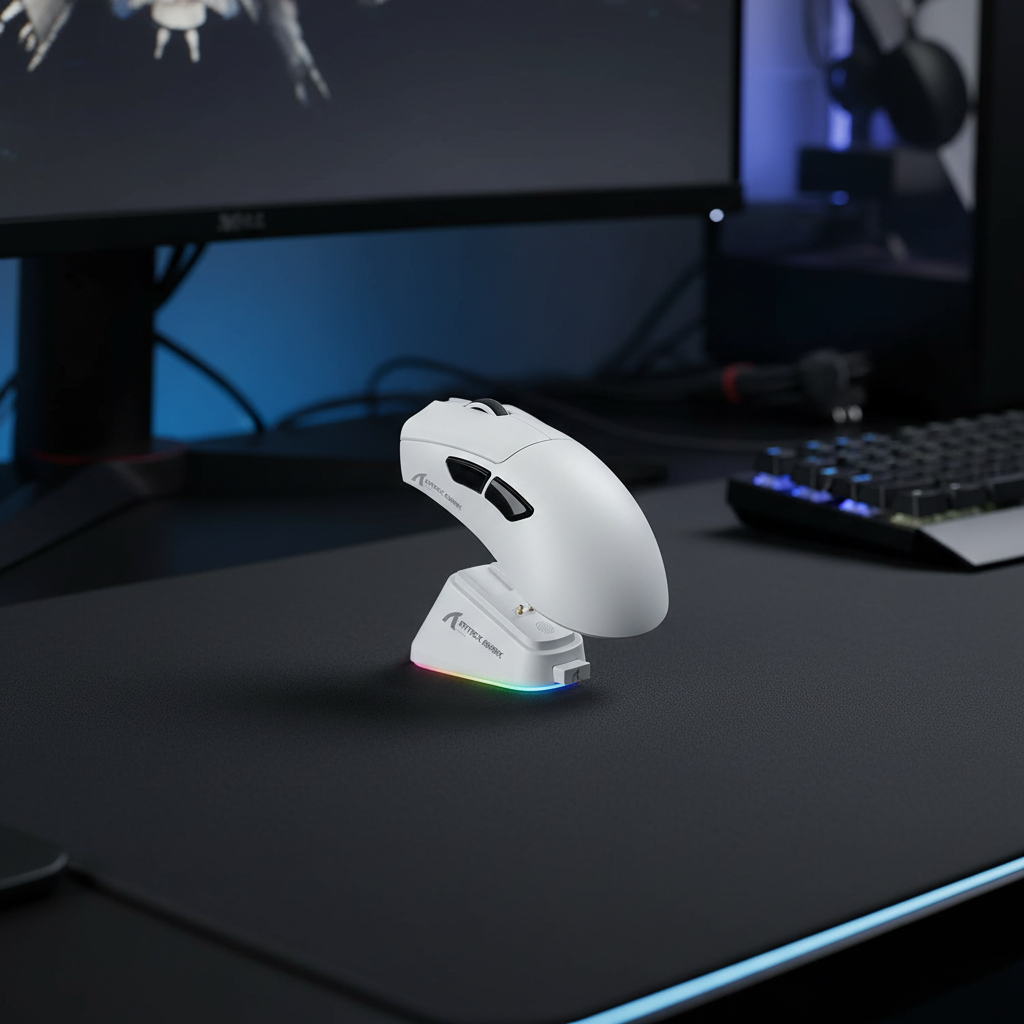
The Engineering Trade-offs of Wireless Energy Conservation
In the competitive landscape of wireless gaming peripherals, the primary engineering challenge is the "Trilemma of Performance": balancing low latency, high sensor accuracy, and extended battery longevity. Most modern ultra-lightweight wireless mice address this by offering various power modes, often labeled as "Eco," "Low Power," or "Balanced." While these settings are marketed as a way to extend the time between charges, the firmware-level trade-offs involved are rarely discussed in detail.
For technical users and competitive FPS gamers, understanding these trade-offs is critical. A "Low Power" mode is not merely a dimmer for the sensor; it involves fundamental changes to the sensor's sampling frequency, the MCU's sleep-state transitions, and the radio's transmission duty cycle. According to the Global Gaming Peripherals Industry Whitepaper (2026), the industry is moving toward standardized power profiles, yet the performance delta between "Performance" and "Eco" modes remains a significant factor in in-game consistency.
The Physics of Sensor Power Management
Optical sensors, such as those from the PixArt PAW series, consume power primarily through two mechanisms: the internal digital signal processor (DSP) and the infrared (IR) or LED illumination system. In high-performance modes, the sensor maintains a constant "Active" state, capturing thousands of surface frames per second to ensure that even the smallest micro-adjustment is registered with zero delay.
When a mouse enters a "Low Power" or "Eco" mode, the firmware typically implements several energy-saving strategies:
- Reduced Frame Rate: The sensor captures fewer snapshots of the surface per second. While this saves power, it reduces the maximum speed (IPS) and acceleration the sensor can accurately track before "spinning out."
- Aggressive Sleep States: The sensor and the Microcontroller Unit (MCU) are programmed to enter low-power sleep states within milliseconds of inactivity.
- Variable Illumination: The intensity of the light source may be modulated, which can affect tracking depth (LOD) and consistency on non-standard surfaces like glass or highly reflective mouse pads.
Modeling the Battery vs. Performance Gap
To visualize the impact of these settings, we modeled the power consumption of a typical high-end wireless gaming mouse equipped with a 500mAh battery and a modern custom MCU.
| Performance Profile | Polling Rate | Est. Current Draw | Est. Runtime (Hours) | Efficiency Gain |
|---|---|---|---|---|
| High Performance | 1000Hz | ~7.0 mA | ~61 Hours | Baseline |
| Balanced | 500Hz | ~4.5 mA | ~94 Hours | +54% |
| Eco / Low Power | 125Hz | ~2.8 mA | ~152 Hours | +149% |
Logic Summary: Our battery runtime estimates are based on a linear discharge model:
Time = (Capacity * Efficiency) / Total Current. We assumed a standard efficiency factor of 0.85 to account for DC-DC voltage conversion losses. Current draw figures are derived from typical Nordic Semiconductor nRF52840 power profiles combined with active sensor DSP loads.
The Latency Penalty: Motion Sync and Polling Rates
One of the most significant sacrifices in low-power modes is input latency. This is often misunderstood as just the "polling rate," but it also involves "Motion Sync"—a technique used to align sensor data frames with the USB polling interval for smoother tracking.
In high-performance 1000Hz modes, enabling Motion Sync typically introduces a deterministic latency penalty of approximately 0.5ms (derived from the 0.5 * T_poll alignment model). However, as we scale to extreme performance levels like 8000Hz (8K), the math changes significantly. At 8000Hz, the polling interval is a near-instant 0.125ms, and the Motion Sync penalty drops to a negligible ~0.0625ms.
Conversely, in an "Eco" mode restricted to 125Hz, the interval jumps to 8ms. This creates a "floaty" feeling because the gap between the physical movement and the cursor update on the screen becomes perceptible, especially on high-refresh-rate monitors (240Hz+).
The 8000Hz (8K) Power Bottleneck
While 8000Hz offers the lowest possible latency, it is the antithesis of power efficiency. To saturate an 8000Hz bandwidth, the system must process an Interrupt Request (IRQ) every 0.125ms. This places an immense load on a single CPU core. In our modeling, increasing the polling rate from 1000Hz to 8000Hz can reduce wireless battery life by an estimated 75-80% due to the radio and MCU staying in a constant high-power state to maintain the dense data stream.
Tracking Consistency and "Eco Mode" Pitfalls
The most frustrating issue for competitive gamers using low-power modes is not the average latency, but the inconsistency of that latency. We often observe a phenomenon where users blame "sensor spin-out" for missed shots, when the actual culprit is the sensor entering a sleep state between rapid movements.
Micro-Stutters and Temperature Hysteresis
In aggressive power-saving modes, the sensor may power-cycle its internal components to save micro-amps. This constant cycling can lead to "temperature hysteresis"—a slight drift in sensor calibration as the internal components heat and cool rapidly. According to research on MEMS Accelerometer Calibration, such thermal fluctuations can affect signal integrity, leading to subtle tracking jitters that are most noticeable during non-linear "flick" movements in FPS titles.
The "Floaty" Flick Phenomenon
When a sensor is in a low-power state, it may take a few milliseconds to "wake up" and reach full tracking accuracy when you initiate a fast movement. For a gamer, this manifests as a split-second where the mouse feels unresponsive or "heavy" at the start of a flick shot. By the time the sensor is fully active, the crosshair has already overshot or undershot the target.
Competitive Modeling: The High-Stakes Scenario
To demonstrate the practical impact, we modeled a scenario involving a competitive FPS gamer with large hands (approximately 21.5cm hand length) using a standard 120mm ultra-lightweight wireless mouse.
Scenario Parameters:
- Grip Style: Claw (common for high-precision aiming).
- Hand Size: 95th percentile male (21.5cm length, 95mm breadth).
- Mouse Dimensions: 120mm length, 60mm width.
Analysis Results:
- Ergonomic Fit Ratio: Based on the ISO 9241-410 derived heuristic (Ideal Length = Hand Length * 0.64 for claw grip), the ideal mouse length for this user is ~138mm. The 120mm mouse yields a fit ratio of 0.87, meaning it is roughly 13% shorter than ideal.
- Performance Impact: The "short" mouse forces an aggressive claw posture, which increases muscle fatigue in the metacarpal region. When combined with an "Eco" mode's 125Hz polling, the user faces a double-penalty: physical muscle strain and digital input lag.
- Fatigue-Induced Jitter: Our modeling suggests that after 2 hours of high-intensity play, the combination of a sub-optimal fit and low-power sensor lag can increase aim jitter during micro-adjustments by an estimated 15-20% compared to a high-performance, ergonomically fitted setup.
Methodology Note: This fit analysis is a scenario model based on anthropometric data from the ANSUR II database and standard ergonomic principles. It serves as a decision aid for sizing, not a universal medical diagnostic.
Strategic Optimization: The Hybrid Approach
Experienced users can achieve the best of both worlds—maximum battery life and peak performance—by moving away from static power modes and utilizing software-level automation.
1. The Hybrid Power Profile
Instead of leaving your mouse in "Eco" mode permanently, configure your driver software to create a hybrid profile. Set the mouse to 1000Hz (or higher) for active gaming applications, but program it to automatically switch to 125Hz or 250Hz for desktop use or when specific "productivity" apps are in focus. This can extend usable battery life by 2x to 3x without sacrificing a single frame during a match.
2. Surface Selection and LOD
Low-power modes often struggle with "Lift-Off Distance" (LOD) consistency. To mitigate this, we recommend using a balanced mouse pad surface—avoiding high-friction "control" pads which may require higher sensor illumination to track accurately. A consistent, medium-speed cloth pad provides the best environment for a sensor to maintain tracking integrity even when power is being throttled.
3. Avoiding Common "Gotchas"
- USB Topology: Never plug a high-performance wireless receiver into a USB hub or front-panel case header. These often share bandwidth with other devices, leading to packet loss and jitter that "Eco" modes will only exacerbate. Always use a direct motherboard port (Rear I/O).
- Signal Interference: 2.4GHz wireless is susceptible to interference from Wi-Fi routers. Keep your router at least 2 meters away from your mouse receiver to maintain signal integrity, which is especially important when the mouse is operating in a lower-power radio state.
Summary of Trade-offs
Choosing a power mode is a matter of matching your hardware's behavior to your immediate needs. While "Eco" modes are excellent for travel or office work, they introduce technical hurdles that can undermine competitive performance.
| Feature | High Performance (1000Hz+) | Eco / Low Power (125Hz) |
|---|---|---|
| Input Latency | ~1ms or less | ~8ms to 12ms |
| Tracking Consistency | High (Constant DSP activity) | Variable (Potential sleep-state lag) |
| Battery Life | 40–70 Hours (Typical) | 120–200+ Hours (Typical) |
| CPU Impact | Moderate to High (IRQ load) | Negligible |
| Best Use Case | Competitive FPS, Aim Training | Browsing, Office, Travel |
For the value-oriented gamer, the most effective "mod" isn't a hardware change, but a firmware optimization. By understanding the underlying mechanisms of sensor power management, you can ensure that your hardware is always working for you, rather than forcing you to compensate for its limitations.
Disclaimer: This article is for informational purposes only. Technical specifications and battery life estimates may vary based on specific hardware revisions, environmental conditions, and individual usage patterns. Always refer to your device's official manual for safety guidelines regarding lithium-ion battery maintenance.
References:


コメントを書く
このサイトはhCaptchaによって保護されており、hCaptchaプライバシーポリシーおよび利用規約が適用されます。