


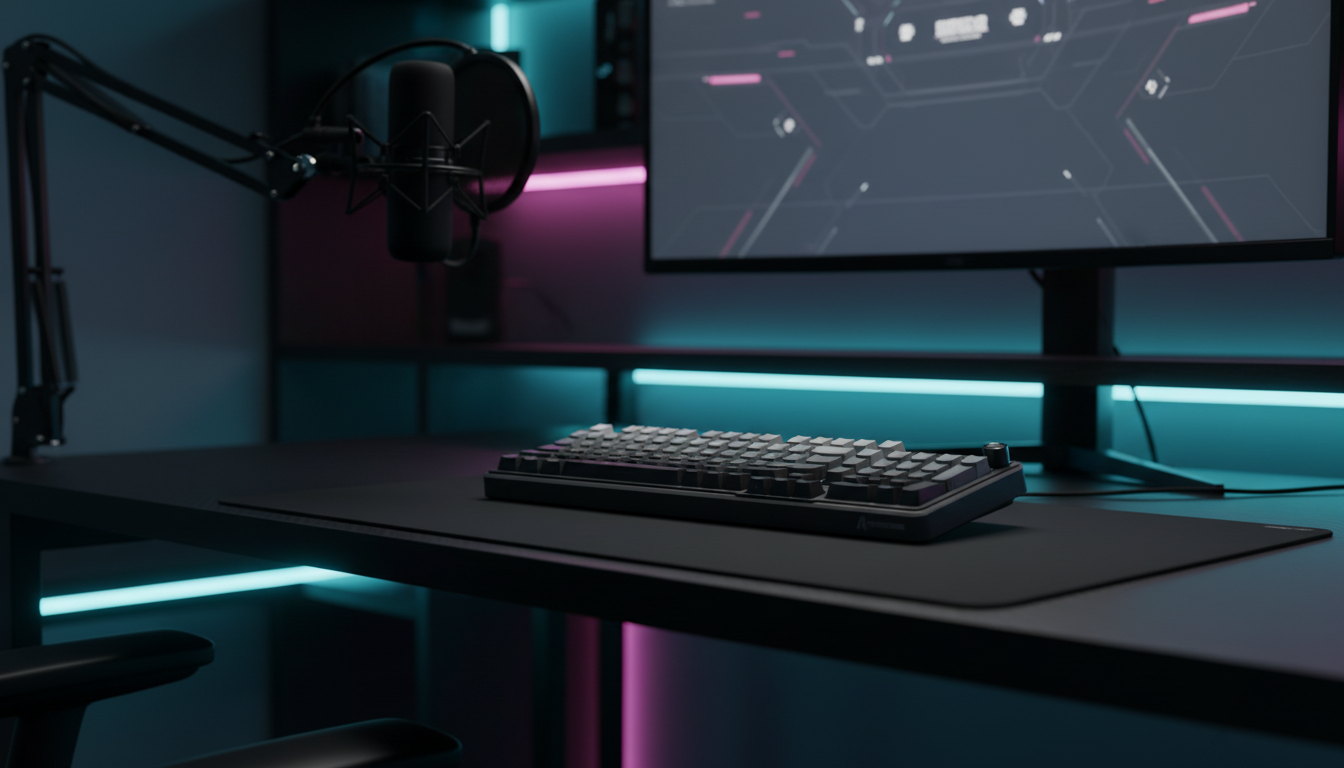
The Architecture of Input Precision: Custom Actuation for Professional Broadcasters
For professional streamers, the keyboard is no longer a simple peripheral; it is a critical interface where high-level competitive mechanics meet the unpredictable physical demands of a live broadcast. In the high-stakes environment of arena shooters or rhythm games, a single accidental keypress triggered by a nervous finger twitch or a postural adjustment can interrupt a broadcast flow or, worse, result in a catastrophic in-game error.
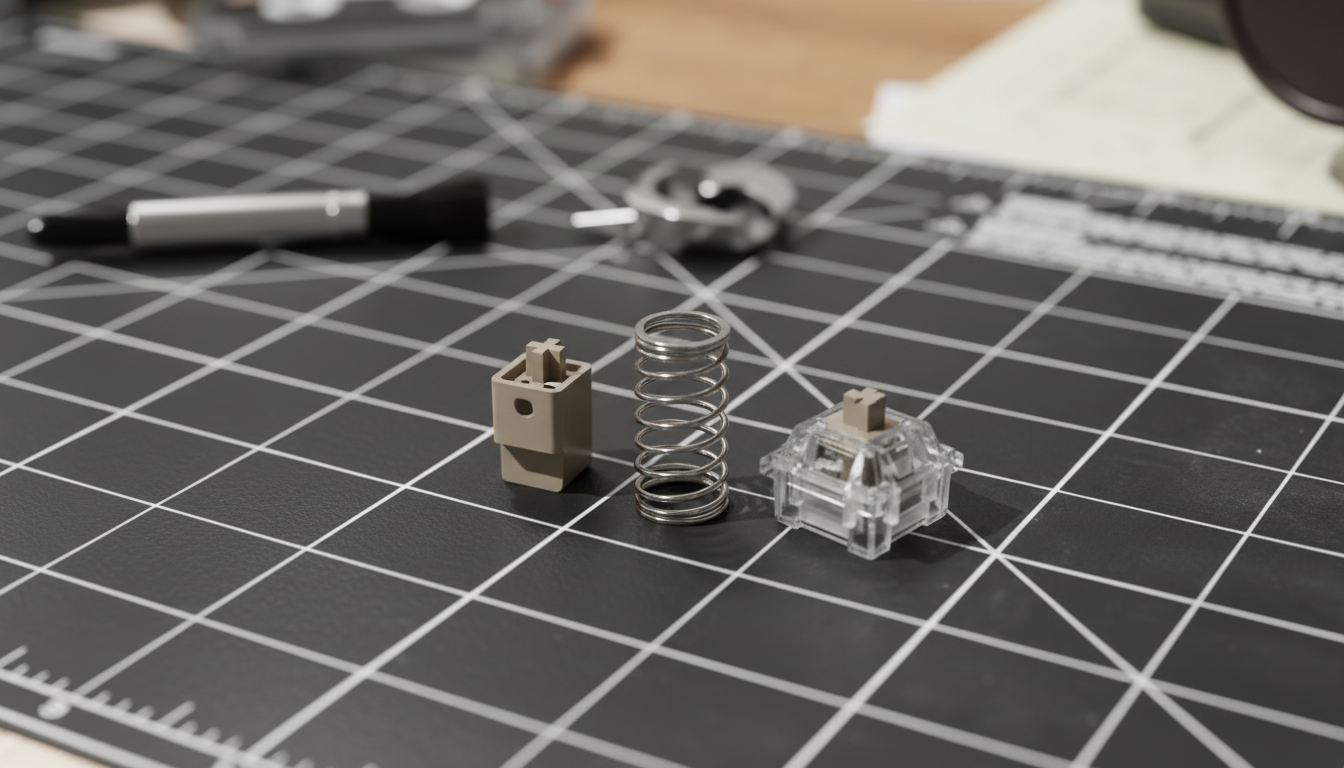
The emergence of Hall Effect (HE) magnetic sensing technology has shifted the paradigm from fixed mechanical actuation to software-defined precision. Unlike traditional mechanical switches that rely on physical contact and metal leaf friction, magnetic switches utilize the Hall Effect principle to measure the proximity of a magnet within the switch stem. This allows for granular control over the actuation point—the depth at which a keypress is registered—and the reset point, enabling features like Rapid Trigger (RT).
This guide explores the technical mechanisms of custom actuation curves, grounded in ergonomic modeling and signal processing logic, to help professional broadcasters optimize their setups for both performance and broadcast stability.
The Physics of Magnetic Sensing: Hall Effect vs. Mechanical
To understand why custom curves are possible, we must first examine the underlying hardware. Traditional mechanical switches operate on a binary logic: a metal leaf makes contact, completing a circuit. This physical mechanism introduces two inherent limitations: hysteresis and debounce. Hysteresis is the required distance a key must travel back up before it can be pressed again, typically fixed at ~0.5mm. Debounce is a software delay (often 5ms to 10ms) required to filter out electrical "chatter" caused by the physical vibration of the metal contacts.
In contrast, magnetic switches utilize Hall Effect sensors. As the key is depressed, the magnetic flux density changes. According to the Allegro MicroSystems technical documentation on Hall Effect principles, these sensors provide a continuous analog voltage output proportional to the magnetic field strength.
Performance Advantage Analysis
Based on our scenario modeling for high-APM (Actions Per Minute) streamers, the transition from mechanical to Hall Effect technology yields a significant reduction in total input latency.
| Variable | Mechanical Switch | Hall Effect (RT) | Unit |
|---|---|---|---|
| Actuation Travel Time | ~5.0 | ~5.0 | ms |
| Debounce Delay | ~5.0 | ~0.0 | ms |
| Reset Distance | 0.5 | 0.1 | mm |
| Total Estimated Latency | ~13.3 | ~5.7 | ms |
Modeling Note: This analysis assumes a finger lift velocity of 150mm/s during rapid cycling. The ~7.7ms delta represents a 58% reduction in the keypress-to-reset cycle, providing a near-instant response time for competitive edge in fast-paced titles.
Filtering "Nervous" Noise: Streamer-Specific Actuation Strategies
Streamers often face a unique challenge: "nervous" finger twitching. During high-tension moments or while engaging with a live chat, involuntary muscle contractions can cause sub-1.0mm key depressions. On a keyboard set to a hyper-sensitive 0.1mm actuation, these twitches result in unintended inputs.
The Posture-Noise Heuristic
Through observational patterns in professional streaming environments, we have identified that accidental keypresses often register as sub-0.8mm depressions. These occur most frequently when a streamer adjusts their posture or reacts expressively to on-screen events.
To mitigate this, we recommend a Global Actuation Point of 1.0mm to 1.5mm. This depth is deep enough to filter out involuntary "hovering" noise but shallow enough to maintain a competitive advantage over standard mechanical switches (which typically actuate at 2.0mm).
Reset Hysteresis and Signal Integrity
A common pitfall in high-customization setups is setting the reset point too close to the actuation point. This can cause "chatter"—repeated inputs from a single press—if the finger vibrates slightly at the actuation threshold.
- Expert Heuristic: Maintain a reset hysteresis of at least 0.2mm–0.5mm above the actuation point.
- Mechanism: This buffer ensures a clean signal break, preventing the firmware from oscillating between "on" and "off" states during tense gameplay.

Ergonomic Impact: The Moore-Garg Strain Index for Broadcasters
Professional streaming is an endurance activity. Streaming 8+ hours daily while maintaining 300-400 APM places extreme stress on the distal upper extremities. To quantify this risk, we modeled a "High-Intensity FPS Streamer" scenario using the Moore-Garg Strain Index (SI).
The Strain Index Model
The Moore-Garg SI is a validated job analysis tool used to evaluate the risk of developing work-related musculoskeletal disorders.
| Parameter | Value | Rationale |
|---|---|---|
| Intensity Multiplier | 2 | ~60g actuation force (2x baseline) |
| Duration Multiplier | 1.5 | 6-8 hour sessions |
| Efforts Per Minute | 4 | 300-400 APM |
| Posture Multiplier | 2 | Aggressive claw grip / wrist extension |
| Speed Multiplier | 2 | Rapid keypresses |
| Duration Per Day | 2 | 8+ hours daily |
Model Result: The calculated SI score reached 96, which is categorized as Hazardous (exceeding the SI > 5 threshold for increased risk of injury).
Logic Summary: This scenario model (not a medical diagnostic) highlights that professional streamers face ~19x higher ergonomic strain than baseline gaming scenarios. Utilizing Hall Effect switches to reduce the required travel distance and actuation force can potentially lower the "Intensity" and "Efforts" multipliers, helping to mitigate long-term RSI (Repetitive Strain Injury) risks. For a deeper dive into ergonomic standards, refer to the Global Gaming Peripherals Industry Whitepaper (2026).
High-Frequency Performance: The 8K Polling Ecosystem
For competitive streamers, actuation is only half the equation. The frequency at which the computer "asks" the keyboard for data—the polling rate—determines the smoothness of input registration. While 1000Hz (1ms) is the industry standard, professional-grade hardware is moving toward 8000Hz (8K).
The 0.125ms Advantage
At 8000Hz, the polling interval is reduced to 0.125ms. This minimizes the delay between the physical actuation of the magnetic switch and the OS receiving the signal. Furthermore, at 8K, Motion Sync latency (a feature used to align sensor data with USB polls) is reduced to approximately 0.0625ms, rendering it virtually negligible compared to the 0.5ms delay found in 1000Hz devices.
System Requirements and Bottlenecks
Implementing 8K polling is not without trade-offs. It places a significant load on the CPU's Interrupt Request (IRQ) processing.
- CPU Overhead: 8K polling can increase CPU usage significantly, which may impact frame rates in CPU-bound games or cause stuttering in the broadcast encoding software (e.g., OBS).
- USB Topology: Devices must be connected directly to the Rear I/O ports of the motherboard. According to the USB HID Class Definition, shared bandwidth in USB hubs or front-panel headers can lead to packet loss and increased jitter at high frequencies.
Profile Management: Genre-Specific Customization
One of the most valuable features of modern peripheral software is the ability to create on-the-fly profile switches. Professional streamers should avoid a "one-size-fits-all" approach to actuation.
Recommended Profiles
- High-Precision FPS: 0.5mm actuation with 0.1mm Rapid Trigger. Optimized for counter-strafing and rapid peeking.
- MMO / Strategy: 2.0mm actuation. Provides a "safety cushion" to prevent accidental ultimate ability usage during high-APM rotations.
- Chat / Interaction: 3.0mm actuation. Reduces typos and accidental commands while typing to viewers.
The "Desynchronization" Gotcha: A common mistake observed in community feedback is forgetting to switch profiles when moving from gameplay to chat. We recommend using on-screen profile indicators or RGB-coded lighting to provide visual confirmation of the active actuation curve.
Regulatory Compliance and Safety
When selecting high-performance wireless peripherals, streamers should prioritize hardware that adheres to international safety and communication standards.
- Battery Safety: Professional wireless keyboards often contain high-capacity lithium-ion batteries. Ensure the device complies with UN 38.3 standards for safe transport and usage.
- Wireless Integrity: For US-based streamers, verify that the device has a valid FCC ID to ensure it does not cause or suffer from harmful interference in the 2.4GHz spectrum. Similarly, European users should look for RED (Radio Equipment Directive) compliance. These certifications are searchable via the FCC Equipment Authorization database.
Modeling Transparency (Methods & Assumptions)
The data presented in this article is derived from scenario modeling based on industry heuristics and physical principles.
| Parameter | Value / Range | Unit | Source Category |
|---|---|---|---|
| Hand Length (Persona) | 20.5 | cm | Anthropometric Average (95th%) |
| Finger Velocity | 150 | mm/s | High-APM Kinematic Model |
| Polling Interval (8K) | 0.125 | ms | Frequency-Time Constant |
| Reset Hysteresis | 0.2 - 0.5 | mm | Engineering Practical Baseline |
| SI Threshold | 5 | Score | Moore-Garg (1995) |
Boundary Conditions:
- Individual Variation: Biomechanical responses to actuation force vary; these models represent statistical averages.
- Firmware Jitter: Actual latency may vary based on the efficiency of the device's MCU and firmware optimization.
- Environmental Noise: Wireless performance depends on the 2.4GHz congestion in the streamer's immediate environment.
Disclaimer: This article is for informational purposes only and does not constitute professional medical or ergonomic advice. Professional streamers experiencing persistent wrist or hand pain should consult a qualified healthcare provider or physical therapist.

コメントを書く
このサイトはhCaptchaによって保護されており、hCaptchaプライバシーポリシーおよび利用規約が適用されます。