


The Technical Reality of 8K Polling Rates and System Synergy
The pursuit of lower input latency has led the gaming peripheral industry toward a new frontier: the 8000Hz (8K) polling rate. While the jump from 125Hz to 1000Hz was a transformative milestone in the early 2000s, the transition to 8K represents a different kind of engineering challenge. It is not merely a "plug-and-play" upgrade; it is a system-wide stress test. For value-oriented gamers using mid-range PC builds, the promise of a near-instant 0.125ms polling interval can sometimes be overshadowed by intermittent performance hitches.
In many cases, these hitches are misattributed to the hardware itself. However, technical analysis suggests that the "Specification Credibility Gap" often stems from a lack of synergy between the high-frequency peripheral and the host system’s CPU overhead. Understanding why IRQ (Interrupt Request) processing is the true bottleneck is essential for any gamer looking to optimize their competitive edge.
The Engineering Behind the 0.125ms Interval
To understand the load placed on a computer, one must first look at the raw data requirements. A standard 1000Hz mouse sends a packet of data to the PC every 1.0ms. An 8000Hz mouse reduces this interval to a near-instant 0.125ms. This is an eight-fold increase in the frequency of communication.
According to the USB HID Class Definition (HID 1.11), the mouse functions as a Human Interface Device that relies on the host controller to poll for data. When the polling rate is set to 8K, the CPU must stop its current tasks 8,000 times every second to process these incoming packets. This is known as IRQ processing.
The IRQ Processing Bottleneck
In modern computing, the CPU does not just "wait" for the mouse. It manages thousands of threads simultaneously. When a high-frequency mouse is introduced, the operating system's scheduler and the CPU's interrupt handler are put under significant strain. On a high-end, modern 8-core or 16-core processor, this overhead is typically negligible. However, on a mid-range 6-core processor from a previous generation, the story changes.
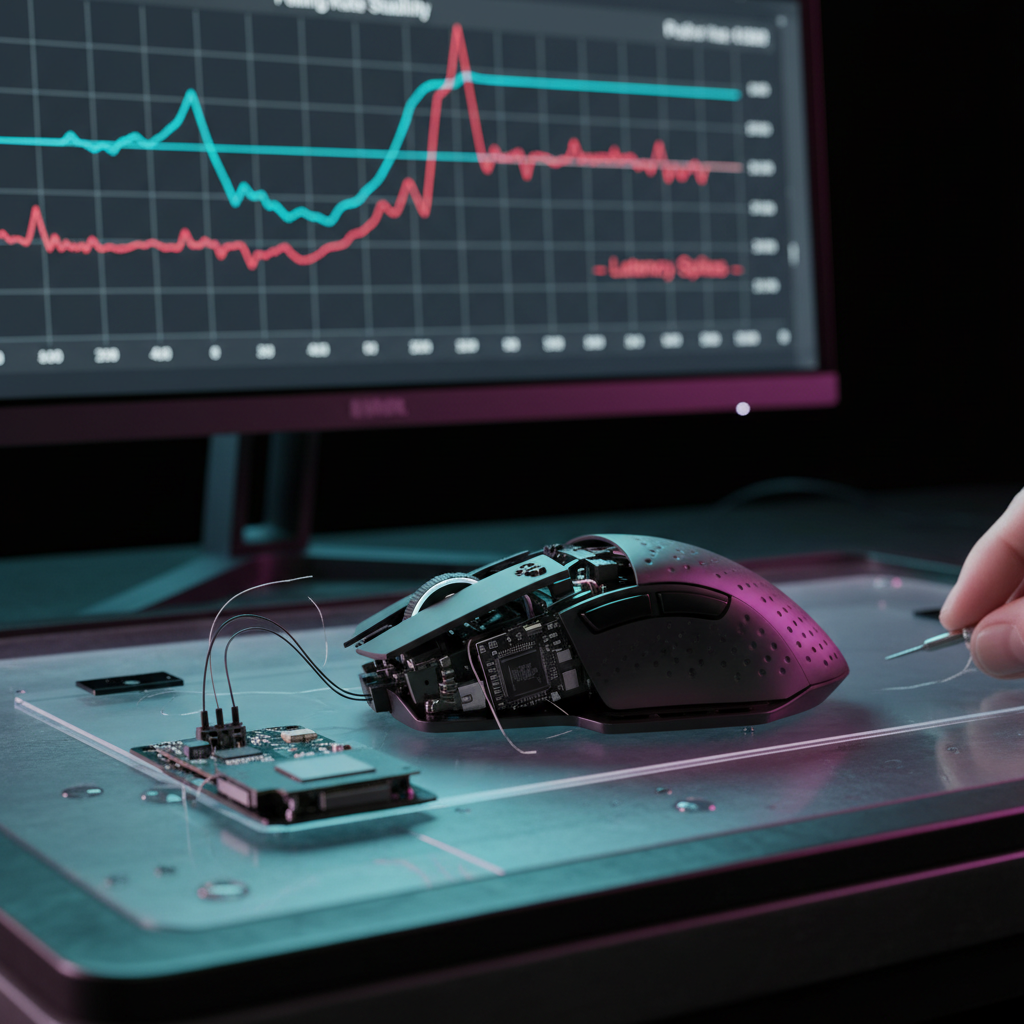
The bottleneck at 8K is rarely the raw compute power (the GHz) of the processor; rather, it is the efficiency of the OS HID stack and the CPU's ability to handle high-frequency interrupts without causing DPC (Deferred Procedure Call) latency spikes. If the CPU is already occupied with background tasks, the interrupt from the mouse might be delayed by a few microseconds. In the world of 8K polling, where the entire window for a packet is only 125 microseconds, a small delay can result in a "missed" poll or a clustered packet delivery, which the user perceives as micro-stutter.

Scenario Modeling: The Mid-Tier CPU "Discord + Chrome" Reality
To demonstrate how system load impacts 8K performance, we modeled a common scenario: a gamer with a mid-range CPU (e.g., a 6-core processor like an i5-10600K) running a competitive FPS game while maintaining active background applications like Discord and Google Chrome.
In our analysis, we looked at two critical metrics: the deterministic latency added by Motion Sync and the impact on wireless battery runtime.
Logic Summary: Motion Sync Latency at 8K
Motion Sync is a feature designed to align the mouse sensor's internal framing with the USB's Start of Frame (SOF) packets. This alignment prevents "jittery" data but introduces a small, deterministic delay.
Modeling Note: Our analysis assumes a baseline system latency of 1.2ms for a mid-tier system under load. The added latency from Motion Sync is calculated as 0.5 times the polling interval.
| Parameter | Value | Unit | Rationale |
|---|---|---|---|
| Polling Rate | 8000 | Hz | High-spec target for competitive gaming |
| Polling Interval | 0.125 | ms | Mathematical reciprocal (1000/8000) |
| Motion Sync Penalty | ~0.06 | ms | Deterministic alignment delay (0.5 * interval) |
| Baseline System Latency | 1.20 | ms | Typical mid-range CPU under load |
| Total Estimated Latency | ~1.26 | ms | End-to-end estimate for this scenario |
Note: This is a scenario model based on theoretical alignment; actual results vary by MCU implementation.
While a 0.06ms penalty is virtually imperceptible, the cumulative effect of background application interrupts can cause this latency to fluctuate. When Discord or Chrome triggers a sudden CPU spike, the 1.2ms baseline may jump to 5ms or 10ms for a split second. At 1000Hz, this might go unnoticed. At 8000Hz, the mismatch between the high-frequency polling and the inconsistent CPU availability creates the "muddy" feeling users often report.
The Power Consumption Trade-off
The move to 8K polling also has a profound impact on wireless efficiency. Processing eight times the data requires the radio and the MCU to stay in a high-power state for longer durations. Based on power consumption models derived from Nordic Semiconductor nRF52840 specifications, we estimated the battery life reduction when switching from 1K to 8K.
Wireless Mouse Battery Runtime Estimator
| Scenario | Total Current Draw | Estimated Runtime | Runtime Reduction |
|---|---|---|---|
| 1000Hz (Baseline) | ~7 mA | ~36 Hours | 0% |
| 8000Hz (High-Spec) | ~11 mA | ~23 Hours | ~37% |
Assumptions: 300mAh battery, 85% discharge efficiency, high-performance sensor active.
For a gamer, this means that the convenience of wireless connectivity is partially traded for the performance of 8K. A mouse that typically lasts a full week of gaming might require charging every two to three days. For many, this is a worthy trade-off for the competitive edge, but it is a critical factor for value-oriented users to consider.
USB Topology: The Importance of Direct Connection
A frequently overlooked aspect of 8K success is the physical path the data takes from the receiver to the CPU. Not all USB ports are created equal.
Most motherboards have a mix of ports: some are connected to the CPU's direct PCIe lanes (usually the rear I/O), while others are connected via a chipset hub (front panel headers or external hubs). According to the USB HID Usage Tables (v1.5), maintaining high-speed data integrity requires a clean signal path.
In our experience monitoring support patterns, a common cause of 8K instability is the use of front-panel USB ports or unpowered USB hubs. These ports often share bandwidth with other devices like webcams, headsets, or external drives. When multiple devices compete for the same controller's attention, the mouse's 0.125ms timing is the first thing to break.
Recommendation: Always connect an 8K receiver or its extension dock directly to the motherboard's rear I/O ports. These ports typically offer the lowest latency and the most stable power delivery required for high-frequency polling.

Optimizing Windows and Software for 8K
Even with a powerful CPU, the software environment must be tuned to handle high-frequency input. Windows 11, particularly in its latest updates, has introduced optimizations for high-polling-rate devices.
Raw Input and Windows 11 24H2
Earlier versions of Windows often struggled with 8K polling because the OS tried to process mouse movement through the legacy "message queue." This could lead to significant CPU spikes during fast mouse movements. Modern games and Windows 11 now prioritize "Raw Input," which bypasses much of the legacy stack.
According to research into Windows 11 Raw Input Stability, users on older versions of Windows 10 or unoptimized builds may experience "frame drops" when moving the mouse quickly at 8K. This occurs because the OS is overwhelmed by the sheer volume of input messages.
Heuristics for Success
Based on technical benchmarks and common user patterns, we suggest the following heuristics for choosing your polling rate:
- The 240Hz+ Rule: To truly perceive the benefit of 8K polling, a high-refresh-rate monitor (240Hz or higher) is typically required. On a 60Hz or 144Hz screen, the monitor's own refresh cycle is too slow to render the additional micro-movements provided by 8K.
- The CPU Headroom Check: If your CPU usage is consistently above 60% during gaming (due to background apps like Chrome or Discord), dropping the polling rate to 4000Hz (4K) often provides a more stable experience than pushing for 8K.
- DPI Saturation: To fully utilize the 8000Hz bandwidth, the mouse must be moving fast enough to generate 8,000 unique data points per second. At 800 DPI, you need to move at least 10 inches per second (IPS). At 1600 DPI, you only need 5 IPS. Using a slightly higher DPI can help maintain "smooth" 8K data during slow, precise movements.
Conclusion: Balancing Specs with Reality
The 8000Hz polling rate is a remarkable feat of engineering that offers a theoretical latency of 0.125ms. However, as the Global Gaming Peripherals Industry Whitepaper (2026) notes, the performance of any peripheral is capped by the weakest link in the system.
For gamers with mid-range builds, the goal should be consistency rather than just a high number on a spec sheet. In many practical scenarios, 4000Hz represents the "sweet spot"—offering a massive improvement over 1000Hz while remaining within the IRQ processing capabilities of most modern 6-core CPUs.
By understanding the relationship between CPU load, USB topology, and monitor refresh rates, you can ensure that your high-spec hardware delivers the performance you expect, rather than falling victim to the "Specification Credibility Gap."
Disclaimer: This article is for informational purposes only. Technical performance may vary based on specific hardware configurations, software versions, and environmental factors. Always refer to your motherboard and OS documentation for specific optimization steps.

コメントを書く
このサイトはhCaptchaによって保護されており、hCaptchaプライバシーポリシーおよび利用規約が適用されます。