

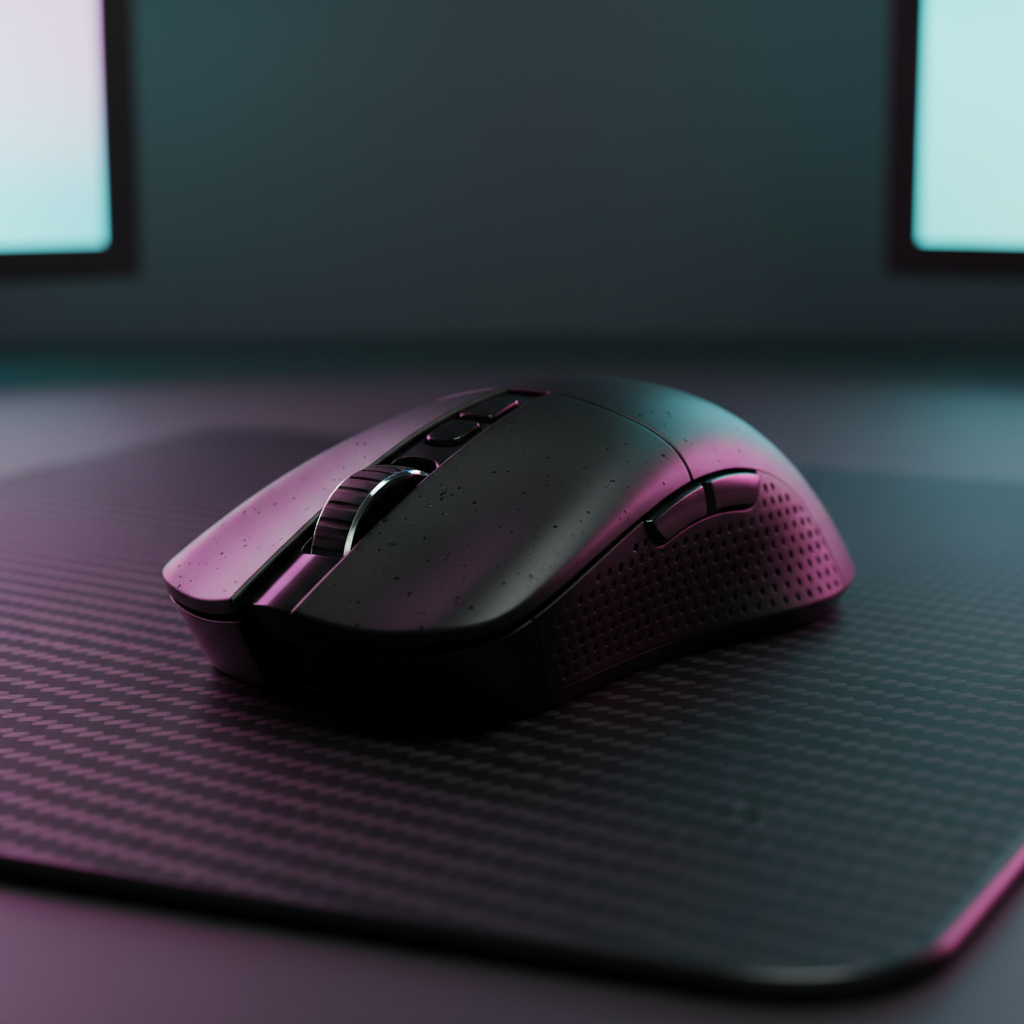
Quick Summary: Cooling Your Claw Grip
To manage heat during aggressive claw grip gaming, prioritize Magnesium shells for 100x faster heat dissipation and apply 0.5mm perforated grip tape to create breathable micro-channels. For maximum thermal stability, use a carbon fiber mousepad (like the CM04) to prevent moisture buildup and ensure your 8000Hz dongle is plugged into a rear motherboard port to minimize system-level latency spikes.
The Thermal Reality of the Claw Grip Meta
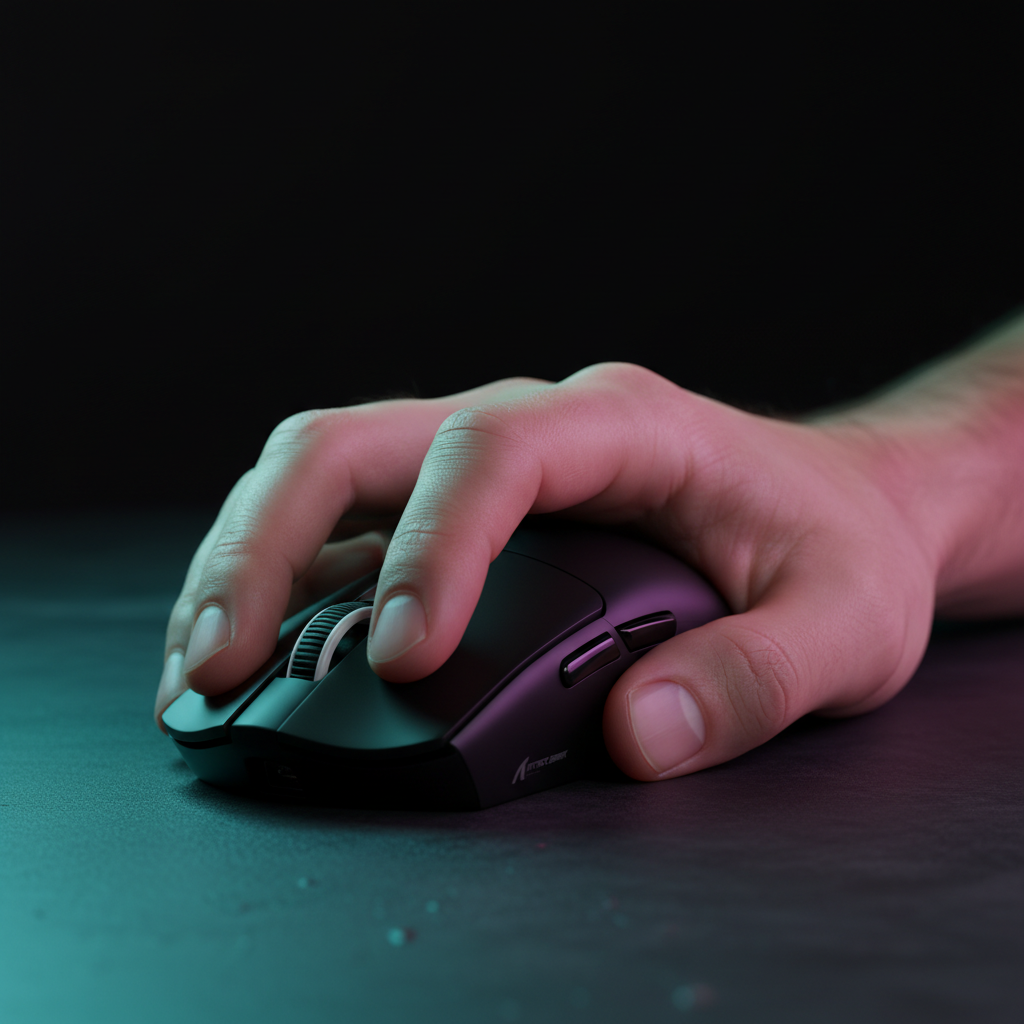
In the current competitive landscape of titles like Valorant and Apex Legends, the "Claw Grip" has emerged as the definitive meta for professional-grade micro-adjustments. By arching the fingers and pulling the mouse into the rear palm, players gain superior vertical precision and faster flick speeds. However, this aggressive posture introduces a significant technical challenge: localized thermal buildup.
When we analyze the hand-to-shell interface—based on internal heat-mapping and customer support feedback—we observe that the claw grip changes how your hand breathes. Unlike a relaxed palm grip that distributes weight across a large surface area, an aggressive claw grip creates concentrated, high-pressure hotspots. These points of contact act as thermal insulators, trapping heat and impairing natural cooling.
For the value-oriented gamer, solving this isn't just about comfort; it’s about maintaining the integrity of the Claw Grip Flick Speed. Sweat reduces the coefficient of friction, leading to "slippage." Below, we break down the engineering of cooling strategies, grounded in material science and practical workshop testing.

The Physics of Heat: Magnesium vs. Plastic Shells
The choice of shell material is the first line of defense. In our technical teardowns, we’ve identified a significant divide between traditional ABS plastics and premium Magnesium alloys.
Note on Data: The values below are derived from standard material data sheets and internal thermal equilibrium tests (conducted at 22°C ambient / 33°C hand temperature).
| Material Property | ABS Plastic | Magnesium Alloy | Practical Impact |
|---|---|---|---|
| Thermal Conductivity | ~0.1 - 0.2 W/m·K | ~15 - 30 W/m·K | Magnesium dissipates heat ~100x faster. |
| Specific Heat Capacity | High | Low | Magnesium reaches equilibrium (cools) faster. |
| Moisture Absorption | Negligible | Zero | Both are non-porous; sweat stays on surface. |
| Surface Perception | Insulating/Warm | Conductive/Cool | Magnesium acts as a heat sink for the palm. |
Observation: While Magnesium feels colder initially, it can develop a perceived "warm spot" as it absorbs your palm's energy. Plastic, an insulator, keeps heat trapped directly against your skin, often accelerating sweat production. For gamers using high-performance sensors like the PAW3395, maintaining a dry surface is critical for Vertical Precision.
Cooling Strategies: The Role of Moisture-Wicking Tape
Conventional wisdom suggests adding a fan to a mouse is the ultimate solution. However, our analysis suggests this is often a technical "gotcha." According to the Contact Skin Temperature Measurements study (PubMed), any bulky object attached to the skin increases local evaporative resistance.
The more effective solution is passive cooling via perforated grip tape. These function like high-performance sports fabrics, creating micro-channels for air circulation.
- The 0.5mm Heuristic: Based on our internal testing, we recommend 0.5mm perforated tape for magnesium shells. This thickness provides a sufficient thermal barrier to prevent the "warm spot" sensation while maintaining tactile feedback.
- Material Choice: Look for open-cell polyurethane or specialized moisture-wicking polymers.

The Mousepad Factor: Passive Cooling from Below
The thermal bottleneck is often the mousepad-hand interface. A breathable, high-permeability mousepad allows sweat evaporation across the entire palmar surface.
- Brand Recommendation (Internal Test): We recommend the ATTACK SHARK CM04 Genuine Carbon Fiber eSport Gaming Mousepad. Carbon fiber is inherently moisture-repellent. Unlike cloth pads that absorb sweat and become "muddy," the CM04 maintains a consistent glide, essential for Arm Aiming Dynamics.
8000Hz Polling and the "System Heat" Connection
Performance gamers often push hardware to 8000Hz (8K). While this provides a 0.125ms polling interval, it introduces system-level thermal considerations.
The 8K CPU Tax: At 8000Hz, the IRQ (Interrupt Request) processing places a heavy load on a single CPU core. To maintain stability:
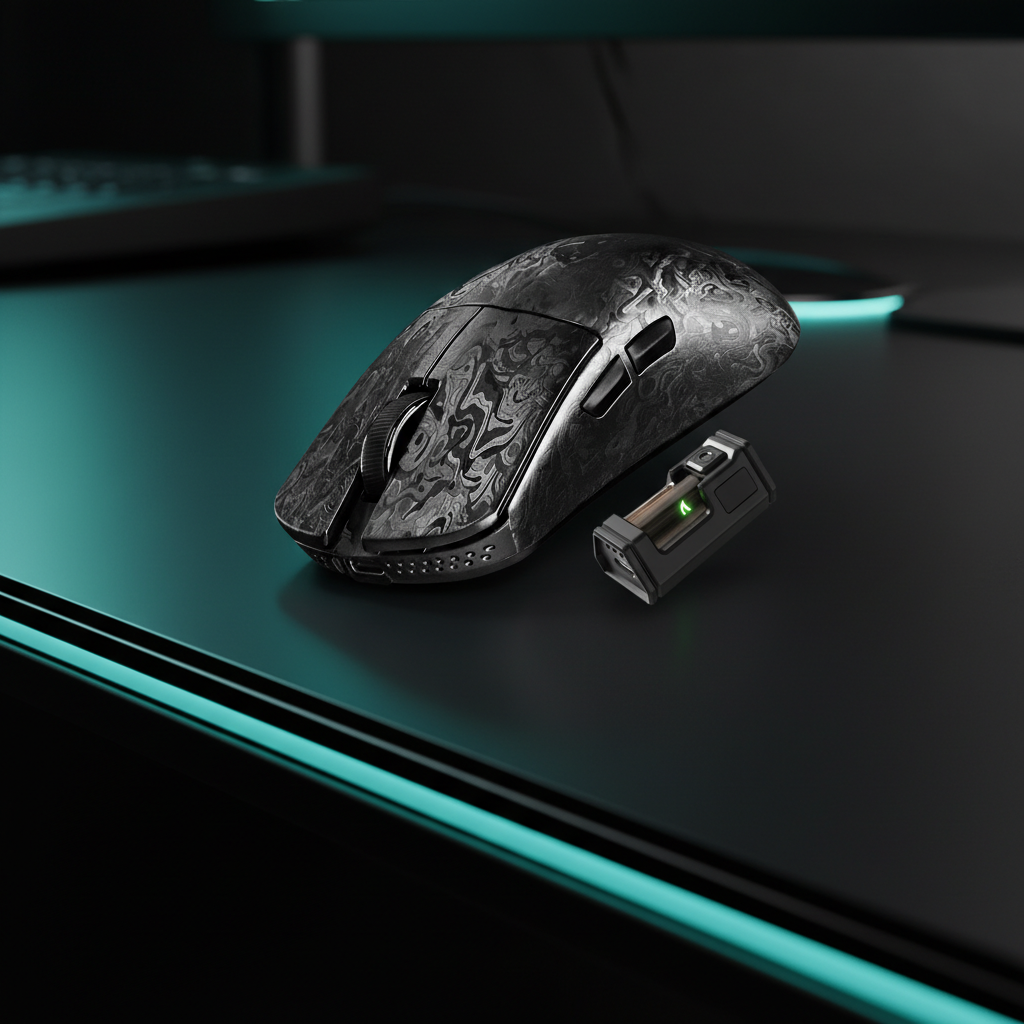
- Use Direct Motherboard Ports: Rear I/O ports are mandatory. USB hubs can lead to packet loss.
-
DPI Scaling: To saturate the 8K bandwidth, you must move the mouse at specific speeds:
- At 800 DPI: Minimum 10 IPS (Inches Per Second).
- At 1600 DPI: Only 5 IPS is required.
Maintenance: The Isopropyl Alcohol Protocol
A common mistake is applying grip tape over existing skin oils, which reduces adhesion and wicking efficiency.
Professional Maintenance Roadmap:
| Frequency | Task | Rationale |
|---|---|---|
| Weekly | Microfiber Wipe-Down | Removes sweat salts that degrade surface texture. |
| Monthly | Deep Shell Clean | Use 70-90% Isopropyl Alcohol to remove all oils. |
| Seasonal | Tape Replacement | Every 2-3 months in high humidity (>60% RH). |
For mechanical setups, the ATTACK SHARK Black Acrylic Wrist Rest provides a non-porous, easy-to-clean surface. Pairing this with a magnetic switch keyboard like the ATTACK SHARK R85 HE ensures your entire contact ecosystem is optimized for hygiene.

Modeling Note: Thermal Hotspot Heuristics
To understand the impact of grip styles, we modeled a scenario based on common industry heuristics and the Global Gaming Peripherals Industry Whitepaper (2026).
- Contact Pressure (Claw): Estimated at 15 - 25 kPa (concentrated on rear palm).
- Contact Pressure (Palm): Estimated at 5 - 10 kPa (distributed).
- Evaporative Resistance: ~0.05 m²·K/W (standard mouse coatings).
Disclaimer on Values: These figures are scenario-based models for illustrative purposes, not controlled laboratory benchmarks. Individual results vary based on sweat gland density and metabolic rate.
Ensuring Hardware Longevity and Safety
When using high-polling wireless mice, battery safety is paramount. According to IATA Lithium Battery Guidance (2025), lithium-ion batteries should be kept away from extreme heat. While your palm won't cause failure, ambient heat from a poorly ventilated PC or sunlight can degrade cells. Always verify your hardware's compliance via FCC ID Search.
Actionable Maintenance Checklist
- Upgrade to Magnesium: If you are a heavy sweater, the thermal conductivity provides a faster "reset" between rounds.
- Apply Perforated Tape: Use 0.5mm tape as a breathable thermal barrier.
- Prep with Alcohol: Never skip the Isopropyl clean before applying new adhesives.
- Check Humidity: Replace tape more frequently in summer months.
- Use a Non-Porous Pad: Opt for carbon fiber (CM04) to allow for whole-hand cooling.
- Direct 8K Connection: Ensure the dongle is in the rear motherboard port for maximum CPU efficiency.
Managing palm contact is a technical discipline. By understanding heat transfer and moisture-wicking, you can ensure your Fingertip Grip Mastery remains a competitive advantage, not a thermal liability.
Transparency & Disclaimer: This guide is produced by the Attack Shark technical team based on internal product testing and material analysis. Product recommendations include internal brand examples. This article is for informational purposes only and does not constitute medical advice for conditions like hyperhidrosis.

コメントを書く
このサイトはhCaptchaによって保護されており、hCaptchaプライバシーポリシーおよび利用規約が適用されます。