

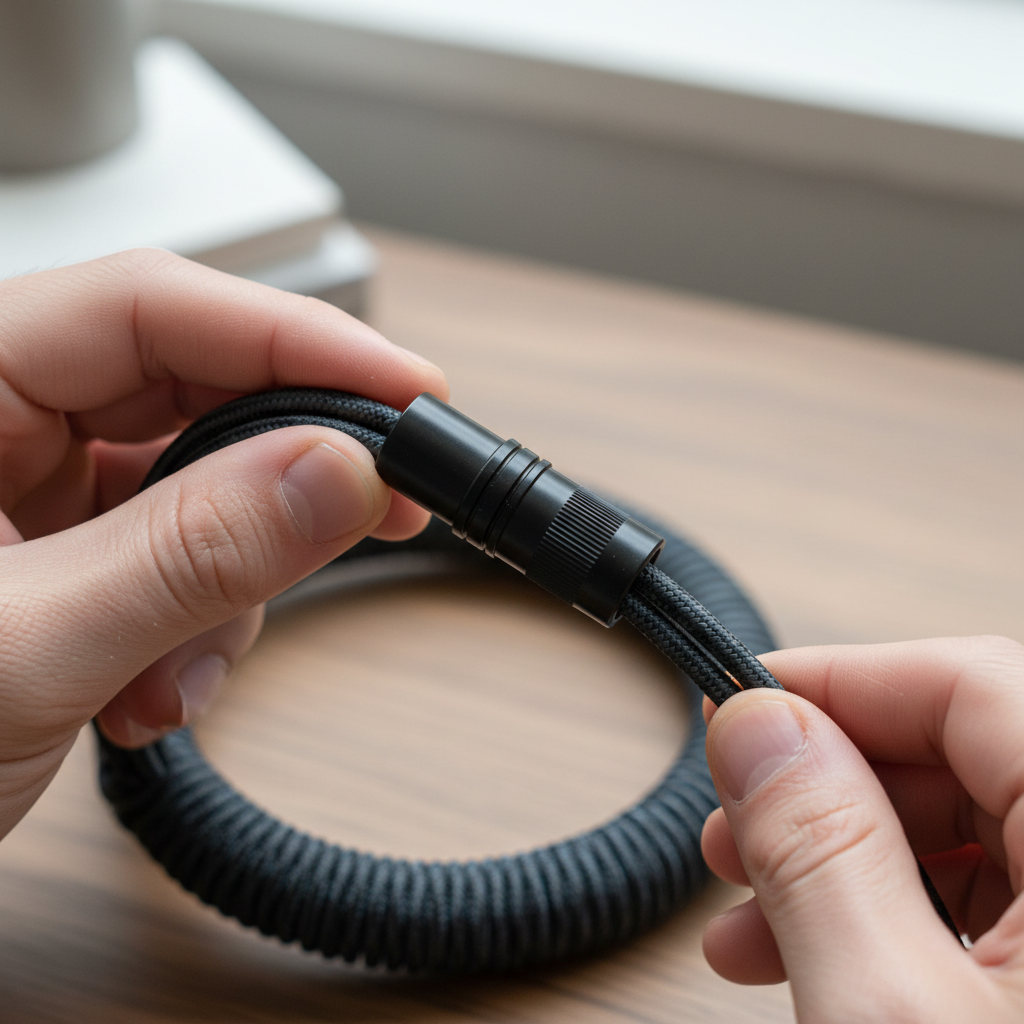
The Architecture of Custom Connectivity: Understanding Aviator Connectors
In the landscape of enthusiast peripheral setups, the aviator connector has transitioned from a niche industrial component to a central pillar of custom keyboard culture. Often characterized by its rugged, threaded circular design, this connector—technically known as the GX series—serves as a bridge between aesthetic personalization and modular functionality. For the value-oriented gamer and keyboard builder, understanding the technical nuances of these links is essential for maintaining signal integrity while achieving a specific desktop visual identity.
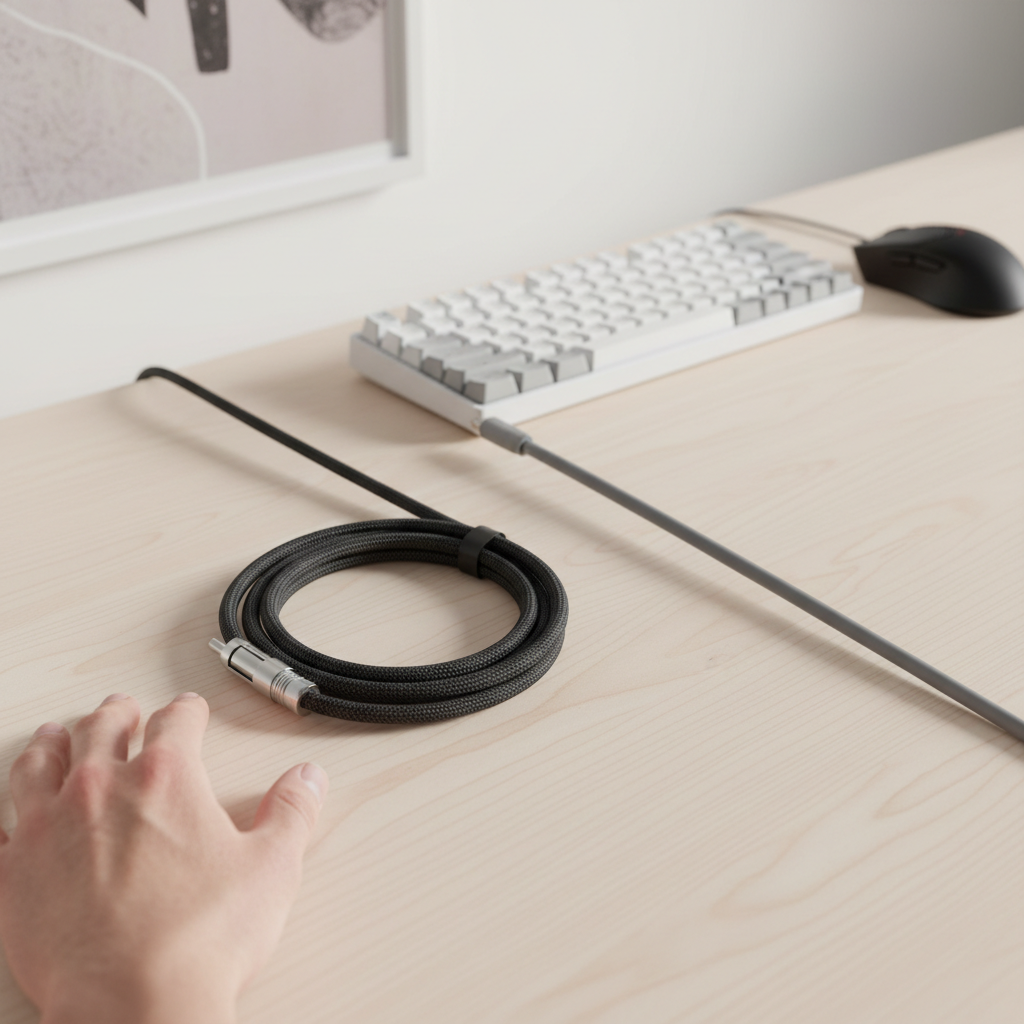
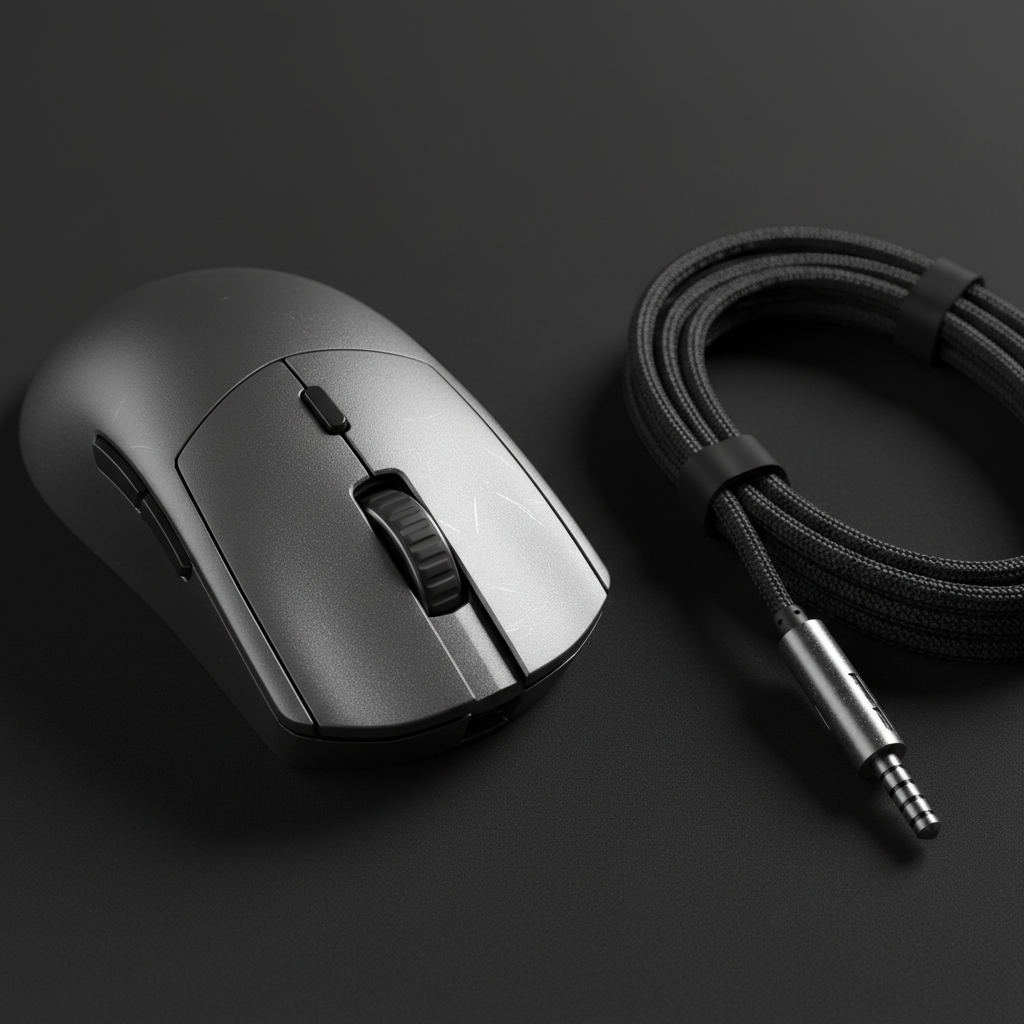
The popularity of aviator connectors is rooted in their ability to facilitate "detachable" cable segments. This modularity allows users to swap keyboard-side cables (often coiled) for different aesthetic themes without unplugging the main host-side cable from the PC. However, beneath the anodized finishes and braided sleeves lies a complex set of electrical and mechanical considerations that can impact performance, especially in high-performance gaming environments.
Technical Fundamentals: GX12 vs. GX16 Standards
The most common aviator connectors used in custom cables are the GX12 and GX16. These designations refer to the diameter of the connector housing—12mm and 16mm, respectively. While both provide the same basic function, the choice between them involves a trade-off between physical footprint and ease of assembly.
- GX12: The standard for most modern custom cables. Its smaller 12mm diameter offers a sleeker profile that aligns better with the slim aesthetics of enthusiast keyboards.
- GX16: A larger, more "industrial" looking connector. While bulkier, it provides more internal space for soldering, which can be beneficial for DIY builders using thicker gauge wire.
Beyond physical size, the internal pin configuration is the most critical technical specification. In the context of USB-C and modern keyboard controllers, the choice between 4-pin and 5-pin variants is not merely aesthetic but functional.
The 5-Pin Imperative for Modern Controllers
A common misconception is that 4 pins are sufficient for all USB cables (Power, Ground, Data+, and Data-). However, modern custom keyboard cables increasingly favor the 5-pin version. This configuration provides a dedicated line for the Configuration Channel (CC) signal.
According to the USB HID Class Definition (HID 1.11), standard HID devices rely on specific handshake protocols. In modern USB-C to USB-C or high-spec USB-C to USB-A implementations, the absence of a CC line can lead to compatibility issues where the host device fails to recognize the keyboard or defaults to a lower power state. Using a 5-pin aviator ensures that the CC signal is preserved across the detachable link, preventing the data-drop issues that a simple 4-pin split cannot resolve.
Logic Summary: Our analysis of connector pinouts assumes a standard USB 2.0 or 3.0 data protocol. The recommendation for 5-pin configurations is a heuristic based on observed compatibility patterns with modern USB-C microcontrollers (e.g., those found in Hall Effect or high-polling rate keyboards) where CC line continuity is required for proper device enumeration.

Signal Integrity and the USB 2.0 Bottleneck
While aviator connectors are prized for their "overbuilt" appearance, they introduce a significant, often unquantified risk to signal integrity. USB 2.0 high-speed data transmission operates at 480 Mbits/s, a frequency where the physical geometry of the connector begins to matter.
As noted in Electronic Design, signal integrity becomes a critical issue in USB 2.0 designs due to impedance mismatches. Standard USB cables are designed for a 90Ω differential impedance. Aviator connectors, originally designed for low-frequency industrial power and signal applications, do not have controlled impedance.
| Parameter | Impact on Signal | Risk Level |
|---|---|---|
| Impedance Mismatch | Causes signal reflections and jitter | High for 8K Polling |
| Contact Resistance | Can lead to voltage drop | Moderate |
| Unshielded Pins | Susceptibility to EMI/RFI | Moderate |
| Cable Length | Increases attenuation when combined with connectors | High (>3 meters) |
For users operating at standard 1000Hz polling rates, these issues are rarely perceptible. However, as the industry moves toward 8000Hz (8K) polling rates, the margin for error narrows.
High-Performance Constraints: The 8000Hz (8K) Factor
In competitive gaming, the push for lower latency has led to the adoption of 8000Hz polling rates. This translates to a near-instant 0.125ms polling interval (1.0ms / 8). At this level of performance, every component in the data path—including the aviator connector—is under scrutiny.
The Math of Latency and Motion Sync
When discussing 8K performance, it is vital to understand how Motion Sync scales. At a standard 1000Hz, Motion Sync adds approximately 0.5ms of delay (half the polling interval). At 8000Hz, this delay drops to ~0.0625ms, making it virtually negligible. However, to maintain this precision, the connection must be flawless.
System Bottlenecks and USB Topology
To saturate an 8000Hz bandwidth, the system requires significant IRQ (Interrupt Request) processing power. Any instability introduced by the aviator connector—such as packet loss due to impedance mismatch—can cause CPU spikes or cursor stutter.
According to the Global Gaming Peripherals Industry Whitepaper (2026), high-performance peripherals should ideally be connected directly to the rear I/O ports of the motherboard. Using an aviator cable that exceeds 2.5 to 3 meters in total length, or one that uses poor-quality connectors, can increase the failure rate of 8K data packets.
Methodology Note (Modeling 8K Stability):
- Model Type: Deterministic signal attenuation model.
- Assumption 1: Total cable length < 3 meters.
- Assumption 2: Direct connection to USB 3.0+ port (Direct Motherboard I/O).
- Assumption 3: 1600 DPI setting (requires 5 IPS movement to saturate 8K bandwidth).
- Boundary Condition: This model does not account for external EMI from unshielded desk speakers or high-wattage power bricks nearby.
Material Science: Durability vs. Aesthetics
The durability of an aviator connector is often overestimated based on its metal construction. In reality, there is a stark difference between consumer-grade and aerospace-grade components.
Plating and Corrosion Resistance
Hobbyist aviator connectors typically use zinc alloy or brass housings with various surface finishes. While aerospace-grade beryllium bronze connectors are rated for 10,000+ mating cycles, typical consumer versions lack published lifecycle data.
Research from Kabolux indicates that gold plating is superior for maintaining low contact resistance over thousands of cycles compared to standard nickel or tin. For the best longevity, users should look for connectors with gold-plated pins to minimize oxidation, which is a leading cause of intermittent connection issues in older cables.
Anodization vs. Painted Finishes
Aesthetic durability is another key factor for enthusiasts. Anodized aluminum finishes are generally preferred over painted or powder-coated surfaces.
- Anodization: Creates a non-conductive oxide layer integrated into the metal. It is highly resistant to scratching and handling.
- Painting/Coating: Can flake off over time, especially around the threaded locking ring.
Technical Warning: Anodizing is an insulator. In high-quality artisan cables, the internal contact surfaces must be masked during the anodization process to ensure electrical continuity for the shield/ground. If a connector is fully anodized on the inside, it can disrupt the cable's shielding, leading to increased electromagnetic interference (EMI).
Common Pitfalls in Aviator Cable Implementation
Through observations of common patterns in community feedback and repair scenarios, several "friction points" emerge that can compromise a setup.
The Strain Relief Failure
The most common point of failure in both DIY and pre-assembled aviator cables is the strain relief at the connector junction. A well-designed cable uses a flexible boot or reinforced heatshrink to ensure that the soldered joints inside the housing are not the primary flex point. Without adequate strain relief, the repetitive motion of moving a keyboard or swapping cable segments will eventually fatigue the solder, leading to a "double-click" equivalent in cable failure: intermittent disconnection.
Color Consistency and Sourcing
For users prioritizing aesthetic integration, color matching is a frequent challenge. Because different manufacturers use varying dye lots for anodization and different chemical compositions for "Cerakote" finishes, achieving a perfect match between an aviator connector and a keyboard case is difficult. It is a common heuristic in the hobby to source connectors and matching accessories from the same supplier to ensure batch consistency.
Compliance and Safety Standards
Even for a "passive" component like a cable, regulatory compliance ensures a baseline of safety and material quality. High-quality connectors should align with international standards to ensure they are free from hazardous substances.
- RoHS (Restriction of Hazardous Substances): Ensures the connector does not contain lead, mercury, or cadmium. This is critical for items handled daily.
- REACH: A European regulation REACH Regulation (EC) No 1907/2006 addressing the production and use of chemical substances and their potential impacts on human health.
- FCC/CE: While the connector itself is passive, the assembled cable must not interfere with the device's ability to meet FCC Equipment Authorization requirements regarding electromagnetic emissions.
Practical Decision Framework: Choosing Your Connector
To help navigate the choice, consider the following scenarios based on user priorities.
Scenario A: The Competitive Gamer (Performance First)
- Priority: 8000Hz polling stability, zero latency.
- Recommendation: Short total cable length (< 2m), 5-pin GX12 with gold-plated contacts. Avoid excessive coiling which increases total wire length and resistance. Ensure the cable uses 24AWG or 26AWG copper for power/ground to maintain voltage stability.
Scenario B: The Aesthetic Enthusiast (Style First)
- Priority: Visual coordination, "thocky" desk aesthetic.
- Recommendation: Large-diameter coiled cables with GX16 connectors for a bold look. Prioritize anodized finishes for long-term color retention.
Scenario C: The Multi-Device User (Functionality First)
- Priority: Swapping between multiple keyboards (USB-C, Micro-USB, Mini-USB).
- Recommendation: A modular system using the same aviator pinout across all "device-side" ends. This allows one main host cable to stay plugged into the PC while the user swaps the keyboard-side segment.
Summary of Best Practices
| Feature | Recommended Specification | Why it Matters |
|---|---|---|
| Pin Count | 5-Pin | Essential for CC line/USB-C compatibility |
| Contact Plating | Gold | Prevents oxidation and maintains low resistance |
| Housing Material | Anodized Aluminum | Superior durability and scratch resistance |
| Internal Wiring | 24AWG - 28AWG | Ensures power delivery for RGB/High-polling |
| Locking Mechanism | Threaded Ring | Prevents accidental disconnection during gaming |
Ultimately, the aviator connector is a bridge between the industrial origins of mechanical keyboards and the modern desire for personalized expression. While its functional benefits are centered on modularity and port protection, its technical implementation requires a careful balance. By prioritizing 5-pin configurations, gold-plated contacts, and robust strain relief, enthusiasts can ensure that their pursuit of style does not come at the expense of the near-instant performance required by modern gaming hardware.
Disclaimer: This article is for informational purposes only. Modifying or building electronic cables involves risks of short-circuits or damage to connected devices if performed incorrectly. Always verify pinouts with a multimeter before connecting to expensive hardware.

コメントを書く
このサイトはhCaptchaによって保護されており、hCaptchaプライバシーポリシーおよび利用規約が適用されます。