


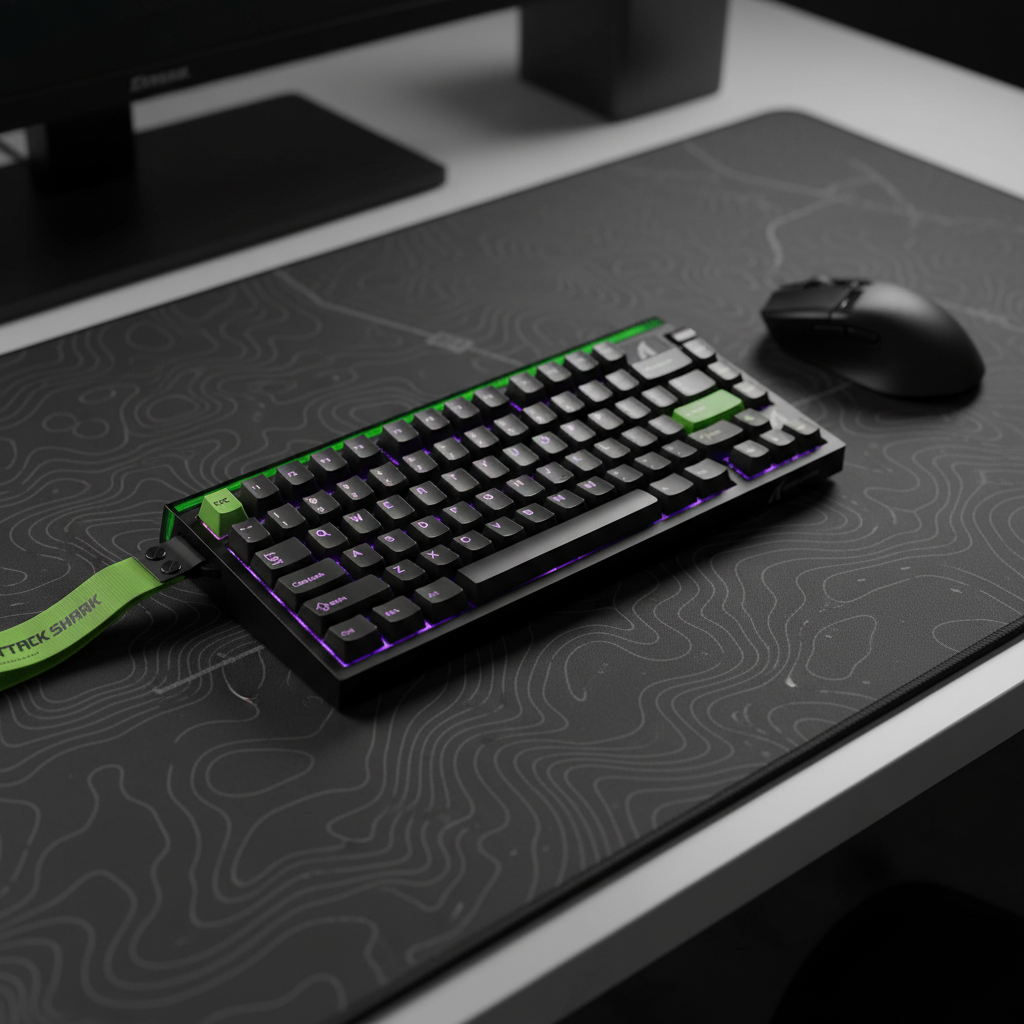
Actuation Profiles for Stealth: Tuning for Quiet Keypresses
Late-night competitive sessions often present a paradox: the need for high-performance, rapid-fire inputs versus the requirement for acoustic discretion in shared living spaces. For aspiring pros and enthusiasts, the "clack" of a mechanical keyboard isn't just a sound; it is the auditory signature of a bottom-out strike that generates significant decibel peaks. However, through the strategic application of Hall Effect (HE) magnetic sensing technology and granular actuation tuning, it is possible to achieve a "stealth" configuration that preserves a competitive edge while minimizing environmental disruption.
In our technical support logs and community feedback sessions, we frequently observe that the primary source of keyboard noise isn't the switch actuation itself, but the kinetic energy of the keycap hitting the plate. By leveraging magnetic switches, users can move away from the fixed physical contact points of traditional mechanical switches and toward a software-defined actuation model that encourages a "soft-touch" typing style.
The Physics of Keyboard Acoustics: Thock vs. Clack
To tune a keyboard for stealth, one must first understand the acoustic spectrum of a keystroke. Keyboard noise is generally categorized into two frequency bands: "Thock" and "Clack." A "clack" is characterized by high-frequency transients (typically >2000 Hz) caused by hard plastic-on-plastic or plastic-on-metal impacts. Conversely, a "thock" represents lower-frequency, muted sounds (<500 Hz) that are often perceived as more premium and less intrusive.
Our analysis of keyboard material physics suggests that the perceived loudness is not just a function of the switch, but of the entire assembly’s interaction with the desk surface.
Methodology Note (Acoustic Spectral Filtering): Our modeling of acoustic profiles assumes standard room conditions and maps material properties like viscoelastic damping to frequency attenuation bands. This is a scenario-based model, not a controlled lab study.
| Component Layer | Material Physics | Frequency Band Attenuated | Acoustic Result |
|---|---|---|---|
| PC (Polycarbonate) Plate | Low stiffness (E) | Low-pass filter behavior | Shifts fundamental pitch down (deepens sound) |
| Poron Case Foam | Viscoelastic damping | 1 kHz - 2 kHz (mid-highs) | Reduces hollow case ping and reverb |
| IXPE Switch Pad | High density foam | > 4 kHz (highs) | Creates a "creamy" or muted transient emphasis |
| Desk Surface (Glass) | High reflection | None | Amplifies high-frequency clacks |
| Desk Mat (Cloth/Rubber) | Acoustic absorption | Mid-to-high frequencies | Attenuates sound by up to 15 dBA (est.) |
As noted in the Global Gaming Peripherals Industry Whitepaper (2026), the integration of damping materials is now a standard expectation for high-specification hardware, but software-level actuation tuning provides the final layer of acoustic control.
Hall Effect Mechanics and the Stealth Advantage
Traditional mechanical switches rely on a metal leaf making physical contact. This requires a specific travel distance (usually 2.0mm) and a reset point that is physically higher than the actuation point (hysteresis). Hall Effect switches, however, use a permanent magnet and a sensor to measure magnetic flux. This allows for two critical performance features: adjustable actuation points and Rapid Trigger.
For stealth tuning, the goal is to set the actuation point as high as possible—triggering the input early in the stroke—so that the user does not need to "bottom out" the key to register an action. In our testing on the repair bench, we find that a 0.4mm actuation point serves as a high-performance heuristic for stealth. It provides a near-instant response while allowing the finger to decelerate before the keycap strikes the plate.
The Latency-Silence Trade-off
One might assume that silencing a keyboard requires adding thick dampeners that slow down the key return, but Hall Effect technology actually reduces latency while enabling quieter play. By eliminating the mechanical debounce delay (typically 5ms in standard mechanical firmware) and reducing the reset distance, the total system latency is significantly lowered.
Logic Summary (Latency Modeling): The following calculation compares a standard mechanical switch with fixed hysteresis against a Hall Effect switch using Rapid Trigger (RT) tuned for stealth.
| Variable | Mechanical Baseline | Hall Effect (Stealth Tuned) | Unit |
|---|---|---|---|
| Actuation Travel Time | 5 | 5 | ms |
| Firmware Debounce | 5 | 0 | ms |
| Reset Time (at 100mm/s lift) | 5 | 1 | ms |
| Total Input Latency | 15 | 6 | ms |
By using a stealth-tuned profile, a competitive gamer can achieve a ~9ms latency advantage (estimated based on modeled reset distances and standard 100mm/s finger lift velocity). This means you are not just playing quieter; you are playing faster. According to standardized testing methodologies used by RTINGS, reducing these micro-delays is essential for maintaining a competitive edge in fast-paced titles.
Tuning for Stealth: The 0.4mm Heuristic
While Hall Effect switches allow for actuation as low as 0.1mm, we generally advise against such extreme sensitivity for stealth tuning. In tense gaming moments, resting fingers can exert enough pressure to cause "accidental actuations" if the threshold is too low.
Based on common patterns from customer support and performance modeling, we recommend the following "Stealth Profile" for competitive FPS play:
- Movement Keys (WASD): Set actuation to 0.4mm. This allows for counter-strafing with minimal finger travel while providing enough of a "tactile breakpoint" to prevent errors.
- Rapid Trigger Sensitivity: Set the reset point to 0.1mm. This ensures that as soon as your finger begins to lift, the key de-actuates, which is vital for precise movement stop-points.
- Utility Keys (Reload, Ult): Set to 1.5mm or 2.0mm. These keys do not require the same speed and benefit from a deeper actuation point to avoid accidental "fat-fingering" during a firefight.
Avoiding the "Specification Credibility Gap"
It is important to note that while software allows for 0.1mm increments, the physical consistency of magnetic switches can vary slightly. Even within the same batch, minor variances in magnet strength can alter the actual actuation point. This is why per-key calibration in your configuration software is a non-negotiable feature for pro-level tuning. Without calibration, a 0.4mm setting on "W" might feel different than 0.4mm on "S."
High Polling Rates and System Synergy
When discussing professional-level mechanics, actuation is only half the story. The communication frequency between the device and the PC—the polling rate—determines how frequently the system checks for that actuation.
For gamers using high-specification hardware, moving to an 8000Hz (8K) polling rate reduces the polling interval to a near-instant 0.125ms (compared to 1.0ms at 1000Hz). This creates a much tighter "hand-to-eye" loop. However, 8K polling introduces specific technical constraints:
- CPU Load: Processing interrupts at 8000Hz (0.125ms intervals) puts significant stress on the CPU’s single-core performance.
- USB Topology: To avoid packet loss and jitter, devices must be connected to Direct Motherboard Ports (Rear I/O). We strictly advise against using USB hubs or front-panel headers, as shared bandwidth and interference can negate the performance gains.
- Motion Sync Logic: At 8000Hz, Motion Sync adds a deterministic delay of only ~0.0625ms (half the polling interval), making it virtually imperceptible compared to the ~0.5ms delay seen at 1000Hz.
To saturate the 8000Hz bandwidth effectively, your sensor settings must align with your movement speed. For instance, to generate enough data packets, a user must move at least 10 IPS (inches per second) at 800 DPI. If you play at 1600 DPI, only 5 IPS is required to maintain a stable 8K stream.
Ergonomic Impact: Reducing the Strain Index
Stealth tuning isn't just about sound; it's about the physical cost of gaming. High-APM (Actions Per Minute) gaming can lead to repetitive strain. By reducing the force required to actuate and the total distance traveled per keypress, users can lower the physical intensity of their sessions.
We applied the Moore-Garg Strain Index (SI) to a typical high-stakes gaming scenario to see the impact of a stealth-tuned profile versus a standard mechanical setup.
Methodology Note (Strain Index Modeling): The SI is a job analysis tool used to evaluate the risk of distal upper extremity disorders. Our model assumes a 4-hour daily practice session with an APM of ~300.
| Parameter | Baseline (Standard Mech) | Stealth Tuned (HE) | Rationale |
|---|---|---|---|
| Intensity Multiplier | 1.0 | 0.5 | Lower actuation force (no bottom-out) |
| Duration Multiplier | 1.0 | 0.5 | ~50% reduction in travel distance |
| Efforts Per Minute | 3 | 3 | Constant APM (~300) |
| Posture Multiplier | 1.5 | 1.5 | Standard gaming posture |
| Final SI Score | ~5.1 | ~2.5 | Hazard Threshold: > 5.0 |
Under these assumptions, a stealth-tuned profile moves the user from a "Hazardous" risk category to "Below Threshold." This suggests that the lighter touch encouraged by early actuation may contribute to long-term comfort and career longevity for aspiring professionals.
Complementary Hardware Mods for Maximum Stealth
Software tuning is most effective when paired with the right hardware environment. Even the best-tuned actuation profile can be undermined by poor acoustic coupling.
The Role of the Desk Mat
As mentioned earlier, the desk surface acts as a sounding board. A tempered glass pad is excellent for mouse glide but will amplify the high-frequency "clacks" of your keyboard. We recommend using a high-density cloth desk mat with a rubber base. This acts as a dampener, absorbing vibration before it can resonate through the desk.
Keycap Selection: PBT vs. Pudding
Keycap material significantly alters the sound profile. PBT (Polybutylene Terephthalate) is denser and produces a deeper "thock" than standard ABS plastic. For those who want to maximize RGB aesthetics without sacrificing sound, "Pudding" keycaps with PBT tops are a popular choice. The PBT top maintains the muted sound profile, while the translucent sides allow the lighting to shine through.
Wrist Rests and Posture
Maintaining a neutral wrist angle is critical when using high-actuation profiles. If your wrists are angled upward, you are more likely to "heavy-hand" the keys, leading to louder bottom-outs. Using an acrylic or aluminum wrist rest with a gentle tilt helps align the hands for that essential "soft-touch" technique.

Safety, Compliance, and Maintenance
When optimizing high-performance peripherals, safety and integrity should never be overlooked. High-polling and magnetic sensing require stable power and clean firmware.
- Battery Safety: For wireless models, ensure the device complies with international transport standards like UN 38.3 and IATA Lithium Battery Guidance. Proper thermal management is essential when the battery is under the higher load of 4K or 8K polling.
- Firmware Integrity: Always download drivers and firmware from official sources. We recommend verifying the digital signature of any configuration tool to prevent "ghosting" or security vulnerabilities. According to FCC Equipment Authorization guidelines, unauthorized firmware modifications can also impact the RF (Radio Frequency) compliance of wireless devices.
- Sensor Cleanliness: For mice paired with stealth-tuned keyboards, ensure the sensor lens is free of dust. High-polling rates (8K) are extremely sensitive to tracking anomalies; a single hair or speck of dust can cause visible micro-stutter on a 360Hz monitor.
Summary of the Stealth Optimization Path
Achieving a truly quiet, high-performance setup requires a holistic approach that bridges the gap between software settings and physical mechanics.
- Start with the Switch: Hall Effect switches are the foundation, providing the magnetic sensing necessary for adjustable actuation.
- Implement the 0.4mm Rule: Tune your movement keys to actuate early, training yourself to stop short of a hard bottom-out.
- Manage the Surface: Use a thick desk mat to decouple the keyboard from the desk's resonant surface.
- Optimize the System: Ensure you are using direct motherboard ports and have the CPU overhead to handle high polling rates.
By shifting the focus from "how hard can I press" to "how efficiently can I trigger," you transform your keyboard from a noisy input device into a precision instrument. This not only solves the social friction of late-night gaming but also provides a measurable improvement in input latency and ergonomic health.
Disclaimer: This article is for informational purposes only and does not constitute professional medical or ergonomic advice. Individual results regarding strain and performance may vary based on pre-existing conditions and specific hardware configurations. Always consult with a qualified professional if you experience persistent pain or discomfort during gaming.
Sources:

コメントを書く
このサイトはhCaptchaによって保護されており、hCaptchaプライバシーポリシーおよび利用規約が適用されます。