PixArt PAW3395

Filters

Sort by
Price
to
Product type
Brand
DPI
Connection type
Mouse technology
Filters
Sort by:
Price
to
Product type
Brand
DPI
Connection type
Mouse technology

6 products

Up to 20%
ATTACK SHARK X3 Wireless Gaming Mouse PAW3395 Superlight
Sale priceFrom $31.99 Regular price$39.99
+8
Up to 20%
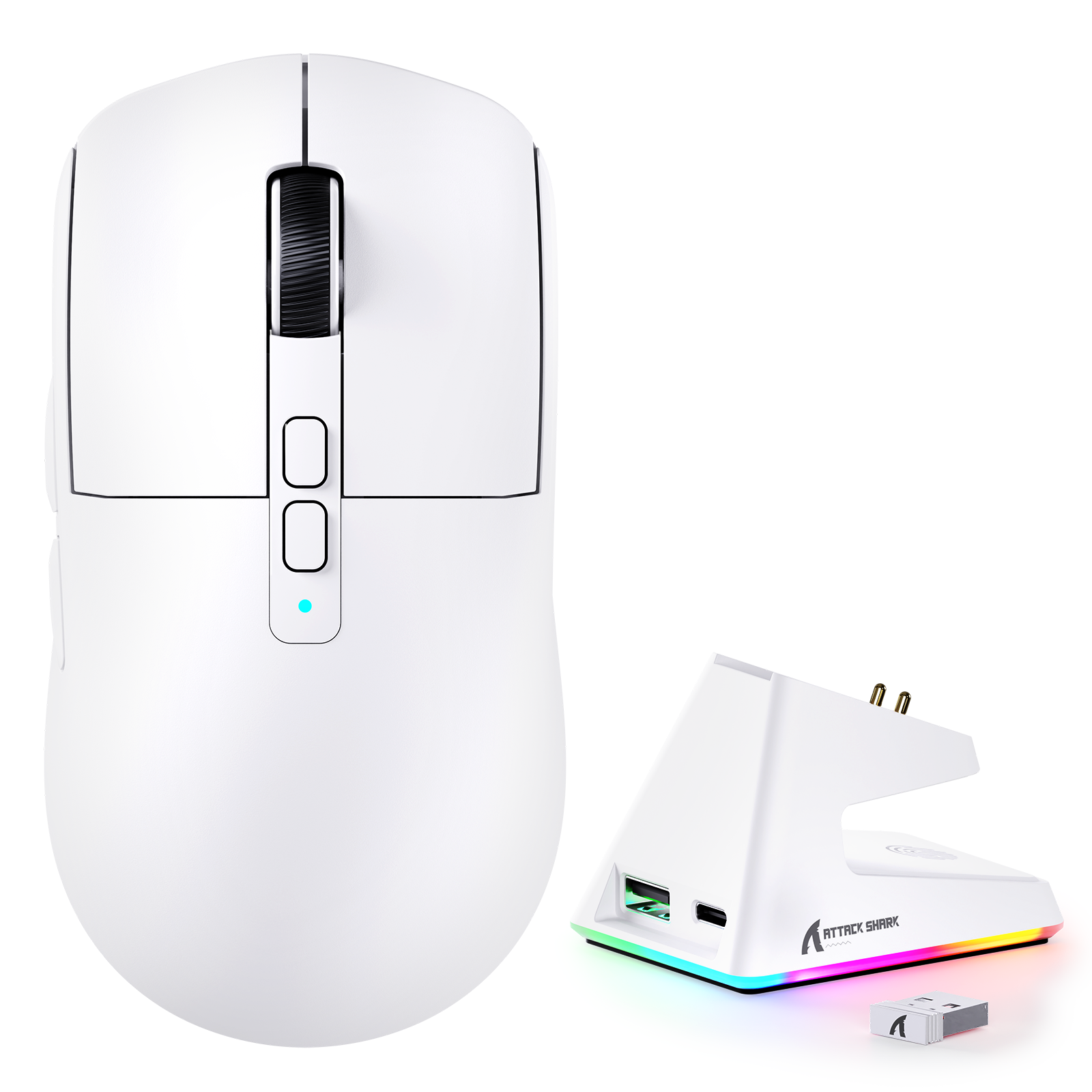
ATTACK SHARK X6 Three Modes Gaming Mouse With Charging Dock
Sale priceFrom $39.19 Regular price$48.99
+2
Up to 15%
ATTACK SHARK X3PRO Three Modes 8K Gaming Mouse
Sale priceFrom $66.29 Regular price$77.99
+2
Save 15%
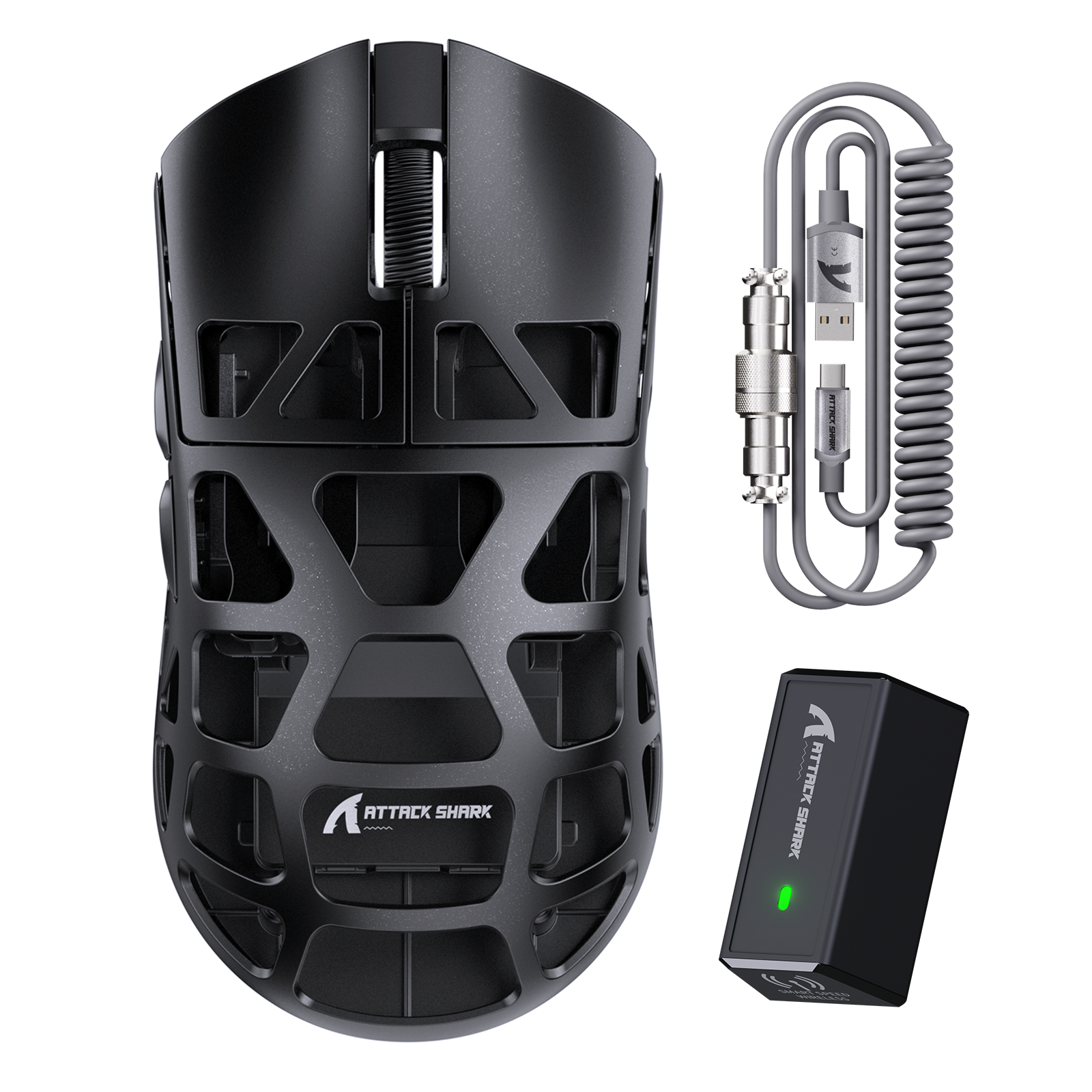
ATTACK SHARK R3 Magnesium Alloy Gaming Mouse 8K
Sale price$84.99 Regular price$99.99
Save 15%
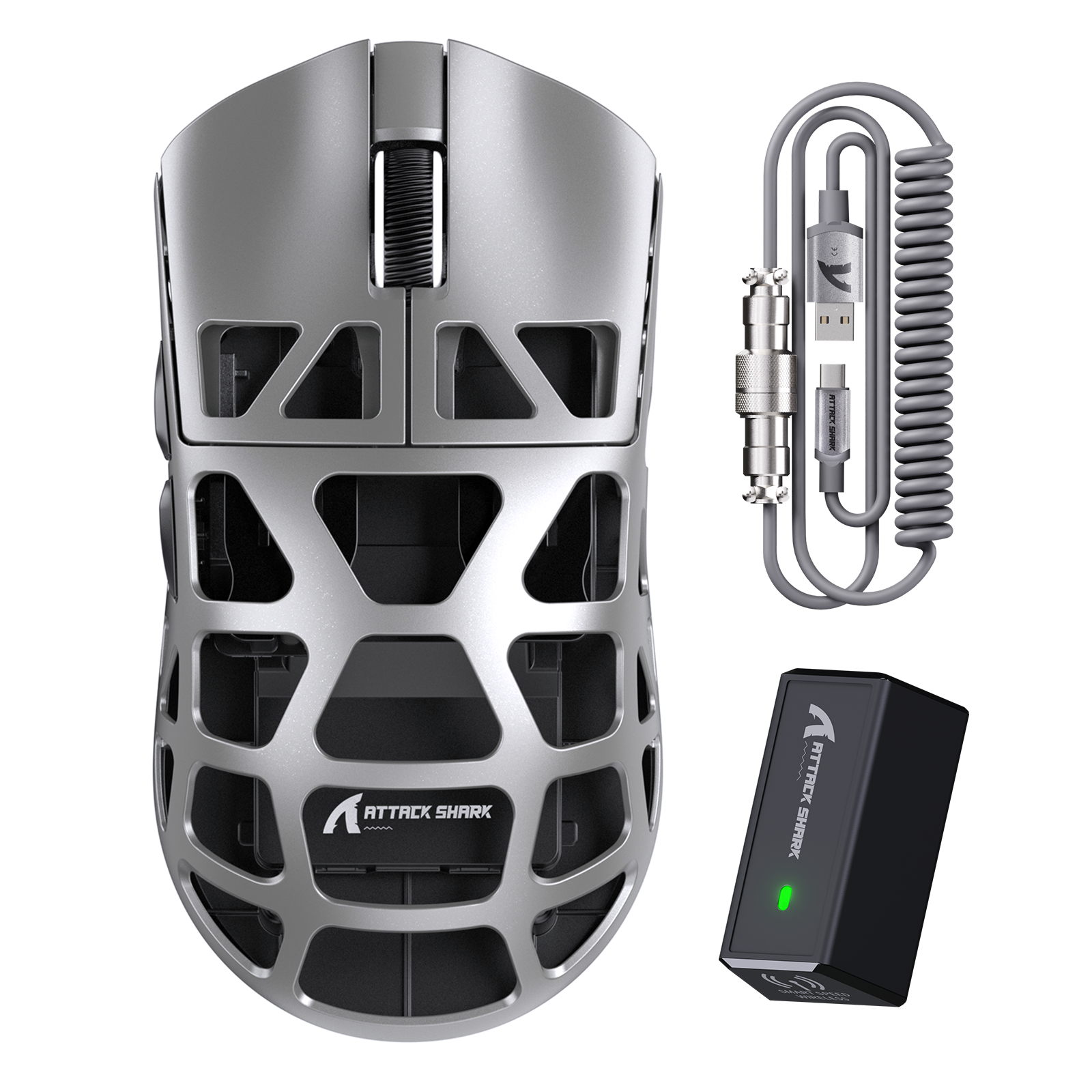
ATTACK SHARK R3PRO Magnesium Alloy Gaming Mouse 8K with Coiled Cable
Sale price$90.09 Regular price$105.99
Up to 10%
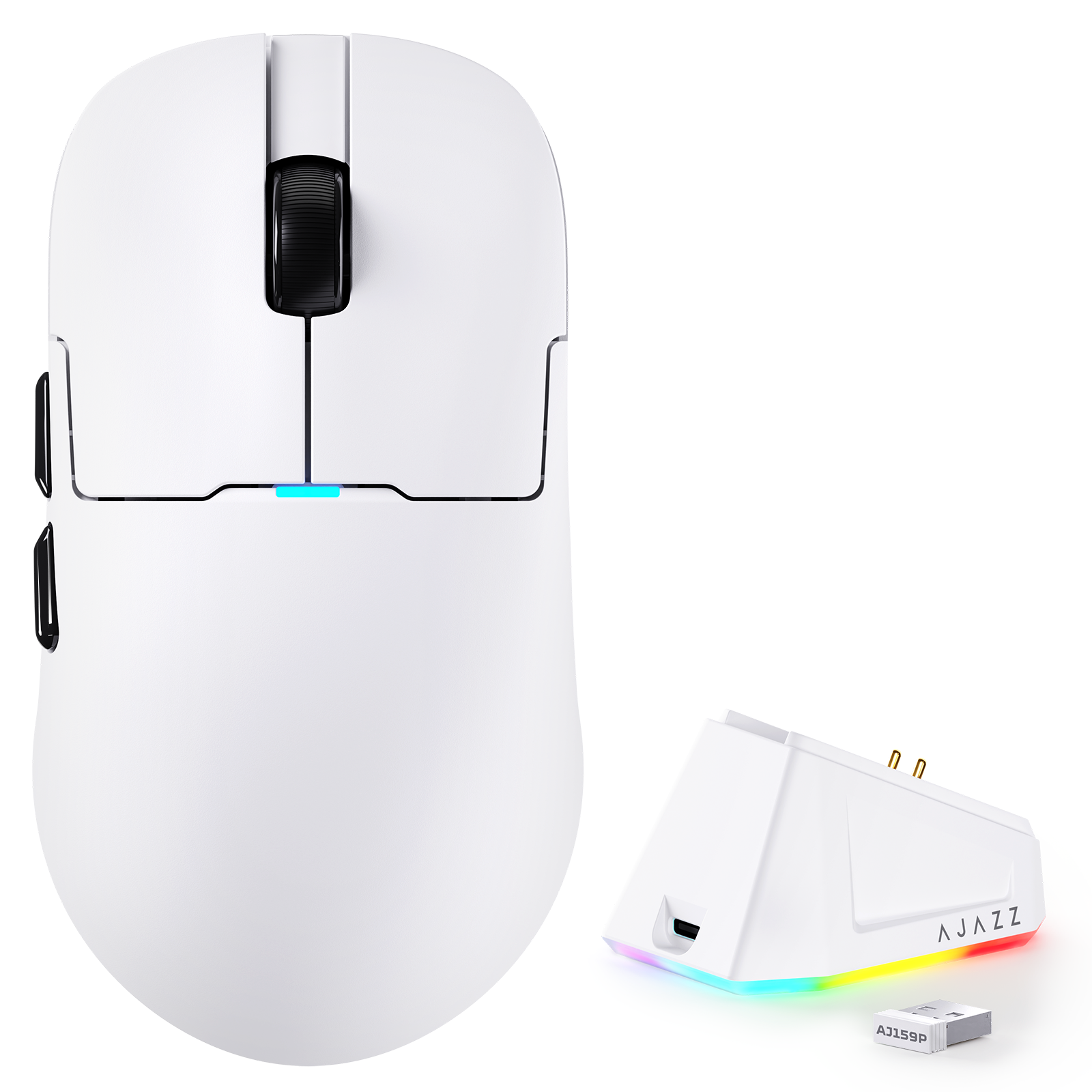
ATTACK SHARK x AJ159P Tri-mode Gaming Mouse with with Magnetic Charging Dock
Sale priceFrom $31.49 Regular price$34.99

FAQ

Q1: Is the PAW3395 still a top-tier "flawless" sensor for competitive play?

A: Yes. The PAW3395 is still widely considered a flagship flawless sensor. It ensures 1:1 precise tracking without any built-in acceleration or deceleration, even up to its high-speed limit of 650 IPS.

Q2: What is the key difference between PAW3395 and the newer PAW3950?

A: The functional difference in actual gameplay is minimal. The main technical advantages of the PAW3950 are a lower minimum Lift-Off Distance (0.7mm vs 1.0mm) and higher power efficiency (approx. 8%), but the PAW3395 performance is sufficient for 99% of users.

Q3: What are the maximum DPI (CPI), IPS, and acceleration specifications?

A: The native specifications for the PAW3395 are:
●Max DPI: 26,000 CPI
●Max Speed: 650 IPS (Inches Per Second)
●Max Acceleration: 50G

Q4: Does the PAW3395 support Motion Sync, and how does it benefit tracking?

A: Yes, the PAW3395 supports hardware Motion Sync. This feature synchronizes the sensor's data reports with the PC's USB polling cycle, ensuring highly consistent data reporting, which results in smoother and more accurate on-screen cursor movement.

Q5: Can I use the PAW3395 sensor at 4000Hz or 8000Hz polling rates?

A: Yes. The PAW3395 sensor is fully capable of supporting high polling rates (such as 4KHz), depending on the specific mouse's Microcontroller Unit (MCU) and firmware implementation.

Q6: Is the PAW3395 energy-efficient for long wireless battery life?

A: Yes. The PAW3395 is PixArt's flagship sensor designed for wireless gaming, featuring a self-adjusting variable frame rate for excellent battery efficiency and contributing to long battery life.

Q7: What is the lowest Lift-Off Distance (LOD) achievable with the PAW3395?

A: The PAW3395 allows users to set the LOD to 1mm or 2mm via the mouse software. This low setting is crucial in competitive gaming for ensuring tracking stops immediately when lifting the mouse.

Q8: Does the PAW3395 sensor suffer from acceleration, smoothing, or jitter?

A: No. As a flagship sensor, the PAW3395 introduces no hardware acceleration within its native DPI range. It provides 1:1 raw input with extremely low jitter and smoothing.

Q9: Does this sensor track reliably on specialized surfaces like glass or Cordura pads?

A: Generally, yes. The PAW3395 performs flawlessly on most cloth and plastic pads. While the newer 3950 might have a slight edge on some ultra-slick glass pads, the 3395's tracking remains highly reliable on all common surfaces.

Q10: Is the PAW3395 only for professional gamers, or suitable for casual use too?

A: Both. While its specs satisfy the needs of professionals, its extremely high precision and stability also make it a premium and reliable choice for daily use, content creation, or casual gaming.