






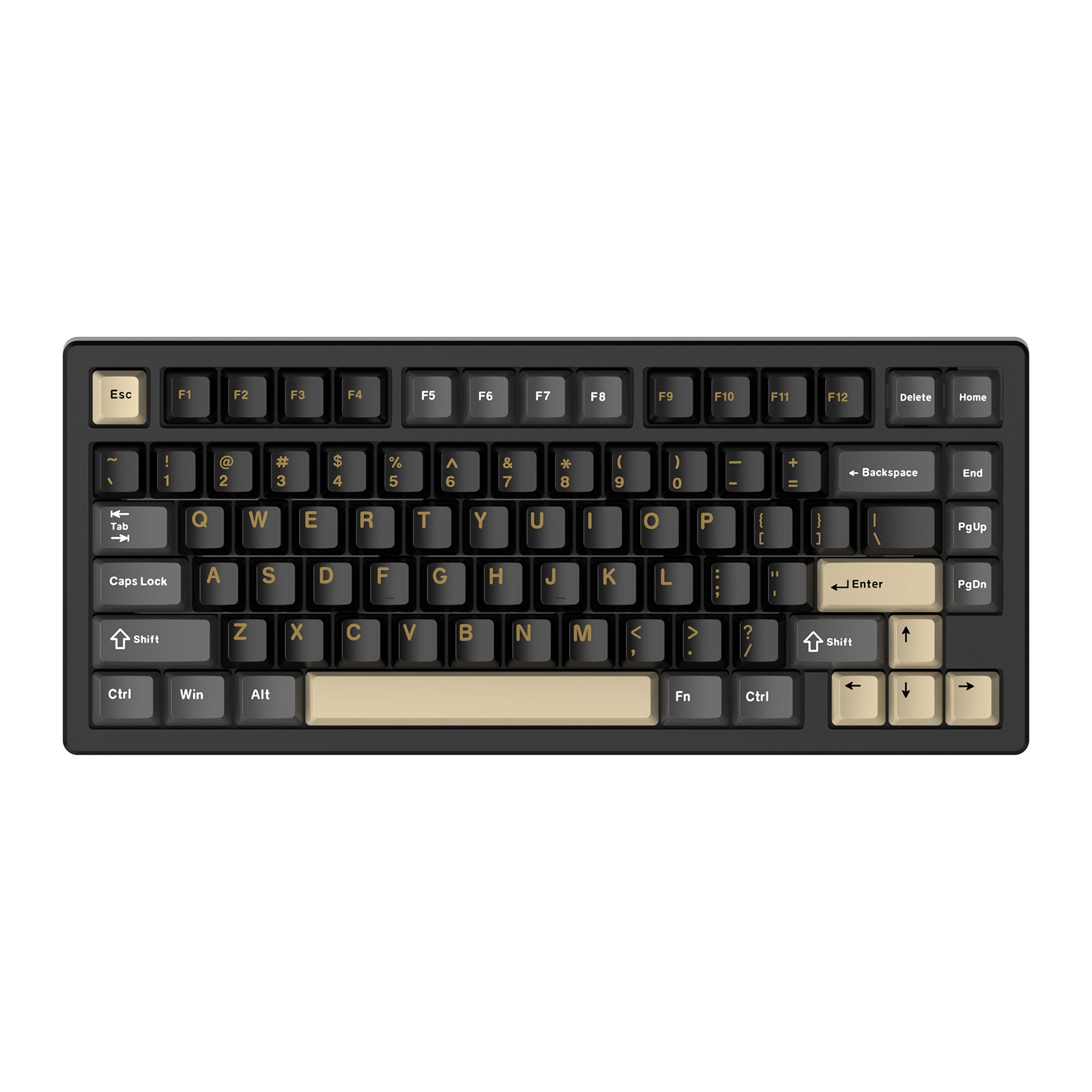
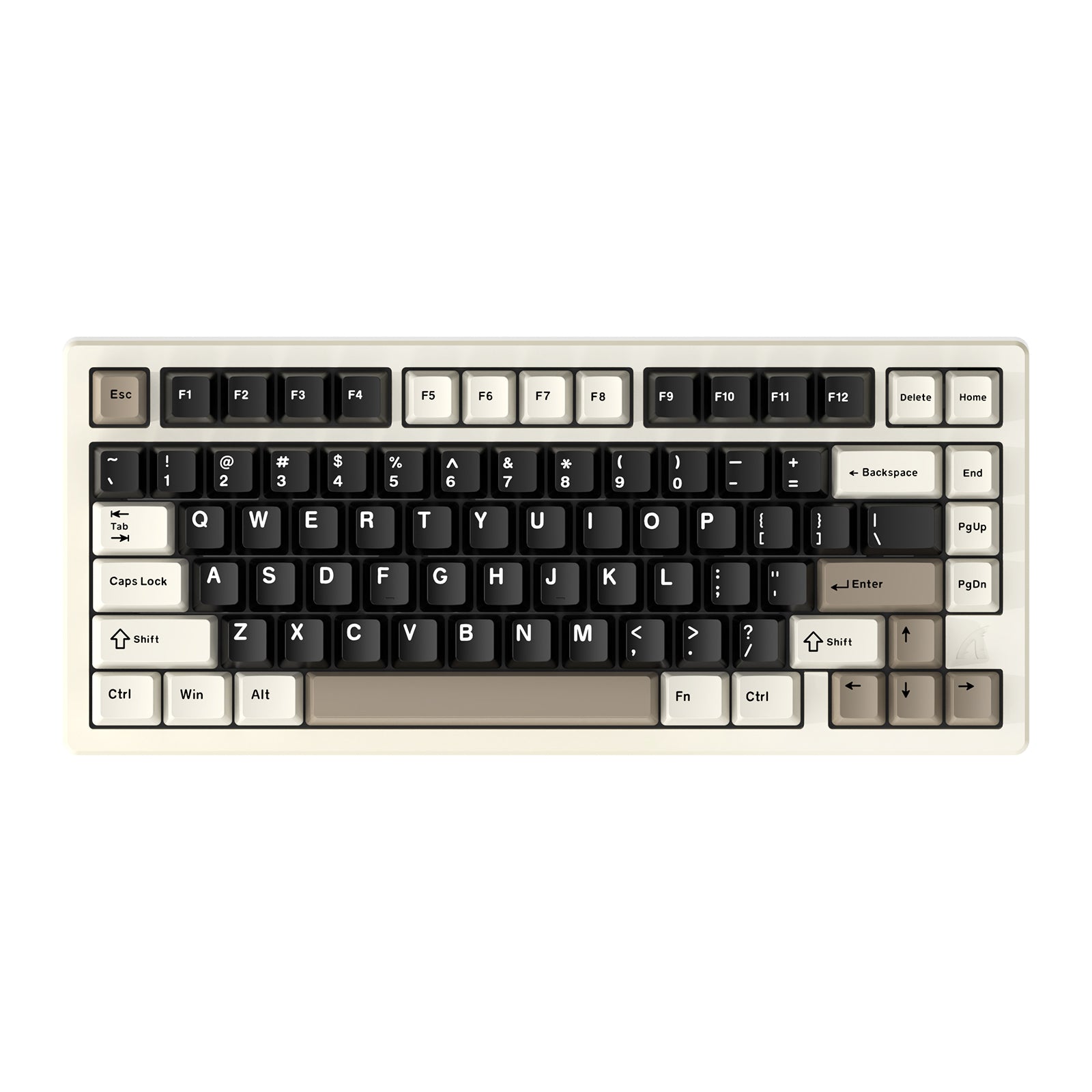
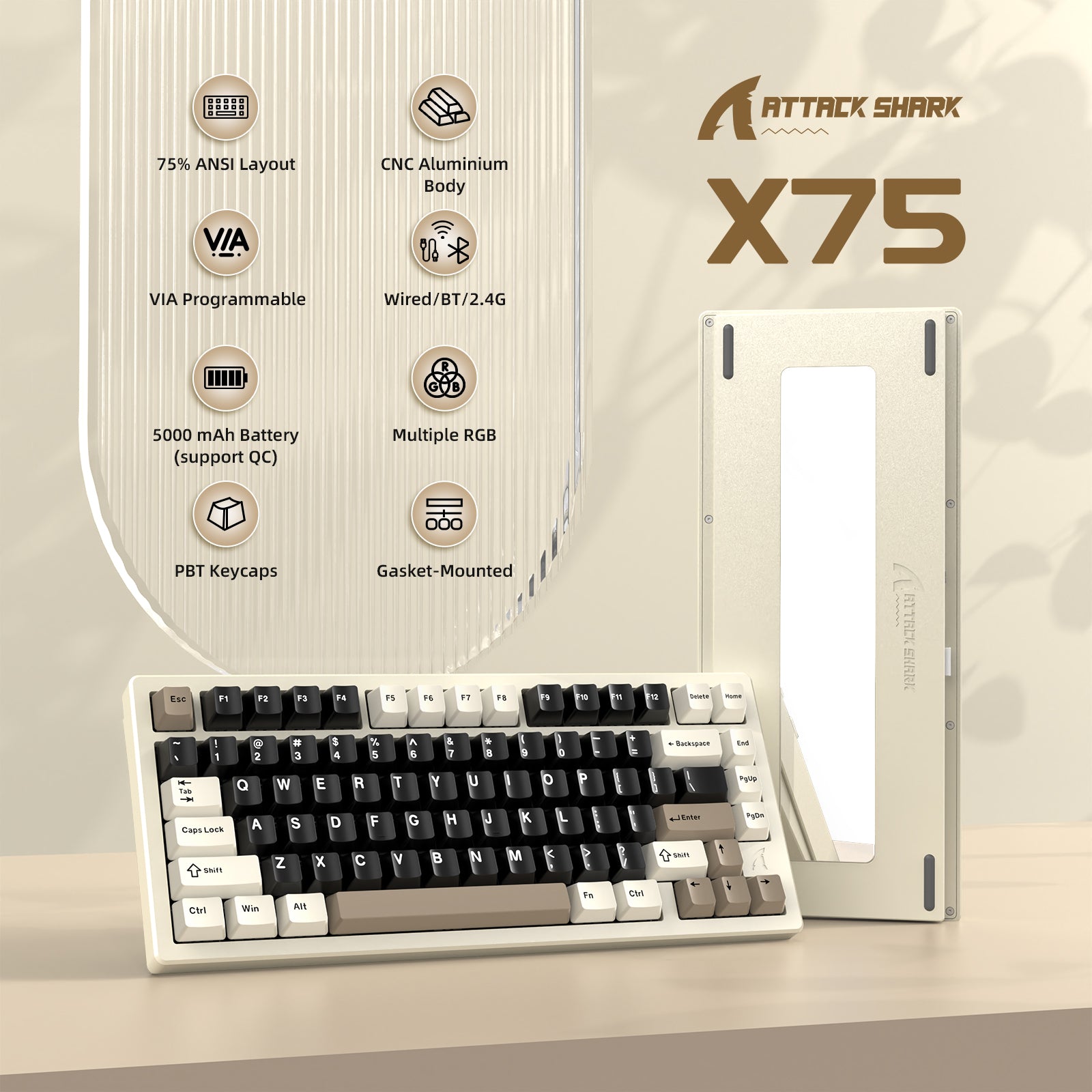
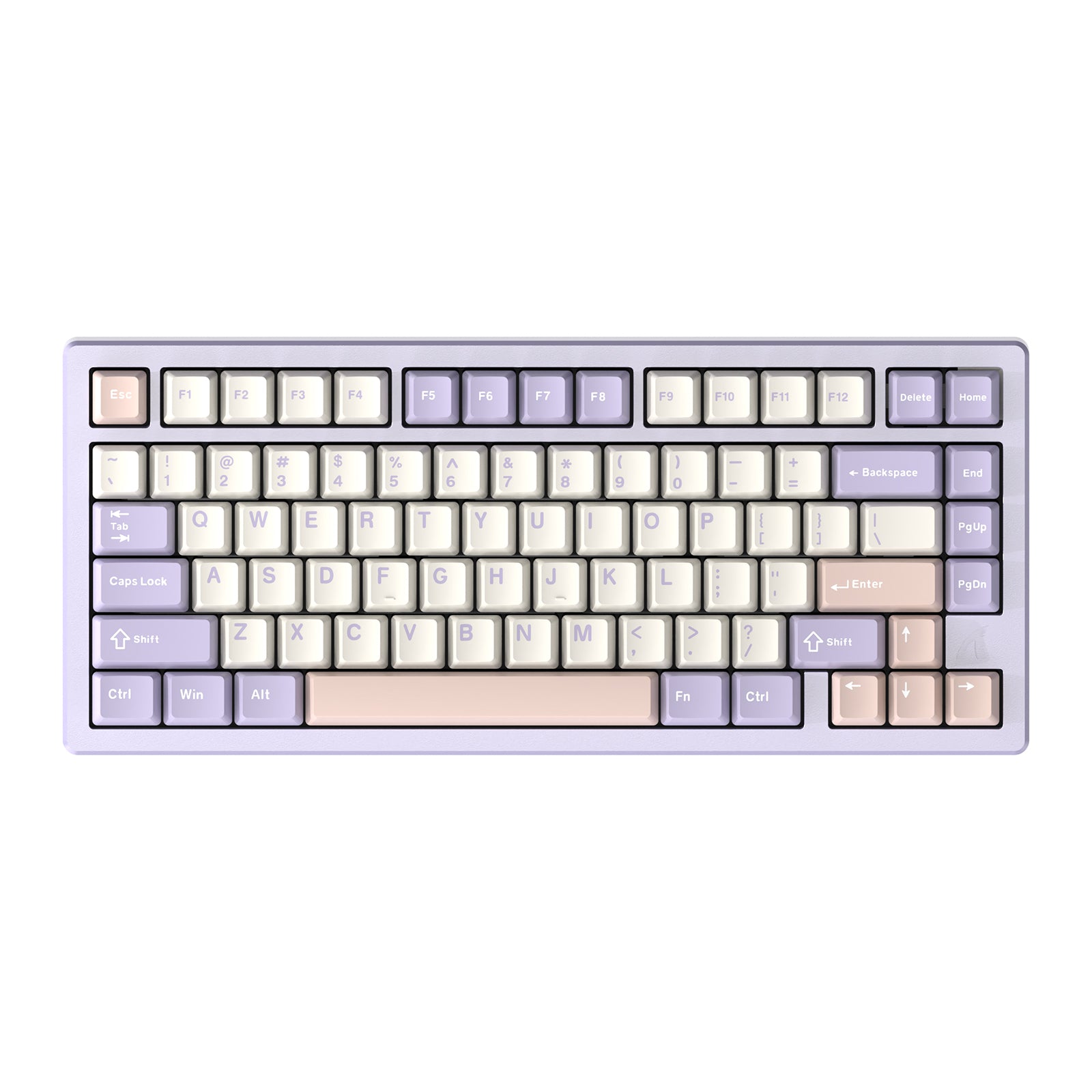
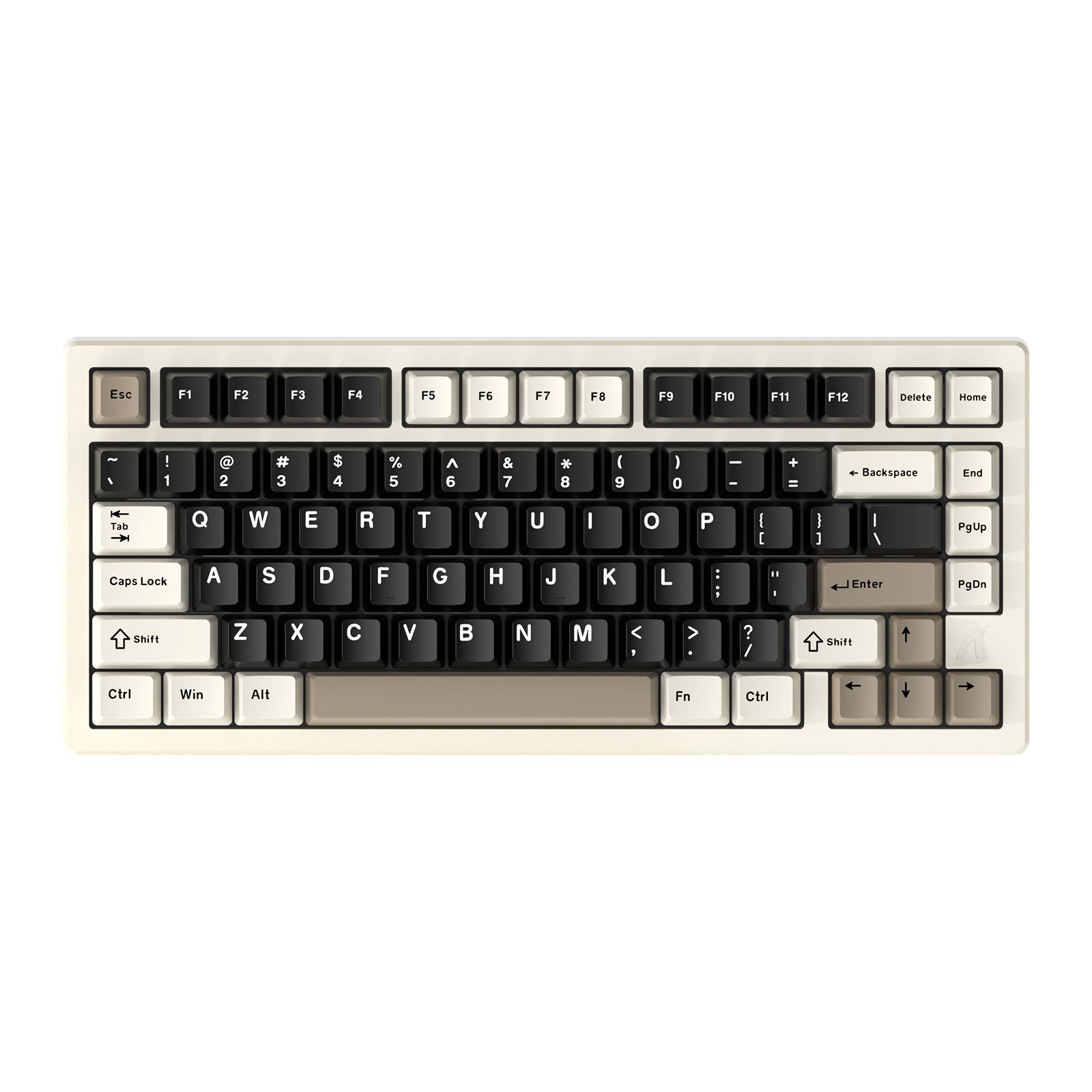
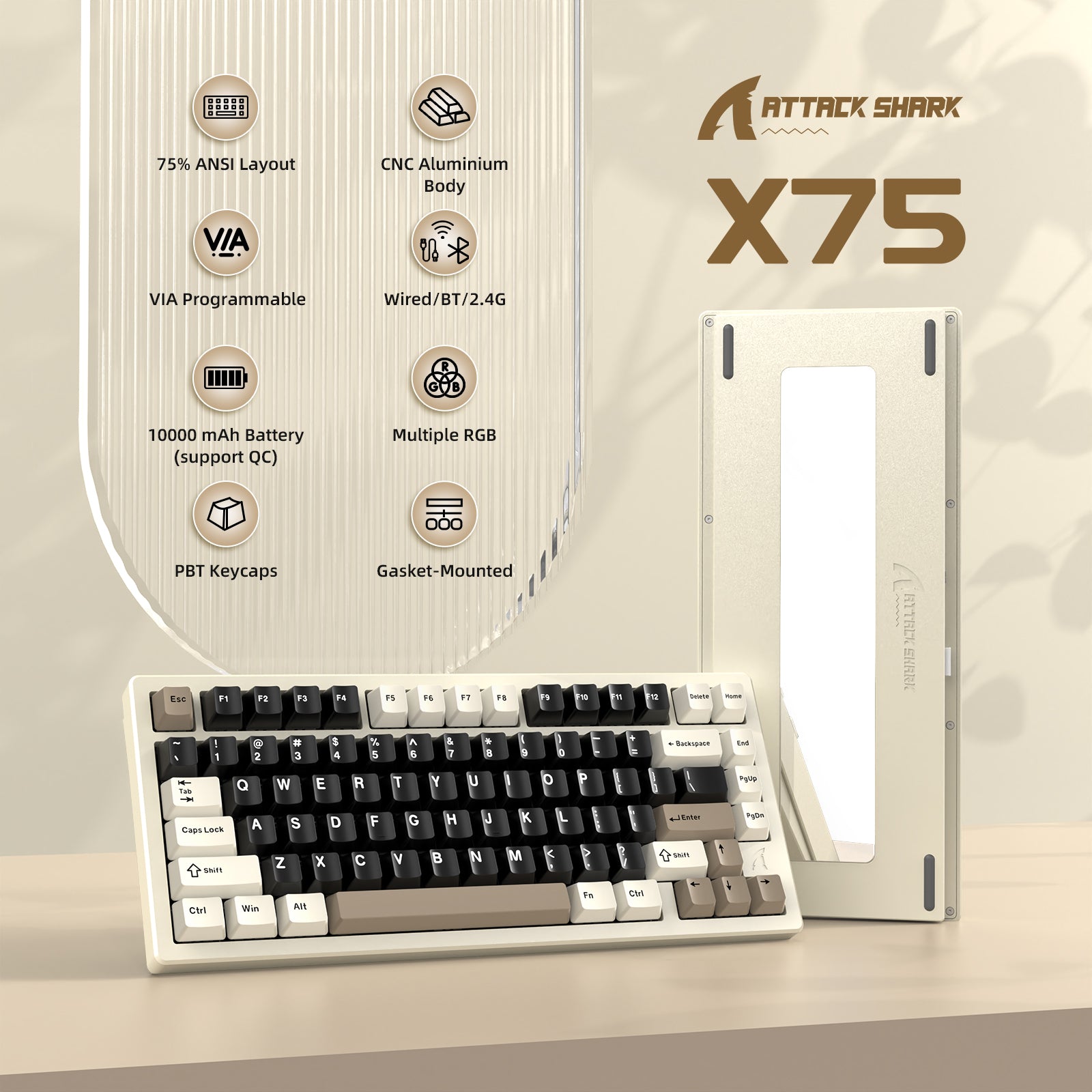
ATTACK SHARK X75 Pełna Aluminiowa Klawiatura
- Share:
-

-

-

-


- In Stock
Technical Specifications
WEB DRIVER


Pełna aluminiowa mechaniczna klawiatura CNC
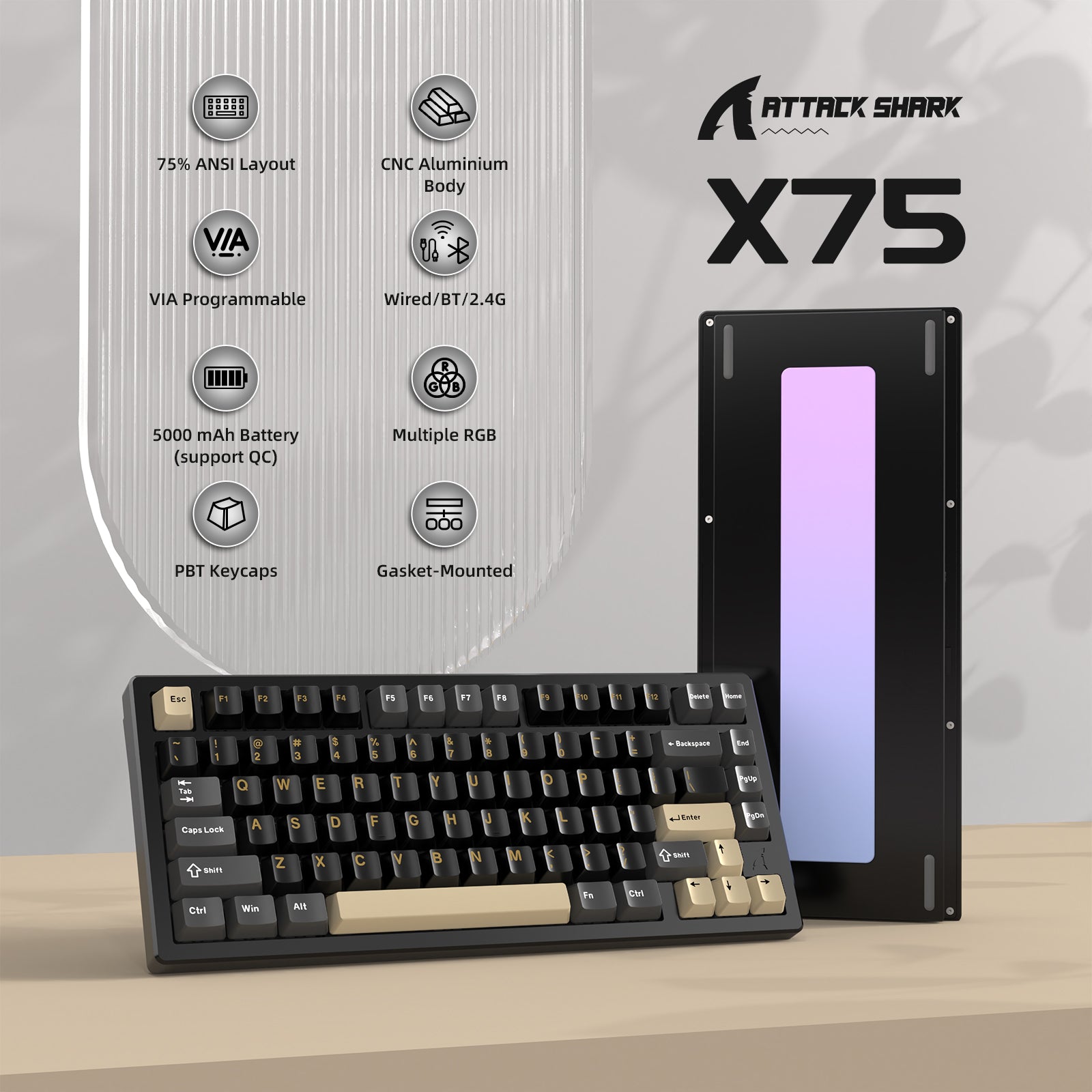
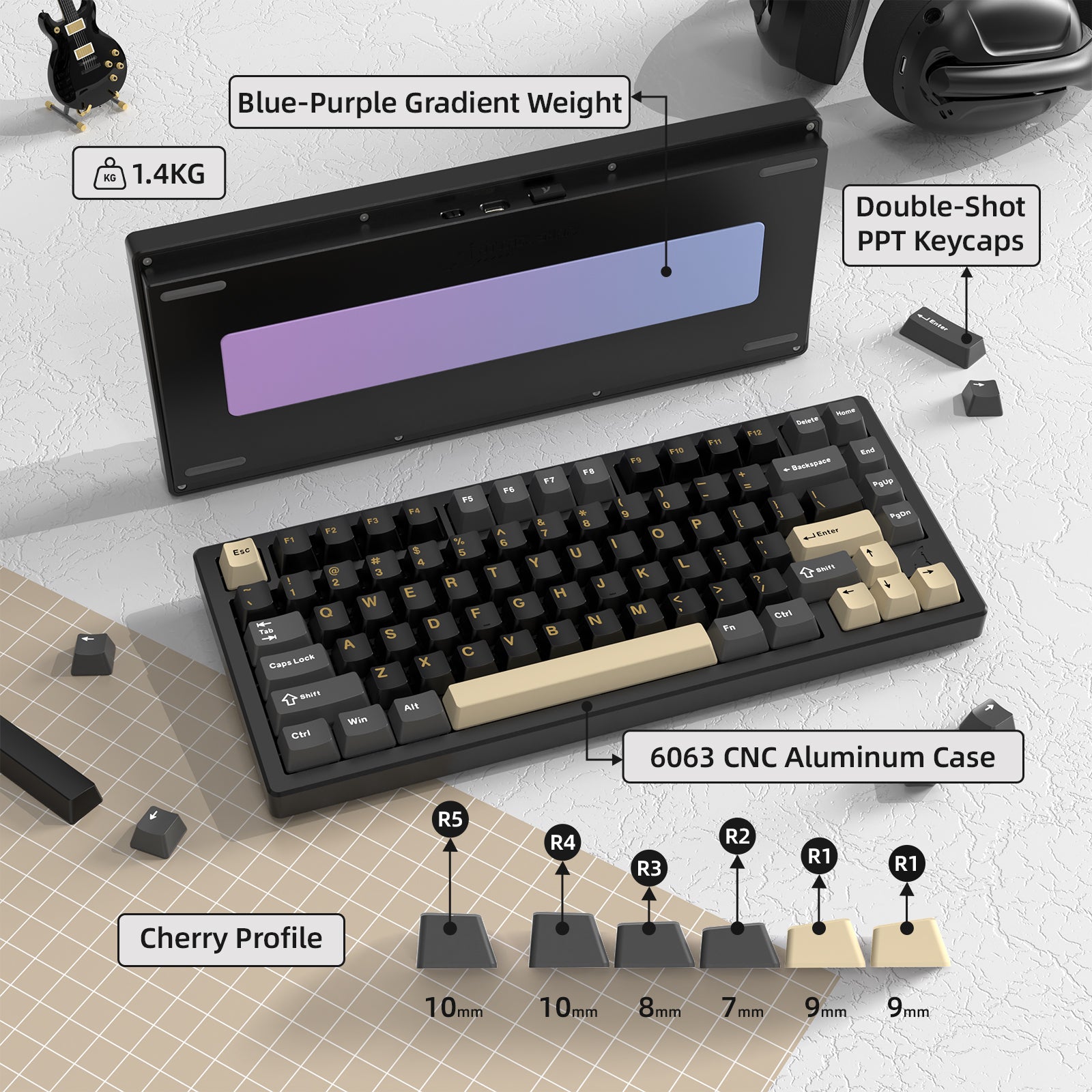
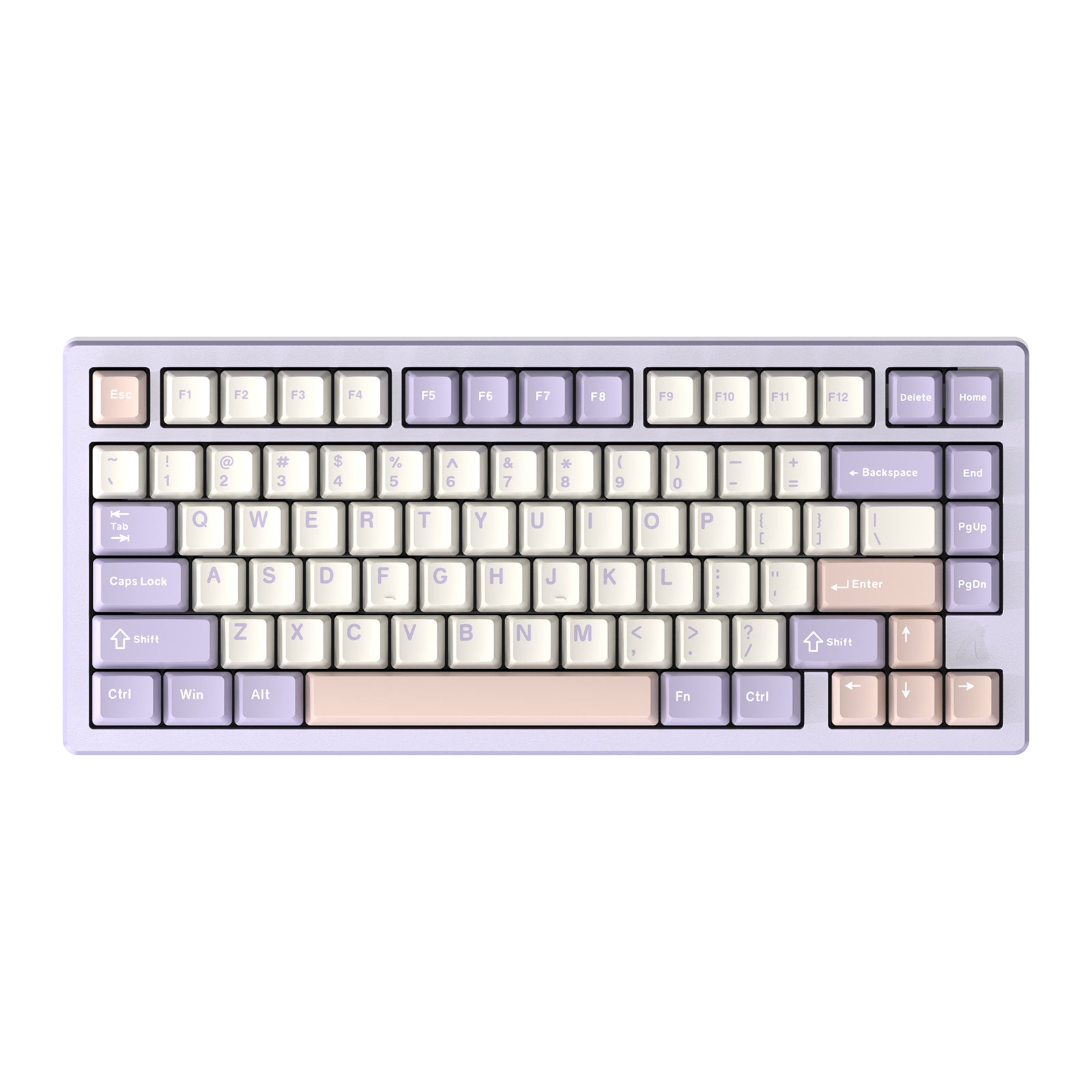
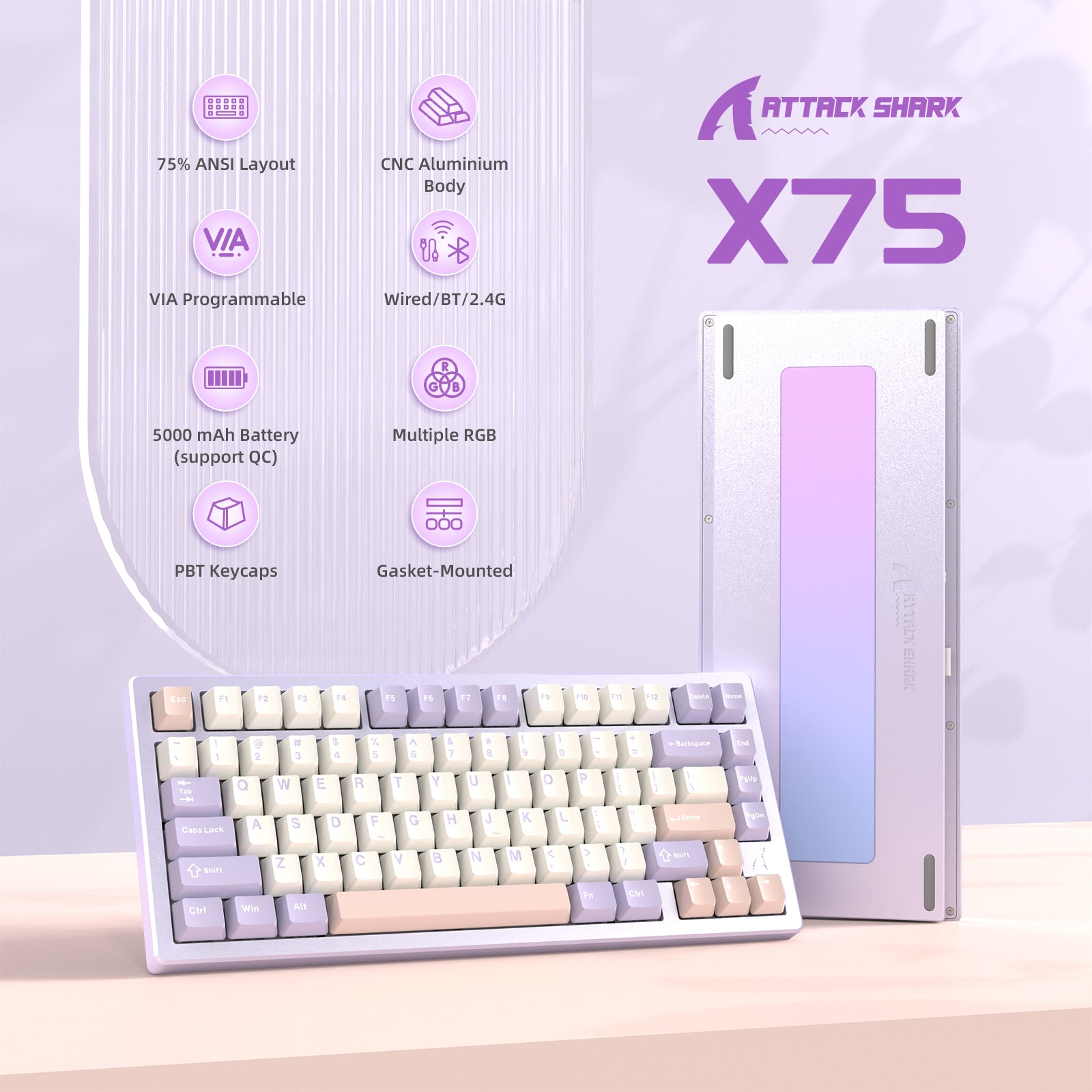
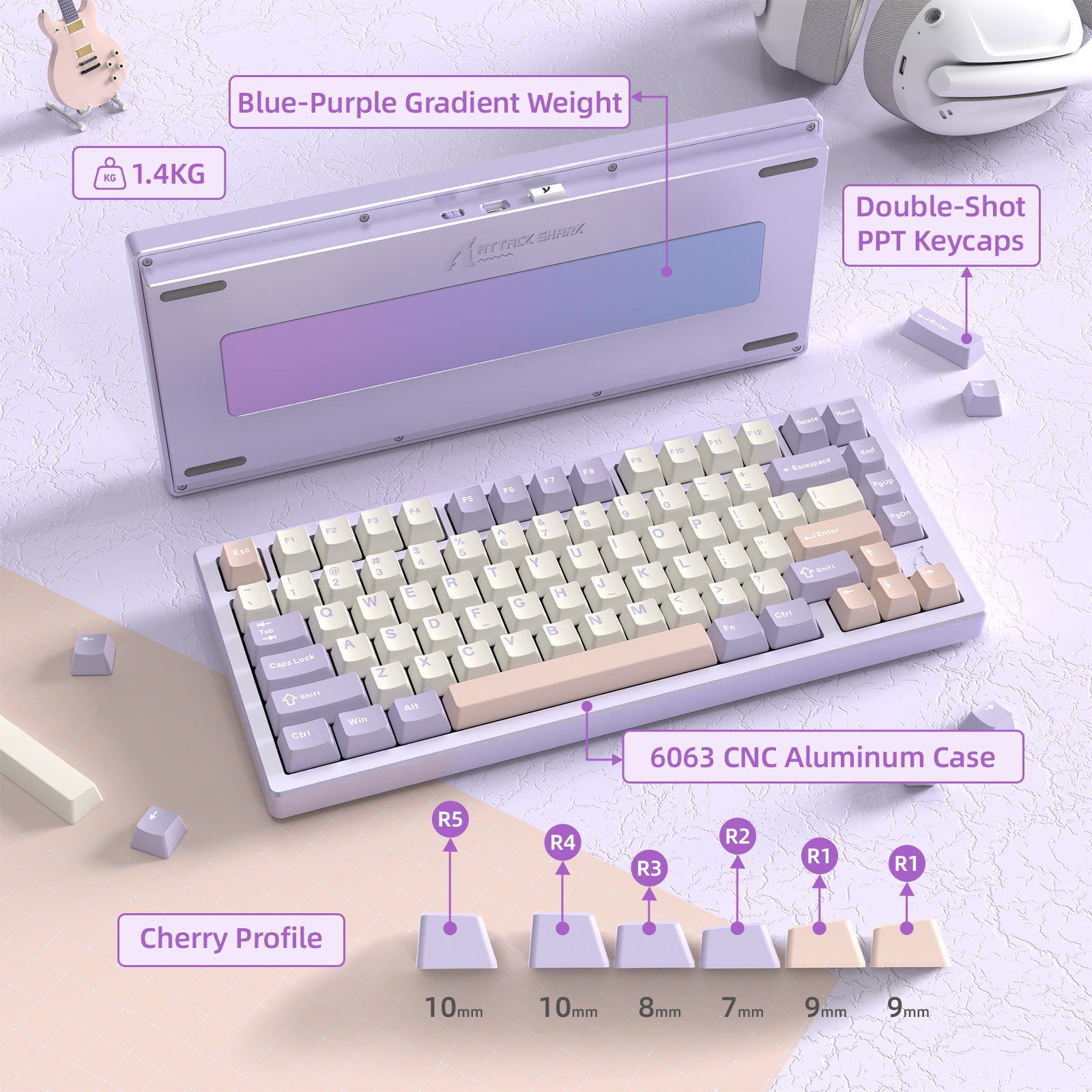
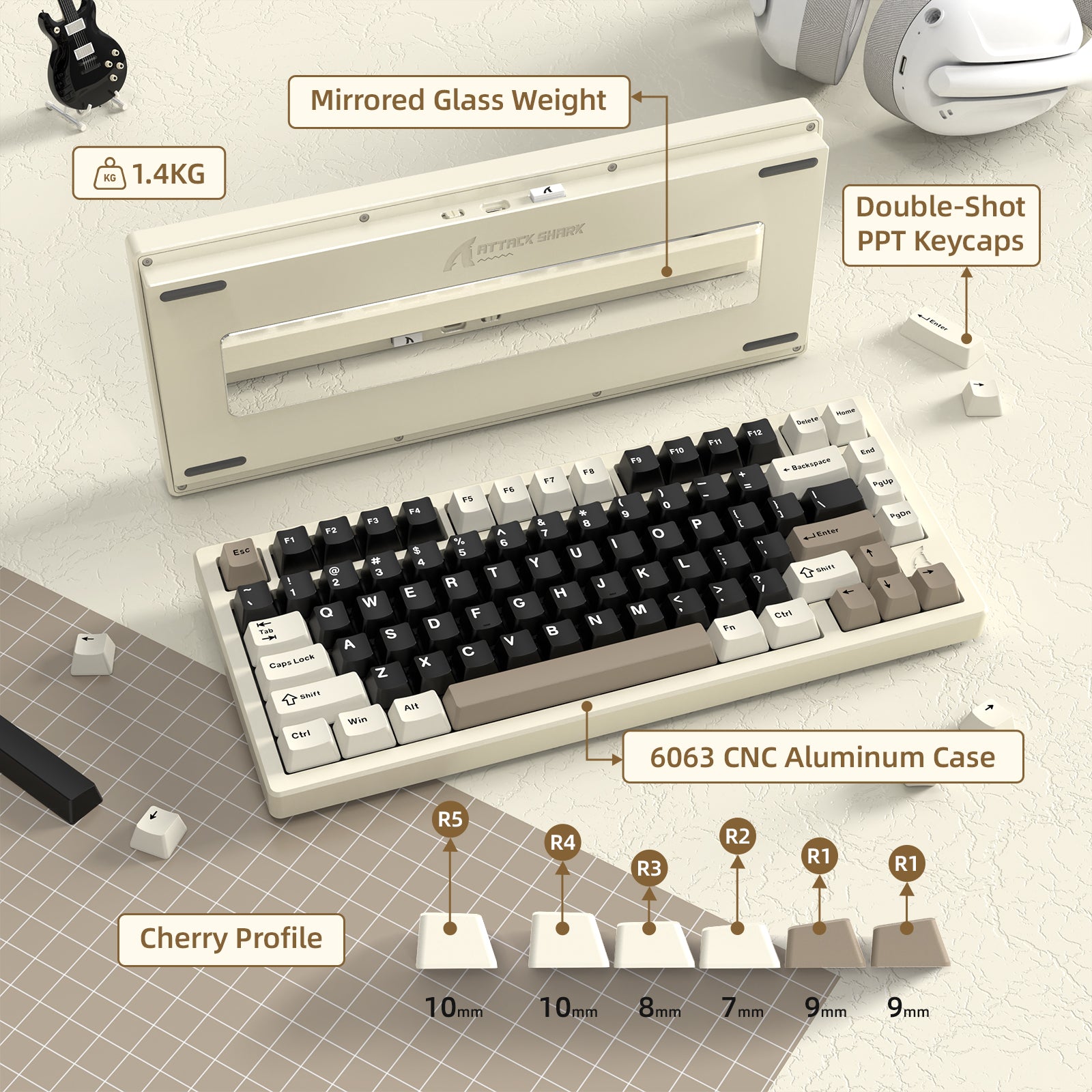
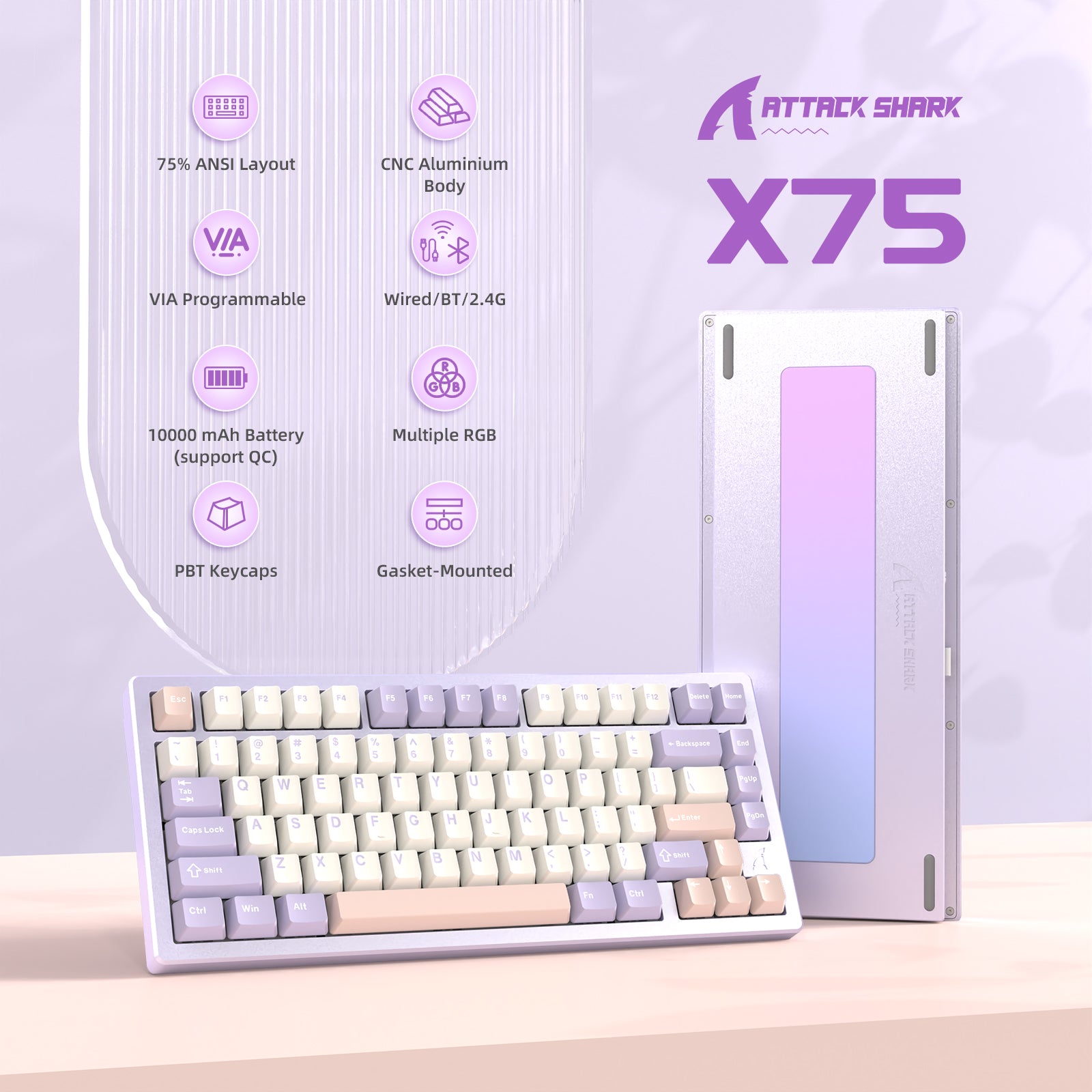
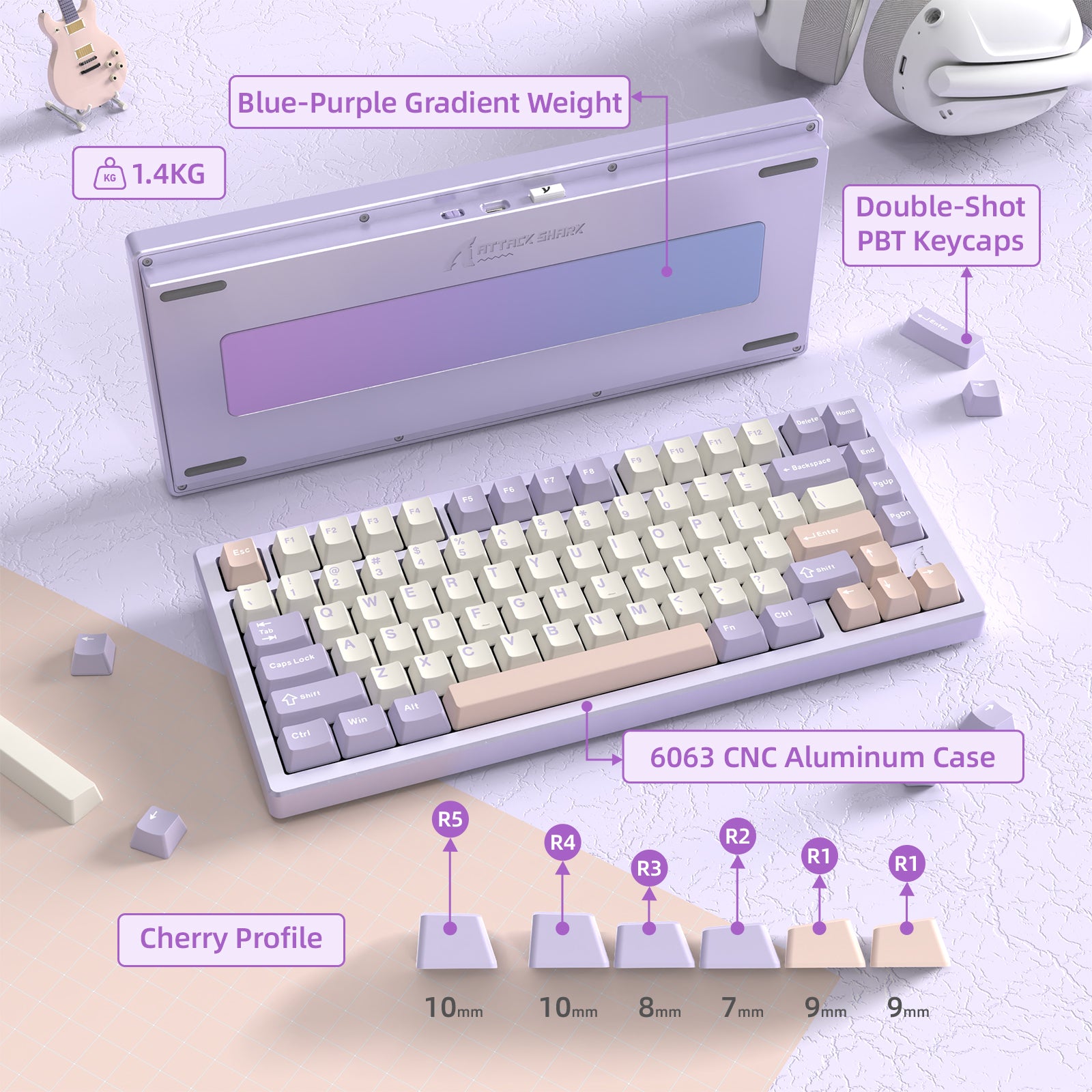
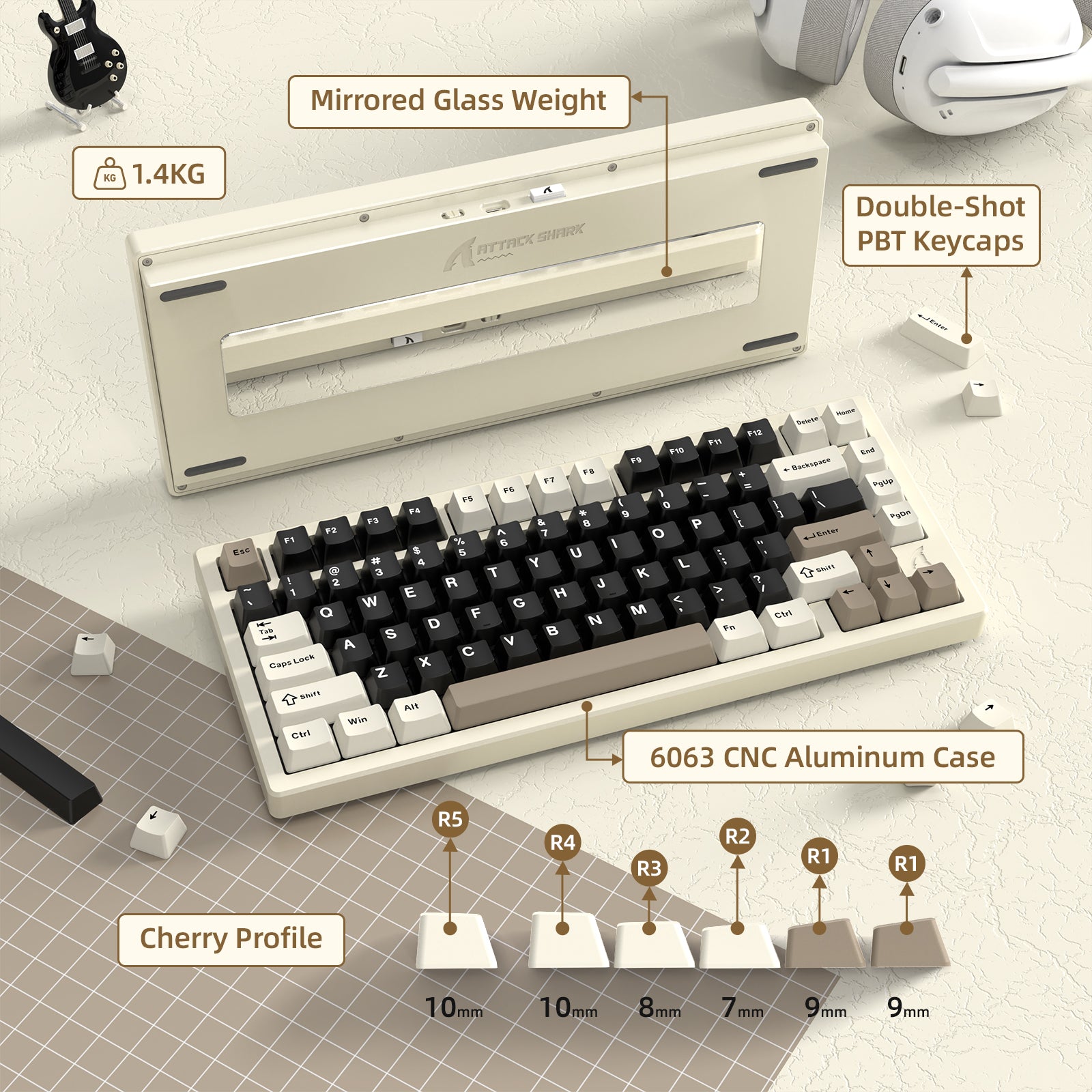
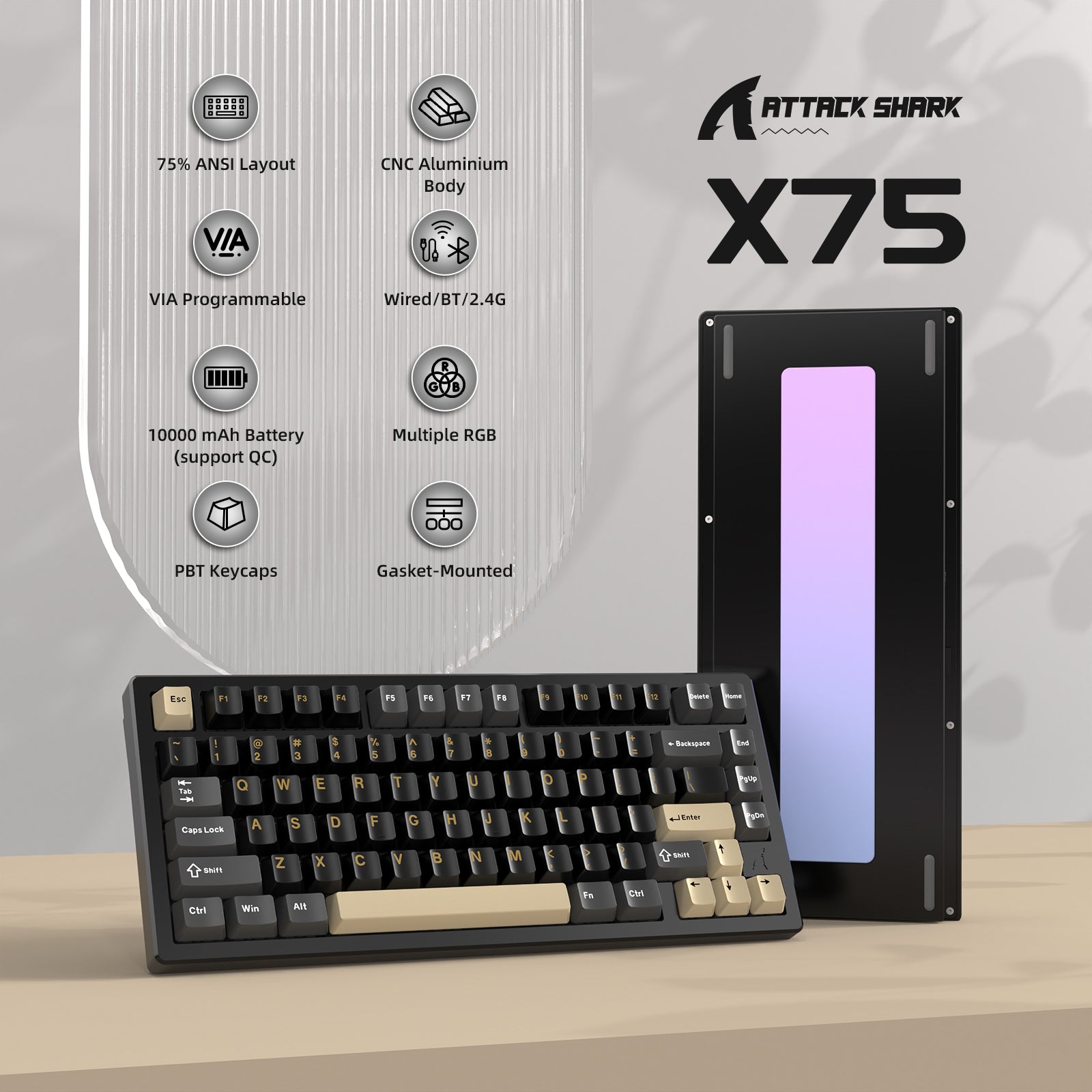
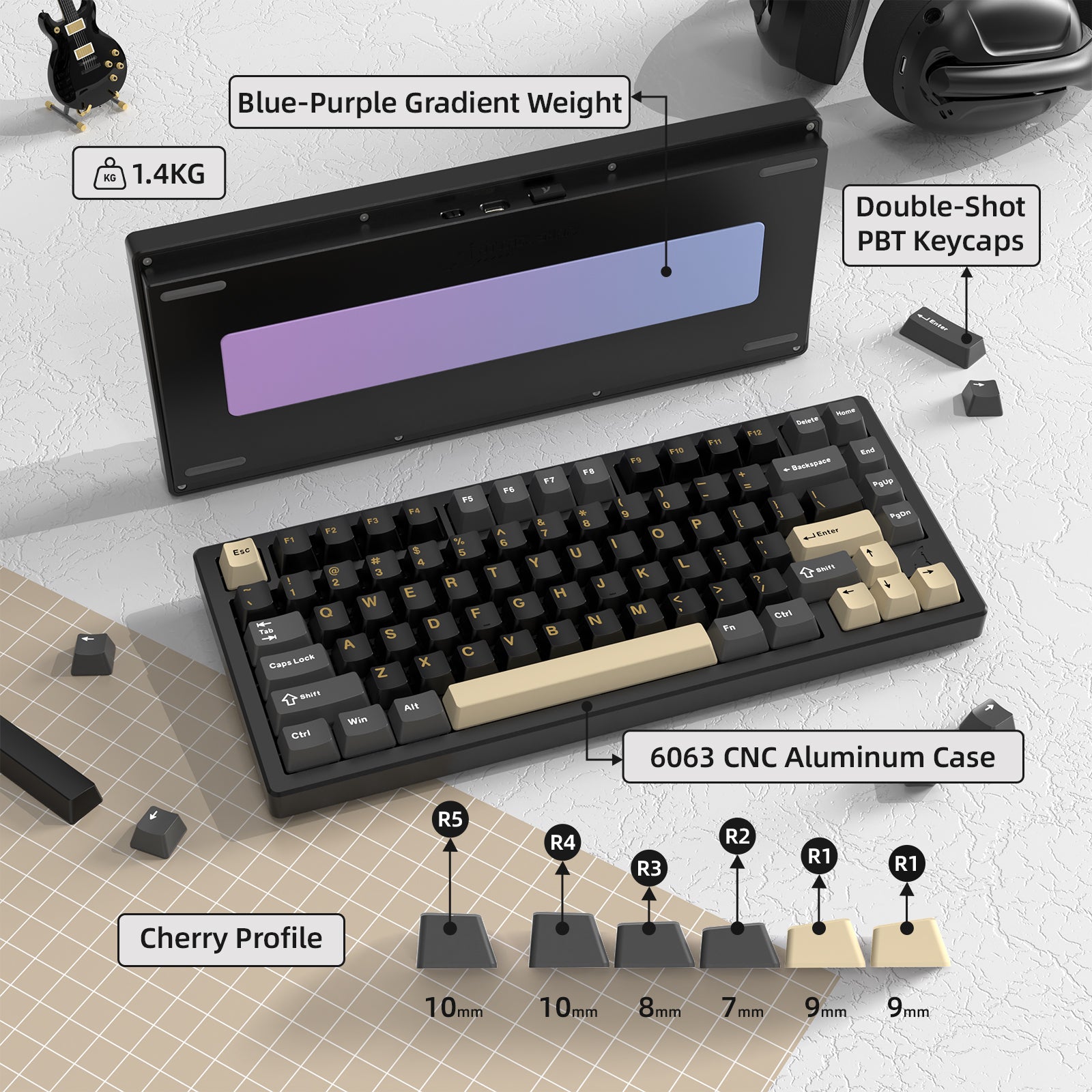
ATTACK SHARK X75 z obudową wykonaną z aluminium obrabianego CNC, zaprojektowaną, aby zapewnić doskonałe wrażenia podczas pisania i premium wygląd. Wyposażona w spersonalizowaną, ważoną płytę tylną, z różnymi dostępnymi materiałami, aby spełnić Twoje indywidualne potrzeby. Anodowane aluminium klawiatury przechodzi proces elektroforyzy, co zapewnia żywe kolory oraz wysoką odporność na ścieranie, gwarantując trwałość i odporność na korozję.

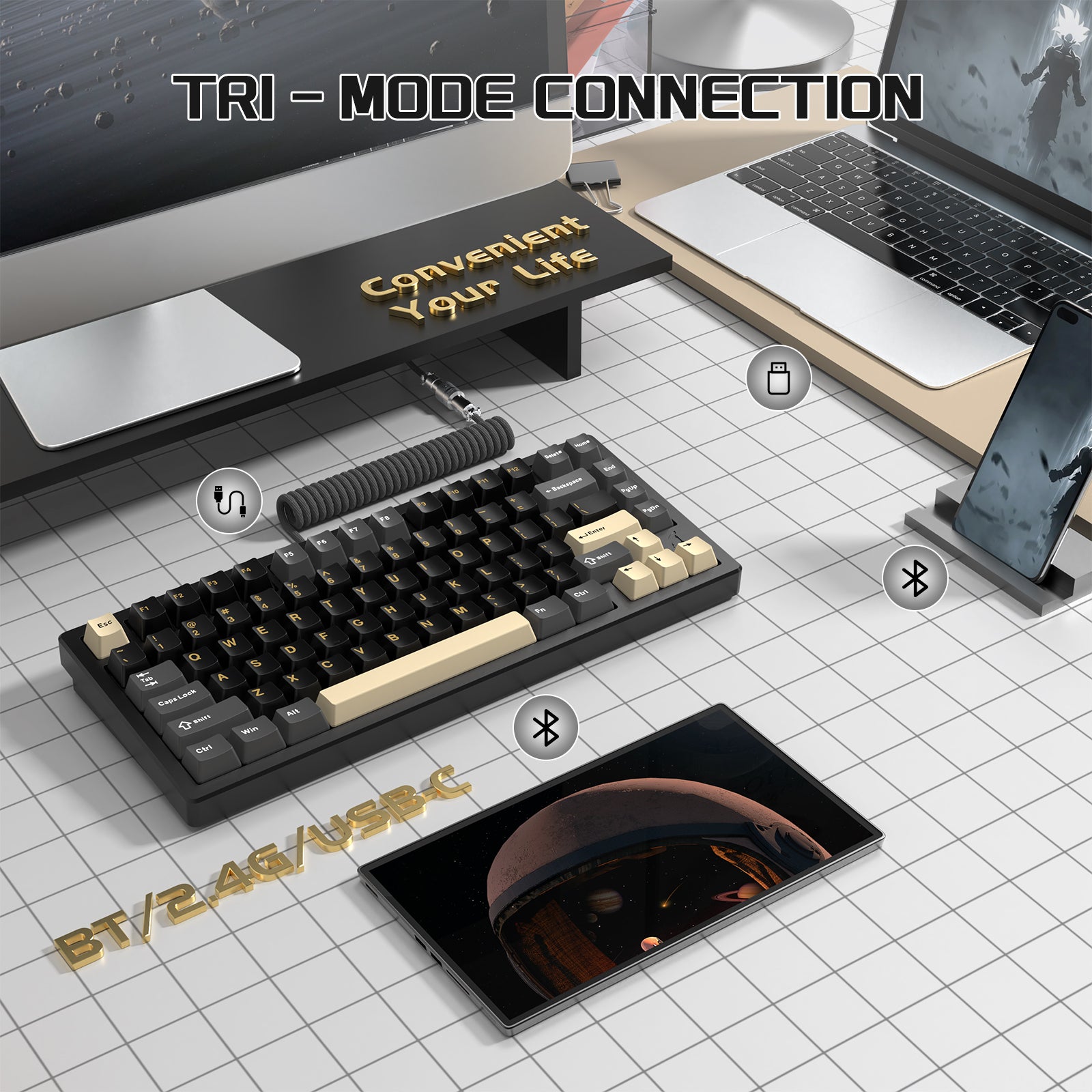
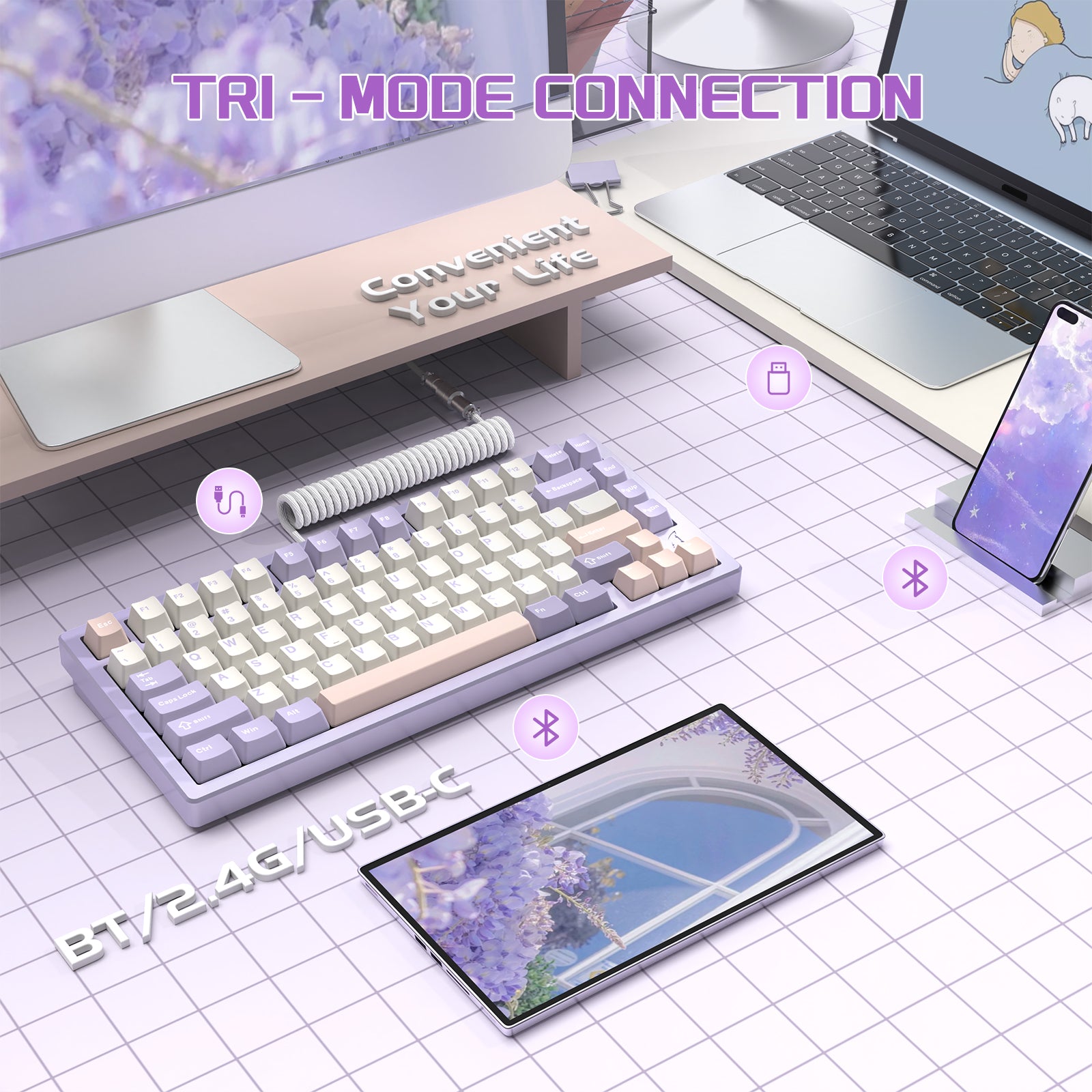
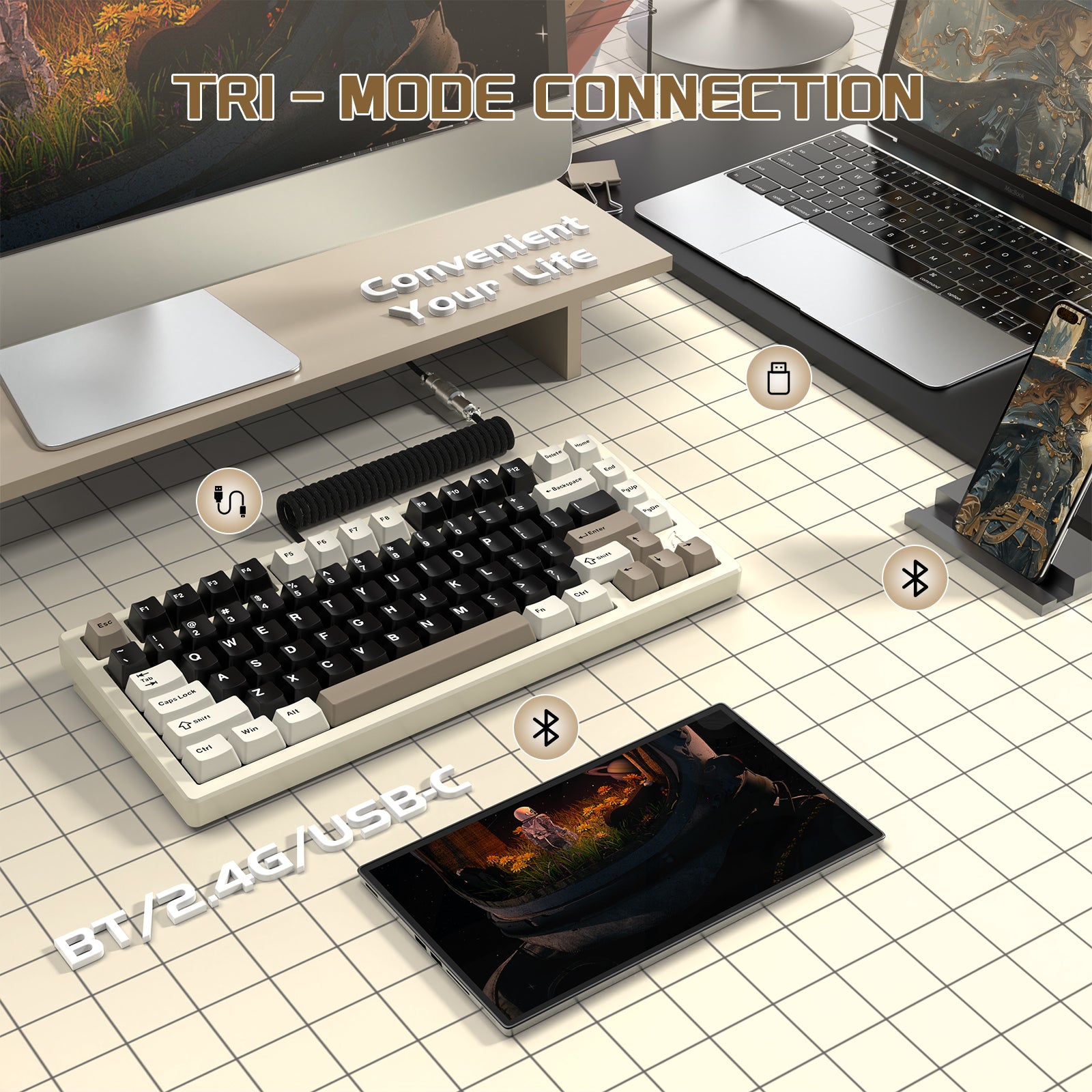
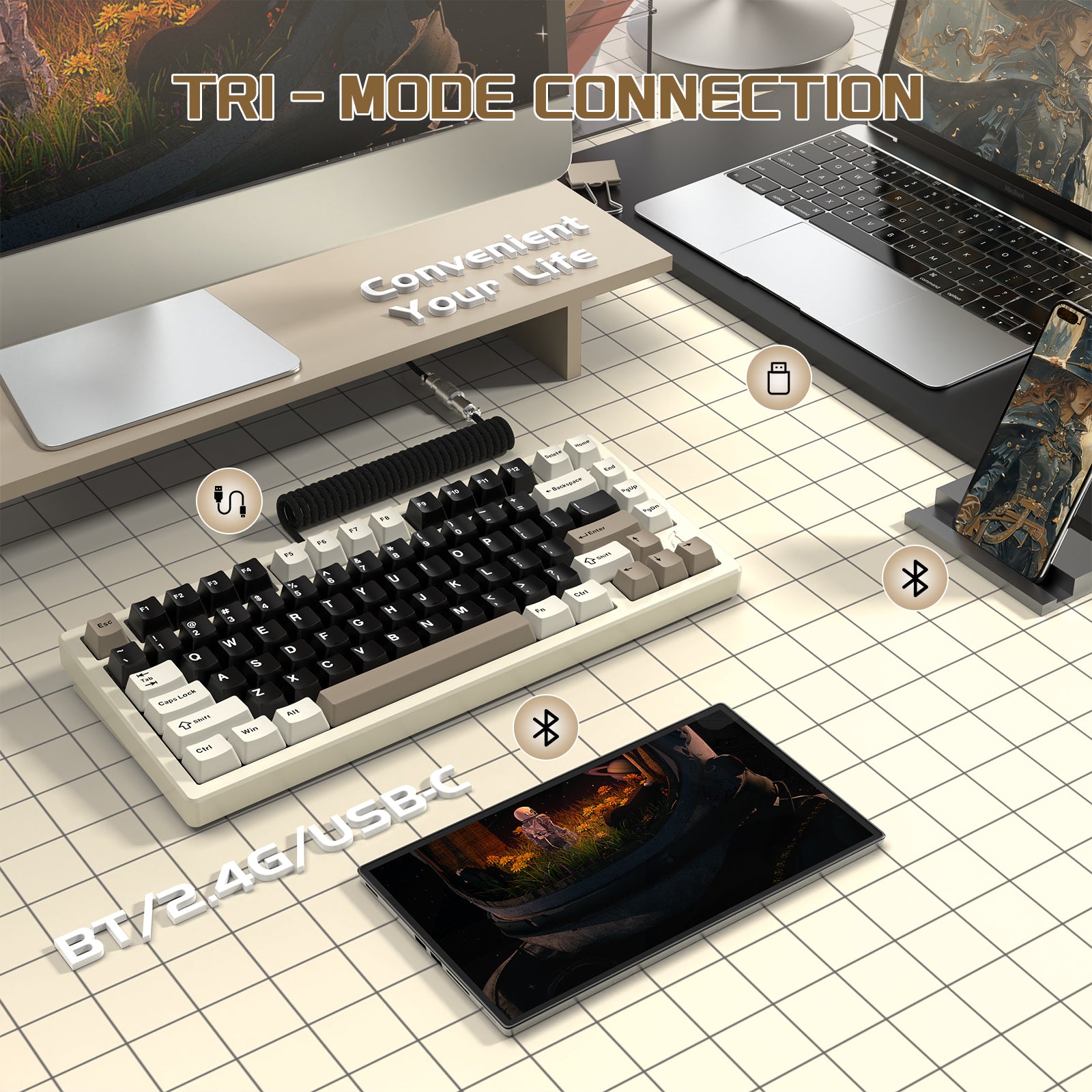
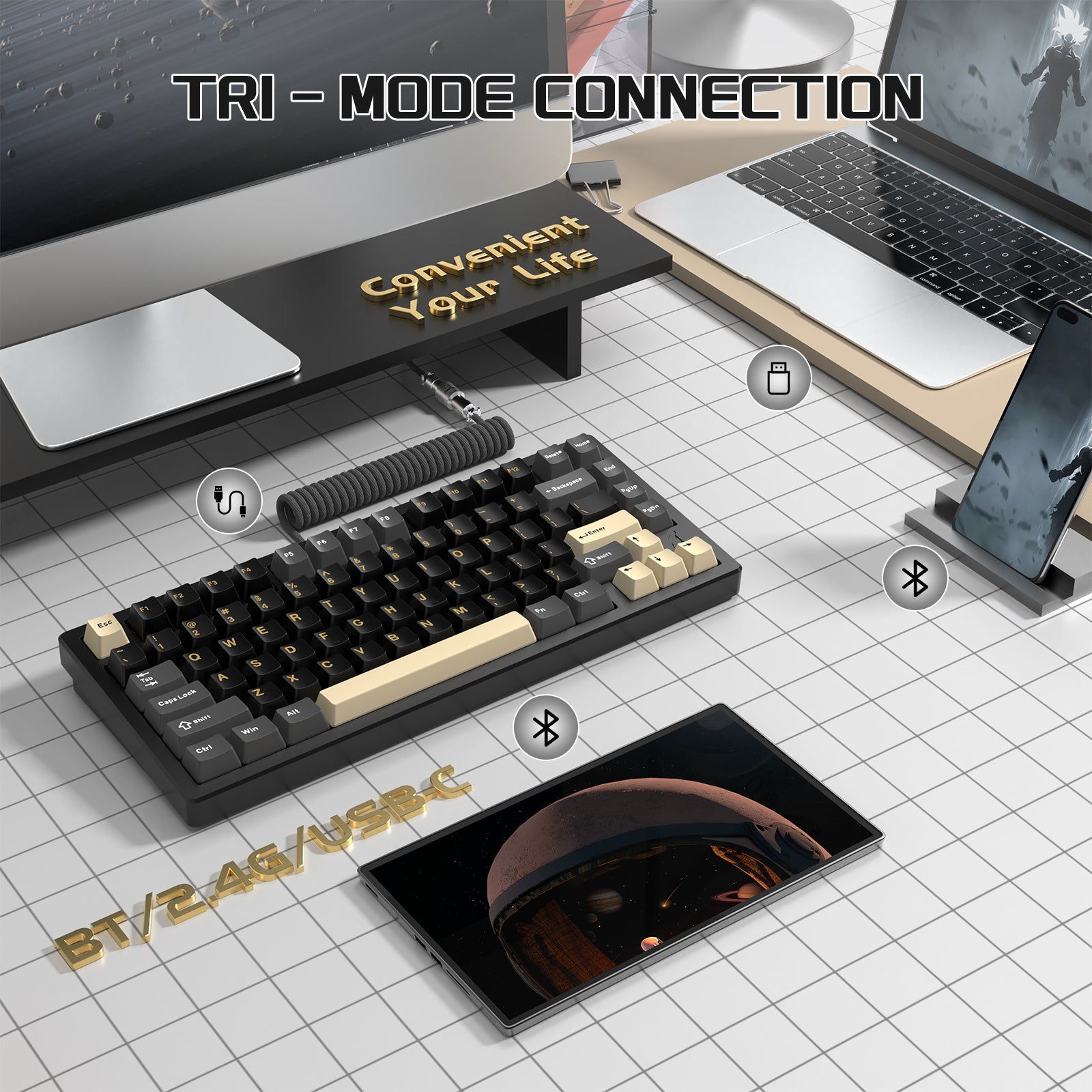
Tryb bezprzewodowy Tri-Mode i kompatybilność z wieloma urządzeniami
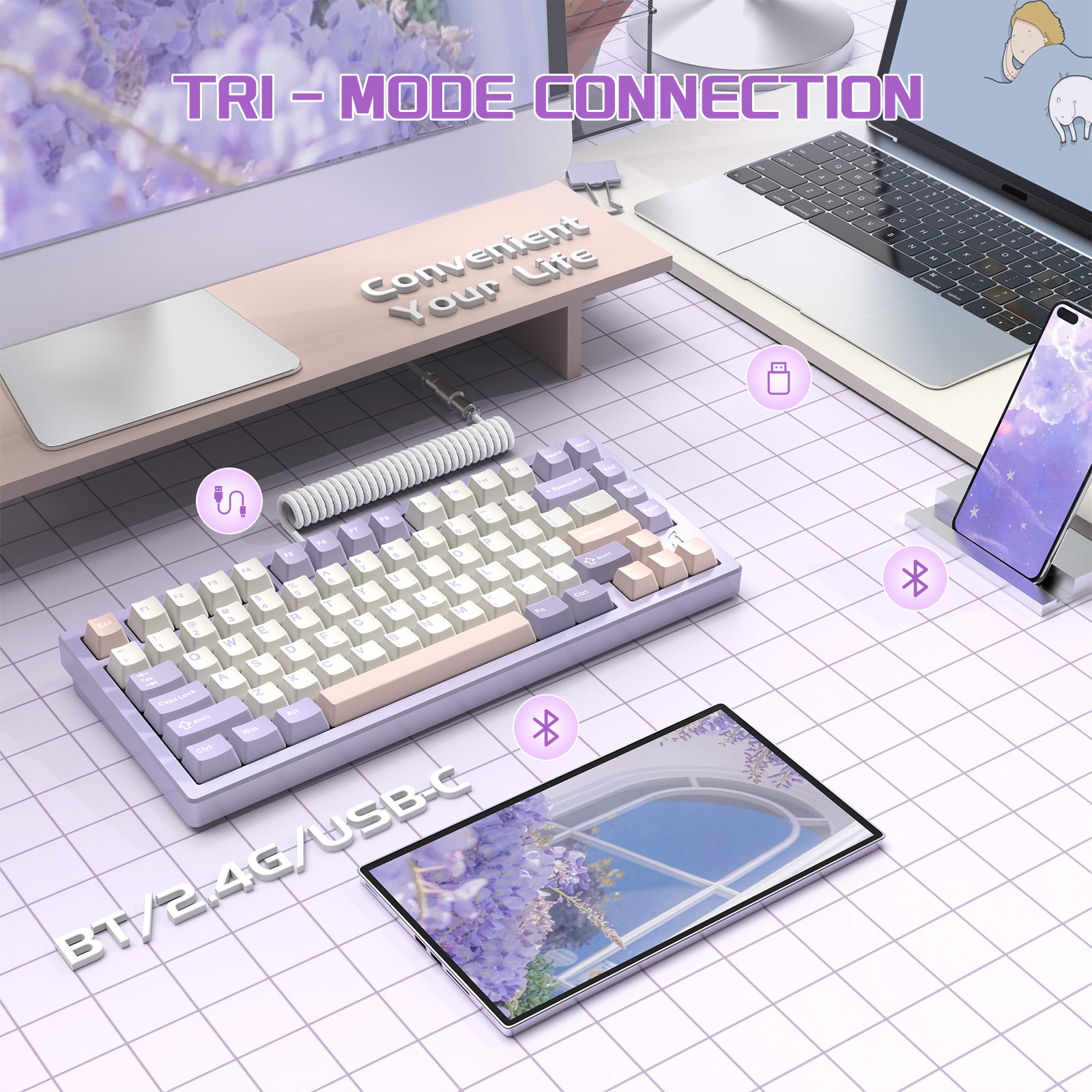
Kompatybilna zarówno z Mac, jak i Windows, ta klawiatura obsługuje Bluetooth, 2.4G bezprzewodowe oraz połączenia przewodowe. Klawiatura gamingowa X75 może być sparowana z tabletami, laptopami, komputerami PC i smartfonami, oferując płynne połączenie między urządzeniami.

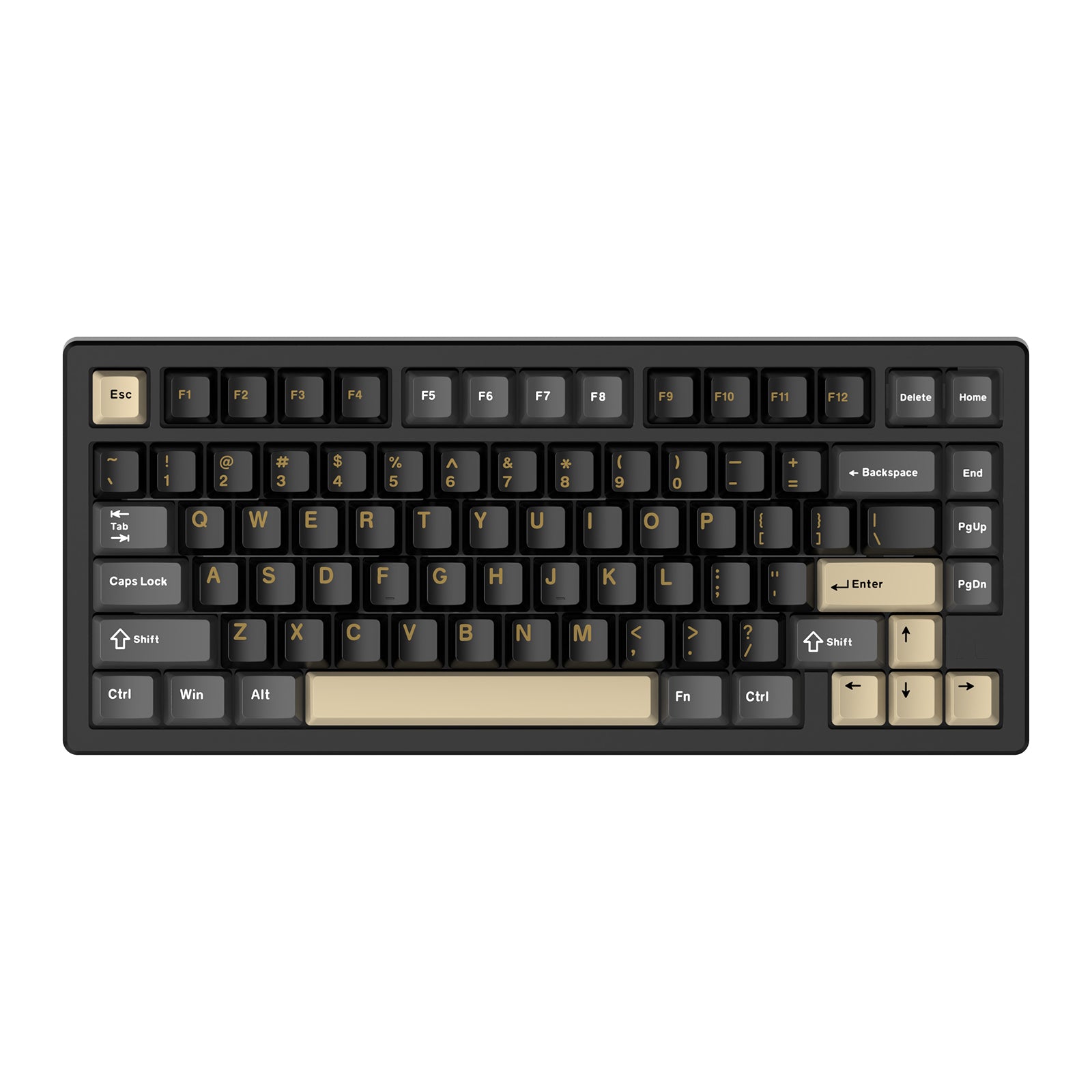
Kompaktowy układ 75% bez klawiatury numerycznej
Układ 75% integruje wszystkie niezbędne klawisze na mniejszej powierzchni, co czyni go idealnym dla uporządkowanych biurek i mobilnych zestawów bez utraty funkcjonalności. Ten design zwalnia także więcej miejsca po prawej stronie, zapewniając większą przestrzeń do ruchu myszy i poprawiając doświadczenia podczas gry.

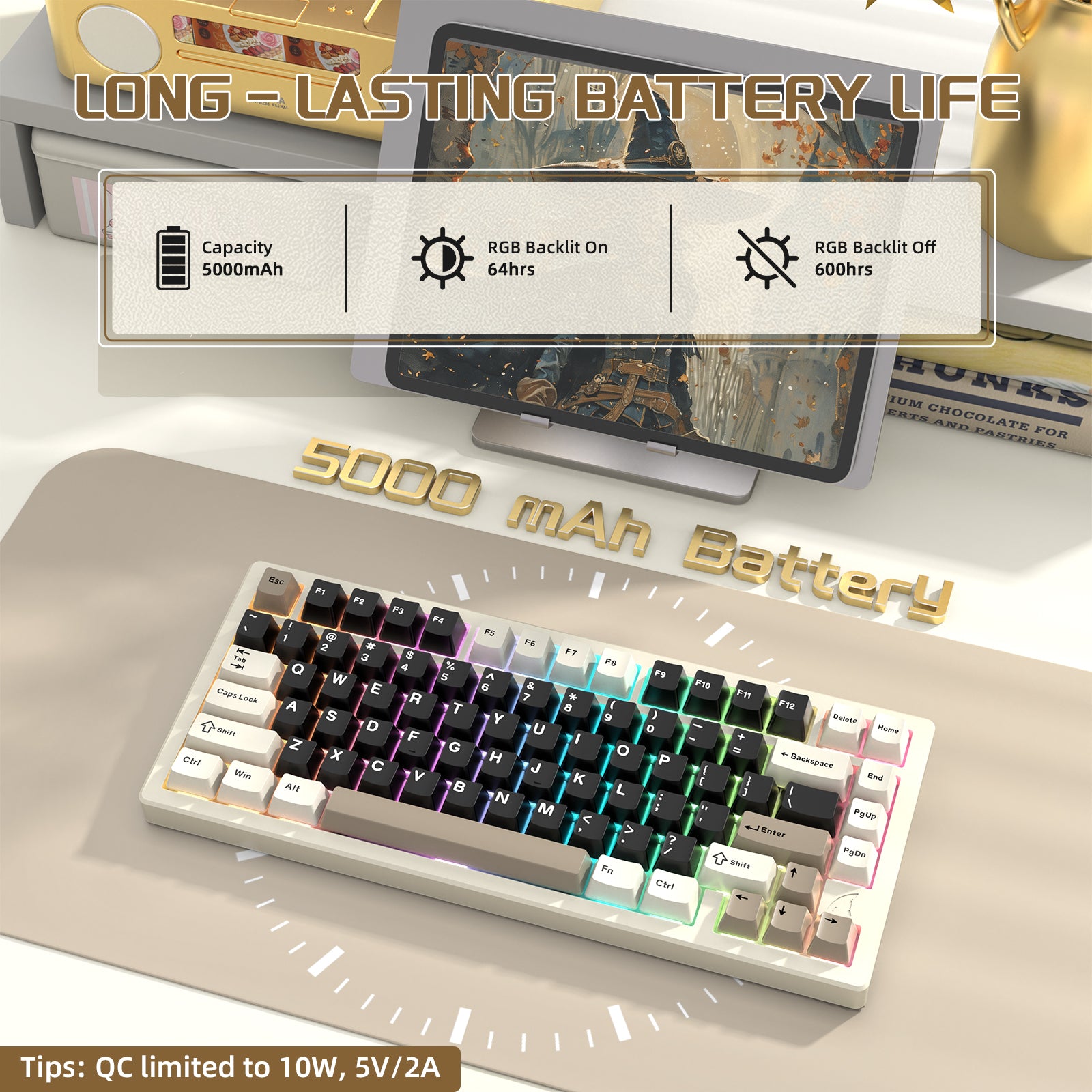
Akumulator o dużej pojemności 10000 mAh i szybkie ładowanie
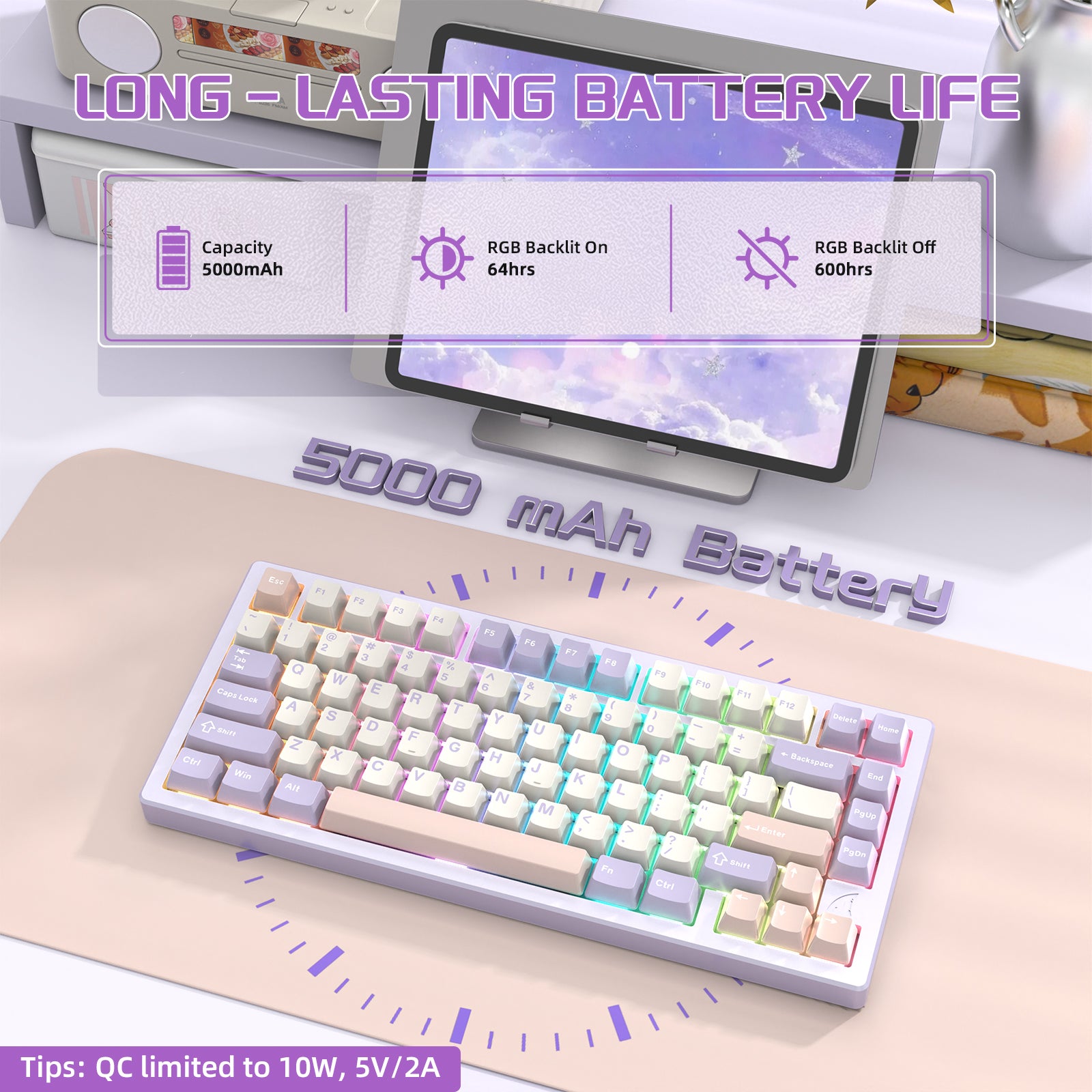
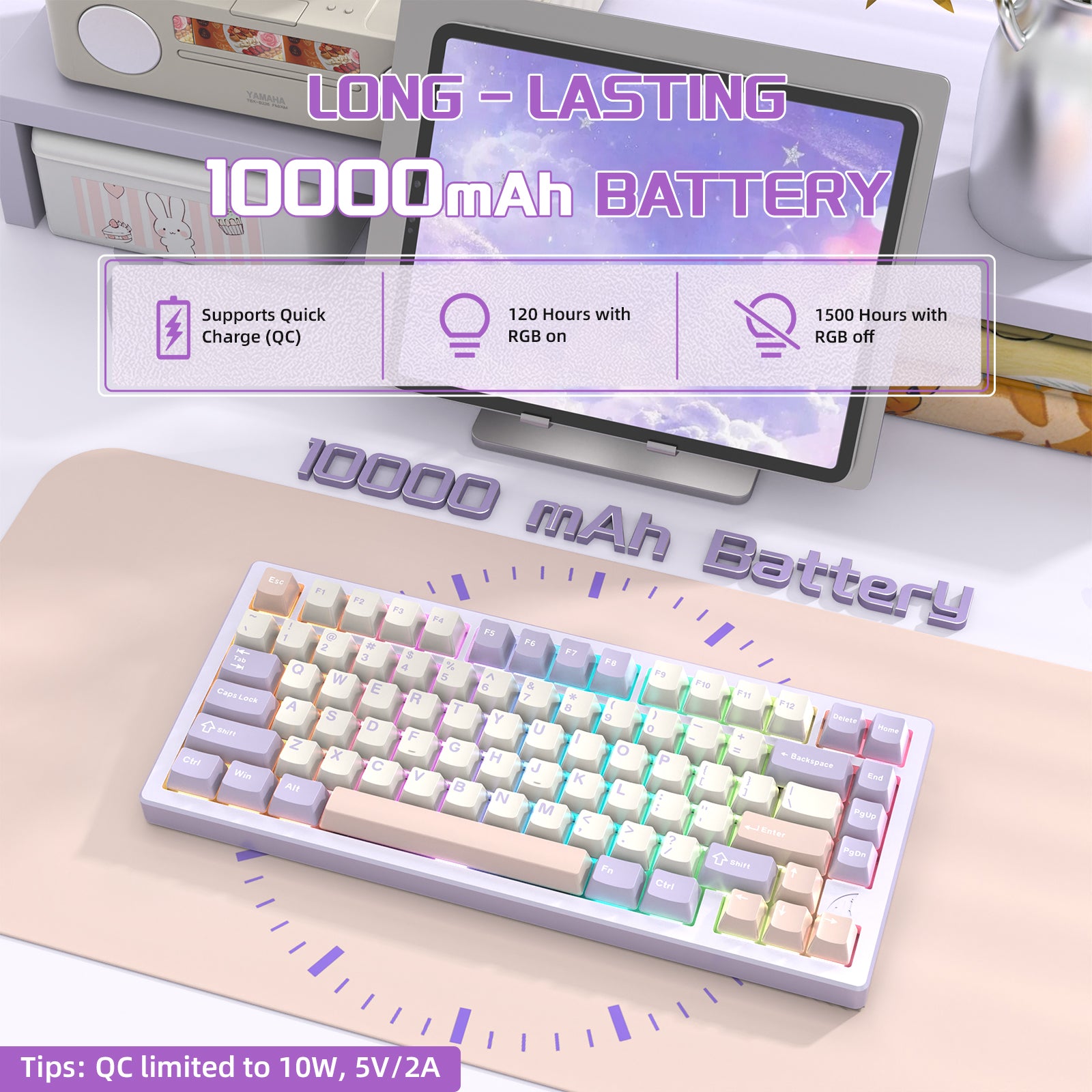
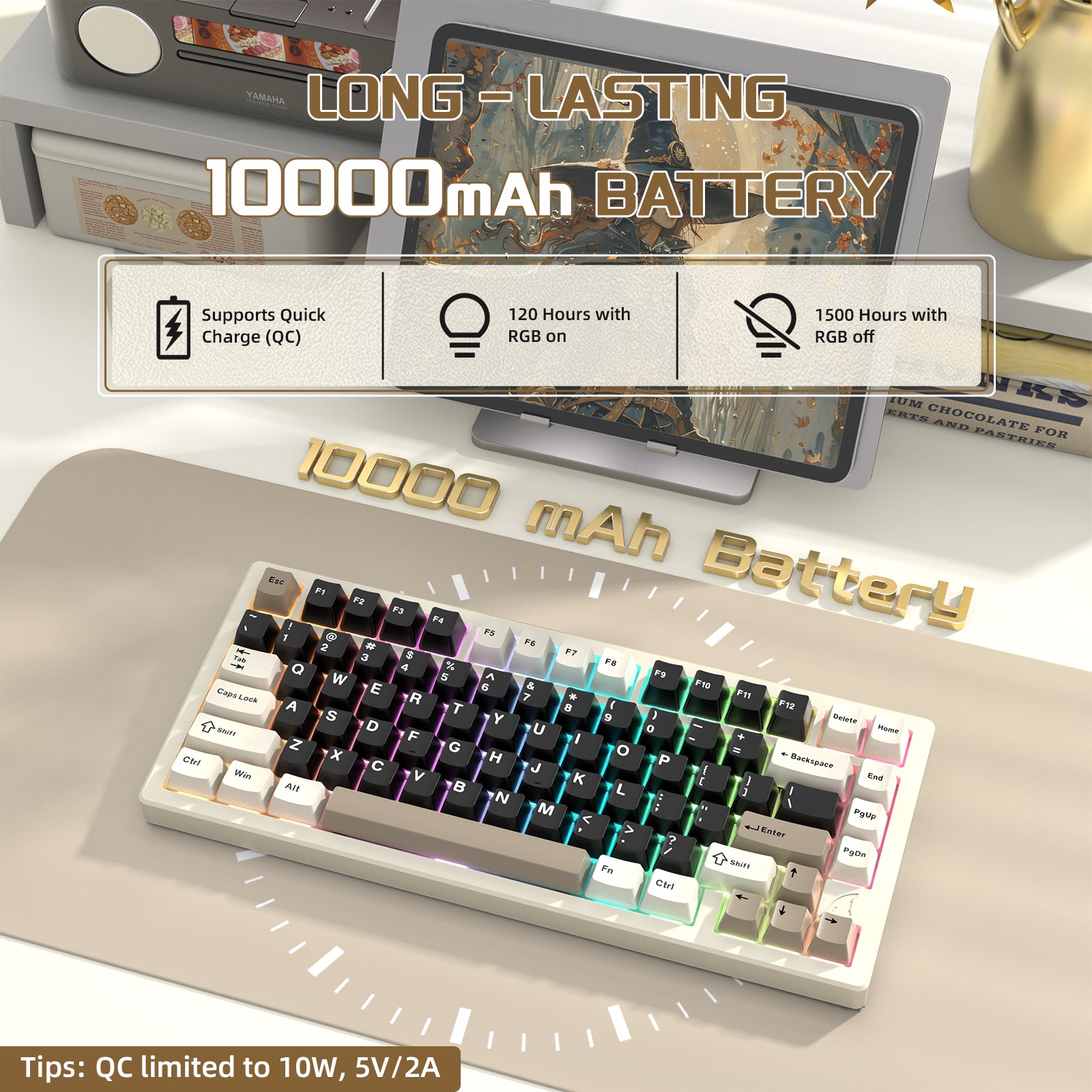
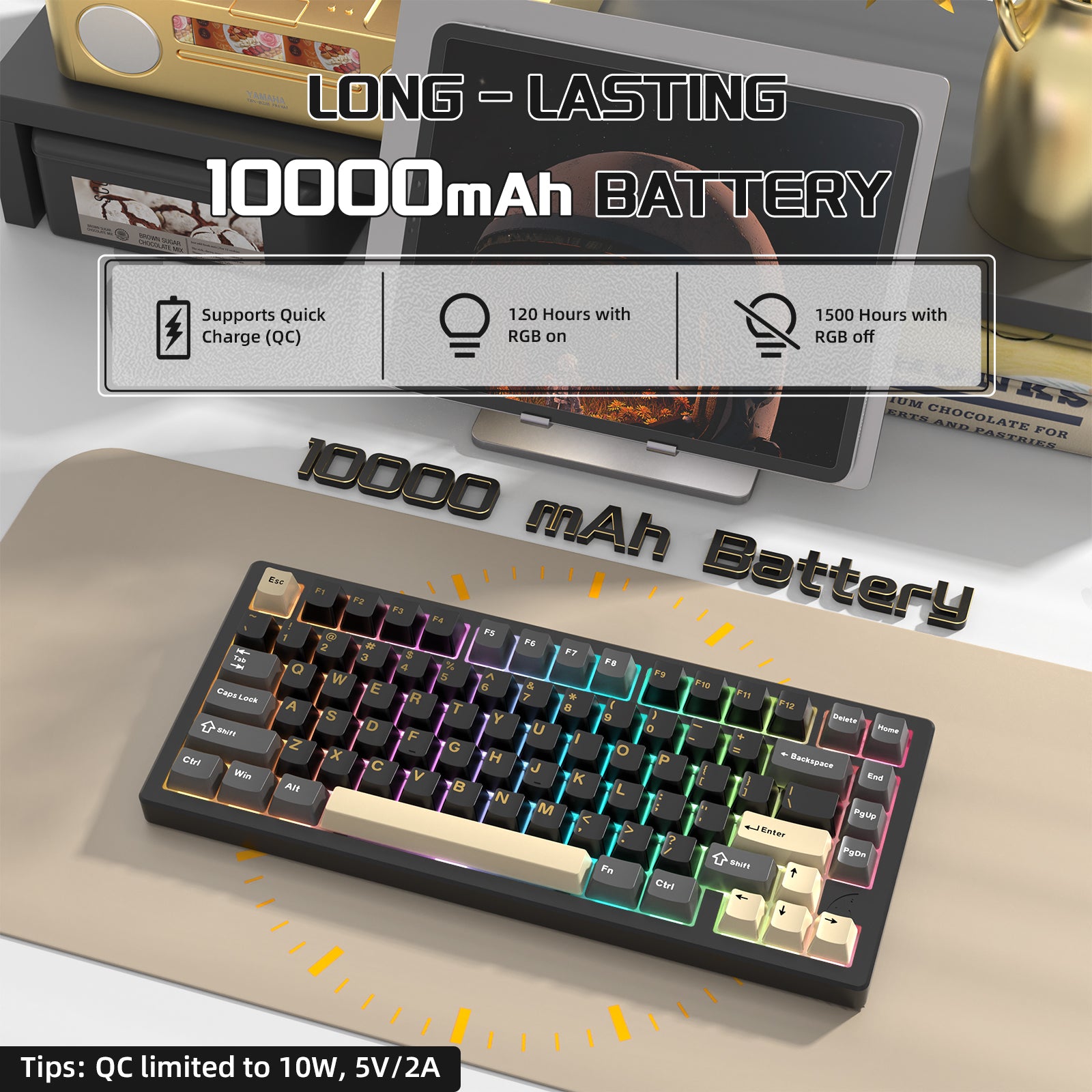
Wyposażona w akumulator o dużej pojemności 10000 mAh, ta bezprzewodowa, ładowalna klawiatura gamingowa oferuje do 150 godzin pracy. Posiada także szybki układ ładowania NTC, umożliwiający szybkie doładowania. Ciesz się nieprzerwanym graniem w trybie bezprzewodowym bez obaw o żywotność baterii.

Podświetlenie RGB na wszystkie klawisze i możliwość wymiany przełączników na gorąco
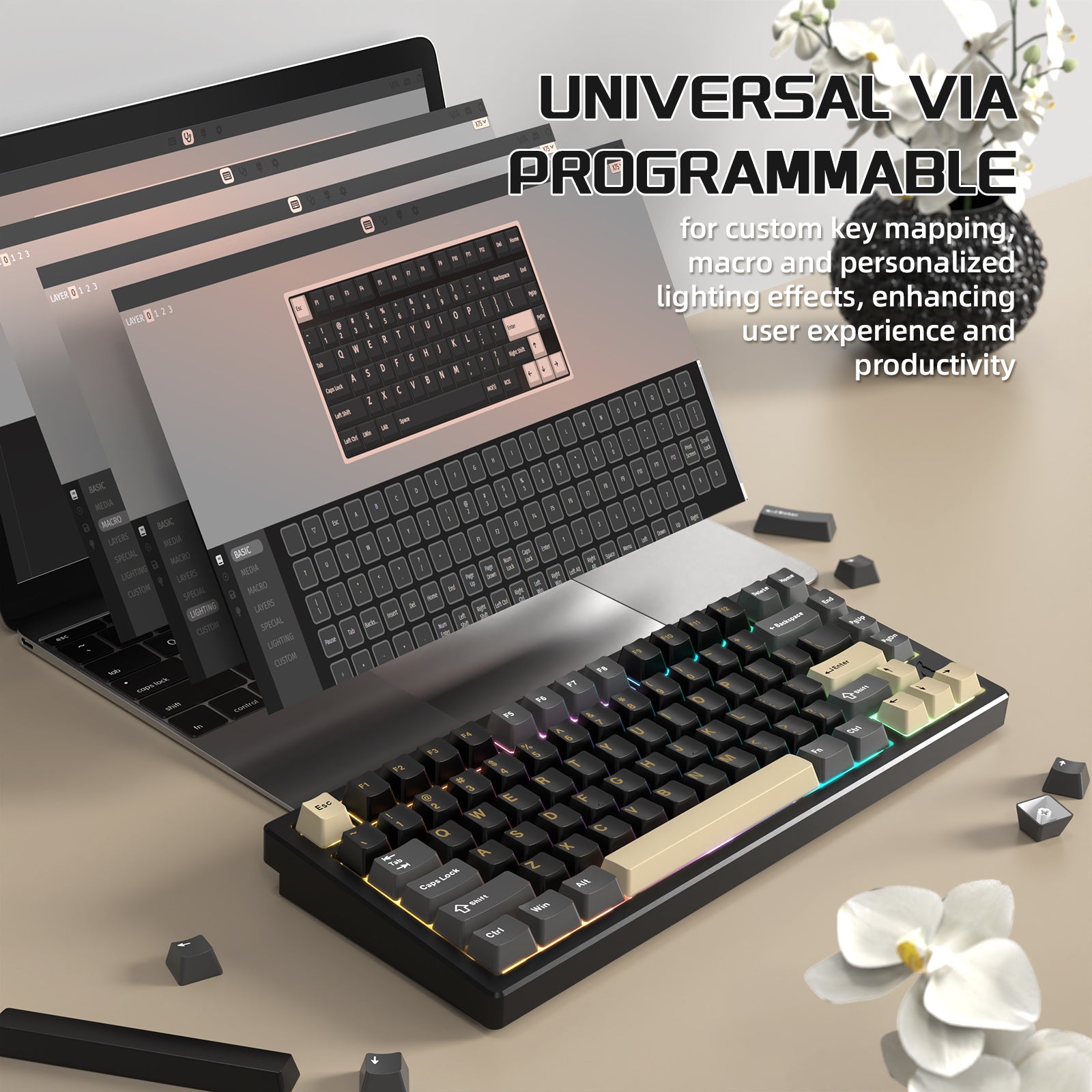
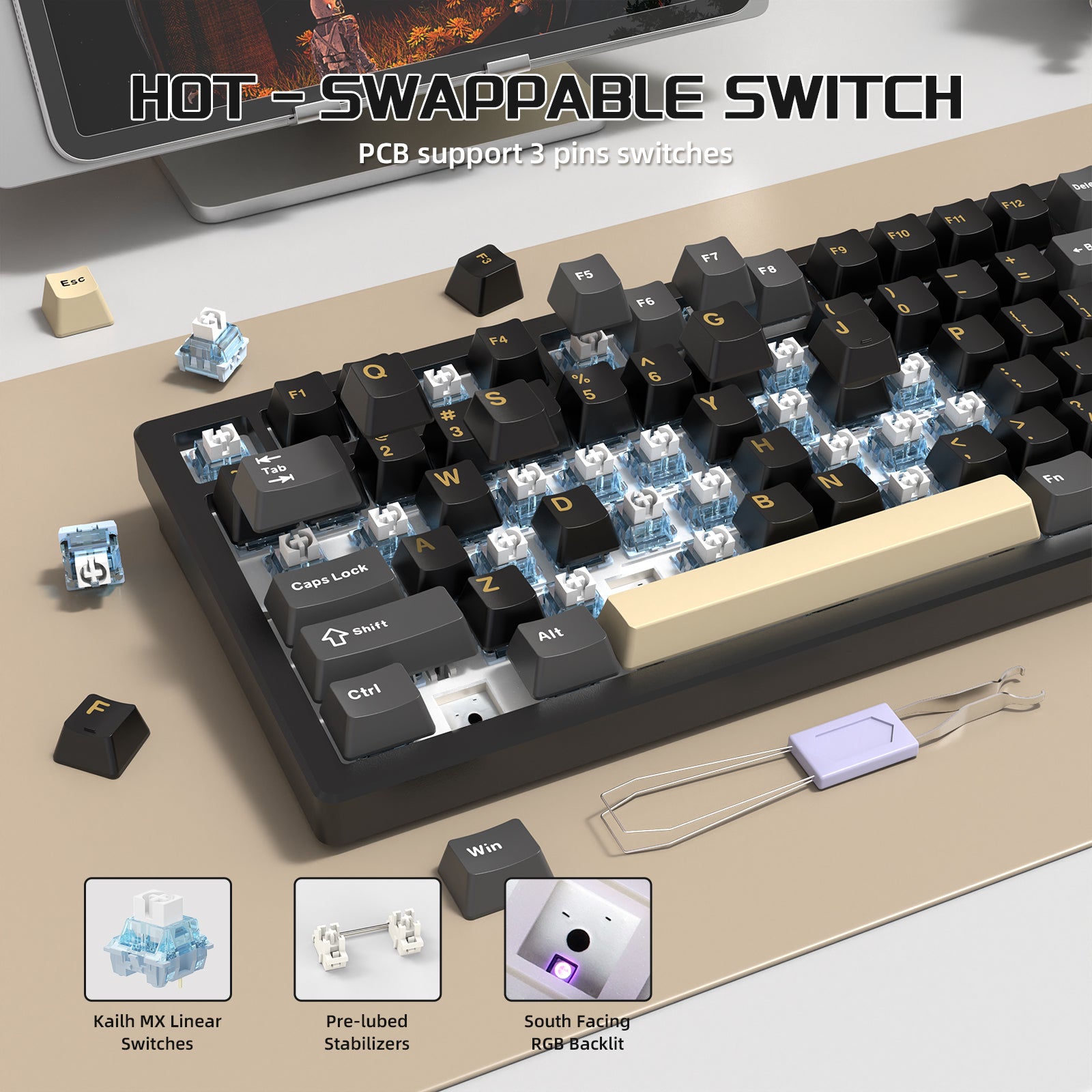
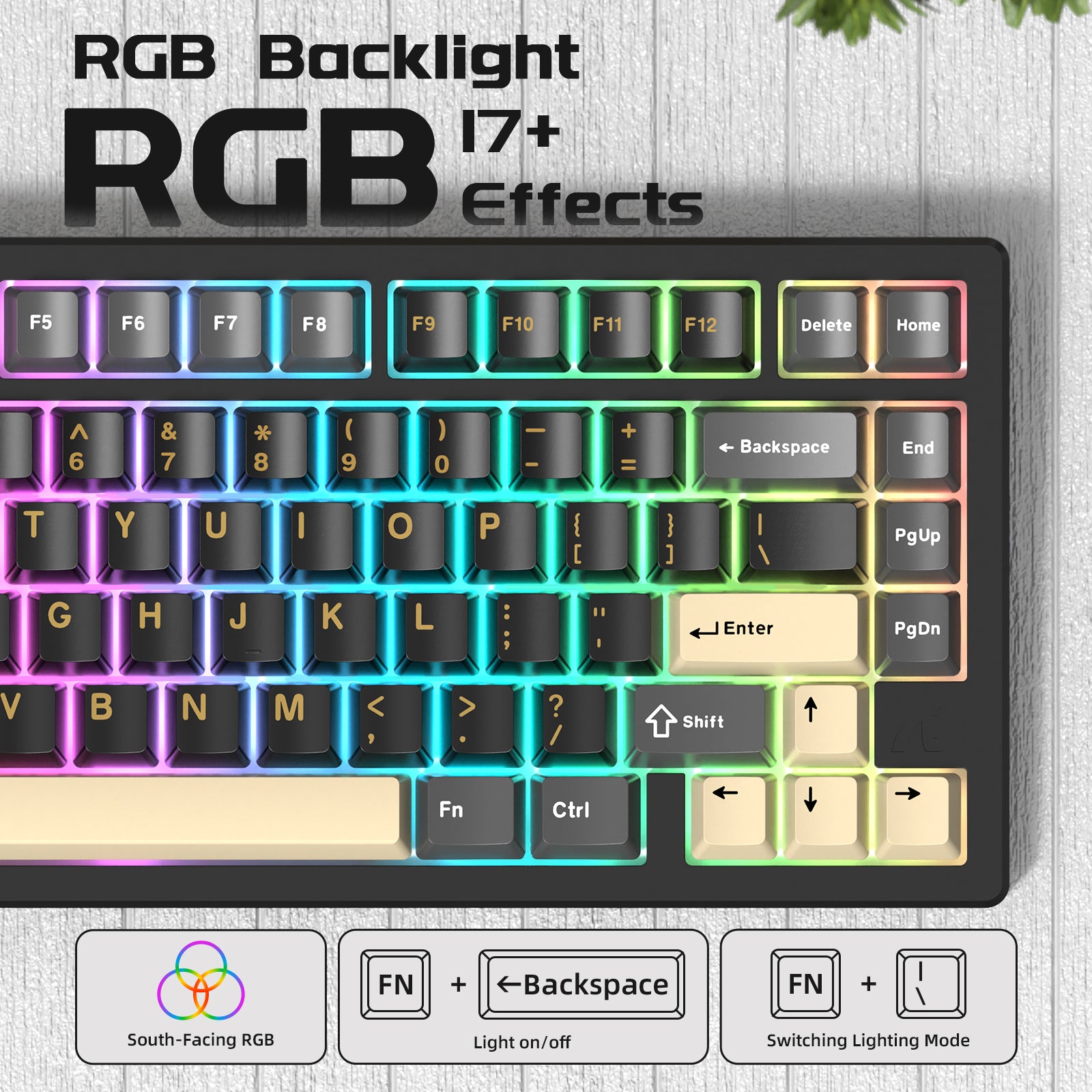
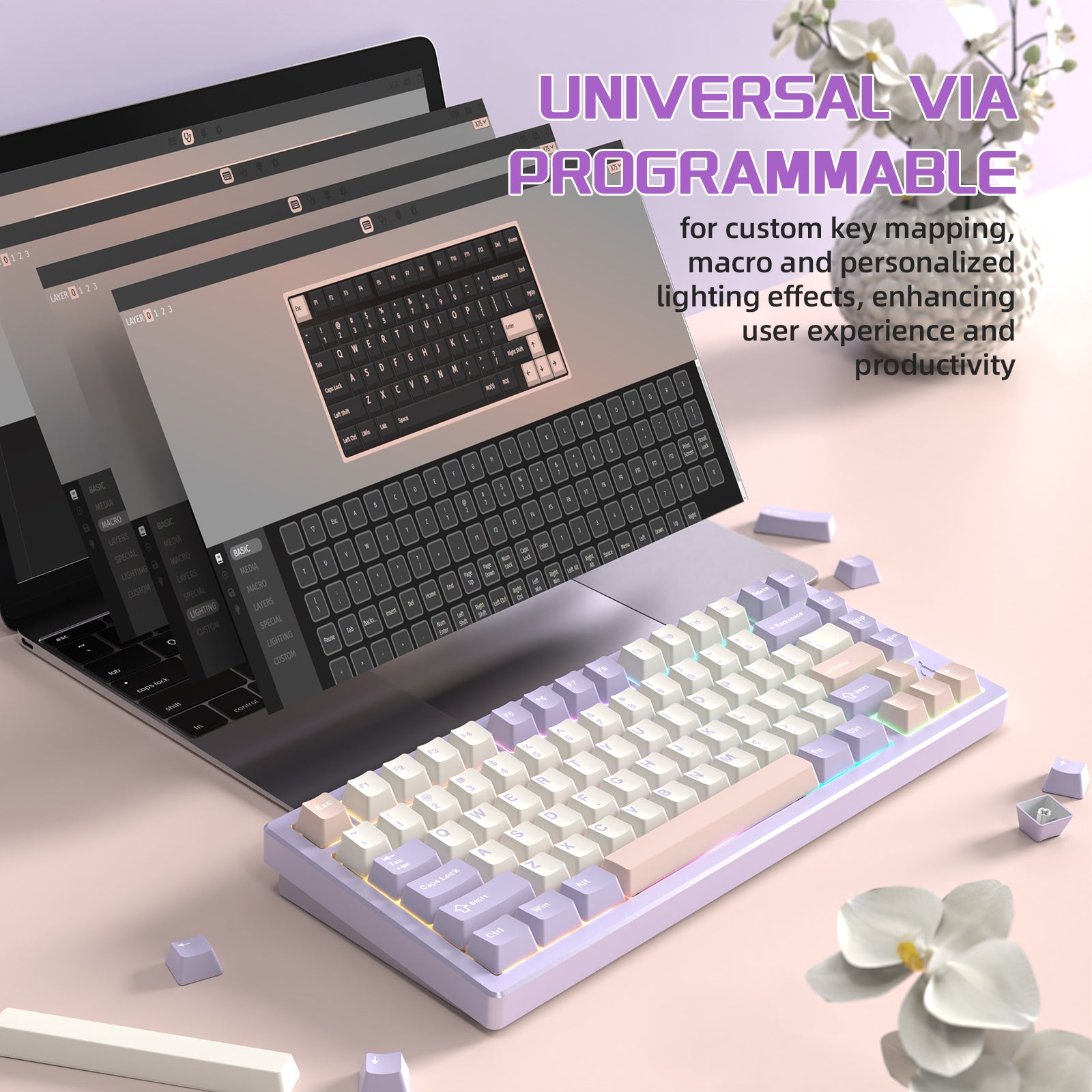
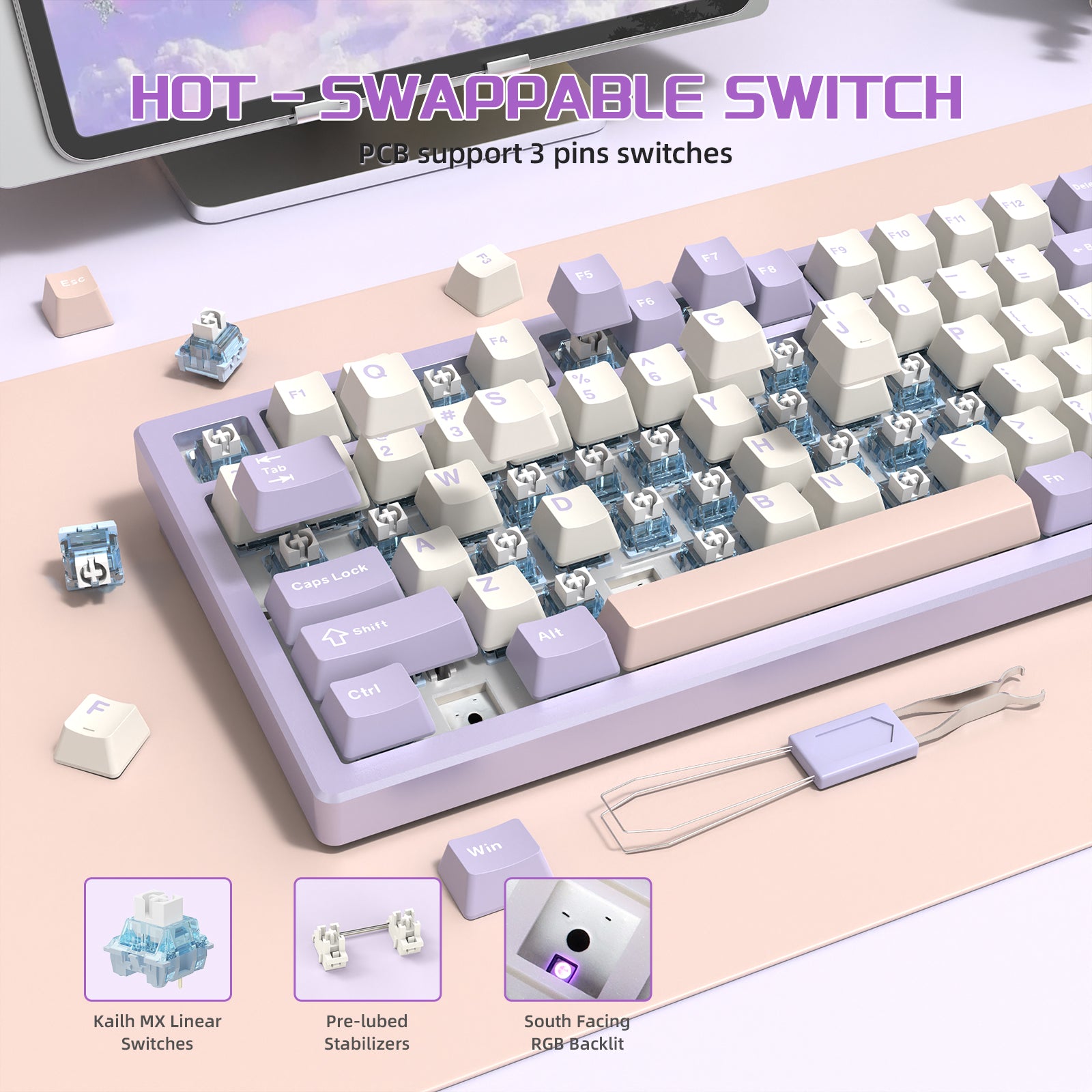
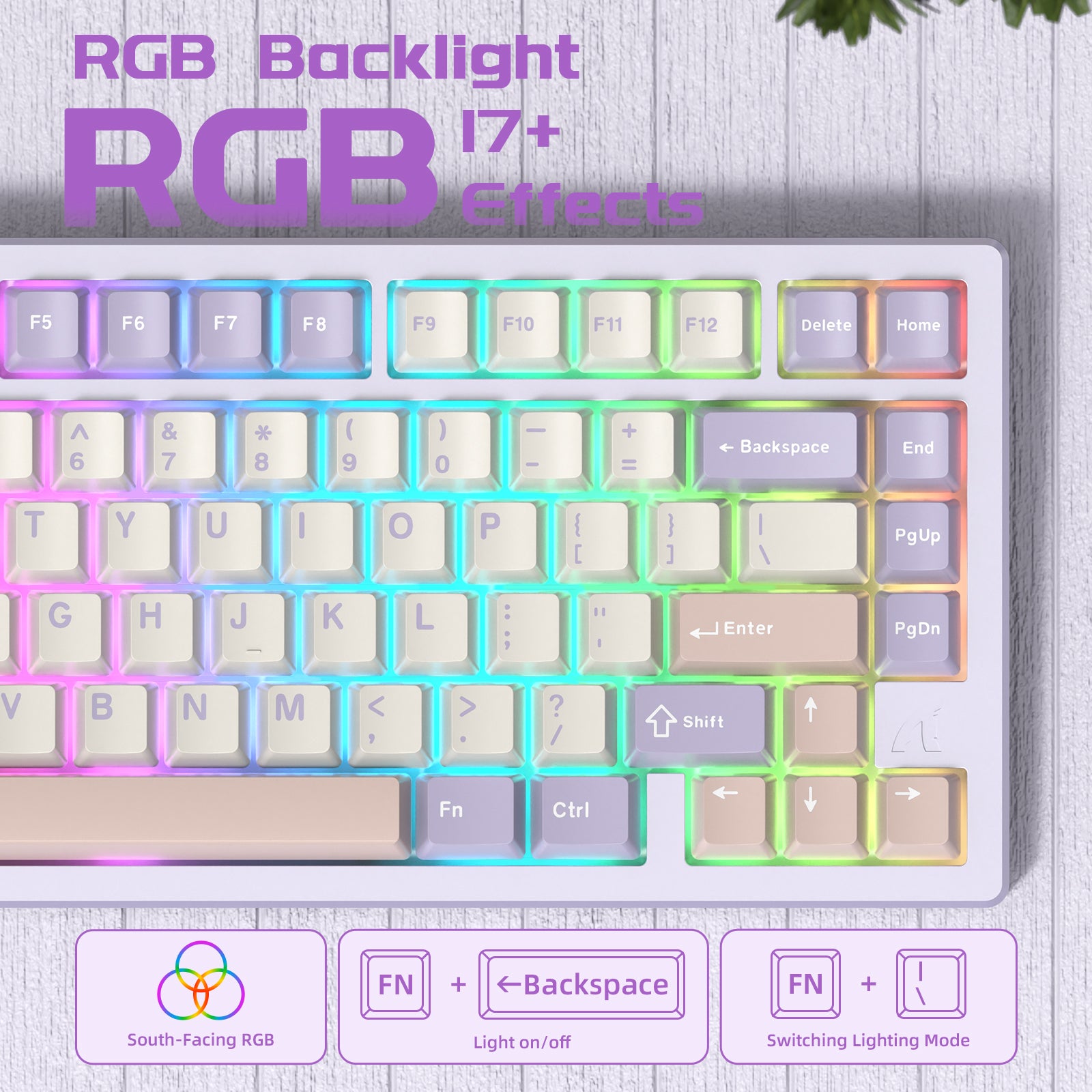
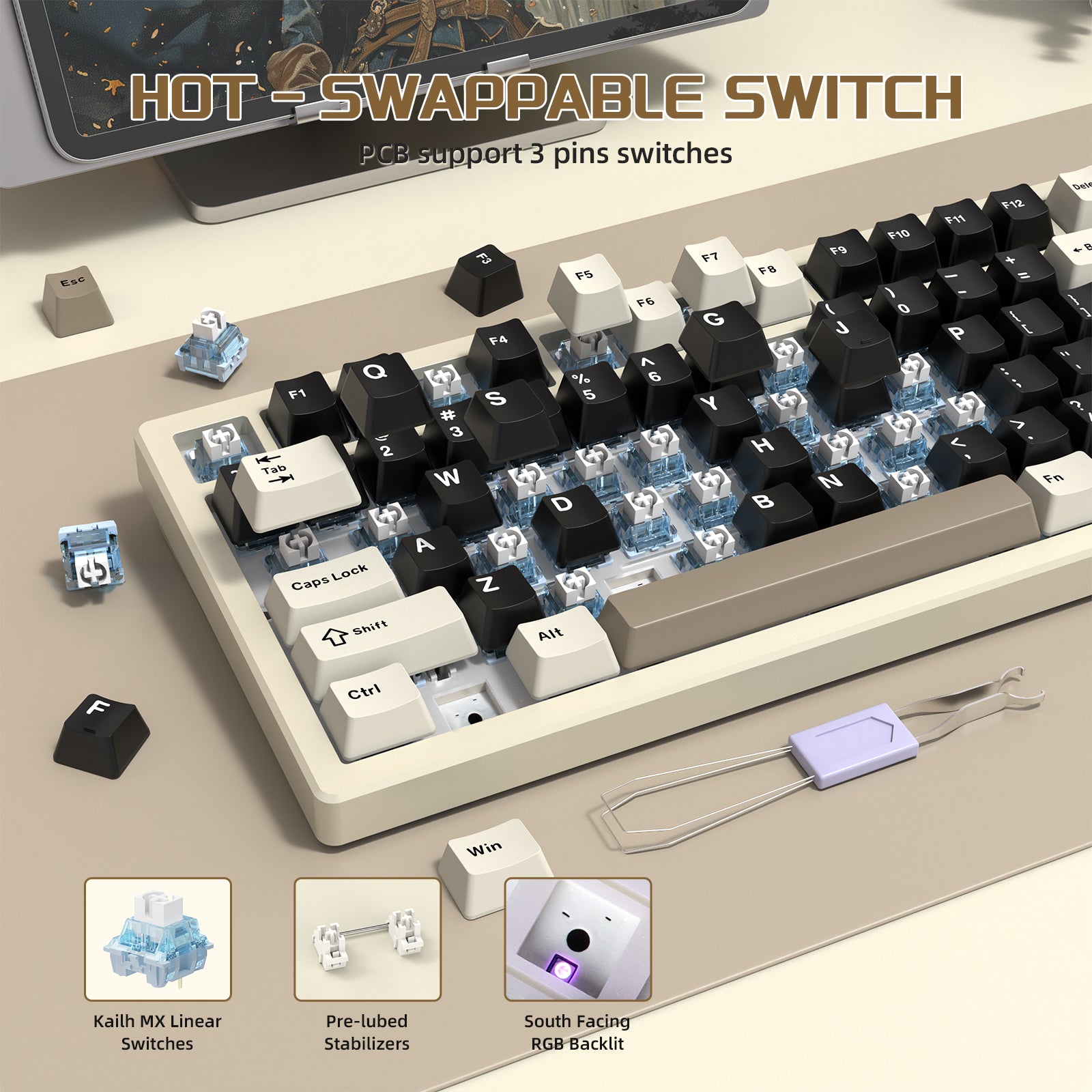
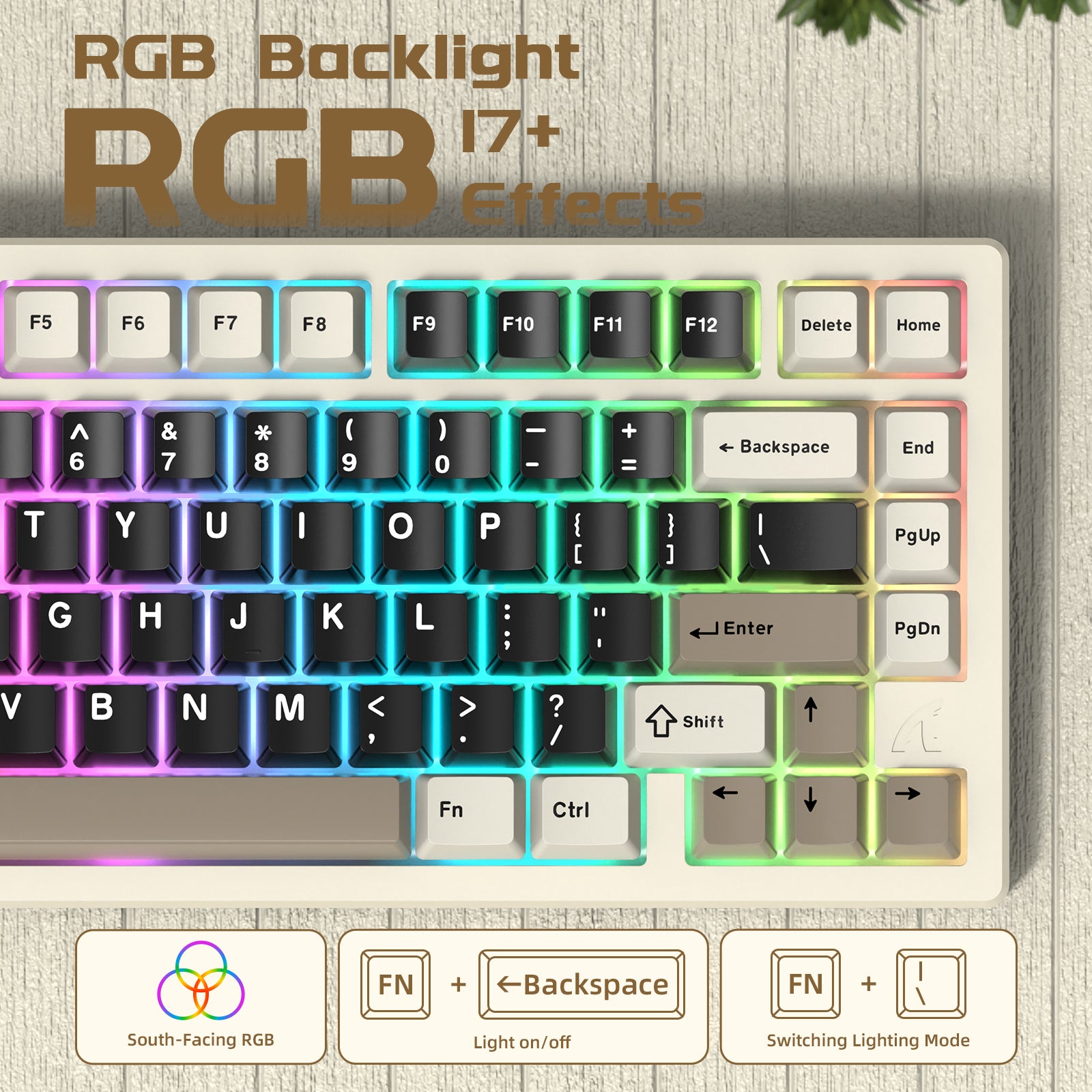
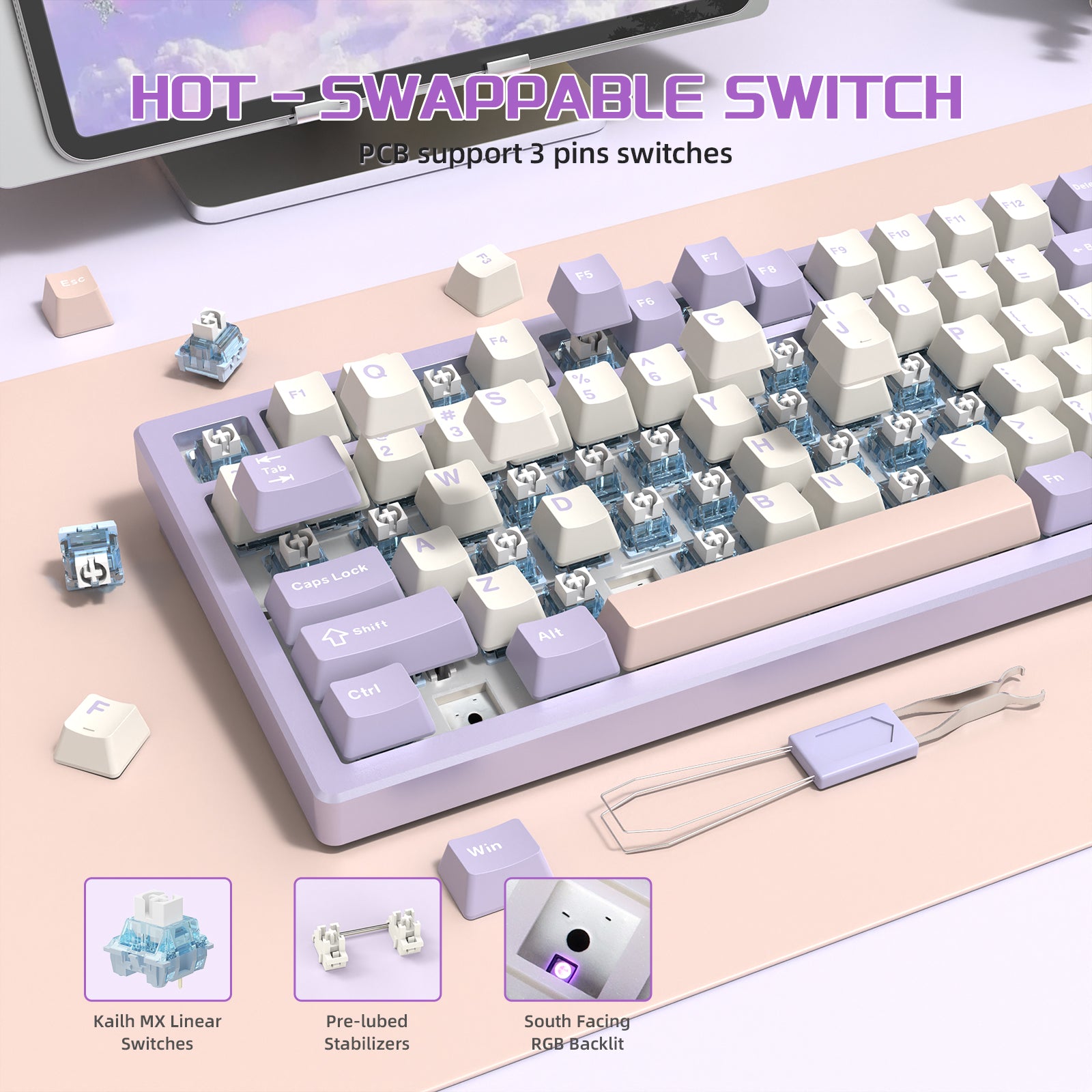
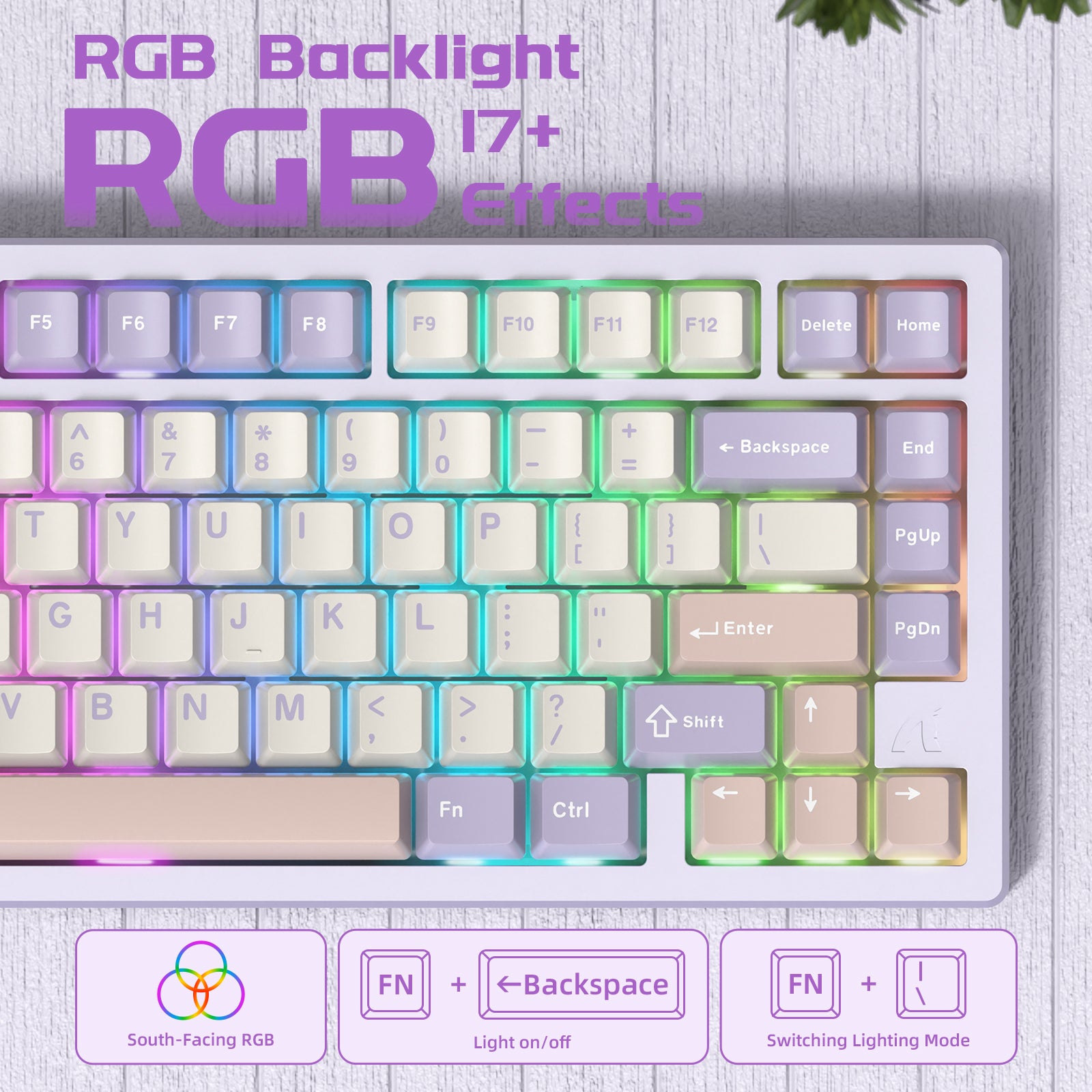
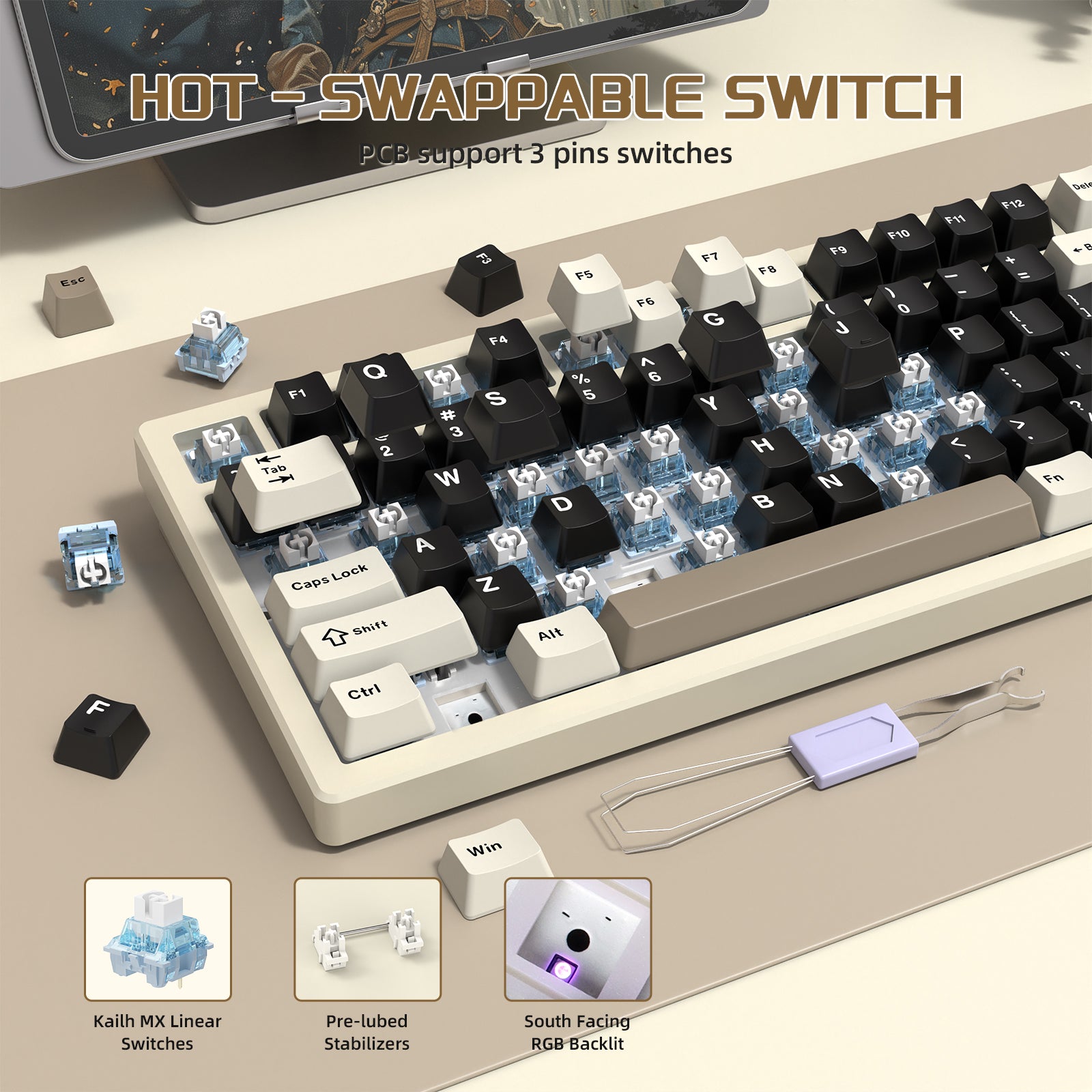
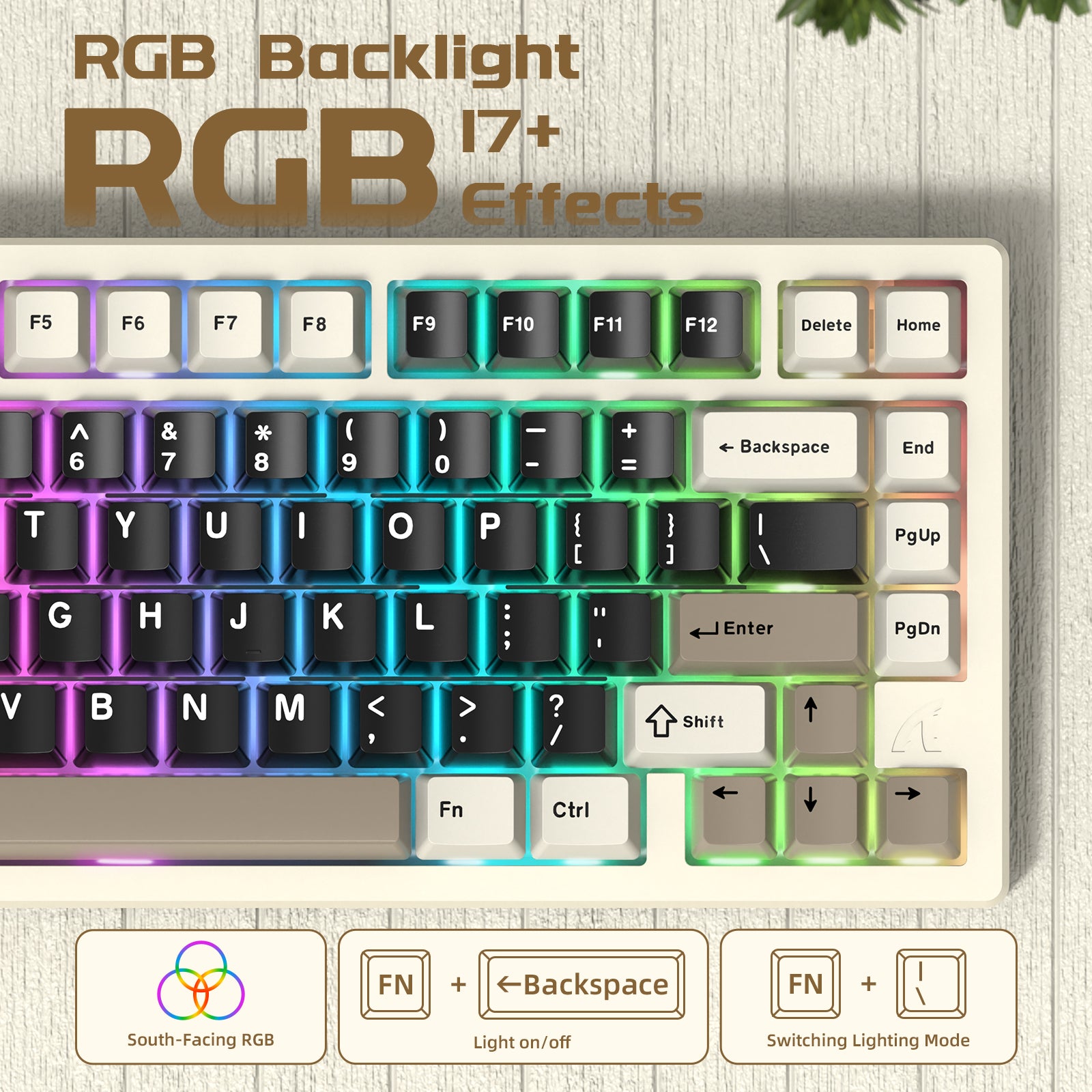
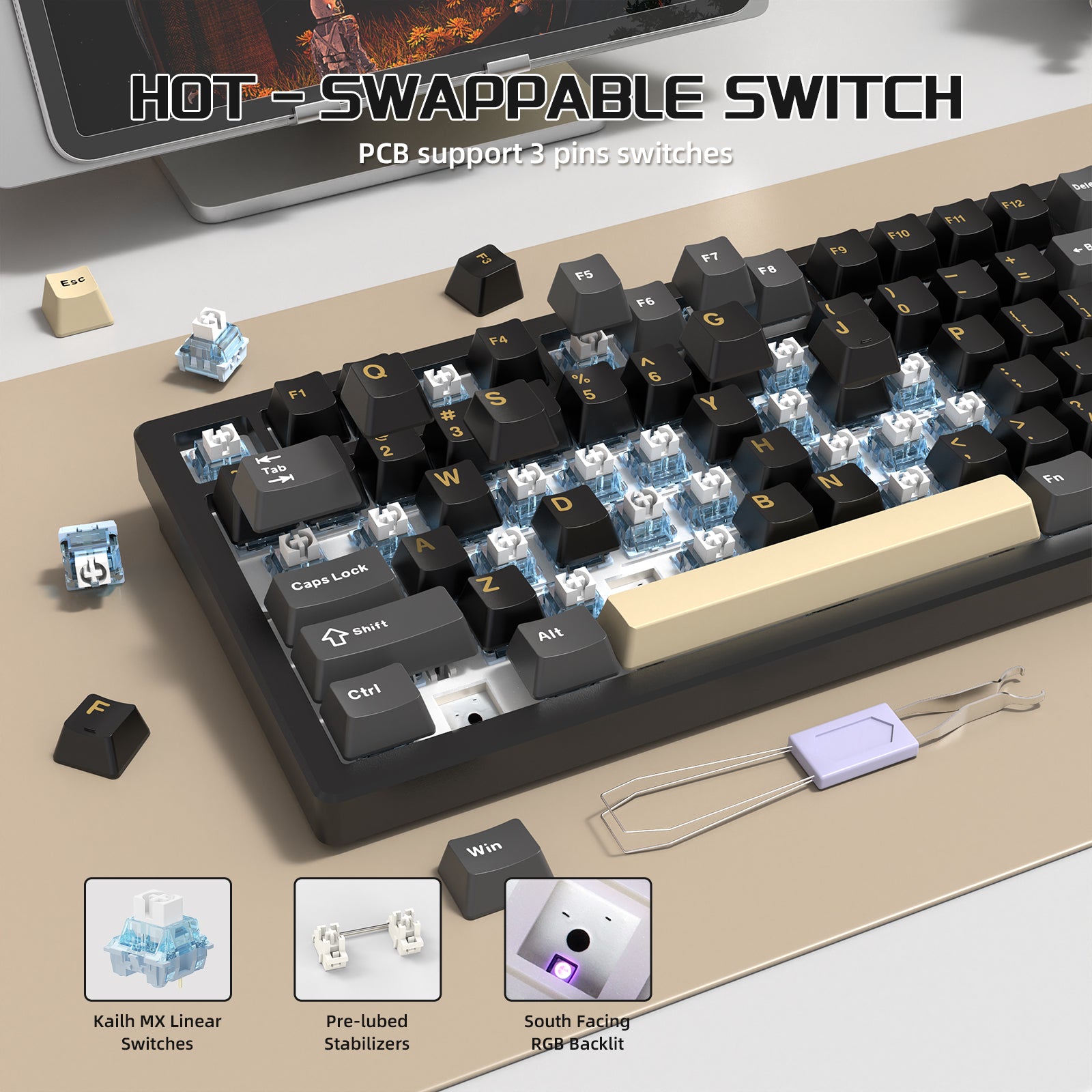
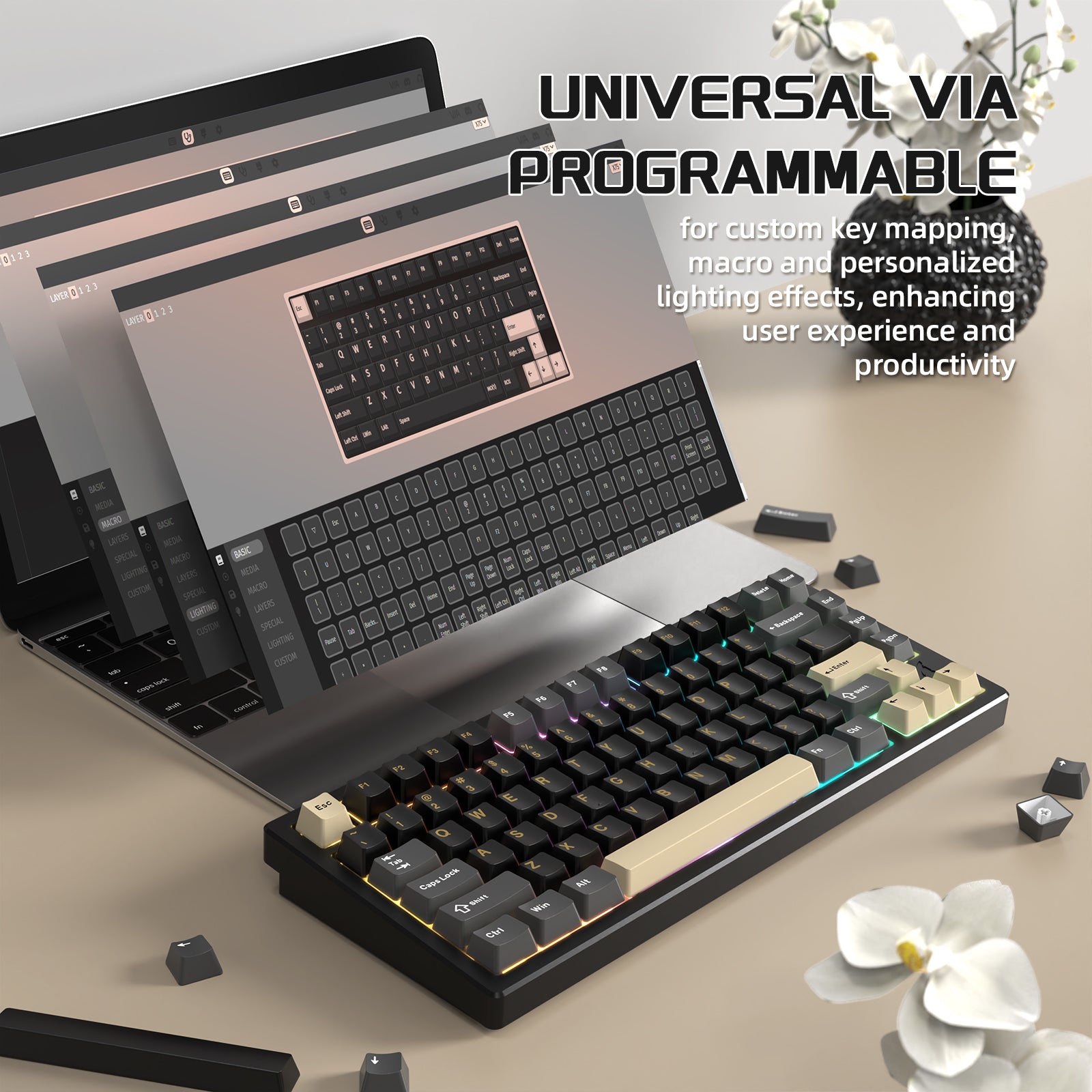
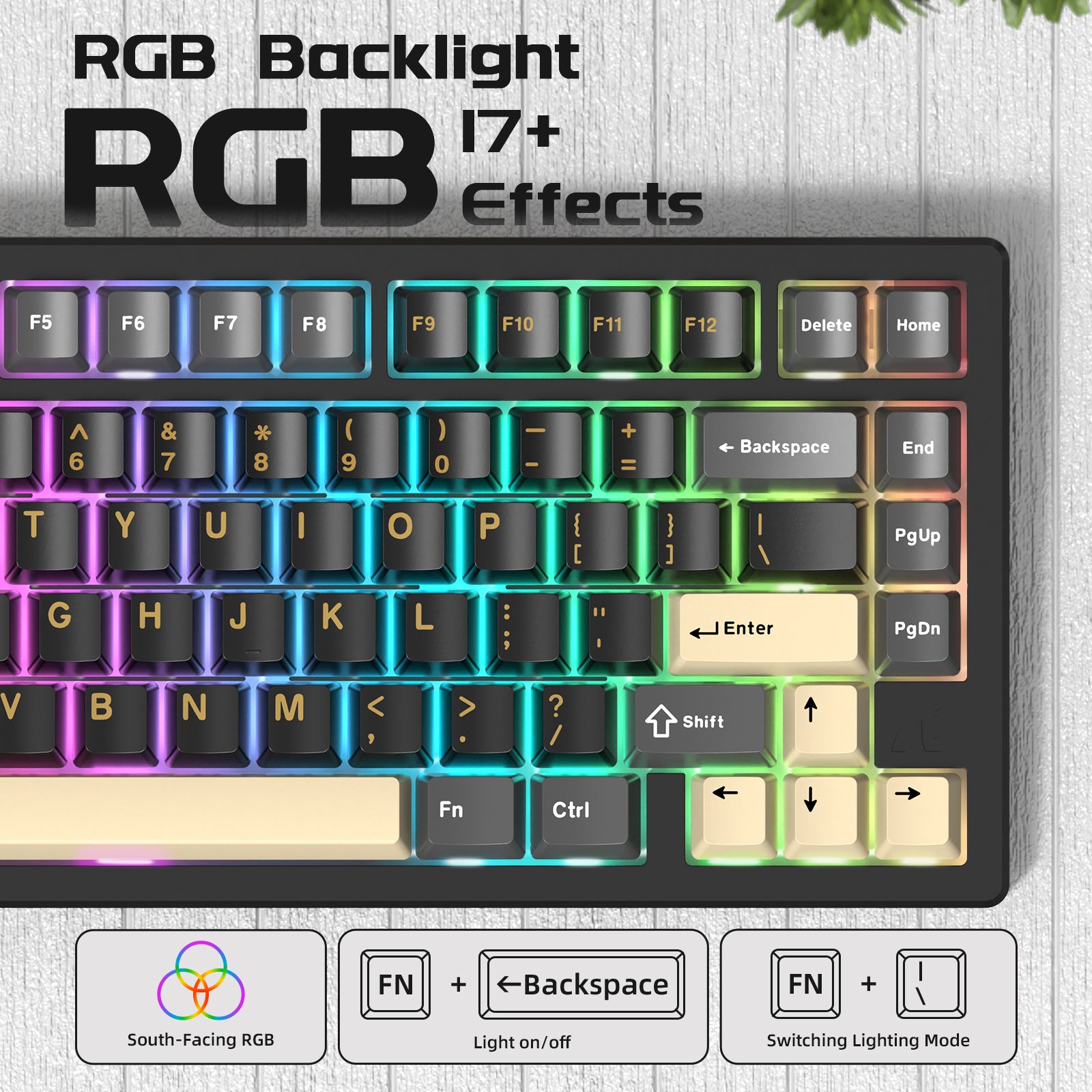
Niestandardowa klawiatura oferuje 17 domyślnych efektów RGB. Klawiatura obsługuje programowanie w chmurze oraz konfigurowalne podświetlenie. Od subtelnego oświetlenia ambientowego po dynamiczne pokazy świetlne – możesz spersonalizować swoje ustawienia, aby dopasować je do nastroju lub aktywności. Klawiatura obsługuje hot swapping, co pozwala na dostosowanie doświadczenia pisania w dowolnym momencie.

5-warstwowa konstrukcja dla doskonałego dźwięku
Mechaniczna klawiatura X75 łączy wiele wysokiej jakości materiałów, w tym warstwy PORON, 8 warstw pianki pod przełącznikami, warstwy dźwiękochłonne PET, piankę EPDM na spodzie oraz izolacyjną bawełnę PET. Te elementy współpracują, aby zapewnić wyjątkowe doznania dźwiękowe, charakteryzujące się wyraźnym, czystym kliknięciem klawiszy, które daje satysfakcjonujący dźwięk. Każde naciśnięcie klawisza oferuje bogate wrażenia dźwiękowe i dotykowe, czyniąc pisanie nie tylko zadaniem, ale prawdziwą przyjemnością.
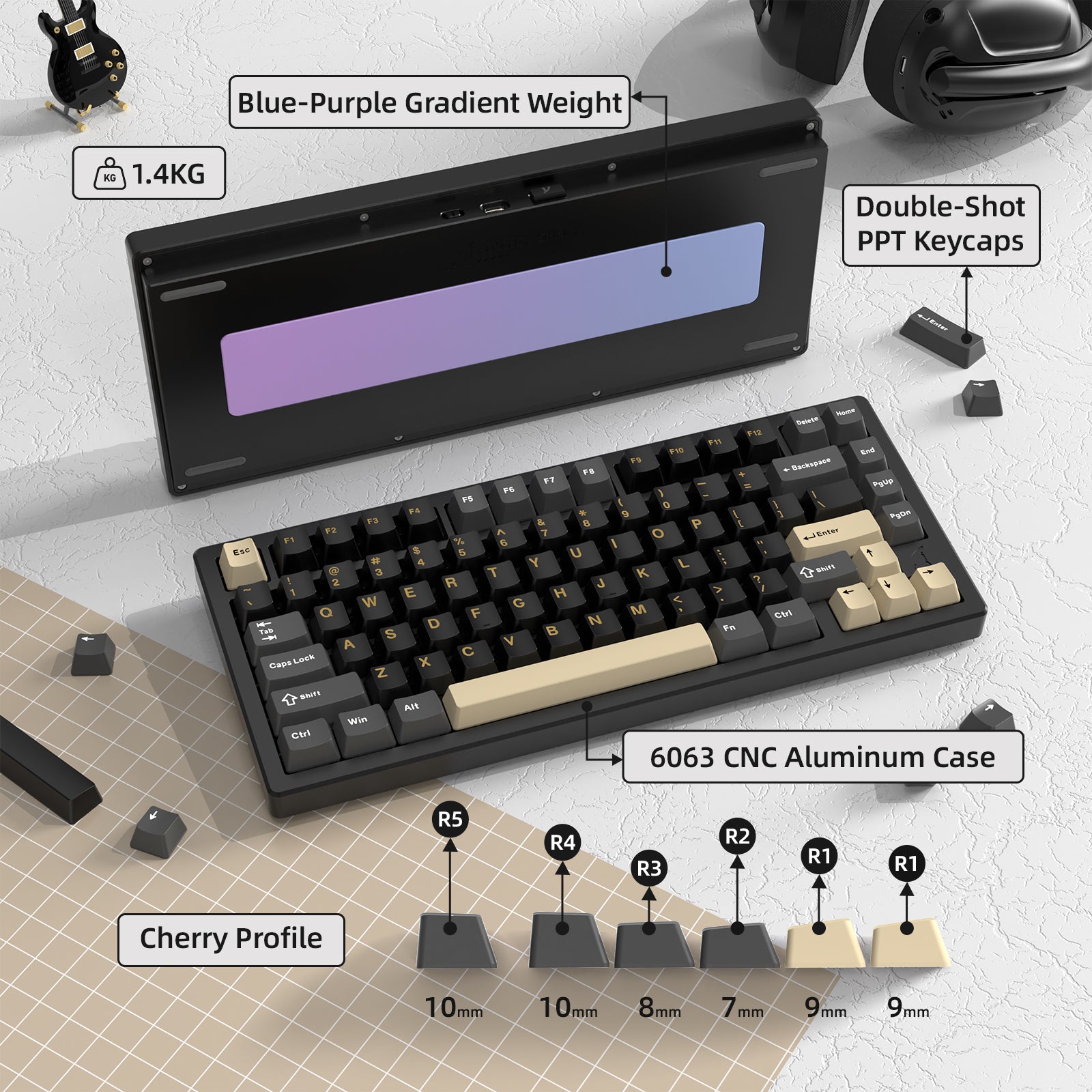
I also own several other keyboards and a wireless mouse made by Attack Shark. In my opinion they tend to target other popular products, and them modify the designs slightly to make them less expensive. Sometimes they can get crazy with including lots of features for an insanely low price and end up sacrificing key performance targets. Other times they focus their efforts on maintaining the performance and still come in just under the leading competitor prices. This seems to be what they've done with the X75 keyboard.For reference, I compared this with two other popular CNC aluminum chassis 75% keyboards; the Rainy 75, and the Bridge 75. The features on all three of these keyboards are very similar - note that none of these popular keyboards include a volume knob or smart display screen.Right off the bat I'll point out that the Attack Shark X75 is the only one that includes a coiled USB cable and docking port on the rear to hold the 2.4 GHz dongle and a connectivity switch. The Rainy 75 still has the strange feature of the on/off switch underneath the Caps Lock key; so you have to bring a keycap puller with you to access the switch. I tend to use all of these with a USB cable, so it's not a big factor for me; but may be wireless enthusiasts.The key layouts of all of these keyboards are very similar with the exception of the HOME key placement on the Bridge 75. The real subtle difference comes in the feel of the keycaps, the switches, and the overall amount of flex in the boards. The keycaps of the X75 are slightly less creamy feeling than the other two, while there is more flex to the board of the X75. The sound signatures are also slightly different for the same reasons listed above. I should mention, however, that the typing feel and sound of all of these is exceptional - and these are very subtle differences that ultimately will come down to your own personal preferences.My final point of comparison is the aesthetics and build quality. Comparing the weights on the bottom surface picture you can see that each version uses a different finish (brushed metal, gradient color, vapor metallization mirror finish). You can also see the difference in the depth of the Attach Shark logo vs. the Rainy 75 cloud logo, as well as the chamfered edge of the keyboard top surface. These kind of premium finish options are subtle, but they impact the overall price of the keyboard based on the added machining operations.On the software side I should note that supporting VIA and QMK are great features for anyone wanting to utilize macro and custom light settings.So what's my overall impression of the Attack X75? While it's not my favorite of the three keyboards discussed, it does offer features that aren't available on any others - and it does this at the lowest price. If you've never tried a CNC aluminum chassis keyboard and want to test the waters for a very reasonable price, this is a great option to consider. Highly recommended.


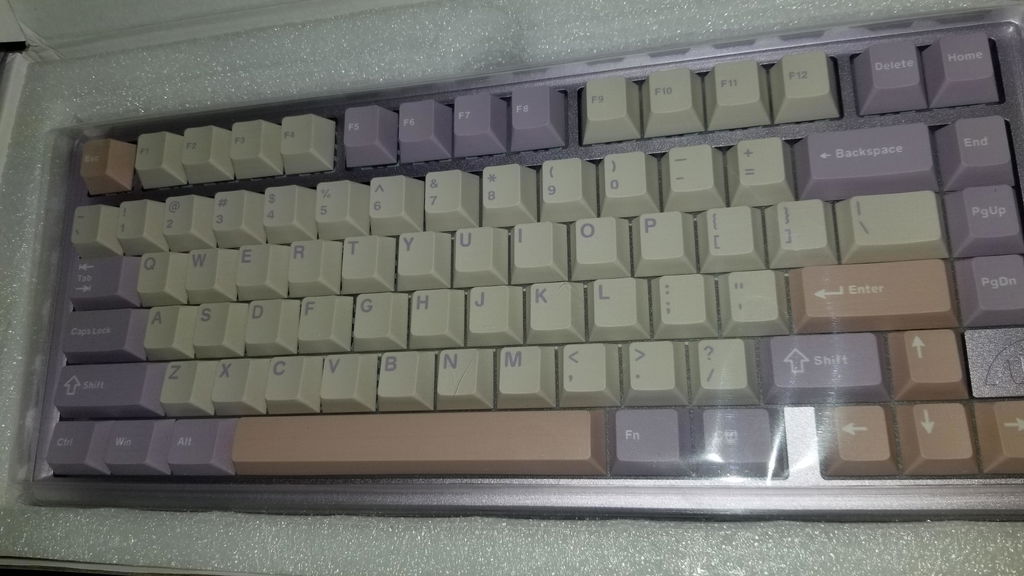
カラーごとに商品の塗装やバックプレートの質感が違うようです。
紫は筐体が光沢でバックプレートが銅、白は筐体が非光沢でバックプレートがシルバーガラスでした。黒は買ってないので分かりません。
本体の質感がとても良くいいモノを買ったという気持ちになります。
打鍵感はAula f75をやかましくした感じでコトコト系です。
This is a follow up after receiving the board. -SM
Initial Impression:
Right out of the box I was impressed to find a mode switch and USB storage on the front of the keyboard. I'm a big fan of not hiding the wireless switch under a keycap. The board itself has a good weight to it and a smooth finish that doesn't promote fingerprints. Almost slick to the touch.
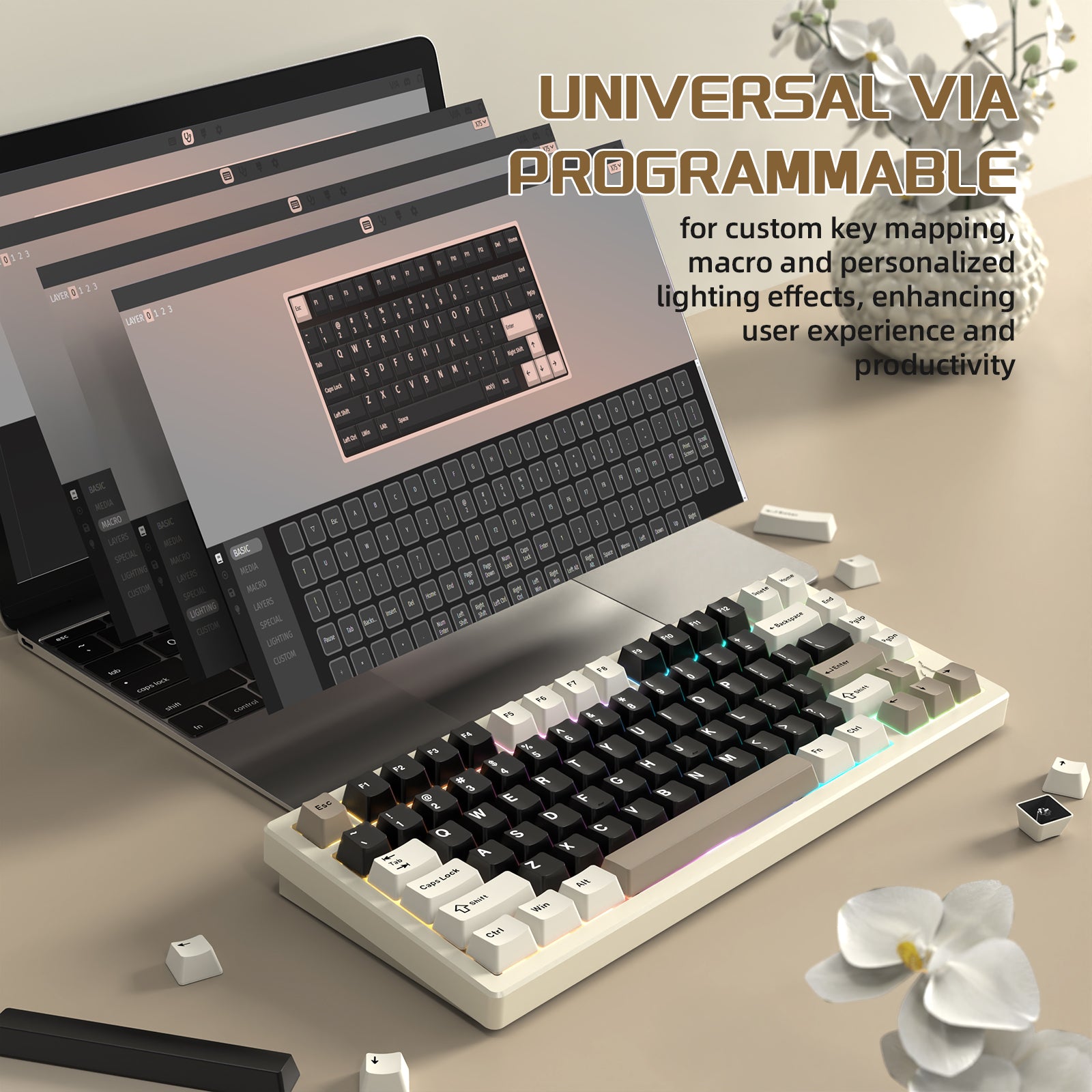
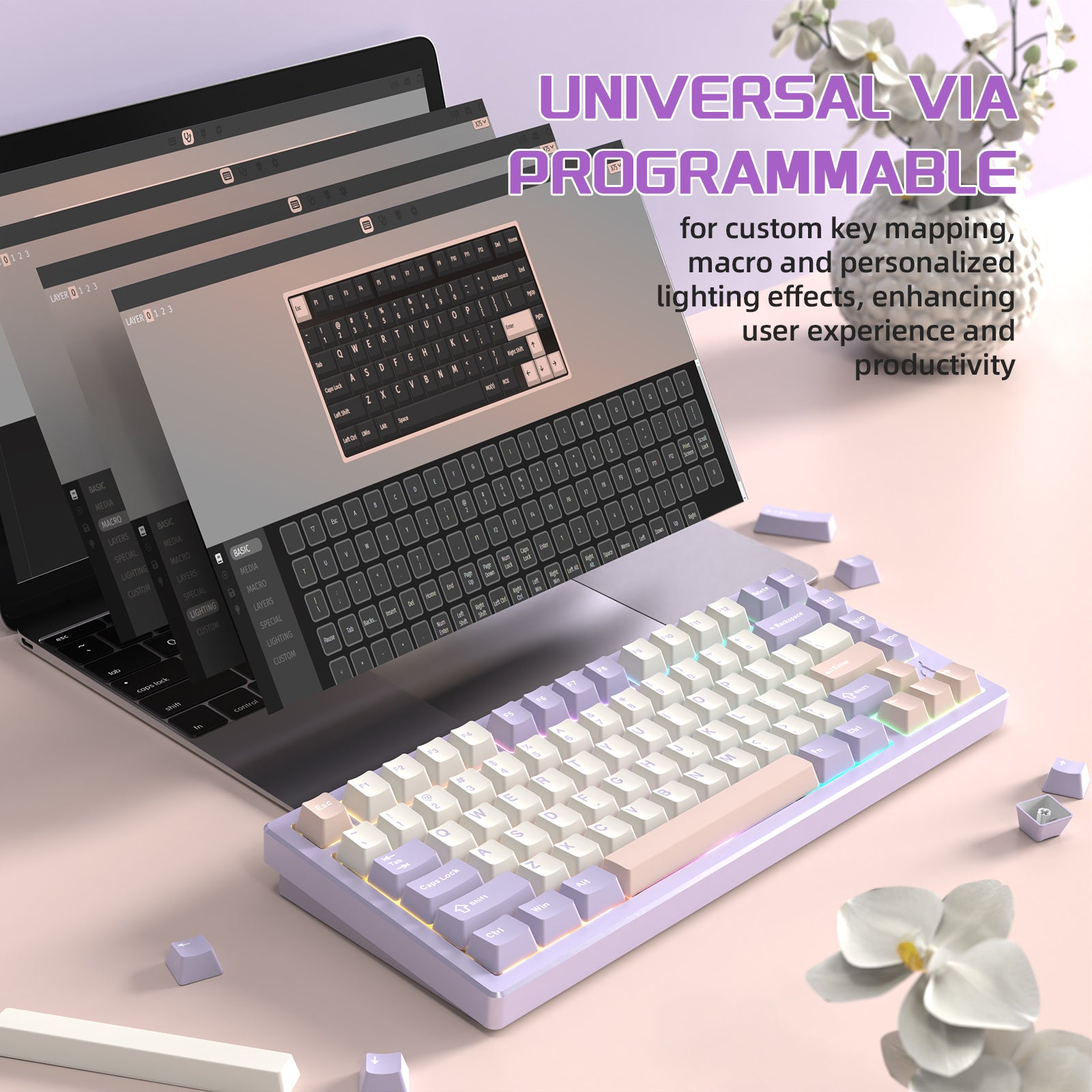
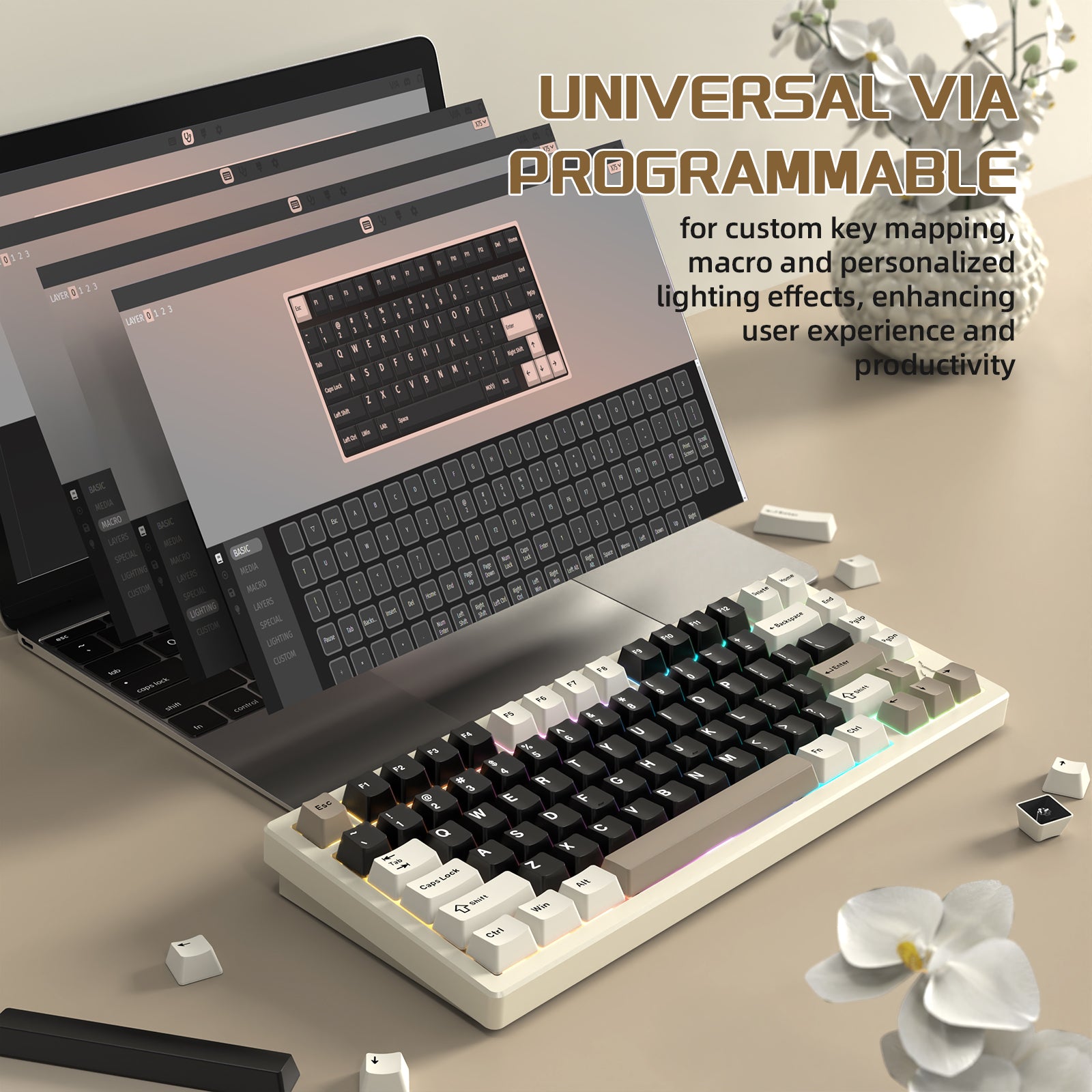
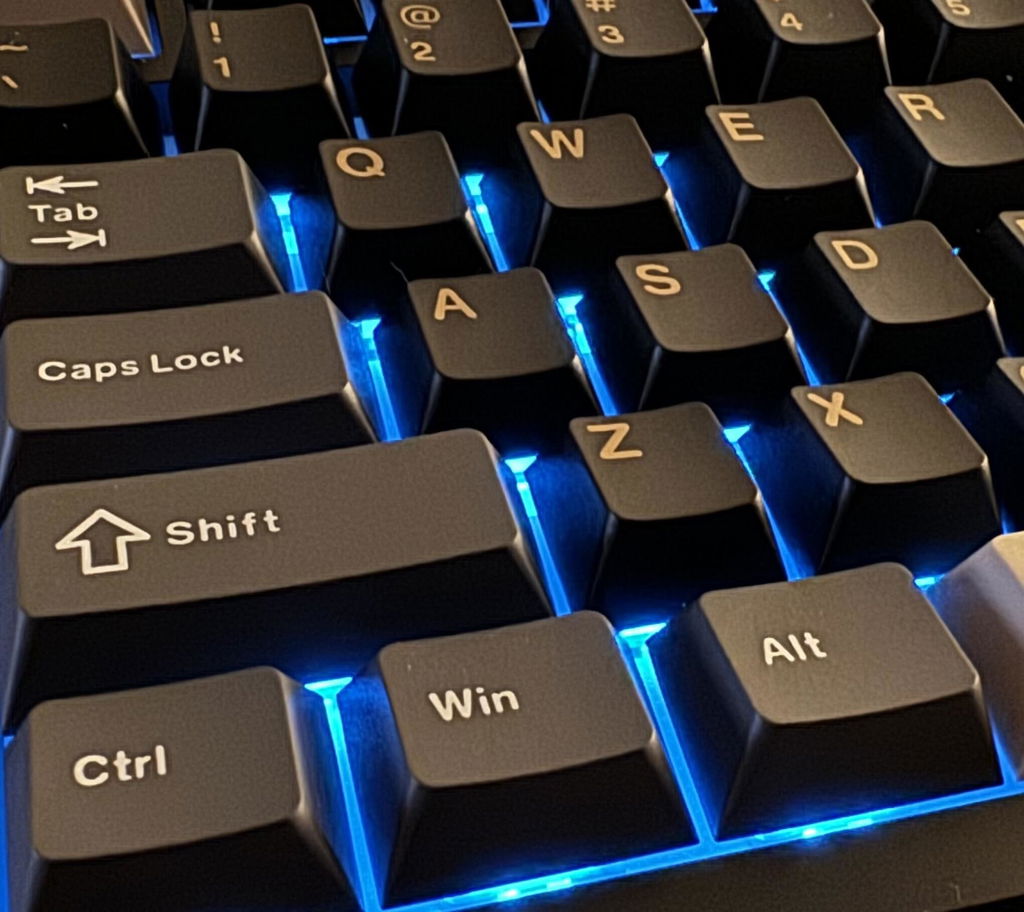
Powering it on, I was greeted with very colorful, bright LEDs glowing from under the cherry keycaps and echoed nicely through the POM or PC non flex cut plate. Most LEDs controls were bound to keys that I considered to be the standard controls for changes, i.e. brightness, mode and speeds. Using VIA, I was able to assign the others where I wanted them with no issues. Even found a couple of new ones that I fancy.
Speaking of VIA, while I was modifying bindings, I swapped the location of the delete and home key as well as the FN and CTRL keys. For me, they were both backwards. Also backwards was the windows and mac mode bindings. On this board, FN+A brings you to the Mac mode and Fn+S switches you back to windows. I left that one alone, I tend to agree that Apple should be A and Windows should be S. (for whatever you like that rhymes with S …)
While the details of the switches are not disclosed, I can tell you that they are linear switches and light ones at that. I’d guess them to be between 40 and 43g of actuation force needed to trigger them.
The sound of the keyboard is nice and thocky with a bit of marbley thin cream to it. Using the standard cherry caps on it is fine, however, they are a bit on the thin side and I look forward to changing them out soon.
Updating FW and programing with VIA:
Attack Shark’s website has posted a good version of the JSON file, it was easy to find and worked as expected with USEVIA.com. There is a firmware update available for the USB dongle. While I dont use it, with a little trial and error I did successfully update mine. It’s not clear on their website what the firmware update does and to make things more confusing, the PDF file of instructions included in the ZIP appears corrupt. From my experience, the FW is intended only for the usb dongle. Not the keyboard itself. To complete the update, I had to add the dongle to the computer, then connect the keyboard via 2.4, then launch the updater and it will complete successfully. Once completed, I had to move my dongle to a different usb port to get it to work again. After that I just put it back into its storage as I use BT.
Modding:
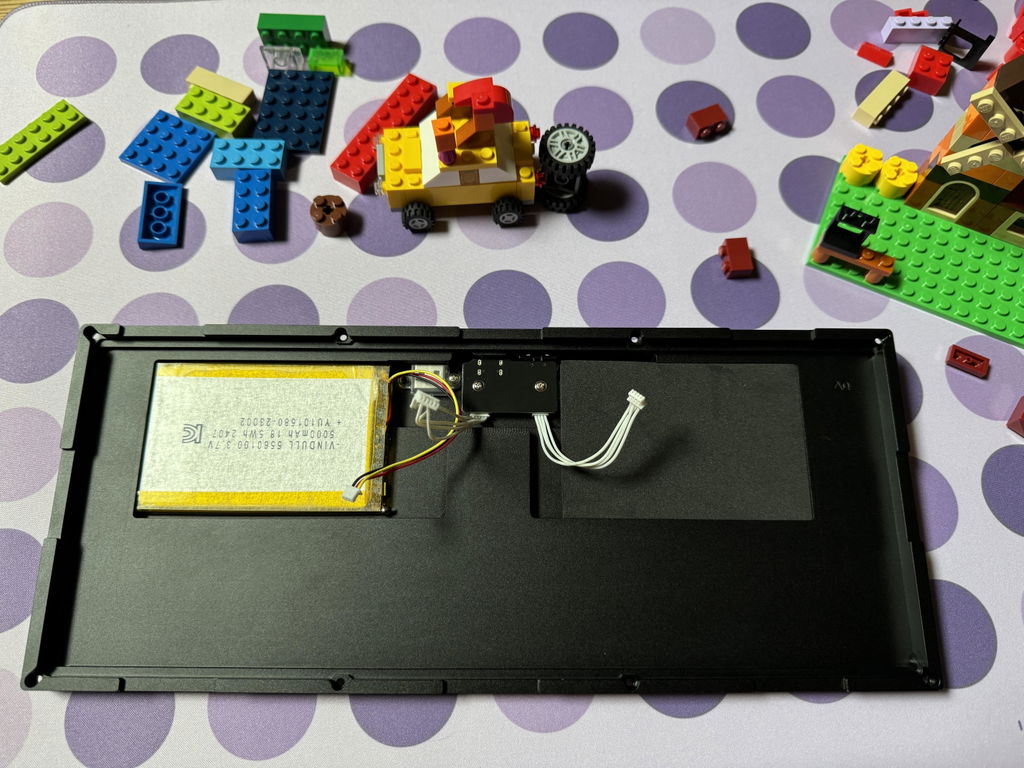
Nice trick they played with the case screws. 7 of the 8 worked with a 1.5 hex bit. The last one took a Torx bit to remove. “That one trick” almost kept me out of the board. I must be getting lazy. That said, I'm nothing if not stubborn… The screws release the top bracket which gives way to the top/surface mounted assembly of the PCB and Plate. That rests with silicone gaskets on the base of the unit and three connectors allow you to separate it from the battery, mode switch and usb daughterboard.
Since I had the board apart, I figured I’d apply some tape to where the top of the case meets the bottom to dampen the small amount of case ping I could hear. I was out of painter tape at the moment and since the board sounds good as it is, I left the rest alone. For now.
The Highs:
Low Cost
VIA
Onboard USB Storage
Physical Mode selector switch (Because some of us still like shutting stuff off when we are done easily)
Lighter than other boards in its class
Comfortable flex from the gasket mount with flex cut pcb
Easy to mod with the right tools
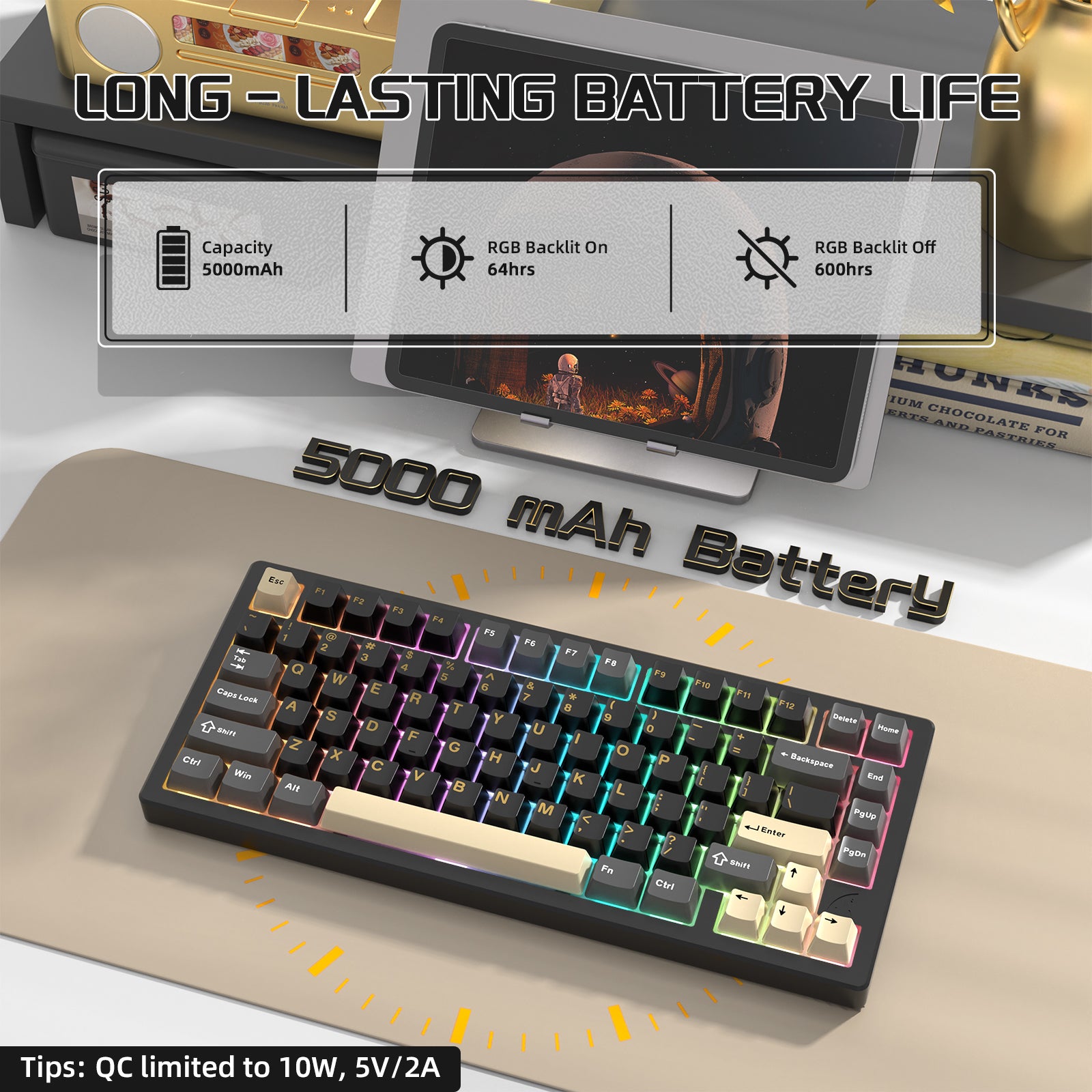
5KmAh Battery which is longer lasting than most
Comes with two spare switches, alternate caps to customize your look, usb cable and keycaps puller.
No need to change out the stabs
The stock switches are thocky and generally smooth and light.
FN+Alt gives battery indicator lights
The Lows:
The quality of the Keycaps, the OEM’s are a bit on the thin and cheap feeling side.
The Mirror black plate weight should have just been omitted. It’s got a rough surface, it's not that good looking and generally doesn’t fit the aesthetics of the board well in my opinion
After a little bit of very unscientific testing using a Web site, I was able to get the results of a 500Mhz polling rate when wired to my laptop. I’ll be honest here, I’m not very well versed in that however it seems simple enough to use and get the answers with.
At the time I ordered, the board was only available from attack sharks website. Shipping out of China was very delayed so it took about 2 weeks to arrive in the US. Most of that time was on the ground in China.
Advertised as having a 7000mAh battery.
Conclusion:
The all aluminum 75 segment has heavy completion in the $100 dollar price range. If you catch it on sale for 68 bucks all in like I did, then pull the trigger. It’s great for general day to day usage, has features other boards don’t and can be...
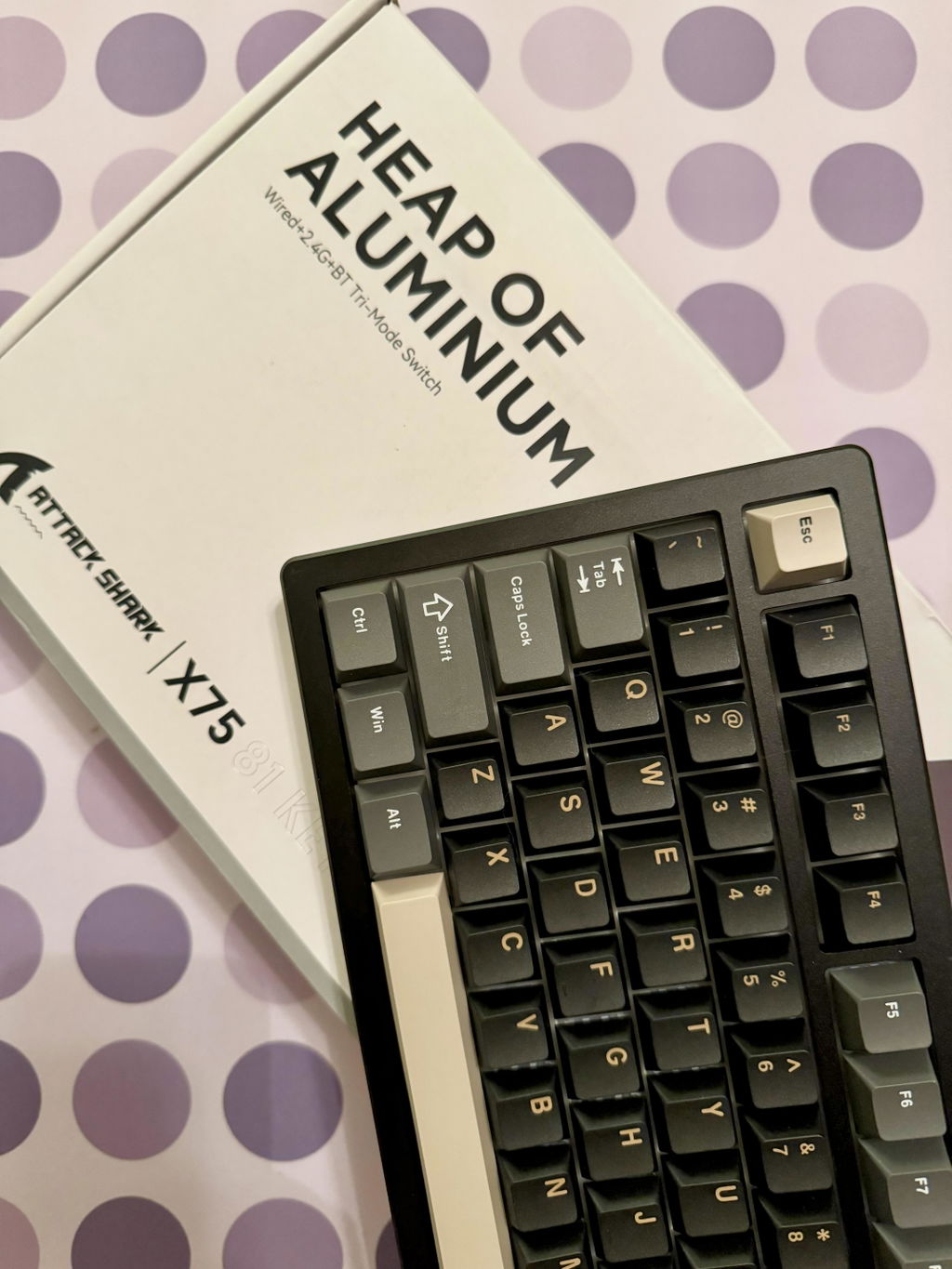
Excelente relação preço qualidade! É um teclado muito robusto com toda a carcaça em aluminio.As teclas são do tipo hall effect, portanto se procuram um teclado com a sensação mecânica não é recomendado. Como o meu uso é para produtividade e jogos é excelente.
Bought for $80CAD, great value. Comes with extra keycaps and switches. Wished it weighed a little heavier. Overall, one of the best budget aluminum 75% keyboards.
This is the end game board. Though i swapped the switches to silent.
after almost 8 months of using this keyboard i can definitely say that it's a great keyboard8 months for a keyboard that is a long time for a daily driver, and it's honestly durable, there's nothing wrong with the keyboard function wise.i barely used the wireless connection mode but i can say it does last for a while (with RGB off).The quality of the keyboard is amazing and the good thing about the Aluminum part is the fact that it's on the heavier side and which for me is a good thing because i don't want my keyboard to move especially in a competitive gaming session and the sounds of the keys are beautiful, not too loud not too quite and a bit clacky and finally the keyboard itself is aesthetically pleasing to look at.The only bad thing that i consider is the fact that the keyboard doesn't have a standalone app for configuration so you would have to go through a roundabout to configure which is the 3rd party configuration app (VIA), it's little confusing to use but good after you get the hang of it.you can't control RGB through the 3rd party app, you have to memorize the RGB shortcuts, I personally have RGB off but i see that some people would find this annoying.
Paid 90 CAD and it's amazing for the price.The aluminum frame is really heavy and sturdy.Exact same frame as the Yunzii.Battery last long.As good as expected.
good
This keyboard is awesome. It looks so clean on my setup with the cream colorway. The build quality is very nice and the keyboard feels really high quality and is very heavy. I love the fact that it's made of aluminum. It also sounds fantastic and I really enjoy typing or gaming with it. I also liked that you can fully customize the key mapping of this keyboard with via. The rgb looks great even though i'm not using it. For the price, this thing is a steal.
I have been using this as my daily driver for a few months now and I have nothing but good things to say about it. A good quality and solid keyboard. Compatibility with the VIA software also adds extra functionality. Definitely recommend for a good quality and affordable keyboard.
The keyboard is great--I got it on sale and have been using it daily.Although I can't directly compare, it is similar to the Rainy75 and other aluminium keyboards. It is fully foam damped with a PP top plate and sounds great. There really is a 10,000mAh (2x5,000mAh) battery inside. It weighs just under 1400 grams, so while heavy, isn't as heavy as others.It's gasket mounted, but not as elaborately as other keyboards. There is not quite the uniform keypress sound across all keys. However, it's mainly noticeable on the keys close to the frame edge and not really a major issue. More importantly, the typing feel is not rigid--it's cushioned--and it's comfortable to type on.The connectivity options all work well and are actually very convenient. There's a holder for the Wireless dongle a 3-way switch to select between BT, 2.4 GHz and Wired modes. The BT mode is has very low latency.The original Kaihl linear switches are about 40g and light and smooth, but a little too sensitive for my liking. It would be nice to see some light tactile switch options here. It supports 3/5 pin switches. I already replaced them with 48g MMD Princess tactiles.The keycaps are about 1.5mm thick and are reasonable quality. There are good, but not spectacular, sound wise.The keyboard layout can be modified through VIA with the .json file available at the Attack Shark website.The lighting options are there, but not customisable to a great degree. There isn't a dimmable white light, so that's a real downside for those who just want some plain backlighting without colours, pulsing and rainbow effects. However, if you don't want any lighting, it's good. Fully dimmed, you can still get capslock indication and battery power check. But it seems a missed opportunity without the basic white light.So who is this keyboard for?It's for people who want a top tier sounding, feeling keyboard with all the connectivity options possible, but at a reasonable price. It isn't overly heavy for a keyboard of its type. The battery capacity is huge. It does everything for an enjoyable typing experience. It's a fully built "custom" keyboard that works straight out of the box.It's a good starting point for customization because most of the work is all done. Just add your preferred switches and keycaps.The X75 combines all the things that were missing from the Rainy75 into a budget friendly "custom" keyboard.
Amazing build quality. Via compatible. Only knock off one star because the Attack Shark logo is carved into the base revealing this keyboard to not be an expensive one - have to do the case break mod on this one too or you’ll be hearing the spring ping, I didn’t need to stuff it with pillow fluff either. Excellent really.
Great keyboard.
pretty good keyboard. easily moddable, great weight with the aluminum chassis. the only reason why im giving it 4 stars is because the ad says 7000mah battery but its actually 5000. i opened up the keyboard and checked it myself when i was doing some mods to it. its larger than many other kb's but still a little bummed that its 5000 instead of 7000 like the ad says.
La tastiera e stupenda , ottima qualita . Avevo pensato che i tasti si illuminano , invece la luce e solo sotto i tasti .Pro : suono dei tasti stupendo , qualita , frame solidoContro: i tasti non si illuminano per vedere le lettere di notte, nessun modo di vedere la percentuale della batteria
I was initially impressed by the quality of the Attack Shark keyboard I bought for my child, considering its affordable price. When I saw the Attack Shark X75 on sale and discovered it was all-aluminum, I couldn't resist.
Upon receiving it, I immediately noticed the excellent build quality and enjoyed using it immensely. Unfortunately, I also found a minor dent on one side of the keyboard, likely caused during shipping.
I contacted customer support to inquire about replacing the frame. To my delight, their service exceeded all my expectations. Their prompt and helpful assistance has turned me into a loyal customer.
I will undoubtedly be purchasing more keyboards and potentially mice from Attack Shark in the future. Thank you for this exceptional customer experience!
Buen sonido, buenas conexiones en MODO Triple, conecta a la primera, compatible con VIA, buenos switches, compatible con 3 y 5 pines. Esta muy bien acabado, teclas dual shot, viene con un cable muy bien terminado. Muy bien estabilizado.Poco se puede pedir más, recomendado para los puristas de los teclados 75%.Solo hay que ver con el tiempo que tal se conserva.
I absolutely love this Keyboard! From the moment I started using it, I was blown away by how satisfying it is.The tactile feedback is perfect, and the sound of the keys is incredibly cool – it's almost like an ASMR experience every time I type or game. The hot-swap gasket-mounted design makes the keystrokes feel smooth and responsive, adding to the overall premium feel of the keyboard.
.
Fantastic board out of the box. It sounds great and feels great. My only complaint is that VIA doesn't work despite being advertised. It never picks up the keyboard whether through the web app or the windows app.
Einfach eine sehr gute Tastertur mit super Sound
重いけど音が良い
今のところチャタリングもなく動く