High Polling Rates and Grip Tension: Finding the 8K Sweet Spot
In the high-stakes environments of Valorant and CS2, where a single pixel determines the outcome of a round, the pursuit of hardware-driven advantages often leads players to the current frontier of gaming technology: the 8000Hz (8K) polling rate. While a near-instant 0.125ms reporting interval (1/8000) offers a theoretical edge over the standard 1.0ms of 1000Hz mice, many competitive players find that the jump to 8K introduces a new, frustrating variable—jitter.
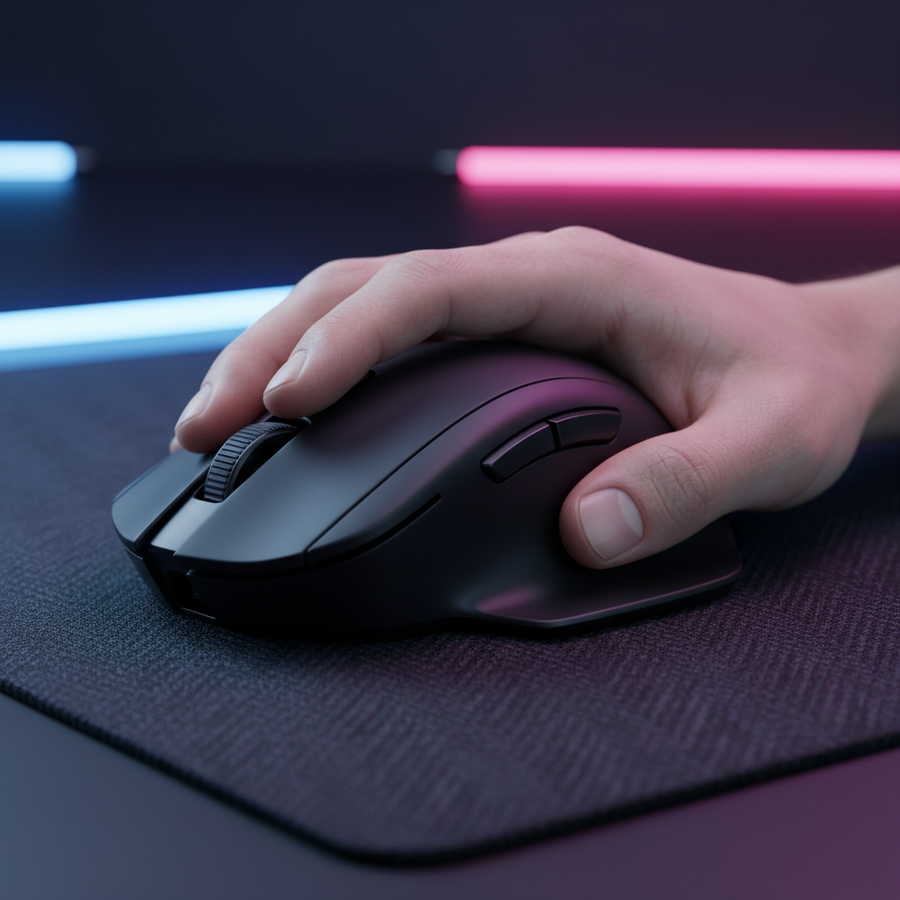
This phenomenon is rarely a sensor defect. Instead, it is frequently the result of a mismatch between high-precision hardware and the player’s physiological response to pressure. When a sensor is capable of reporting 8,000 times per second, it captures every micro-tremor of the human hand. For players who struggle with "clutch gripping"—the involuntary increase in hand tension during 1v1 scenarios—8K polling can become a performance bottleneck rather than a benefit.
The Physics of 8K: Latency vs. System Stability
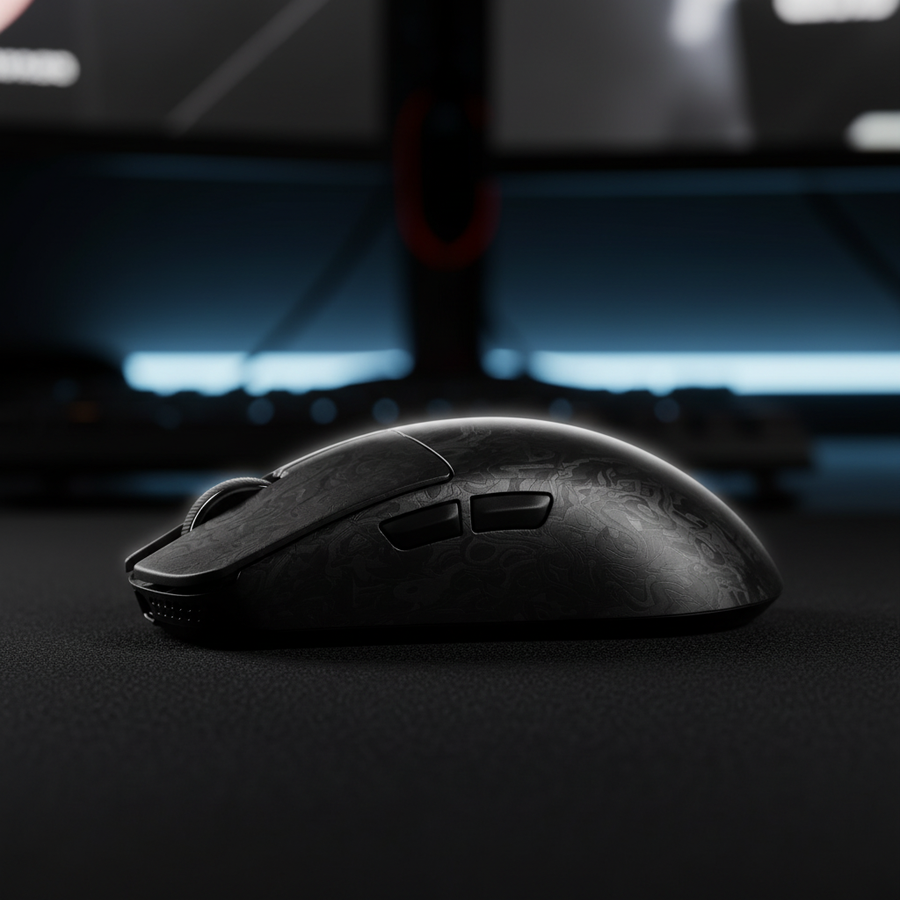
To understand why grip tension matters, we must first look at the technical mechanism of 8K polling. A standard 1000Hz mouse sends a data packet every 1.0ms. An 8K mouse, such as the ATTACK SHARK X8 Series Tri-mode Lightweight Wireless Gaming Mouse, reduces this interval to a near-instant 0.125ms.
8K Latency and Motion Sync Scaling
A common technical misconception involves "Motion Sync" latency. In older 1000Hz implementations, Motion Sync typically added a deterministic delay of ~0.5ms to align sensor data with the USB poll. However, according to the Global Gaming Peripherals Industry Whitepaper (2026), this delay scales with the polling frequency. At 8000Hz, the Motion Sync delay drops to ~0.0625ms, making its impact on total system latency practically negligible.
The CPU and USB Bottleneck
The real challenge of 8K is not the sensor, but the host system. Processing 8,000 Interrupt Requests (IRQs) per second places a significant load on a single CPU core. We observe that performance drops often occur because the OS scheduler cannot keep up with the interrupt density, leading to micro-stutter.
Technical Implementation Note: To maintain 8K stability, you must use a direct motherboard USB port (Rear I/O). Avoid USB hubs or front-panel case headers, as shared bandwidth and insufficient shielding frequently lead to packet loss and signal degradation.

The Biomechanics of Tension: The "Clutch Grip" Problem
In our experience troubleshooting performance inconsistency for competitive players, the most common culprit is a dramatic increase in downward force during tense moments. We estimate that "clutch gripping" can add 100–200 grams of force to the mouse.
Static Friction and Wrist Lock
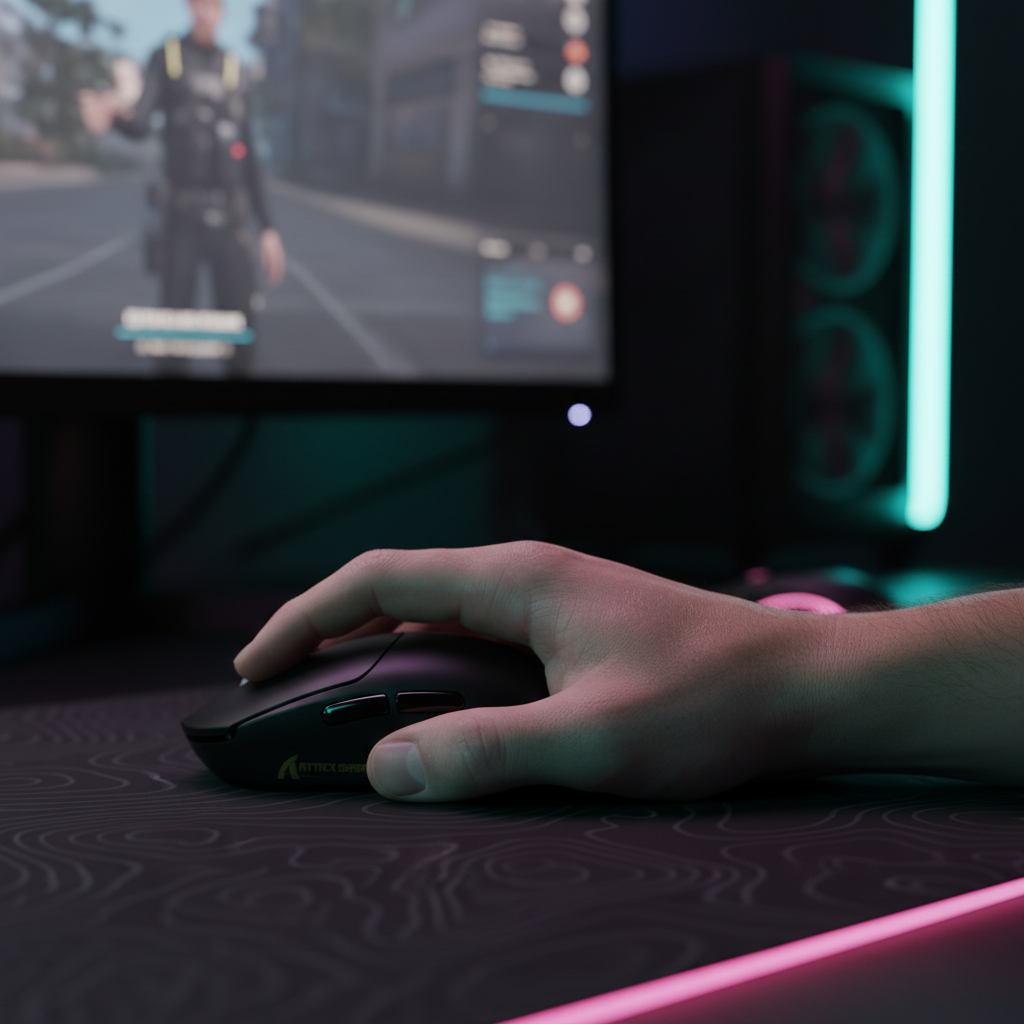
When you squeeze the mouse harder, you increase the static friction between the PTFE skates and the mouse pad. This creates a "wrist lock" effect, where the fine motor muscles in the forearm become too rigid to perform micro-adjustments. On an 8K sensor, these micro-tensions are faithfully reported as jitter. The sensor is so fast that it captures the low-amplitude muscle tremors (50–100μm) that occur when a hand is under extreme stress.
The Jitter Feedback Loop
This creates a negative feedback loop: the player feels the jitter, perceives it as a lack of control, and responds by gripping even tighter, which in turn increases the tremor captured by the 8K data stream.
| Parameter | 1000Hz (Standard) | 8000Hz (High-Spec) | Impact on Performance |
|---|---|---|---|
| Reporting Interval | 1.0ms | 0.125ms | 8x higher temporal resolution |
| Motion Sync Delay | ~0.5ms | ~0.0625ms | Negligible at high rates |
| Tremor Sensitivity | Low | High | Captures physiological noise |
| CPU Load | Minimal | Significant | Requires high single-core speed |
| Battery Impact | Baseline | ~75% Reduction | High power draw in 8K mode |
Modeling the Small-Hand Constraint: The 60% Rule
Grip tension is often an ergonomic compensation for a poorly sized mouse. We modeled a specific persona—a competitive gamer with a 17cm hand length (representing the 5th percentile for males or 50th percentile for females). Using the "60% Rule" heuristic (where the ideal mouse width is ~60% of hand breadth), we analyzed why standard gaming mice often force high-tension habits.
Modeling Note: Dimensional Mismatch
For a 17cm hand, the ideal mouse length for a claw grip is approximately 109mm. However, many "ultra-light" mice on the market are ~120mm or longer. This 10% over-length forces the palm to "float" or the fingers to over-extend, increasing baseline muscle tension by an estimated 30–50% just to maintain a secure grip.
Logic Summary: Our scenario modeling assumes a 17cm hand length and 80mm hand breadth. We applied the Moore-Garg Strain Index to estimate the risk of fatigue during competitive play.
| Modeling Parameter | Value | Unit | Rationale |
|---|---|---|---|
| Hand Length | 17 | cm | P5 Male / P50 Female baseline |
| Ideal Mouse Length | ~109 | mm | Hand length x 0.64 (Claw heuristic) |
| Modeled Mouse Length | 120 | mm | Standard market dimension |
| Strain Index (SI) | 360 | Score | Hazardous threshold (>5) |
| DPI Requirement | 1300+ | DPI | Avoid pixel skipping at 1440p |
This high Strain Index (360) explains why veterans often feel "burnt out" after long sessions. The solution isn't just lower tension, but a mouse that allows for it. For players in this category, a more compact shell like the ATTACK SHARK G3 Tri-mode Wireless Gaming Mouse provides a 59g chassis that reduces the effort required for rapid micro-corrections.
Finding the 8K Sweet Spot: Practical Calibration
To fully utilize an 8K sensor without the "jitter feedback loop," you must optimize both your hardware settings and your physical technique.
1. The DPI Saturation Rule
To saturate the 8000Hz bandwidth during slow movements, the sensor needs more data points. At 800 DPI, you must move the mouse at least 10 IPS (inches per second) to provide enough data for 8,000 polls. However, if you increase your setting to 1600 DPI, only 5 IPS is required. We recommend a minimum of 1600 DPI for 8K users to ensure the reporting rate remains stable during slow, precise tracking.
2. The "Three-Swipe Test"
This is a practical heuristic to check if your grip tension and mouse pad friction are in equilibrium. Using a low-tension grip, attempt to move the mouse from one edge of the pad to the other and back three times in quick succession.
- Pass: The motion is fluid, and your grip does not tighten to compensate for "catching."
- Fail: If the mouse feels like it is "stuck" or you feel a jerk in your forearm, the dynamic friction of your pad is too high, or your mouse feet are not yet broken in.
For a smoother glide, pairing a high-polling mouse with a specialized surface like the ATTACK SHARK CM02 eSport Gaming Mousepad can reduce the initial force required to start a movement, thereby lowering the need for high-tension gripping.
3. The "Breath Reset" Technique
Experienced players often use the natural pause after a round win or death to perform a "breath reset." This involves taking a deep breath and consciously relaxing the forearm from the elbow to the fingertips. Re-establishing a "floating" grip between rounds prevents the accumulation of the Micro-Vibration Fatigue described in Attack Shark's research on polling stress.
Ergonomic Support and Recovery
While hardware like the ATTACK SHARK Cloud Keyboard Wrist Rest is primarily designed for typing, the principle of supporting the wrist to maintain a neutral alignment is universal. When gaming, ensuring your forearm is level with the desk surface reduces the "posture multiplier" in the Strain Index, potentially lowering your risk of repetitive strain injuries.
For players transitioning from a high-tension palm grip to a relaxed claw or fingertip grip, we recommend light, daily exercises. Strengthening the finger flexors and extensors through mild resistance training (like spreading fingers against a rubber band) builds the endurance necessary to maintain a light grip during a 40-minute Valorant match.
Summary Checklist for 8K Optimization
If you are moving to an 8K setup, follow this technical checklist to ensure your performance gains aren't negated by physical tension:
- System: Connect the receiver directly to a Rear I/O motherboard port.
- Settings: Set mouse DPI to at least 1600 to saturate the 8K bandwidth.
- Hardware: Use a mouse that fits your hand size (aim for the 60% length heuristic).
- Technique: Practice the "three-swipe test" to identify friction bottlenecks.
- Habit: Implement "breath resets" every round to dump muscle tension.
By balancing the extreme responsiveness of 8K polling with a disciplined, low-tension grip, you can transform high-spec hardware from a source of jitter into a tool for surgical precision.
Disclaimer: This article is for informational purposes only and does not constitute professional medical advice. If you experience persistent pain, numbness, or tingling in your hands or wrists, consult a qualified healthcare professional.
Sources:


コメントを書く
このサイトはhCaptchaによって保護されており、hCaptchaプライバシーポリシーおよび利用規約が適用されます。