Biomechanical Foundations of Mouse Shell Geometry
In the engineering of high-performance gaming peripherals, shell geometry is frequently reduced to length, width, and height. However, for competitive gamers who rely on micro-adjustments and dynamic grip transitions, the most critical dimension is often the "waist"—the narrowest point of the central curvature. This technical breakdown examines how waist narrowness functions as a rotational fulcrum and dictates the precision of hand-internal pivots.
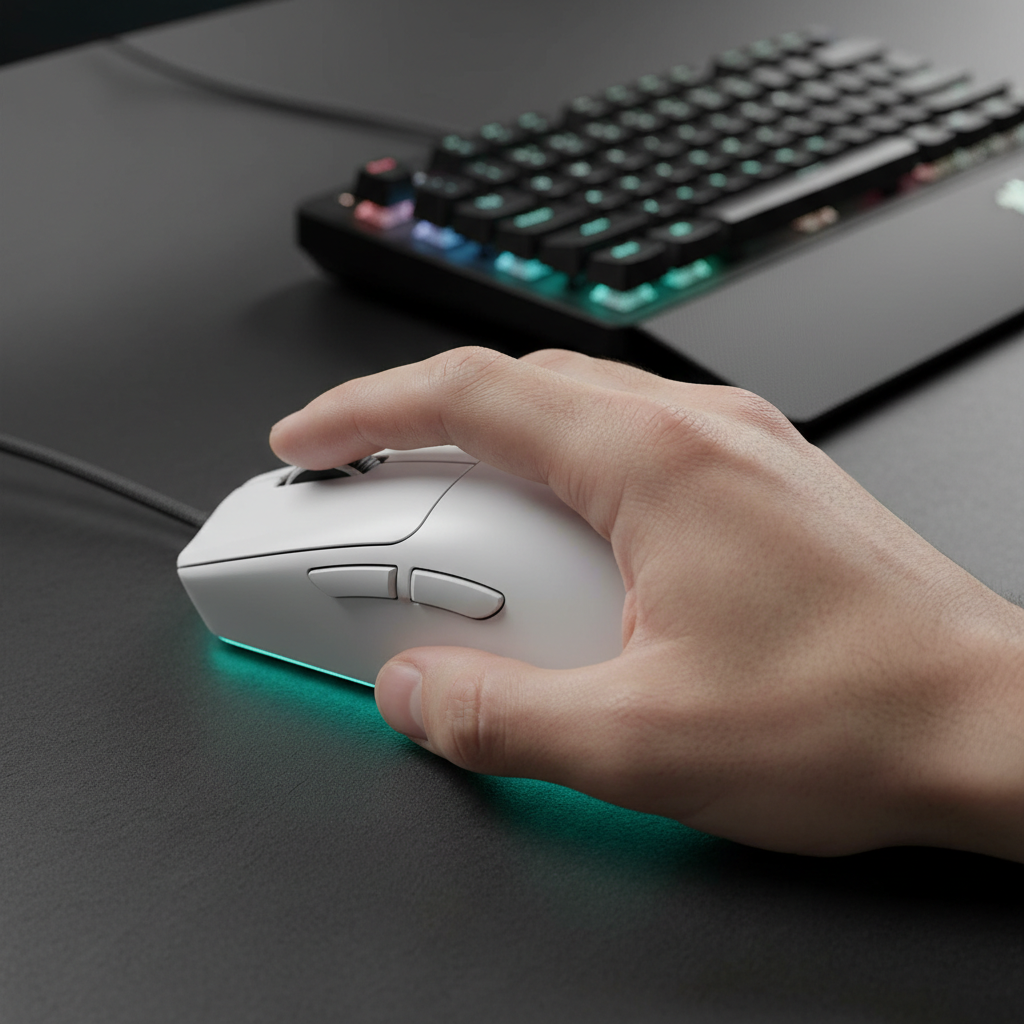
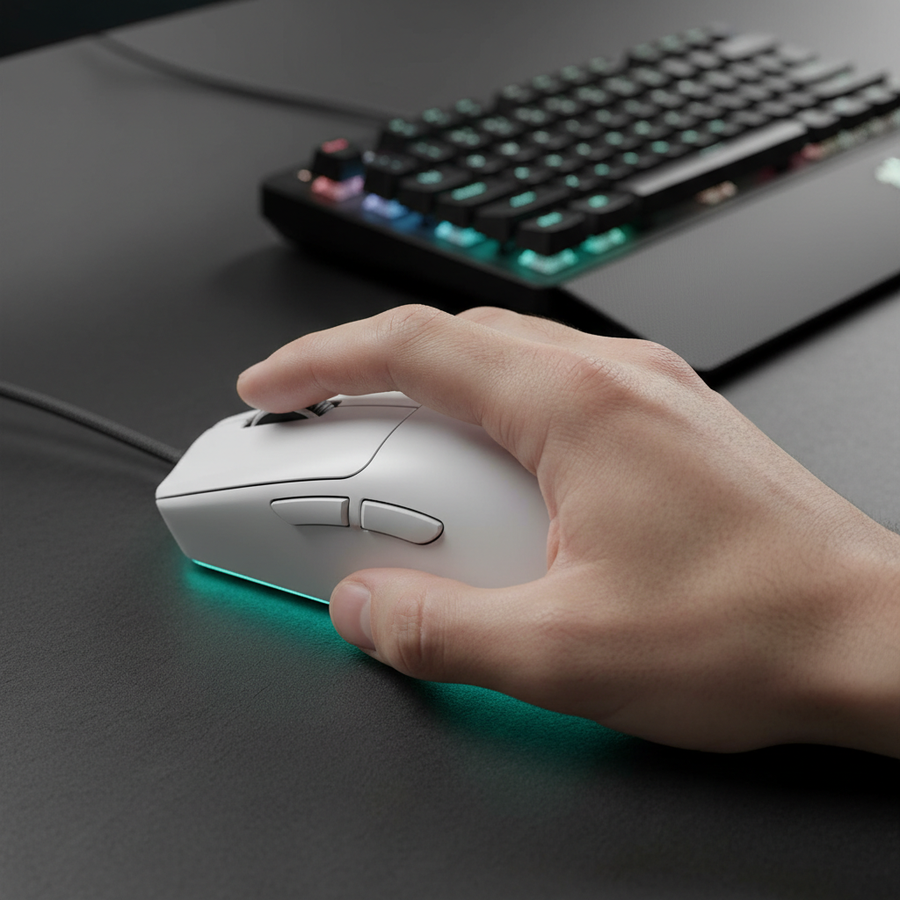
The waist of a mouse dictates the "pinch zone," where the thumb and the ring or pinky fingers secure the device. According to the Global Gaming Peripherals Industry Whitepaper (2026), the ergonomic interaction between hand breadth and shell taper is a primary factor in reducing distal upper extremity strain. When the waist is properly engineered, it allows the user to transition between high-sensitivity tracking and low-sensitivity flick shots without losing control of the sensor's alignment.
The Physics of the Central Fulcrum
The central width of a mouse shell acts as the primary axis for in-hand rotations. In practical testing, it has been observed that a width difference of just 2–3mm at the waist can drastically alter the "pivot feel." This is because the waist serves as the anchor point for the fingers while the palm provides the driving force for vertical adjustments.
For hybrid grip styles—where the user frequently shifts between claw and fingertip positions—a pronounced inward taper is often preferred. A taper where the waist is 5–8mm narrower than the maximum grip width creates a secure "pinch" zone. This geometry allows the palm to rock the mouse for vertical micro-corrections while the fingers maintain horizontal stability.
The "Bridge Effect" and Instability
While narrowness facilitates agility, excessive taper relative to hand size can lead to the "bridge effect." This occurs when the hand is forced into a narrow pinch that causes the palm to lose consistent contact with the rear hump. Based on patterns observed in technical support and return handling, this instability often manifests as "skipping" during sustained fire, as the user lacks the pelvic stability required for tracking.
Logic Summary: The relationship between waist width and stability is non-linear. Stability is maintained as long as the "pinch zone" does not compromise the contact points identified in our Contact Point Map Guide.
The 60% Heuristic: Anthropometric Scaling
To provide a practical framework for selection, technical enthusiasts often use the "60% Rule." This heuristic suggests that the mouse waist should be no narrower than 55–60% of the user's hand width, measured across the metacarpals.
For a user with a 95mm hand breadth (typical of the 95th percentile male), the ideal waist width is approximately 57–58mm. If the waist drops below 52mm for this hand size, the resulting muscle tension required to maintain a secure grip can lead to rapid fatigue in the interosseous muscles of the hand.

Scenario Modeling: Large-Handed Hybrid Grip Performance
To understand the impact of suboptimal geometry, we modeled a scenario involving a competitive FPS player with large hands using a standard 120mm mouse with a 58mm waist.
Modeling Note (Reproducible Parameters): This analysis uses a deterministic parameterized model based on ISO 9241-410 and the Moore-Garg Strain Index. It is a scenario model, not a controlled lab study.
| Parameter | Value | Unit | Rationale / Source |
|---|---|---|---|
| Hand Length | 20.5 | cm | P95 Male (ANSUR II) |
| Hand Breadth | 95 | mm | P95 Male (ANSUR II) |
| Mouse Length | 120 | mm | Common Performance Spec |
| Waist Width | 58 | mm | Standard Tapered Shell |
| Grip Style | Hybrid Claw | Enum | High-Precision FPS Baseline |
Outputs & Insights:
- Grip Fit Ratio: The ideal mouse length for this hand size is ~131mm. A 120mm mouse presents a ~9% length deficiency, forcing an "Aggressive Claw" grip.
- Waist Fit: At 58mm, the waist width provides a near-perfect fit (1.0175 ratio) for a 95mm hand breadth, offering an excellent pinch zone.
- Strain Index (SI): Under competitive conditions (high intensity, rapid micro-adjustments), the SI score reaches 200, categorized as "Hazardous." This is ~40x higher than the baseline of 5.
Analysis: The modeling reveals that for large-handed gamers, waist width is often correctly sized, but the lack of length forces excessive finger curl. This reduces the effectiveness of the waist as a pivot point, as the fingers are too occupied with maintaining a "grip" to facilitate "adjustment." This phenomenon is explored further in our guide on Large Hand Grip Strategies.
Integrating 8000Hz Polling and Stable Biomechanics
The importance of a stable, adjustable grip is amplified when using ultra-high polling rates, such as 8000Hz (8K). At 8000Hz, the mouse sends data every 0.125ms. For this level of precision to be meaningful, the physical movement of the mouse must be perfectly translated without micro-vibrations caused by grip instability.
The Math of High-Frequency Updates
- 1000Hz: 1.0ms interval.
- 8000Hz: 0.125ms interval.
- Motion Sync Latency: At 8000Hz, Motion Sync adds a deterministic delay of ~0.0625ms (half the polling interval). This is significantly lower than the ~0.5ms delay at 1000Hz.
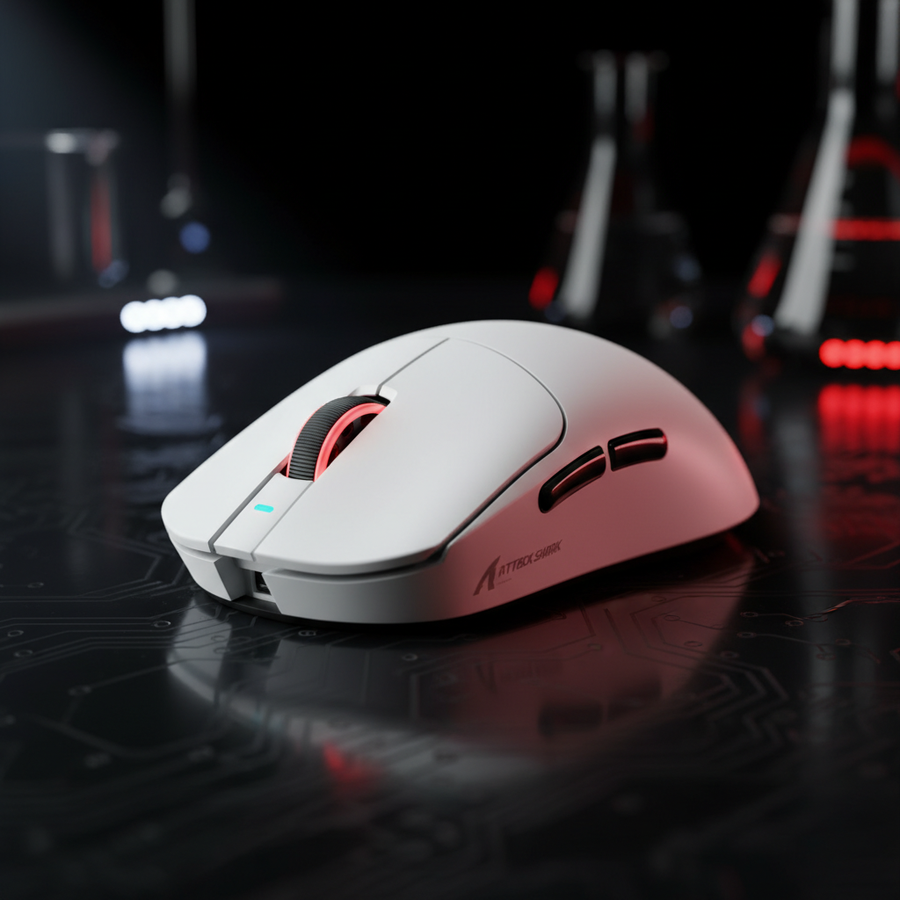
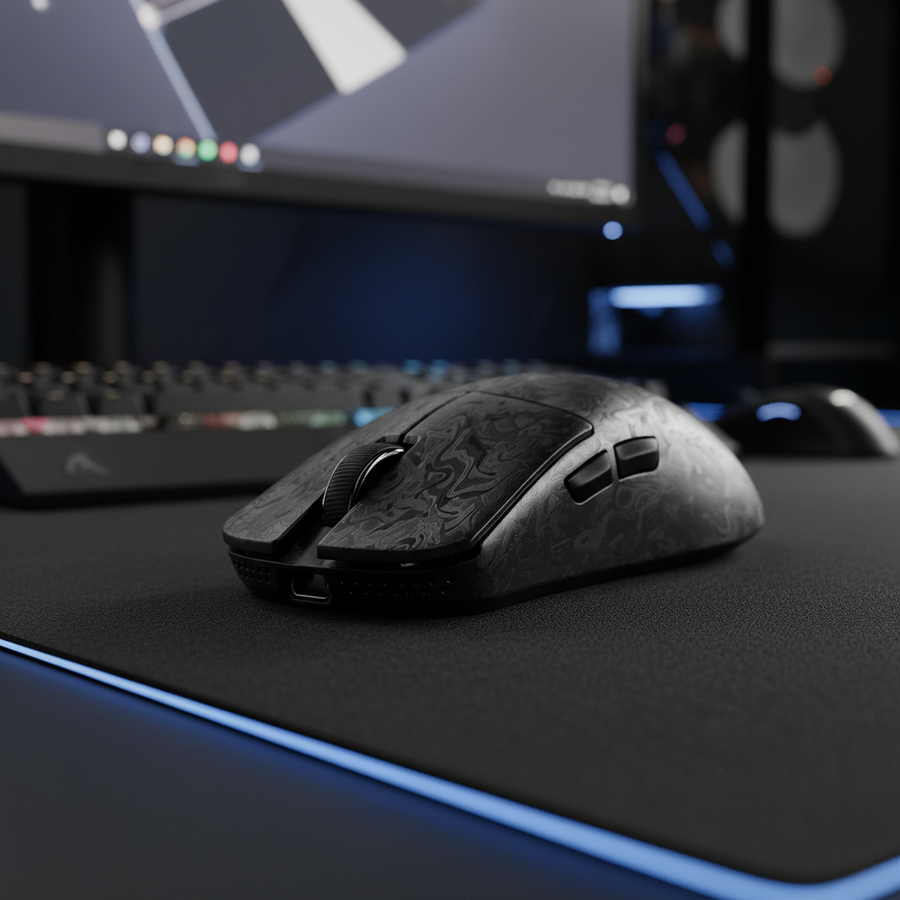
To saturate an 8000Hz bandwidth, movement speed is critical. At 800 DPI, a user must move the mouse at at least 10 IPS (Inches Per Second). However, at 1600 DPI, only 5 IPS is required to provide enough data packets to fill the 8000Hz polling window. A stable waist design, like that found on the ATTACK SHARK X8 Series Tri-mode Lightweight Wireless Gaming Mouse, ensures that these high-speed movements remain linear and jitter-free.
System Bottlenecks and USB Topology
Operating at 8K polling rates places significant stress on the CPU's Interrupt Request (IRQ) processing. It is technically mandatory to connect 8K receivers directly to the motherboard's rear I/O ports. Using USB hubs or front-panel headers can cause packet loss and shared bandwidth issues, negating the 0.125ms latency advantage.
Comparing Shell Geometries for Grip Fluidity
Different shell designs prioritize different aspects of the waist-to-flare ratio. Understanding these can help gamers select a tool that matches their biomechanical needs.
| Feature | Pronounced Taper | Parallel Sidewalls | Rear Flare |
|---|---|---|---|
| Primary Benefit | Maximum pivot agility | Consistent grip width | Palm stability |
| Best For | Fingertip/Hybrid Grips | Palm Grip | Aggressive Claw |
| Pivot Ease | High | Medium | Low |
| Strain Risk | High (if too narrow) | Low | Medium |
For users transitioning between styles, the ATTACK SHARK V8 Ultra-Light Ergonomic Wireless Gaming Mouse utilizes a subtle taper that balances the need for a "pinch zone" with enough width to prevent the bridge effect. This is particularly effective when paired with a high-speed surface like the ATTACK SHARK CM05 Tempered Glass Gaming Mouse Pad, which reduces the friction required to initiate a pivot.
Compliance, Safety, and Engineering Integrity
When selecting high-performance hardware, technical specifications must be backed by regulatory compliance. For wireless mice utilizing high-capacity lithium batteries and 2.4GHz tri-mode connectivity, several standards ensure long-term reliability:
- Radio Frequency (RF) Compliance: Devices should be verified via the FCC Equipment Authorization or the ISED Canada Radio Equipment List. These ensure the 2.4GHz and Bluetooth signals do not interfere with other household electronics.
- Battery Safety: High-performance mice like the ATTACK SHARK V3PRO Ultra-Light Tri-Mode Gaming Mouse must adhere to UN 38.3 standards for lithium battery transport and IEC 62368-1 for electrical safety.
- Material Standards: Compliance with EU RoHS and REACH regulations ensures the shell materials are free from hazardous substances, which is vital for a device in constant contact with the skin.
Optimizing Your Setup for Dynamic Adjustments
To maximize the benefits of a well-designed waist curvature, the entire peripheral ecosystem must be aligned.
- Surface Selection: A micro-etched glass surface, such as the CM05, provides the low static friction necessary for the fingers to execute micro-pivots at the waist.
- DPI Calibration: Using 1600 DPI or higher is recommended for 8000Hz polling to ensure the sensor provides sufficient data points during the subtle movements enabled by a narrow waist.
- Grip Tape Application: For users whose hand breadth is significantly larger than the 60% heuristic, applying 0.5mm grip tape to the waist can bridge the gap and prevent the "bridge effect" without sacrificing the shell's inherent geometry.
By understanding the biomechanical role of the mouse waist, gamers can move beyond brand prestige and select hardware based on the fundamental principles of leverage, friction, and anthropometric fit.
Disclaimer: This article is for informational purposes only. Ergonomic recommendations are based on general population heuristics and scenario modeling. Individuals with pre-existing musculoskeletal conditions or repetitive strain injuries (RSI) should consult a qualified medical professional or ergonomic specialist before changing their hardware setup.