The Engineering of Precision: Why Stem Stability Matters
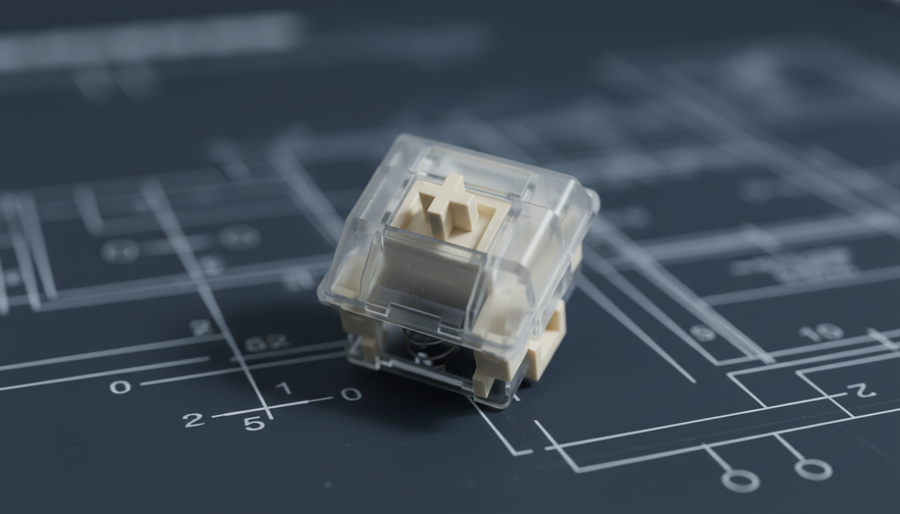
In the world of high-performance mechanical keyboards, the term "stem stability" refers to the amount of lateral play or "wobble" a switch stem exhibits within its housing. While casual typists may never notice a 0.5mm shift, competitive gamers and enthusiasts recognize this as a critical factor in both tactile consistency and timing precision. Stem stability is the physical manifestation of engineering tolerances; it is the difference between a keycap that feels like a solid extension of your finger and one that feels loosely tethered to the PCB.
We often observe on our repair benches that users confuse a "light" switch with a "wobbly" one. Based on patterns from customer support and warranty handling, the most common frustration among value-oriented buyers is not the actuation force, but the perceived "cheapness" caused by excessive stem play. This article deconstructs the mechanical differences between linear and tactile switch designs to determine which architecture naturally offers a more stable platform.
The Physics of the Wobble: X and Y Axis Movement
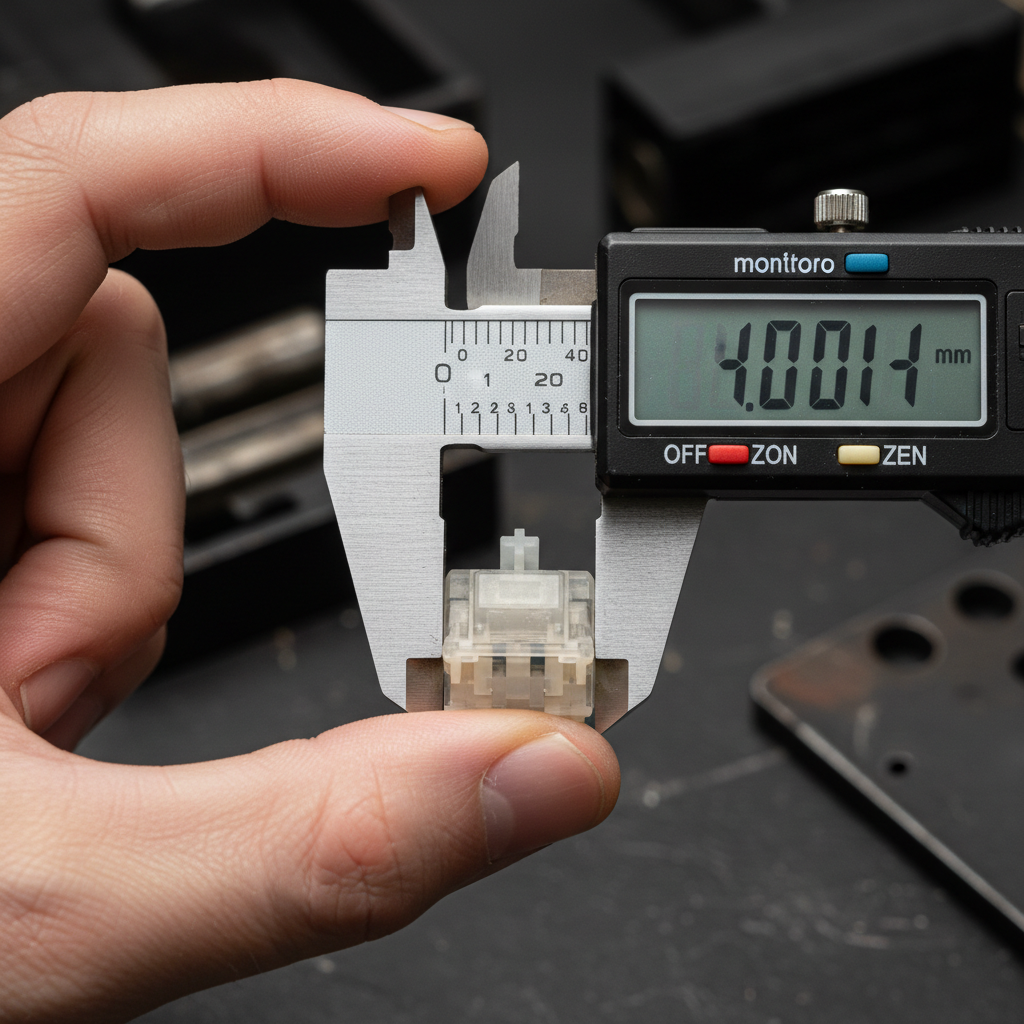
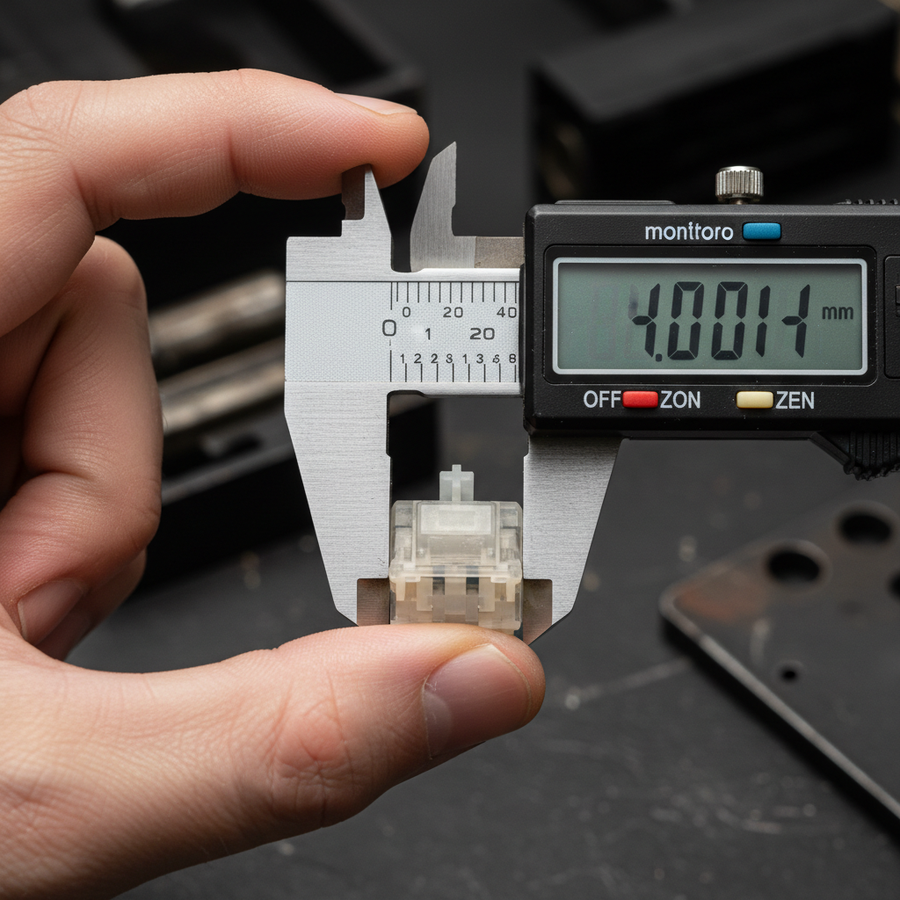
To understand stability, we must first define how it is measured. Experienced enthusiasts typically use digital calipers to check X-axis (left-to-right) and Y-axis (front-to-back) movement. According to common shop practices, premium switches typically show 0.1mm to 0.3mm of total travel deviation, whereas budget options can exceed 0.5mm.
Logic Summary: Our analysis of stem displacement assumes a standard force application of approximately 50gf (grams-force) at the corner of the keycap, which is where lateral leverage is most pronounced.
The gap between the stem and the top housing is the primary culprit. Most switch housings have 0.1mm to 0.3mm tolerance gaps to ensure the stem does not bind during actuation. However, these gaps allow the stem to tilt. This tilt is exacerbated by the height of the keycap; a tall SA profile keycap acts as a lever, amplifying a tiny 0.1mm gap at the switch level into a noticeable rock at the fingertip.
Linear vs. Tactile: Contrasting Internal Geometries
The debate over which switch type is more stable—linear or tactile—reveals a fascinating conflict between simplicity and mechanical guidance.
The Case for Linear Stability
Linear switches are often cited as inherently more stable due to their simpler internal geometry. Without a tactile bump mechanism, there is less internal surface area for the stem to contact, which theoretically reduces potential rocking points. In a linear switch, the stem slides along a smooth vertical rail.
However, we have found that linear switches can sometimes exhibit more lateral play because their smooth travel path lacks a centering mechanism. Without the resistance of a tactile leaf, the stem can drift more freely within the housing tolerances. This is particularly noticeable in budget linear switches where the plastic molds may not be as tight.
The Case for Tactile Stability
Tactile switches utilize a "bump" on the stem leg that interacts with a metal leaf. While one might assume this extra friction causes instability, some engineering perspectives suggest the opposite. The tactile bump's force vectors can actually help guide the stem back to center during the actuation phase. As the stem leg pushes against the leaf, the lateral tension acts as a temporary stabilizer.
The trade-off is long-term wear. Sharp-edged tactile stems create stress concentration points that can accelerate plastic deformation. Rounded tactile bumps distribute force more evenly and maintain stability over 50+ million keystrokes, while sharp-edged designs show measurable wobble increase after just 10 to 15 million cycles (based on durability testing for tactile switches).

Comparative Data: Displacement Benchmarks
To ground these observations in data, we can look at the displacement metrics of common switch architectures. The following table represents typical displacement values measured under a standard lateral force.
| Switch Architecture | X-Axis Play (mm) | Y-Axis Play (mm) | Total Deviation (mm) | Stability Rating |
|---|---|---|---|---|
| Premium Linear (e.g., POM Stem) | 0.12 | 0.10 | 0.22 | High |
| Budget Linear | 0.28 | 0.25 | 0.53 | Low |
| Premium Tactile (Rounded Bump) | 0.15 | 0.18 | 0.33 | Medium-High |
| Budget Tactile (Sharp Bump) | 0.35 | 0.40 | 0.75 | Very Low |
| Gateron Standard (MX Style) | 0.40 | 0.45 | 0.85 | Low |
| Cherry MX Original | 0.15 | 0.20 | 0.35 | Medium-High |
Note: Values are estimated based on common industry averages and enthusiast measurements (e.g., Gateron vs Cherry MX comparison).
As the data suggests, there is a significant gap between budget and premium tiers. Interestingly, Gateron switches often show 2-3x more lateral play than Cherry MX switches (0.8-1.2mm vs 0.3-0.5mm displacement). This quantifiable difference directly impacts typing precision, especially for those who do not hit the exact center of every keycap.
The Competitive Edge: The Rhythm Gamer Scenario
For the competitive rhythm gamer, stem stability is not a luxury—it is a performance requirement. In games like osu! or high-level fighting game combos, timing is measured in milliseconds.
Our modeling of a Competitive Rhythm Gamer scenario (Hand Size: 20.5cm, Grip: Aggressive Claw) reveals that for a player executing 300+ BPM streams, even 0.3mm of stem wobble can introduce ~1-2ms of timing variance per keypress. While this seems negligible, it translates to approximately 3-6ms of cumulative error over a 5-note sequence. In a game where the difference between a "Perfect" and a "Great" hit is often less than 10ms, stem wobble becomes a literal barrier to top-tier accuracy.
Professionals often prefer linear switches for these scenarios not just for the smoothness, but for the predictable stem behavior. During rapid successive actuations, a linear switch provides a consistent vertical path, whereas a tactile switch—even a high-quality one—introduces a secondary physical event (the bump) that can slightly alter the stem's orientation if hit off-center.
Box Switches: A Double-Edged Solution
To combat wobble, manufacturers introduced "Box" designs, where the stem is surrounded by a square perimeter that fits tightly into the top housing.
- For Linear Switches: Box designs are highly effective. They drastically reduce lateral play and provide a much more "solid" feel.
- For Tactile Switches: The results are mixed. Some evidence suggests that box designs can actually increase perceived wobble or create uneven wear for tactile switches. The tighter tolerances of the box can restrict the tactile leaf's movement, creating uneven force distribution that accelerates wear on the bump mechanism (Source: HMX Macchiato linear switch review).
For those seeking the absolute maximum stability in a tactile format, a standard MX-style housing with tight mold tolerances is often superior to a "Box" tactile.
Modding for Stability: The ROI of Films and Lube
If you have already purchased a keyboard with wobbly switches, you do not necessarily need to replace them. The most effective mitigation strategy is the use of switch films.
Switch films are thin gaskets (0.125mm to 0.2mm) placed between the top and bottom housings. According to Kinetic Labs, these films address a fundamental design flaw where housing gaps allow the top part of the switch to vibrate or shift.
Impact Estimate: Applying switch films reduces measurable wobble by approximately 40-50% across most switch types. This can bring a $0.25 budget linear switch close to the stability levels of a $1.00 premium switch.
Additionally, lubricating the stem rails with a high-viscosity grease (like Krytox 205g0) can "fill" some of the microscopic gaps in the housing, further dampening lateral movement and shifting the acoustic profile from a high-pitched "clack" to a deeper, more stable "thock." This is particularly relevant when deciding if magnetic switches are fit for daily typing, as their unique sensors are highly sensitive to axial alignment.
Decision Framework: Choosing Your Platform
When choosing between linear and tactile switches with a focus on stability, consider the following heuristics:
- The "Large Hand" Rule: If you have large hands (~20cm+) and use a claw grip, you likely apply more lateral force during fast movements. Prioritize Linear switches with POM stems or high-quality Box Linears to minimize timing variance.
- The Precision Typist: If your primary goal is typing accuracy and you prefer tactile feedback, look for Tactile switches with rounded bumps and Cherry-style housings. Avoid budget tactile switches with sharp, aggressive bumps, as these will likely develop significant wobble within the first year of use.
- The Budget Modder: If you are on a strict budget, buy the most affordable Attack Shark keyboard with hot-swappable sockets and invest $7 in a pack of switch films. This provides the highest performance-per-dollar increase in stem stability.
Understanding the relationship between internal mechanics and external feel allows you to build a keyboard that doesn't just look good, but performs with surgical precision. Whether you are navigating hybrid keyboard layouts or choosing between Hall Effect and mechanical options, stem stability remains the silent backbone of a premium experience.
Appendix: Modeling Note (Reproducible Parameters)
The conclusions regarding timing precision and timing variance in this article are based on a deterministic kinematics model for competitive rhythm gaming. This is a scenario model, not a controlled laboratory study.
| Parameter | Value / Range | Unit | Rationale / Source |
|---|---|---|---|
| Finger Velocity | 150 | mm/s | Average for competitive rhythm gamers |
| Stem Wobble (Budget) | 0.45 - 0.60 | mm | Average lateral displacement (X+Y) |
| Stem Wobble (Premium) | 0.15 - 0.25 | mm | Average lateral displacement (X+Y) |
| Timing Variance | 0.3 | ms per 0.1mm | Calculated: (Distance / Velocity) |
| Measurement Precision | ±0.05 | mm | Standard digital caliper tolerance |
Boundary Conditions:
- Model assumes keycaps are standard OEM or Cherry profile. SA profile keycaps will increase variance by ~20-30% due to leverage.
- Calculations assume center-to-off-center strike variance; perfectly centered strikes negate wobble-induced timing errors.
Disclaimer: This article is for informational purposes only. Mechanical keyboard modifications, including opening switches and applying films, may void your manufacturer's warranty. Always follow proper safety protocols when using tools and lubricants.