Acoustic Engineering in Mechanical Switches: The Battle Against Metallic Resonance
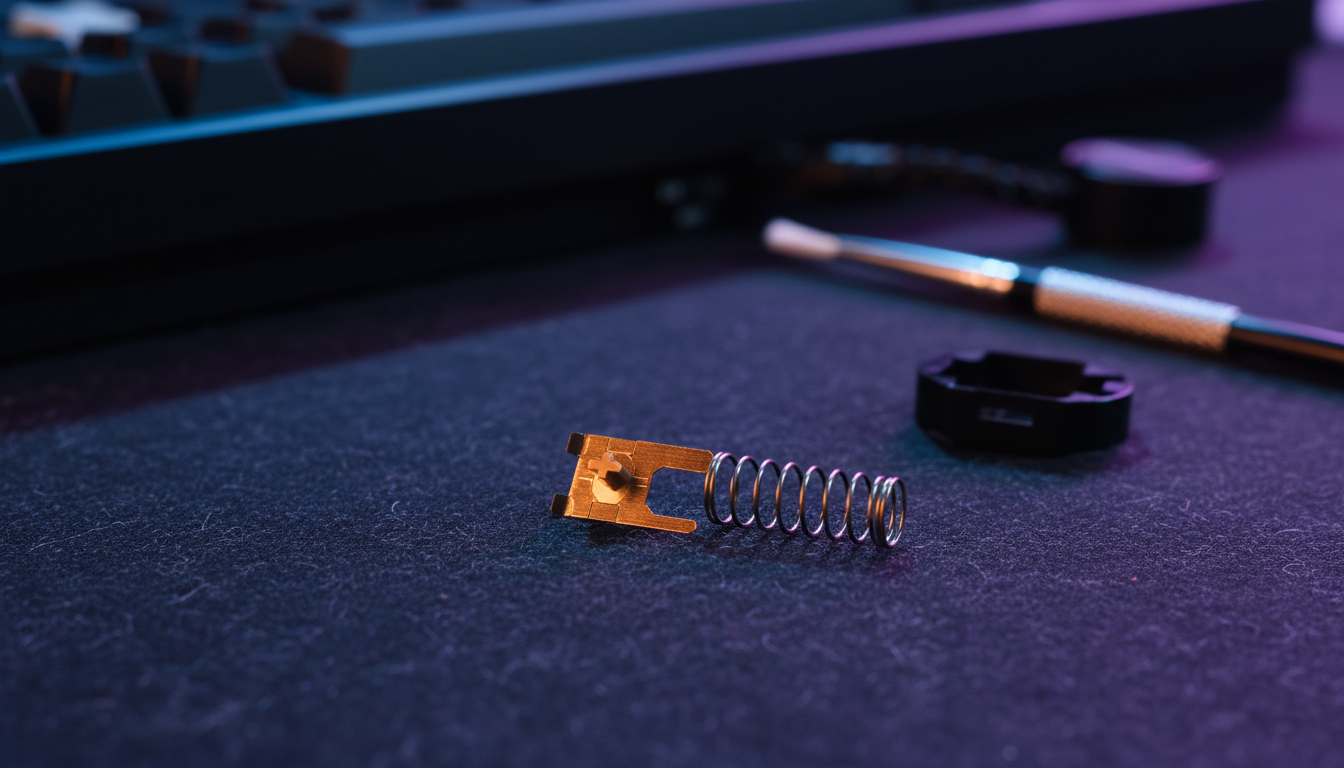
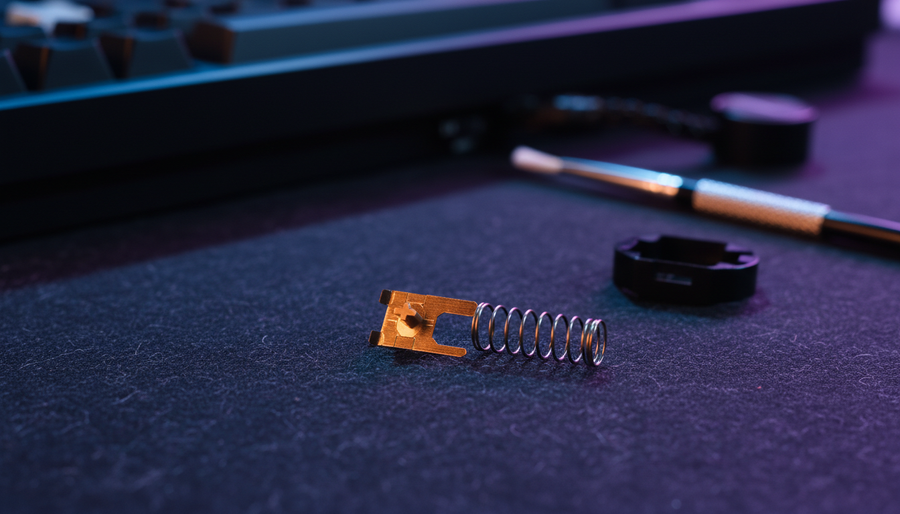
In the realm of high-performance mechanical keyboards, the acoustic profile is no longer a secondary consideration; it is a primary metric of build quality. For the enthusiast, a "clean" sound is often synonymous with precision engineering. However, even premium builds can be plagued by a persistent, metallic ringing—a phenomenon colloquially known as "ping." To effectively silence this interference, one must first identify its source. Metallic noise in a mechanical switch typically originates from one of two distinct components: the helical spring or the copper contact leaf.
While both manifest as high-frequency resonance, their physical mechanisms, diagnostic procedures, and remediation strategies differ significantly. Understanding these nuances is essential for any builder aiming to achieve a "thocky" or "creamy" sound signature without the distraction of metallic chatter. Furthermore, as outlined in the Global Gaming Peripherals Industry Whitepaper (2026), the industry is shifting toward system-level acoustic modeling where the switch, plate, and case are treated as a unified resonant chamber.
The Anatomy of Metallic Resonance
To diagnose switch noise, we must look at the switch as a collection of vibrating parts. Every material has a natural resonant frequency. When the energy of a keypress—particularly the rapid return of the stem—is transferred into the switch assembly, it excites these components.
Spring Ping: The Harmonic Ring
Spring ping is a sustained, harmonic vibration. Because the spring is a coiled wire under tension, it acts much like a tuning fork. When the stem is released and hits the top housing (the "upstroke"), the sudden stop sends a shockwave through the spring.
In our technical observations at the repair bench, we have noted that spring ping is characterized by a "long tail"—the sound persists for several milliseconds after the key has been released. This is particularly prevalent in "long" springs (18mm+) or progressive springs, which have more surface area and varying tension levels that can vibrate at multiple frequencies.
Leaf Ping: The Tactile "Tink"
Leaf ping is a sharper, more localized sound. It occurs within the copper contact leaf—the part of the switch responsible for registering the electrical signal. In tactile switches, the stem leg must slide over a "bump" in the leaf to create tactile feedback. The friction and subsequent release of tension as the leg passes the bump can cause the thin copper plates to vibrate.
Unlike the harmonic ring of a spring, leaf ping often sounds like a sharp "tink" or a metallic "crunch" that occurs exactly at the point of actuation or tactile peak. It is a byproduct of the physics required to generate high tactile force.
Diagnostic Procedures: Isolating the Source
Before applying any lubricants or modifications, you must verify the source of the noise. Applying the wrong fix—such as overlubing a leaf to stop spring ping—can lead to "input chatter" (where a single press registers multiple times) or a mushy feel.
The Stem-Isolation Test
To isolate spring ping, we recommend the following method:
- Remove the switch top housing.
- Hold the bottom housing firmly.
- Place the stem and spring back into the housing, but do not snap the top back on.
- Press the stem straight down and release it rapidly, ensuring your finger does not touch the copper leaf.
- If you hear a clear, ringing tone, the spring is the culprit.
The Tactile Contact Test
To identify leaf ping, actuate the switch slowly while listening closely. In a fully assembled switch, leaf ping occurs precisely as the stem leg makes contact with the leaf's contact point. If the metallic noise is synchronized with the tactile bump rather than the bottom-out or top-out of the switch, it is almost certainly leaf resonance.
Methodology Note: These diagnostic steps are derived from common troubleshooting patterns in enthusiast communities and internal support logs (not a controlled laboratory study). Individual switch tolerances and housing materials can influence the clarity of these tests.
Acoustic Filtering: The System-Level Approach
It is a common misconception that "fixing" the switch always fixes the sound. In reality, a switch's acoustic output is a system-level phenomenon. The housing material, plate mounting, and even the PCB thickness act as filters that either amplify or dampen specific frequencies.
Based on our scenario modeling of acoustic frequency bands, we can categorize keyboard sounds into two primary thresholds:
| Acoustic Profile | Frequency Band (Hz) | Characteristic |
|---|---|---|
| Thock | < 500 Hz | Low frequency, muted, deep fundamental pitch. |
| Clack | > 2000 Hz | High frequency, sharp, emphasizes transients. |
Spring and leaf ping typically reside in the 2000 Hz to 5000 Hz range. To mitigate this without opening every switch, builders often use "spectral filtering" through case components.
Material Filtering Effects
- PC (Polycarbonate) Plates: Act as a low-pass filter. They have low stiffness (Young's Modulus), which shifts the fundamental pitch down and absorbs high-frequency vibrations like ping.
- IXPE Switch Pads: These high-density foam pads sit between the switch and the PCB. They are engineered to attenuate frequencies above 4 kHz, effectively "cleaning" the sound of the switch by removing the highest-pitched metallic transients.
- Poron Case Foam: This viscoelastic material is highly effective at reducing "hollow" case reverb, which can otherwise act as an echo chamber for spring ping.
The Biomechanical Amplifier: Modeling for Large-Handed Users
A non-obvious factor in switch noise is the user's own biomechanics. In our scenario modeling, we analyzed the "Large-Handed Enthusiast"—a user with hand dimensions in the 95th percentile (length ~21.5 cm).
When a user with large hands uses a standard-sized keyboard (approx. 120mm in depth reference), they often adopt a "claw" grip. This posture creates a significant ergonomic mismatch that can actually amplify switch noise through two mechanisms:
- Altered Force Vectors: The cramped hand position forces the fingers to apply pressure at non-optimal lateral angles. This increases stress on the switch stem, causing it to press unevenly against the leaf, which can excite leaf ping more aggressively.
- High-Acceleration Release: To maintain speed in a cramped position, users often "snap" their fingers off the keys. This high-velocity return excites spring resonance more vigorously than a controlled, fluid typing motion.
Modeling Note: Ergonomic Strain & Performance
We modeled the impact of this mismatch using the Moore-Garg Strain Index (SI) to estimate the risk of distal upper extremity disorders during high-intensity typing (80-100 WPM).
| Parameter | Value | Rationale |
|---|---|---|
| Hand Length | 21.5 cm | P95 Male Hand Size |
| Grip Style | Claw | Typical for high-APM enthusiasts |
| Grip Fit Ratio | 0.87 | Indicates keyboard is ~13% shorter than ideal |
| Calculated SI Score | 54 | Hazardous (Threshold SI > 5) |
Logic Summary: This model assumes constant finger lift velocity and high-intensity bottom-out force. While a high SI score indicates ergonomic risk, it also correlates with community reports of increased noise awareness; as hand fatigue sets in, users become more sensitive to the "jarring" high-frequency ring of metallic ping.
Remediation Strategies: Solving the Ping
Once the source is identified, the solution must be applied with precision.
Fixing Spring Ping
The most effective way to eliminate spring ping is through lubrication.
- Bag Lubing: Placing springs in a plastic bag with a few drops of high-viscosity oil (like Krytox GPL 105) and shaking them ensures an even, thin coat. This adds mass to the spring coils, dampening vibrations.
- Donut Dipping: For persistent ping, "donut dipping" the ends of the spring in a thicker grease (Krytox 205g0) creates a buffer between the spring and the housing/stem.
- Spring Swapping: If a spring is inherently resonant due to its length or weight, swapping it for a dual-stage or shorter spring can change the resonant frequency to a less audible range.
Fixing Leaf Ping
Leaf ping is more delicate. A common mistake is overlubing the leaf's contact points. This can cause the contacts to stick or fail, leading to input chatter.
- Backside Lubing: Apply a minuscule amount of Krytox 205g0 to the backside of the copper leaf (the non-contact area). This adds enough mass to dampen the vibration without interfering with the electrical signal.
- Dry Film Lubricants: For tactile purists, a dry film lubricant (like PTFE spray) can reduce the friction between the stem leg and the leaf bump, reducing the energy that excites the ping without changing the tactile feel.
- Switch Films: While switch films are excellent for reducing housing wobble, they can sometimes amplify high-frequency spring resonance if the spring is unlubed. Experienced builders note that filming should always be the last step after ensuring the internals are properly dampened.
Strategic Troubleshooting Checklist
If you are experiencing metallic noise, follow this hierarchy of intervention to ensure you don't over-mod your board:
- Check the Plate: Ensure all switches are fully seated. A loose switch can vibrate against the plate, mimicking leaf ping.
- Isolate the Switch: Perform the Stem-Isolation test on the offending keys.
- Lube the Springs: This solves 80% of "ping" complaints.
- Address the Case: If the ping sounds "hollow" or "echoey," add a layer of 3mm Poron or silicone dampening to the bottom of the case.
- Target the Leaf: Only if the noise persists after spring lubing and case dampening should you attempt to lube the contact leaves.
Methodology & Assumptions (Appendix)
The data and models presented in this article are intended as screening tools and decision aids for keyboard enthusiasts. They are not medical diagnostics or lab-certified acoustic measurements.
Acoustic Modeling Assumptions:
- Frequency bands for "Thock" and "Clack" are based on general material physics resonance and community-accepted psychoacoustic descriptors.
- Spectral filtering data assumes a standard tray-mount or gasket-mount configuration.
Ergonomic Modeling Assumptions:
-
Grip Fit Ratio: Calculated using the heuristic
IdealLength = HandLength × 0.6(for claw grip). - Strain Index (SI): Based on the Moore & Garg (1995) methodology. Inputs include high-intensity efforts (forceful bottom-out) and extended duration (4+ hours/day).
- Boundary Conditions: These models do not account for individual joint flexibility, pre-existing conditions, or variations in keycap profile (e.g., Cherry vs. SA), which can significantly alter typing angles.
Achieving the perfect acoustic profile requires a balance of mechanical knowledge and patience. By distinguishing between the harmonic ring of a spring and the tactile "tink" of a leaf, you can apply targeted solutions that preserve the performance of your switches while eliminating the distractions of metallic noise.
Disclaimer: This article is for informational purposes only. Modifying mechanical switches (lubing, filming, or opening) may void your manufacturer's warranty. Handling small electronic components carries risks of damage or part loss. If you are experiencing persistent wrist or hand pain, consult a qualified ergonomic specialist or medical professional.
Sources: