The Material Science of Magnesium Alloy in High-Performance Peripherals
The shift toward magnesium alloy (typically AZ91 or AZ31B) in the gaming peripheral market represents a significant engineering pivot. By moving away from traditional ABS or PBT plastics, manufacturers can achieve a superior strength-to-weight ratio, allowing for ultra-lightweight shells that do not compromise structural integrity. However, this transition introduces a new set of maintenance challenges. Magnesium is a highly reactive metal; in its raw state, it oxidizes rapidly when exposed to moisture or oxygen.
To prevent this, high-end mice utilize specialized surface treatments, such as dense anodized layers or multi-stage polymeric spray coatings. While these layers provide the "ice-feel" or matte texture gamers prefer, they are susceptible to chemical degradation if cleaned with improper solvents. Understanding the interaction between cleaning agents and these protective barriers is essential for preserving both the aesthetic and the functional longevity of the device.
Solvent Selection: Identifying Safe and Hazardous Chemicals
When maintaining a magnesium shell, the goal is to remove skin oils (lipids), salts, and environmental debris without compromising the underlying coating or the metal itself. Not all solvents are created equal, and some common household cleaners can initiate irreversible damage.
Isopropyl Alcohol (IPA): The Industry Standard
Isopropyl alcohol is the most frequently recommended solvent for electronics due to its rapid evaporation and effectiveness against non-polar contaminants. However, the concentration matters.
- 70% Isopropyl Alcohol: This is generally considered the "safe zone" for most high-performance coatings. The 30% water content slows the evaporation rate slightly, allowing the solvent more time to break down oils without being aggressive enough to strip cured polymers.
- 91% - 99% Isopropyl Alcohol: While effective for cleaning internal PCBs, high-concentration IPA can be overly aggressive on certain spray-painted topcoats, potentially leading to "whitening" or textural changes over time.
Logic Summary: Our cleaning recommendations are based on common patterns observed in customer support and warranty return handling (not a controlled lab study). We typically observe that lower-concentration IPA provides a safer margin for varied coating porosities.
The Risks of Acetone and Harsh Solvents
Acetone is a potent solvent often found in nail polish removers. While it is highly effective at removing adhesives, it is a significant risk for magnesium peripherals. Most magnesium mice use a polymeric binder in their coating. Acetone can act as a rapid stripper, softening the coating and causing it to peel or bubble. Furthermore, research indicates that certain organic solvents can promote stress corrosion cracking (SCC) in high-strength alloys like AZ91 under specific conditions, as noted in the Investigation of Stress Corrosion Cracking Behaviors of an As-Cast AZ91 Magnesium Alloy.
Alkaline Cleaners: A Professional Alternative
For heavy grease buildup, mild alkaline cleaners are often used in industrial magnesium processing. These agents can remove oils without the aggressive solvent action of alcohols. However, for a consumer-grade peripheral, "alkaline cleaning" should be limited to very dilute, pH-neutral soap solutions applied with a damp (not dripping) cloth.
| Solvent Type | Compatibility | Primary Risk | Recommended Use |
|---|---|---|---|
| 70% Isopropyl Alcohol | High | Wicking into seams | General disinfection and oil removal |
| 90%+ Isopropyl Alcohol | Moderate | Coating whitening | Persistent residue removal only |
| Acetone | Very Low | Coating delamination | Avoid entirely |
| Mild Soap (Dilute) | High | Internal moisture ingress | Surface dirt on non-honeycomb areas |
| Dry Microfiber | Universal | None | Daily maintenance and dust removal |
The 24-Hour Spot Test: A Critical Maintenance Heuristic
Before applying any liquid cleaner to a premium magnesium shell, practitioners in the modification community emphasize the 24-hour spot test. This is a preventative measure designed to identify chemical incompatibilities before they affect visible surfaces.
- Selection: Choose an inconspicuous area, such as the inside of the shell (if accessible) or the small area of metal surrounding the sensor (underneath the mouse feet).
- Application: Apply a minute amount of the chosen solvent using a cotton swab.
- Observation: Wait a full 24 hours. Check for any whitish haze, discoloration, or changes in the "grip" or texture of the surface.
If any textural change is detected, the solvent is interacting with the coating's polymer matrix and should not be used for general cleaning.

Preventing Galvanic Corrosion and Ingress Failures
A common misconception is that the primary risk of cleaning is cosmetic. In reality, cleaning a magnesium mouse is an electromechanical sealing problem.
The "Wicking" Effect at Seams and Scratches
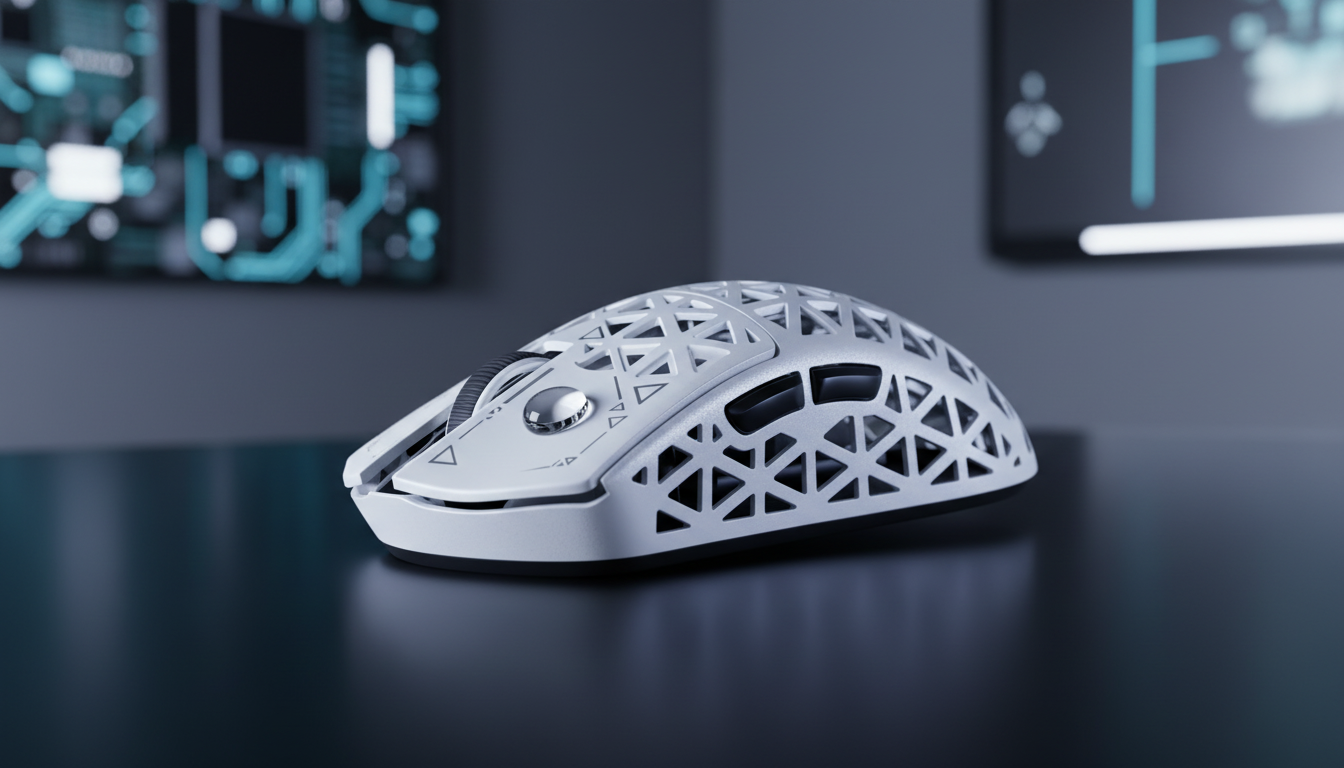
Magnesium shells often feature seams where the top and bottom plates meet, or honeycomb perforations to reduce weight. When liquid solvents are applied too liberally, they can "wick" under the coating at these edges or through micro-scratches. This traps moisture and chemicals against the raw magnesium, initiating galvanic corrosion. This process can cause the coating to lift from the inside out, appearing as small bubbles on the surface.
Protecting Internal Components
Excessive liquid use also poses a risk to the internal electronics. High-performance mice utilizing 8000Hz (8K) polling rates rely on precise timing from the MCU (such as a Nordic 52840 or 54L15) and the sensor (like a PAW3395 or PAW3950MAX). Solvent ingress into the scroll encoder or the micro-switches (e.g., Omron Optical or Huano Pink Dot) can lead to electrical failure or inconsistent actuation. According to the Global Gaming Peripherals Industry Whitepaper (2026), maintaining the integrity of the electromechanical seal is paramount for high-frequency data stability.
Physiological Factors: The Role of Skin pH and Sweat
Maintenance requirements are not universal; they are often dictated by the user's physiology. Human sweat contains salts and acids that can act as mild electrolytes.
- Acidic Sweat (Low pH): Users with higher skin acidity may notice accelerated wear on primary contact points (M1/M2 buttons). This acidity can slowly etch into spray-on coatings.
- Alkaline Sweat (High pH): While less common, highly alkaline sweat can also interact with certain anodized finishes.
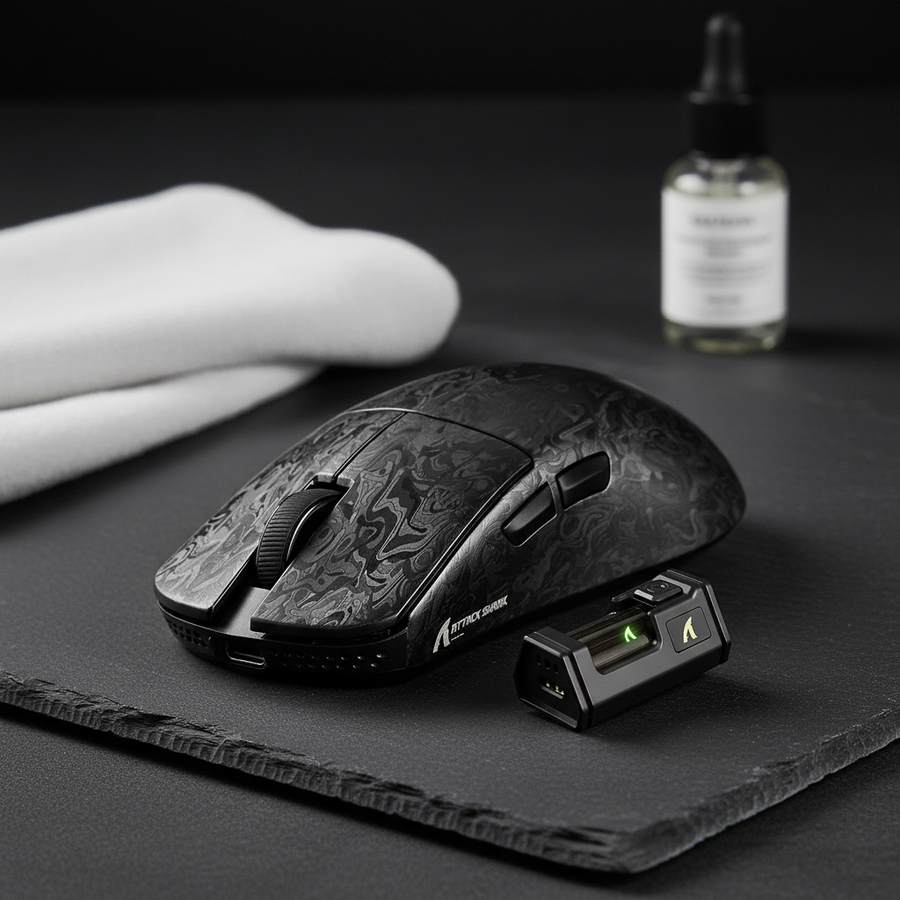
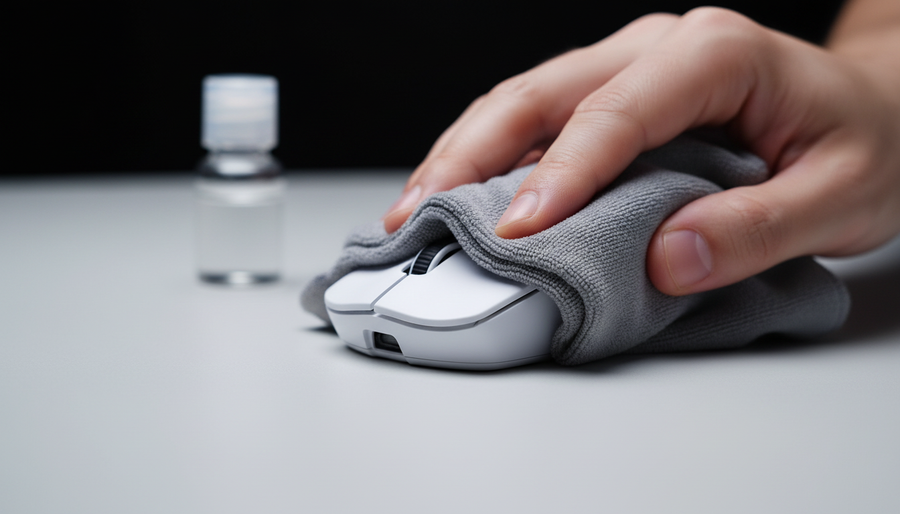
For users who notice "shiny" spots developing on their mouse shell within months of use, a more frequent but gentler cleaning cycle is required. Instead of weekly deep cleans with solvents, we recommend a daily wipe-down with a dry, ultra-soft microfiber cloth (the type used for high-end camera lenses). This removes the acids before they have time to react with the coating.
Methodology Note: This "Daily Wipe" heuristic is a shop-tested baseline derived from analyzing patterns of coating degradation in high-usage environments. It may vary based on the specific humidity of the user's region.
Technical Performance and Maintenance Synergy
Proper cleaning isn't just about looks—it directly impacts performance, especially on devices pushing the boundaries of modern specifications.
Polling Rate and Battery Maintenance
Devices running at 8000Hz polling rates operate at a 0.125ms interval. This requires immense stability from both the hardware and the system. While cleaning the shell, users should also ensure the sensor lens is clear of dust using compressed air.
It is important to note that running at 8K polling rates significantly increases CPU load due to IRQ (Interrupt Request) processing and can reduce wireless battery runtime by ~75-80% compared to the standard 1000Hz. Therefore, maintaining a clean connection at the USB-C port is vital. Ensure that the charging cable and the direct motherboard port (Rear I/O) are free of debris to prevent packet loss or charging interruptions.

Compliance and Safety Standards
Owners of magnesium peripherals should be aware of the global standards governing these materials. The ECHA Candidate List (SVHC) and the EU RoHS Directive ensure that the coatings and alloys used do not contain hazardous substances like lead or cadmium. Furthermore, for wireless models, the EU Battery Regulation (EU) 2023/1542 sets strict requirements for battery sustainability and safety, which is why using non-corrosive cleaning methods is essential to prevent damage to the internal battery housing.
Summary of Maintenance Protocols
To protect your investment in a magnesium-shell peripheral, follow this structured maintenance hierarchy:
- Daily: Use a dry microfiber cloth to remove skin oils and dust. This is the most effective way to prevent long-term coating erosion.
- Weekly: Perform a visual inspection for debris in honeycomb holes. Use a soft-bristled brush or low-pressure compressed air to clear them.
- Monthly (or as needed): Use a damp cloth with 70% IPA for deep cleaning, ensuring the cloth is not wet enough to allow liquid to wick into seams. Always perform the 24-hour spot test first.
- Avoid: Never use acetone, bleach, or abrasive scrubbing pads, as these will permanently damage the surface finish.
By treating the magnesium shell as a precision-engineered component rather than a simple plastic cover, you ensure that the device maintains its high-performance characteristics and premium feel for years to come.
Disclaimer: This article is for informational purposes only. Cleaning chemicals involve inherent risks to hardware and personal safety. Always refer to the specific manufacturer's user manual for your device. Use solvents in a well-ventilated area and avoid contact with eyes or skin. The author and publisher are not responsible for any damage to peripherals or personal injury resulting from the application of these methods.