Quick Summary: Optimizing Your Gaming Alignment
To reduce wrist strain and improve competitive longevity, we recommend the following adjustments:
- Implement Negative Tilt: Set your keyboard at a 5–10° negative tilt (top row lower than the bottom) to keep wrists in a neutral "handshake" position.
- Inward Rotation: Rotate the keyboard 5–7° toward the center of your body to align with the natural splay of your forearms.
- Firm Support: Use a solid (acrylic or aluminum) wrist rest to prevent "sinking," which can inadvertently increase ulnar deviation.
- Vibration Damping: Prioritize PC plates and Poron foam to filter out high-frequency vibrations that can irritate tendons.
Disclosure: This guide includes ergonomic insights and product recommendations from the Attack Shark engineering team based on internal testing and common user feedback.
The Biomechanics of Ulnar Deviation in Competitive Gaming
Competitive gaming requires a high volume of repetitive micro-adjustments and forceful keystrokes. While much of the industry focuses on sensor precision and switch actuation, the physiological interface—the human wrist—is often where performance bottlenecks occur. Ulnar deviation happens when the wrist is bent outward toward the pinky finger, a posture frequently necessitated by standard, straight-chassis keyboards.
According to the Cleveland Clinic, ulnar nerve irritation (often occurring at the elbow or wrist) can lead to numbness, tingling, and decreased grip strength. In a gaming context, persistent ulnar deviation can increase friction within the Guyon’s canal (where the ulnar nerve passes) and strain the surrounding tendons. This is distinct from Carpal Tunnel Syndrome, which involves the median nerve, though both can be exacerbated by poor keyboard alignment.
Assessing the Risk: A Practical Strain Index Heuristic
To illustrate the potential risk, we can look at the Moore-Garg Strain Index (SI), a tool used by ergonomists to estimate the risk of distal upper extremity disorders. While a precise SI requires clinical measurement, we can model a common scenario for a competitive gamer (6–8 hours daily, >300 APM).
Practical Heuristic: Scenario-Based Strain Analysis
- Estimated SI Range: 40–80 (Scores > 5 are generally considered hazardous).
- Calculation Logic: Based on Intensity of Effort × Duration of Exertion × Efforts per Minute × Posture × Speed × Duration per Day.
- Assumptions: High-frequency inputs (4), forceful key presses (2), and deviation from neutral posture (2).
- Note: This range is an illustrative model based on typical esports practice schedules and is not a clinical diagnosis. Individual results vary based on joint flexibility and exact force applied.
A high-risk estimation indicates that standard gaming postures can create significant biomechanical stress. For players looking to mitigate these multipliers, implementing ergonomic hardware—such as the ATTACK SHARK ACRYLIC WRIST REST—is a practical intervention to help lower the "Posture" multiplier by keeping the wrist in a more neutral plane.

The Tilt Misconception: Why Aggressive Angles Can Create New Strain
A common habit in the gaming community is tilting the keyboard aggressively (beyond 15 degrees) to save desk space or mimic a "pro" aesthetic. While this may offer short-term comfort for some, it often trades ulnar deviation for increased radial deviation (bending toward the thumb) or shoulder elevation.
Internal observations and research summarized in the Global Gaming Peripherals Industry Whitepaper (2026) suggest that excessive tilting above 15 degrees can create a biomechanical trade-off. While it may reduce the outward bend, it can increase strain on the outer keys (like 'Esc' or 'Tab'). This is particularly relevant for users with smaller hands who must reach further laterally, potentially exchanging one repetitive strain risk for another.
The "Knuckle Alignment Test"
A simple heuristic for gamers to self-check their alignment is the "knuckle alignment test." When in your standard gaming position, look at your middle finger knuckles. They should ideally form a relatively straight line with your forearm. If they form a pronounced "V" shape angled toward your pinky, your keyboard position is likely forcing your wrists into ulnar deviation.
| Alignment Check | Common Symptom | Potential Corrective Action |
|---|---|---|
| Ulnar Deviation | Wrists bent toward pinky | Rotate keyboard inward (5–7°) |
| Radial Deviation | Wrists bent toward thumb | Reduce aggressive tilt/tenting |
| Wrist Extension | Back of hand pulled upward | Implement negative tilt (5–10°) |
| Shoulder Elevation | "Shrugging" or neck tension | Adjust desk or chair height |
Optimal Alignment Strategies: Negative Tilt and Inward Rotation
Based on ergonomic principles and feedback from performance coaching, we recommend a two-step process for establishing a sustainable posture.
1. The Negative Tilt Advantage
Contrary to the "pop-out feet" found on the back of most keyboards, a negative tilt—where the top row is lower than the home row—is often more effective at reducing wrist extension. By introducing a slight negative tilt of 5–10 degrees, you promote a neutral wrist position where the forearms remain parallel to the floor, reducing the pressure on the carpal and ulnar tunnels.
2. Inward Rotation for Compact Layouts
For tenkeyless (TKL) or 60% layouts, a slight inward rotation (5–7 degrees) of the entire keyboard is often more effective than a flat setup. This rotation aligns the keyboard with the natural splay of the forearms when the mouse is in use.
Technical Insight: For gamers with larger hands (~20.5cm), pairing a straight keyboard with a large mouse can create a "strain sandwich." Inward rotation helps decompress the ulnar side of the wrist by allowing the arm to follow its natural angle from the shoulder toward the desk center.
Hardware Synergy: Wrist Rests and Acoustic Layering
Hardware selection plays a supportive role in managing musculoskeletal health. Standard mechanical keyboards often have a high front-lip height, which can force the wrist into extension if not properly supported.
The Role of Firm Support
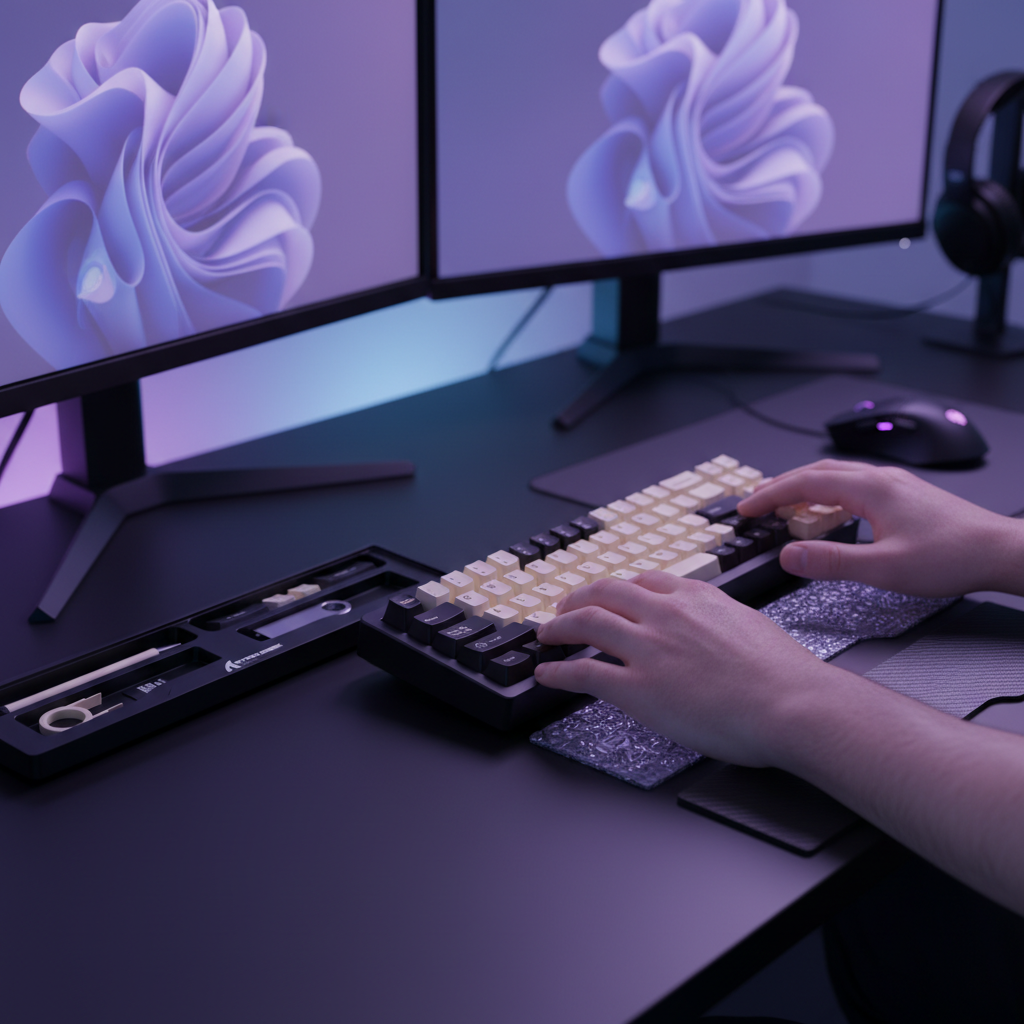
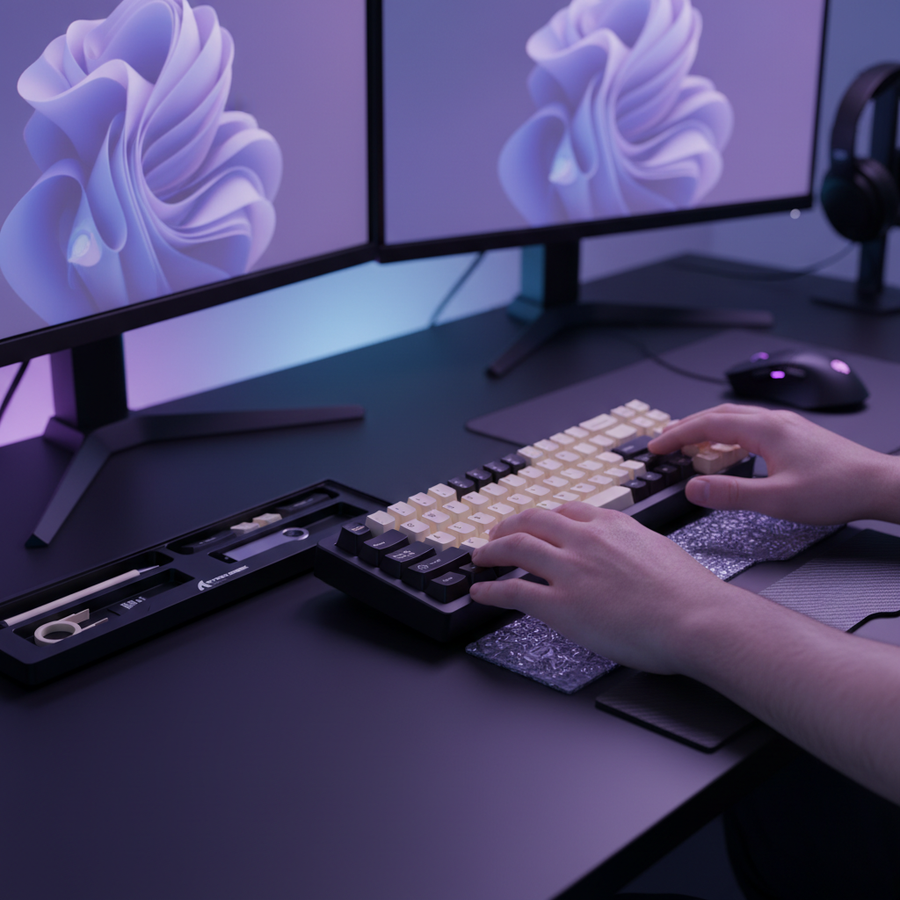
Using a dedicated tool like the ATTACK SHARK Aluminum Alloy Wrist Rest provides a stable surface that elevates the palms to match the keyboard's height. Unlike soft foam rests that may "bottom out" and put direct pressure on the nerves in the wrist, CNC-machined aluminum or acrylic provides consistent, uniform support.
The ATTACK SHARK Black Acrylic Wrist Rest features an inclined ergonomic profile designed to alleviate the arm fatigue associated with extended use. Its firm surface ensures the wrist does not sink, which helps maintain the intended angle of alignment during intense sessions.

Acoustic Damping as a Health Feature
An often-overlooked factor in ergonomic health is vibration. High-frequency vibrations from "clackier" switches can contribute to tendon irritation in already strained wrists.
- PC (Polycarbonate) Plates: Act as a low-pass filter, reducing sharp transients.
- Poron Case Foam: Provides viscoelastic damping, attenuating the 1kHz–2kHz frequency band to reduce hollow reverb.
- IXPE Switch Pads: Serve as a high-frequency buffer (>4kHz).
By utilizing keyboards with PC plates and Poron foam, gamers can reduce the micro-vibrations transmitted through the chassis. This "acoustic softening" works in tandem with physical alignment to create a more sustainable environment for high-performance play.
The Performance Intersection: 8000Hz Polling and Actuation Precision
High-performance gamers using Rapid Trigger keyboards with Hall Effect (magnetic) switches should note that ergonomics and actuation precision are linked.
Polling Rate and System Latency
At an 8000Hz (8K) polling rate, the interval is 0.125ms. While this minimizes Motion Sync latency, it requires a stable physical platform. Unstable keyboard positioning or severe wrist deviation can inadvertently change the finger's angle of approach to the keys, potentially leading to inconsistent actuation points across the board.
To fully utilize high polling rates, users often perform high-speed micro-adjustments. If the wrist is locked in severe ulnar deviation, physical input speed may be limited by tendon friction, regardless of the sensor's electronic speed.
USB Topology and 8K Performance
For 8K performance, single-core CPU performance is often the primary bottleneck due to IRQ (Interrupt Request) processing. We generally recommend connecting 8000Hz devices directly to the motherboard's rear I/O rather than using USB hubs or front-panel headers. Shared bandwidth or poor shielding in some hubs can contribute to packet loss, a risk that is higher when the system is already under heavy load.
Technical Checklist for Ergonomic Alignment
To optimize your setup for both career longevity and competitive performance, follow these steps:
- Neutral Baseline: Ensure forearms are parallel to the floor with wrists in a neutral position.
- Negative Tilt: Adjust the board so the top row is slightly lower (5–10°) than the bottom row.
- Inward Rotation: Rotate the board 5–7° toward your body’s midline.
- Firm Support: Use an inclined rest, such as the ATTACK SHARK Acrylic Wrist Rest with Pattern, to prevent the wrists from dropping below the keyboard’s front lip.
- Vibration Damping: Prioritize keyboards with viscoelastic foams (Poron) to filter high-frequency vibrations.
Appendix: Modeling Assumptions
The data and ranges presented are derived from scenario modeling for a specific high-intensity user persona.
| Parameter | Value / Range | Rationale |
|---|---|---|
| Hand Length | 20.5 cm | 95th Percentile Male (ANSUR II Database) |
| Polling Rate | 8000 Hz | Current high-performance esports standard |
| SI Intensity | 2 (Multiplier) | Consistent with forceful competitive key presses |
| SI Posture | 2 (Multiplier) | Assumption of ulnar deviation > 15° |
| SI Duration | 2 (Multiplier) | 6–8 hours daily exposure |
Boundary Conditions: This model assumes a standard QWERTY layout and a claw grip style. Individual joint flexibility and pre-existing musculoskeletal conditions will significantly alter the actual strain experienced.
Disclaimer: This article is for informational purposes only and does not constitute professional medical advice. If you are experiencing persistent pain, numbness, or tingling in your hands or wrists, please consult a qualified healthcare professional or physiotherapist.