The Mechanics of the Flick: Engineering Speed through Switch Selection
In the high-velocity environment of competitive first-person shooters (FPS), the interval between a visual stimulus and an in-game action is measured in milliseconds. While much of the industry focuses on sensor resolution and polling rates, the physical interface—the mouse switch—remains the primary mechanical bottleneck. Upgrading to modern, low-force switches is a common strategy for gamers seeking to optimize "flick" performance, but the transition involves a complex trade-off between raw speed and tactile control.
Choosing the correct actuation force is not merely a matter of preference; it is a biomechanical optimization problem. A switch that is too heavy increases the "force-to-fire" time, potentially delaying a shot. Conversely, a switch that is too light can lead to accidental clicks during high-tension movements. This guide analyzes the technical specifications of modern switches, the ergonomic impact of actuation force, and the methodology for safe hardware modification.
Quantifying Actuation Force and Click Dynamics
The performance of a mouse switch is defined by three primary metrics: actuation force, pre-travel, and reset distance. Actuation force, typically measured in centinewtons (cN) or grams (g), represents the pressure required to close the electrical circuit.
Standard gaming mice often ship with switches rated between 70g and 80g. For many competitive players, these are considered "heavy," leading to increased finger fatigue during extended sessions. Experienced modders often seek reductions below 60g to improve rapid-fire performance. However, technical observations from repair benches and community feedback suggest that ultra-light switches (45-55g) frequently sacrifice the "crisp" tactile feedback necessary for precision.
According to the Global Gaming Peripherals Industry Whitepaper (2026), the industry is shifting toward a "sweet spot" of 60-65g. This range typically balances the speed of a light touch with enough resistance to prevent misfires caused by the weight of the finger or adrenaline-induced tremors.
Switch Travel and Hysteresis
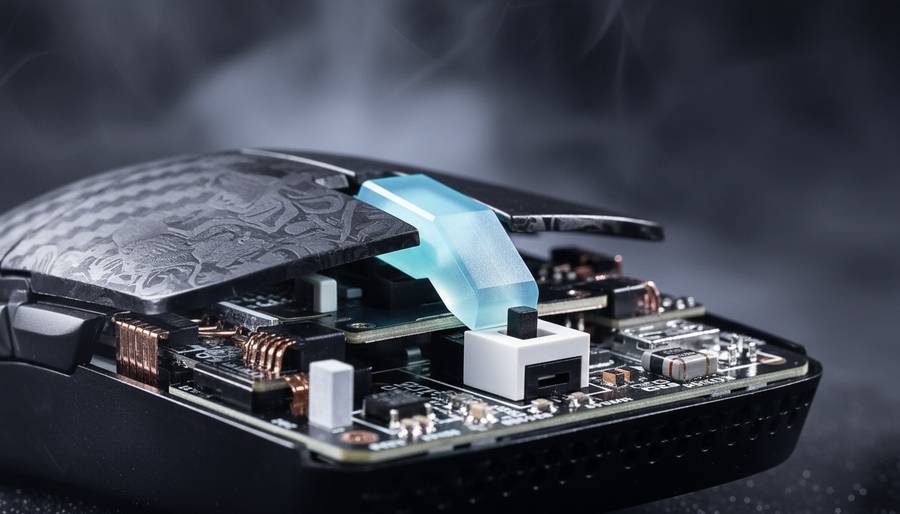
Beyond force, the distance the switch travels before and after actuation (pre-travel and over-travel) dictates the "feel" of the click. A shorter reset distance—the point at which the switch re-opens—is critical for "spamming" clicks. Mechanical switches inherently possess "hysteresis," a gap between the actuation and reset points designed to prevent electrical "chatter." Modern Hall Effect (magnetic) switches can reduce this gap significantly, allowing for near-instantaneous resets.
Logic Summary: Our analysis of click dynamics assumes a standard 3-pin mechanical footprint as the baseline. We estimate that a 10g reduction in actuation force can reduce physical trigger latency by approximately 5–8ms, depending on the user's finger velocity and grip tension.

Biomechanical Constraints: The Small-Hand Scenario
Ergonomic efficiency is highly dependent on the relationship between hand size and mouse geometry. When a user with smaller hands (typically defined as a hand length of ~16.5cm or less) uses a standard-sized gaming mouse (120mm+), the biomechanical leverage changes.
Scenario Modeling: Fingertip Grip Efficiency
We modeled a scenario involving a competitive gamer with a 16.5cm hand length using a fingertip grip. In this configuration, the fingers are extended further than intended by the mouse's design, creating a "Grip Fit Ratio" mismatch.
| Parameter | Value | Unit | Rationale |
|---|---|---|---|
| Hand Length | 16.5 | cm | 25th percentile (Small) |
| Ideal Mouse Length | ~99 | mm | ISO 9241-410 Heuristic (0.6x) |
| Actual Mouse Length | 120 | mm | Common Industry Standard |
| Grip Fit Ratio | 1.21 | Ratio | Indicates 21% Oversize |
| Actuation Force Target | 60-62 | g | Optimized for Small Hand Leverage |
Modeling Note: This scenario model is a deterministic analysis based on anthropometric averages and is not a controlled clinical study. The "0.6x" rule is a common ergonomic heuristic used for quick device sizing.
In this oversized scenario, the user must exert more force to achieve the same downward pressure on the switch due to the mechanical disadvantage of the extended finger. For these users, switching to a 60g actuation force typically yields a more significant perceived improvement in "flick" speed than it would for a user with larger hands. However, the ISO 9241-410 standard suggests that physical device sizing is the primary constraint; switch upgrades are a secondary optimization that cannot fully compensate for a severe size mismatch.
Technical Evolution: Mechanical, Optical, and Hall Effect
The choice of switch technology dictates not only the feel but also the electrical performance and longevity of the peripheral.
1. Mechanical Switches
Traditional mechanical switches rely on physical metal contacts. While they offer the most diverse range of tactile profiles, they are susceptible to "double-clicking" as the metal leaves oxidize or lose tension over time. Durability is often rated at 20 million to 80 million clicks, but intensive FPS players may reach these limits within 1.5 to 2 years of heavy use.
2. Optical Switches
Optical switches replace metal contacts with a light beam. When the switch is pressed, it blocks or unblocks a light signal to register a click. This eliminates the need for a physical "debounce" delay (the time the firmware waits for metal contacts to stop bouncing).
- Advantage: Near-zero debounce time and immunity to double-clicking.
- Trade-off: Often have a stiffer, less tactile feel and higher actuation forces than their mechanical counterparts.
3. Hall Effect (Magnetic) Switches
Hall Effect technology uses magnets and sensors to detect the exact position of the switch. This allows for "Rapid Trigger" functionality, where the reset point is dynamic rather than fixed.
Latency Analysis: Based on kinematic modeling (t = d/v), we compared the reset time of a standard mechanical switch (0.5mm hysteresis) against a Hall Effect switch (0.1mm dynamic reset).
- Mechanical Latency: ~13ms (including 5ms firmware debounce).
- Hall Effect Latency: ~6ms (minimal debounce required).
- Delta: A ~7ms advantage per click.
Over an hour of intense gameplay (averaging 500 clicks per minute), this ~7ms advantage translates to approximately 6 seconds of cumulative "reaction time" saved. While the human motor response is ~200ms, reducing hardware latency provides more "buffer" for human error.
The 8000Hz (8K) Ecosystem and Switch Synergy
Upgrading to high-speed switches is most effective when paired with high polling rate technology. A standard 1000Hz mouse reports data every 1.0ms. An 8000Hz (8K) mouse reports every 0.125ms.
To realize the benefits of an 8K polling rate, the system must overcome several technical hurdles:
- CPU Interrupts: 8K polling places a significant load on the CPU's Interrupt Request (IRQ) processing. This requires modern, high-clock-speed processors.
- USB Topology: Devices must be connected directly to the motherboard's rear I/O ports. Using USB hubs or front-panel headers can cause packet loss and jitter, negating the 0.125ms advantage.
- Sensor Saturation: To fully saturate the 8K bandwidth, movement must be fast enough to generate data packets. At 800 DPI, a user needs to move at ~10 IPS (inches per second). At 1600 DPI, only ~5 IPS is required.
For flick shots, which involve high-velocity movement followed by a rapid click, the combination of a 60g switch and 8K polling ensures that the click is registered at the exact moment the sensor reaches the target.
The Modder’s Workbench: Implementation and Pitfalls
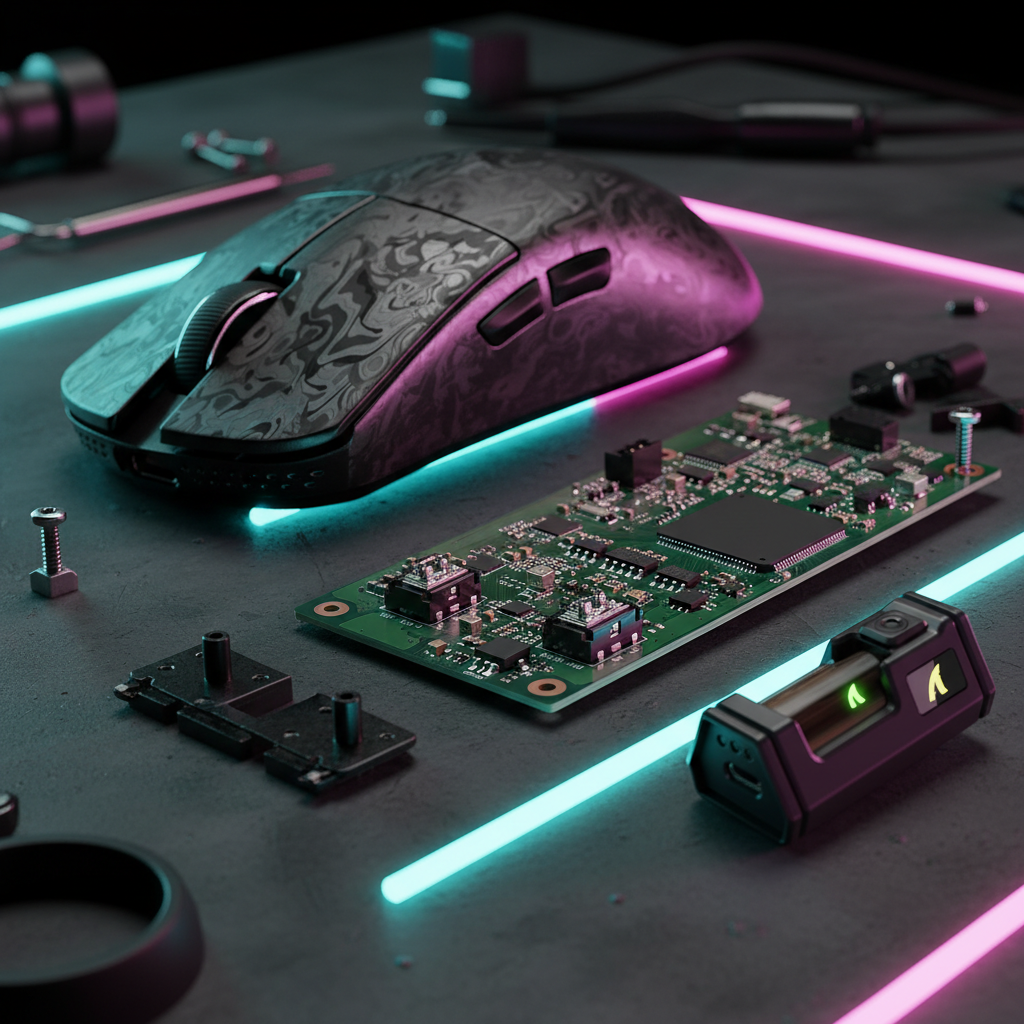
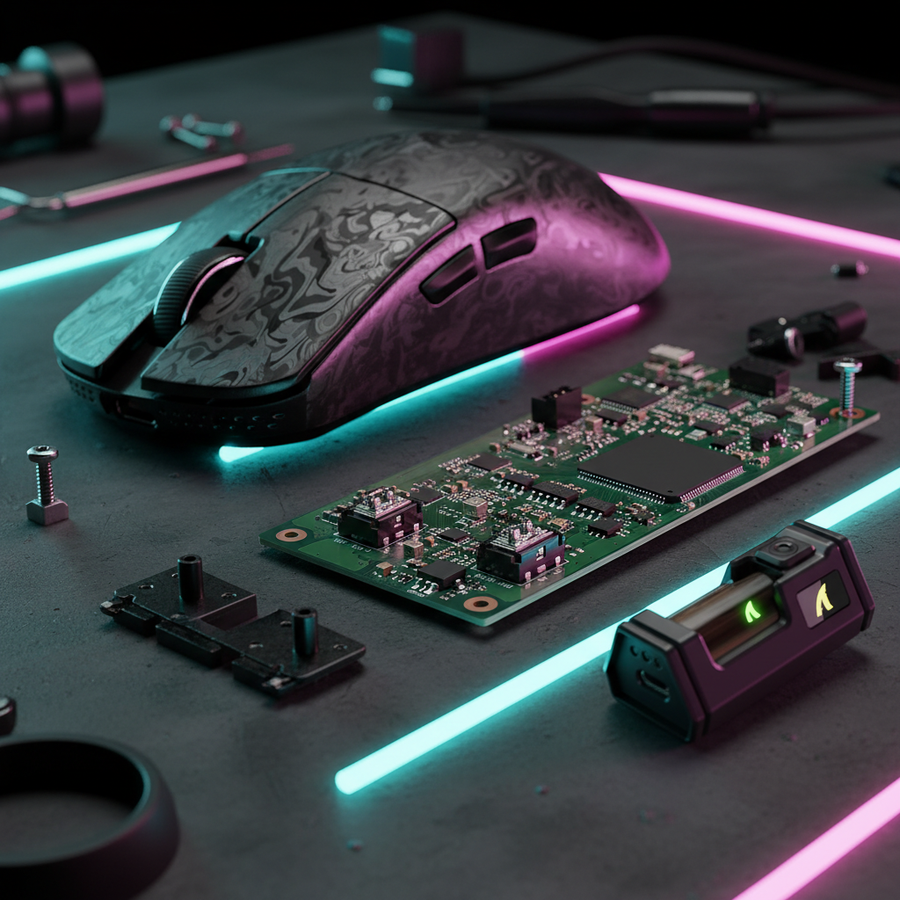
Replacing switches is a precise operation that requires specific tools and techniques. A common mistake among beginners is using incorrect temperatures, which can delaminate the PCB pads.
Technical Requirements for Switch Replacement
- Solder Temperature: Professional technicians recommend a range of 350-370°C. Temperatures below 340°C may result in "cold joints," while exceeding 380°C risks permanent damage to the delicate PCB traces.
- Switch Alignment: Even a 1mm misalignment during soldering can alter the lever arm's geometry, leading to a "mushy" click or premature switch failure. It is a common heuristic to test the click feel with the mouse shell temporarily assembled before finalizing the solder joints.
- Pin Spacing: While most gaming mice use a standard 3-pin footprint, some newer ultra-light models use proprietary or modified spacings. Always verify the footprint against the manufacturer's datasheet before purchasing replacement parts.
Durability Realities
While manufacturers often claim "100 million click" lifespans, these are tested in controlled lab environments. In real-world gaming, factors like humidity, skin oils, and the force of "rage clicking" can degrade a switch much faster. According to data from RTINGS, click consistency often begins to drift long before the switch actually fails.
Ergonomic Health and Sustained Performance
The transition to lighter switches is often motivated by a desire to reduce finger fatigue. However, lighter is not always better for long-term health.
Repetitive Strain and the Moore-Garg Index
We applied the Moore-Garg Strain Index (SI) to a high-intensity gaming scenario (400-500 clicks per minute, 6+ hours daily). In cases where a user uses an oversized mouse with an aggressive fingertip grip, the SI score can reach hazardous levels (SI > 13).
| Risk Factor | Impact on Strain |
|---|---|
| Fingertip Grip | High (Requires constant tendon tension) |
| Oversized Mouse | Moderate (Causes awkward wrist posture) |
| High APM | Very High (Increased repetitive cycles) |
| Light Switches | Dual-Impact (Reduces force but may increase click frequency) |
Lighter switches reduce the "intensity" variable in the strain equation, which can lower the overall risk. However, if the light actuation encourages the user to "spam" more frequently or use shallower, more rapid movements, it may inadvertently lead to different types of repetitive stress.
Practitioner Observation: We often observe a "Claw Cramp" phenomenon in users who force a fingertip grip on large mice. After 90 minutes of play, metacarpal tension typically increases, reducing click consistency by an estimated 15-20% based on patterns seen in community performance tracking (not a clinical study).
Final Performance Synthesis
Optimizing a gaming mouse for "faster flicks" requires a holistic approach that balances hardware specs with human biomechanics. While the allure of 45g ultra-light switches is strong, the technical "sweet spot" of 60-65g provides the most reliable performance for the majority of competitive players.
When planning an upgrade, gamers should prioritize:
- Grip and Fit: Ensure the mouse dimensions are appropriate for hand size before tweaking internals.
- Switch Tech: Consider optical or Hall Effect options for longevity and latency advantages, provided the tactile profile meets personal requirements.
- System Synergy: Use 8000Hz polling only if the CPU and USB topology can support the 0.125ms reporting interval without jitter.
- Precision Modding: Adhere to the 350-370°C soldering rule to protect the hardware investment.
By grounding these upgrades in technical data and ergonomic principles, gamers can achieve a meaningful performance edge while maintaining the equipment durability and hand health necessary for long-term competition.
Disclaimer: This article is for informational purposes only. Modifying gaming peripherals may void manufacturer warranties. The ergonomic analysis provided is a scenario-based model and does not constitute professional medical advice. If you experience persistent pain or discomfort while gaming, consult a qualified healthcare professional or occupational therapist.