The Mechanics of Micro-Adjustments: Why Claw Grip Dominates Modern FPS
In the hyper-competitive landscapes of Valorant and Apex Legends, the margin between a "headshot" and a "near miss" often comes down to less than ten pixels. These minute corrections—known as micro-adjustments—are the cornerstone of elite aim. While many players focus on large-swipe flicking, the ability to make high-precision, sub-millimeter tracking corrections is what separates professional-tier players from the rest of the ladder.
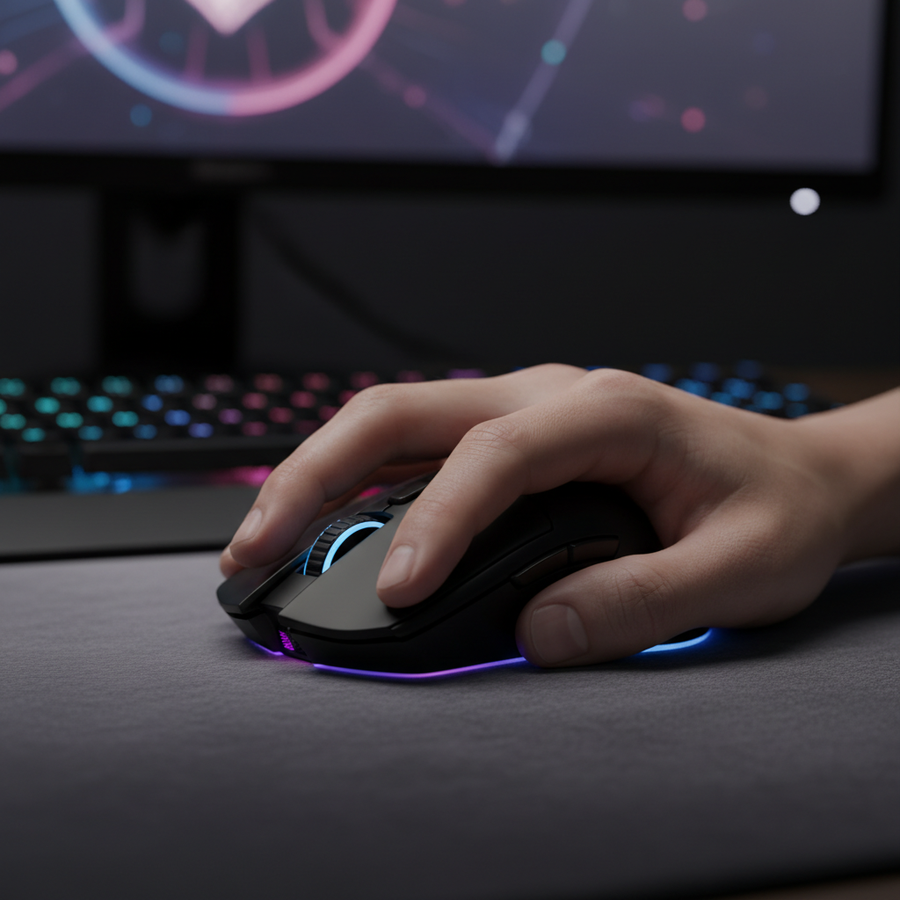
The "Claw Grip" has emerged as the dominant meta for these scenarios. By arching the fingers and making contact with the palm's lower heel, players gain a unique mechanical advantage: the stability of a palm grip combined with the finger-driven agility of a fingertip grip. However, mastering this requires more than just holding the mouse correctly; it requires a synergy between biomechanics, hardware specs like 8000Hz polling, and structured training in software like Aim Labs.
Biomechanical Efficiency: Stability vs. Agility
The primary advantage of the claw grip is its ability to isolate movement to the fingers for small adjustments while using the wrist or arm for larger swipes. According to data from mouse movement analysis, for a 180-degree turn, the claw grip typically requires only 2-4 mouse resets, compared to the 5-8+ resets often seen with pure fingertip grips (Source: Emka Gear Mouse Grip & Hand Size Guide). This stability reduces fatigue and provides a more consistent "center of pressure" for the hand.
The Friction Trap: Relaxation as a Skill
One of the most common mistakes we observe in community feedback and coaching sessions is the tendency to over-tense the ring and pinky fingers. When these fingers are rigid, they create unnecessary friction against the mouse shell or the pad, hindering smooth micro-corrections.
Expert Insight: Experienced coaches note that claw grip users often over-tense their ring and pinky fingers, creating unnecessary friction. A common correction is to practice drills with conscious relaxation of those fingers, using only the fingertips for stabilization.
Hardware Synergy: The 8000Hz and Sensor Position Advantage
Hardware is not just a tool; it is a variable in the physics of aiming. For claw grip users, two technical specifications are paramount: sensor positioning and polling frequency.
1. Sensor Alignment
The ideal sensor position for claw grip is often slightly forward of the palm's center of pressure. This alignment ensures that the sensor's "pivot point" matches the natural arc of the wrist and fingers, making vertical micro-corrections feel more intuitive.
2. The 8000Hz (8K) Polling Reality
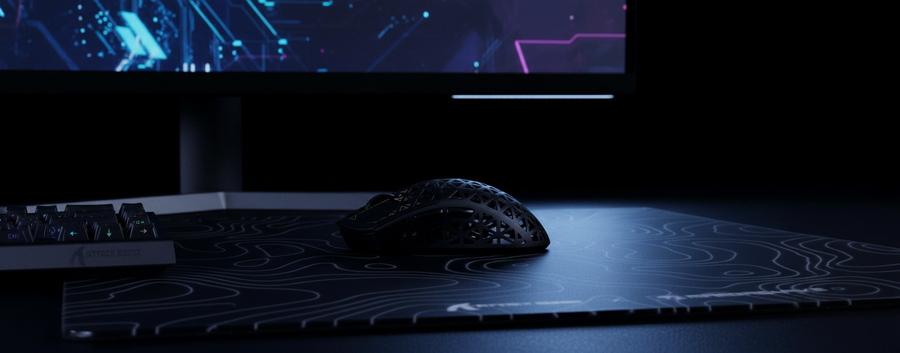
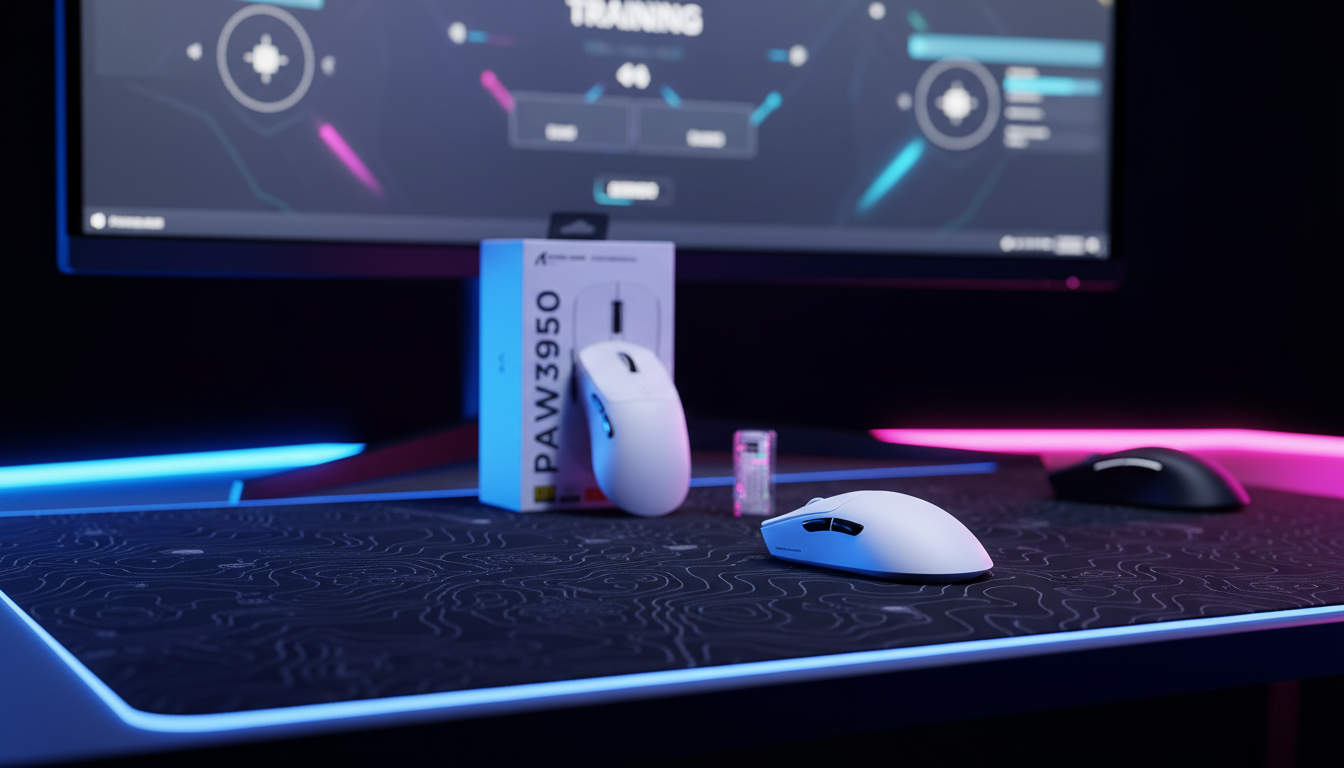
Modern high-performance mice, such as the ATTACK SHARK R11 ULTRA Carbon Fiber Wireless 8K PAW3950MAX Gaming Mouse, utilize 8000Hz polling rates to minimize input latency. At 8000Hz, the interval between reports is a near-instant 0.125ms.
| Polling Rate | Interval (ms) | Motion Sync Delay (est.) |
|---|---|---|
| 1000Hz | 1.0ms | ~0.5ms |
| 4000Hz | 0.25ms | ~0.125ms |
| 8000Hz | 0.125ms | ~0.0625ms |
Modeling Note: Our latency analysis assumes a direct motherboard connection. Motion Sync latency is modeled as 50% of the polling interval. At 8K, this delay becomes negligible (~0.06ms), providing a "rawer" sensor feel that is critical for micro-adjustments.
To fully saturate the 8000Hz bandwidth during slow micro-adjustments, we recommend a higher DPI setting. For example, while it takes 10 IPS (Inches Per Second) to saturate 8K at 800 DPI, it only takes 5 IPS at 1600 DPI. This ensures the system receives a constant stream of data even during the tiniest hand movements.
Aim Labs Training Protocol for Claw Grip
To translate hardware specs into in-game performance, you must isolate micro-adjustment mechanics in a controlled environment. Aim Labs provides the ideal sandbox for this.
Task 1: Microshot (Precision and Speed)
Microshot focuses on small, rapid flicks to targets that appear near your crosshair.
- Claw Grip Execution: Use your fingers to "pull" or "push" the mouse for the adjustment. Your wrist should remain relatively still, acting only as a stabilizer.
- The Relaxation Check: Between each shot, consciously check if your pinky finger is digging into the pad.
Task 2: Sixshot (Accuracy and Fine Control)
Sixshot uses tiny targets that require pixel-perfect precision.
- The Pivot Heuristic: Set your eDPI so that a comfortable wrist pivot moves your crosshair roughly 90-120 degrees in-game. This allows for both broad turns and minute pixel adjustments without switching mechanics.
- Weight Balance: We find that a mouse weight between 50-80 grams provides the best balance. The ATTACK SHARK R11 ULTRA, at just 49 grams, is specifically engineered to reduce finger fatigue during these high-precision tasks.
Optimizing the Setup: eDPI and Surface
A common pitfall is using a sensitivity that is too high, which causes "over-flicking" on small targets.
| Hand Size Range | Recommended eDPI (Valorant) | Grip Style Focus |
|---|---|---|
| Small (<17cm) | 280 - 350 | Fingertip/Claw Hybrid |
| Medium (17-19cm) | 240 - 320 | Relaxed Claw |
| Large (>19cm) | 200 - 280 | Aggressive Claw |
Note: These are heuristics based on common patterns from customer support and community feedback (not a controlled lab study).
For claw grip users, a "control" or "hybrid" surface is often preferred over a "speed" pad. The added stopping power helps counteract the inherent agility of a lightweight mouse like the ATTACK SHARK X8 Series Tri-mode Lightweight Wireless Gaming Mouse, which features the high-precision PAW3950MAX sensor.
Technical Integrity and Safety Standards
When pushing the limits of hardware, safety and compliance are non-negotiable. High-performance wireless mice rely on sophisticated lithium-ion batteries and RF components.
According to the Global Gaming Peripherals Industry Whitepaper (2026), industry leaders must adhere to rigorous certification processes. For example, the FCC Equipment Authorization ensures that wireless frequencies do not interfere with other home electronics. Furthermore, battery safety is governed by the UN Manual of Tests and Criteria (Section 38.3), which tests for thermal stability and vibration resistance—crucial for devices that undergo rapid, repetitive movements.
For users who travel to tournaments, it is vital to note that lithium batteries are subject to IATA Lithium Battery Guidance, typically requiring them to be carried in cabin luggage rather than checked bags.
Integrating the Ecosystem: The Rapid Trigger Edge
While the mouse handles the "where," the keyboard handles the "when." For competitive FPS, pairing a high-polling mouse with a magnetic switch keyboard like the ATTACK SHARK X68MAX HE Rapid Trigger CNC Aluminum Keyboard completes the performance loop.
With a 256KHz scan rate and 0.08ms latency, the X68MAX allows for near-instant counter-strafing. This is critical for micro-adjustments; if your character hasn't fully stopped moving, your mouse precision is irrelevant due to movement inaccuracy.
Summary of Training and Hardware Optimization
Achieving elite precision is a multifaceted endeavor. By combining the biomechanical advantages of the claw grip with high-performance hardware, players can significantly reduce the "friction" between their intent and the in-game result.
- Relax the Grip: Focus on the ring and pinky fingers during Aim Labs drills.
- Leverage 8K Polling: Use a sensor like the PAW3950MAX to reduce report intervals to 0.125ms.
- Optimize DPI: Move to 1600 DPI to ensure sensor saturation during slow movements.
- Sync the Ecosystem: Use Rapid Trigger keyboards to ensure your movement stops the moment you find your target.
By following these structured protocols, the "pixel-perfect" aim seen in professional play becomes a repeatable skill rather than a matter of luck.
Disclaimer: This article is for informational purposes only. High-performance gaming and repetitive hand movements may lead to strain. If you experience persistent pain or discomfort, consult a qualified medical professional. For detailed safety information regarding lithium batteries, refer to your device's user manual and local transportation guidelines.
Sources and References
- FCC Equipment Authorization (FCC ID Search)
- IATA Lithium Battery Guidance Document
- UNECE - UN Manual of Tests and Criteria (Section 38.3)
- Global Gaming Peripherals Industry Whitepaper (2026)
- Zleague.gg: Mastering Micro-Adjustments in Valorant
- Emka Gear: Mouse Grip & Hand Size Guide ,cover_image_url: