The Dual Life of the Modern Peripheral: Performance vs. Efficiency
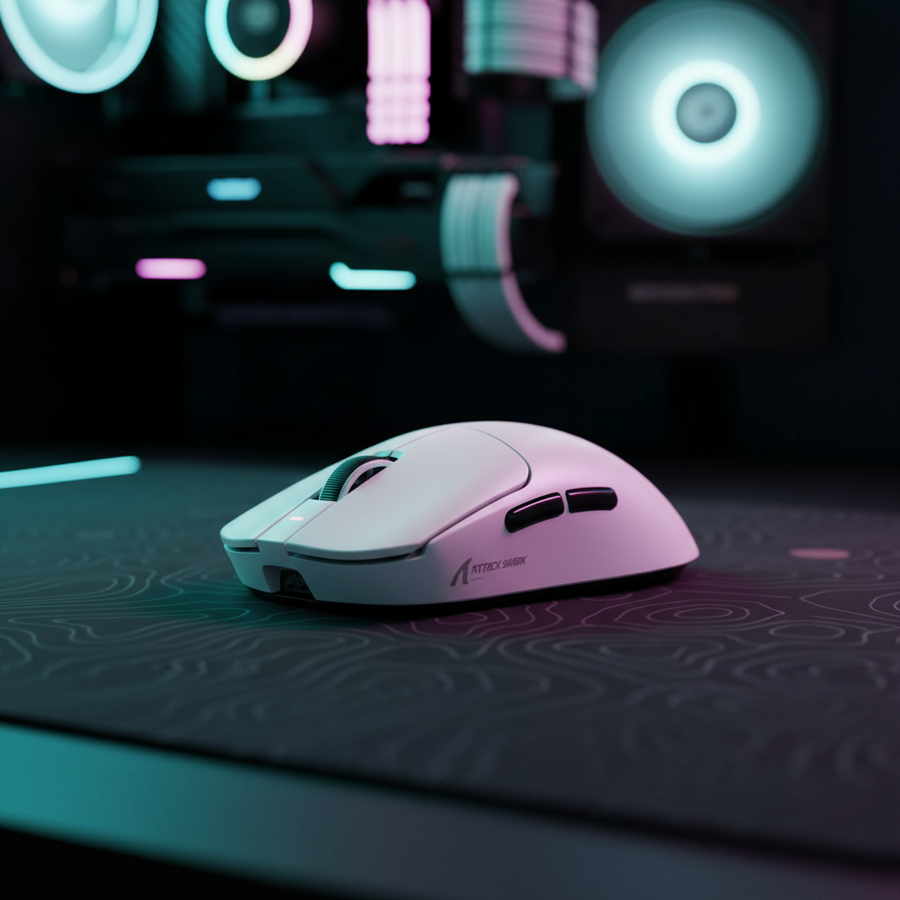
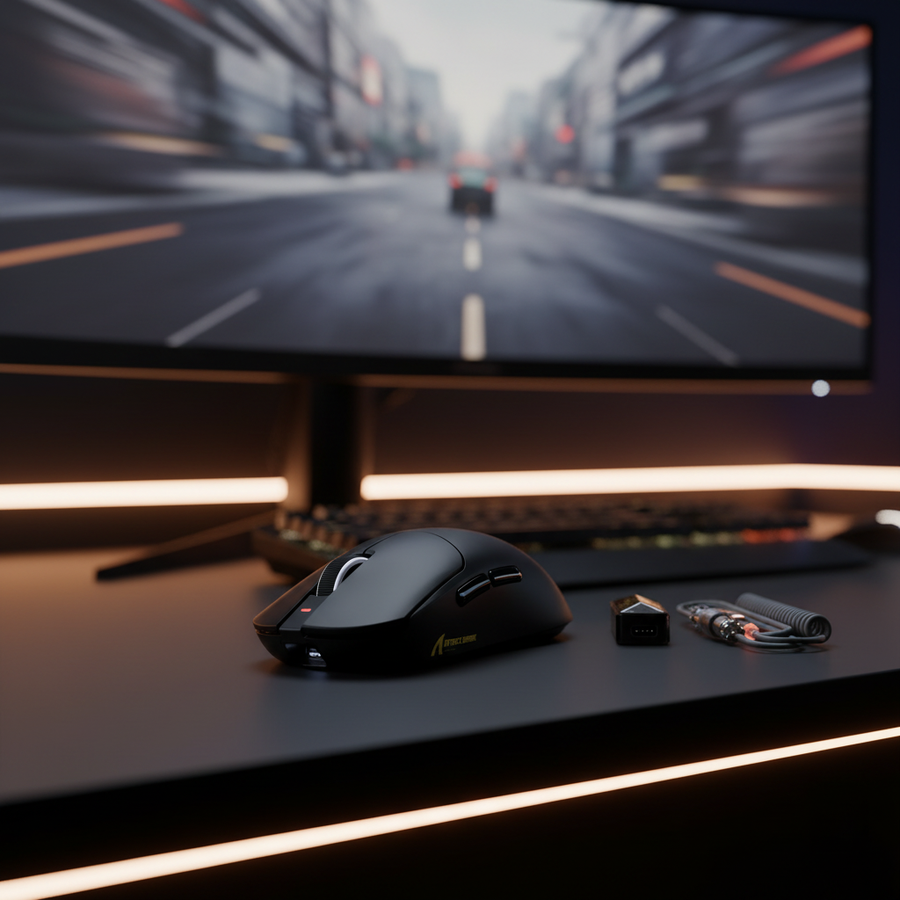
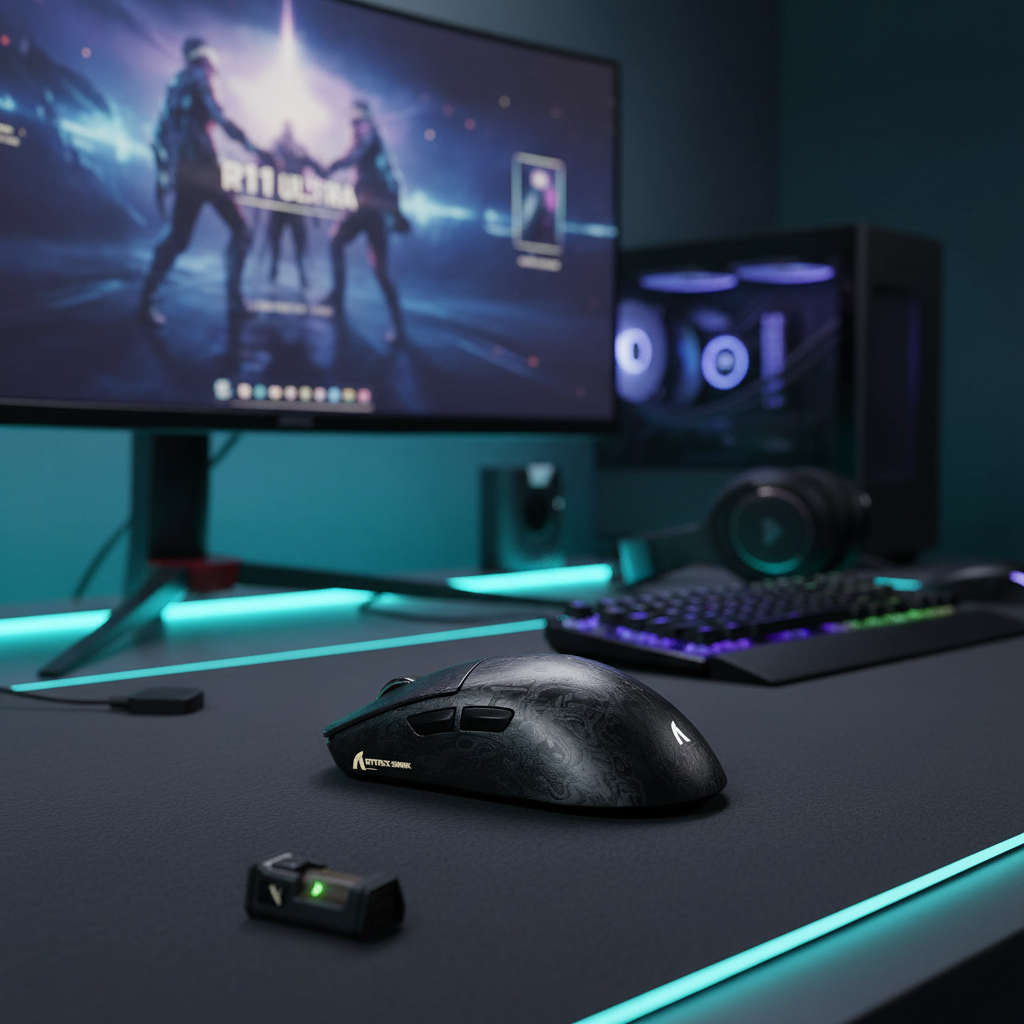
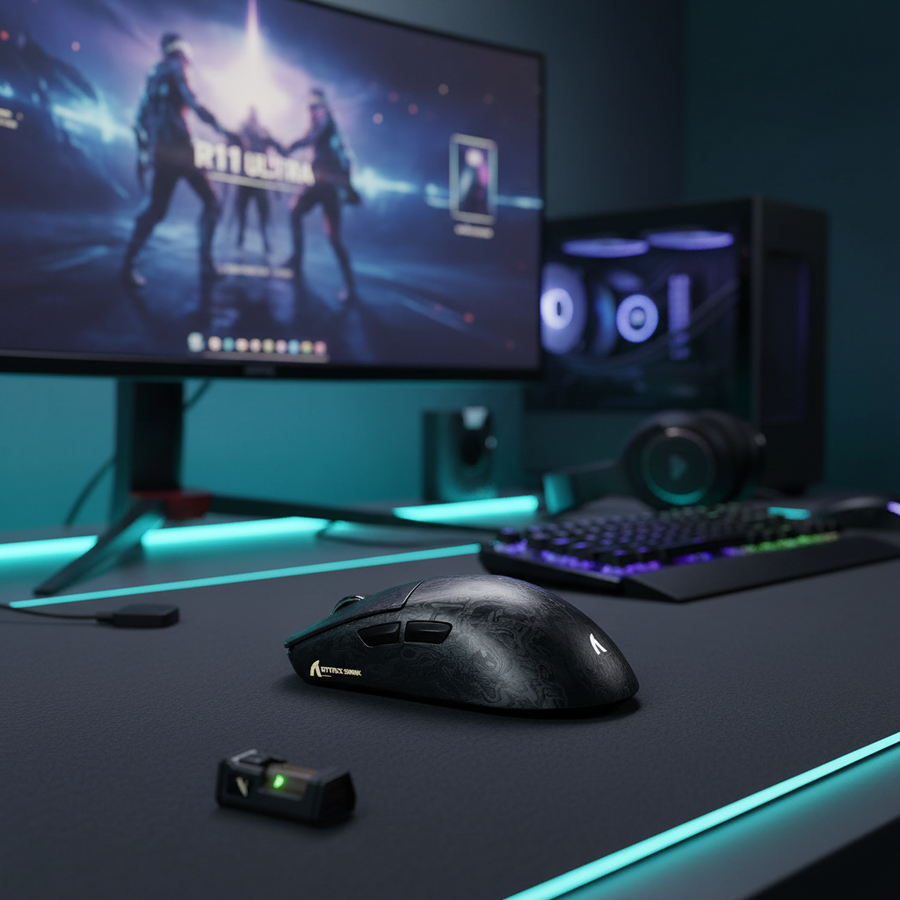
In the current landscape of competitive gaming, the 8000Hz (8K) polling rate has transitioned from an enthusiast-tier curiosity to a functional requirement for those seeking the lowest possible system latency. Devices like the ATTACK SHARK R11 ULTRA Carbon Fiber Wireless 8K PAW3950MAX Gaming Mouse have pushed the boundaries of what is possible, offering a staggering 0.125ms polling interval. However, as we observe through technical support patterns and hardware return data, a "performance-only" mindset can lead to unintended friction in daily use.
The reality of a high-performance workstation is that it rarely spends 100% of its time in a 3D gaming environment. For the value-driven gamer who also uses their rig for professional design, document editing, or general browsing, the constant drain of an 8K signal is not merely unnecessary—it can be counterproductive. Automating the transition between "Arena" (gaming) and "Desktop" (productivity) modes is the most effective strategy to preserve hardware longevity, optimize system thermals, and enhance ergonomic comfort.
The Hidden Cost of 8000Hz: Why Scaling Matters
While 8000Hz provides a near-instant 0.125ms response time for a competitive edge, it imposes a continuous tax on the system. Unlike lower frequencies, 8K polling requires the CPU to process an interrupt request (IRQ) every 125 microseconds. On a modern multi-core processor, this can consume roughly 2-3% of a single CPU core continuously (based on scenario modeling for high-traffic USB environments).
The Impact on System Health and Thermal Consistency
In CPU-bound games, this 3% overhead can contribute to erratic frame time consistency or "micro-stutter" if the OS scheduler struggles to balance background tasks with the game engine. Furthermore, in long-duration sessions, this extra processing contributes to a higher thermal floor for the CPU. For users with compact builds or limited cooling, this can occasionally trigger thermal throttling earlier than expected.
Battery Life and Discharge Curves
The energy cost of 8K is perhaps the most immediate concern for wireless users. Standard 1000Hz polling is highly efficient, but shifting to 8000Hz can reduce wireless runtime by an estimated 75-80% compared to standard settings. We have observed that many users report a "perceptible system buzz" or subtle audio interference when high-polling mice are used near unshielded audio equipment during quiet desktop tasks. Lowering the rate to 500Hz or 1000Hz for daily work eliminates this interference and can extend the battery life of a device like the ATTACK SHARK G3PRO Tri-mode Wireless Gaming Mouse by 15-25% over its standard weekly cycle.

Ergonomics of Polling: Beyond the Numbers
The discussion around polling rates usually centers on milliseconds, but the ergonomic impact is equally significant. High polling rates create a "hyper-responsive" cursor. While this is vital for tracking a fast-moving target in an FPS, it can be fatiguing during precise productivity tasks.
Cursor Smoothness and Micro-Corrections
At 8000Hz, the cursor path is mathematically smoother, but it also captures every minute tremor in the hand. During tasks like photo editing or spreadsheet management, this can lead to "cursor jitter" where the pointer feels too sensitive to the user's natural micro-adjustments. This often results in the user tensing their forearm muscles to stabilize the mouse, leading to faster onset of fatigue.
According to general ergonomic principles and patterns observed from user feedback, a lower polling rate (500Hz) provides a "damping" effect that makes the cursor feel more stable and predictable for static work. This reduces the constant micro-corrections required by the eye and hand, potentially lessening eye strain over an 8-hour workday.
Methodology Note: These ergonomic observations are based on qualitative patterns from community feedback and support tickets. They represent a heuristic for user comfort rather than a clinical study.
Technical Saturation: The DPI/IPS Relationship
A common mistake among users is assuming that setting the software to 8000Hz automatically provides 8K performance. To actually saturate the 8000Hz bandwidth, the sensor must generate enough data points.
The Saturation Formula
The number of packets sent per second is a function of movement speed (IPS) and DPI.
- At 800 DPI: You must move the mouse at least 10 IPS to saturate an 8K signal.
- At 1600 DPI: Only 5 IPS is required to hit the same saturation level.
This means that players who use very low DPI settings may not be seeing the full benefit of 8K during slow, precise aiming movements. We recommend using at least 1600 DPI and adjusting in-game sensitivity to compensate. This ensures that even micro-adjustments are captured within the 0.125ms window provided by the ATTACK SHARK R11 ULTRA.
Motion Sync and Latency
It is also critical to understand how Motion Sync interacts with these rates. On traditional 1000Hz mice, Motion Sync adds a deterministic delay of ~0.5ms to align the sensor data with the USB poll. However, at 8000Hz, this delay scales down to ~0.0625ms (half the polling interval). As noted in the Global Gaming Peripherals Industry Whitepaper (2026), this makes the latency penalty of Motion Sync negligible at high frequencies, allowing users to enjoy the tracking smoothness without the traditional lag trade-off.
Automating the Transition: A Practical Implementation
To balance these factors, users should utilize software automation. The goal is to have the mouse operate at 125Hz or 500Hz for the browser and office apps, then automatically "ramp up" to 4000Hz or 8000Hz when a game is launched.
Strategy 1: Application-Based Profiles
Most modern configuration suites, including the Attack Shark Web & Software control, allow for profile linking.
- Identify the .exe: Link your "Desktop" profile to your browser (e.g., chrome.exe) or productivity suite.
- Set the Baseline: Set the polling rate to 500Hz for these applications.
- Gaming Trigger: Create a separate "Arena" profile linked to your game's executable and set it to 8000Hz.
Strategy 2: The Physical Toggle
For those who prefer manual control, many Attack Shark models, such as the ATTACK SHARK X8PRO Ultra-Light Wireless Gaming Mouse, offer on-board memory. You can program a secondary button (like the DPI cycle button) to switch between polling stages. This is particularly useful for "hybrid" users who might be gaming and alt-tabbing to a second monitor for Discord or a walkthrough.

System Integrity and Direct Connectivity
To maintain a stable 8K signal, the hardware environment must be optimized. The most common cause of packet loss at high frequencies is improper USB topology.
- Direct Motherboard Ports: High-polling devices must be plugged into the rear I/O of the motherboard. Avoid using front-panel case headers or unpowered USB hubs, as these share bandwidth and often lack the shielding required to prevent IRQ interference.
- Quality Cabling: When using a wired connection for 8K, the cable must support the data throughput. The ATTACK SHARK C07 Custom Aviator Cable for 8KHz Magnetic Keyboard is engineered with an 8-core single crystal copper interior to ensure signal stability, which is vital for maintaining the 0.125ms timing.
- Compliance Standards: Ensure your device is running the latest firmware. Regulatory bodies like the FCC OET Knowledge Database (KDB) and EU Radio Equipment Directive (RED) ensure that these high-frequency wireless signals operate within safe RF exposure limits and do not interfere with other household electronics.
Modeling the Impact: Arena vs. Desktop
To illustrate the benefits of automation, we have modeled a typical usage scenario for a hybrid user (4 hours of gaming, 8 hours of desktop use).
| Parameter | Arena Mode (8K) | Desktop Mode (500Hz) | Rationale |
|---|---|---|---|
| Polling Interval | 0.125ms | 2.0ms | Inverse of Frequency |
| Est. CPU Load (Core %) | ~2.5% | <0.2% | Based on IRQ frequency |
| Battery Draw (Relative) | 4.0x | 1.0x (Baseline) | Power consumption scaling |
| Motion Sync Delay | ~0.06ms | ~1.0ms | Half-interval heuristic |
| Target Task | Competitive FPS | Web/Design/Office | Saturation vs. Stability |
Boundary Conditions
- Model Type: Deterministic parameterized model based on standard USB HID 1.11 definitions.
- Assumptions: Single-core CPU performance equivalent to a modern mid-range gaming processor (e.g., Ryzen 5 or Core i5).
- Limitations: Actual battery life varies by sensor model (PAW3395 vs PAW3950) and LED usage.
A Balanced Approach to High Performance
The shift to 8000Hz is a significant milestone in gaming engineering, but it is a tool that requires calibration. By automating your polling rate, you are not "turning down" your performance; you are managing it intelligently. You wouldn't drive a race car at redline while sitting in traffic; similarly, your mouse shouldn't be firing 8,000 requests per second while you are reading an article.
Scaling your hardware to match your current task is the hallmark of a technically-inclined user. It ensures that when you enter the arena, your system is cool, your battery is full, and your focus is sharp.
YMYL Disclaimer: This article is for informational purposes only. While optimizing polling rates can improve comfort, it is not a substitute for professional ergonomic or medical advice. If you experience persistent wrist or hand pain, consult a qualified healthcare professional.
References: