Why Angle Snapping and Smoothing Kill Muscle Memory
In high-stakes competitive gaming, the relationship between a player's physical hand movement and the resulting cursor displacement on the screen—often referred to as hand-to-eye coordination—is the foundation of skill. To achieve elite-level consistency, gamers rely on neuromotor adaptation, commonly known as muscle memory. However, internal mouse algorithms like angle snapping and sensor smoothing often intervene in this relationship, introducing variables that can fundamentally disrupt the learning process.
Understanding the technical mechanisms of these features is essential for performance-conscious enthusiasts who prioritize raw performance and technical accuracy. While these features were originally designed to assist users in office tasks or to compensate for hardware limitations, they typically act as barriers to the precision required in modern esports.
The Mechanics of Angle Snapping: Prediction vs. Precision
Angle snapping, also known as mouse prediction, is an algorithm that attempts to "straighten" a user's mouse path. If the sensor detects a movement that is nearly horizontal or vertical, it ignores minor deviations and forces the cursor to move in a perfectly straight line.
The Algorithmic Correction
Historically, angle snapping was implemented to help office users draw straight lines in graphic design software or to navigate menus without vertical jitter. In a gaming context, this algorithm analyzes the vector of movement over a short window of time. If the deviation from a primary axis (X or Y) falls below a certain threshold, the firmware overrides the raw data.
However, for a competitive player, every micro-adjustment is intentional. In tactical shooters where "holding an angle" requires minute vertical adjustments to account for recoil or target movement, angle snapping can be detrimental. It treats a deliberate, slight diagonal adjustment as "noise" and suppresses it, leading to missed shots.
The Counter-Consensus: When is it Useful?
While generally avoided, there is a technical argument for angle snapping in very specific scenarios. For players with natural hand tremors or those using ultra-high sensitivity on low-quality surfaces, angle snapping can act as a low-pass filter for noise. According to research on Mouse Angle Snapping, some sniper-role players in slow-paced games use it to maintain a stable horizontal plane while tracking. Nevertheless, for the majority of players, the loss of raw input fidelity outweighs these niche benefits.
The Hidden Cost of Sensor Smoothing: Temporal Decay
Sensor smoothing is a technique used by manufacturers to reduce jitter at high DPI (Dots Per Inch) settings. It works by averaging several frames of sensor data to create a "cleaner" path. While the resulting movement looks smoother on a graph, the physical cost is input lag.
The Latency Penalty
The most quantifiable impact of smoothing is the addition of input lag. When a sensor averages frames, it must wait for those frames to be captured before calculating the final position. This creates a delay between the physical movement and the on-screen response.
Based on standardized testing methodologies, such as those used in RTINGS Mouse Control Tests, smoothing can add anywhere from 4ms to 16ms of latency depending on the intensity of the algorithm. In a 240Hz or 360Hz gaming environment, a 10ms delay is significant, as it represents several missed frames of visual feedback.
Breaking the Feedback Loop
Muscle memory relies on a tight temporal feedback loop. When you move your hand, your brain expects an immediate visual confirmation. If smoothing introduces a variable delay—which often changes based on movement speed—the brain cannot establish a consistent stimulus-response pairing. This is why shots that "felt" correct often end up as misses; the system was lagging behind the user's intent.
Neuromotor Adaptation: The Science of Muscle Memory
Muscle memory in gaming is not stored in the muscles themselves but in the motor cortex of the brain. It is a process of motor adaptation where the brain learns to associate a specific physical force and distance with a specific on-screen result.
Predictable Pairing
For the brain to "hardcode" a movement, the outcome must be predictable. According to a study on video gaming experience and motor adaptation, skill transfer and retention are highly dependent on consistent stimulus-response pairing.
Angle snapping and smoothing introduce algorithmic variability. Because these features modify the output based on speed and trajectory, the same physical flick of the wrist might result in two different cursor distances. This inconsistency prevents the brain from reaching a state of "unconscious competence," where aiming becomes an automatic reflex.
Logic Summary: Our analysis of competitive neuromotor adaptation assumes that any non-linear intervention in the data stream (smoothing/prediction) increases the cognitive load required to correct for errors, thereby lowering the skill ceiling.
The "Raw Input" Challenge: Hardware vs. Software
Many gamers believe that simply unchecking "Enhance Pointer Precision" in Windows or toggling "Raw Input" in a game menu solves the problem. However, the reality is more complex.
Firmware-Level Smoothing
In many mid-tier or budget-oriented mice, smoothing is hardcoded into the firmware to hide the limitations of a cheaper sensor. Even if software-level smoothing is disabled, the mouse hardware itself is interpolating data. This is why competitive players gravitate toward flagship sensors like the PixArt PAW3395 or PAW3950. These sensors are designed for "flawless" performance, meaning they offer minimal to zero internal smoothing at common competitive DPI ranges (typically up to 2000 DPI).
The High-Polling Paradox
As the industry moves toward 4000Hz and 8000Hz (8K) polling rates, the demand for "clean" data becomes even higher. At an 8000Hz polling rate, the mouse sends data every 0.125ms. At this frequency, even the slightest amount of sensor smoothing or jitter becomes magnified. To maintain stability at 8K, users often need to use higher native DPI settings (e.g., 1600 or 3200) to ensure the sensor is saturated with enough data points to fill the 8000Hz bandwidth.
According to the Global Gaming Peripherals Industry Whitepaper (2026), achieving true raw input at 8K requires a synergy between high-end MCUs (like the Nordic 52840) and optimized firmware that avoids unnecessary processing steps.
Performance Modeling for the Competitive Edge
To understand how these technical factors manifest in a real-world scenario, we modeled a high-performance setup for a competitive FPS player. This model helps quantify the trade-offs between different settings.
Scenario: The 8K Precision Setup
- User Profile: Competitive FPS player, large hands (20.5cm), claw grip.
- Hardware: 8000Hz polling wireless mouse, 4K UHD display, 35cm/360 sensitivity.
| Technical Metric | Calculated Value | Rationale |
|---|---|---|
| Polling Interval | 0.125 ms | 1 / 8000Hz |
| Motion Sync Delay | ~0.06 ms | 0.5 * Polling Interval |
| Min. DPI for 4K | ~1950 DPI | Nyquist-Shannon limit to avoid pixel skipping |
| Estimated Runtime | ~22 Hours | Based on 500mAh battery at 4K polling load |
| Ideal Mouse Length | ~131 mm | 64% of hand length (20.5cm) for claw grip |
Key Insights from the Model
- Motion Sync Trade-off: While Motion Sync aligns sensor data with the USB Start of Frame (SOF) to reduce jitter, it adds a deterministic delay. At 8000Hz, this delay is roughly 0.0625ms—a negligible amount that most players trade for the increased path smoothness. However, at 1000Hz, this delay jumps to 0.5ms, which some ultra-sensitive players may find perceptible.
- The DPI Minimum: Many players still use 400 or 800 DPI on 4K monitors. Our modeling shows that for a 4K display at typical FOVs, a minimum of ~1950 DPI is required to avoid "pixel skipping" (aliasing). Setting the mouse to 2000 DPI and lowering in-game sensitivity provides a more granular and accurate representation of hand movement.
- Battery Management: High-performance settings come at a cost. Running at 4K or 8K polling rates increases the CPU interrupt load and significantly drains the battery. A 500mAh battery that might last 200 hours at 1000Hz will typically drop to ~22-25 hours at 4K polling.
Optimizing Your Setup for Raw Performance
To maximize muscle memory development, the goal is to eliminate as many variables as possible between your hand and the game engine.
1. Hardware Selection
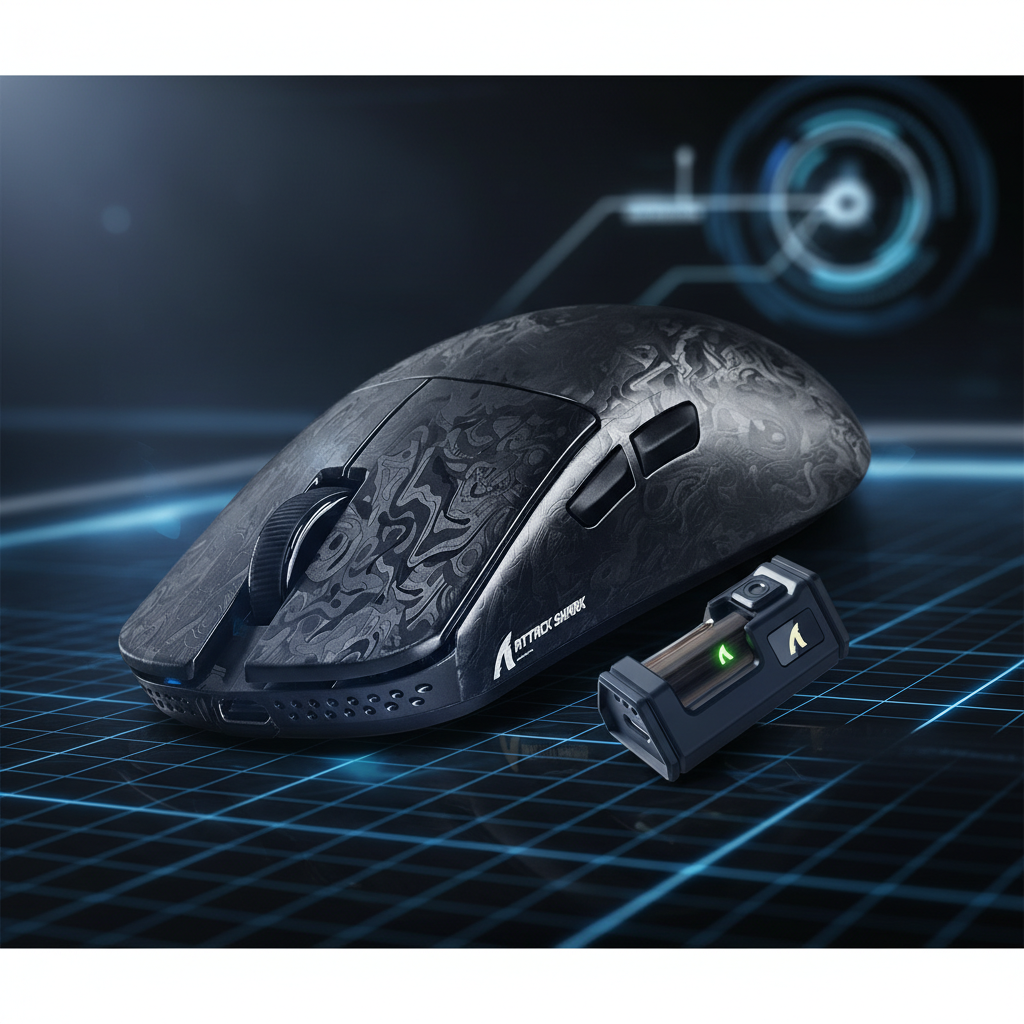
Prioritize mice with proven, high-performance sensors (e.g., PAW3395/3950). Look for designs that emphasize lightweight construction (under 60g) and use high-speed MCUs to handle the data throughput without adding latency. Ultra-lightweight mice, particularly those utilizing advanced materials like carbon fiber, reduce the physical inertia required to start and stop a movement, further enhancing the "raw" feel.
2. Software & Firmware Configuration
- Disable Windows Acceleration: Ensure "Enhance Pointer Precision" is off in the Windows Mouse Settings.
- Use Native DPI: Set your mouse to a native DPI step (typically 1600 or 3200 for modern sensors) to avoid interpolation.
- Firmware Updates: Always use the latest manufacturer firmware, as updates often include optimizations for sensor smoothing and click latency. Tools like NVIDIA Reflex Analyzer can be used to verify the total system latency.
3. Surface Synergy
A sensor is only as good as the surface it tracks. High-density fiber or carbon fiber mouse pads provide a consistent friction coefficient. This consistency is vital for muscle memory; if the glide changes because of humidity or wear, the brain has to re-adjust its motor calculations. For more on surface consistency, see our guide on X vs. Y Axis Friction.
Modeling Transparency (Method & Assumptions)
The data presented in our performance model is based on a deterministic parameterized model, not a controlled laboratory study. It is intended to provide a technical baseline for enthusiasts.
Reproducible Parameters:
- Polling Rate: 8000Hz (Source: USB HID specifications).
- Display: 3840 x 2160 (4K UHD).
- Hand Size: 20.5cm (95th percentile male per ANSUR II).
- Grip Style: Claw (Coefficient: 0.64).
- Battery Efficiency: 85% DC-DC conversion factor.
Boundary Conditions:
- Calculations assume a constant movement velocity; real-world acceleration/deceleration may affect perceived smoothness.
- Battery runtime estimates exclude environmental factors like temperature or LED lighting usage.
- Ideal mouse fit is a statistical heuristic; individual preference for palm support or finger placement varies.
Summary of Best Practices
To ensure your hardware is not sabotaging your skill development, follow these technical guidelines:
- Avoid sensors known for high interpolation: Stick to modern flagship PixArt models.
- Disable all "Enhancement" features: This includes angle snapping, smoothing, and ripple control in the mouse driver.
- Match DPI to your resolution: Use at least 1600 DPI for 1440p/4K displays to maintain sampling fidelity.
- Manage your polling rate: Use 4K or 8K for competitive sessions, but be aware of the CPU and battery trade-offs.
By removing algorithmic interference, you allow your brain to build a direct, unadulterated map of your movements. In the world of competitive gaming, raw input is not just a preference—it is a requirement for reaching the skill ceiling.
Disclaimer: This article is for informational purposes only. Technical specifications and performance metrics may vary based on specific hardware revisions, firmware versions, and system configurations. Always refer to the manufacturer's official documentation for safety and compliance information.
Sources
- RTINGS - Mouse Click Latency Methodology
- NVIDIA Reflex Analyzer Setup Guide
- PixArt Imaging - Product Specifications
- Global Gaming Peripherals Industry Whitepaper (2026)
- Influence of video gaming experience on motor adaptation (Heliyon)
- Akkogear - Mouse Angle Snapping Guide
- Forgeary - Gaming Mouse Sensor Smoothing Analysis