Attack Shark Mouse Polling Test

Current Rate 0Hz
Max Peak 0Hz
Average 0Hz
Median 0Hz
Minimum 0Hz
Polling Rate Stability
CLICK START BUTTON Move your mouse anywhere on the screen

How To Use

1. Start Testing

Click the START button to begin. This will activate the full-screen tracking mode. The button will become disabled while the test is running.

2. Move Your Mouse

Move your mouse continuously in circles or side-to-side. The faster and more consistent your movement, the more accurate the polling rate reading will be.

3. Analyze Graph

The blue line represents your real-time polling rate (Hz). A flat, stable line indicates a consistent sensor performance. Drops indicate instability.

4. Scale & Controls

Use the dropdown to set the Max Hz (e.g., 1000Hz or 4000Hz). Use PAUSE to freeze the data or RESET to clear all history.

FAQ & Knowledge

Mouse polling rate, measured in Hertz (Hz), indicates how often your mouse reports its position to the computer. A polling rate of 1000Hz means the mouse sends data 1000 times per second, resulting in a 1 millisecond (ms) delay between reports.
Yes, theoretically. 1000Hz has 1ms latency, while 8000Hz drops it to 0.125ms. This results in smoother cursor movement and faster reaction times. However, the difference is subtle and mostly noticeable on high refresh rate monitors (240Hz, 360Hz, or 540Hz).
It is normal for the polling rate to fluctuate. Mice optimize data transmission to save power. If you move the mouse slowly, it sends fewer updates. To test the maximum polling rate, you must move the mouse quickly and continuously.
Yes, it can. Higher polling rates (4K/8K Hz) require more frequent CPU interrupts to process mouse data. On older or weaker CPUs, this can lead to high CPU usage and frame rate drops in CPU-intensive games.
A stable graph shows a flat line near your target Hz (e.g., consistent 1000Hz) when moving quickly. Frequent deep drops (stuttering) or massive spikes indicate sensor instability, wireless interference, or USB port issues.
In the past, wired was faster. However, modern 2.4GHz wireless technologies (like Razer HyperSpeed or Logitech Lightspeed) perform almost identically to wired connections. Many premium wireless mice now also support stable 4000Hz polling.

Articles de blog

Voir tout
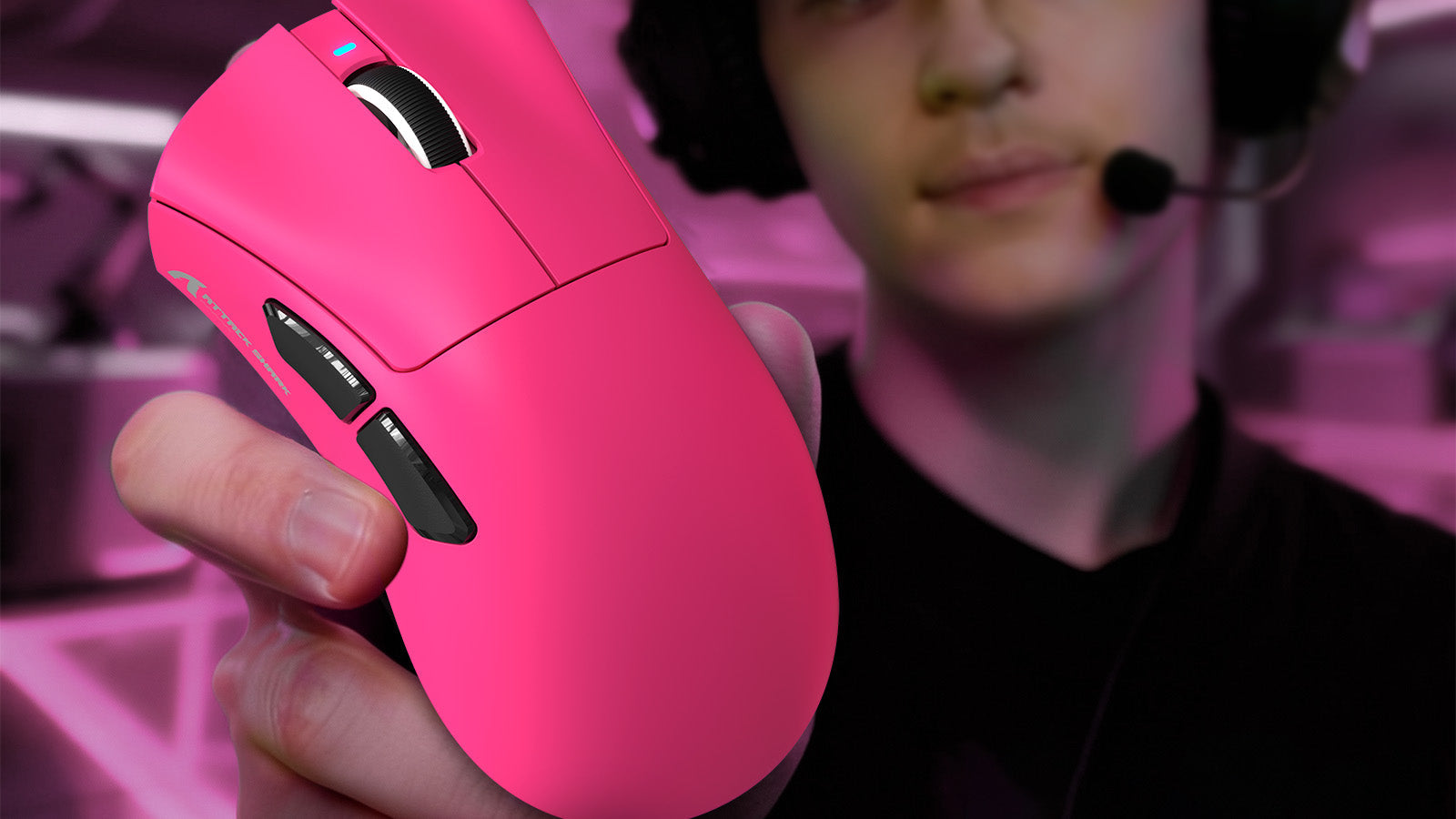
Esports gamer holding a bright pink wireless gaming mouse, showcasing its ergonomic design and side buttons.

Aurez-vous encore besoin d'un support pour câble de souris en 2026 si vous utilisez une souris filaire ?

Des solutions pratiques empêchent le câble de la souris filaire de traîner grâce à un jeu correct, un routage sécurisé, des câbles en paracorde, des patins en PTFE et des alternatives à l’élastique.
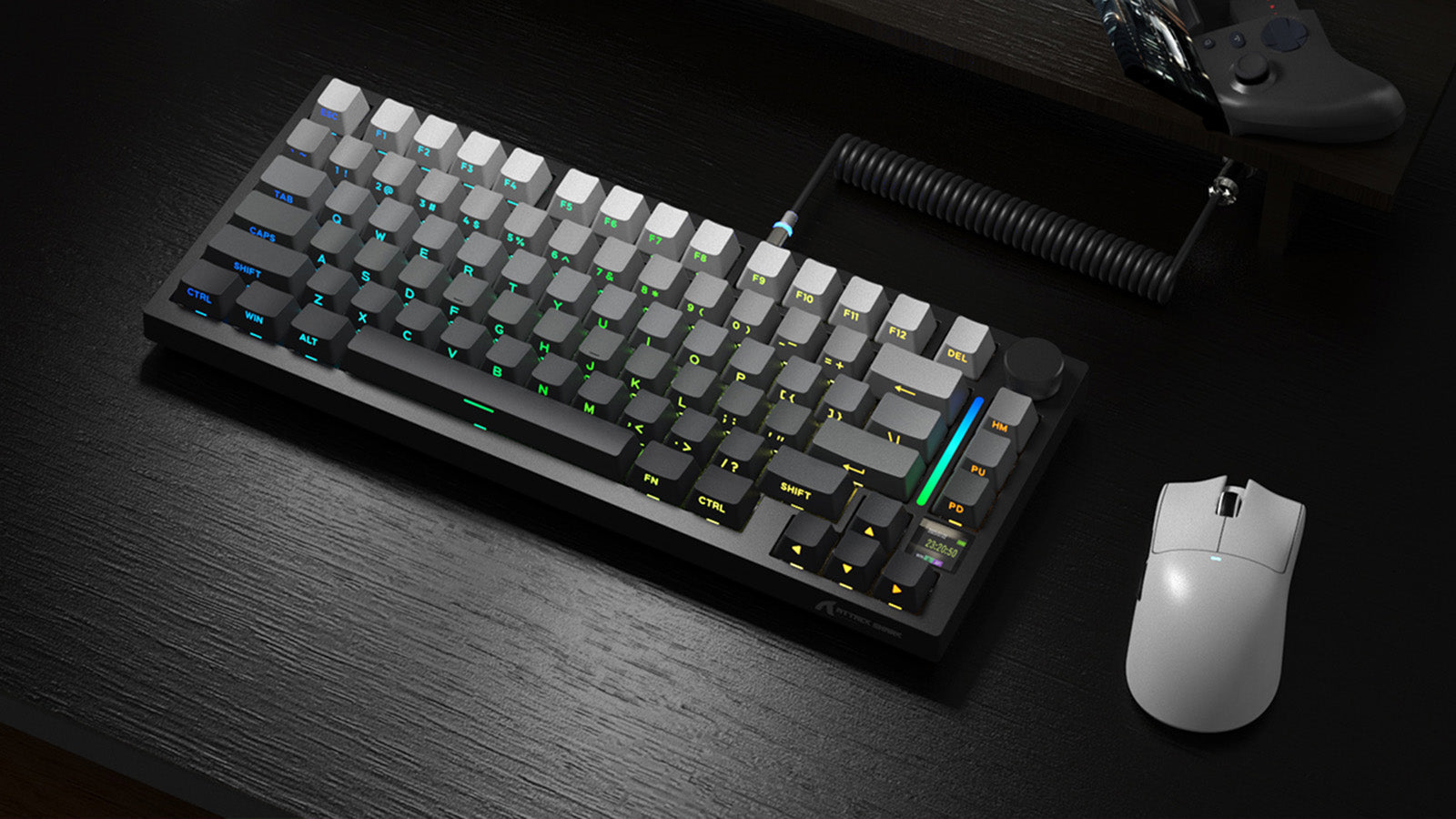
75% layout dark grey mechanical keyboard with grey and white keycaps, a rotary knob, and a coiled aviator cable, placed on a dark desk next to a white gaming mouse.

Claviers mécaniques à profil bas vs standard : lequel est meilleur pour le jeu et la frappe ?

Points clés : une distance de déplacement plus courte des touches du clavier accélère les saisies, les touches basses améliorent l'ergonomie, et les claviers standards offrent un contrôle tactile.
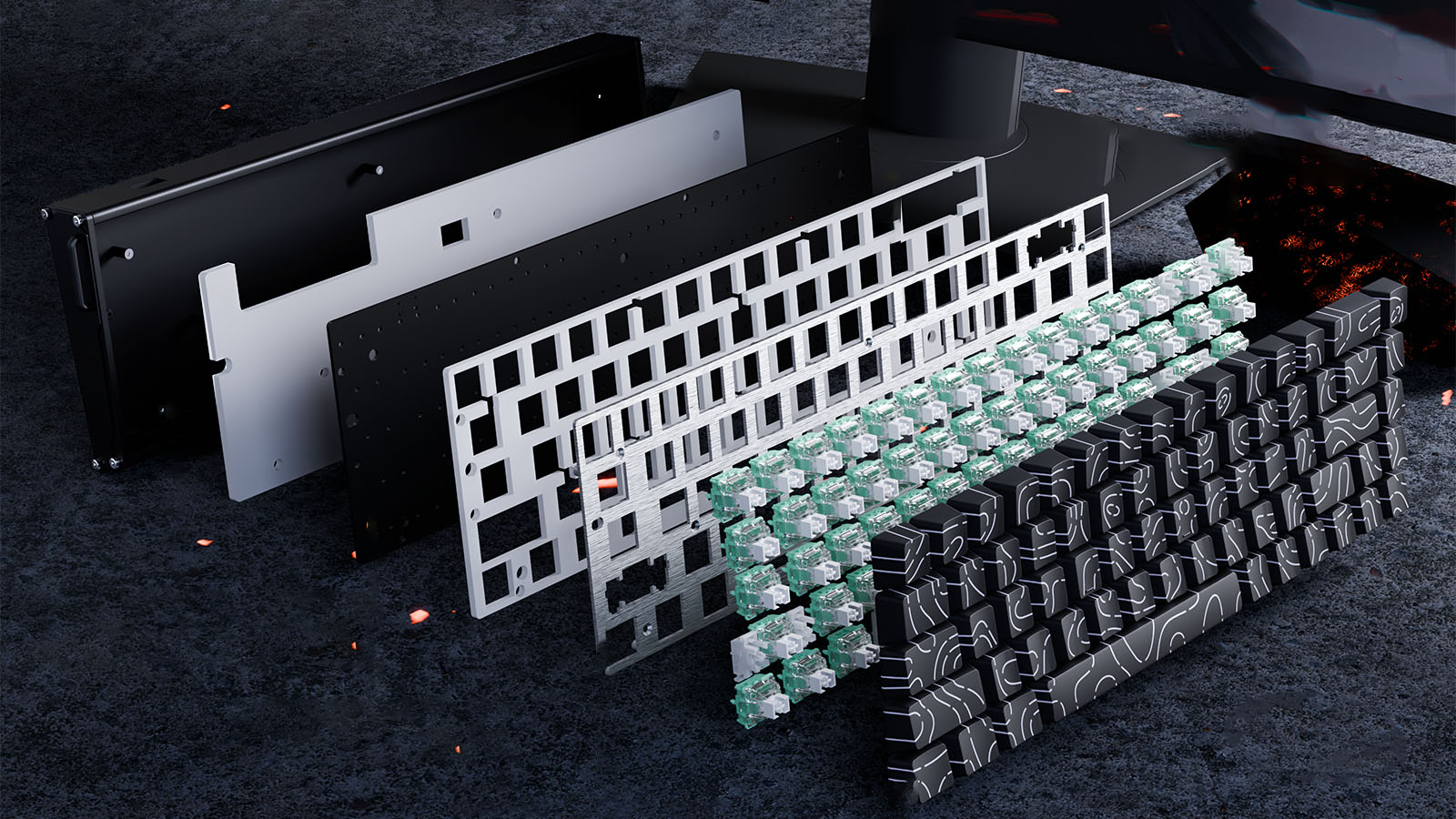
Exploded view of a mechanical keyboard showing the keycaps, switches, plate, foam layers, and case

Montage par joint vs. montage supérieur : comprendre les styles de montage de clavier

Découvrez comment les styles de montage du clavier influencent l'acoustique, les vibrations, la réponse de la plaque et le confort, avec des conseils clairs pour les débutants en claviers personnal...